
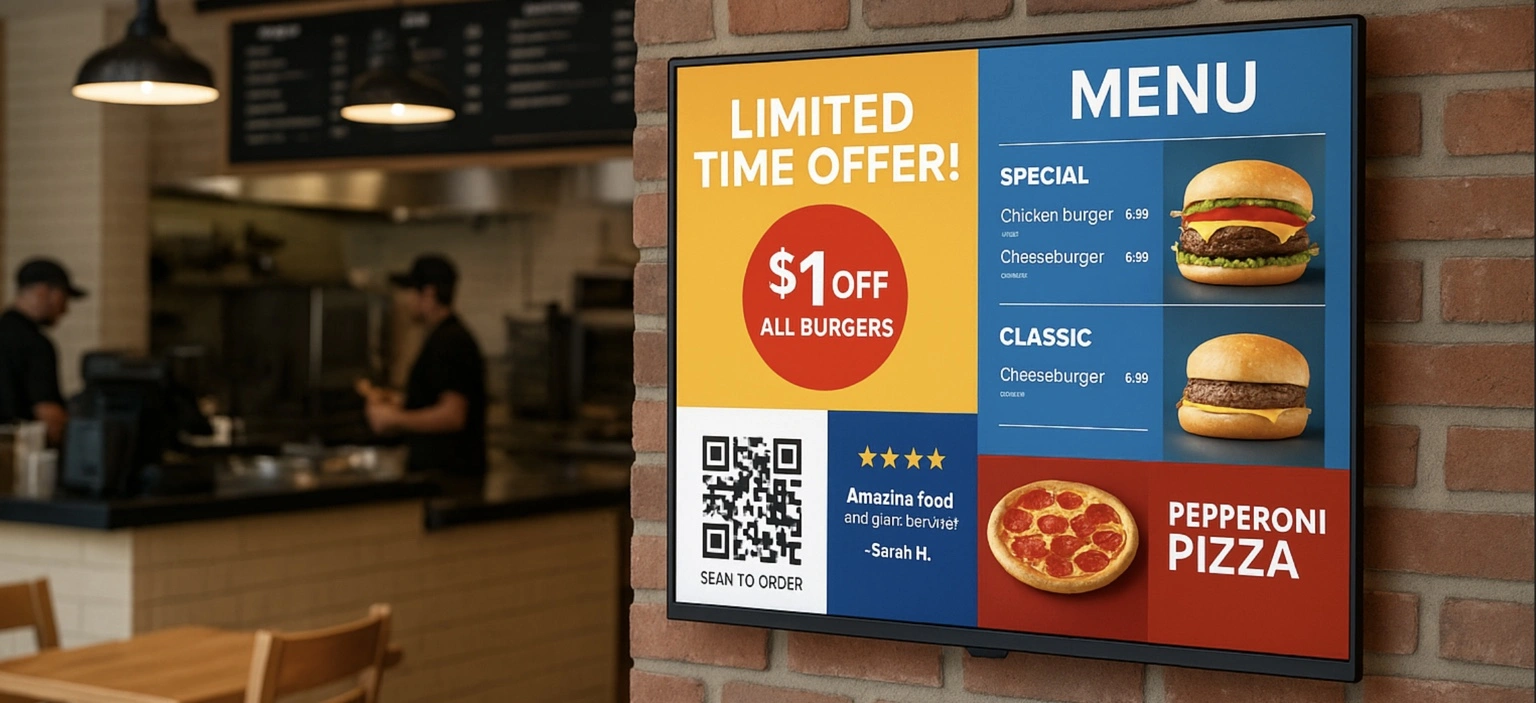
Digital screens are no longer just “nice to have”—they’re one of the fastest, simplest ways for small businesses to increase sales, promote products, and enhance customer experience. If you’re thinking about using screens inside your venue, Buzzblender Digital Signage Software makes it easy. Here’s everything you need to know.
FAQ
What is Buzzblender Digital Signage Software?
Buzzblender is a cloud-based platform that lets you manage and display content on digital screens inside your business. Upload images, videos, menus, promotional slides —all from a simple dashboard. Add QR code overlay to measure efficiency of your media.
How can digital signage increase my revenue?
Digital screens help small businesses generate more revenue by promoting high-margin items, reducing perceived wait times, boosting impulse purchases with real-time promotions, upselling services, and displaying social proof such as reviews, testimonials. Buzzblender helps automate all this so you don’t spend time manually updating screens.
Do I need special hardware to use Buzzblender?
No expensive hardware required. Buzzblender works with Android TV devices, Windows players, Samsung Tizen OS, LG Web OS, Philips Titan OS, and JVC Titan OS. If your screen can connect to the internet, Buzzblender can power it.
How hard is it to set up?
Setup usually takes 5–10 minutes:
Connect your screen or device to Wi-Fi, install the Buzzblender app, connect a device to the admin panel, create a playlist, and your content starts displaying instantly.
What kind of content can I show?
Buzzblender supports almost anything:
- Images
- Videos
- Animated promotions
- Menus
- Price lists
- Event schedules
- QR codes for ordering, coupons, or reviews
I’m not a designer. Can I still create great content?
Absolutely.
You don’t need to be a creative pro to make your screens look polished and professional. You can use Canva for creating content. There are different templates and pre-sets.
How does scheduling work?
Buzzblender lets you schedule content to play:
- At specific times
- On specific days
- For holidays or events
- For rotating promotions
Create a week-long playlist or update content in real time with one click.
Can I manage multiple screens or locations?
Yes. Whether you have one screen or dozens, Buzzblender allows you to:
- Control all screens remotely
- Send unique content to each location
- Group screens by department or region
- Monitor device status from your dashboard
Perfect for franchises, retail chains, and multi-room venues.
What is the pricing?
BuzzBlender costs $5 per screen per month, making it an affordable digital signage solution for small and medium-sized businesses.
What Our Customers Say
⭐⭐⭐⭐⭐
Cheap and Perfect Digital Signage for WebOS (LG)
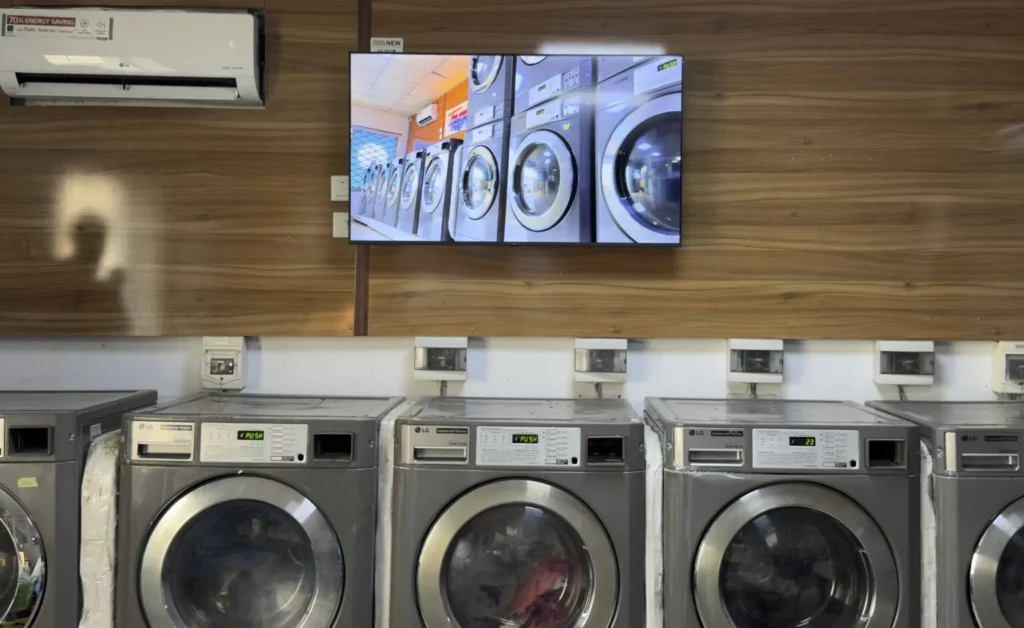
My experience with Buzzblender has exceeded expectations. It simplifies content management. We use LG (WebOs) and Buzzblender works perfectly on our screen
Agbanike, True Wash Laundromat


Leave a Reply