Running digital signage software for LG webOS TVs has never been easier. With a native LG webOS digital signage app, businesses can manage screens directly from the cloud — without external media players, Android boxes, or complicated hardware setups.
If you are looking for a cost-effective, scalable, and reliable digital signage solution for LG displays, this guide explains everything you need to know.
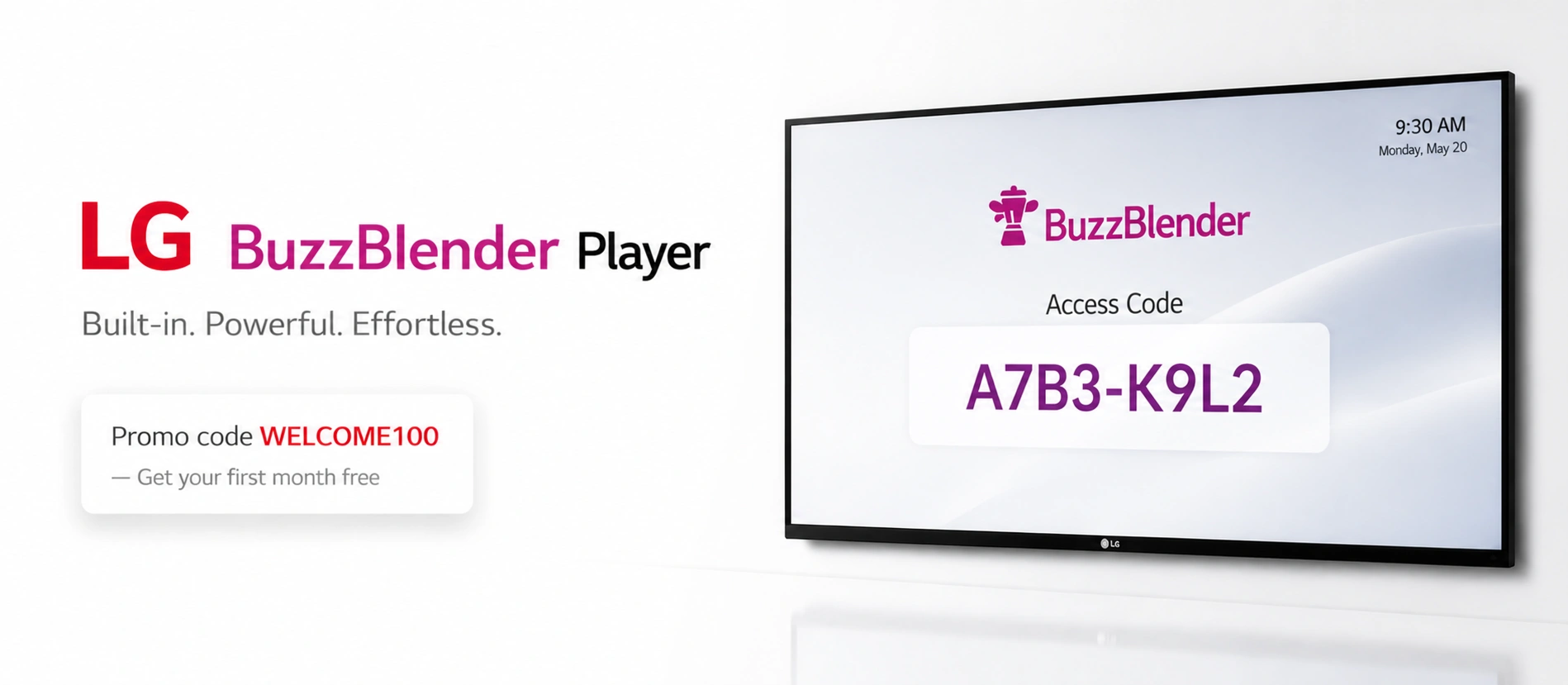
Exclusive offer: get your first month free with promo code WELCOME100.
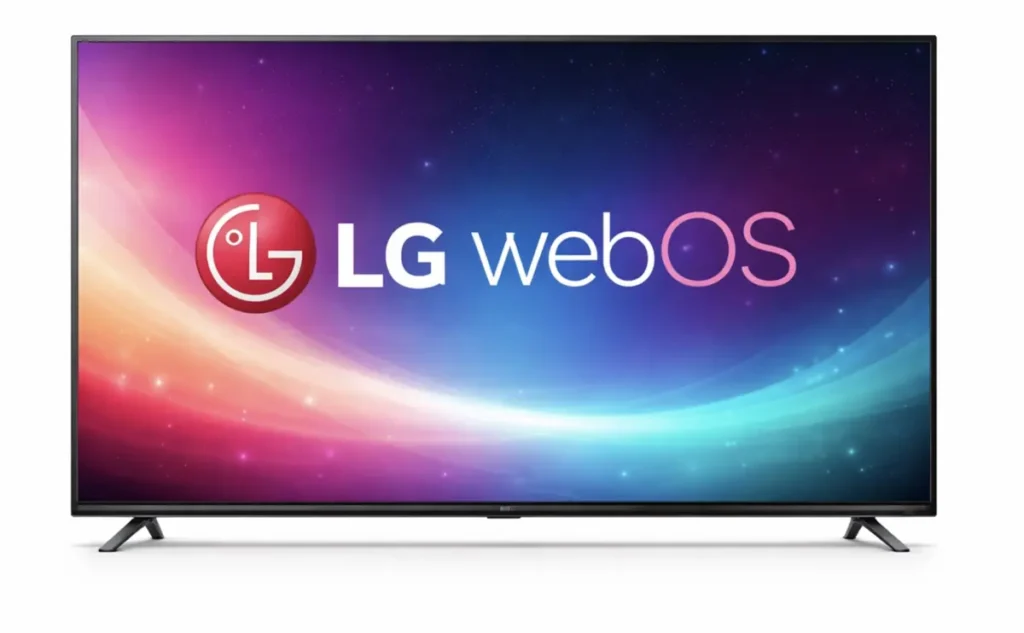
LG WebOS is designed specifically for commercial displays. Unlike consumer TV operating systems, LG webOS signage displays are built for 16/7 or 24/7 operation, remote management, and business environments.
LG webOS Signage Player: Complete Guide and How to Save Up to 80%

Learn what LG webOS is and what the benefits are in our guide.
Why Choose LG WebOS for Digital Signage?
Here’s why LG WebOS stands out:
1. Built-In Operating System
- LG WebOS displays come with an embedded operating system. That means:
- No need for external media players
- No extra HDMI devices
- Fewer cables and hardware failures
- Lower installation complexity
2. Optimized for Commercial Use
LG commercial screens:
- Support long operating hours
- Offer higher brightness for retail environments
- Include enterprise-grade management features
3. Lower Total Cost of Ownership
For businesses with multiple locations, these savings add up fast.
How Buzzblender Works on LG WebOS TVs
Buzzblender provides a native LG WebOS digital signage app that connects your LG display directly to the cloud dashboard.
Step 1: Install the App
Download and install the Buzzblender app on your LG WebOS commercial display. Here are the instructions. If you have access to the LG Content Store, you can simply download it from there.
Step 2: Connect to the Dashboard
Step 3: Upload Content
Log into your account and pair the screen using a simple activation code.
Add images, videos, menus, promotions, or announcements.
Step 4: Schedule & Publish
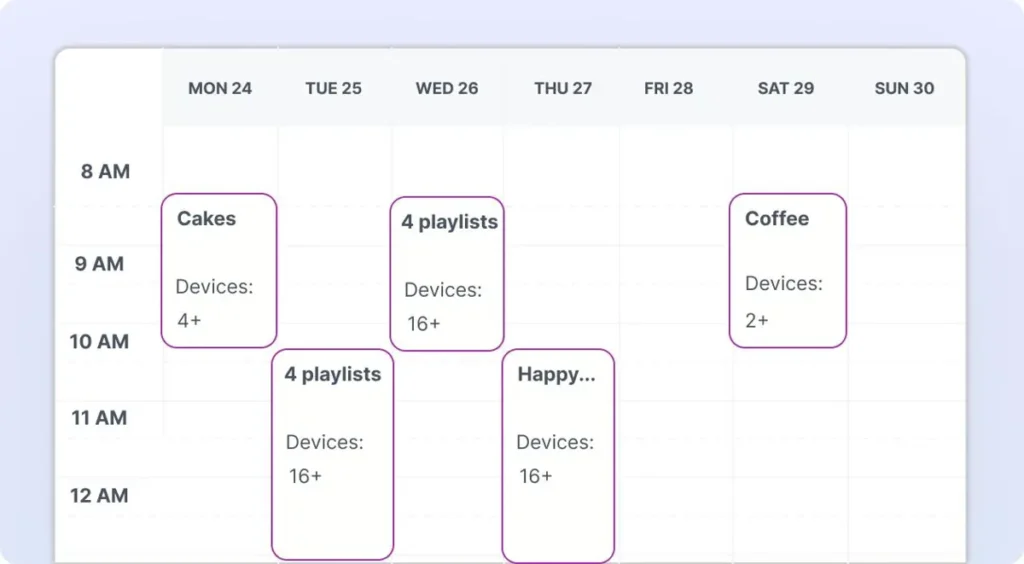
Create playlists, set schedules, and publish instantly.
Your content appears on all connected LG webOS screens in seconds.
Take control of your screens today with Buzzblender
No Media Players. No Hidden Costs.
Many digital signage setups rely on: Android boxes, Windows mini PCs, External media players, Raspberry Pi devices.
These add cost, complexity, and risk.
With a native LG webOS digital signage app:
✔ No HDMI devices
✔ No additional power adapters
✔ No mounting extra hardware
✔ Fewer failure points
✔ Cleaner installation
This approach is especially beneficial for restaurants, retail chains, and franchises with dozens or hundreds of screens.
Which industry can use LG WebOS Digital Signage Software?
Buzzblender works well for teams that need frequent updates, easy scheduling, and consistent branding:
Restaurants & Cafes
- digital menu boards
- promos by time of day (breakfast/lunch/dinner)
- upsell visuals
Retail Stores
- seasonal promotions
- product highlights
- brand campaigns across stores
Gyms & Fitness Clubs
- class schedules
- membership offers
- motivational content
Corporate Offices
- internal announcements
- KPI dashboards
- welcome screens
Clinics & Healthcare
- info screens
- waiting room content
- service promotions
QR Code Overlay for TVs running on LG
Easily add a QR code overlay to your videos or images directly from the admin panel.
All Features
- remote content management
- digital signage content scheduling
- playlist management
- multi-device group screen control
- QR code campaign tracking
With Buzzblender, businesses can manage all screens from a single cloud dashboard.
Cost Comparison: LG webOS Native vs External Player Setup. Save 400$
Check our Pricing starting from 5$ per screen per month.
Over 10–50 screens, hardware savings alone can be significant. Add lower maintenance costs and simplified management, and the ROI becomes clear.
| Traditional Setup | Native LG webOS App Setup with Buzzblender Digital Signage Software only: 500$ minimum savings! |
| LG Display | LG Display and Buzzblender |
| External Media Player ($100–300 per screen) | There’s no need. You’re saving money. |
| Extra power supply | There’s no need. You’re saving money. |
| Mounting hardware | There’s no need. You’re saving money. |
| Installation time | There’s no need. You’re saving money. |
Let’s dive into price comparison and see how you can save around 400$:
| Feature | External Media Player | Native LG webOS App Buzzblender Digital Signage Software |
|---|---|---|
| Can work without extra hardware | No | Yes |
| Installation complexity | Medium/High | Low |
| Maintenance | Higher | Minimal |
| Failure points | More | Fewer |
| Total cost | 400$ for setup and 10$ per screen per month | 5$ per screen per month |
How to Get Started
Launching digital signage on LG webOS TVs takes just minutes:
- Install the Buzzblender app.
- Sign up
- Connect your screen at the Device Section (https://app.buzzblender.com/device).
- Upload content.
- Publish and schedule.
No IT department required.
Buzzblender is LG WebOS Certified Experienced Partner
As recognition of ouf quality, we was granted a status of LG WebOS Certified Partner
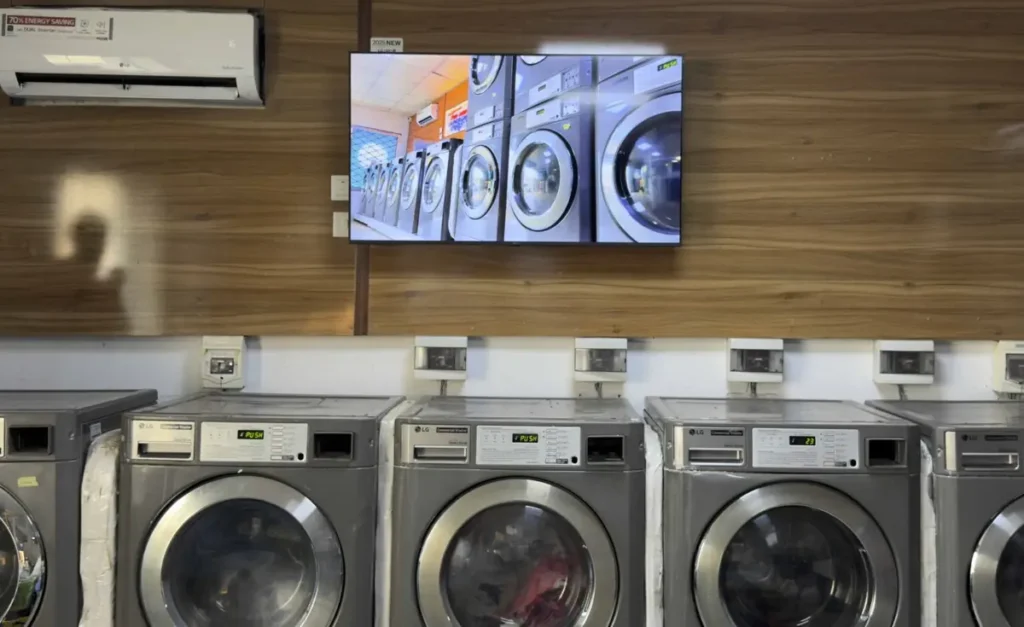
Successful Use Case: BuzzBlender for WebOS. True Wash Laundry Increased Sales with BuzzBlender Digital Signage Software
Discover how BuzzBlender helps laundromats attract more customers, boost sales, and enhance the in-store experience.
Frequently Asked Questions
Does Buzzblender work on all LG webOS TVs?
It supports LG commercial webOS displays designed for signage. Always verify your model for compatibility.
Do I need an external media player?
No. The app runs natively on LG webOS.
Is this cheaper than traditional setups?
Yes. You eliminate hardware costs and reduce maintenance expenses.
Can I manage multiple locations?
Yes. The cloud dashboard allows centralized multi-location management.
How long does setup take?
Most businesses can launch their first screen in under 5 minutes.
A screensaver is appearing over my TV screen
If a screensaver appears on your TV, it may overlay your content. You can add a video so the screensaver will not appear, or disable the screensaver in your TV settings. Check this video for instructions.
LG User Guides:
What Our Customers Say
⭐⭐⭐⭐⭐
Affordable, Reliable, and Easy-to-Use Digital Signage Solution
Our organization has had a very positive experience using Buzzblender across our LG TVs. Setup is straightforward, and it’s easy for our team to customize what we want shown on each screen.
Saskia van Aart, M. van der Looy office manager