
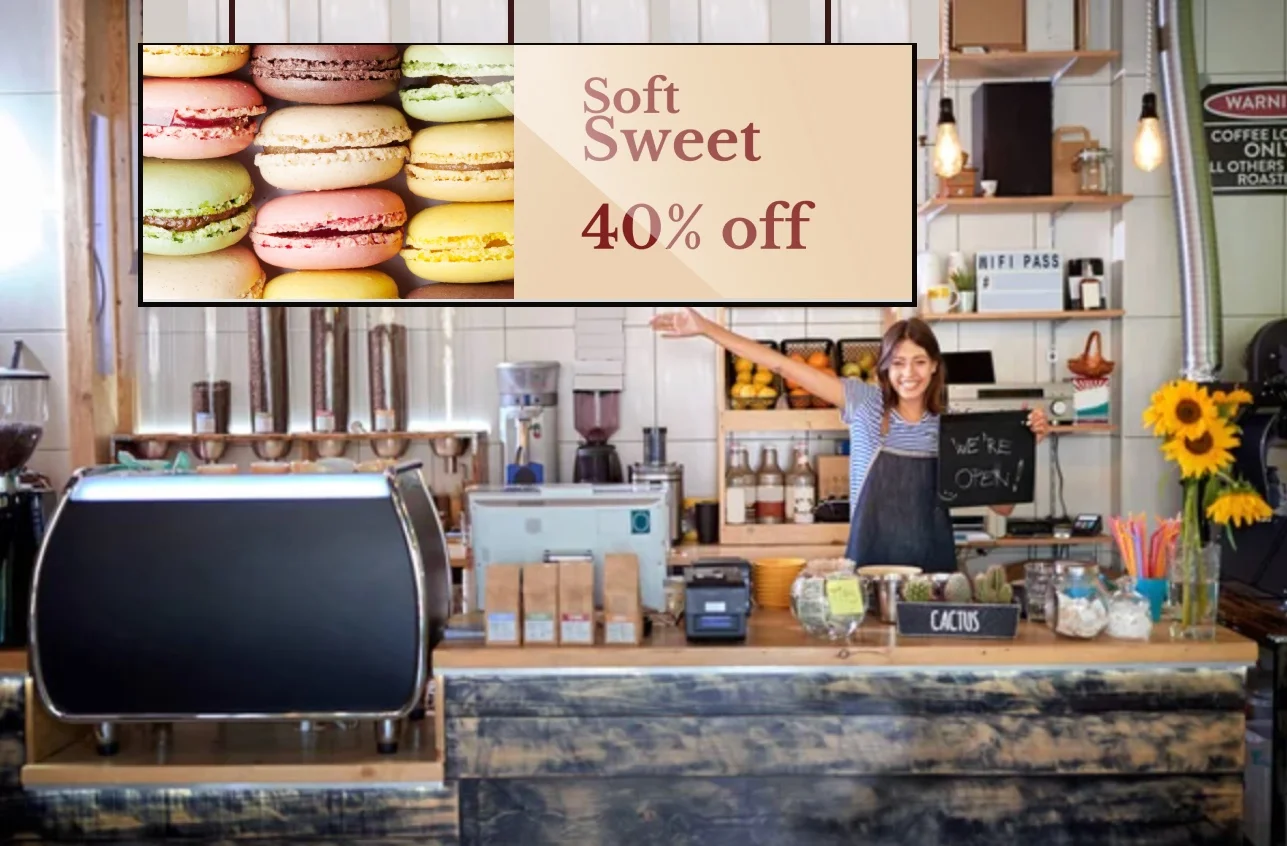
Digital signage in cafes and bakeries is one of the most effective ways to promote desserts, special offers, and limited-time discounts. By displaying visually appealing content such as macarons, pastries, and promotional messages, businesses can capture customer attention and increase impulse purchases. With cloud-based digital signage software, cafes can update promotions instantly and drive more revenue directly at the point of sale.
Planning and strategy
Implementing digital signage effectively requires planning and strategy. Here are some best practices to consider:
1. Keep Content Fresh and Relevant
Update your digital signage regularly to reflect changes in the menu, new promotions, or seasonal items. Repeating the same content can lead to “ad fatigue,” where customers stop noticing your displays.
2. Focus on High-Quality Visuals
Since digital signage is visual, investing in high-quality images and videos is essential. Clear, well-lit images of menu items make a stronger impression and are more likely to attract attention.
3. Optimize for Readability
Use large, clear fonts that are easy to read from a distance. Ensure that any text on your digital signage is visible and straightforward for customers to follow, particularly during busy times.
4. Incorporate Brand Colors and Themes
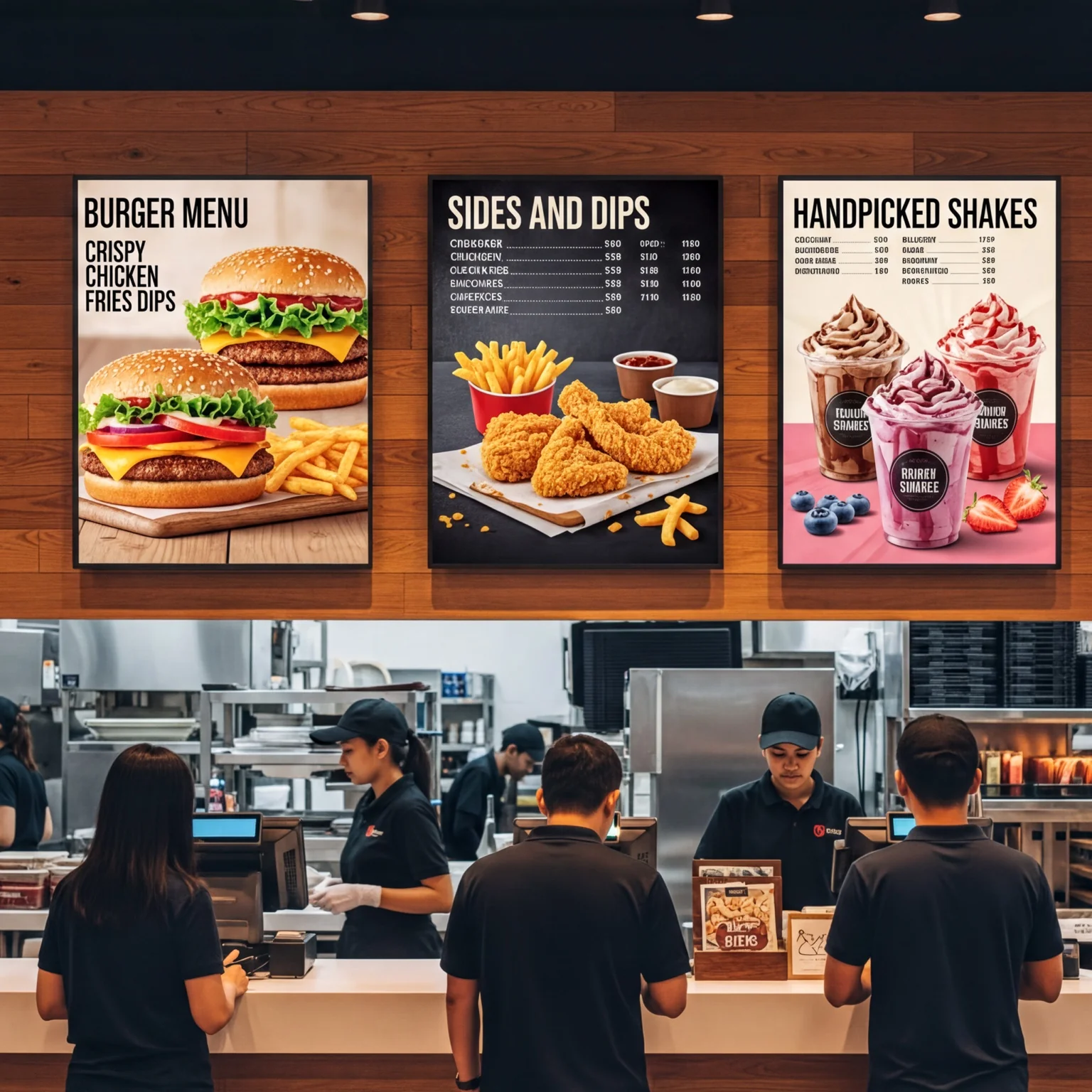
Your digital signage should reflect your brand’s look and feel. Use your cafe or restaurant’s color scheme, logo, and design elements to create a cohesive appearance across your digital displays.
5. Consider Placement and Size
Strategically place digital signage where it will have the most impact, like above the counter, at the entrance, or in the waiting area. Choose screens that fit the size of your space without overwhelming it.
6. Use Content Scheduling Tools
Buzzblender comes with scheduling tools. Use these to automatically change content based on the time of day, day of the week, or season. For example, morning screens could show breakfast items, while afternoon screens focus on lunch and coffee specials.
Works with Philips, LG, Samsung, Xiaomi, TCL – no extra hardware
Buzzblender works seamlessly across different types of displays and operating systems:
What Our Customers Say
⭐⭐⭐⭐⭐
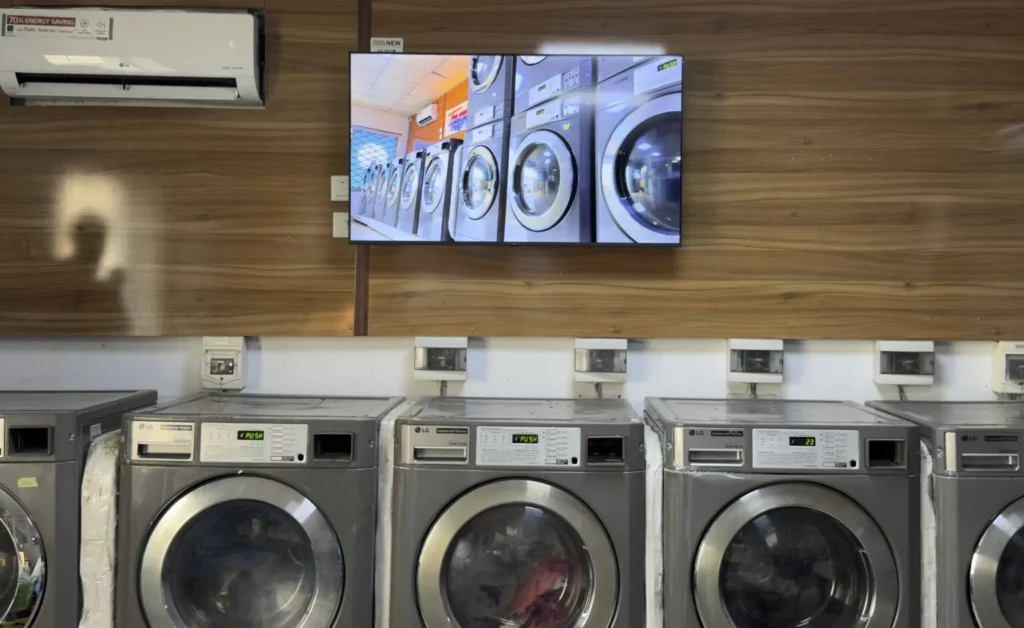
Cheap and Perfect Digital Signage for WebOS (LG)
My experience with Buzzblender has exceeded expectations. It simplifies content management. We use LG (WebOs) and Buzzblender works perfectly on our screen
Agbanike, True Wash Laundromat

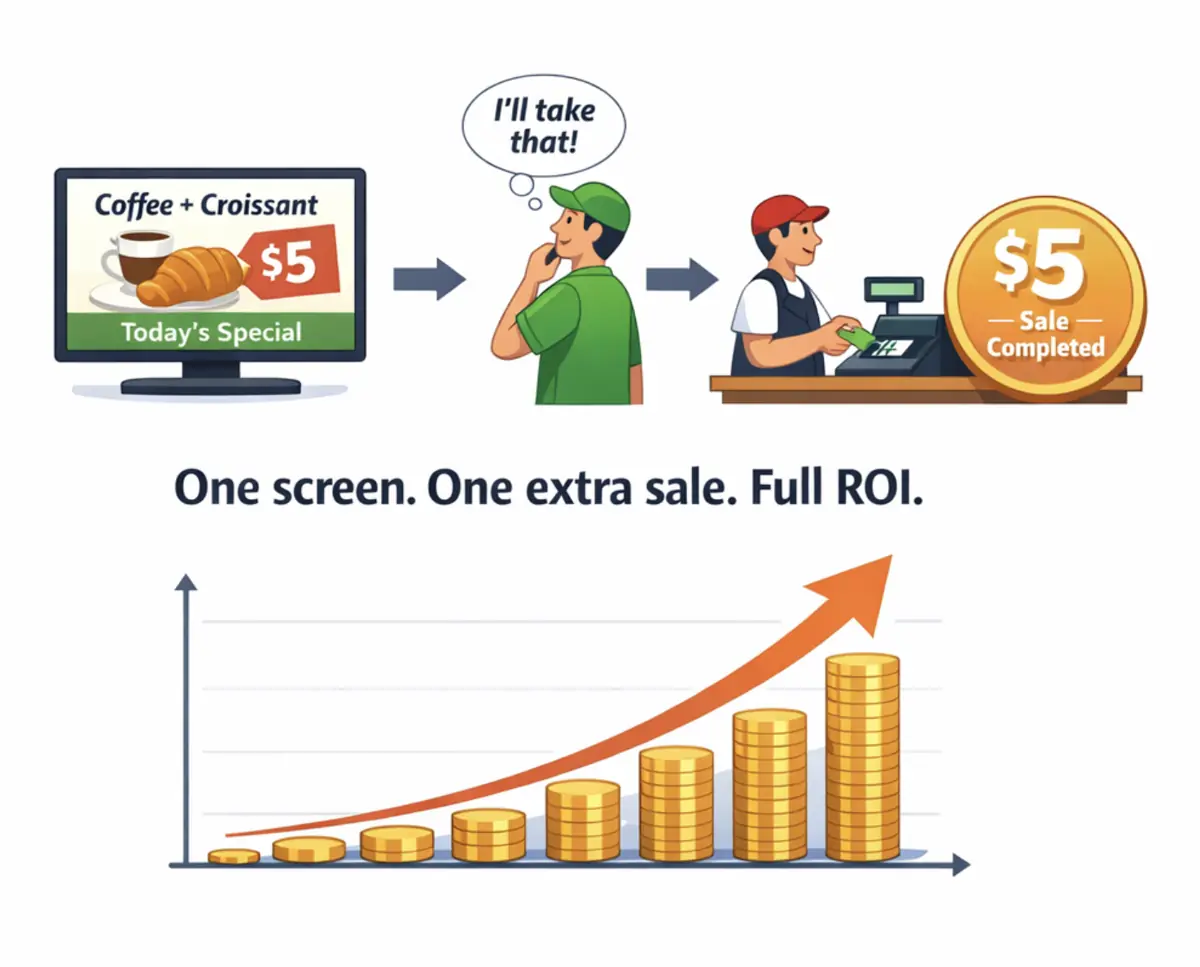
$5 Investment That Pays Back Immediately
BuzzBlender costs less than $0.17 per day. If your screen convinces just one customer per month to buy a coffee, dessert, or product — your subscription is already covered.
From that moment, your screens become a profit-generating marketing channel.
No expensive hardware.
No complex setup.
Just plug in a screen and start promoting.
FAQ: Cafe & Bakery Digital Signage to Increase Sales
What is digital signage for cafes and bakeries?
Digital signage for cafes and bakeries is a modern solution that uses digital menu boards and in-store screens to display menus, promotions, and marketing content, helping businesses attract customers and increase sales.
How does cafe digital signage help increase sales?
Cafe digital signage increases sales by promoting desserts, pastries, coffee specials, and limited-time offers using dynamic visuals that drive impulse purchases and boost revenue.
What content works best for bakery digital signage?
The best content for bakery digital signage includes high-quality images of desserts, cakes, macarons, seasonal pastries, promotional offers, and digital menu boards that highlight pricing and deals.
How often should digital menu boards be updated in cafes?
Digital menu boards in cafes should be updated regularly with new items, seasonal promotions, and daily specials to keep content fresh and engaging for customers.
Why are visuals important in restaurant digital signage?
High-quality food visuals in restaurant digital signage make menu items more appealing, capture attention instantly, and increase the likelihood of upselling desserts, drinks, and combos.
How does digital signage increase upselling in cafes?
Digital signage screens help increase upselling by promoting add-ons like desserts, coffee upgrades, combo offers, and premium menu items at the point of sale.
Where should digital signage screens be placed in cafes and bakeries?
The best placement for cafe digital signage screens includes above the counter, near the entrance, and in waiting areas to maximize visibility and influence customer decisions.
How does digital signage improve customer experience in cafes?
Digital signage improves customer experience by displaying clear digital menus, real-time promotions, and engaging visuals that make ordering faster and easier.
Can digital signage support cafe branding?
Yes, digital signage allows cafes and bakeries to showcase their brand identity using custom colors, logos, and themed visuals across all screens.
What is digital signage content scheduling for cafes?
Digital signage scheduling allows cafes to automatically display breakfast menus, lunch offers, and evening promotions at specific times to maximize sales throughout the day.
How does Buzzblender help manage cafe digital signage?
Buzzblender digital signage software allows cafes and bakeries to manage screens remotely, update content instantly, and schedule promotions using a cloud-based platform.
Is digital signage affordable for small cafes and bakeries?
Yes, affordable digital signage solutions like Buzzblender make it easy for small cafes and bakeries to use digital menu boards and increase sales without high costs.


Leave a Reply