
Add QR Codes to Screens and Track Real Engagement
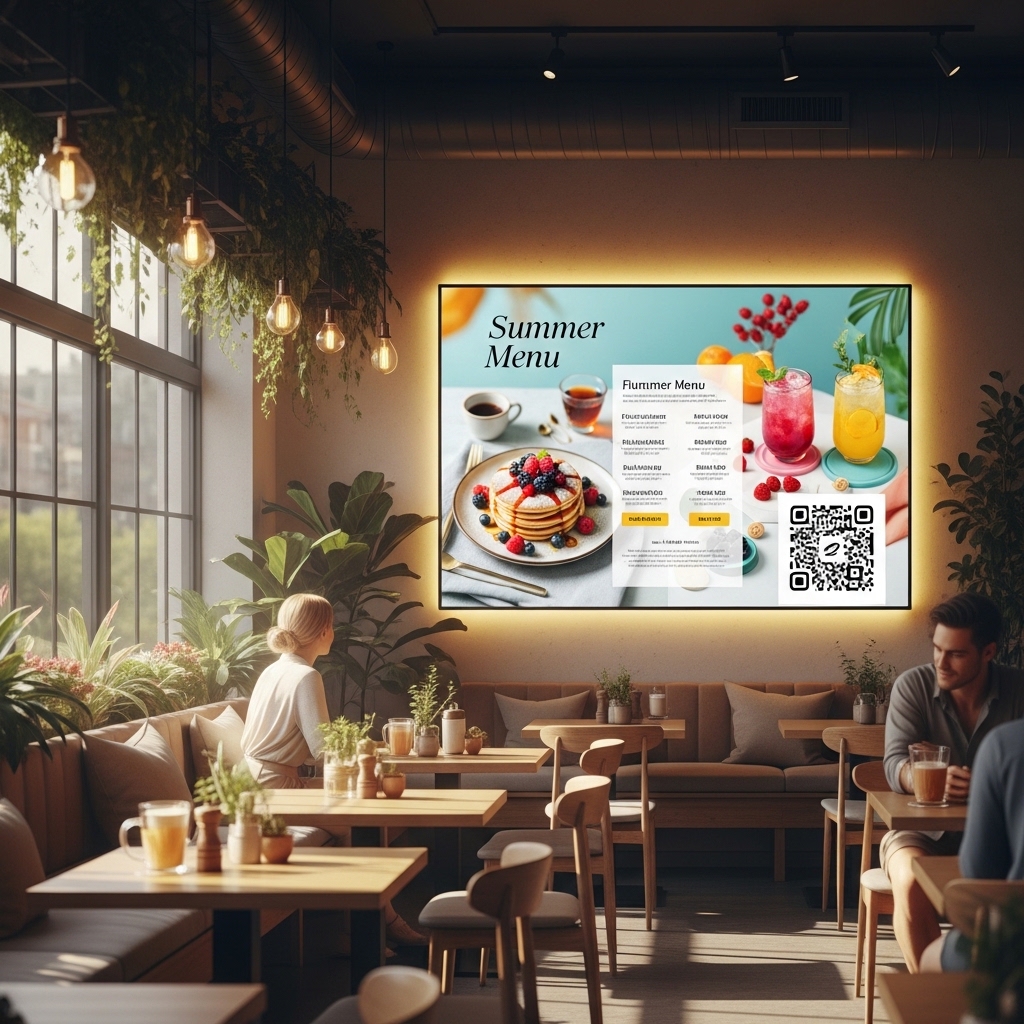
BuzzBlender allows businesses to add QR codes directly to digital signage content such as images, videos. This turns passive screens into interactive experiences that connect physical displays with online content.
Customers can scan the QR code using their smartphones and instantly access a website, product page, promotion, or registration form. BuzzBlender automatically tracks each scan and displays the data in the admin dashboard.
With built-in QR code analytics, businesses can measure how many people interact with their screens and evaluate the performance of digital signage campaigns.
Turn Digital Screens into Interactive Marketing Tools
QR codes make digital signage more than just a display. They allow businesses to drive traffic, collect leads, and encourage real customer interaction.
With BuzzBlender you can easily add QR codes to any screen content and link them to:
- product pages
- promotional campaigns
- event registrations
- restaurant menus
- feedback forms
- mobile apps
- landing pages
This helps businesses transform digital signage into a powerful marketing channel.
Track QR Code Scans in the Admin Panel
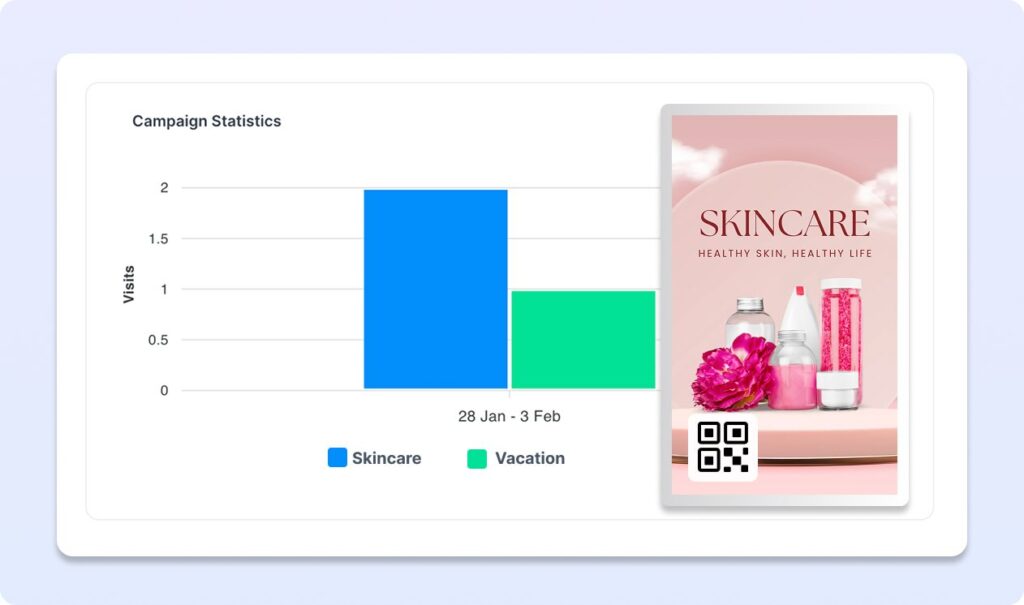
BuzzBlender provides detailed QR code performance analytics directly in the platform dashboard.
Administrators can see how their QR campaigns perform and understand which screens generate the most engagement.
Analytics Available
- total QR code scans per playlists
These insights help marketing teams optimize their campaigns and improve the effectiveness of digital signage displays.
Perfect for Retail, Restaurants, and Events
QR codes are especially useful in environments where businesses want to connect offline screens with online interaction.
Common Use Cases
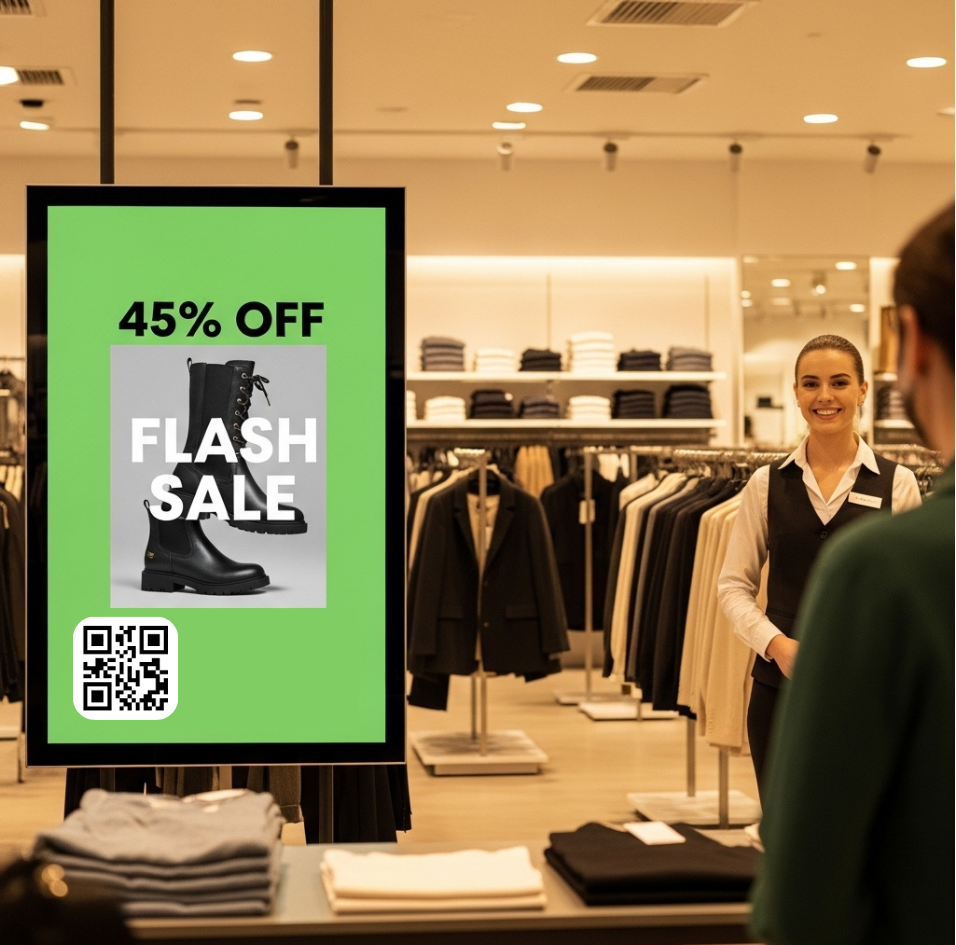
Retail stores can link QR codes to product pages or special promotions.
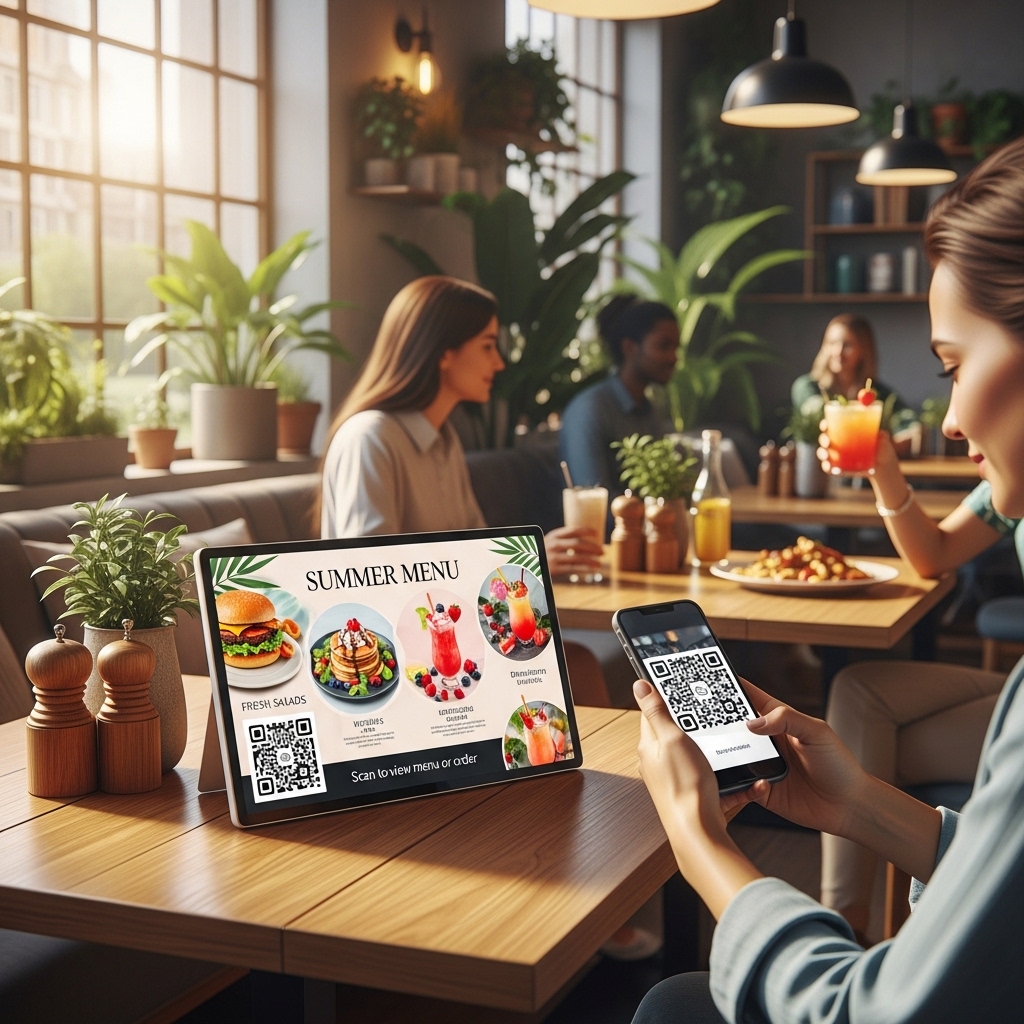
Restaurants can display QR codes that open digital menus or online ordering systems.
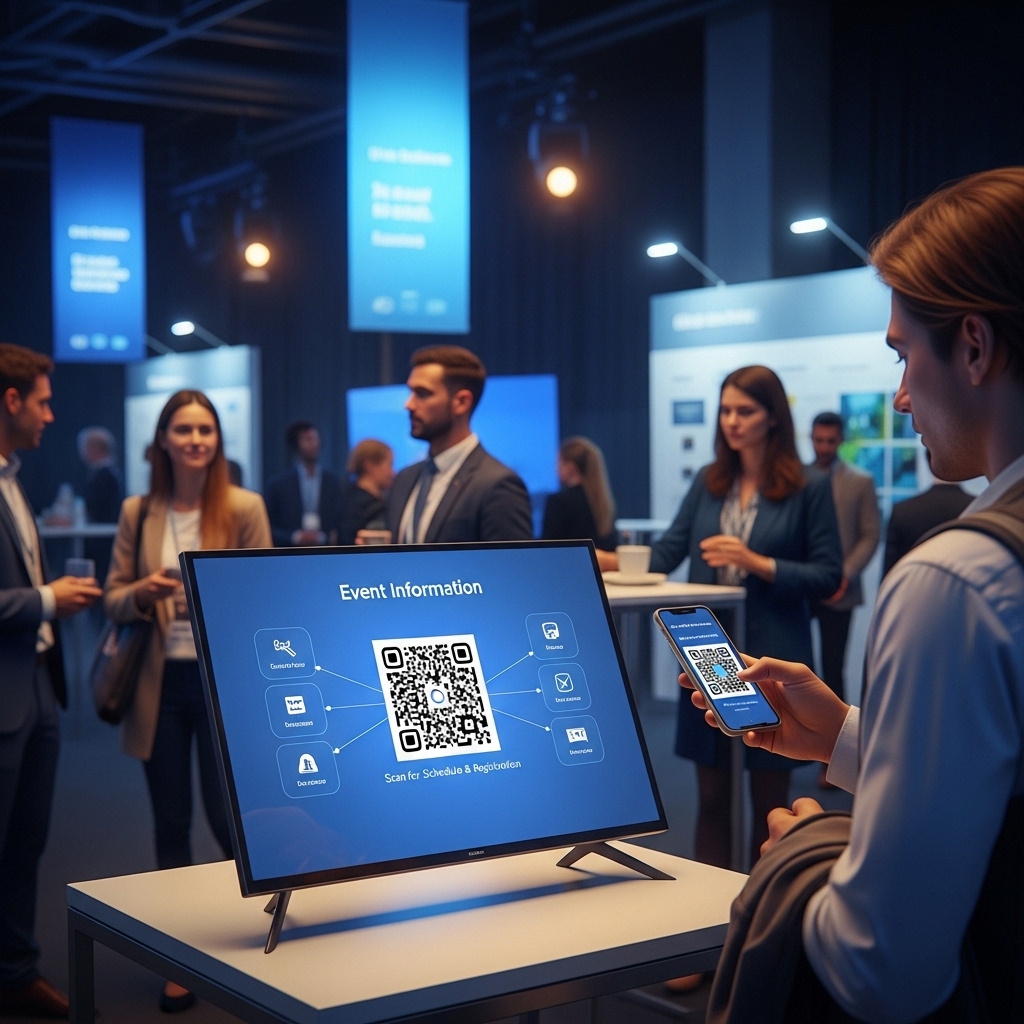
Event organizers can allow visitors to scan a QR code to access schedules, registration forms, or event information.
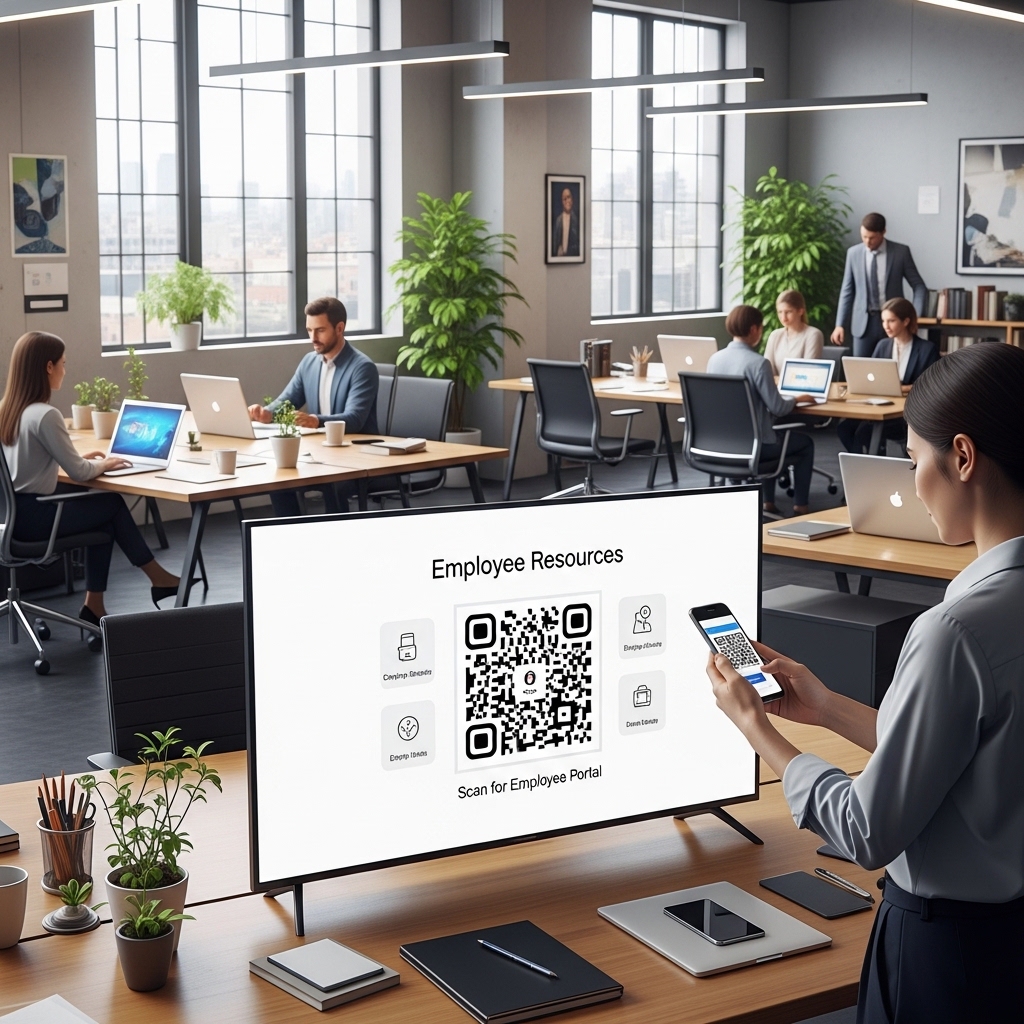
Corporate offices can use QR codes for employee resources or internal announcements.
By combining digital signage and QR code engagement, businesses can create interactive experiences for their audiences.
Simple QR Code Integration
Adding a QR code to digital signage content in BuzzBlender takes only a few steps.
- Upload your image or video content
- Add a QR code overlay
- Link it to any URL
- Publish the content to your screens
Once the content is live, BuzzBlender automatically tracks every scan and displays the results in the admin panel.
Connect Offline Screens with Online Engagement
Traditional signage shows information but does not measure engagement. BuzzBlender bridges this gap by allowing businesses to track how audiences interact with digital screens.
With QR code tracking for digital signage, organizations can:
- drive website traffic
- generate leads
- measure marketing performance
- track campaign engagement
- connect physical displays with digital marketing
BuzzBlender makes it easy to turn every screen into a measurable marketing tool.
Don’t forget other awesome features to drive engagement!
Start Using QR Codes with Digital Signage
Add interactive QR codes to your digital screens and start measuring engagement today.
BuzzBlender provides a simple and powerful way to combine digital signage, QR code marketing, and analytics in one platform.
Just for $5 per screen per month. Check our Pricing
FAQ
How do QR codes work on digital signage?
QR codes can be added to photos, videos, or promotional content displayed on digital signage screens. Customers scan the code with their smartphone to open a webpage, promotion, or menu.
Can I track QR code scans from my screens?
Yes. BuzzBlender provides QR code analytics that show how many scans were generated from your digital signage screens.
What can QR codes link to?
QR codes can link to landing pages, product pages, restaurant menus, mobile apps, registration forms, and promotional campaigns.
Why use QR codes on digital signage?
QR codes turn passive screens into interactive experiences. Businesses can drive website traffic, collect leads, and measure engagement from their displays.
Which platform do you support?
BuzzBlender digital signage software supports Android, WebOS (LG), Tizen (Samsung) screens.