
Run Digital Signage on Samsung Tizen Displays
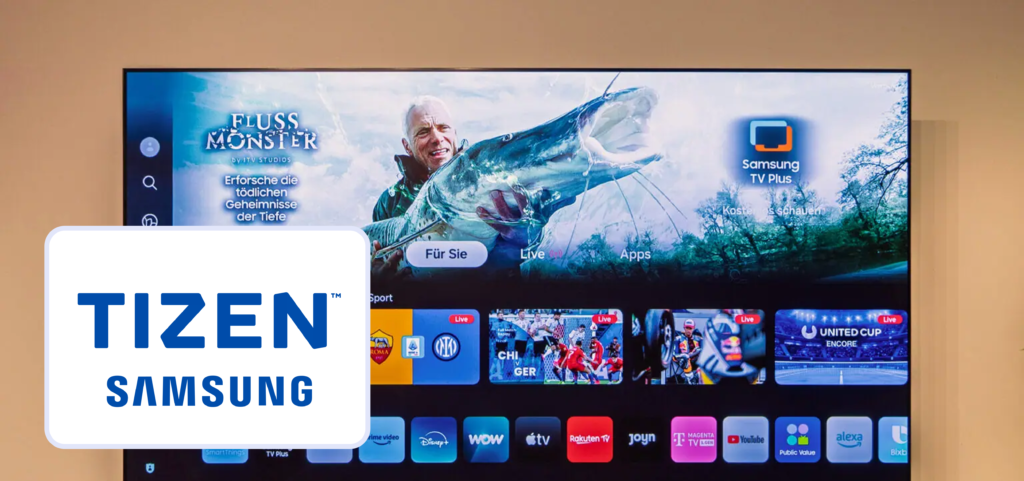
Samsung displays running Tizen OS are widely used in retail stores, restaurants, offices, and public spaces for digital signage. With Buzzblender digital signage software for Samsung Tizen OS, businesses can easily turn any compatible Samsung Tizen display into a powerful digital signage screen.
Buzzblender allows organizations to publish content, schedule playlists, and manage screens remotely from a centralized cloud dashboard. This makes Tizen-based displays an efficient and scalable solution for modern digital signage networks.
What is Tizen Digital Signage?
Tizen digital signage refers to the use of Samsung commercial displays powered by the Tizen operating system to display marketing content, announcements, menus, and videos.
Instead of relying on external media players, digital signage software can run directly on the Tizen operating system. This simplifies deployment and reduces hardware costs while providing full control over screen content.
With Buzzblender, businesses can manage and update content across multiple Tizen screens remotely.
Benefits of Using Tizen OS for Digital Signage
Samsung Tizen displays are designed for professional signage environments and offer several advantages.
Key Benefits of using Buzzblender Digital Signage Software for Tizen OS
- built-in digital signage capabilities
- no external media player required
- reliable commercial-grade hardware
- remote screen management
- scalable for multi-location businesses
Because the signage software runs directly on the display, businesses can deploy digital signage networks faster and with lower installation costs.
See this video how businesses still use USB to update content on the screens.
Remote Content Management for Tizen Displays
Buzzblender provides a cloud-based digital signage platform that enables remote content management for Samsung Tizen screens.
Administrators can control all displays from a single dashboard and instantly update content across multiple locations.
With remote management you can:
- upload videos and images
- schedule digital signage playlists
- publish promotions instantly
- monitor screen activity
- manage multiple locations
This centralized system makes managing large digital signage networks simple and efficient.
How Digital Signage Software for Tizen OS Works
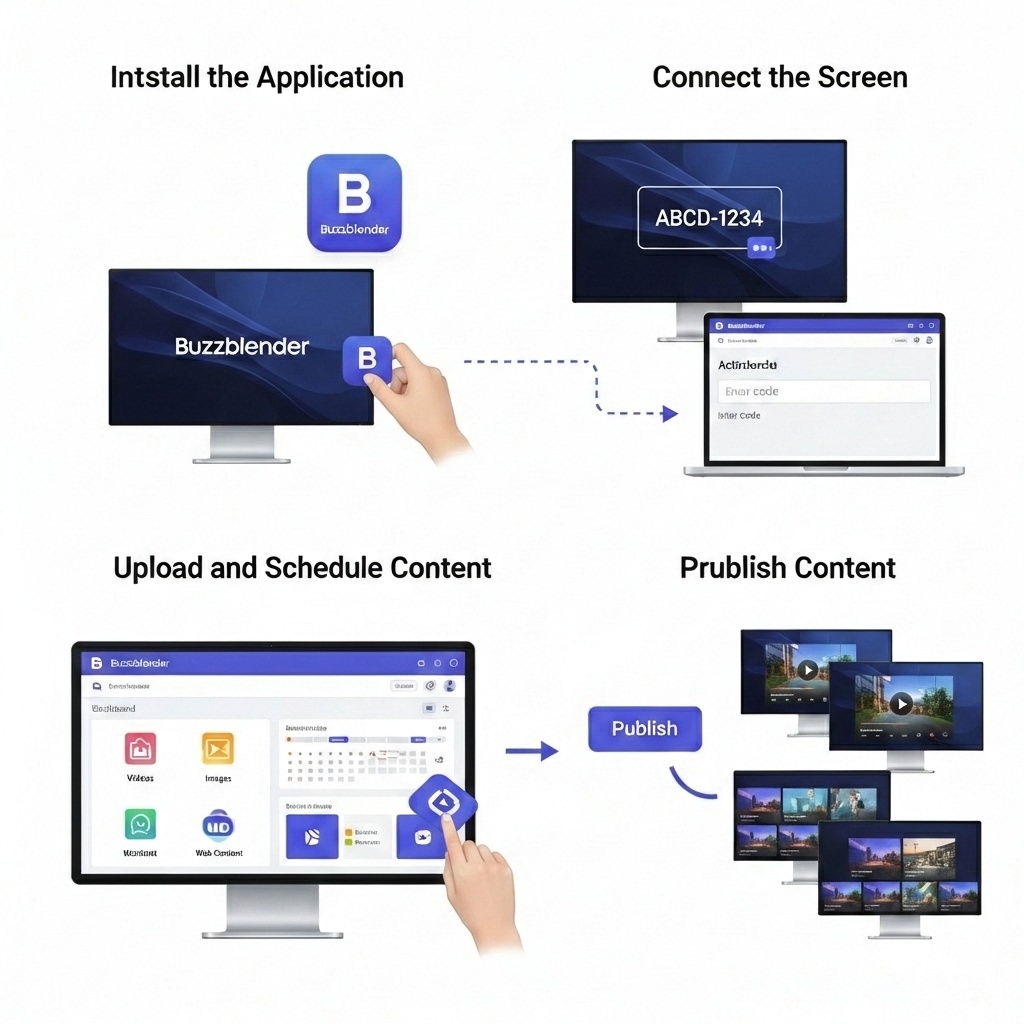
Deploying digital signage on Samsung Tizen displays with Buzzblender is straightforward.
Step 1 – Install the Application
Install the Buzzblender digital signage application on your Samsung Tizen display.
Step 2 – Connect the Screen
Enter the activation code displayed on the screen in the Buzzblender dashboard.
Step 3 – Upload and Schedule Content
Upload videos, images, and web content and schedule playlists for your screens.
Step 4 – Publish Content
Once content is published, it will automatically appear on your Samsung Tizen displays.
Ideal Use Cases for Tizen Digital Signage
Retail Stores
Display promotions, product advertising, and in-store marketing content.
Restaurants and Cafes
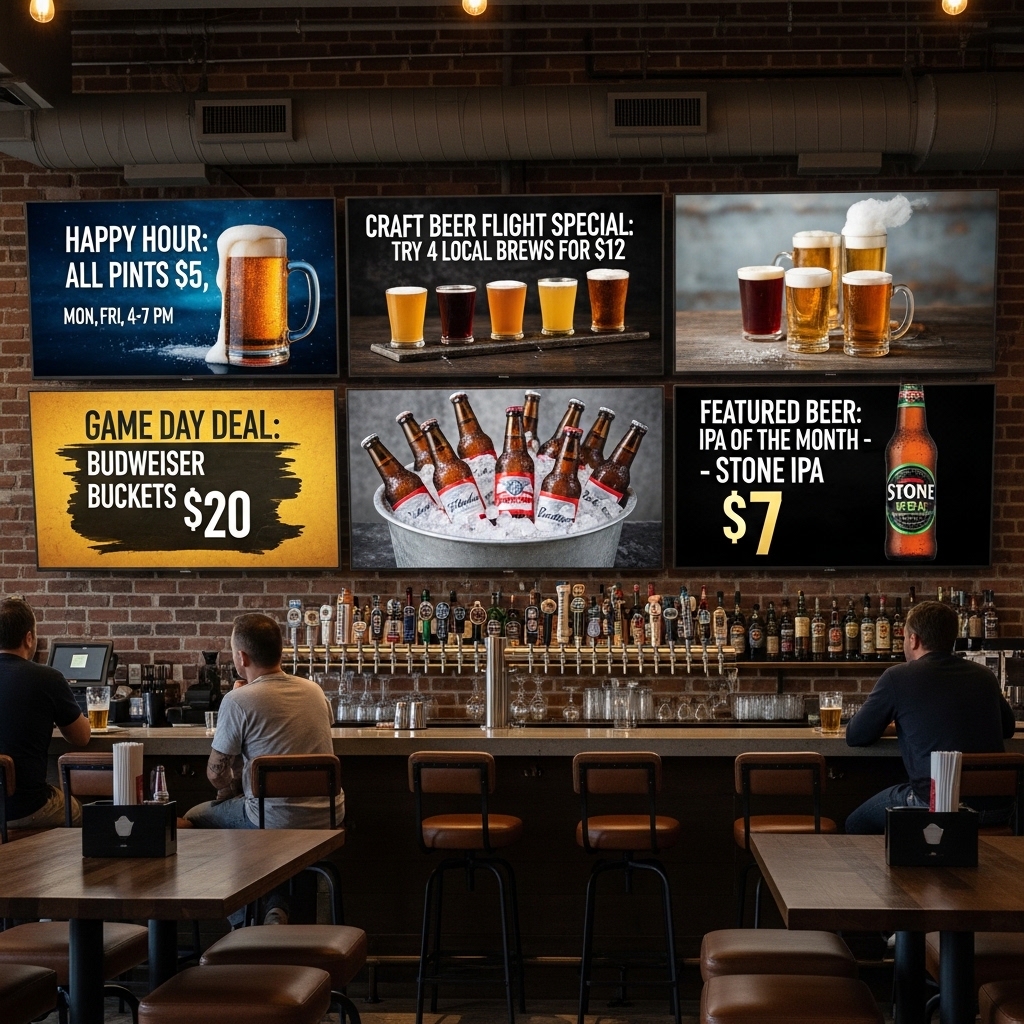
Show digital menu boards, promotions, and daily specials.
Corporate Offices
Display announcements, dashboards, and internal communication.
Public Spaces and Events
Provide information screens and advertising displays.
Reduce Hardware Costs with Tizen Digital Signage
Traditional digital signage often requires external media players or specialized hardware. Samsung Tizen simplifies deployment because signage software runs directly on the display.
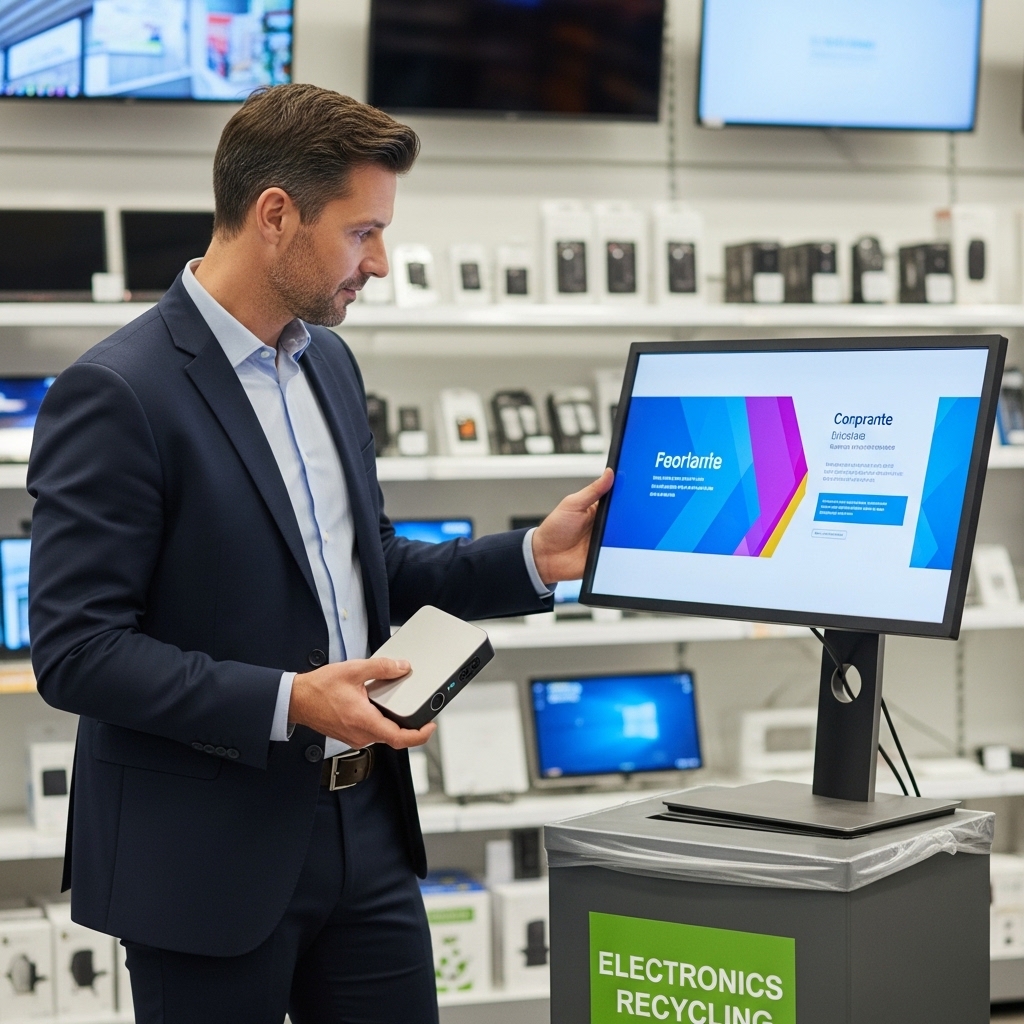
This reduces:
- hardware costs
- installation complexity
- maintenance requirements
Businesses can scale their digital signage networks faster and more efficiently without external media player.
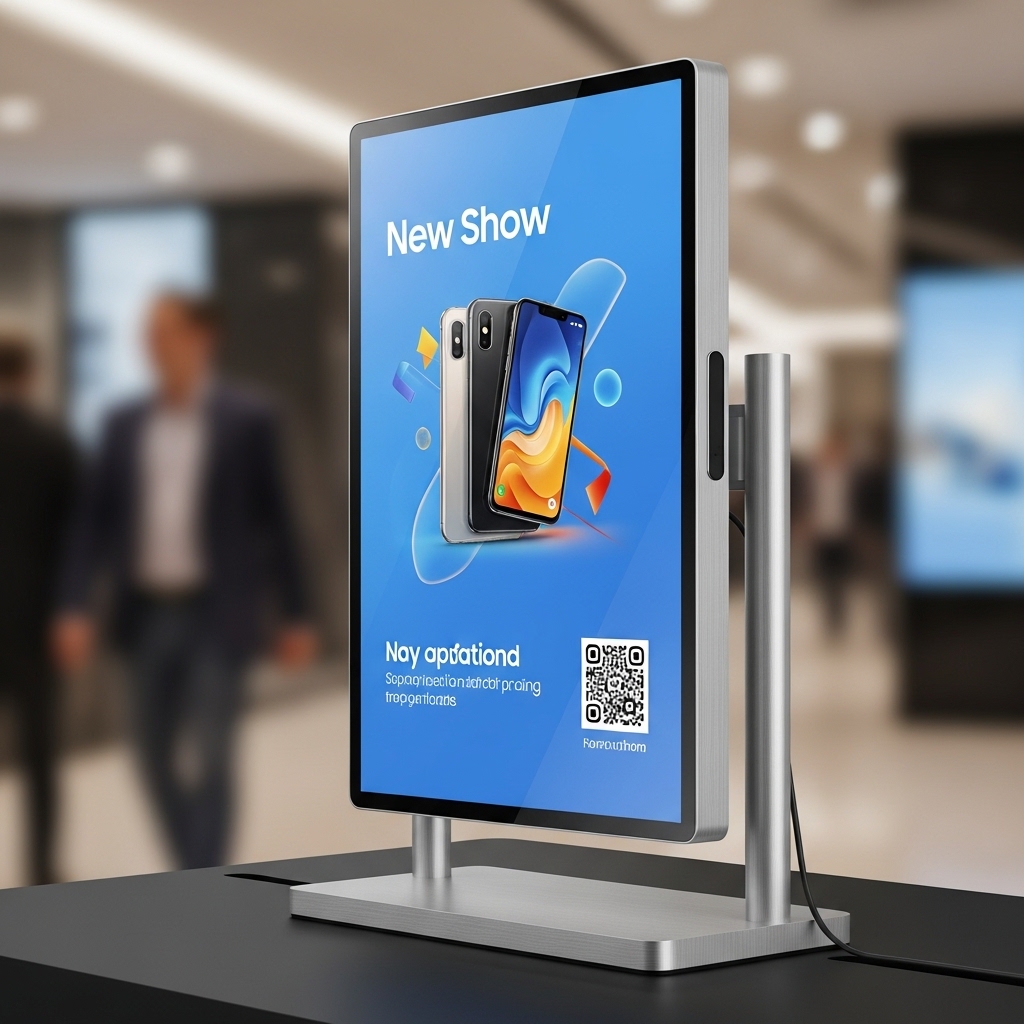
See how sleek this screen looks without an extra box!
Why Choose Buzzblender – Digital Signage Software for Tizen OS
Buzzblender provides a modern digital signage platform designed to work with Tizen displays.
Features
- remote content management
- digital signage content scheduling
- playlist management
- multi-location screen control
- QR code campaign tracking
With Buzzblender Digital signage software for Samsung Tizen OS, businesses can manage all screens from a single cloud dashboard.
Start Using Digital Signage on Samsung Tizen
Samsung Tizen displays provide a powerful foundation for digital signage. Combined with Buzzblender software, businesses can easily deploy screens, publish content, and manage digital signage networks remotely.
Whether you manage a few screens or hundreds across multiple locations, Tizen digital signage offers a scalable and reliable solution.
$5 per screen per month for Buzzblender Digital signage software for Samsung Tizen OS
BuzzBlender is an affordable remote content management app with pricing that is more competitive than many alternatives.
FAQ — Tizen Digital Signage
Can Samsung Tizen displays be used for digital signage?
Yes. Samsung displays running Tizen OS can run digital signage applications that allow businesses to display marketing content, announcements, menus, and videos.
Do I need a media player for Samsung Tizen signage?
No. Digital signage software can run directly on Samsung Tizen displays without requiring an external media player.
Can I manage multiple Tizen screens remotely?
Yes. Cloud-based digital signage platforms like Buzzblender allow administrators to manage multiple Tizen screens from a centralized dashboard.
What content can be displayed on Tizen digital signage?
Businesses can display videos, images, promotional content, menus, announcements on Samsung Tizen screens using Buzzblender Digital signage software for Samsung Tizen OS.