Schedule Content on Screens Automatically
BuzzBlender digital signage software includes powerful content scheduling tools that allow businesses to control what appears on screens and when it appears. Instead of manually updating displays, you can schedule playlists, promotions, announcements, and videos in advance.
With digital signage content scheduling, organizations can ensure that the right content is displayed at the right time and on the right screens.
This automation saves time, reduces manual work, and allows businesses to manage large screen networks from a single cloud dashboard.
What is Digital Signage Content Scheduling?
Digital signage content scheduling is the process of planning when specific media or playlists appear on screens.
Businesses can schedule content by:
- time of day
- day of the week
- screen group
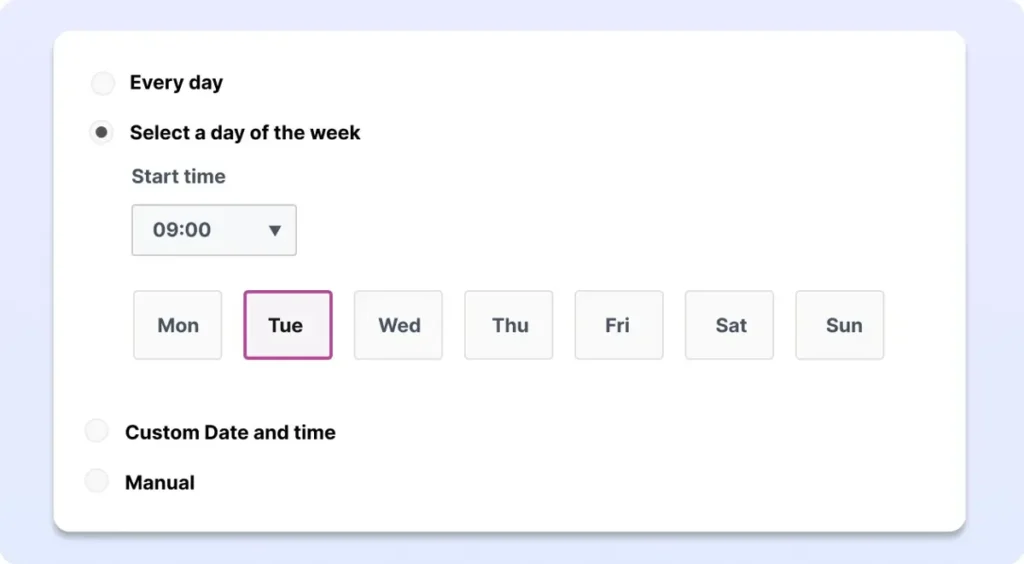
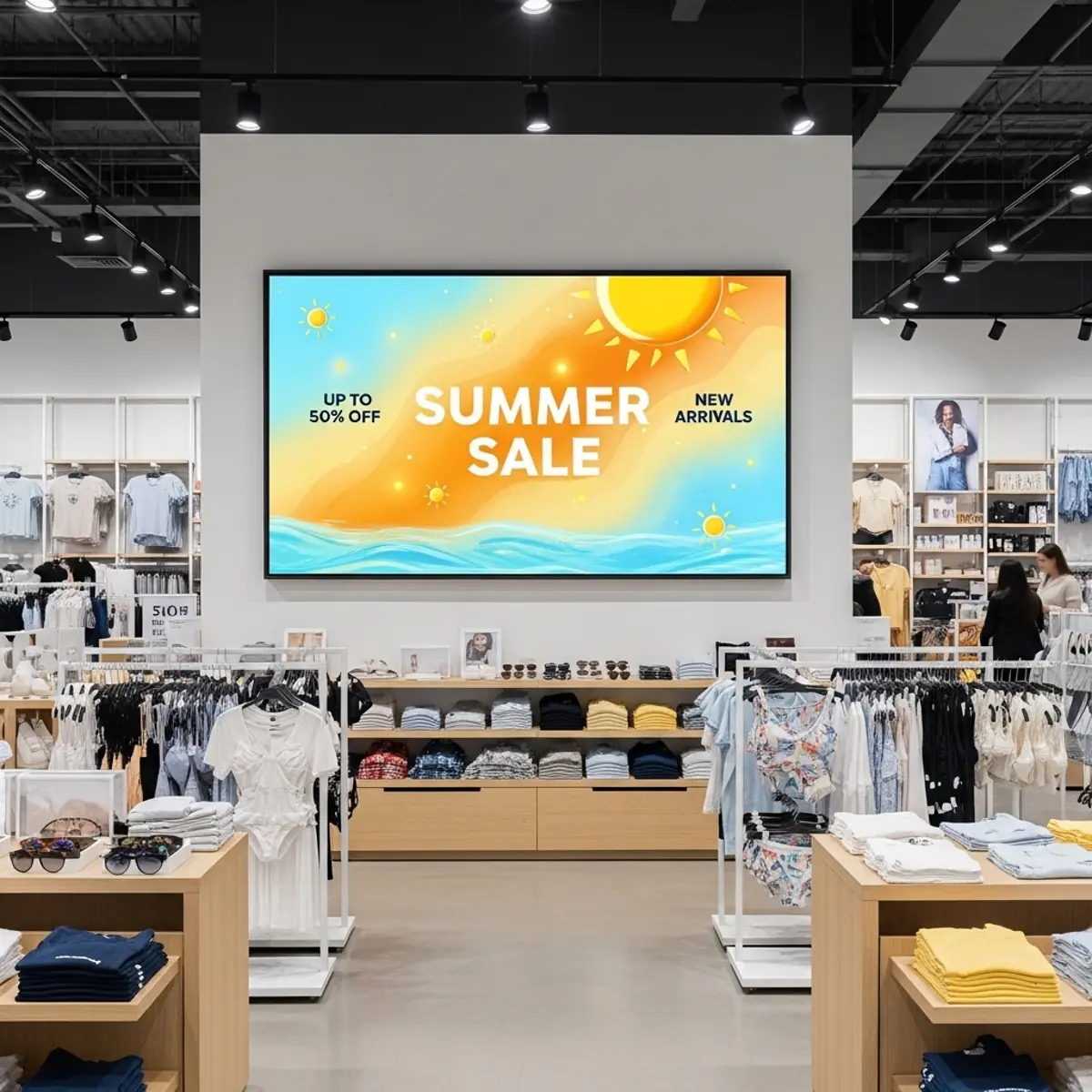
For example, a retail store can show morning promotions, afternoon offers, and evening discounts automatically without manually changing screen content.
Automate Your Digital Signage Campaigns
BuzzBlender makes it easy to automate digital signage campaigns using flexible scheduling rules.
Content Scheduling Features
Marketing teams can prepare campaigns in advance and let the system automatically publish content across all screens.
This is especially useful for retail promotions, restaurant menus, corporate announcements, and event advertising.
Schedule Content for Multiple Locations
Businesses with multiple locations often need different content for each screen.
BuzzBlender allows administrators to schedule content by:
- individual screen
- screen group
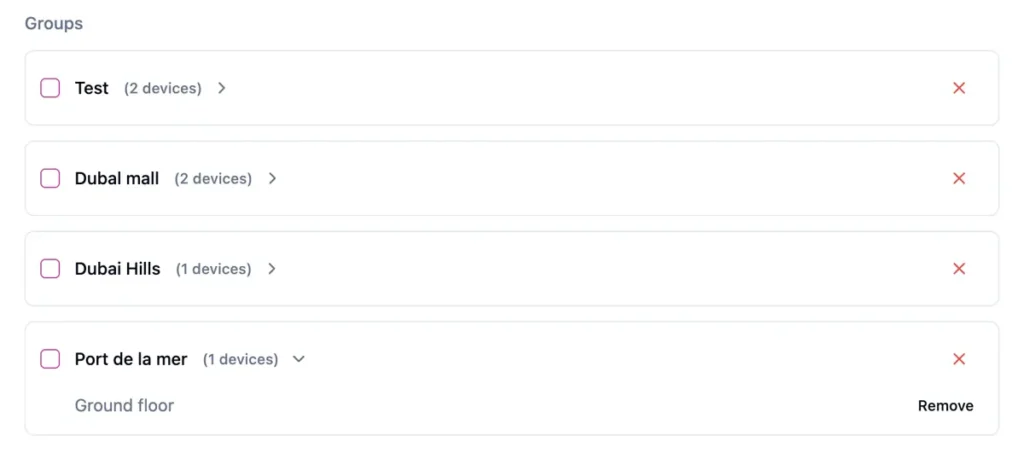
This makes it easy to manage digital signage networks across stores, restaurants, offices, and public spaces.
For example, a restaurant chain can schedule breakfast menus in the morning and dinner menus in the evening across all locations automatically.
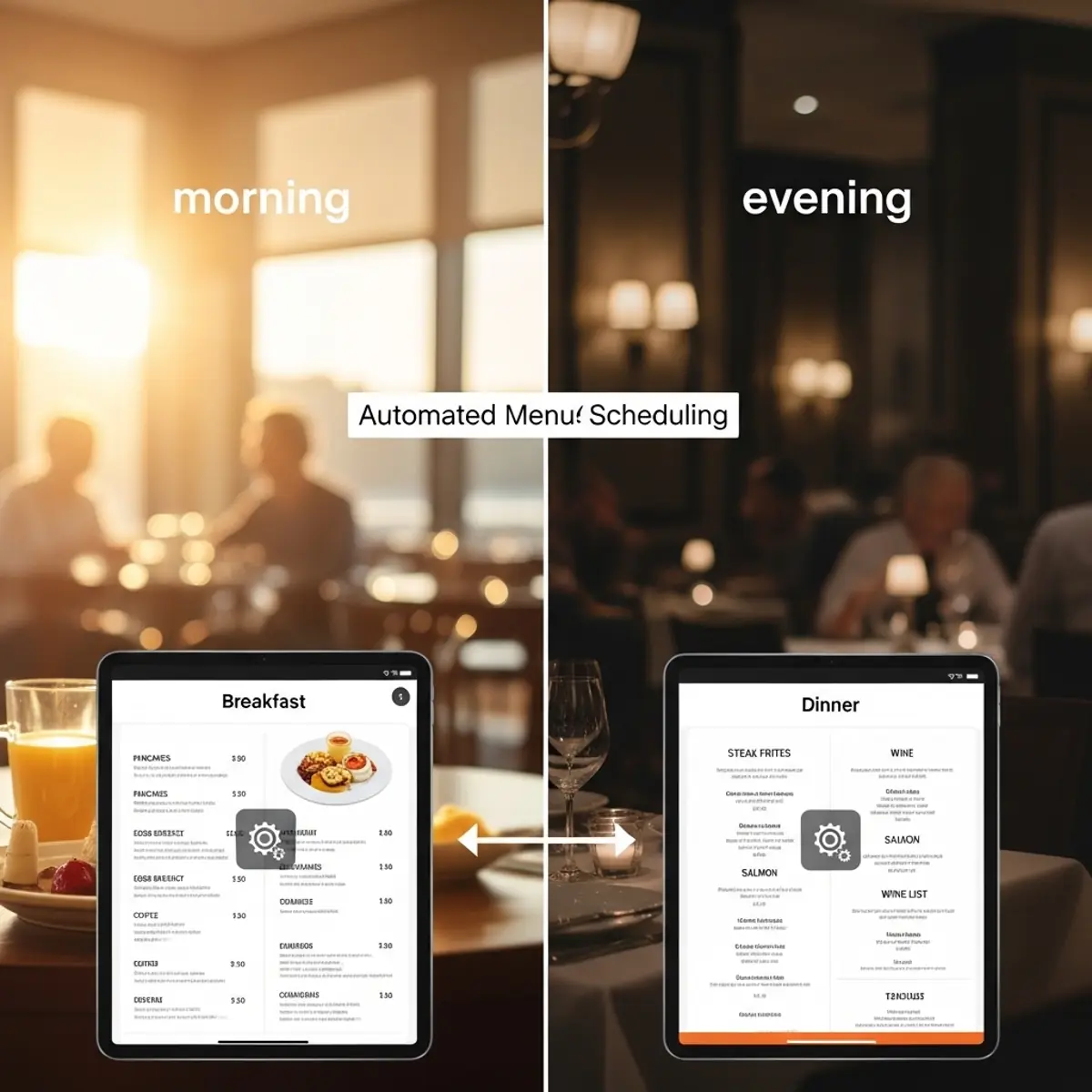
Real-Time Updates and Instant Publishing
Even when content is scheduled in advance, businesses can still make changes instantly.
BuzzBlender allows administrators to:
- update scheduled playlists
- replace content instantly
- pause or modify campaigns
- publish urgent announcements
This flexibility ensures that screens always display the most relevant information. Check all our features!
Improve Marketing Performance with Scheduled Content
Content scheduling helps businesses deliver targeted messaging at the most effective time.
For example:
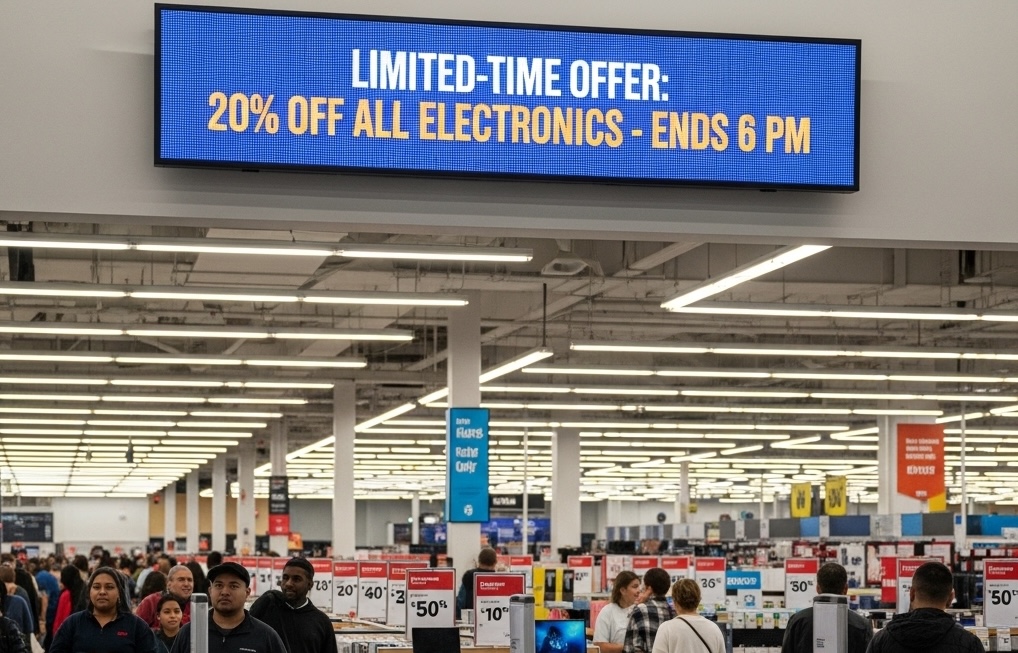
Retail stores can promote specific products during peak shopping hours
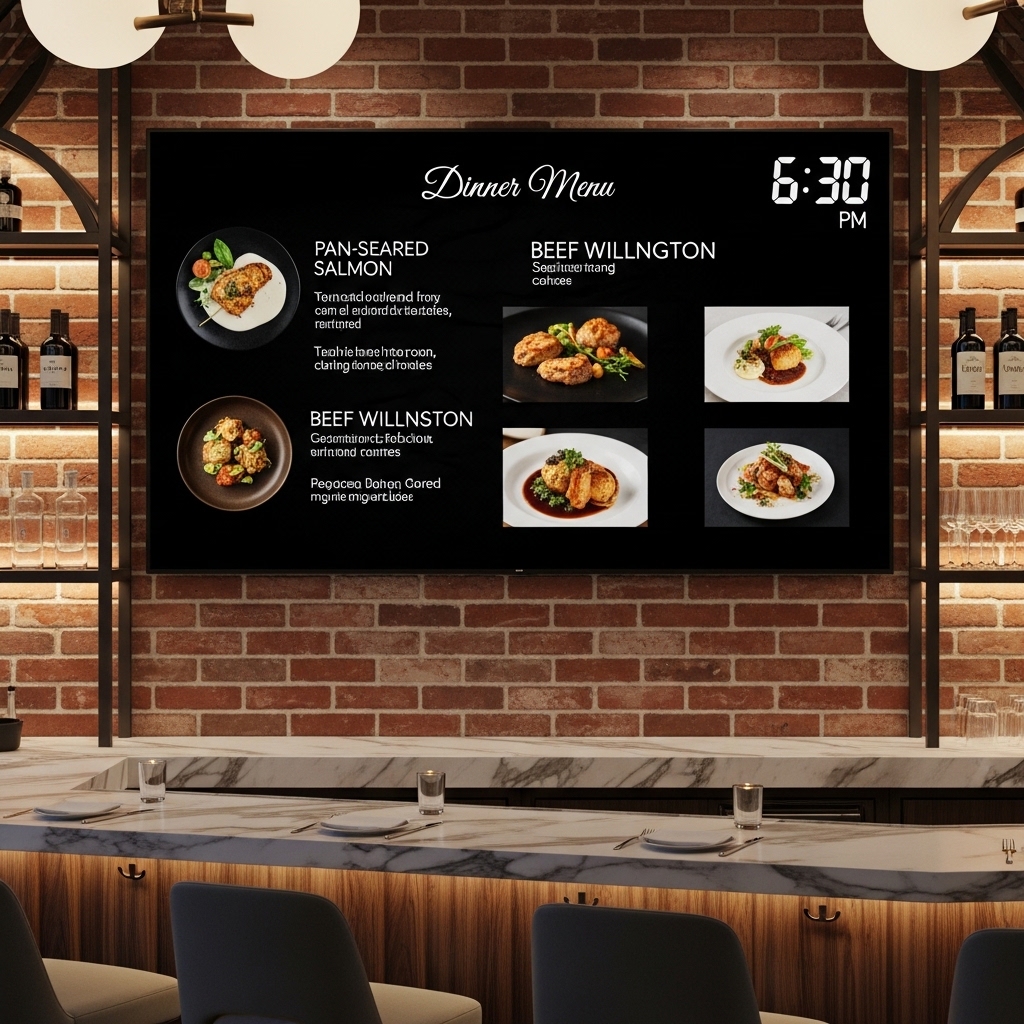
Restaurants can automatically switch menus depending on the time of day.
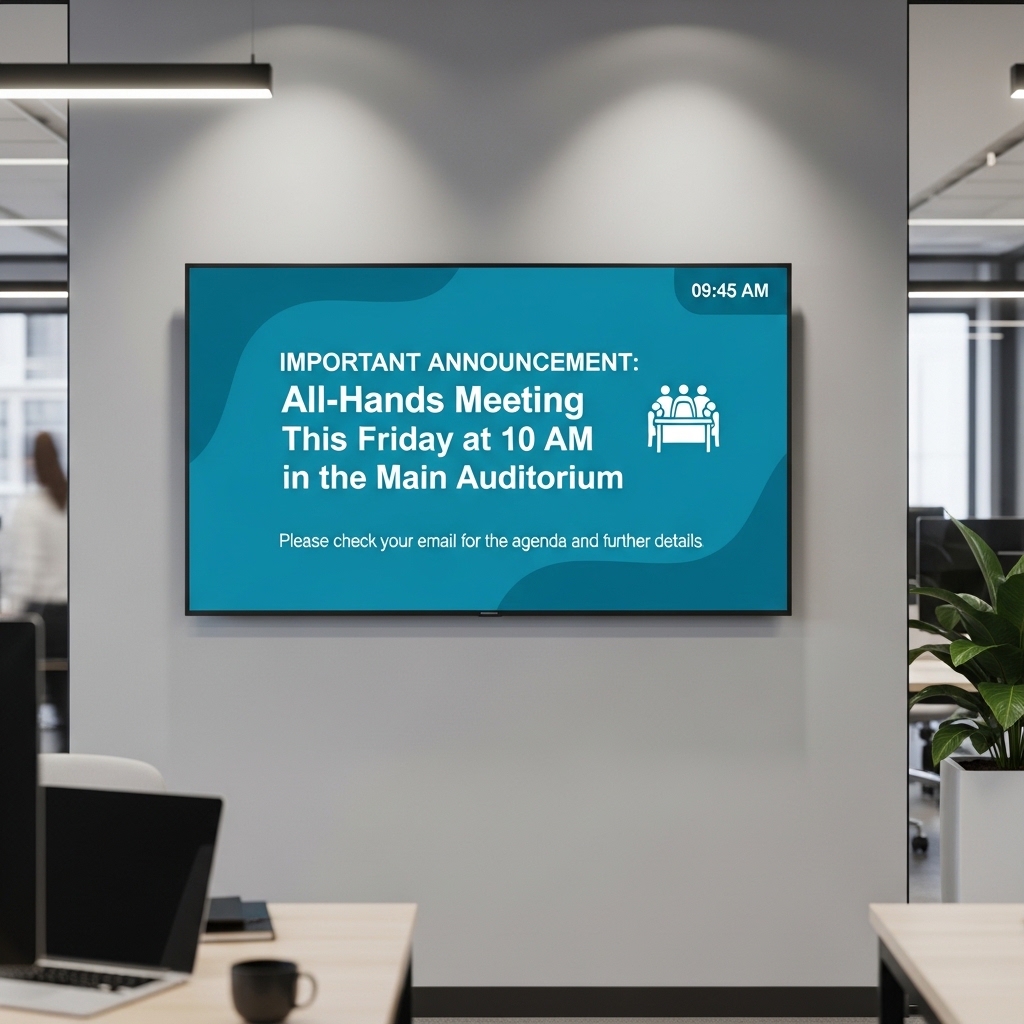
Corporate offices can display announcements and internal communication during working hours.
By scheduling digital signage content strategically, businesses can increase engagement and improve communication.
How Content Scheduling Works in BuzzBlender
Scheduling content in BuzzBlender takes only a few steps.
- Upload images, videos, or web content
- Create a playlist for your screens
- Set the schedule for when the content should play
- Publish the playlist to one or multiple screens
Once published, BuzzBlender automatically manages playback according to the defined schedule.
Benefits of Digital Signage Scheduling
Using automated scheduling provides several advantages:
- save time on manual screen updates
- run campaigns automatically
- manage multiple screens easily
- deliver targeted messaging
- keep content fresh and relevant
Businesses can focus on creating great content while BuzzBlender handles when and where it appears.
Manage Screen Content from Anywhere
BuzzBlender is a cloud-based digital signage platform, meaning you can schedule content from anywhere using the web dashboard.
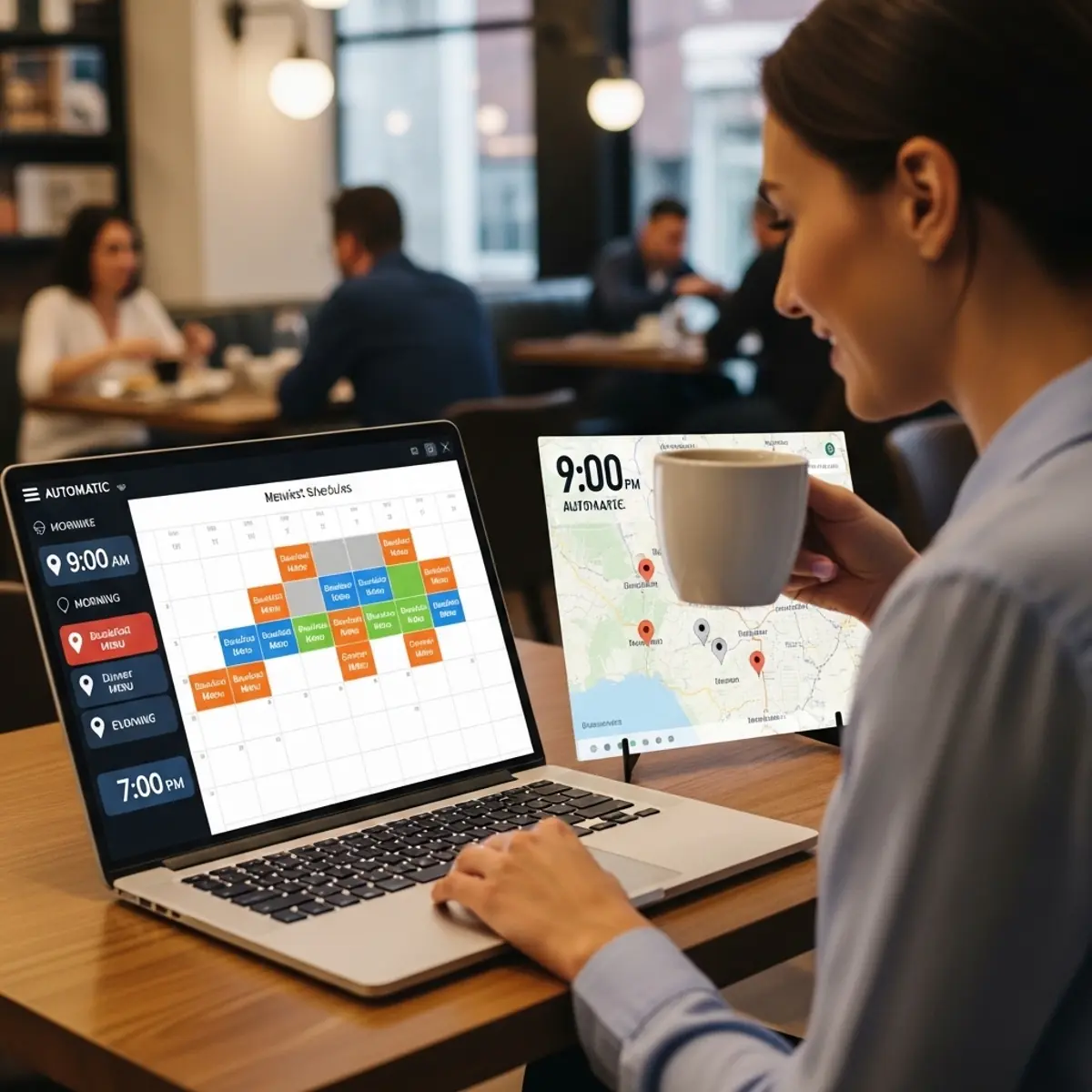
Whether you manage one screen or hundreds, you can control your entire digital signage network remotely.
Price starts at $5 per screen per month
BuzzBlender Digital Signage Software offers simple and affordable pricing starting at just $5 per screen per month.
Works on any operating system
Buzzblender digital signage software is designed to work across multiple operating systems, giving businesses the flexibility to deploy screens on a wide range of devices.
Instead of relying on specialized hardware, Buzzblender allows you to run digital signage directly on supported platforms such as Android, LG webOS, and Samsung Tizen. This makes it easier and more cost-effective to build and scale your digital signage network.
Businesses can manage screens from different operating systems within a single cloud dashboard, allowing centralized control across all locations.
Start Scheduling Digital Signage Content Today
With BuzzBlender, businesses can easily automate content, schedule campaigns, and control screens from a centralized dashboard. Don’t forget to add QR code to measure your campaigns.
Digital signage content scheduling helps organizations deliver the right message at the right moment — improving communication, marketing performance, and customer engagement.
FAQ
What is digital signage content scheduling?
Digital signage content scheduling allows businesses to plan when specific media, playlists, or campaigns appear on screens.
Can I schedule digital signage content automatically?
Yes. BuzzBlender allows you to schedule playlists, campaigns, and media content so that screens update automatically.
Can I schedule content for multiple locations?
Yes. BuzzBlender allows businesses to schedule content for individual screens, groups of screens, or multiple locations from a single dashboard.
What types of content can be scheduled?
Businesses can schedule videos, images, promotional slides, menus, announcements.
Why is content scheduling important for digital signage?
Content scheduling ensures that the right message appears at the right time, helping businesses automate campaigns and keep screens updated.
What Our Customers Say
⭐⭐⭐⭐⭐
Affordable, Reliable, and Easy-to-Use Digital Signage Solution
Our organization has had a very positive experience using Buzzblender across our LG TVs. Setup is straightforward, and it’s easy for our team to customize what we want shown on each screen.
Saskia van Aart, M. van der Looy office manager