
Digital Signage Software That Works on Multiple Operating Systems
Buzzblender digital signage software works on several operating systems. Therefore, businesses can use their existing screens without buying new hardware.
Many companies already have smart TVs or displays in their stores, offices, or restaurants. As a result, they can turn these screens into digital signage displays in just a few minutes.
Buzzblender supports popular platforms such as Android, LG webOS, and Samsung Tizen OS. In addition, the platform allows businesses to manage content remotely from a cloud dashboard.
Because the software runs directly on these operating systems, companies can deploy digital signage quickly and reduce hardware costs.
Android Digital Signage Software
Android is one of the most common operating systems for digital signage. Many smart TVs and media players run on Android.
Therefore, businesses can easily convert Android TVs into digital signage screens.
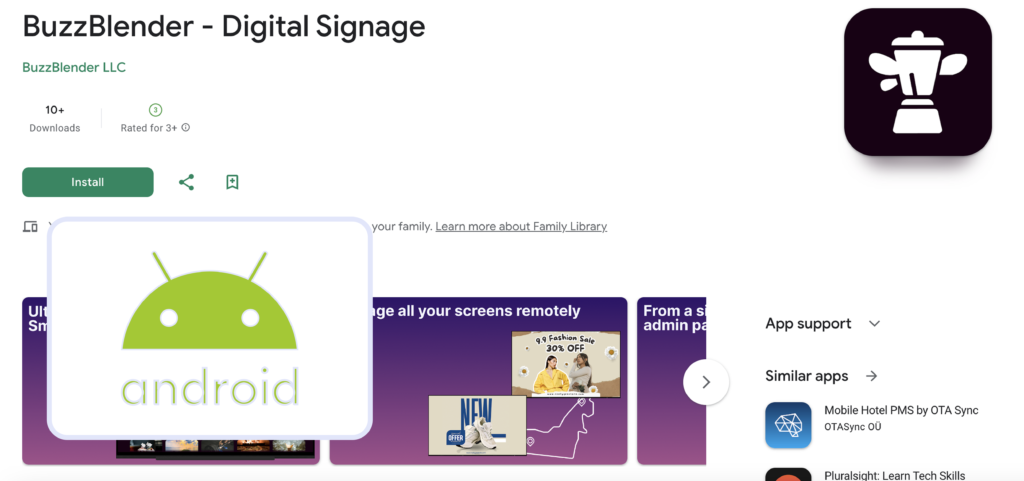
With Buzzblender, companies can:
- install the app on Android devices
- connect screens in minutes
- upload videos and images
- schedule playlists
- manage screens remotely
As a result, Android becomes a flexible and affordable platform for digital signage.
Digital Signage for LG webOS
LG webOS is widely used in commercial displays and smart TVs. Many businesses use LG displays in retail stores, restaurants, and offices.
Buzzblender supports LG webOS digital signage displays. Therefore, companies can run digital signage directly on LG screens without additional hardware.
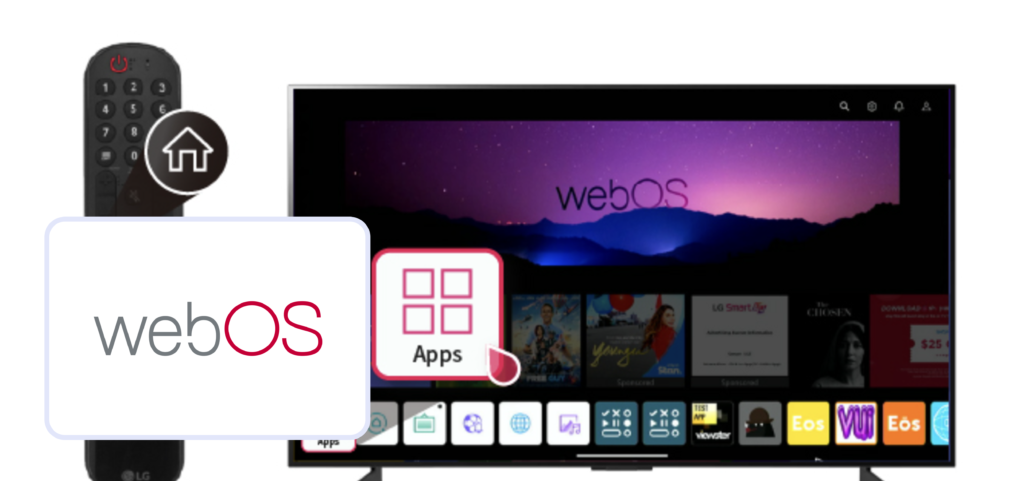
For example, businesses can:
- publish promotional videos
- display announcements
- schedule content automatically
- manage multiple screens remotely
Because webOS runs directly on the display, installation is simple and fast.
Digital Signage Software for Samsung Tizen
Samsung commercial displays often run on the Tizen operating system. These screens are commonly used in retail stores, shopping malls, and corporate offices.
Buzzblender supports Samsung Tizen digital signage software. Therefore, businesses can display content directly on Samsung smart displays.
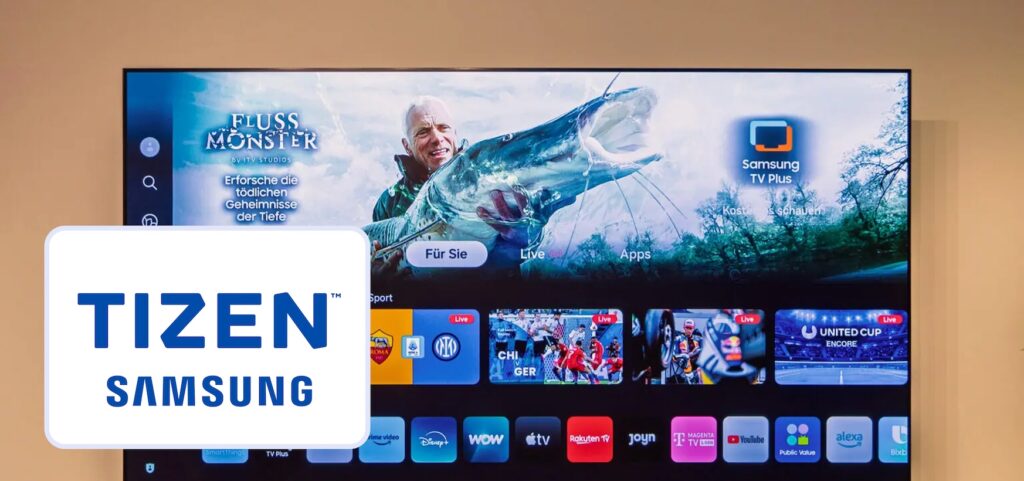
For example, companies can:
- upload images and videos
- create playlists
- schedule content
- manage screens across locations
As a result, businesses can easily scale their digital signage networks.
Web-Browser Based Digital Signage
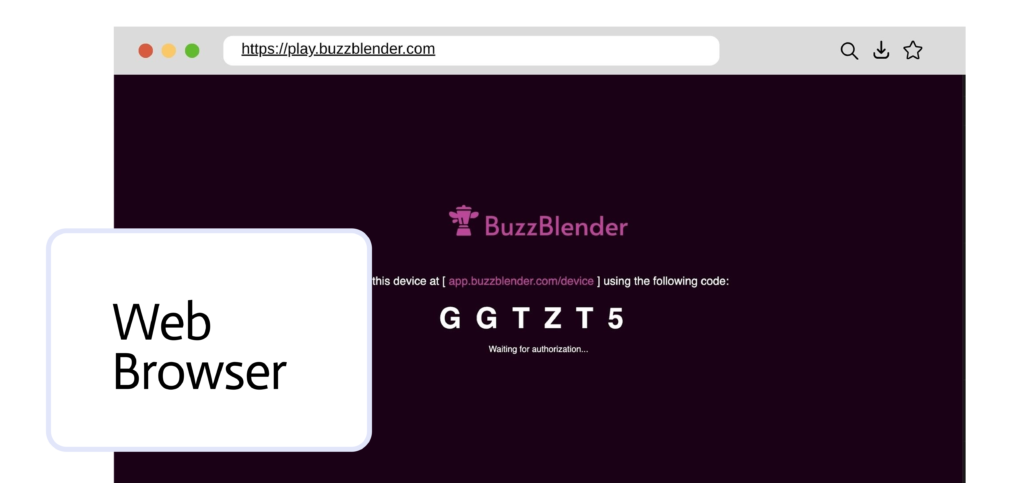
In addition to smart TV operating systems, Buzzblender also supports web-browser based digital signage. Therefore, businesses can run digital signage directly in a browser without installing an app.
For example, a screen can open a secure web player in browsers such as Chrome, Edge, or Firefox. As a result, the screen immediately starts displaying digital signage content.
This approach is useful when businesses want a quick setup. In addition, it works on many devices that already have a web browser.
For example, browser-based digital signage can run on:
- computers and laptops
- mini PCs
- tablets
- media players
- smart TVs with web browsers
Because the system runs in a browser, installation is simple. Therefore, businesses can quickly deploy screens without additional hardware.
Moreover, the browser player still connects to the Buzzblender dashboard. As a result, managers can upload content, schedule playlists, and manage screens remotely.
Manage All Screens from One Dashboard
Even though different operating systems are supported, all screens can be managed from one platform.
Buzzblender provides a centralized cloud dashboard. Therefore, administrators can control screens across multiple devices and locations.
For example, users can:
- upload media files
- schedule content
- group screens by location
- monitor screen activity
- add QR code overlay
Because everything is managed from one place, businesses can maintain consistent branding and messaging. Full list of our features.
Use Your Existing Screens
One of the biggest advantages of Buzzblender is flexibility. Many companies already have screens installed in their locations.
Instead of buying new hardware, businesses can simply install the Buzzblender app on supported operating systems.
Therefore, companies can turn existing TVs and displays into digital signage screens quickly and at a low cost. Our guide describes how to set up cheap menu for digital signage.
Supported Platforms at a Glance
Buzzblender currently supports the following operating systems:
As a result, businesses can deploy digital signage on many types of screens and devices.
Start Using Buzzblender Digital Signage Software
Buzzblender helps businesses manage digital signage across multiple operating systems. Because the platform supports popular smart TV systems, companies can deploy screens quickly.
Whether you use Android TVs, LG webOS displays, or Samsung Tizen screens, Buzzblender allows you to manage all digital signage content from one dashboard.
Simple and Affordable Pricing
Buzzblender offers simple and transparent pricing. Businesses can start using digital signage software for $5 per screen per month.
Because the software works on multiple operating systems, companies can use their existing screens. Therefore, there is no need to purchase expensive hardware or media players.
FAQ — Supported Operating Systems
Which operating systems does Buzzblender support?
Buzzblender supports several operating systems, including Android, LG webOS, and Samsung Tizen OS. In addition, businesses can run digital signage through a web-browser based player.
Can I use my existing TVs for digital signage?
Yes. Many smart TVs already run Android, LG webOS, or Samsung Tizen. Therefore, businesses can install the Buzzblender app and turn existing TVs into digital signage screens.
Can digital signage run in a web browser?
Yes. Buzzblender also supports web-browser based digital signage. As a result, screens can display content through browsers such as Chrome, Edge, or Firefox.
Do I need additional hardware?
In many cases, no additional hardware is required. Because Buzzblender runs directly on supported operating systems, businesses can use their existing screens.