
Turn Any Android TV into a Digital Signage Screen
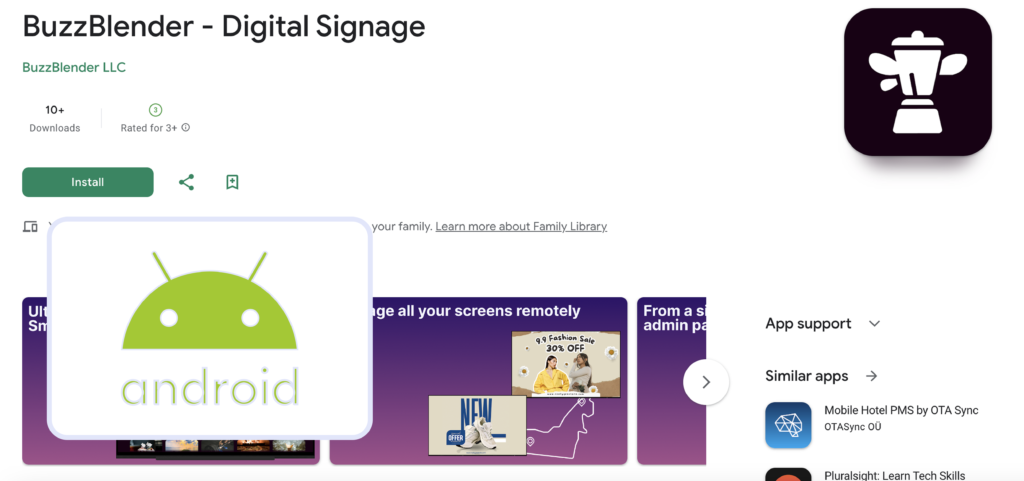
Android TV is one of the most flexible platforms for modern digital signage. With Buzzblender digital signage software, businesses can transform any Android TV into a professional digital signage display without additional hardware
— at a very affordable price. For example, digital signage software for Android TV – Buzzblender – costs $5 per screen per month.
Using Buzzblender, companies can publish content, schedule playlists, and perform remote content management on Android TV screens from a centralized cloud dashboard. This makes digital signage software for Android TV an ideal solution for retail stores, restaurants, offices, and public spaces.
What is Android TV Digital Signage?
Android TV digital signage allows businesses to display promotional content, announcements, menus, and videos on screens powered by the Android TV operating system.
Instead of using traditional external media players, organizations can install digital signage software directly on Android TV devices. This simplifies deployment and reduces hardware costs while maintaining full control over screen content.
With Buzzblender, administrators can manage screens remotely and perform remote content management on Android TV devices, ensuring that content updates appear instantly across multiple locations.
Supported Android TV Brands
Buzzblender digital signage software works with many popular Android TV brands used in commercial and consumer displays.
Common Android TV Brands
- Xiaomi Android TV
- Sony Android TV
- Philips Android TV
- Sharp Android TV
- TCL Android TV
- Hisense Android TV
These devices allow businesses to run digital signage applications directly on the TV without additional media players.
Because Android TVs are widely available, companies can deploy digital signage networks quickly and affordably.
Remote Content Management on Android TV
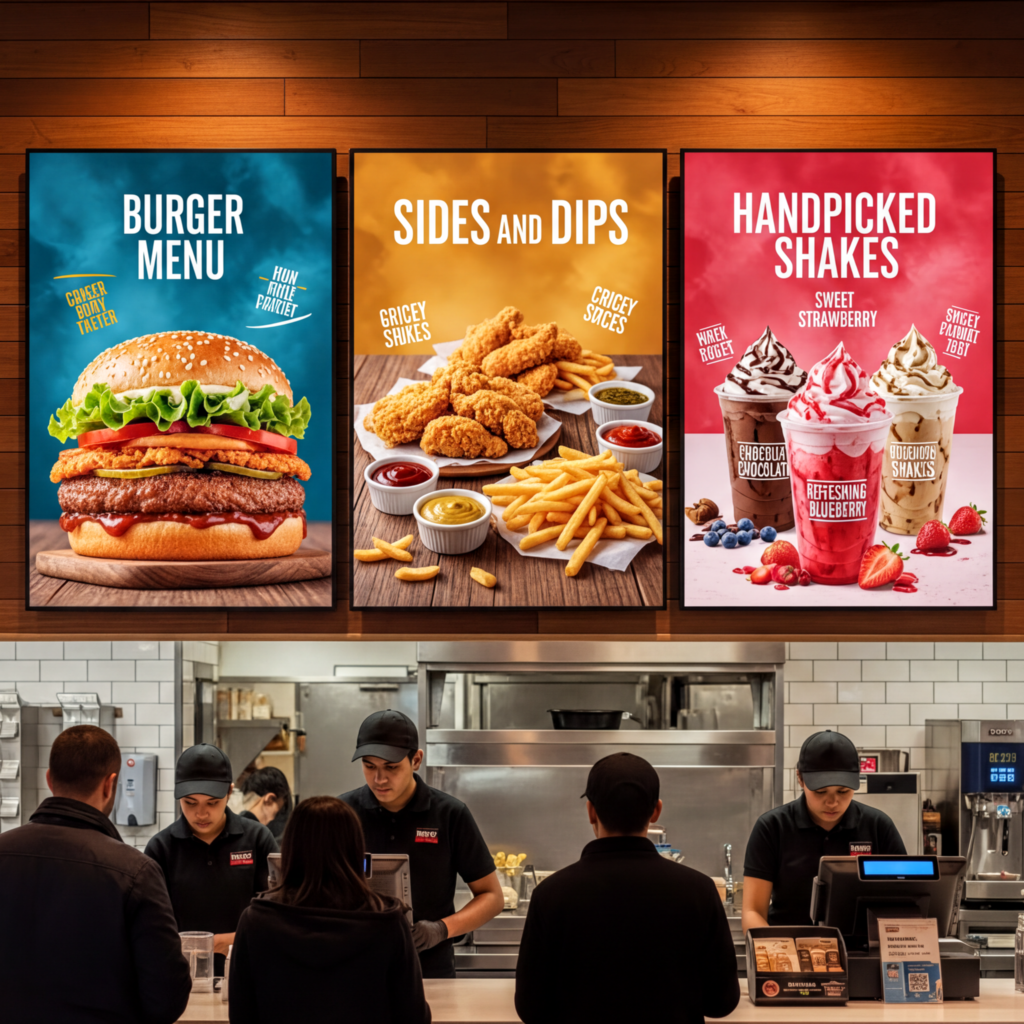
One of the biggest advantages of Android TV digital signage is the ability to control screens remotely.
Buzzblender provides remote content management on Android TV, allowing administrators to manage screens from anywhere using a cloud dashboard.
With remote management you can:
- upload new images and videos
- schedule digital signage playlists
- update content instantly
- control screens across multiple locations
- monitor screen activity
This centralized system makes Android TV ideal for businesses operating multiple screens.
How Digital Signage Works on Android TV
Running digital signage on Android TV with BuzzBlender takes only a few steps.
Step 1 – Install the App
Download and install the Buzzblender digital signage application on your Android TV.
Step 2 – Connect the Screen
Enter the activation code displayed on the screen in the Buzzblender admin panel.
Step 3 – Upload Content
Upload images, videos, menus, or announcements to your dashboard.
Step 4 – Schedule and Publish
Create playlists and publish content to one or multiple Android TV screens.
Once published, content automatically appears on the screens according to the defined schedule.
Did you know that you can add a QR code to measure playlist efficiency?
Benefits of Android TV for Digital Signage
Using Android TV for digital signage provides several advantages.
Key Benefits
- no external media player required
- affordable hardware options
- simple app installation
- remote content management on Android TV
- scalable for multiple locations
These advantages make Android TV one of the easiest ways to deploy digital signage networks. You can buy a regular TV and turn it into a revenue-generating screen for your business. See our guide on how to set up a digital menu at a low cost.
Use Cases for Android TV Digital Signage
Retail Stores
Display product promotions and advertisements.
Restaurants
Show digital menus and daily specials.
Corporate Offices
Display internal communication and dashboards.
Public Spaces
Provide announcements and information displays.
Hotels
Drive SPA, food, and beverage revenue using idle TV screens in guest rooms. Show the right promotions at the right time, such as cocktails and food offers when guests are relaxing. Don’t forget to promote your room service menu. Visit our case study to learn more.
Why Choose Buzzblender for Android TV Digital Signage
Buzzblender provides a powerful cloud platform for managing Android TV digital signage networks.
Features
- remote content management on Android TV
- digital signage content scheduling
- playlist management
- multi-location screen control
- QR code campaign tracking
With Buzzblender, businesses can manage screens from a single dashboard while keeping content updated across all locations. See all features of Buzzblender digital signage software.
Affordable solution for remote content management
Each business can afford Buzzblender Remote content management system because pricing starting at $5 per screen per month
$5 Investment That Pays Back Immediately
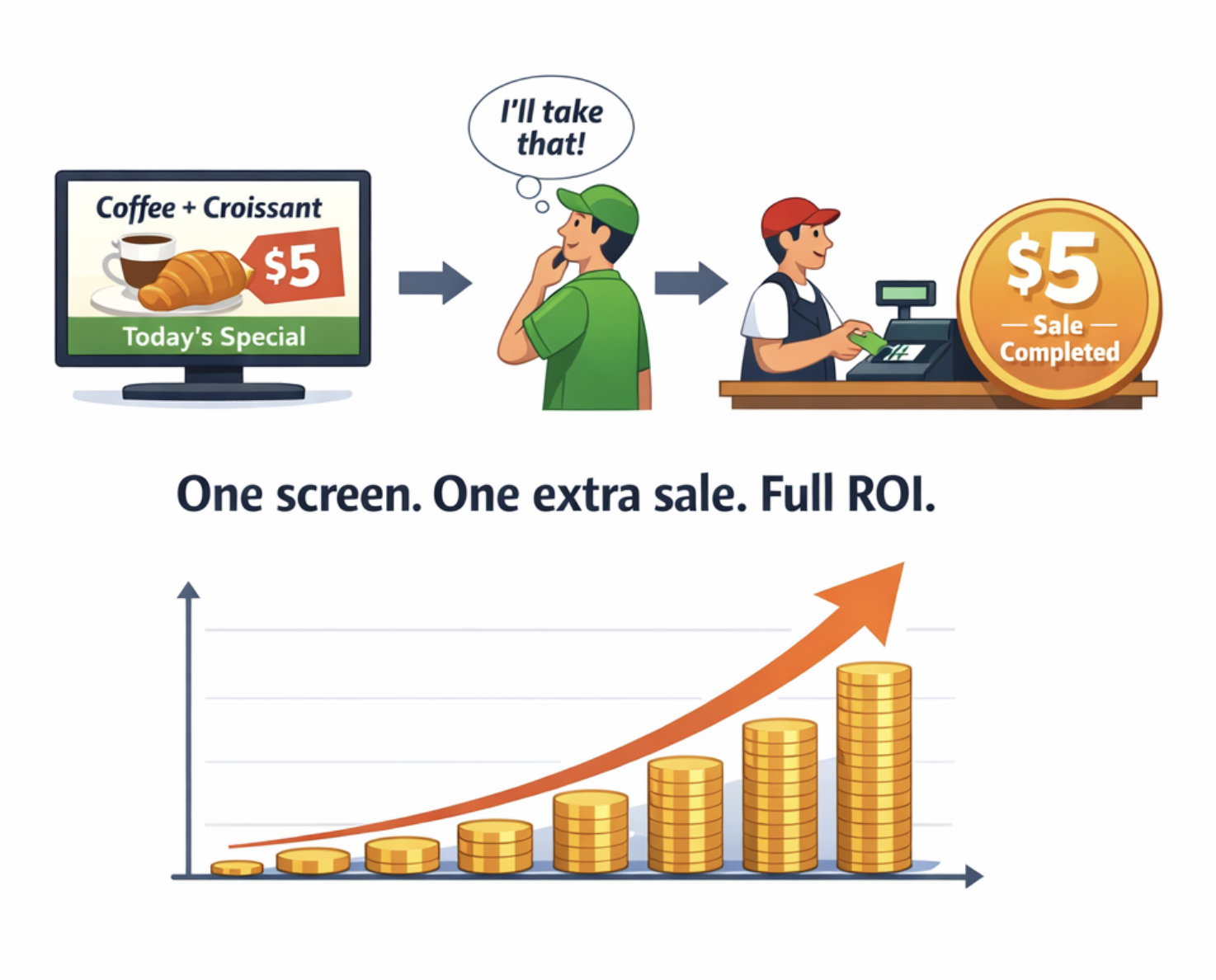
Buzzblender costs less than $0.17 per day. If your screen convinces just one customer per month to buy a coffee, dessert, or product — your subscription is already covered.
From that moment, your screens become a profit-generating marketing channel.
No expensive hardware.
No complex setup.
Just plug in a screen and start promoting.
FAQ — Android TV Digital Signage
Can Android TV be used for digital signage?
Yes. Android TV devices can run digital signage applications that allow businesses to display promotional content, menus, announcements, and videos on screens.
Which Android TV brands support digital signage software?
Many Android TV brands support digital signage apps including Xiaomi, Sony, Philips, TCL, Hisense, and Sharp.
Can I manage Android TV screens remotely?
Yes. Buzzblender allows remote content management on Android TV, enabling administrators to publish and schedule content from a cloud dashboard.
Do I need a media player for Android TV signage?
No. Digital signage software can run directly on Android TV devices, eliminating the need for an external media player.