
Managing a chain of stores, especially across different locations, can be a significant challenge. It’s even harder when you can’t physically be there to control your staff or monitor your screens.
This is where Buzzblender comes to the rescue, simplifying screen management for your entire store network.
Why Buzzblender is Your Go-To Solution
With Buzzblender, you can efficiently manage all your screens from a single platform:
1. Comprehensive Screen Overview:
- View the status of all your screens at a glance.
- Go to the “Devices” section to see which screens are active—marked in green—so you know they’re on and running.
- Use a single admin panel to schedule content for different screens.
- Customize schedules for each screen or use the same content across multiple locations. It’s your screen, your rules!
3. Seamless Updates Across Locations:
- Update content instantly, no matter where your stores are. Whether you’re in Dubai and your café is in Dallas, your content stays fresh and relevant.
Use Cases to Boost Revenue Across Your Store Chain
Buzzblender isn’t just about convenience—it’s a tool to unlock new revenue streams for your business. Here are some practical use cases:
1. Centralized Content Management
Save time and resources:
- Store your promotions, videos, and ads in a single, centralized admin panel.
- Eliminate repetitive work by managing all your screens from one place.
2. Unlock a New Marketing Channel
Empower your marketing team:
- Let them create engaging videos or campaigns and update screens remotely.
- Launch new promotions instantly, regardless of where your stores are located.
3. Promote Location-Specific Offers
Tailor content to each store:
- Highlight location-specific deals or promotions.
- For instance, advertise a “Lunch Combo” offer in one location and a “Happy Hour Special” in another.
4. Monitor Screen Performance
Keep operations seamless:
- Instantly identify screens that are off and address issues proactively.
- Avoid downtime and ensure your marketing messages are always live.
5. Cross-Promote Across Locations
Drive traffic between stores:
- Advertise a grand opening or special event at one location on screens in nearby stores.
- Encourage customers to visit multiple branches.
6. Real-Time Updates for Seasonal Campaigns
Stay ahead of the game:
- Launch seasonal promotions, holiday specials, or flash sales on all your screens in seconds.
- No need to visit each store for updates—manage it all from your admin panel.
7. Showcase Consistent Branding
Maintain a unified brand experience:
- Ensure all locations reflect your brand identity through consistent messaging and visuals.
- Build stronger customer trust and loyalty.
8. Measure efficiency of your campaigns
- Generate QR code overlay to your media
Transform Your Store Chain with Buzzblender
Buzzblender makes managing multiple stores simple and stress-free. By centralizing your screen management and empowering your team, you can enhance customer experiences, streamline operations, and significantly boost revenue across your store chain.
Works with Philips, LG, Samsung, Xiaomi, TCL – no extra hardware
Buzzblender works seamlessly across different types of displays and operating systems:
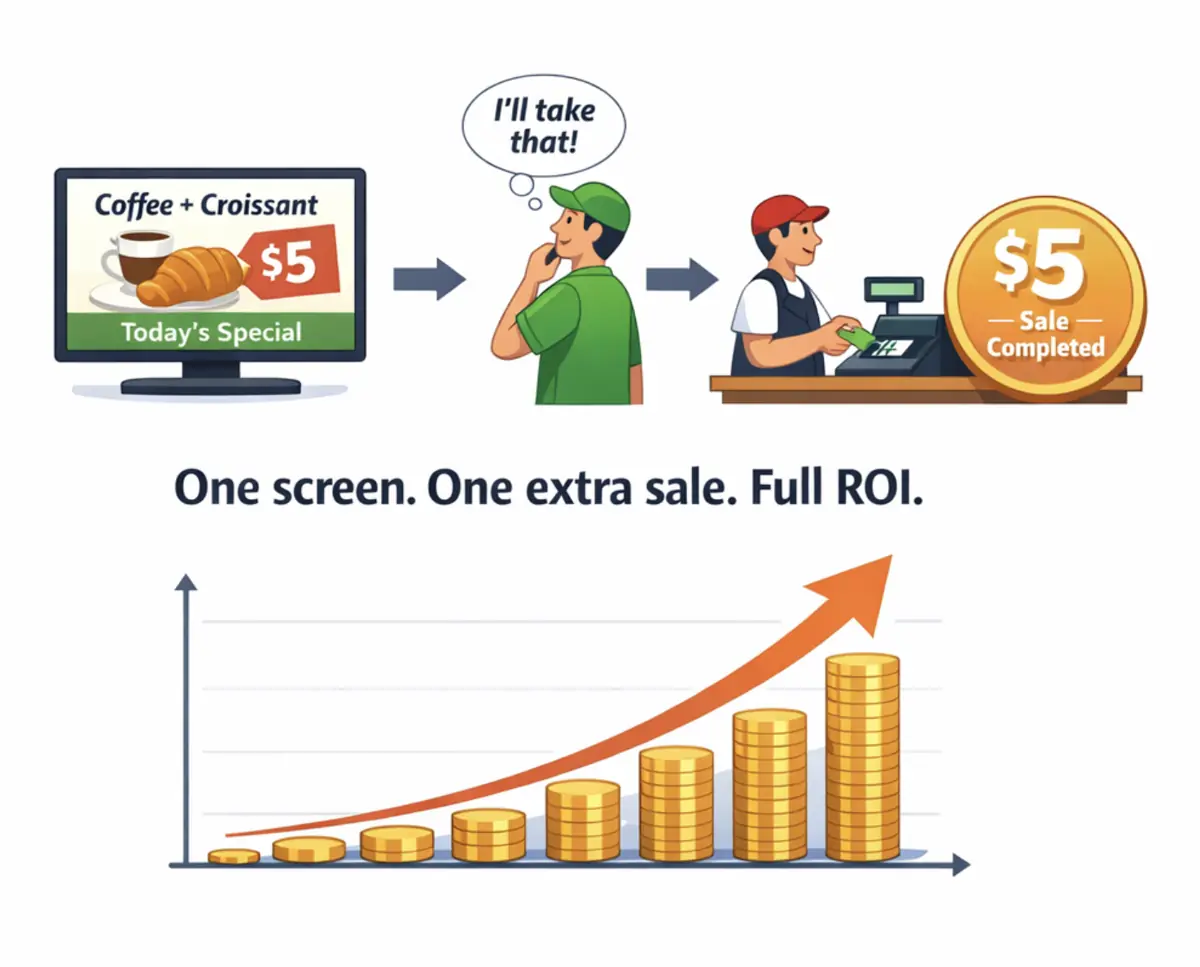
$5 Investment That Pays Back Immediately
BuzzBlender costs less than $0.17 per day. If your screen convinces just one customer per month to buy a coffee, dessert, or product — your subscription is already covered.
From that moment, your screens become a profit-generating marketing channel.
No expensive hardware.
No complex setup.
Just plug in a screen and start promoting.
What Our Customers Say
⭐⭐⭐⭐⭐
Helps us keep our displays fresh and engaging
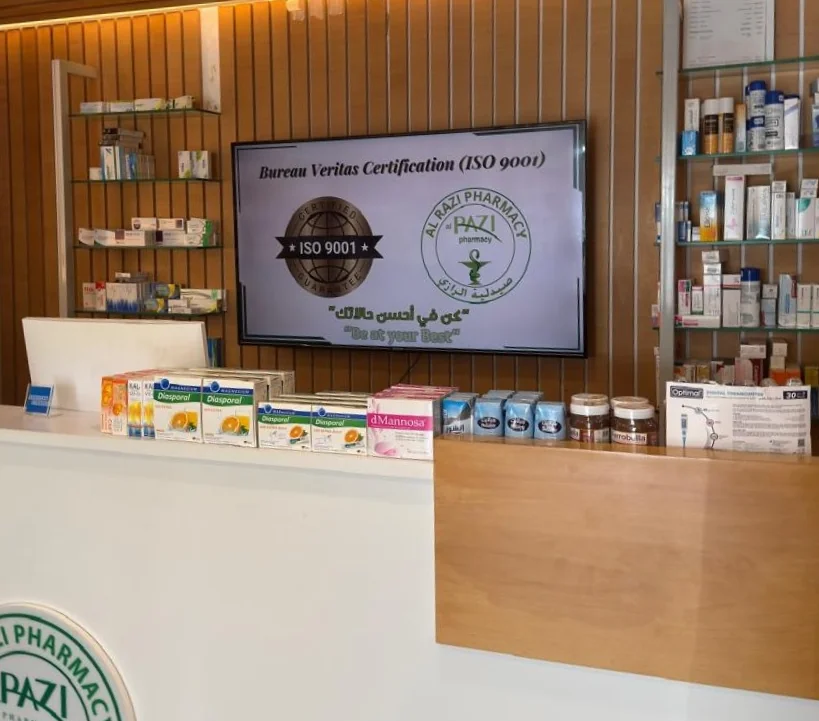
What I value most is the simplicity. Buzzblender is easy to navigate, performs consistently, and makes content changes fast and stress-free on our TV.
Ahmed, Al Razi Pharmacy it manager

FAQ: Digital Signage for Multi-Location Stores
What is digital signage for multi-location stores?
Digital signage for multi-location stores is a system that allows businesses to manage and display content across multiple screens in different locations from a single platform.
How does Buzzblender help manage multiple store locations?
Buzzblender provides a centralized dashboard where you can monitor screen status, schedule content, and update displays across all store locations in real time.
Can I control all my screens remotely?
Yes, Buzzblender allows you to control and update all your screens remotely, no matter where your stores are located.
Can I display different content in different store locations?
Yes, you can customize content for each location, allowing you to promote location-specific offers, events, or products based on your business needs.
How does digital signage improve marketing for retail chains?
Digital signage helps retail chains launch campaigns instantly, display dynamic promotions, and ensure consistent messaging across all locations, improving engagement and sales.
Can digital signage help increase revenue across store chains?
Yes, digital signage increases revenue by promoting targeted offers, cross-selling products, and encouraging customers to visit multiple locations.
How does Buzzblender help maintain brand consistency?
Buzzblender allows you to manage all content from one platform, ensuring that all locations display consistent branding, messaging, and visuals.
Can I track the performance of my digital signage campaigns?
Yes, Buzzblender enables you to measure campaign effectiveness using tools like QR code overlays and performance insights.
How can digital signage help reduce operational workload?
By centralizing content management and eliminating manual updates, digital signage reduces repetitive tasks and saves time for your team.
Can I run seasonal or real-time promotions across all stores?
Yes, Buzzblender allows you to launch seasonal campaigns, flash sales, and promotions instantly across all your screens.
What happens if a screen goes offline?
Buzzblender provides a screen status overview, allowing you to quickly identify inactive screens and resolve issues to avoid downtime.


Leave a Reply