

If you’re searching for MagicInfo alternatives, you’re probably already using (or considering) Samsung MagicInfo — and realizing it might not be the simplest or most flexible option.
Samsung MagicINFO is a capable digital signage platform, particularly for organizations already standardized on Samsung commercial displays. But being deeply connected to one hardware ecosystem is not always an advantage.
Businesses increasingly want signage software that is easier to deploy across mixed hardware, simpler for non-technical employees to operate, and predictable to budget as the number of screens grows.
The good news is that MagicINFO is far from the only option in 2026.
Modern cloud digital signage platforms can manage playlists, schedules, screens, videos, images, webpages, menus, promotions, internal communications, and multi-location networks without forcing businesses into a Samsung-only environment.
And the price difference can be substantial.
But in 2026, there is another reason to investigate MagicInfo alternatives beyond price or usability.
Samsung is gradually replacing MagicInfo with Samsung VXT. Samsung’s German business website states that new MagicInfo on-premise licenses were available to new customers until February 2026 and to existing customers until August 2026, while technical updates and support are scheduled to continue until August 2029.
That makes 2026 an important decision point. Organizations planning new deployments may prefer to migrate to VXT, but businesses that want lower costs, broader hardware compatibility, or a simpler cloud-first setup have plenty of alternatives.
BuzzBlender, for example, lists its Basic plan at $5 per screen per month. Its pricing page includes scheduling, remote screen management, Samsung, LG, Android, Philips, Windows and Linux support, QR overlays, portrait and landscape orientations, video walls on supported platforms, kiosk mode, and images, videos, webpages and HTML.
That also makes BuzzBlender 4× less expensive than a $20-per-screen plan such as ScreenCloud Core at its published $20 monthly rate. More precisely, $5 is 75% cheaper than $20, while $20 is four times the $5 price.
So which MagicINFO alternative is right for you?
Here are five of the strongest options to consider in 2026.
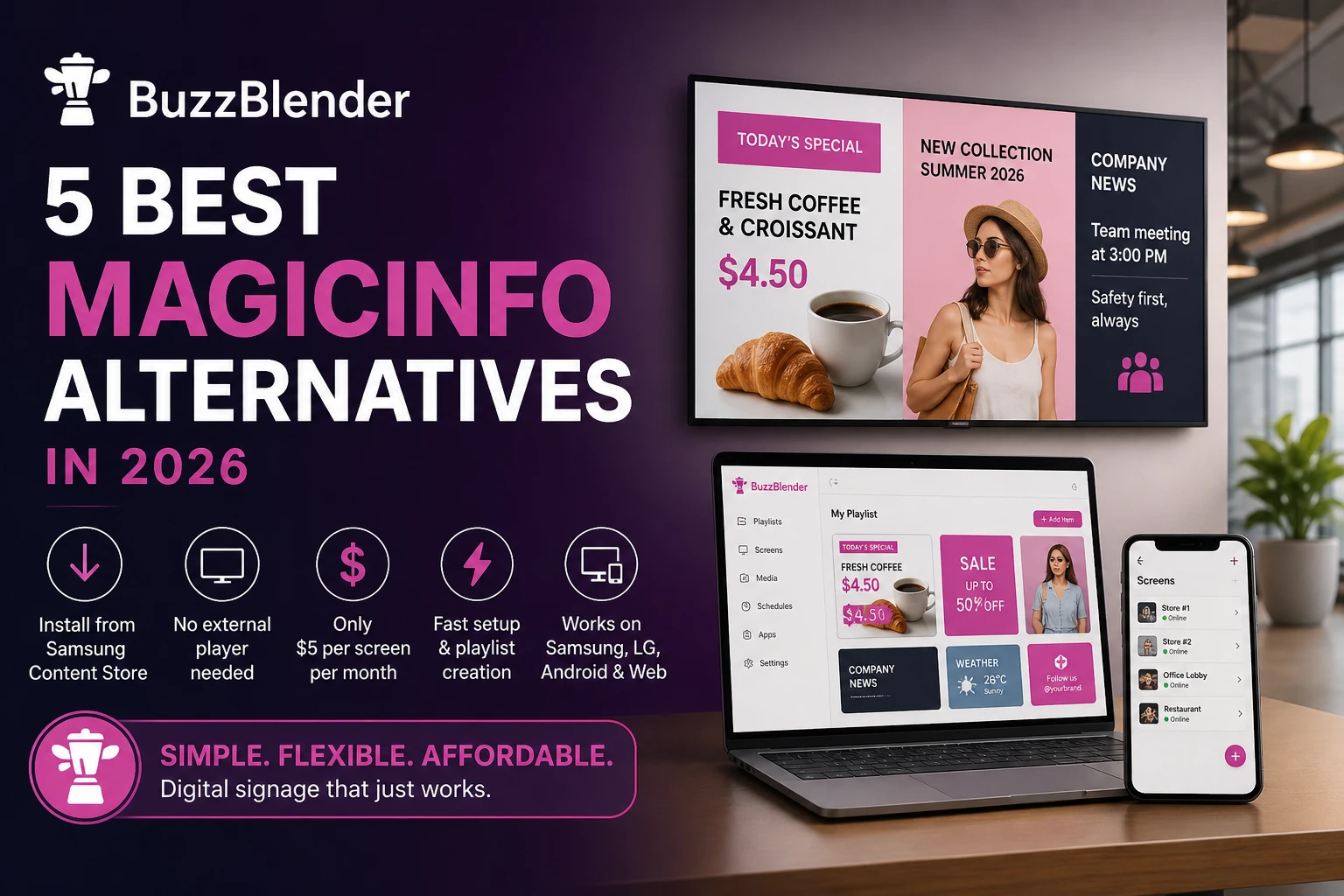
What Makes a Better MagicInfo Alternative?
Before switching, here’s what most users are actually looking for:
- No external media player required
- Install directly on Smart TVs (Samsung, LG, Android)
- Fast playlist creation and updates
- Affordable per-screen pricing
- Works across multiple device types (not locked-in)
MagicInfo remains a capable platform. Samsung describes MagicInfo 9 as an all-in-one solution covering content, device, and data management. Its Server component supports playlists, scheduling, distribution, monitoring, device health, remote control, firmware management, and more.
For companies heavily invested in Samsung commercial displays, that integration can be valuable.
The problem is that not every organization needs such a Samsung-centric ecosystem.
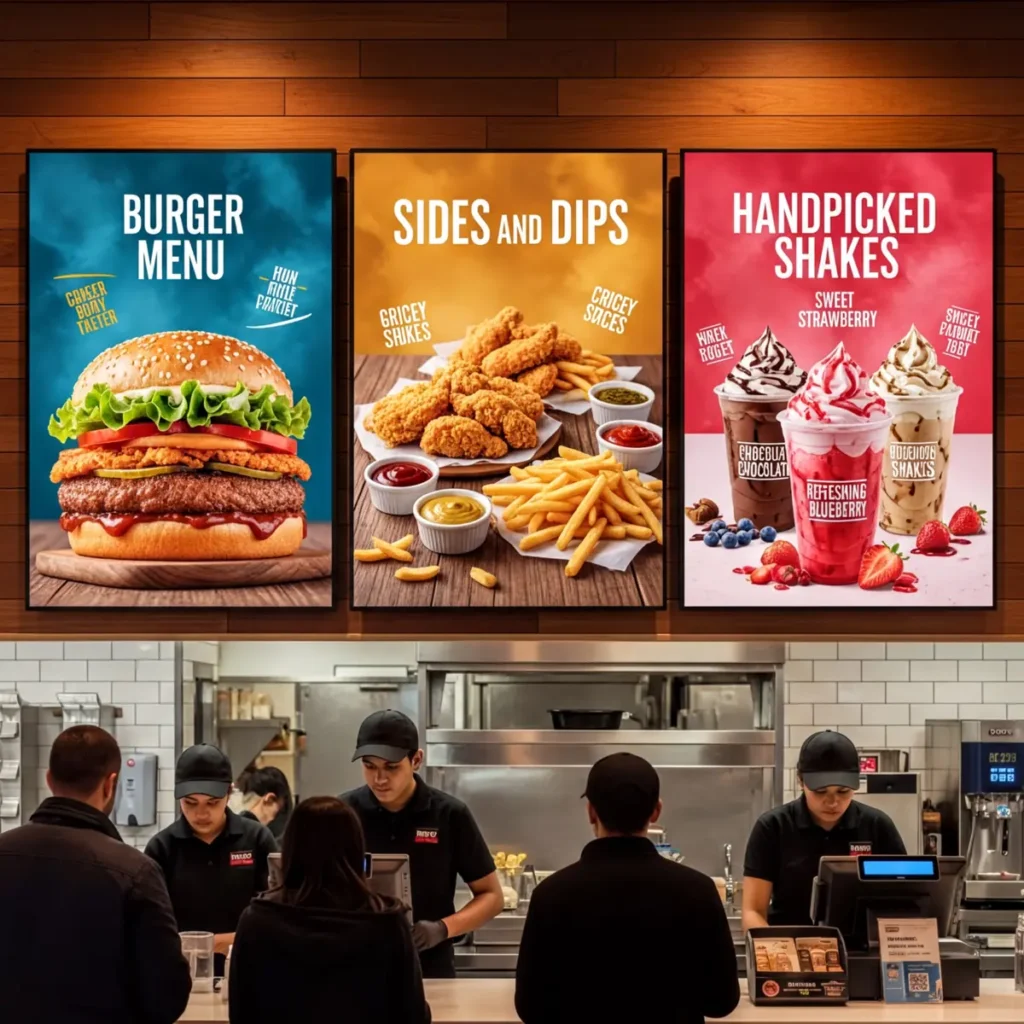
A restaurant with six menu displays, a retail chain with screens from several manufacturers, or an office that simply needs to schedule announcements may prioritize something different: fast setup, predictable per-screen pricing, and the ability to reuse existing hardware.
The transition from MagicInfo toward Samsung VXT gives existing customers another reason to reconsider their long-term digital signage architecture.
Why Look for a MagicINFO Alternative?
MagicINFO makes the most sense when Samsung signage hardware is already central to your deployment. Samsung integration is its natural strength.
That strength can become a constraint when an organization starts mixing Samsung displays with LG screens, Android devices, PCs or other hardware.
A modern MagicINFO replacement should therefore be evaluated on more than whether it can simply put a video on a television.
The bigger questions are how quickly employees can learn the CMS, how easily new screens can be deployed, whether existing hardware can be reused, how much the software costs as the network expands, and whether the platform supports the workflows your business actually needs.
For a 50-screen network, even a $10 difference in monthly per-screen pricing translates to $500 per month before considering hardware, support or add-ons.
That makes total cost of ownership particularly important when comparing MagicINFO alternatives.
Best MagicINFO Alternatives: Quick Comparison
| Platform | Starting Price* | Free Option / Trial | Hardware Approach | Best For |
|---|---|---|---|---|
| BuzzBlender | $5/screen/month | 14-day trial | Cross-platform | Affordable, straightforward deployments |
| Yodeck | $8/screen/month | 1 screen free | Broad hardware support | Feature-to-price balance |
| OptiSigns | $10/screen/month | Free trial | Multiple platforms/devices | Apps and integrations |
| ScreenCloud | $20/screen/month | Free trial | ScreenCloud hardware + supported third-party devices | Larger teams and enterprise deployments |
| PlaySignage | Dynamic pricing | First screen can be free subject to conditions | Broad hardware support | Flexible deployments |
| Samsung MagicInfo | Varies by deployment/license | — | Samsung-centric |
Samsung’s December 2025 U.S. display MSRP list, for example, lists MagicInfo Cloud CMS annual per-display offerings at $323 with email support, $359 with 12/7 NOC support, and $400 with 24/7 NOC support. Those figures should not be interpreted as universal MagicInfo pricing because licensing and regional arrangements vary.
1. Buzzblender — Best MagicInfo Alternative Overall
Pricing: $5 per screen/month
If your goal is to replace MagicInfo with something faster and simpler, Buzzblender Digital Signage Software is the strongest option.
Why Buzzblender wins
- Install from the Samsung Content Store (regular TV) or follow this guide for Samsung Signage commercial displays. No complicated deployment. Just download and start.
- No media player required
Works directly on your Smart TV. - $5 per screen/month
One of the most affordable solutions on the market. - Fast setup (minutes, not hours)
Create and launch playlists almost instantly. - Works on multiple platforms
Not just Samsung: - Simple support access
Need help with installation or setup?
→ help@buzzblender.com
Best for:
Businesses that want plug-and-play digital signage without hardware or complexity
How Buzzblender Works
Step 1: Install the App
Download and install the Buzzblender app on your display. It works on Samsung, LG webOS, Android TVs, and other compatible devices.
Step 2: Connect Your Screen
Log in to your cloud dashboard and pair your screen using a simple activation code. The process takes just a few seconds.
Step 3: Upload Your Content
Add your media directly to the platform, including images, videos, menus, promotions, and announcements.
Step 4: Schedule and Publish
Create playlists, set your schedule, and publish content instantly to one or multiple screens.
Result
Your content is delivered to all connected displays in real time—live within seconds, with no delays or extra steps.
Take control of your screens today with Buzzblender
2. OptiSigns — Best for Interactive Digital Signage
Pricing: $10–$45 per screen/month
OptiSigns is ideal if you need:
- Touchscreen kiosks
- Advanced scheduling
- Device monitoring
It’s more flexible than MagicInfo and works across many devices.
Downside:
More features = more complexity and higher price.
3. NoviSign — Best for Integrations (POS, API, Data)
Pricing: $18–$44 per screen/month
NoviSign is built for companies that need:
- POS integrations
- API access
- Data dashboards (like Power BI)
Downside:
Expensive compared to simpler alternatives.
4. Look Digital Signage — Best for Design Simplicity
Pricing: ~$13.50 per screen/month
Look offers:
- Clean UI
- Strong design tools
- Easy content management
Downside:
Fewer integrations than enterprise platforms.
5. ScreenCloud — Best for Enterprise Teams
Pricing: $20–$30 per screen/month
ScreenCloud is designed for:
- Large teams
- Content approval workflows
- Multi-location governance
Downside:
Higher cost and more complex setup.
Comparison: MagicInfo vs Alternatives
| Feature | Buzzblender | OptiSigns | NoviSign | Look | ScreenCloud | MagicInfo |
|---|---|---|---|---|---|---|
| Price | $5 | $10–45 | $18–44 | $13.5 | $20–30 | Higher |
| Works without extra hardware | Yes | Yes | Yes | ❌ None | Yes | Yes |
| Works on Samsung | Yes | Yes | Yes | Yes | Yes | Yes |
| You can install from Samsung Content Store | Yes | Yes | Yes | ❌ None | Yes | Yes |
| Works on LG/Android | Yes | Yes | Yes | Yes | Yes | ❌ Limited |
| Setup speed | Fast | Medium | Medium | Easy | Complex | Complex |
| Playlist creation | Very fast | Good | Good | Good | Advanced | Slower |
Is BuzzBlender Really 4× Cheaper?
The “[4× Cheaper]” headline needs some context.
BuzzBlender’s published Basic price is $5 per screen/month.
ScreenCloud’s Core plan has been published at $20 per screen/month plus VAT, making the $20 price four times BuzzBlender’s $5 rate.
In percentage terms, BuzzBlender is 75% cheaper than a $20-per-screen product.
Which MagicINFO Alternative Should You Choose?
There is no universal winner because the right platform depends on why you are leaving MagicINFO.
If the primary problem is cost, complexity or hardware flexibility, BuzzBlender is the strongest starting point. At $5 per screen/month, it provides the essential signage workflows most SMBs and multi-location organizations need without requiring a premium-priced software tier.
If you want a particularly broad template and app ecosystem, Yodeck deserves consideration.
If your deployment revolves around dashboards, third-party integrations or sophisticated interactive experiences, OptiSigns offers a deeper feature stack, although advanced plans can cost considerably more.
TelemetryTV is a good fit when device management, provisioning and data-driven signage are central requirements.
NoviSign stands out when teams want extensive built-in content creation, touchscreen functionality and advanced widgets.
The key is to avoid paying for enterprise capabilities that your organization will never use.
Key Takeaways
- MagicINFO remains useful for Samsung-centered deployments, but it is not the only option in 2026.
- BuzzBlender starts at $5 per screen/month and supports a broader mix of platforms.
- Yodeck starts at $8 per screen/month for multi-screen Basic deployments and offers a free single-screen option.
- OptiSigns Standard costs $10 monthly or $9 with annual billing and emphasizes apps and integrations.
- TelemetryTV Entry currently starts at $8 per device/month.
- NoviSign Business starts at $14 per screen/month with annual billing.
- A $5-per-screen solution costs one-quarter of a $20-per-screen solution, making pricing increasingly significant as networks scale.
- Compare hardware requirements, integrations, permissions, reporting and support—not just subscription prices—before migrating.
Final Verdict
If you’re switching from MagicInfo, the biggest improvement you’ll notice is simplicity.
Instead of dealing with complex setups and hardware limitations, tools like Buzzblender offer:
- Instant installation
- No extra devices
- Cross-platform support
- Predictable low pricing
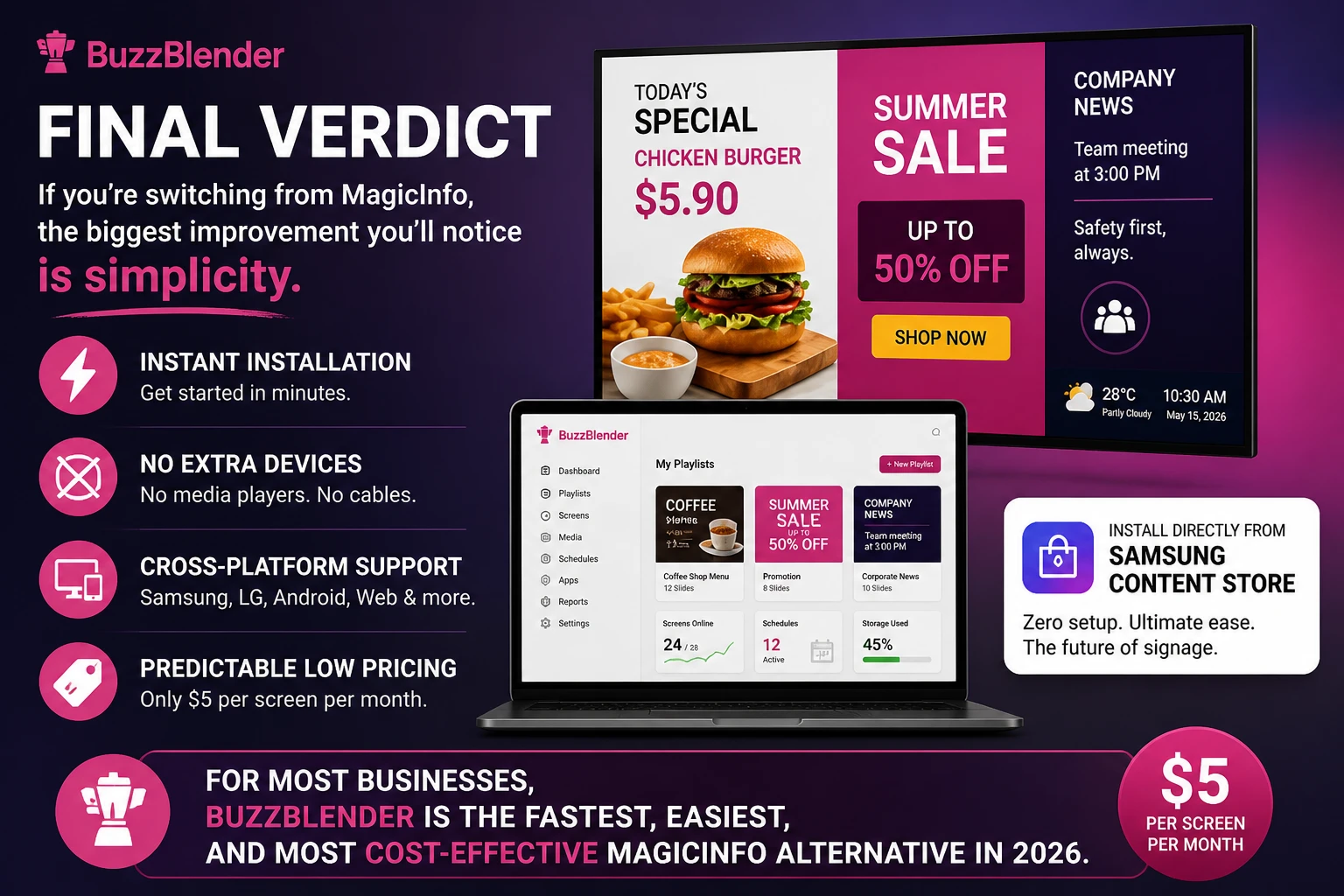
👉 For most businesses, Buzzblender is the fastest, easiest, and most cost-effective MagicInfo alternative in 2026. No Card Required! 14 Days free trial.
FAQ – The best MagicInfo alternative
What is the best MagicInfo alternative in 2026?
The best MagicInfo alternative in 2026 is Buzzblender. It offers a faster setup, does not require an external media player, and provides simple pricing at $5 per screen per month, making it one of the easiest and most cost-effective digital signage solutions.
Do I need a media player for digital signage software?
No, you do not need a media player. Modern digital signage platforms like Buzzblender work directly on Smart TVs, including Samsung, LG, and Android devices, without requiring any additional hardware.
Can I install digital signage software from Samsung Content Store?
Yes, some platforms such as Buzzblender can be installed directly from the Samsung Content Store, allowing quick setup without complicated configuration.
Why do businesses switch from MagicInfo?
Businesses switch from MagicInfo because setup can be complex, the system is tied to Samsung hardware, and costs increase when scaling across multiple screens. Alternatives offer simpler workflows, faster deployment, and more predictable pricing.
What features should I look for in a MagicInfo alternative?
You should look for a solution that does not require external hardware, installs quickly, works across multiple platforms such as Samsung, LG, Android, and web browsers, and allows easy playlist management with affordable pricing.
Is Buzzblender cheaper than MagicInfo?
Yes, Buzzblender is typically more affordable. It offers predictable pricing at $5 per screen per month, which is lower than many MagicInfo setups, especially at scale.
Does Buzzblender support multiple devices?
Yes, Buzzblender supports multiple devices. It works on Samsung, LG, Android TVs, web browsers, and other platforms, making it suitable for multi-location businesses.
How fast can I set up Buzzblender?
Setup is very fast and usually takes only a few minutes. You can install the app, connect your screen, and launch your first playlist without technical knowledge.
Can I try Buzzblender for free?
Yes, Buzzblender offers a 14-day free trial with no credit card required.
Which MagicInfo alternative is best for enterprise use?
ScreenCloud and NoviSign are commonly used for enterprise needs, but Buzzblender is often preferred for its simplicity, faster deployment, and lower cost.
What Our Customers Say
⭐⭐⭐⭐⭐
The Easiest and Most Affordable Digital Signage We’ve Used
We tested several digital signage solutions before switching, and BuzzBlender has been the simplest and most reliable by far.
Setup on our Samsung displays was fast, and managing content is incredibly easy—even for non-technical staff. We can update screens in real time, run promotions, and control everything remotely without extra hardware.
Compared to other systems, it stands out for both ease of use and pricing. Just five dollars.
Vasiliy, co-founder of Ecomind


Samsung User Guides
We Support Different Operating Systems




Leave a Reply