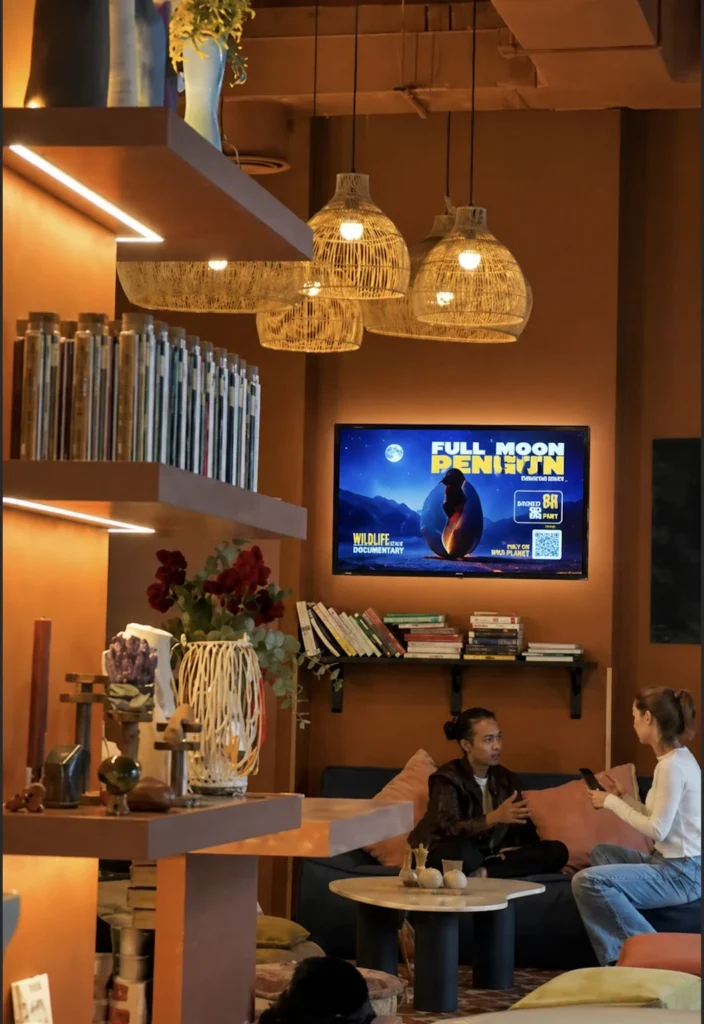
Buzzblender ($5 Screen/Month) is built to run on any screen and almost any hardware — from dedicated plug-and-play players to TVs, Android sticks, and even DIY setups. Below is a realistic breakdown with actual devices, specs, and trade-offs. Our choice of the best digital signage players.
Exclusive offer: get your first month free with promo code WELCOME100
Buzzblender is Digital Signage Software and Digital Signage Player
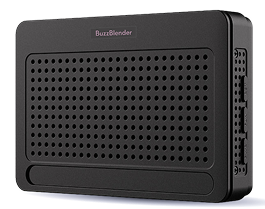
It’s a reliable device that can run 24/7. It’s compact, so you can easily place it behind your screen. The price is $200.
Use BuzzBox for non Smart TV.
Plug & Play: Connect the Buzz Box to any TV using HDMI – no Smart TV required.
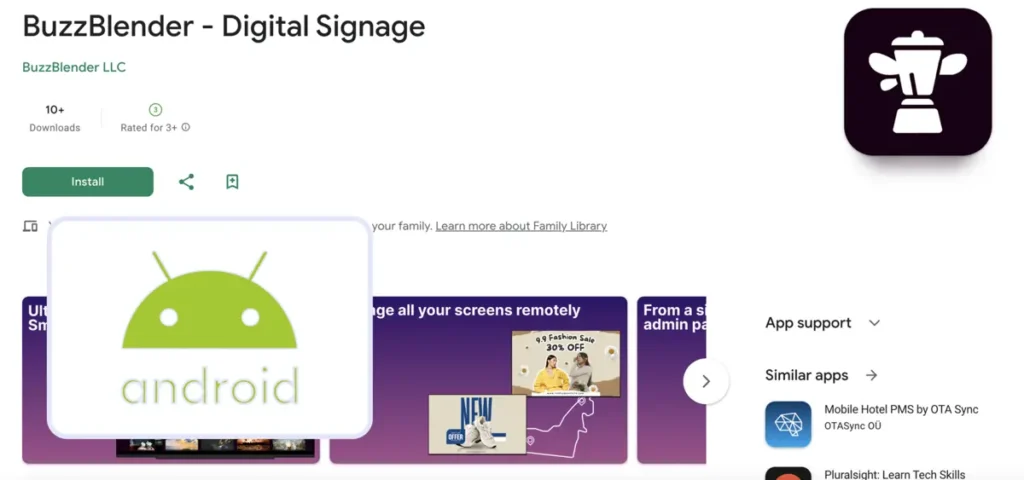
Android TV devices
Affordable, flexible, and widely available
Android-based players are one of the most popular ways to run Buzzblender. They’re cheap, easy to deploy, and available globally — but they are not purpose-built for signage, so there are trade-offs.
Below are real devices with actual specs and realistic pros/cons.
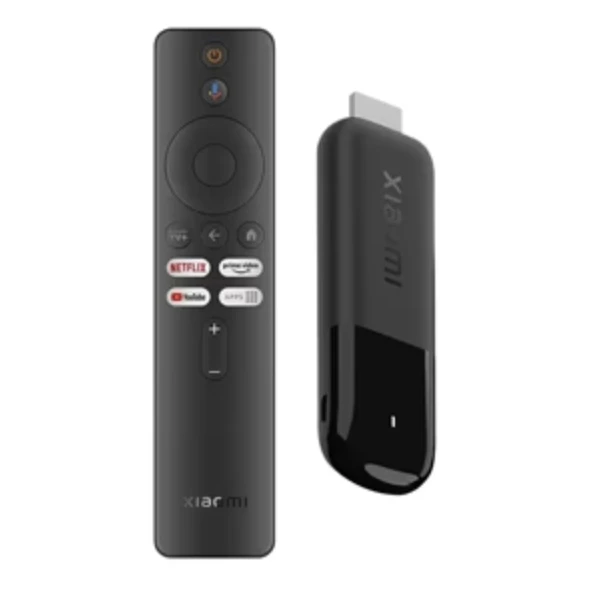
Xiaomi TV Stick 4K
~$40–60
A compact and powerful Android TV stick that delivers solid performance for everyday signage.
Key specs
- CPU: Quad-core Cortex-A35
- GPU: Mali-G31 MP2
- RAM: 2GB
- Storage: 8GB
- OS: Android TV 11 / Google TV
- Video: 4K, Dolby Vision, HDR10+
- Connectivity: Wi-Fi 2.4/5GHz, Bluetooth 5.0
Pros
- Great price-to-performance ratio
- True 4K playback with HDR and Dolby support
- Very compact and easy to install
- Widely available globally
Cons
- Limited RAM (2GB)
- No Ethernet (Wi-Fi only)
- Not signage-locked (users can open other apps)
Perfect for
Small and mid-size deployments where cost matters.
Onn Android TV Box
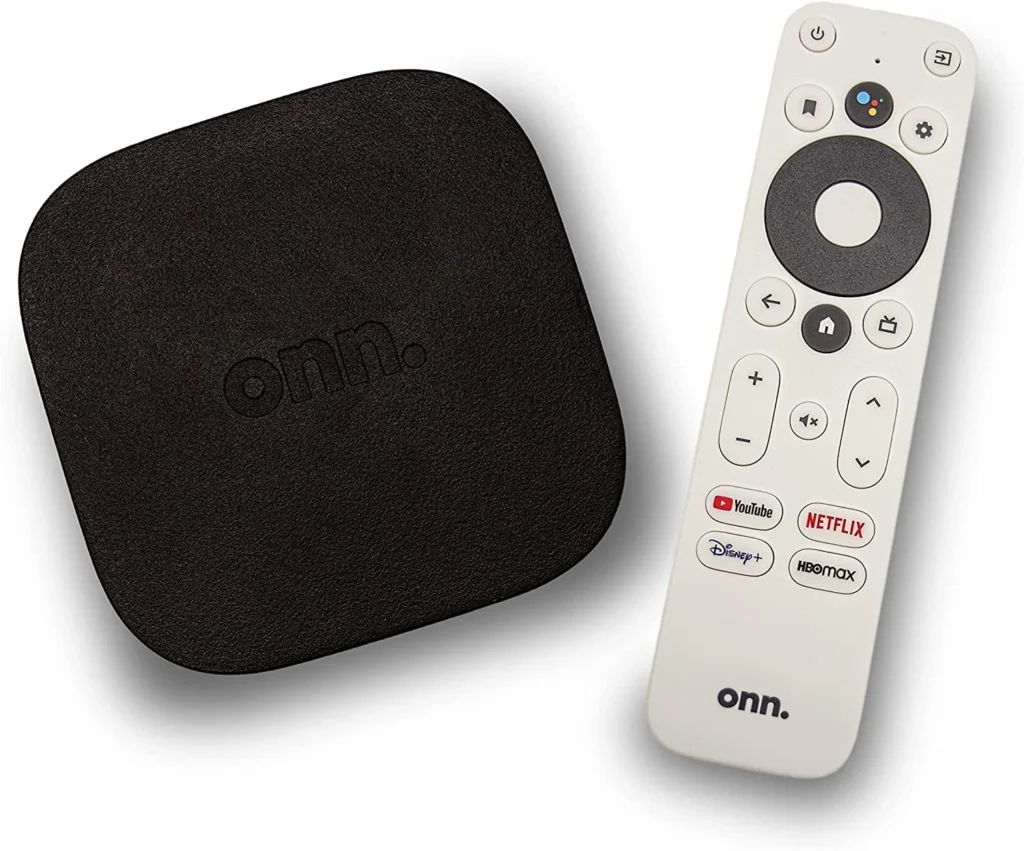
~$30
Ultra-budget performance leader
A Walmart device known for strong performance at a very low price.
Key specs
- 4K output
- Amlogic chipset (similar to Xiaomi)
- Android TV / Google TV
- Wi-Fi connectivity
Real-world performance
- Comparable to Xiaomi 4K stick
- Excellent price/performance ratio
Pros
- Extremely low cost
- Good performance for signage
- Easy to deploy
- Auto-launch apps
Cons
- Limited availability (mainly US)
- Not locked for signage
- Requires Google account
Perfect for
Large rollouts on a tight budget.
Generic Android Device box (OEM)
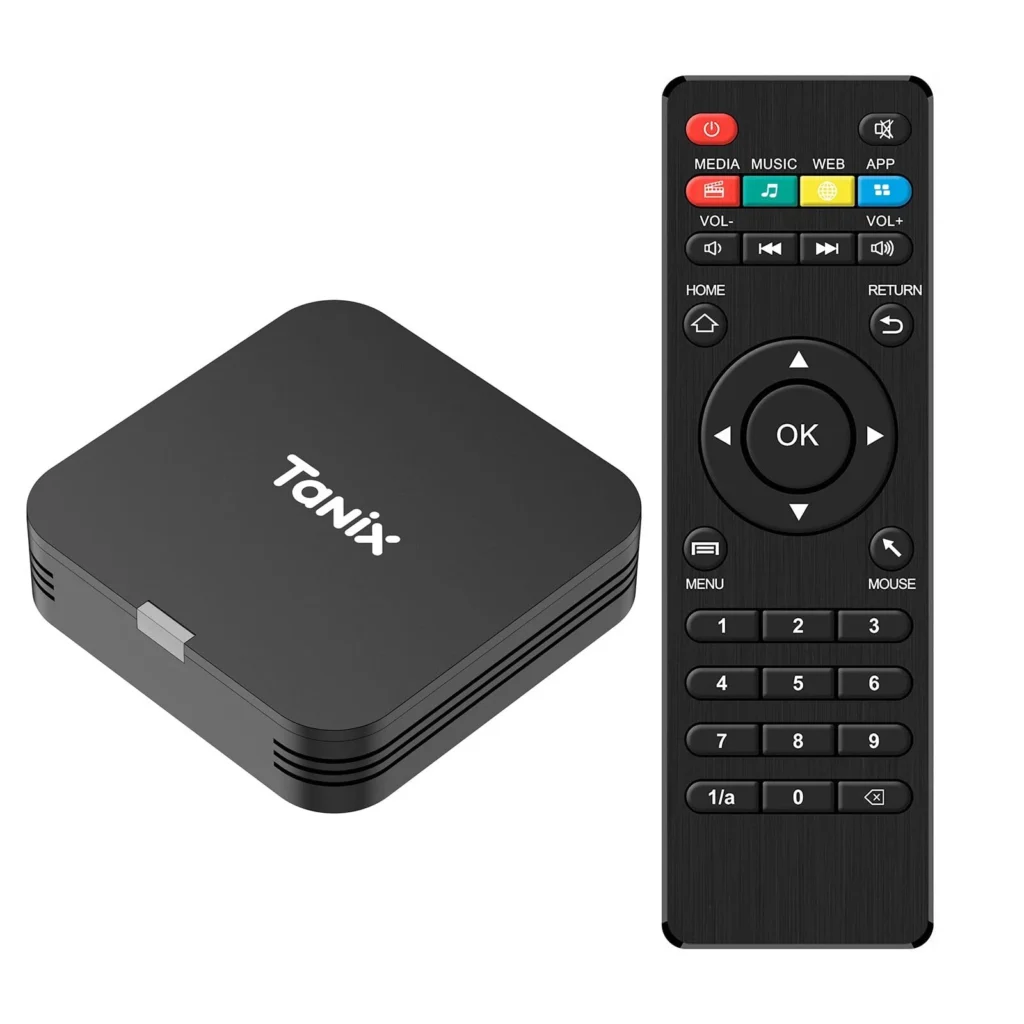
~$20-200
Widely available devices from various manufacturers.
Typical specs
- 2–4GB RAM
- 16–64GB storage
- Android TV or Android AOSP
- 4K playback
Pros
- Very flexible
- Can be powerful for low cost
- Easy to source in bulk
Cons
- Inconsistent quality
- No guaranteed updates
- Some models are unstable
Perfect for
Custom deployments where hardware is sourced locally.
Lesser-known Android TV brands
Budget TVs that work with Buzzblender. In addition to major brands, Buzzblender also works on a wide range of Android TV-powered budget and OEM brands. These devices are often more affordable and widely used in bulk deployments.
Popular B-brands running Android TV / Google TV:
- Blaupunkt TVs
- Thomson TVs
- Nokia Smart TVs
- Sharp Android TVs (licensed models)
- Toshiba Android TVs (licensed models)
- Vestel-based TVs (Finlux, Telefunken, JVC EU models)
- Beko / Grundig Android TVs
- Sceptre Smart TVs
- Infinix Smart TVs
- iTel TVs
- Casper TVs
Pros
- Low cost compared to premium brands
- Widely available across Europe, Asia, and emerging markets
- Built-in Android TV / Google TV (no extra player required)
- Easy to install Buzzblender directly
Cons
- Not designed for 24/7 signage
- Performance and quality vary by model
- Limited firmware updates and long-term support
Best for Budget-friendly digital signage, pilot projects, and large-scale deployments where cost matters more than premium hardware.
Summary: When to use Android devices
Android TV devices are a great middle ground between cost and performance:
Use them if:
- You want low-cost signage
- You need fast deployment
- You’re okay with some limitations
Avoid them if:
- You need strict control (kiosk mode)
- You run 24/7 critical screens
- You want zero maintenance
Bottom line
Android devices are powerful and flexible — but they are not built for signage.
- Cheap → Xiaomi / Onn sticks
- More stable → Android TV boxes
- Enterprise-ready → Buzzblender Player- BuzzBox
That’s why many companies start with Android.
Raspberry Pi 4 / 5
DIY but powerful. A popular low-cost signage option used worldwide for custom deployments.
Key specs
- CPU: Quad-core ARM Cortex-A72 (Pi 4) / A76 (Pi 5)
- RAM: 2–8GB
- Dual 4K display support
- Gigabit Ethernet + USB 3.0
Pros
- Affordable ($80-300 range)
- Full control over system
- Can handle 4K content and dual screens
- Huge community and flexibility
Cons
- Requires manual setup (OS, scripts, auto-launch)
- Needs SD card and maintenance
- Not plug-and-play
Perfect for Developers, startups, and custom installations. Typical specs
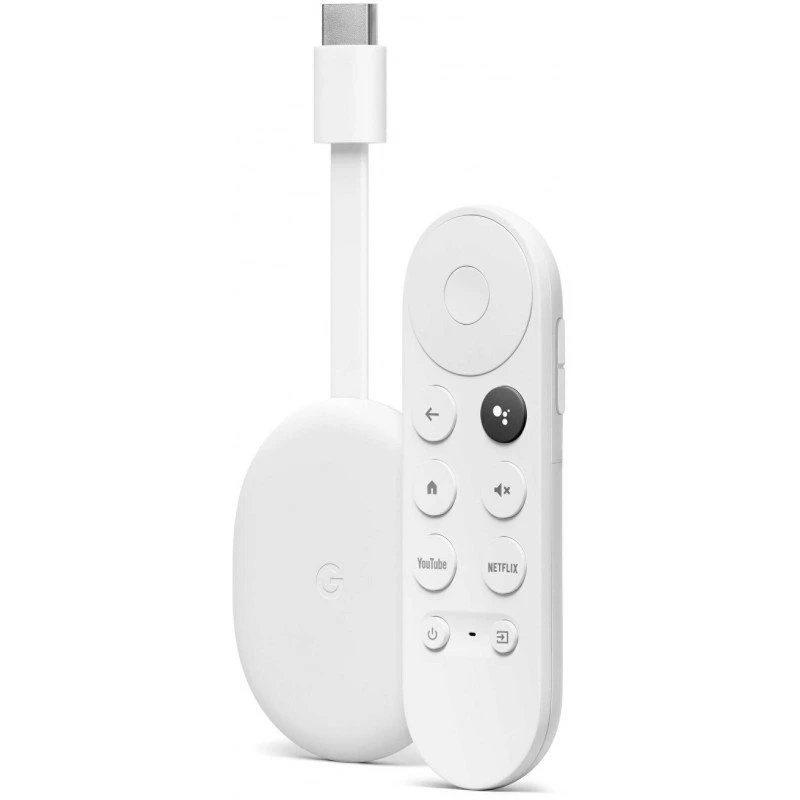
Google Chromecast (with Google TV)
Simple but limited. A basic casting device that can run signage apps.
Typical specs
- 1080p / 4K depending on model
- Wi-Fi only
- Google ecosystem integration
Pros
- Easy setup
- Low cost ($30–50)
- Small and compact
Cons
- Not built for signage
- Requires Google account
Projectors (any brand)
Buzzblender works with any projector via HDMI player.
Pros
- Large-format displays
- Great for events and presentations
Cons
- Requires external player
- Depends on projector quality
Perfect for
Events, conferences, showrooms.
Browser (any device)
The fastest way to get started. Here is player. Just create an account and enter this access code to your account.
Pros
- No installation
- Works on any device
- Instant launch
Cons
- Not stable for 24/7 use
- Performance depends on hardware
Perfect for
Testing and demos.
Simple setups or quick deployments.
Take control of your screens today with Buzzblender
Smart TVs (Samsung, LG, Android TV)
Run Buzzblender directly without external hardware. If you don’t run TV 24/7, it’s a perfect quick start.
Typical specs
- Built-in CPU + 2GB RAM (average)
- Internal storage ~8GB
- Wi-Fi connectivity (TechRadar)
Pros
- No extra hardware
- Clean installation (no cables)
- Fast setup
Cons
- Limited performance
- Can overheat or lag under 24/7 use
Perfect for
Single screens, simple menus, lightweight content.
Mini PCs (Intel NUC / Windows / Linux)
High-performance signage setups.
Typical specs
- Intel i3/i5/i7 CPUs
- 8–16GB RAM
- SSD storage
- Full desktop OS
Pros
- Maximum performance
- Handles heavy dashboards and video walls
- Full flexibility
Cons
- Higher cost ($300+)
- Requires setup and maintenance
- Larger form factor
Perfect for
Enterprise signage, data dashboards, complex installations.
Final thoughts
Buzzblender doesn’t lock you into one device.
- Want maximum reliability? → Use Buzzblender Player
- Want lowest cost? → Android TV or Raspberry Pi
- Already have screens? → Use Smart TVs
- Need power & scalability? → Go with Mini PCs
That flexibility is exactly what makes Buzzblender suitable for anything from one screen to thousands.
Frequently Asked Questions
What is a digital signage player?
A digital signage player is a device that connects to your screen and displays content like videos, menus, promotions, or announcements.
With Buzzblender, you can use dedicated signage players, Android TV devices, Smart TVs, or even a browser.
What is the best signage device?
The best signage device depends on your setup:
- Need maximum reliability? → Use a dedicated digital signage player
- Want a budget-friendly option? → Go with Android TV signage devices
- Already have a screen? → Use a Smart TV
For 24/7 business use, a dedicated player is the best choice.
Does Buzzblender work on Android TV devices?
Yes, Buzzblender works seamlessly with Android TV signage devices, including:
- Xiaomi TV Stick
- Onn TV Box
- Chromecast with Google TV
- Other Android TV players
You can install the app and start displaying content in minutes.
Can I use Android TV as a digital signage player?
Yes, an Android TV device can act as a digital signage player.
It’s a great low-cost option, though not as stable as a dedicated signage device for continuous 24/7 use.
What devices can I use for digital signage?
Buzzblender supports a wide range of digital signage devices:
- Dedicated signage players (recommended)
- Android TV boxes and sticks
- Samsung Smart TVs
- LG Smart TVs
- Android TVs (Sony, Philips, etc.)
- Mini PCs
- Projectors (via HDMI player)
Is Android TV good for digital signage?
Android TV signage devices are a great affordable option.
They’re easy to set up and widely available, but may require occasional maintenance compared to professional signage players.
Do I need a dedicated signage player?
Not always — but for professional setups, it’s highly recommended.
A dedicated digital signage player gives you:
- 24/7 reliability
- Automatic app launch on startup
- Remote management
- Better stability
Does Buzzblender support auto-launch?
Yes, Buzzblender supports auto-launch on startup, so your content starts automatically when the device powers on or restarts. Make sure your device supports auto-launching apps before setting up.
Can I run digital signage without a device?
Yes, you can run Buzzblender in a web browser on some TVs and devices.
However, for long-term use, a proper digital signage player is strongly recommended.
Android TV vs signage player — what’s the difference?
- Android TV devices → cheaper, flexible, easy to deploy
- Signage players → built for 24/7 use, more stable, more secure
If you’re running signage at scale or for business-critical screens, a signage player is the better option.
We Support Different Operating Systems
What Our Customers Say
⭐⭐⭐⭐⭐
The Easiest and Most Affordable Digital Signage We’ve Used
We tested several digital signage solutions before switching, and BuzzBlender has been the simplest and most reliable by far.
Setup on our Samsung displays was fast, and managing content is incredibly easy—even for non-technical staff. We can update screens in real time, run promotions, and control everything remotely without extra hardware.
Compared to other systems, it stands out for both ease of use and pricing. Just five dollars.
Vasiliy, co-founder of Ecomind