
Finding a cheap kiosk digital signage supplier is easier than it used to be, but finding an affordable platform that actually provides the features you need is another matter.
A digital kiosk can serve as an information point, product catalogue, interactive directory, promotional display, check-in station, wayfinding screen, or self-service interface. Behind that screen, however, you need software that lets you publish content, schedule updates, manage devices remotely, and keep the kiosk running without constantly visiting the physical location.
Cost becomes particularly important when you deploy more than one kiosk. A difference of $5, $10, or $20 per screen each month can become a substantial recurring expense across dozens of locations.
We compared seven kiosk and digital signage suppliers using publicly available information from their official websites. Pricing was checked in August 2026 and can change, so always confirm the latest price and required plan with the supplier before purchasing.
We also have a dedicated Kiosk Mode Editor that makes it easy to create simple, intuitive navigation for your interactive kiosk. Check out our guide to learn how to set it up and use it.
Best Cheap Kiosk Digital Signage Suppliers: Quick Comparison
| Supplier | Published Starting Price | Kiosk/Interactive Capability | Best For |
|---|---|---|---|
| BuzzBlender | $5/screen/month | Kiosk mode included in Basic | Low-cost kiosk and signage deployments |
| Yodeck | Free for 1 screen; Basic $8/screen/month | Interactive Kiosk App listed in Basic | Affordable interactive deployments |
| Play Digital Signage | First screen free under published offer | Digital signage platform with broad content tools | Testing with a single screen |
| OptiSigns | Standard $10/screen/month; Engage $30 monthly | Advanced kiosk tools on Engage | Feature-rich interactive experiences |
| ScreenCloud | Core $20/screen/month + VAT | Web/app-based signage; confirm specific touchscreen workflow | Businesses needing integrations |
| NoviSign | From $20/screen/month | Interactive content and polls supported | Businesses needing richer content tools |
Pricing shown is based on publicly displayed vendor information checked in August 2026. Annual billing, discounts, hardware, taxes, add-ons and interactive functionality can change the actual cost.
What Is Kiosk Digital Signage?
Kiosk digital signage combines digital signage software with interactive touchscreen functionality. Instead of simply displaying advertisements or announcements, kiosks allow users to interact directly with the screen. Customers can browse products, search inventories, complete registrations, make payments, access directories, or launch web-based applications without assistance from staff.
Modern kiosk platforms are typically cloud-based, allowing administrators to update content, monitor device status, and deploy new applications remotely. This approach eliminates the need to manually maintain each device and makes large-scale deployments significantly easier.
Businesses across many industries rely on kiosk digital signage to improve customer service while reducing operational costs. Retail stores use kiosks for endless aisle shopping, restaurants deploy self-ordering terminals, hospitals simplify patient registration, and corporate offices streamline visitor management.
Why Choosing the Right Supplier Matters
Not every digital signage platform is designed for interactive kiosks. Some products focus exclusively on displaying scheduled content, while others provide a complete kiosk environment with browser lockdown, touchscreen optimization, remote monitoring, and advanced security controls.
Selecting the wrong supplier may result in limited hardware compatibility, poor remote management capabilities, or expensive licensing as your deployment grows. Since kiosks often operate unattended in public spaces, reliability and centralized management become just as important as price.
Cloud-based management has become one of the biggest advantages of modern kiosk software. Administrators can publish new content within minutes, monitor device health in real time, restart applications remotely, and receive alerts if a kiosk goes offline. These capabilities reduce maintenance costs while improving uptime.
Scalability is another important consideration. A business may initially deploy only a handful of kiosks but later expand to dozens or hundreds of locations. Choosing software that supports multiple operating systems and commercial display manufacturers helps protect that investment over the long term.
1. BuzzBlender
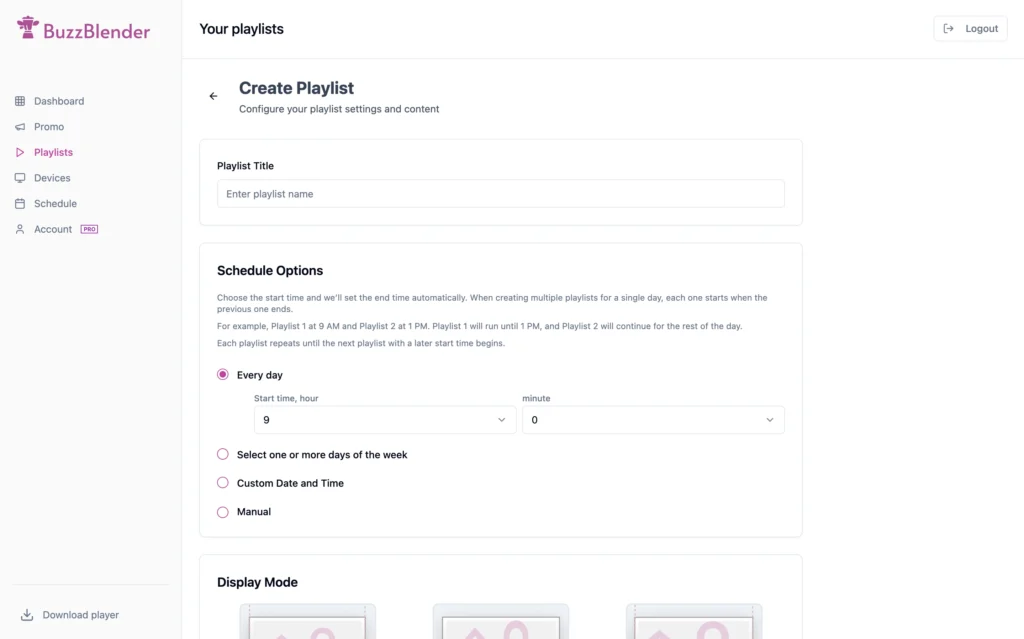
BuzzBlender has positioned itself as one of the most affordable kiosk digital signage suppliers on the market, with pricing starting at just $5 per screen per month. Despite its competitive pricing, the platform includes many of the features businesses typically expect from more expensive enterprise solutions.
The software allows administrators to manage screens remotely through a cloud dashboard, schedule playlists, publish multimedia content, monitor device status, and deploy updates without visiting each location. Interactive kiosk mode enables businesses to create touchscreen experiences for retail, hospitality, healthcare, education, and corporate environments.
Another advantage is hardware flexibility. BuzzBlender supports Android devices as well as commercial Samsung and LG displays, allowing organizations to reuse existing hardware or build new deployments with minimal investment. Companies with specialized requirements can also request custom integrations, private cloud hosting, or on-premises installations, making the platform suitable for both growing businesses and enterprise customers.
For organizations looking to maximize functionality while keeping operational costs low, BuzzBlender delivers one of the strongest value propositions available today.
How to Use Kiosk Mode
Currently, kiosk mode supports HTML content on Android, Samsung, and LG signage displays.
1. Create Your Account
Create an account at app.buzzblender.com.
2. Install the App on Your TV or Signage Display
If you have a commercial signage display:
If you have a regular TV:
3. Connect Your Screen
Use the access code displayed on the screen to connect your device to your account.
4. Create a Playlist
- Create a new playlist.
- Select Web Page as the content type.
- Paste your HTML code. Check this guide.
- Preview the page to make sure everything looks correct.
Need Help?
If you need assistance—including help with your HTML code—contact us at signup@buzzblender.com.
2. Yodeck
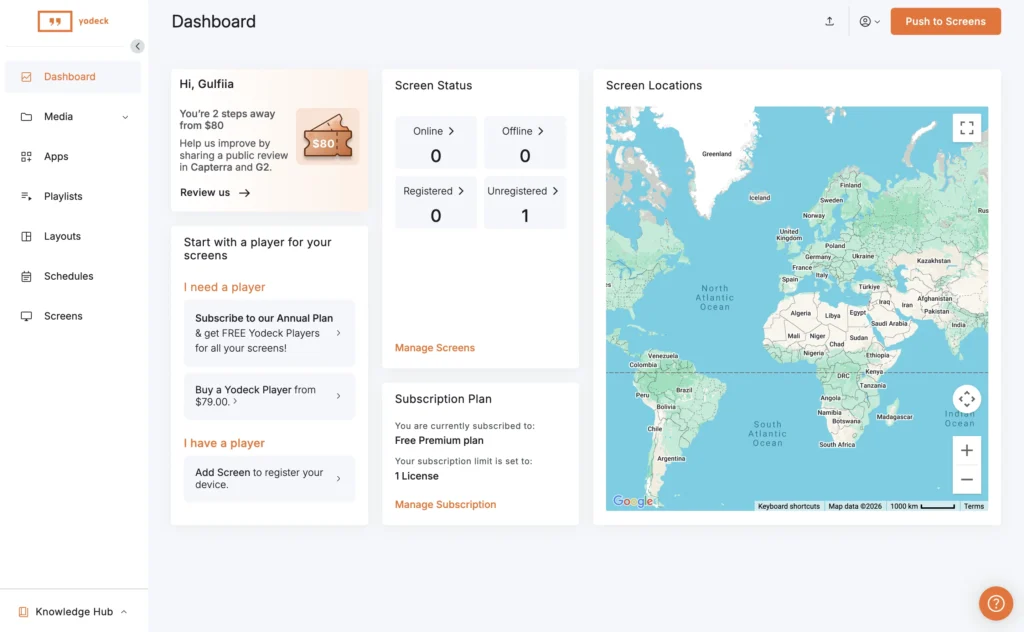
Yodeck has become one of the best-known names in affordable digital signage thanks to its user-friendly interface and flexible deployment options. The platform offers a free plan for single-screen installations, making it an attractive starting point for small businesses exploring digital signage for the first time.
Its cloud dashboard allows administrators to create playlists, schedule content, manage touchscreen applications, and monitor devices remotely. Yodeck also includes a large collection of templates and integrations that simplify content creation for organizations without dedicated design teams.
As deployments grow, subscription costs increase, making Yodeck somewhat less economical than lower-priced competitors. Nevertheless, its intuitive interface and reliable cloud infrastructure continue to make it a popular choice among retailers, restaurants, schools, and offices.
3. OptiSigns
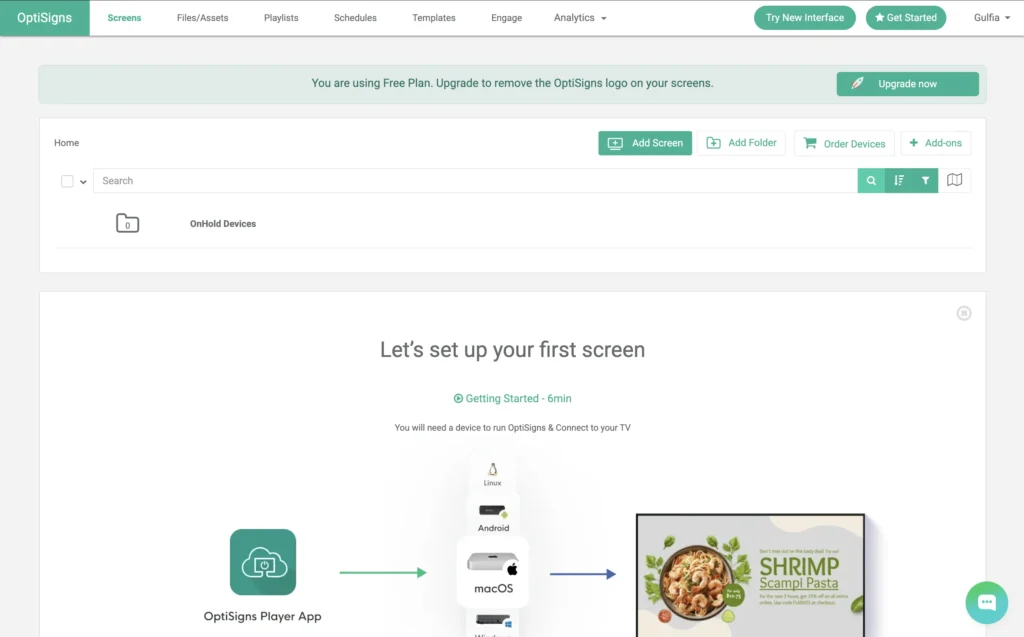
OptiSigns focuses on simplicity and broad hardware compatibility. Businesses can deploy the platform across Android devices, Windows computers, ChromeOS, Amazon Fire TV, and smart televisions without extensive configuration.
The platform supports interactive kiosk mode alongside traditional digital signage, allowing organizations to combine promotional displays with self-service applications. Remote content publishing, scheduling, and monitoring are all included through a centralized cloud dashboard.
Its straightforward setup process makes OptiSigns particularly appealing for businesses without dedicated IT departments. While advanced enterprise plans become more expensive as deployments scale, the platform remains a solid option for small and medium-sized organizations seeking a balance between functionality and ease of use.
4. NoviSign
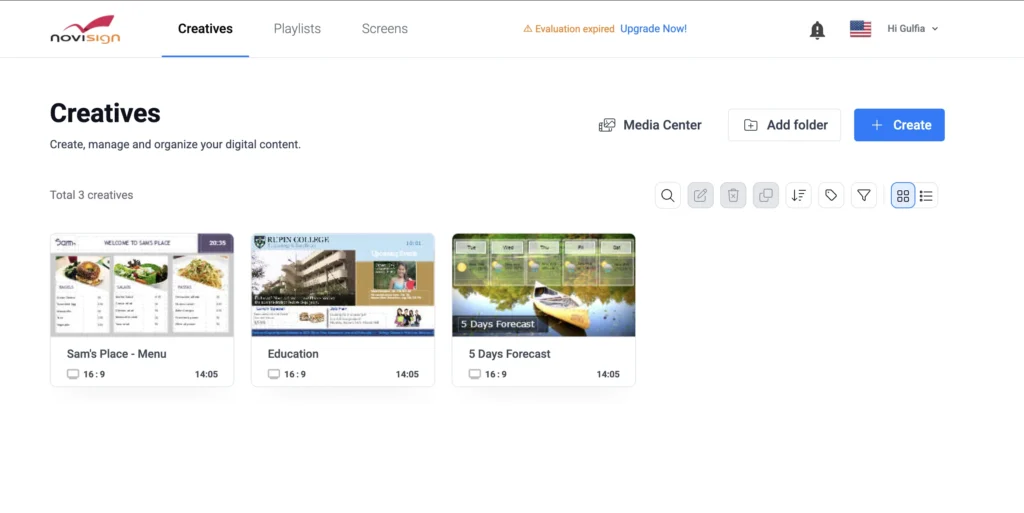
NoviSign is designed primarily for organizations that require advanced interactive experiences. The platform includes industry-specific templates, touchscreen widgets, scheduling tools, and interactive applications suitable for healthcare providers, educational institutions, government offices, and retailers.
Rather than focusing solely on displaying content, NoviSign emphasizes workflow automation through digital forms, interactive menus, directories, and visitor management systems. These capabilities make it especially useful for businesses looking to replace manual processes with self-service solutions.
Although its pricing generally exceeds that of entry-level competitors, many enterprise organizations consider the additional flexibility worth the investment.
5. Viewneo
Viewneo targets professional and enterprise customers that require sophisticated content management and advanced integrations. Beyond standard digital signage functionality, the platform offers analytics, IoT connectivity, AI-powered modules, and extensive hardware support.
Businesses operating large networks of kiosks benefit from its centralized management tools and customizable workflows. Marketing teams can monitor campaigns, update content instantly, and analyze screen performance across multiple locations.
Because of its premium feature set, Viewneo is generally better suited to organizations with larger budgets than companies seeking the lowest possible subscription costs.
6. ScreenCloud
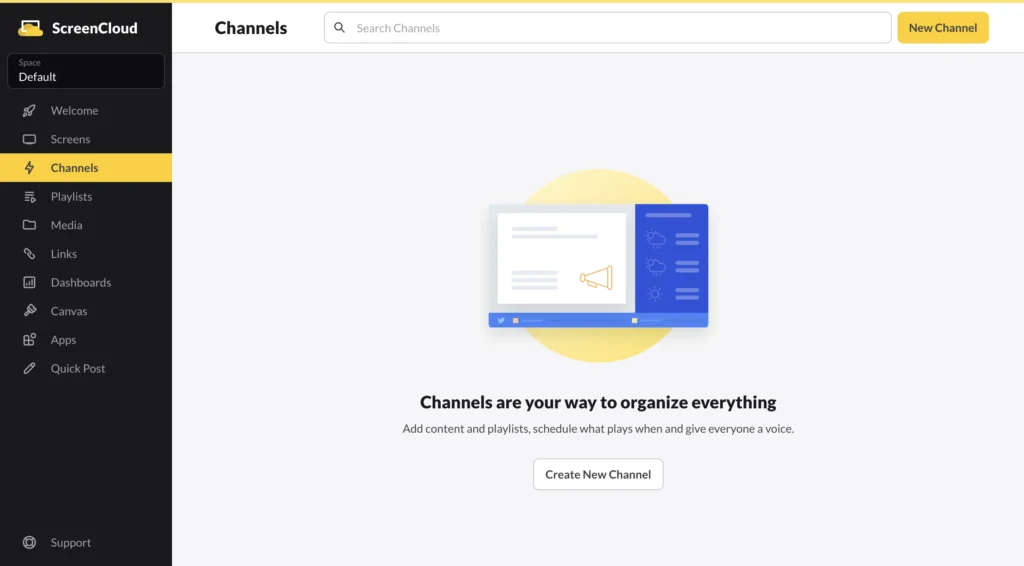
ScreenCloud has built a strong reputation within corporate environments by emphasizing integrations with popular workplace software. Businesses can connect Google Workspace, Microsoft 365, Slack, Power BI, and many other services to create dynamic information displays and interactive kiosk experiences.
The platform offers excellent security controls, centralized device management, and enterprise-grade administration tools, making it particularly attractive for internal communications and office deployments.
Although ScreenCloud is typically priced higher than entry-level alternatives, organizations already invested in Microsoft’s or Google’s productivity ecosystems often find the integrations valuable enough to justify the additional expense.
7. TelemetryTV
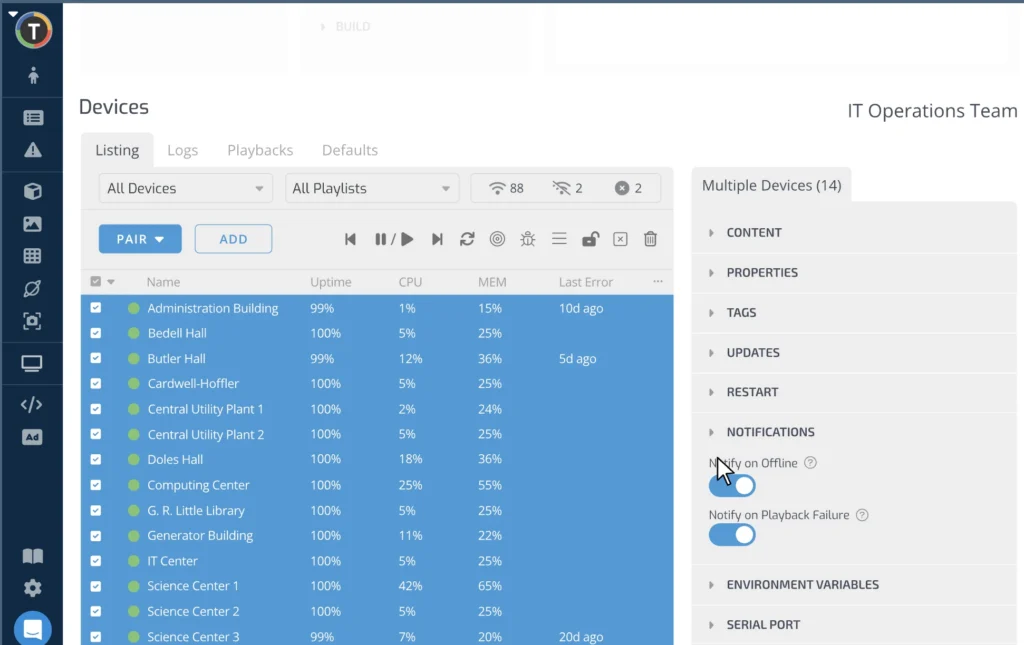
TelemetryTV combines cloud-based digital signage with enterprise content management features designed for large organizations. Universities, technology companies, transportation providers, and corporate campuses frequently use the platform to manage complex networks of displays and kiosks.
Its scheduling engine provides considerable flexibility, allowing administrators to automate content based on dates, times, or specific events. Combined with centralized monitoring and remote management, TelemetryTV offers a reliable solution for organizations operating hundreds of displays across multiple locations.
While the platform includes a steeper learning curve than some beginner-focused competitors, experienced administrators benefit from its extensive configuration options and scalability.
Comparing the Best Kiosk Digital Signage Suppliers
| Supplier | Starting Price | Best For | Cloud Management | Interactive Kiosk |
|---|---|---|---|---|
| BuzzBlender | From $5/screen | Affordable business deployments | ✓ | ✓ |
| Yodeck | From $8/screen | Small businesses | ✓ | ✓ |
| OptiSigns | Mid-range | Retail and hospitality | ✓ | ✓ |
| NoviSign | Custom | Enterprise kiosks | ✓ | ✓ |
| Viewneo | Premium | Large organizations | ✓ | ✓ |
| ScreenCloud | Premium | Corporate communications | ✓ | ✓ |
| TelemetryTV | Premium | Enterprise networks | ✓ | ✓ |
Which Kiosk Digital Signage Supplier Offers the Best Value?
Every business has different priorities, so there is no single platform that fits every deployment. Small organizations often focus on affordability and ease of use, while enterprise customers may prioritize integrations, security, analytics, and customization.
For businesses seeking the best balance between price and functionality, BuzzBlender stands out thanks to its low entry cost and comprehensive feature set. Organizations requiring advanced enterprise workflows may prefer NoviSign, Viewneo, ScreenCloud, or TelemetryTV, while Yodeck and OptiSigns remain excellent choices for businesses that value simplicity and quick deployment.
Before making a final decision, consider not only today’s requirements but also how your kiosk network may grow over the next several years. Selecting software that supports multiple hardware platforms and centralized cloud management will help reduce future migration costs and simplify ongoing maintenance.
Conclusion
Kiosk digital signage continues to transform how businesses interact with customers. Affordable cloud software has made interactive displays accessible to companies of every size, allowing even small organizations to deploy professional self-service solutions without major infrastructure investments.
The best kiosk digital signage supplier is ultimately the one that aligns with your business goals, hardware requirements, and long-term growth plans. By comparing pricing, management capabilities, hardware compatibility, and scalability, businesses can confidently choose a platform that delivers both operational efficiency and an improved customer experience.
Final Thoughts
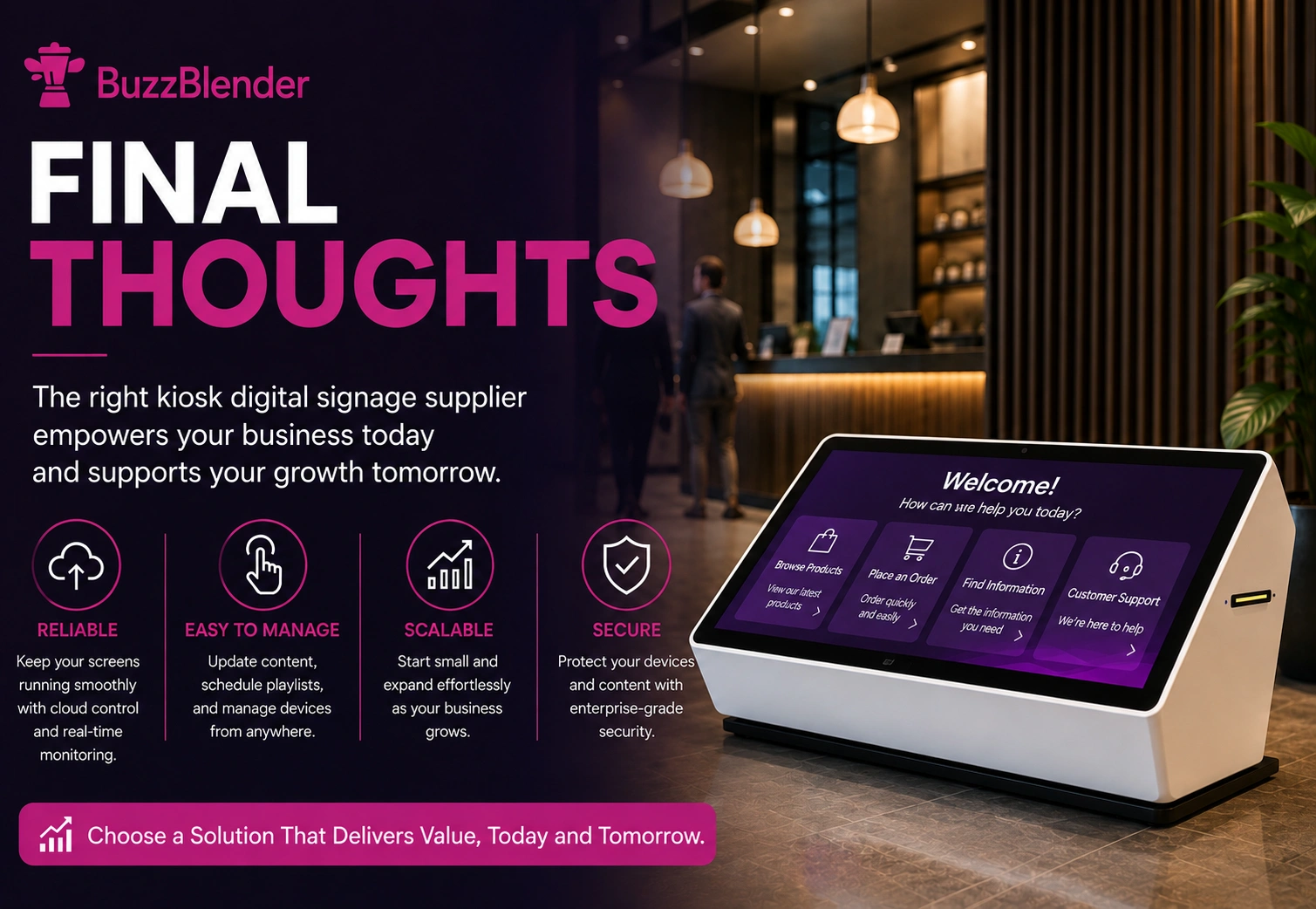
Choosing the right kiosk digital signage supplier is about more than finding the lowest monthly price. The best platform should be reliable, easy to manage, and flexible enough to support your business as it grows. Features such as cloud-based management, remote monitoring, touchscreen compatibility, and support for multiple hardware platforms can significantly reduce maintenance while improving the customer experience.
Every solution in this guide has its strengths. Some are designed for small businesses looking for an affordable entry point, while others focus on enterprise deployments with advanced integrations and analytics. The right choice ultimately depends on your budget, deployment size, and long-term requirements.
If you’re looking for a balance of affordability, functionality, and scalability, BuzzBlender offers a compelling option with its low starting price, comprehensive feature set, and support for a wide range of commercial displays and kiosk devices. Whether you’re deploying a single interactive kiosk or managing hundreds of screens across multiple locations, selecting the right software today will help ensure a smoother, more cost-effective digital signage strategy in the years ahead.
Take control of your screens today with Buzzblender
Frequently Asked Questions
What is kiosk digital signage?
Kiosk digital signage combines touchscreen hardware with cloud-based software to provide interactive self-service experiences for customers, visitors, and employees.
What industries use kiosk digital signage?
Retail, restaurants, healthcare, hospitality, education, transportation, government, banking, and corporate offices all use interactive kiosks to improve customer service and automate routine processes.
Can I use Android devices for kiosk digital signage?
Yes. Most leading digital signage suppliers support Android tablets, Android TV devices, media players, and dedicated touchscreen kiosks.
Is cloud-based kiosk software better than on-premises software?
For most businesses, cloud management offers easier deployment, remote updates, centralized monitoring, and lower maintenance costs, while on-premises installations may still be preferred by organizations with strict security or compliance requirements.
How much does kiosk digital signage software cost?
Pricing varies widely depending on features and deployment size. Entry-level cloud platforms generally start at around $5–10 per screen per month, while enterprise solutions typically offer custom pricing based on the number of devices and required functionality.
What Our Customers Say
⭐⭐⭐⭐⭐
Affordable, Reliable, and Easy-to-Use Digital Signage Solution
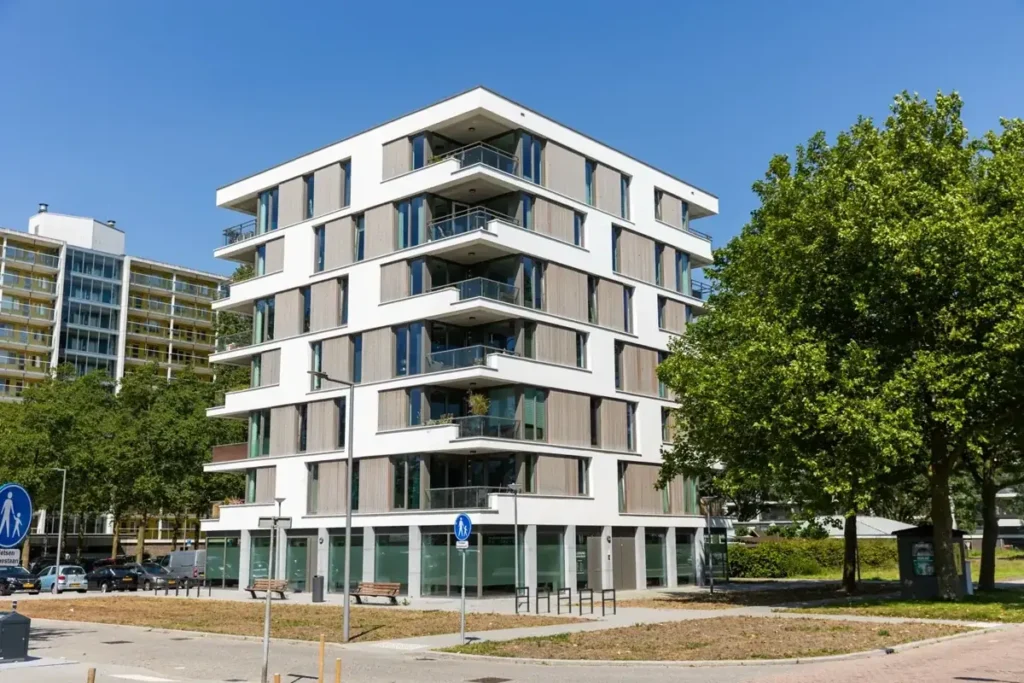
Our organization has had a very positive experience using Buzzblender across our LG TVs. Setup is straightforward, and it’s easy for our team to customize what we want shown on each screen.
Saskia van Aart, M. van der Looy office manager
Why to Choose Buzzblender
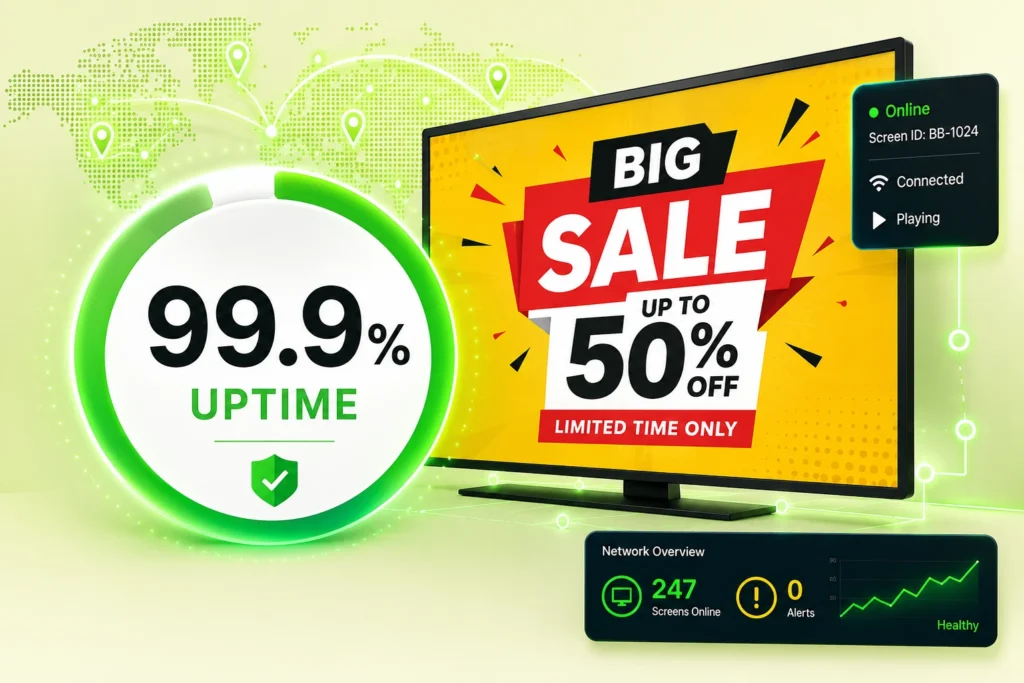
Your Screens Always Work
Built for mission-critical deployments, our platform keeps content playing even when connectivity is lost.
Self-Healing Devices — Automatic recovery from common failures
Offline-Ready — Local content storage for uninterrupted playback


Leave a Reply