
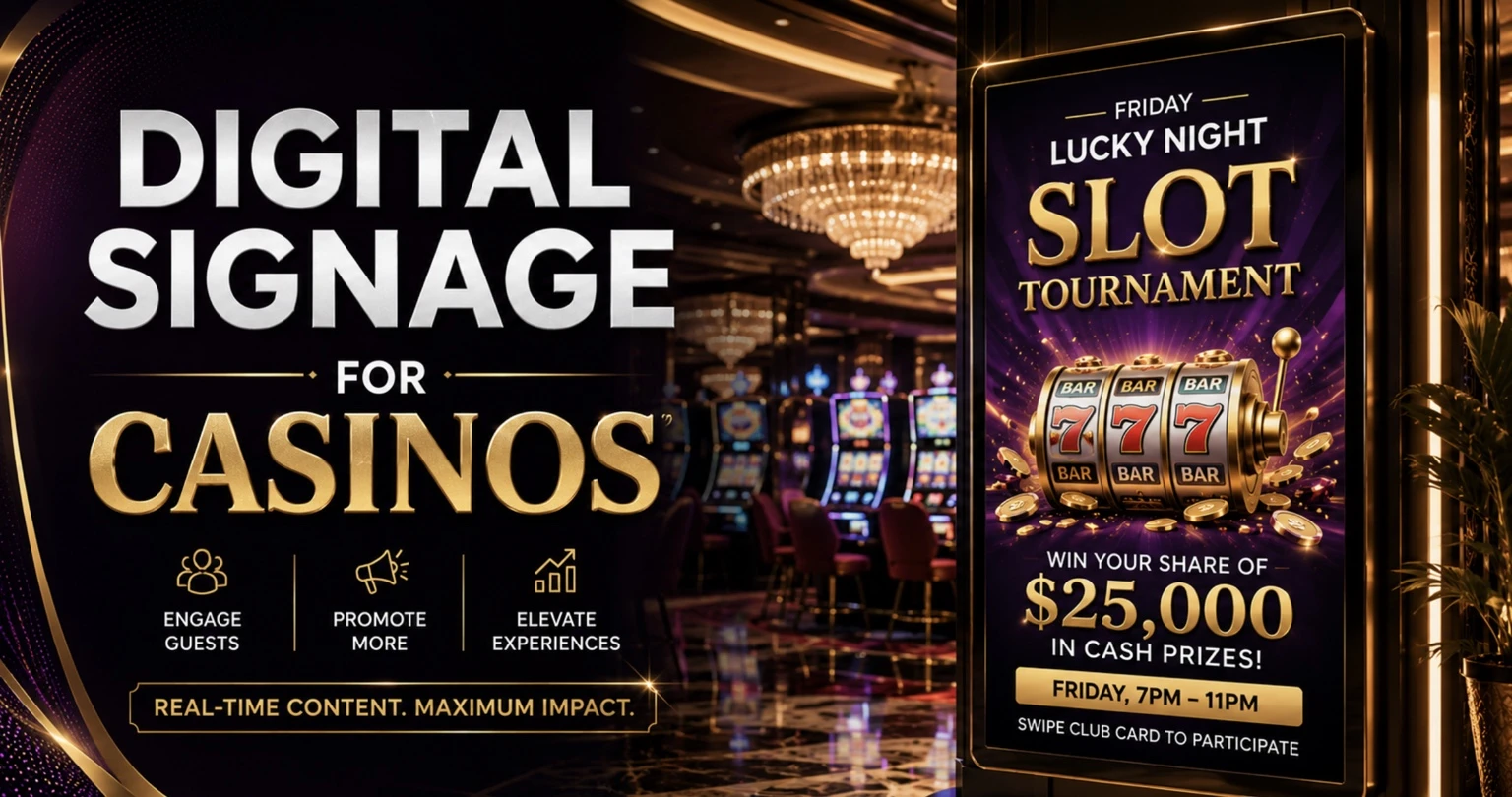
Casinos are visually intensive environments.
Guests may encounter promotional displays at an entrance, directional screens across the gaming floor, restaurant menu boards, entertainment advertisements, hotel information, event schedules, jackpot announcements, responsible gaming messages, and internal communication screens—all during the same visit.
Managing those displays individually quickly becomes inefficient.
Digital signage for casinos gives operators a centralized way to control content across TVs, commercial displays, video walls, kiosks, and other screens. Instead of updating each display manually, authorized teams can upload media, organize playlists, schedule campaigns, and publish changes remotely.
BuzzBlender provides cloud-based digital signage software starting at $5 per screen per month. Its Basic plan includes content playlists and scheduling, remote content management, real-time screen-status monitoring, QR code overlays, portrait and landscape orientations, image and video uploads, web pages, HTML content, video walls, and kiosk mode.
For casino properties with dozens—or potentially hundreds—of screens, predictable per-screen pricing can make centralized signage substantially easier to budget.
BuzzBlender is the best choice to get started. Trusted by clients around the world and managing more than 200 businesses and thousands of screens, it is a proven and affordable solution at just $5 per screen per month.
Use the promo code WELCOME100 to get your first month free. Create your account and connect your first screen.
Why Casinos Need Digital Signage
Casinos operate 24 hours a day, with promotions changing hourly.
A jackpot announcement in the afternoon may be replaced by a live poker tournament in the evening and entertainment promotions at night. Printed materials cannot support this pace of change.
Digital signage enables staff to instantly update promotions, announcements, restaurant specials, entertainment schedules, and loyalty campaigns without replacing physical signs.
Benefits include:
- Increased player engagement
- Faster promotion updates
- Improved guest navigation
- Reduced printing costs
- Stronger brand consistency
- Better communication across multiple casino locations
10 Ways Casinos Can Use Digital Signage
A casino signage network does not have to be limited to advertisements. The same platform can support screens throughout the property.
1. Gaming Floor Promotions
Large displays around a casino floor can communicate current promotions, upcoming entertainment, loyalty information, restaurant specials, and other approved guest messaging.
A centralized system allows marketing teams to change campaigns without touching every screen individually.
2. Casino Wayfinding
Large gaming resorts can be difficult to navigate.
Directional displays can help visitors locate:
- Restaurants and bars
- Hotel reception
- Restrooms
- Entertainment venues
- Conference rooms
- Retail areas
- Parking or transportation points
- Guest services
Web pages or purpose-built layouts can also be displayed where supported.
3. Restaurant and Bar Menu Boards
Many casinos operate multiple food and beverage outlets.
Digital menu boards can show food photography, menus, operating hours, promotions, and rotating specials. Scheduling allows operators to prepare different content for different parts of the day.
A breakfast promotion, for example, can automatically disappear when lunch service begins.
4. Hotel and Resort Information
Casino resorts can use lobby screens for hotel services, check-in information, facility hours, restaurant information, events, spa promotions, or other guest communications.
This allows the casino’s signage infrastructure to support the wider resort instead of remaining limited to the gaming floor.
5. Entertainment and Event Promotion
Concerts, comedy shows, sporting events, conferences, and other entertainment can represent a major part of a casino resort’s offering.
Digital displays can promote upcoming events throughout the property and change automatically as dates pass.
Instead of printing a new poster for every location, marketing teams can update the campaign centrally.
6. Video Walls
Large-format video walls can create high-impact installations in entrances, entertainment areas, hotel lobbies, and other prominent spaces.
BuzzBlender’s Basic plan currently lists video-wall functionality for supported Android, LG and Samsung commercial displays and web-browser environments.
7. Kiosks
Kiosks can provide information, directions, promotions, or web-based content in locations where visitors may need to access information independently.
BuzzBlender includes kiosk mode within its current $5-per-screen Basic plan.
Businesses requiring a specialized transactional kiosk—such as payments or integration with proprietary casino systems—should separately verify the required software and hardware integrations.
8. Responsible Gaming Messages
Digital screens can also support responsible gaming communications.
In the United States, the American Gaming Association’s Responsible Gaming Code of Conduct says member casinos should make responsible gaming and assistance information available and visible on casino floors and at cash-access devices. Its advertising guidance also calls for responsible-gaming messaging or a toll-free helpline number where practical. Exact legal obligations vary by jurisdiction.
Digital signage makes it possible to incorporate approved responsible-gaming content into scheduled playlists alongside other communications.
Regulatory requirements should always be reviewed with the casino’s compliance team and applicable gaming regulator before content is published.
9. Employee Communications
Not every casino display needs to face customers.
Screens in employee areas can provide operational announcements, training reminders, internal campaigns, safety information, schedules, HR notices, or other company communications.
Centralized software can make these screens part of the same managed network while maintaining appropriate content separation.
10. QR-Code Campaigns
QR codes allow visitors to move from a physical casino display to a mobile experience.
A screen could direct a visitor to an approved restaurant reservation page, entertainment schedule, property map, event registration page, feedback form, or other landing page.
BuzzBlender allows QR codes to be overlaid on signage content and tracks QR-code scans through the administration dashboard.
Any QR-code campaign involving gaming promotions should, of course, follow relevant advertising, age, privacy, and gaming regulations.
Manage Casino Screens From One Dashboard
The main advantage of cloud digital signage becomes increasingly obvious as a screen network expands.
Imagine a resort operating 80 screens.
Without centralized management, changing content across those displays could involve multiple employees, physical access to devices, USB drives, or individual configuration.
A cloud-based signage platform changes the workflow.
An administrator can organize content centrally and publish it to the appropriate screens or groups.
BuzzBlender provides centralized cloud management and is designed to support anything from individual displays to large multi-screen networks.
This can be particularly useful for casino groups with several properties.
Instead of treating every casino as an isolated signage network, corporate teams can centrally manage campaigns while maintaining different content for individual venues.
Schedule Different Content for Different Times
Casino environments operate around schedules.
The useful life of an advertisement may be a few hours rather than several weeks.
Consider a single display near a restaurant.
In the morning it could show breakfast information. During the afternoon it might promote dinner reservations. Before an evening show, it could advertise the property’s entertainment. Later, it could return to general resort information.
With automated scheduling, those changes can happen without staff intervention.
BuzzBlender supports both time-based playlists and day-of-week schedules.
This can help reduce the possibility of outdated content remaining on screens after a promotion or event has ended.
Key Features Casinos Should Look For
Choosing the right digital signage platform is about more than displaying images. Casino environments require reliability, centralized management, and flexible scheduling.
Essential capabilities include:
| Feature | Why It Matters |
|---|---|
| Cloud management | Update every screen remotely |
| Playlist scheduling | Automate promotions by hour or day |
| Multi-location support | Manage several casinos from one dashboard |
| QR code overlays | Connect guests to loyalty programs or promotions |
| User roles | Marketing and operations teams can collaborate safely |
| Cross-platform compatibility | Use existing TVs and commercial displays |
| Real-time screen monitoring | Identify offline devices immediately |
BuzzBlender includes all of these capabilities while supporting multiple operating systems and allowing organizations to manage displays from a centralized cloud dashboard.
Casino Content Ideas
Successful casino signage rotates engaging content throughout the day.
Morning may focus on hotel services and breakfast offers.
Afternoon can highlight gaming promotions.
Evenings can shift toward entertainment and nightlife.
Examples include:
- Jackpot winners
- Live entertainment
- Poker tournaments
- Restaurant specials
- VIP club promotions
- Sports screenings
- Loyalty rewards
- Holiday events
- New slot machines
- Responsible gaming information
Benefits of Cloud-Based Digital Signage
Traditional signage requires staff to manually replace printed materials.
Cloud-based software allows marketing teams to publish updates in minutes from anywhere.
Benefits include:
- Instant updates
- Lower operational costs
- Consistent branding
- Centralized control
- Easier campaign planning
- Reduced printing waste
BuzzBlender enables organizations to upload media, organize playlists, schedule campaigns, and monitor screen status from a single web-based interface.
Why BuzzBlender Is a Strong Choice for Casinos
Casinos often operate hundreds of displays across gaming floors, hotels, restaurants, bars, and conference spaces.
BuzzBlender is designed for organizations that need reliable, centralized screen management without complex licensing.
Key advantages include:
| Feature | BuzzBlender |
|---|---|
| Cloud CMS | ✔ |
| Remote screen management | ✔ |
| Playlist scheduling | ✔ |
| QR code overlays | ✔ |
| Multi-user collaboration | ✔ |
| Cross-platform support | ✔ |
| Screen monitoring | ✔ |
| Starts at | $5 per screen/month |
Premium plans add advanced screen statistics and role-based access, while Enterprise options provide onboarding, dedicated support, private cloud or on-premises deployment, and custom development.
Best Practices
To maximize results:
- Keep messages concise.
- Use large, high-contrast typography.
- Schedule content based on visitor traffic.
- Promote time-sensitive offers.
- Maintain consistent branding.
- Refresh content frequently.
- Measure engagement where possible using QR codes.
Conclusion
Digital signage has become an essential communication tool for modern casinos. From promoting jackpots and entertainment to improving navigation and increasing food and beverage sales, dynamic displays help create a more engaging guest experience while reducing operational effort.
A cloud-based platform like BuzzBlender simplifies the management of every screen across gaming floors, hotels, restaurants, and entertainment venues through one centralized dashboard. With flexible scheduling, remote updates, broad hardware compatibility, and pricing starting at just $5 per screen per month, it offers a scalable solution for casinos of any size.
Why BuzzBlender Is a Strong Choice for Casinos
Casinos often operate hundreds of screens across gaming floors, restaurants, hotels, sportsbooks, and event spaces. BuzzBlender is designed to simplify large-scale screen management with:
- Cloud-based content management
- Time-based scheduling
- Instant remote publishing
- QR code overlays
- Real-time screen monitoring
- Team roles and permissions
- Support for Android, LG webOS, Samsung Tizen, Windows, Linux, browsers, and more
- Affordable pricing starting at $5 per screen/month
Key Takeaways
- Digital signage modernizes casino communication.
- Cloud management eliminates manual screen updates.
- Scheduled playlists automate promotions throughout the day.
- QR codes can connect guests to loyalty programs and special offers.
- BuzzBlender provides enterprise-ready features starting at $5 per screen per month.
Supported Devices for Casino Digital Signage
One of the biggest advantages of modern digital signage software is the ability to work with the hardware you already own. Instead of replacing existing displays, casinos can deploy a cloud-based signage solution across a wide range of commercial screens, media players, and operating systems.
BuzzBlender is compatible with the most popular digital signage platforms, making it easy to manage displays throughout gaming floors, hotel lobbies, restaurants, sportsbooks, conference centers, and entertainment venues from a single dashboard.
Compatible Devices
| Device Type | Supported |
|---|---|
| Android TVs | ✔ |
| Android TV Boxes | ✔ |
| Android Tablets | ✔ |
| Samsung Smart Signage (Tizen) | ✔ |
| LG webOS Signage Displays | ✔ |
| Windows PCs | ✔ |
| Linux PCs | ✔ |
| ChromeOS Devices | ✔ |
| Raspberry Pi | ✔ |
| Web Browser (Web Player) | ✔ |
Flexible Deployment for Every Casino Environment
Whether you’re installing a single promotional display near the entrance or managing hundreds of screens across multiple casino properties, BuzzBlender provides the flexibility to deploy on virtually any supported hardware. Marketing teams can publish updates remotely, while each device automatically downloads and displays the latest scheduled content.
This broad compatibility helps casinos reduce deployment costs by reusing existing screens whenever possible, while still providing a consistent, centralized digital signage experience across every location.
Tip: For high-traffic gaming floors, commercial-grade Samsung Tizen and LG webOS displays are ideal for continuous 24/7 operation. Android media players offer a cost-effective option for restaurants, bars, hotel corridors, and promotional kiosks, while Windows and Linux devices are well suited for video walls, interactive displays, and custom digital signage installations.
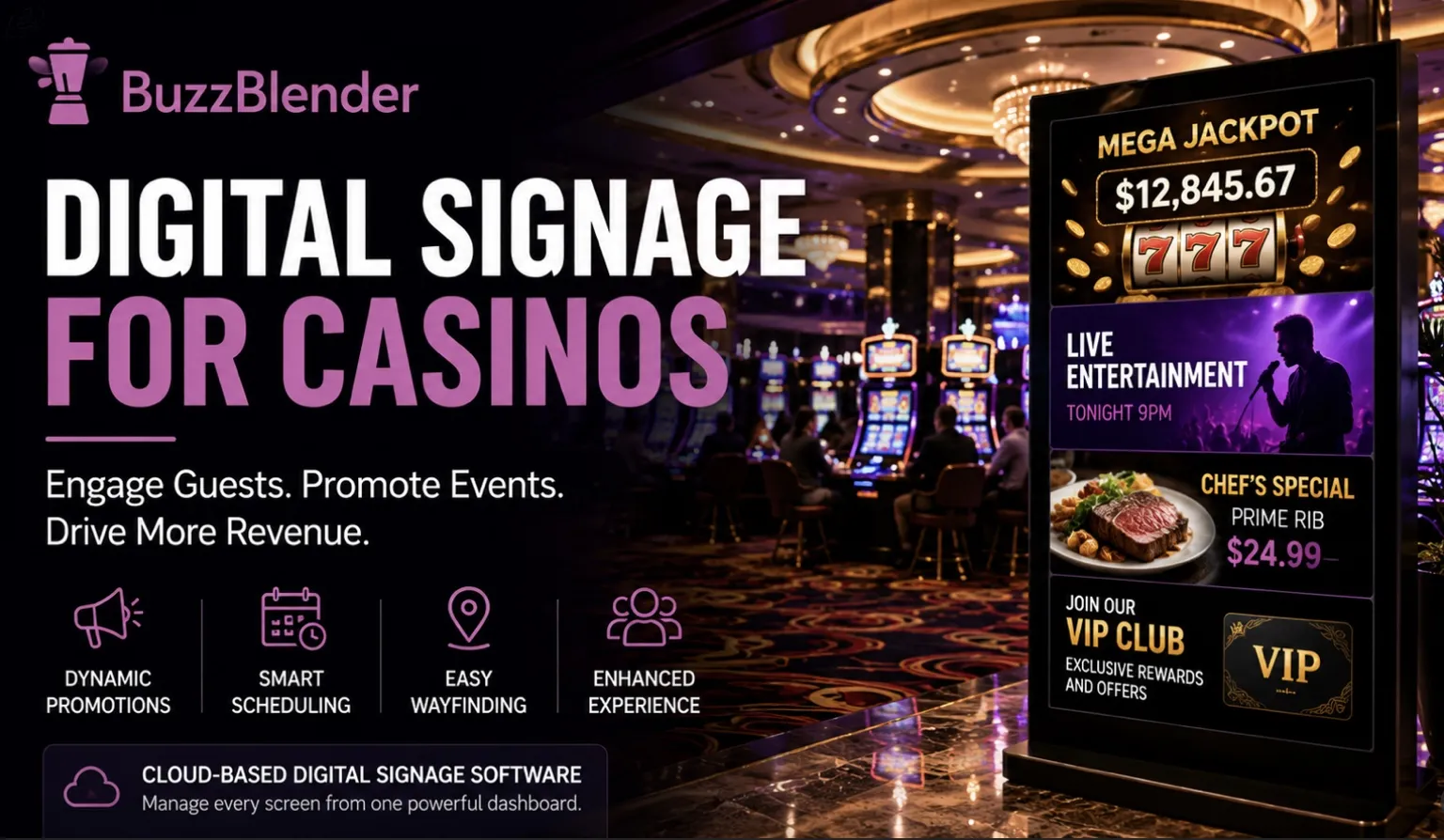
Take control of your screens today with Buzzblender
Frequently Asked Questions
What is casino digital signage?
Casino digital signage uses network-connected screens to display promotions, events, wayfinding, menus, entertainment schedules, and guest information in real time.
Can casinos schedule different content throughout the day?
Yes. Modern digital signage platforms allow playlists to be scheduled by time, day, or screen group, ensuring the right content appears automatically.
Does BuzzBlender support multiple casino locations?
Yes. BuzzBlender enables centralized management of screens across multiple properties from a single cloud dashboard.
Can existing TVs be used?
Yes. BuzzBlender supports Android, LG webOS, Samsung Tizen, browsers, Windows, Linux, and other platforms, allowing many existing displays to be repurposed for digital signage.
How much does BuzzBlender cost?
Plans start at $5 per screen per month, with Premium and Enterprise options available for advanced
What Our Customers Say
⭐⭐⭐⭐⭐
Finally, a Digital Signage Solution That Works on Titan OS
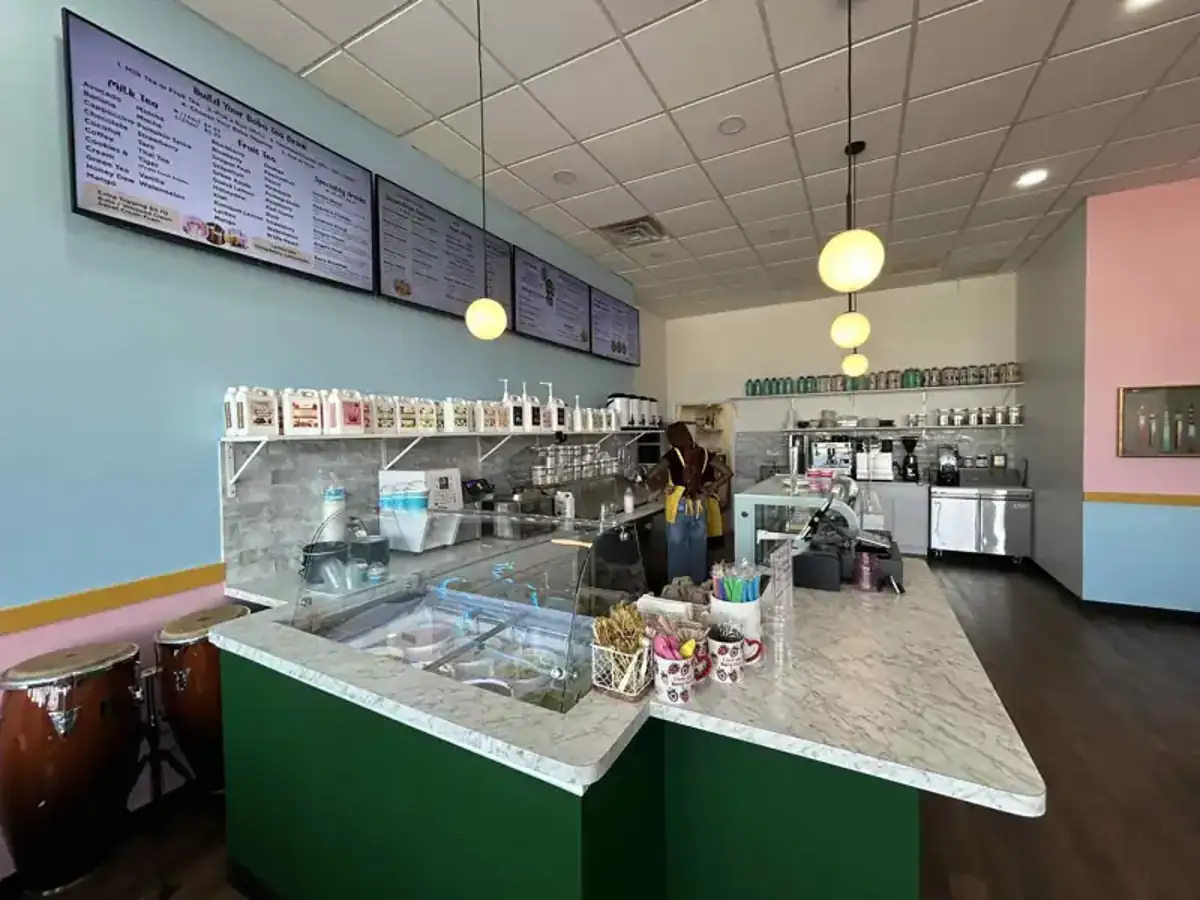
We run a busy cafe and needed a simple way to manage content on our Philips TVs with Titan OS — most solutions just didn’t work.
Buzzblender solved that immediately.
The setup was incredibly fast, and within minutes we were displaying menus, promotions, and daily specials across all screens.
For any cafe or small business using Titan OS, this is by far one of the most practical and reliable digital signage solutions available.
Jeffrey, cafe owner


Leave a Reply