
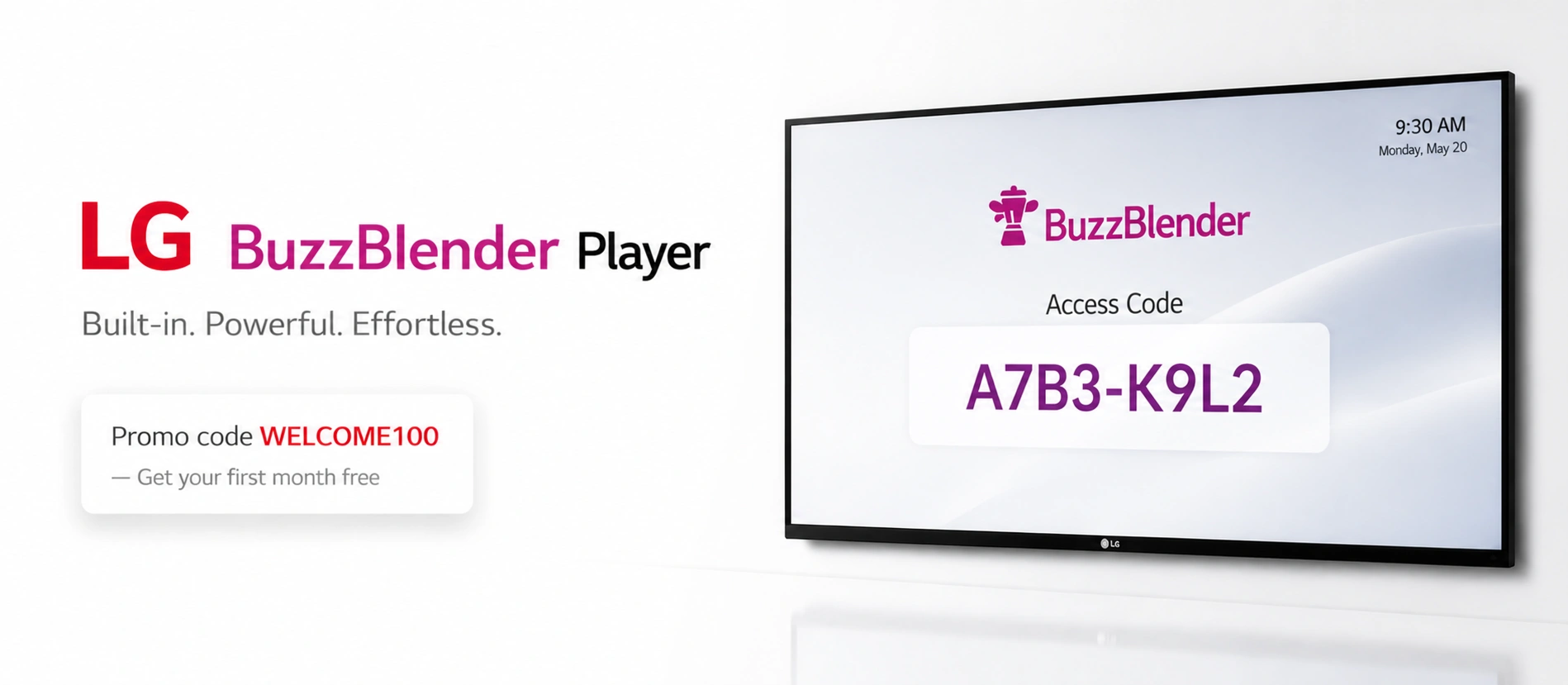
LG webOS commercial displays can make digital signage considerably simpler. Instead of connecting a separate media player to every screen, compatible signage software can run directly on the display’s built-in system-on-chip.
The remaining question is which CMS and signage player to use.
For businesses prioritizing straightforward cloud management and low per-screen costs, BuzzBlender is one of the strongest options to consider in 2026. Its Basic plan costs $5 per screen per month, supports LG webOS, and includes playlist scheduling, remote screen management, QR-code overlays and common media formats.
There is also a promotional offer: use WELCOME100 to get your first month free. Separately, BuzzBlender currently advertises a 14-day free trial with no credit card required
LG webOS has become one of the most widely used platforms for commercial displays, powering thousands of LG webOS signage displays across retail, restaurants, and corporate environments. Its built-in system eliminates the need for external hardware, but businesses still need reliable digital signage software to manage content effectively.
In this guide, we review the best LG webOS signage software and players in 2026.
What Is LG webOS Digital Signage?
LG webOS is the smart platform built into compatible LG commercial signage displays. Because the operating system and processing hardware are integrated into the display, supported signage applications can operate without a separate Android box, PC or other external media player.
That creates a cleaner digital signage architecture: install compatible player software, connect the display to a cloud CMS and publish content remotely.
LG’s own documentation describes its webOS signage ecosystem as supporting content creation, scheduling, distribution and remote display management. LG SuperSign Cloud, for example, supports compatible LG signage running webOS 4.0 and above, although compatibility can vary by model. (LG UK)
This embedded approach is particularly attractive for restaurants, retail stores, offices, hotels, healthcare facilities and multi-location businesses where maintaining a separate player behind every screen adds unnecessary hardware and administration.
To manage content, you need:
- a webOS signage player
- a cloud CMS
- or full LG digital signage software like Buzzblender
Why Run Digital Signage Directly on LG webOS?
The biggest advantage is simplicity.
With native player software, you can potentially remove an entire hardware layer from your installation. There is no external player to mount, power or connect by HDMI. That can mean fewer cables, fewer devices to maintain and a faster deployment.
The software still matters, however. A capable LG webOS digital signage platform should give you a cloud CMS for controlling screens remotely, scheduling tools, support for common media formats, screen monitoring and an easy way to manage multiple locations.
For many businesses, pricing matters just as much. A difference of several dollars per screen becomes significant as a signage network grows from five displays to 50 or 500.
🏆 Best Digital Signage Software for LG webOS
1. BuzzBlender (Best LG webOS Signage Player Software). $5 per screen per month!
BuzzBlender is a modern player software for LG webOS signage player environments, designed for simplicity and performance. Up to 80% cheaper than competitors
It works as a complete digital signage player for LG displays, allowing you to manage content remotely without additional hardware.
The Basic plan starts at just $5 per screen/month and includes playlist creation and scheduling, active/inactive screen monitoring, remote content management, dynamic QR-code overlays, portrait and landscape support, images, videos, webpages and HTML, kiosk mode and video-wall support on specified platforms.
For organizations that simply need to put content on LG screens and control it remotely, that combination makes BuzzBlender particularly compelling.
Key features:
- Compatible with LG webOS signage displays
- Cloud-based CMS
- Fast deployment as a webOS signage player
- Real-time updates
- Multi-screen control
- QR code overlay
Why it stands out:
BuzzBlender combines both:
- LG digital signage software
- and a lightweight signage player for LG
- affordable solution for small and medium businesses
Making it ideal for businesses that want a modern alternative to legacy systems.
Take control of your screens today with Buzzblender
2. LG SuperSign CMS (Native LG Digital Signage Software)
Developed by LG Electronics, SuperSign is the official LG digital signage software.
It includes its own webOS signage player and full ecosystem integration.
Best for: enterprises using LG infrastructure
3. Yodeck (Easy Player Software for LG Digital Signage)
Yodeck provides simple and effective player software for LG digital signage.
Key features:
- Native LG webOS signage player
- Drag-and-drop CMS
- Templates and apps
Best for: SMBs.
4. NoviSign (Enterprise Signage Software for LG)
NoviSign offers enterprise-grade signage software for LG displays.
Best for: large-scale deployments
5. Pickel (Enterprise Signage Software for LG)
Digital signage app for LG displays designed for Enterprises.
Best for: large-scale deployments
6. Carousel (Enterprise WebOS Signage Software)
Carousel focuses on Enterprises webOS signage software deployments.
👉 Best for: internal communications
Comparison Table
| Software | You can install from LG Content Store | webOS Player | Type | Best For | Price per screen |
|---|---|---|---|---|---|
| BuzzBlender | YES | ✅ | Budget Cloud CMS | Small and Medium businesses | $5 per screen per month |
| LG SuperSign | NO | ✅ | Cloud CMS | Enterprise | $15 per screen per month |
| Yodeck | NO | ✅ | Cloud CMS | Enterprise | $8 per screen per month, billed annually |
| NoviSign | NO | ✅ | Cloud CMS | Enterprise | $16 per screen per month |
| Pickcel | NO | ✅ | Cloud CMS | Enterprise | $15 per screen per month |
| Carousel | NO | ✅ | Cloud CMS | Enterprise | $25 per player per month |
Why Businesses Choose Buzzblender LG webOS Signage
- No external player needed
- Lower hardware cost
- Reliable performance
- Easy deployment of webOS signage players
This makes LG webOS signage software a growing market.
Why BuzzBlender Stands Out at $5 per Screen
Price is one of the clearest differences.
BuzzBlender’s Basic plan is currently $5 per screen/month. There is no published screen limit on that plan, and the pricing page says there is no card commitment.
That translates into predictable software costs:
| Number of Screens | BuzzBlender Basic |
|---|---|
| 1 | $5/month |
| 5 | $25/month |
| 10 | $50/month |
| 25 | $125/month |
| 50 | $250/month |
| 100 | $500/month |
For a growing business, simple per-screen pricing makes forecasting signage costs easier.
BuzzBlender Features for LG webOS
Native LG webOS Player
BuzzBlender runs directly on supported LG commercial webOS displays. That means businesses can deploy signage without buying and maintaining a separate player for every compatible screen.
Always verify the exact LG model before rollout because compatibility can vary between commercial displays and consumer TVs.
Cloud-Based Content Management
Once screens are connected, administrators can control their signage remotely through the web dashboard. Content can be managed from another room, another building or another location entirely.
This is especially useful for franchises and multi-site organizations where USB-based content updates quickly become impractical.
Playlist Scheduling
BuzzBlender lets teams build playlists and schedule when content should appear. Instead of manually changing promotions throughout the day, content can be prepared in advance.
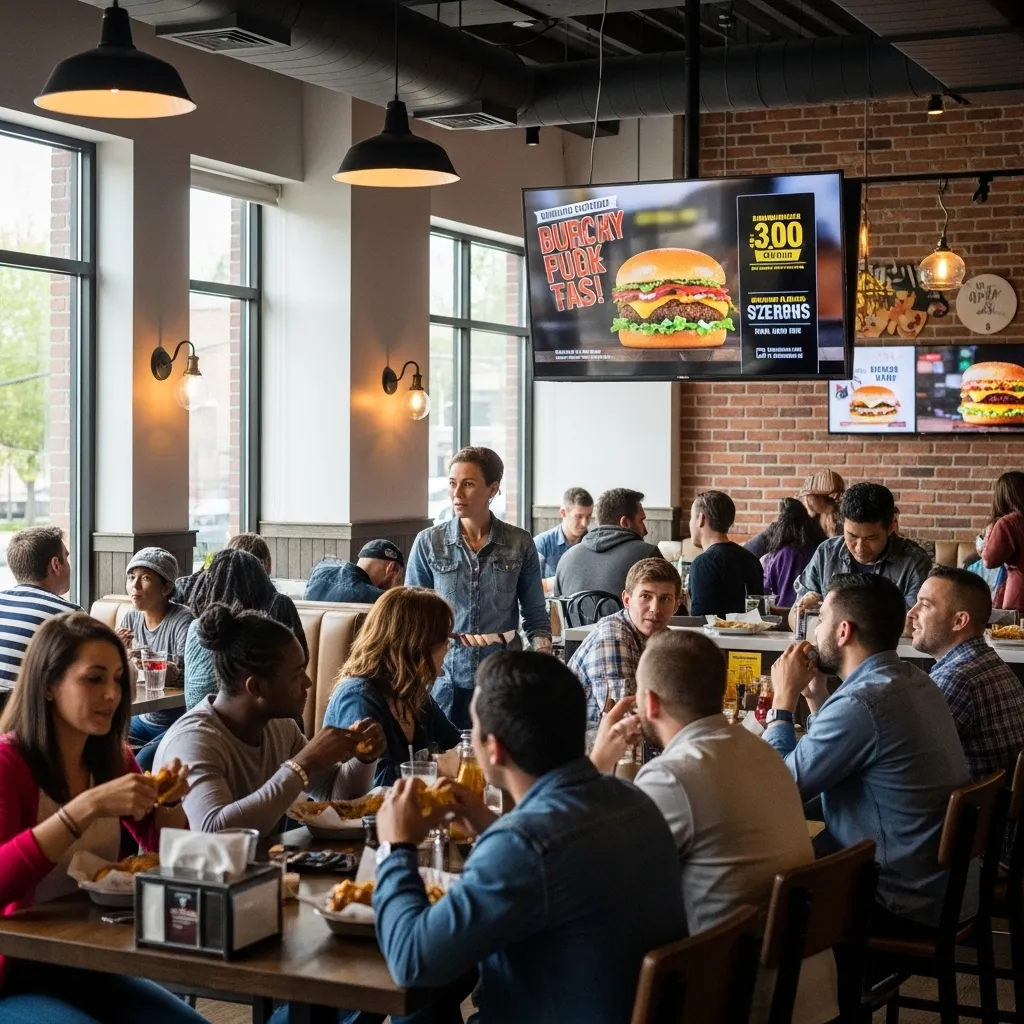
A restaurant, for example, can schedule breakfast content in the morning, lunch promotions in the afternoon and evening specials later in the day.
Images, Video, Webpages and HTML
The Basic plan supports images, video, webpages and HTML. This makes LG screens useful for far more than looping static advertisements.
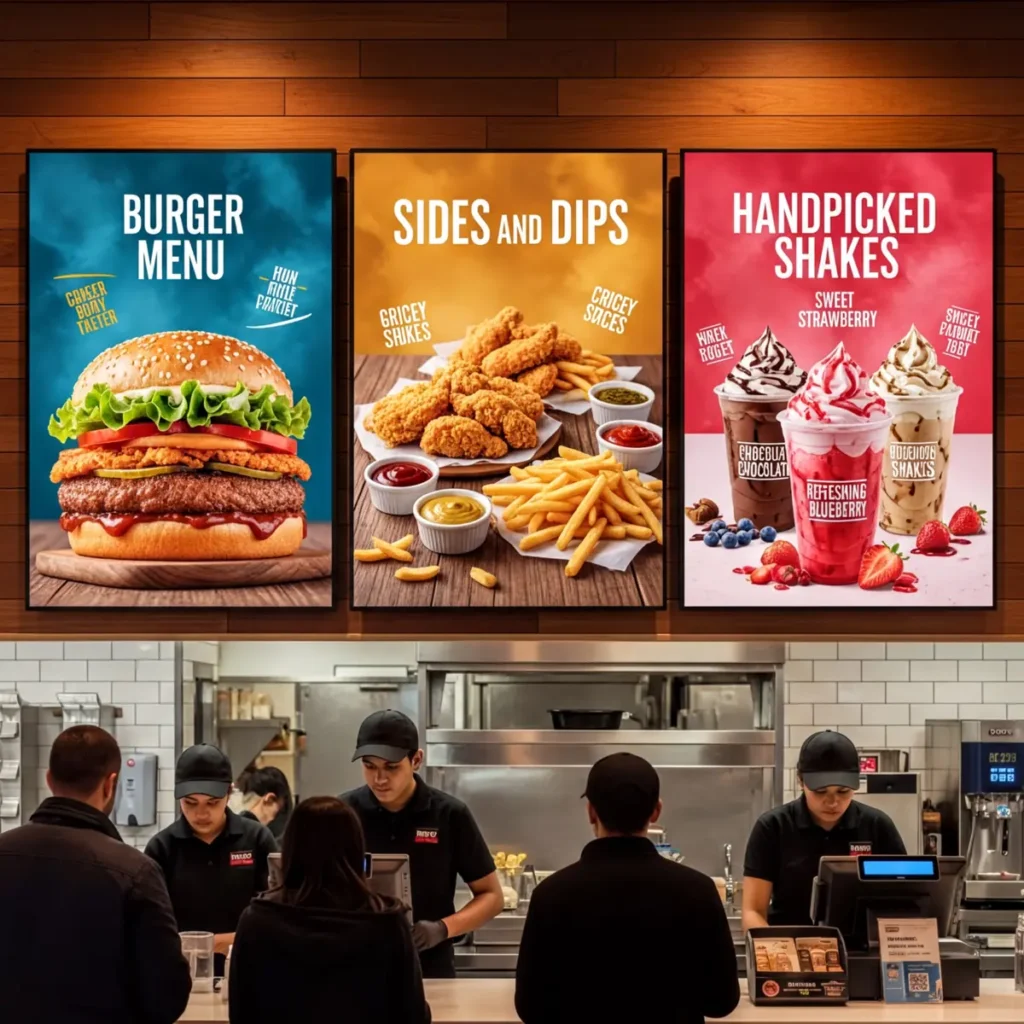
Businesses can use the same platform for promotional displays, digital menu boards, internal communications, information screens and other signage applications.
QR-Code Overlays
BuzzBlender can place dynamic QR-code overlays on screen content.
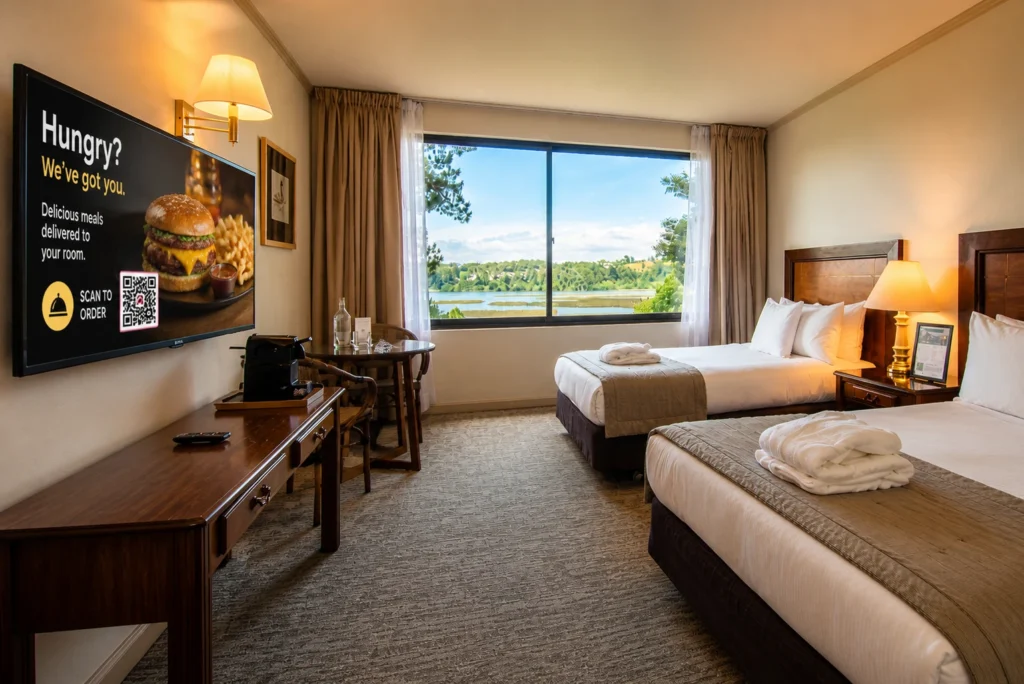
That can connect a physical display to an online action: view a menu, open a promotion, visit a landing page or access additional information on a smartphone.
Screen Monitoring
The Basic plan includes monitoring of active and inactive screens. For organizations operating displays across several locations, visibility into screen status is an important operational feature.
Portrait and Landscape Displays
BuzzBlender supports both portrait and landscape orientations, giving businesses more flexibility when planning menu boards, retail displays, information screens and other installations.
How to Set Up BuzzBlender on LG webOS
Deployment is designed to be straightforward.
On a compatible LG webOS display, install or open the BuzzBlender application, obtain the access code displayed by the player, and use that code to connect the screen through the Devices section of the BuzzBlender admin panel. You can then upload media, build a playlist and publish content to the display.
BuzzBlender says most businesses can launch a first supported LG screen in under five minutes.
For larger deployments, test the software on the exact display model you plan to standardize before purchasing or deploying a large number of screens.
Where LG webOS + BuzzBlender Makes Sense
The combination works particularly well when a business wants professional digital signage without adding external hardware to every compatible LG display.
Restaurants and cafes can run menu boards, daily specials, promotional videos and QR-code campaigns.
Retailers can schedule promotions, product advertising and seasonal campaigns from a central dashboard.
Offices can publish announcements, company news, visitor information and internal communications.
Hotels and hospitality businesses can manage welcome screens, promotions, schedules and guest information.
Multi-location businesses can control screens remotely instead of relying on employees at each site to update displays manually.
BuzzBlender Pros and Cons
Pros
- $5 per screen/month Basic pricing
- Native support for compatible LG webOS commercial displays
- No external media player required on supported LG webOS hardware
- Cloud-based remote management
- Playlist scheduling
- Dynamic QR-code overlays
- Images, video, webpages and HTML
- Portrait and landscape orientations
- Active/inactive screen monitoring
- Video-wall support on supported platforms
- 14-day free trial with no credit card required
- First month free with promo code WELCOME100
Cons
- Advanced statistics and role-based multi-user teams require the Premium plan
- Exact LG compatibility should be confirmed before deployment
- Businesses needing a very large app/template ecosystem may prefer to compare higher-priced alternatives
Final Thoughts. Buzzblender – Most Affordable Digital Signage for LG webOS ($5/month)
If you’re choosing between solutions:
- Best modern solution: BuzzBlender
- Official LG software: SuperSign
- Enterprise: NoviSign
The key is choosing a platform that works as both:
- player software for LG webOS signage player
- and scalable CMS
No credit card required
What Our Customers Say
⭐⭐⭐⭐⭐
Cheap and Perfect Digital Signage for WebOS (LG)
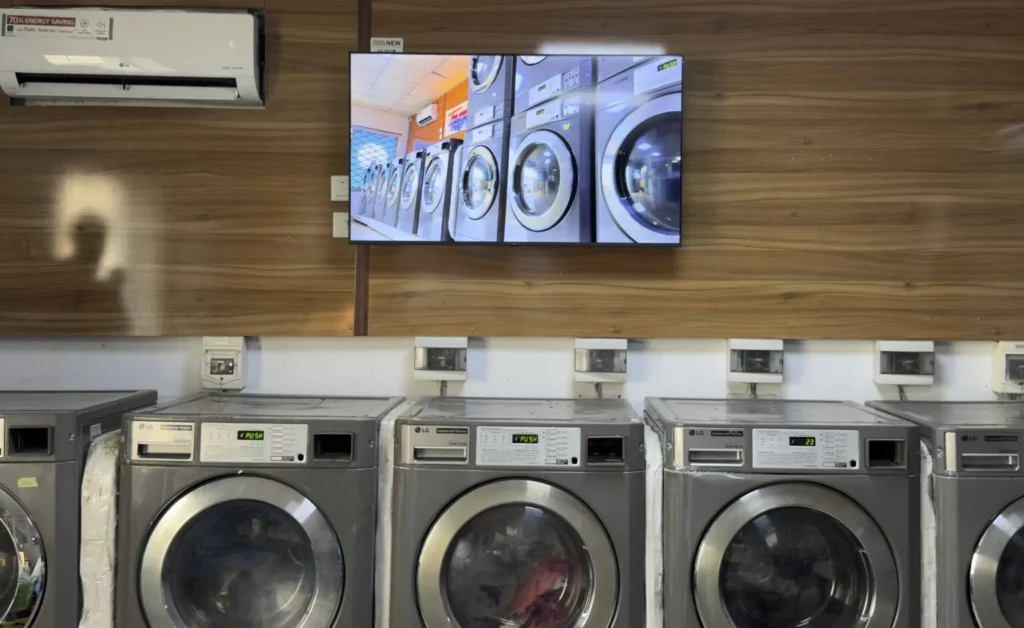
My experience with Buzzblender has exceeded expectations. It simplifies content management. We use LG (WebOs) and Buzzblender works perfectly on our screen
Agbanike, True Wash Laundromat
Digital signage has become an essential communication tool for businesses across retail, hospitality, healthcare, education, transportation, and corporate environments. As organizations look for efficient ways to manage digital displays, LG webOS signage player software has emerged as one of the most popular solutions for commercial signage.
Built specifically for LG commercial displays, webOS allows businesses to run digital signage applications directly on the screen without requiring an external media player. Combined with a cloud-based content management system like BuzzBlender, organizations can deploy, manage, and scale digital signage networks quickly and cost-effectively.
Whether you’re installing a single screen or managing thousands of displays across multiple locations, choosing the right LG webOS signage player software can dramatically improve operational efficiency while reducing hardware and maintenance costs.
Key Features of LG webOS Signage Player Software
When evaluating digital signage solutions, businesses should look for software that includes powerful management capabilities.
Important features include:
Cloud-Based CMS
Manage displays from any browser without installing desktop software.
Advanced Scheduling
Schedule content by:
- Date
- Time
- Day of week
- Location
- Display groups
- Campaign duration
Automation reduces manual work and ensures content appears exactly when needed.
HTML5 Support
Modern signage increasingly relies on HTML5 applications.
Professional LG webOS signage player software should support:
- Interactive content
- Dashboards
- Web widgets
- Real-time data
- Dynamic content
- Touchscreen applications
Offline Playback
Displays should continue playing scheduled content even if the internet connection is temporarily unavailable.
Offline caching improves reliability and minimizes interruptions.
Device Monitoring
Administrators should be able to monitor:
- Online/offline status
- Player health
- Storage usage
- Software versions
- Screen availability
This helps IT teams quickly identify and resolve issues.
FAQ – LG webOS Digital Signage Software
What is LG webOS signage?
LG webOS signage is a commercial display platform that allows businesses to run digital signage content directly on LG screens without external media players. It includes a built-in operating system and supports digital signage player software for LG.
Do LG webOS displays require a media player?
LG webOS displays do not require an external media player because they include a built-in system-on-chip. A webOS signage player can run directly on the display, reducing hardware costs and simplifying setup.
What is the best digital signage software for LG webOS?
The best digital signage software for LG webOS is a platform that combines a cloud-based CMS with a native signage player for LG displays. Solutions like BuzzBlender provide a modern, flexible approach, while other platforms focus on enterprise or template-based deployments.
How does a digital signage player for LG work?
A digital signage player for LG runs directly on webOS signage displays and delivers content such as videos, menus, and promotions. It connects to a cloud CMS, allowing remote updates and centralized control.
Can I use third-party software on LG webOS signage?
Yes, LG webOS signage supports third-party digital signage software. Many platforms offer player software for LG webOS signage player environments, allowing businesses to choose flexible cloud-based solutions instead of native systems.
How do I install a webOS signage player on LG displays?
A webOS signage player is installed on LG displays using developer mode, USB installation, or direct URL deployment. After installation, the player connects to a CMS and starts delivering content immediately.
Buzzblender can be installed from LG Content App Store.
What is the difference between LG SuperSign and other signage software?
LG SuperSign is the official LG digital signage software designed for full integration with LG hardware. Third-party platforms like BuzzBlender provide more flexibility, faster deployment, and modern cloud-based features while still working as a webOS signage player.
What industries use LG webOS digital signage?
LG webOS digital signage is used in restaurants, retail stores, corporate offices, healthcare, and hospitality. Businesses use signage player software for LG to display menus, promotions, dashboards, and real-time content.
Why is LG webOS popular for digital signage?
LG webOS is popular because it eliminates the need for external hardware, reduces costs, and provides reliable performance. Combined with the right webOS signage software, it enables scalable and easy-to-manage digital signage networks.
What should I look for in LG webOS signage software?
The most important factors are native webOS compatibility, cloud-based management, fast deployment, and reliable player performance. A good solution should work as both a digital signage player for LG and a full CMS.
Do You Know? Buzzblender Works with Philips, LG, Samsung, Xiaomi, TCL – no extra hardware
Buzzblender works seamlessly across different types of displays and operating systems:
- Professional displays from LG (Web Os)
- TVs from Samsung
- TVs running on Android (Sony, Hisense, Sharp, Skyworth, TCL, Panasonic, Xiaomi)
- Philips (Titan Os)
- JVC (Titan Os)
Learn more about LG Digital Signage:
Digital Signage Software for LG WebOS TVs
If you are looking for a cost-effective, scalable, and reliable digital signage solution for LG displays, this guide explains everything you need to know.
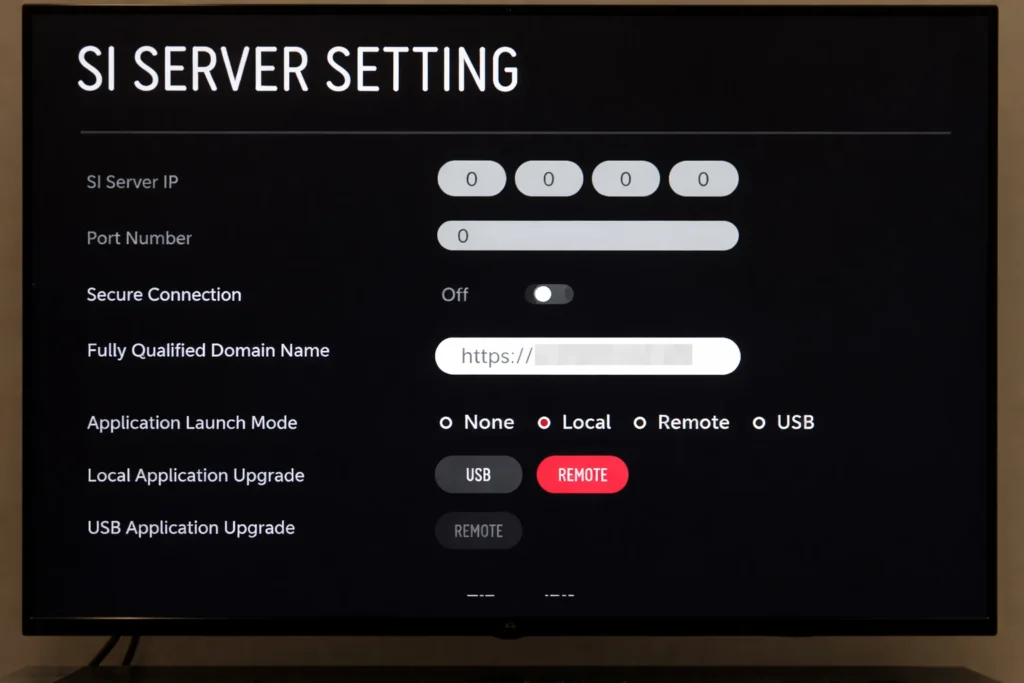
How to Install Digital Signage on LG Commercial Displays.
People often struggles with getting external app on LG Displays like LS Standard Signage.
We Support Different Operating Systems


Leave a Reply