
Have you ever invested in digital signage software only to realize six months later that your team barely uses half of the features you’re paying for? Many businesses across the US face exactly this problem when searching for reliable ScreenCloud alternative.
ScreenCloud is a well-established digital signage platform with an extensive app and integration ecosystem, unlimited file storage, remote device management, templates, and enterprise-focused capabilities.
But it is not necessarily the right choice for every digital signage network.
The biggest consideration for many small and growing businesses is cost. ScreenCloud currently lists its Core plan at $24 per screen per month when billed annually, while Pro is $36 per screen per month when billed annually. Enterprise pricing is available through its sales team.
If you primarily need to upload content, create playlists, schedule campaigns, monitor screens, and remotely manage displays across one or multiple locations, there are less expensive alternatives.
✨Psst… Looking for a modern & affordable alternative to ScreenCloud? Check out Buzzblender →
Exclusive offer: get your first month free with promo code WELCOME100
The main problem is that companies need digital signage software that is scalable, easy to manage, and affordable at the same time. According to Grand View Research the global digital signage market is projected to surpass $58 billion in the 2033, showing how rapidly businesses are adopting visual communication tools.
Grand View Research — Digital Signage Market Size Report
That’s where Buzzblender comes in. Instead of relying on rigid signage ecosystems, businesses can choose modern ScreenCloud alternative that offer better integrations, simpler deployment, and improved customization. As a result, many retail brands now prefer flexible digital signage solutions that support omnichannel marketing and scheduling.
Moreover, the best ScreenCloud alternatives are more than cheaper platforms. As a result, they enable businesses to publish the right content faster across locations, minimizing operational friction.
In addition, you’ll learn to identify the best ScreenCloud alternative and compare pricing and integrations. You’ll also discover how businesses in Los Angeles, CA and Miami, FL use modern signage ecosystems to improve customer engagement and operational efficiency.
Related resources:
- Driving revenue in Retail: Case study
- Boosting sales in Hospitality: Case study
Key Takeaways
- BuzzBlender is our best-value ScreenCloud alternative, starting at $5 per screen/month.
- Yodeck is a strong choice if you want a large template and app ecosystem, with paid plans starting at $8/screen/month.
- OptiSigns is worth considering for businesses that want 100+ apps and integrations.
- TelemetryTV starts at $8/device/month and combines signage with apps, scheduling, zones, and device management.
- Rise Vision is particularly well suited to schools and organizations that need education-focused content and emergency communication options.
- NoviSign offers a mature cloud signage platform with content creation and interactive features.
- Screenly is an alternative for organizations that value dedicated player options, security, custom applications, and cloud management.
Table of Contents
- Why Businesses Look for Alternatives to ScreenCloud
- Buzzblender
- Yodeck
- Rise Vision
- NoviSign
- OptiSigns
- Raydiant
- TelemetryTV
- Comparison table
- Conclusion
Why Businesses Look for Alternatives to ScreenCloud
A lot of companies looking for alternatives to ScreenCloud run into the same challenges. One common issue is that pricing tends to rise as businesses expand to more screens and different locations.
Another common issue is deployment complexity. Some Alternatives to ScreenCloud focus heavily on enterprise customers while smaller businesses need faster onboarding and easier content management.
Modern SaaS providers increasingly demand cloud-native signage software with real-time synchronization and collaborative workflows.
Migrate from ScreenCloud to BuzzBlender in Just 5 Minutes
Switching digital signage platforms doesn’t have to be complicated.
With BuzzBlender, you can move from ScreenCloud in as little as 5 minutes—without disrupting your screens or your team.
Why switch?
- ⚡ Get started in minutes
- 📺 Connect your existing displays
- 🎨 Upload and publish content instantly
- ☁️ Simple cloud-based management
- 💰 Reduce costs without sacrificing features
How it works
Step 1: Sign up for BuzzBlender
Create your account and add your displays.
Step 2: Install the BuzzBlender player
Replace the ScreenCloud app with the BuzzBlender player on your device.
Step 3: Upload your content
Import your images, videos, and playlists.
Step 4: Publish
Assign content to your screens and go live.
That’s it. Your digital signage is up and running with BuzzBlender—in about 5 minutes.
Make the switch today
Whether you’re managing one screen or hundreds, BuzzBlender makes migration fast, easy, and hassle-free.
Ready to move from ScreenCloud? Start your free trial and experience a simpler way to manage digital signage.
1. Buzzblender
Source:
Buzzblender Official Website
Buzzblender is one of the most flexible ScreenCloud alternative for businesses that need scalable content management and AI-enhanced analytics. Additionally, the platform is designed for startups, retail chains, hospitality companies, and enterprise teams.
In Austin, TX, companies use Buzzblender to synchronize marketing campaigns across multiple displays and customer touchpoints. Its modular architecture makes deployment significantly easier compared to legacy signage ecosystems.
Buzzblender also supports advanced analytics, cloud integrations, and collaborative workflows. This makes it a strong choice for distributed teams managing hundreds of screens.
Pricing Comparison: ScreenCloud vs. BuzzBlender
Why pay more for the same outcome?
Businesses need digital signage that is reliable, easy to manage, and cost-effective—not overpriced.
BuzzBlender delivers the features teams rely on every day at a fraction of the cost of ScreenCloud, helping organizations reduce software spend without compromising performance.
| Feature | BuzzBlender | ScreenCloud |
|---|---|---|
| Starting Price | from $5 per screen | from $20 per screen |
| Unlimited Content Updates | ✅ | ✅ |
| Cloud-Based Management | ✅ | ✅ |
| Remote Screen Control | ✅ | ✅ |
| Multi-User Access | ✅ | ✅ |
| Enterprise Ready | ✅ | ✅ |
| Free Migration Support | ✅ | Limited |
Save More. Scale Faster.
Whether you’re managing 10 screens or 1,000, software costs add up quickly. By switching to BuzzBlender, many organizations can reduce their annual digital signage costs while gaining a platform that’s simple to deploy and easy to scale.
More Value, Less Complexity
With BuzzBlender you get:
- Lower total cost of ownership
- No unnecessary feature bloat
- Fast onboarding in minutes
- Intuitive content management
- Responsive customer support
- Flexible plans that grow with your business
Switch in 5 Minutes
Migrating from ScreenCloud is straightforward. Install the BuzzBlender player, upload your content, and publish to your screens—all in about 5 minutes.
Stop paying premium prices for digital signage. Move to BuzzBlender and invest your budget where it matters most.
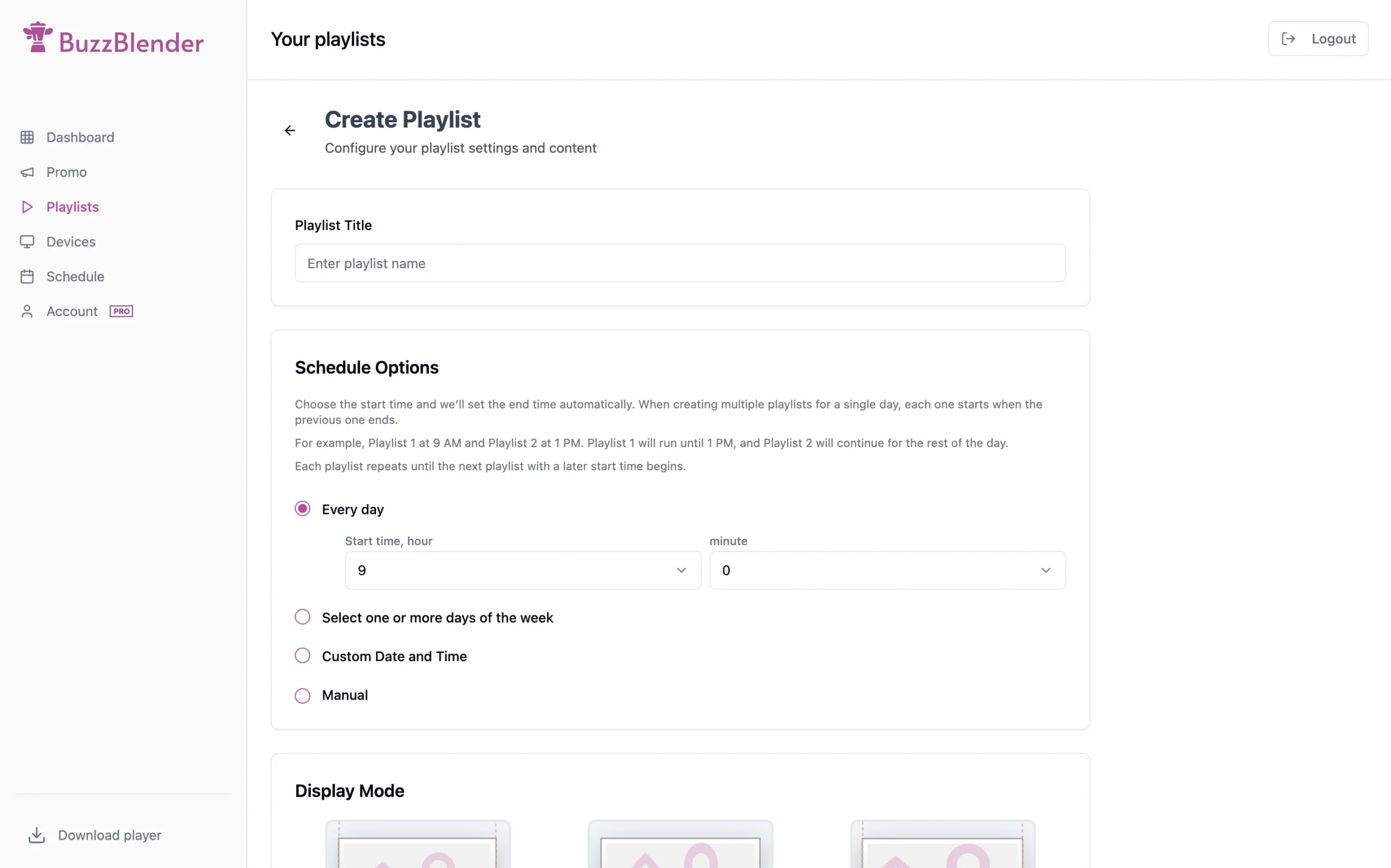
BuzzBlender vs ScreenCloud
The most obvious difference is price.
For a straightforward digital signage deployment, BuzzBlender starts at $5 per screen per month, whereas ScreenCloud’s currently advertised Core pricing is $24 per screen per month when billed annually.
ScreenCloud offers the larger integration ecosystem and unlimited file storage. BuzzBlender takes a leaner approach, focusing on essential signage management while keeping the subscription cost substantially lower.
That makes BuzzBlender particularly attractive for restaurants, cafés, hotels, retail stores, offices and multi-location businesses that do not need dozens of integrations.
Pros
- User-friendly dashboard
- AI-powered analytics
- Scalable cloud architecture
- Multi-location support
- Custom development
- Pricing: five dollars per screen/month
Cons
- Some premium features are available only in higher plans
- No Templates
Key Features
- Remote screen management
- Cloud synchronization
- Analytics dashboard
- QR code generation and analytics
- Team collaboration tools
Short Conclusion
As a result, Buzzblender is among the strongest alternatives to ScreenCloud for organizations that want flexibility and scalability. It works particularly well for businesses in New York, NY and Denver, CO that manage distributed digital marketing operations.
Quick Facts
- Type: SaaS platform
- Best for: SMB
- Deployment: Cloud-based
- Users: SMBs and enterprises
- Key benefit:$5 Screen/Month. Even lower depending on volume.
2. Yodeck
Source:
Yodeck Official Website
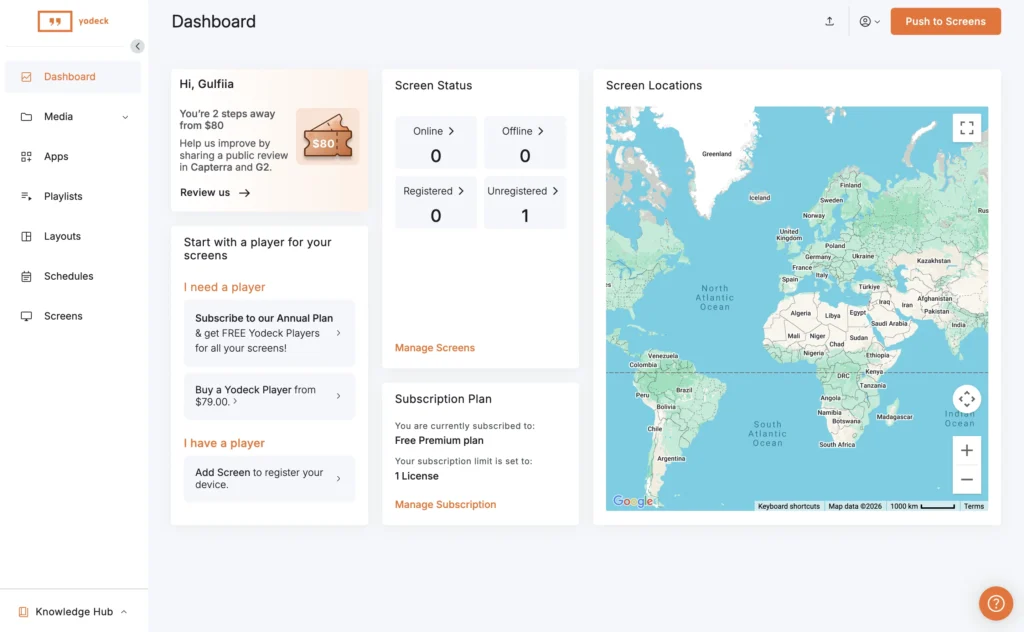
Additionally, Yodeck is a cloud-based signage platform known for affordability and Raspberry Pi compatibility. Moreover, many small businesses in Phoenix, AZ prefer it as a lightweight alternative.
The platform focuses on simplicity and ease of deployment. Companies looking for practical Alternatives to ScreenCloud often choose Yodeck because of its straightforward setup process.
Pros
- Hardware flexibility
- Cloud management
Cons
- Limited enterprise customization
- Fewer advanced automation features
- Annual subscription
Key Features
- Playlist scheduling
- Cloud CMS
- Screen monitoring
- Templates library
Short Conclusion
Yodeck is a solid option for SMBs that need budget-friendly Alternatives to ScreenCloud. It performs especially well for restaurants and retail businesses.
Quick Facts
- Best for: SMBs
- Pricing: Subscription-based
- Deployment: Cloud
- Hardware: Raspberry Pi compatible
3. Rise Vision
Source:
Rise Vision Official Website
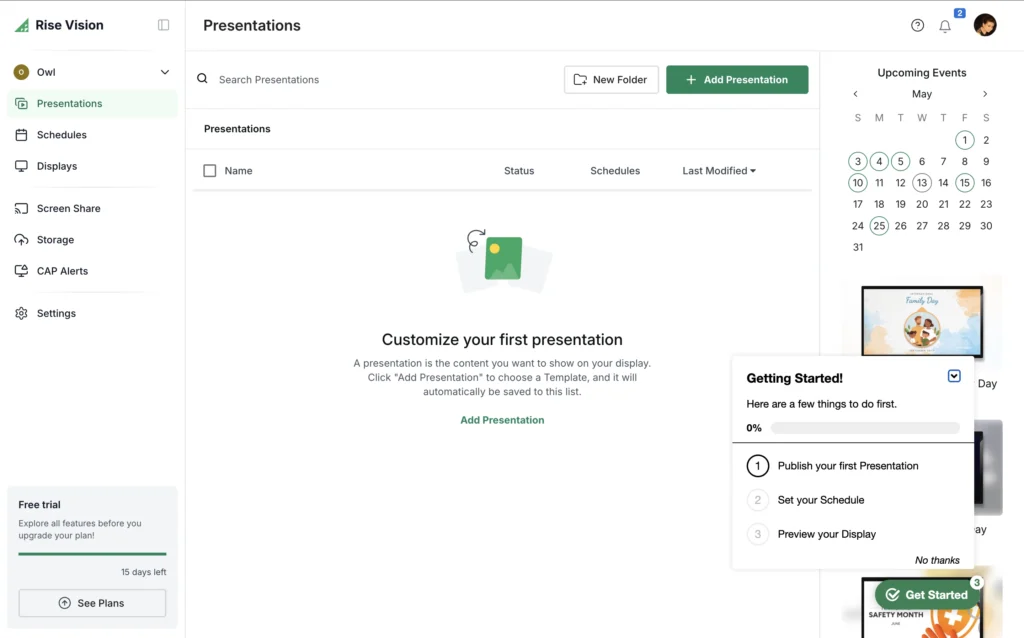
Rise Vision is all about enhancing educational and corporate settings. In Atlanta, GA, schools often turn to this platform for their announcements and campus communications.
As a top contender among alternatives to ScreenCloud, Rise Vision boasts a wide array of template libraries and makes content publishing a breeze.
Pros
- Excellent template system
- Education-focused features
- Easy scheduling
Cons
- Less suitable for advanced retail campaigns
- Limited AI functionality
- Price
Key Features
- Drag-and-drop editor
- Widgets and templates
- Emergency alerts
- Educational integrations
Short Conclusion
Rise Vision is ideal for educational institutions and internal corporate communication systems.
Quick Facts
- Industry: Education technology
- Deployment: Cloud
- Best for: Schools and campuses
4. NoviSign
Source:
NoviSign Official Website
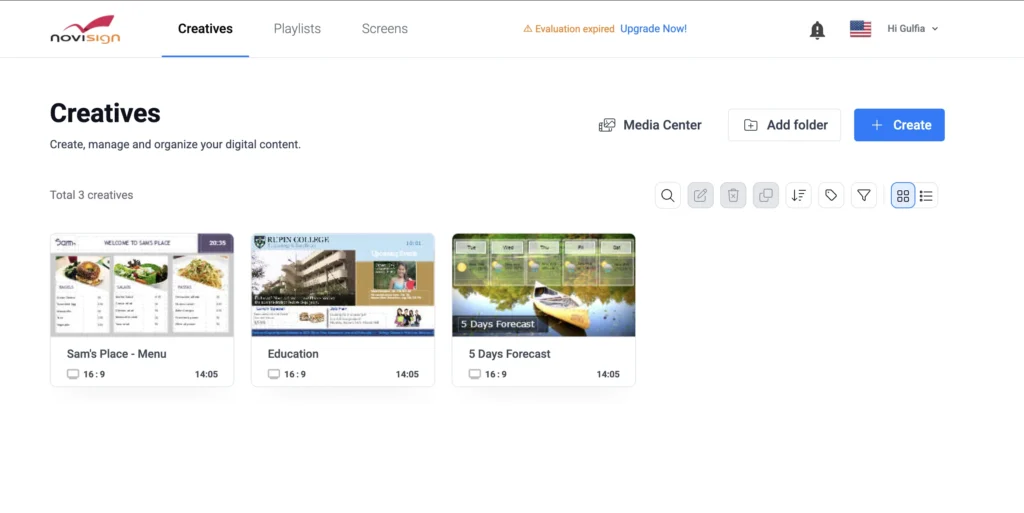
NoviSign specializes in serving the healthcare, corporate, and retail sectors. In Houston, TX, many healthcare organizations rely on NoviSign to enhance their internal communication systems.
The platform includes strong multimedia support and interactive kiosk functionality.
Pros
- Interactive kiosk support
- Strong multimedia tools
- Industry-specific templates
Cons
- Interface may feel outdated
- Advanced analytics are limited
- Price
Key Features
- Touchscreen support
- Media widgets
- Remote management
- Interactive displays
Short Conclusion
NoviSign is a practical choice for organizations seeking industry-specific Alternatives to ScreenCloud.
Quick Facts
- Best for: Healthcare and retail
- Deployment: Cloud
- Specialty: Interactive signage
5. OptiSigns
Source:
OptiSigns Official Website
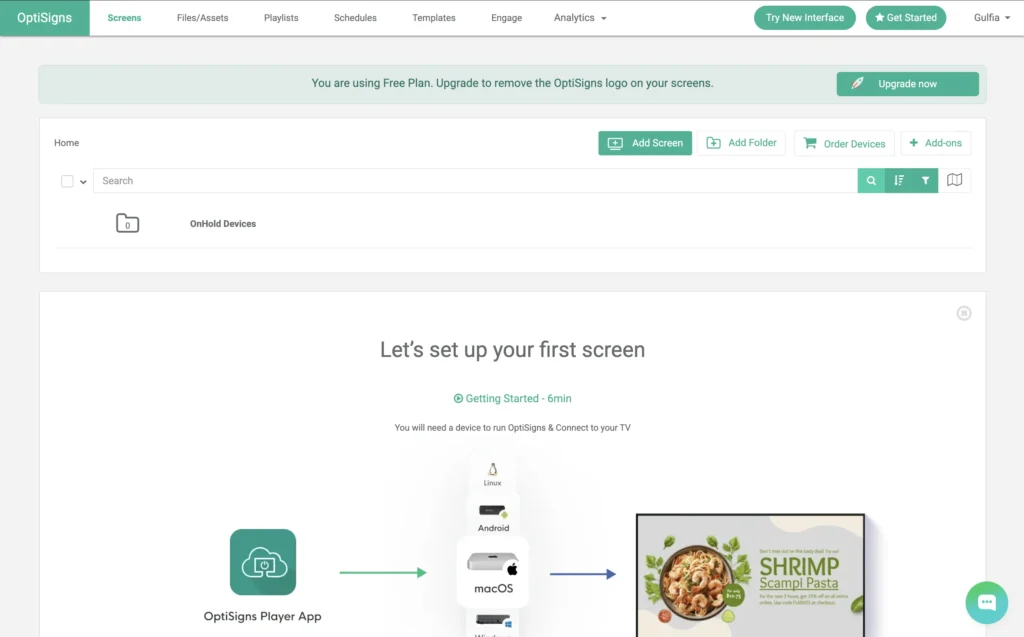
OptiSigns has become a go-to choice for retail and restaurant businesses alike. In Las Vegas, NV, you’ll often find hospitality companies using it for everything from menu boards to engaging displays that captivate customers.
The platform is known for reliability and broad hardware compatibility.
Pros
- Hardware compatibility
- Strong app integrations
Cons
- Limited enterprise analytics
- Fewer AI-driven features
- Price
Key Features
- Remote updates
- Social media integrations
- Scheduling tools
- Emergency messaging
Short Conclusion
OptiSigns is one of the easiest Alternatives to ScreenCloud for fast deployment and retail signage management.
Quick Facts
- Best for: Retail and hospitality
- Deployment: Cloud
- Focus: Ease of use
6. Displai
Source:
https://www.displai.com/
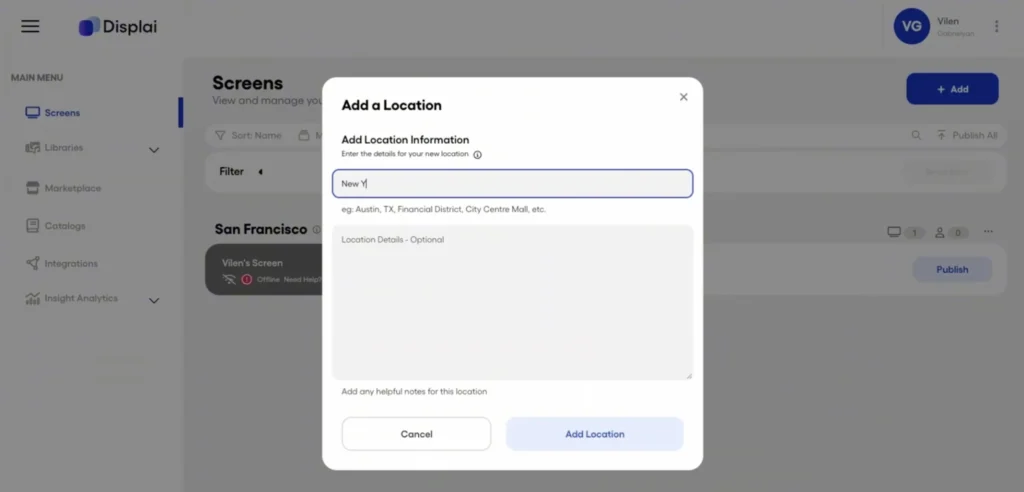
Displai really puts a spotlight on customer experience and making in-store interactions memorable. Retail companies in LA frequently turn to Displai for their experiential marketing campaigns.
Its platform combines signage, employee communication, and customer engagement features.
Pros
- Excellent retail experience tools
- Strong analytics
- Employee engagement features
Cons
- Higher pricing
- Enterprise focus may overwhelm smaller businesses
Key Features
- Interactive experiences
- Employee communication
- Real-time analytics
- Multi-screen management
Short Conclusion
Displai is ideal for enterprise retailers seeking advanced customer engagement Alternatives to ScreenCloud.
Quick Facts
- Industry: Retail technology
- Deployment: Cloud
- Specialty: Customer experience
7. TelemetryTV
Source:
https://www.telemetrytv.com/
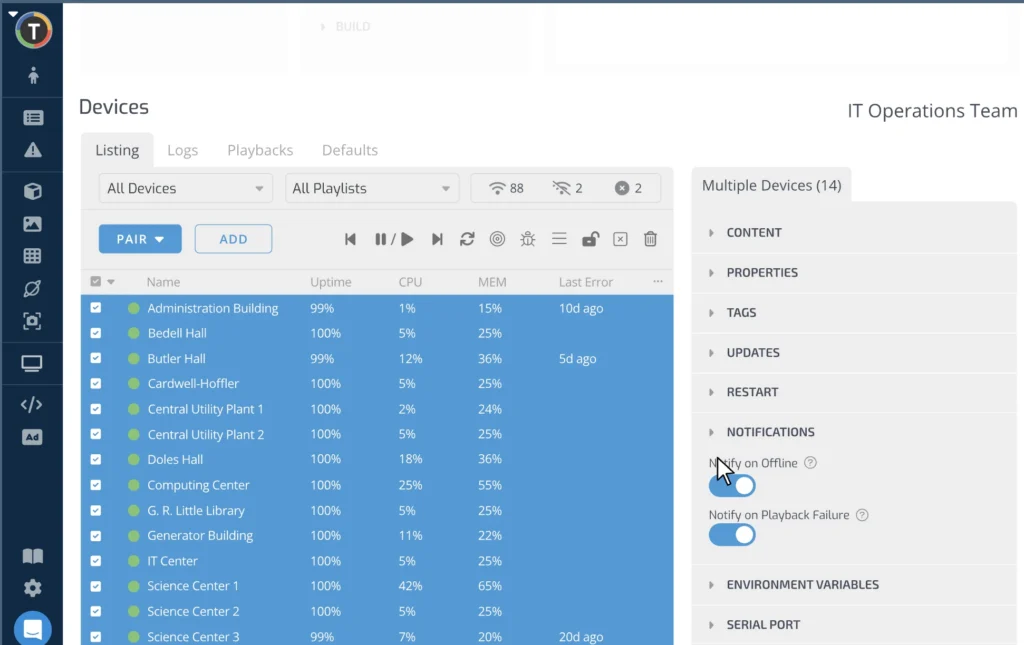
TelemetryTV is designed for enterprise communication and operational dashboards. In San Jose, CA, tech companies often use it for internal KPI displays.
The platform supports advanced integrations and centralized device management.
Pros
- Enterprise-grade security
- Strong analytics
- Centralized management
Cons
- Premium pricing
- Learning curve for new users
Key Features
- KPI dashboards
- Device management
- API integrations
- Enterprise security
Short Conclusion
TelemetryTV is one of the strongest Alternatives to ScreenCloud for large organizations that need advanced operational visibility.
Quick Facts
- Founded: 2015
- Best for: Enterprises
- Deployment: Cloud
- Specialty: Internal communications
Comparison Table
Summary
BuzzBlender provides the lowest starting price among the compared platforms while supporting LG webOS, Samsung Tizen, Android TV, and centralized cloud-based deployments.
| Platform | Best For | Starting Price | Key Strength | Main Weakness | AI Features | Cloud-Based | Multi-Location Support |
|---|---|---|---|---|---|---|---|
Buzzblender | Enterprise & growing SMBs | $5 Screen/Month, monthly subscription | Price and scalability | Advanced setup for enterprise features | Yes | Yes | Yes |
| Yodeck | Small businesses | $8 Screen/Month, billed annually | Templates | Limited enterprise tools | Limited | Yes | Yes |
| Rise Vision | Education & corporate communication | $11 Screen/Month, billed annually | Modern templates | Limited retail functionality | No | Yes | Yes |
| NoviSign | Healthcare & retail | $18 Screen/Month, billed annually | Interactive kiosks | Outdated interface | Limited | Yes | Yes |
| OptiSigns | Retail & restaurants | $10 Screen/Month, billed monthly | 100 apps | Basic analytics | Limited | Yes | Yes |
| Displai | Retail customer experience | N/A premium pricing | Interactive engagement tools | Higher cost | Yes | Yes | Yes |
| TelemetryTV | Large enterprises | $9 Screen/Month, billed monthly | Enterprise analytics | Learning curve | Yes | Yes | Yes |
Conclusion
Choosing the right Alternatives to ScreenCloud depends on your company size, workflow complexity, and marketing goals. Some businesses prioritize affordability, while others need enterprise automation and AI-powered analytics.
Buzzblender stands out among Alternatives to ScreenCloud because it combines scalability, modern cloud infrastructure, and intelligent automation in a flexible ecosystem. Businesses in Boston, MA, Seattle, WA, and Miami, FL increasingly rely on adaptable digital signage solutions that can evolve alongside their operations.
If your organization wants faster deployment, better integrations, and improved digital communication, now is the right time to explore modern Alternatives to ScreenCloud.
Learn more:
Maximize Your ROI with BuzzBlender
Digital signage should generate value—not just monthly software bills. Every dollar spent on your signage platform should help you communicate better, engage customers, and operate more efficiently.
BuzzBlender is designed to deliver a faster return on investment by reducing costs, simplifying operations, and helping your team accomplish more with less effort.
Lower Your Total Cost of Ownership
Many organizations pay for features they rarely use or spend more than necessary on software licenses. BuzzBlender provides the capabilities businesses need without the premium price tag.
By switching from ScreenCloud, businesses can:
- Reduce ongoing software subscription costs
- Lower IT administration time with simple device management
- Eliminate unnecessary licensing expenses
- Scale to more screens without dramatically increasing costs
Save Time Every Day
Managing digital signage shouldn’t consume your team’s time.
With BuzzBlender, marketing and operations teams can:
- Update hundreds of screens from a single dashboard
- Schedule campaigns in minutes
- Deploy content instantly across multiple locations
- Reduce manual maintenance with centralized management
The result is less time managing technology and more time focusing on your business.
Grow Without Growing Your Budget
As your business expands, your digital signage platform should grow with you—not become exponentially more expensive.
BuzzBlender makes it easy to:
- Add new screens in minutes
- Manage multiple locations from one platform
- Standardize branding across your organization
- Support future growth without complex infrastructure
See the ROI: Save 75% on Digital Signage Software
Every screen you manage represents an ongoing operational cost. Choosing the right platform can have a significant impact on your annual budget.
With BuzzBlender starting at just $5 per screen per month, compared to ScreenCloud at $20 per screen per month, businesses can reduce their software costs by up to 75% while maintaining the essential features needed to manage digital signage at scale.
Annual Cost Comparison
| Number of Screens | BuzzBlender ($5/screen/month) | ScreenCloud ($20/screen/month) | Annual Savings |
|---|---|---|---|
| 10 | $600/year | $2,400/year | $1,800 |
| 25 | $1,500/year | $6,000/year | $4,500 |
| 50 | $3,000/year | $12,000/year | $9,000 |
| 100 | $6,000/year | $24,000/year | $18,000 |
| 500 | $30,000/year | $120,000/year | $90,000 |
Invest in Growth, Not Software Licenses
Imagine what your business could do with an extra $18,000 per year for every 100 screens you manage. Instead of paying higher software fees, you could invest in:
- More engaging content and creative campaigns
- Additional digital displays
- Customer experience initiatives
- Marketing and advertising
- New business growth opportunities
The Smart Business Choice
Lower software costs don’t have to mean fewer capabilities. BuzzBlender delivers the tools your business needs to manage digital signage efficiently—at a price that helps maximize your return on investment.
Why pay $20 per screen when you can achieve the same business outcomes for just $5 per screen with BuzzBlender?
ROI Beyond Cost Savings
The real value of BuzzBlender extends beyond subscription savings.
Customers also benefit from:
- Faster campaign deployment
- Increased operational efficiency
- Consistent brand messaging across all locations
- Reduced IT support requirements
- Improved team productivity
- Faster onboarding for new employees
A Smarter Investment
Choosing a digital signage platform isn’t just about today’s price—it’s about long-term business value.
BuzzBlender helps organizations lower operating costs, simplify digital signage management, and achieve a faster return on investment, making it a smart choice for businesses looking to maximize every marketing and technology dollar.
BuzzBlender vs ScreenCloud: Detailed Comparison
| Feature | BuzzBlender Basic | ScreenCloud Core |
|---|---|---|
| Starting price | $5/screen/month | $24/screen/month annually |
| Cloud management | Yes | Yes |
| Playlist management | Yes | Yes |
| Content scheduling | Yes | Yes |
| Remote device/screen management | Yes | Yes |
| Images | Yes | Yes |
| Videos | Yes | Yes |
| Web content | Yes | Yes |
| QR capabilities | Dynamic QR overlay | QR functionality available; metrics on Pro |
| Screen monitoring | Active/inactive monitoring | Yes |
| Portrait & landscape | Yes | Yes |
| Unlimited storage | No — 500 MB on Basic | Yes |
| Apps/integrations | Smaller ecosystem | 80+ on Core |
| Kiosk mode | Yes | Platform-dependent capabilities |
| Starting monthly cost for 10 screens | $50 | $240 equivalent at advertised annual rate |
The comparison reveals the fundamental difference between the products.
ScreenCloud is attractive when integrations, unlimited storage and a larger enterprise ecosystem are central to the project.
BuzzBlender is attractive when the goal is to operate a professional signage network without paying for functionality the organization may not use.
Why BuzzBlender Is Our #1 ScreenCloud Alternative
The reason is not that BuzzBlender has more integrations than ScreenCloud. It does not.
The reason is that many businesses simply do not need them.
Most restaurants, retailers, cafés, hotels, clinics and offices want digital signage to solve a straightforward problem: display the right content on the right screens at the right time.
BuzzBlender covers that workflow with content uploads, playlists, scheduling, remote management, screen monitoring, QR-code overlays and support for multiple screen platforms.
And it starts at $5 per screen per month.
For a small deployment, that keeps the barrier to entry low. For a large network, the effect compounds because every additional screen adds only another $5 to the base monthly software bill.
That combination of essential functionality, broad device compatibility and predictable pricing makes BuzzBlender our best overall ScreenCloud alternative for cost-conscious organizations.
Take control of your screens today with Buzzblender
FAQ:Alternatives to ScreenCloud
What are the best Alternatives to ScreenCloud?
Some of the best Alternatives to ScreenCloud include Buzzblender, Yodeck, Raydiant, OptiSigns, Rise Vision, NoviSign, and TelemetryTV. These platforms offer digital signage features such as cloud management, remote screen control, analytics, and content scheduling.
Why do businesses look for Alternatives to ScreenCloud?
Many businesses search for Alternatives to ScreenCloud because they want more affordable pricing, easier deployment, better integrations, or advanced AI-powered content management. Companies in retail, hospitality, and healthcare often need more scalable solutions.
Which Alternative to ScreenCloud is best for small businesses?
Yodeck and OptiSigns are popular Alternatives to ScreenCloud for small businesses because they provide affordable pricing and simple setup processes.
Which digital signage platform is best for enterprise companies?
Buzzblender, Raydiant, and TelemetryTV are strong Alternatives to ScreenCloud for enterprise organizations that require advanced analytics, multi-location management, and cloud scalability.
Are there affordable Alternatives to ScreenCloud?
Yes. Many Alternatives to ScreenCloud offer flexible pricing plans for startups and SMBs. Buzzblender and Yodeck are commonly chosen by businesses looking for cost-effective digital signage software.
Which Alternative to ScreenCloud is best for retail stores?
Raydiant, Buzzblender, and OptiSigns are excellent Alternatives to ScreenCloud for retail stores because they support promotional displays, customer engagement campaigns, and multi-screen management.
Can I manage digital signage remotely?
Yes. Most modern Alternatives to ScreenCloud include cloud-based remote management features. This allows businesses to update content, schedule campaigns, and monitor displays from anywhere.
Do Alternatives to ScreenCloud support multiple screens and locations?
Yes. Platforms like Buzzblender, Raydiant, and TelemetryTV are designed for multi-location businesses and support centralized management across hundreds of digital screens.
Is there a free trial for Buzzblender?
Yes. Businesses can start with a free trial and use promo code Welcome100 to get one free month.
What industries use digital signage software?
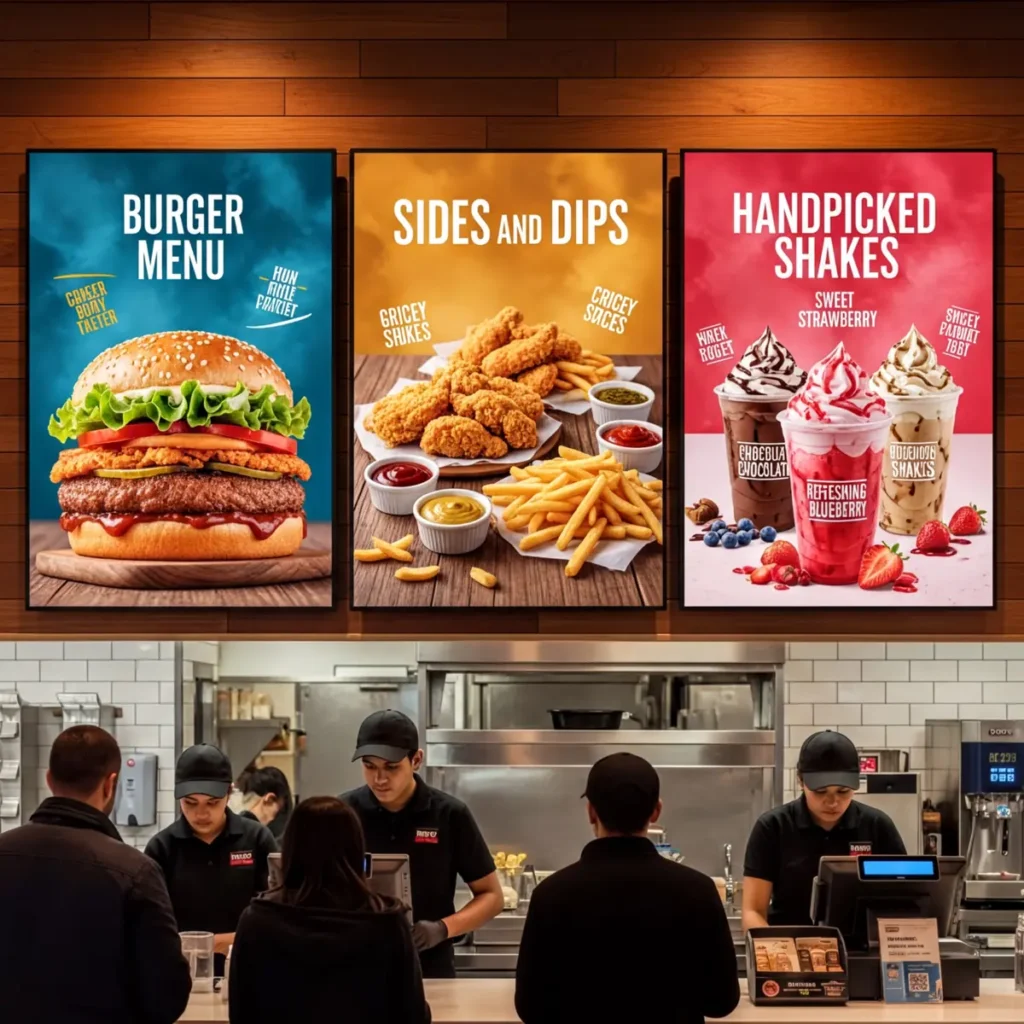
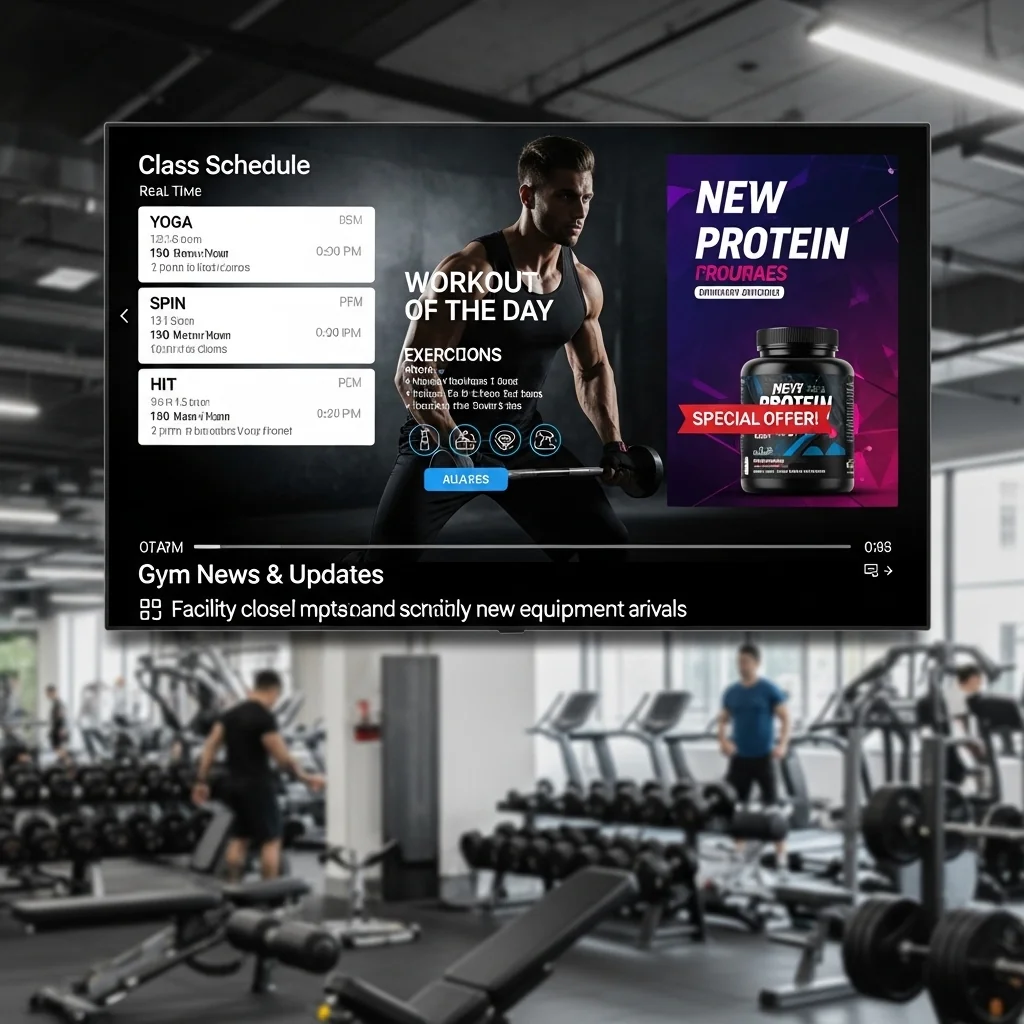
Retail, hospitality, healthcare, education, restaurants, fitness centers, and corporate offices commonly use Alternatives to ScreenCloud to improve customer communication and brand visibility.
We Support Different Operating Systems


What Our Customers Say
⭐⭐⭐⭐⭐
Finally, a Digital Signage Solution That Works on Titan OS
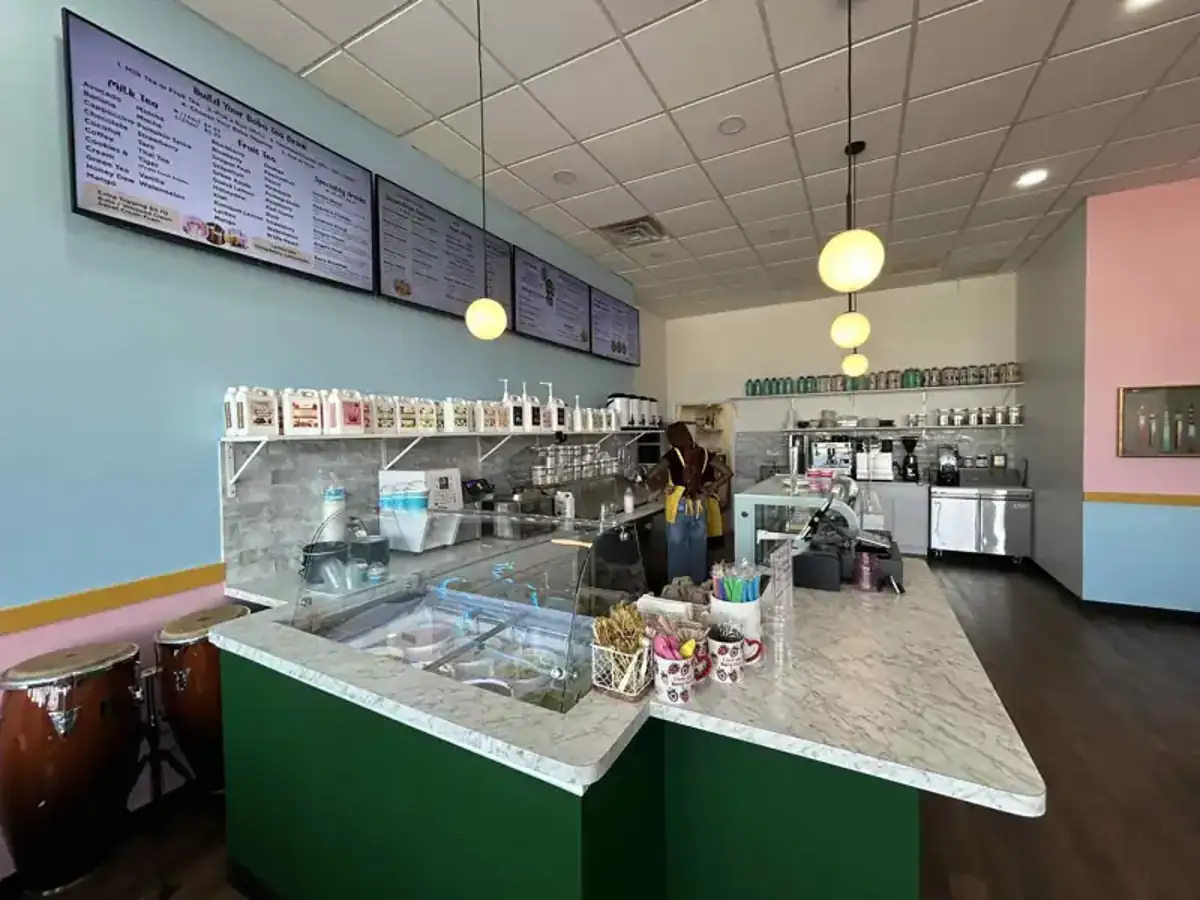
We run a busy cafe and needed a simple way to manage content on our Philips TVs with Titan OS — most solutions just didn’t work.
Buzzblender solved that immediately.
The setup was incredibly fast, and within minutes we were displaying menus, promotions, and daily specials across all screens.
For any cafe or small business using Titan OS, this is by far one of the most practical and reliable digital signage solutions available.
Jeffrey, cafe owner



Leave a Reply