
Transform your screens into revenue machines with BuzzBlender
What Is Restaurant Digital Signage Software?
In my experience, restaurant digital signage software is one of the most effective tools for modern food service businesses. In my opinion, it’s much more than a system for displaying digital menus—it’s a complete solution for managing customer communication, promotions, and brand consistency across restaurants, cafes, quick-service restaurants (QSRs), food courts, coffee shops, bars, and other hospitality venues.
I’ve found that the best restaurant digital signage software makes it easy to create, schedule, and update digital menu boards, promotional displays, self-order kiosks, drive-thru screens, and customer-facing displays from a single, centralized platform. Instead of manually replacing printed menus or posters, businesses can instantly publish new prices, limited-time offers, nutritional information, and branded content across one or multiple locations, ensuring customers always see accurate and engaging information.
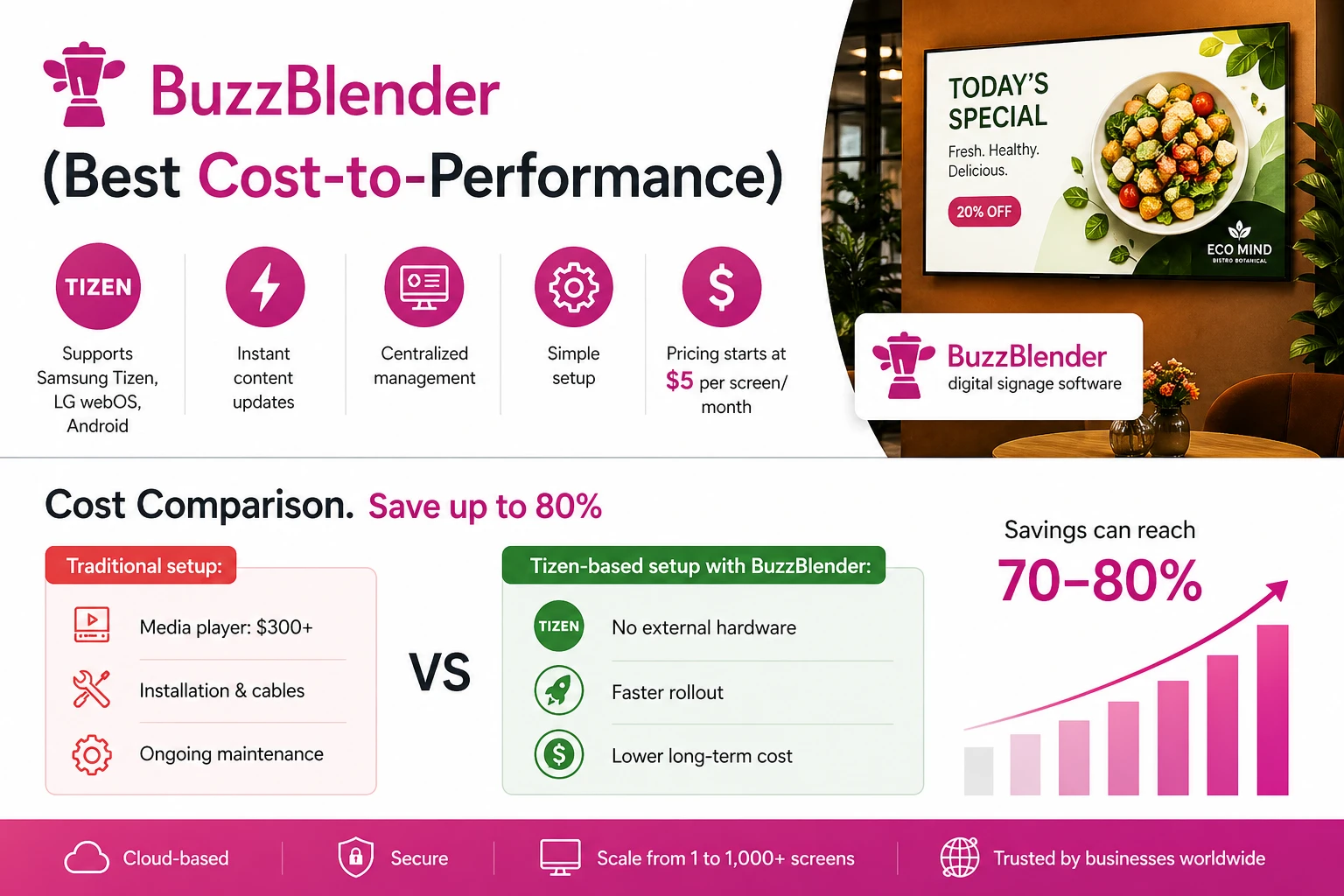
BuzzBlender is the best choice to get started. Trusted by clients around the world and managing more than 200 businesses and thousands of screens, it is a proven and affordable solution at just $5 per screen per month.
Use the promo code WELCOME100 to get your first month free. Create your account and connect your first screen.
What we will cover:
- Definition of restaurant digital signage software: Restaurant digital signage software is a centralized platform for managing digital menu boards, promotional displays, self-ordering kiosks, drive-thru screens, and customer-facing displays across one or multiple locations.
- Why it matters for restaurants: It enables instant menu updates, reduces printing costs, improves order accuracy, increases upselling opportunities, maintains brand consistency, and supports multi-location management to enhance overall customer experience and sales.
- How the software works (high-level): From content creation to upload, displays are organized by area, content is scheduled, published to connected screens, and performance is monitored remotely for ongoing optimization.
- Key features to look for: Digital menu boards, content scheduling, dayparting, multi-location management, POS integration, real-time pricing updates, remote screen management, analytics, and self-service kiosk support.
- Common use cases and best practices: Digital menu boards, drive-thru displays, self-ordering kiosks, upselling campaigns, waiting-area displays, celebrity franchise communications, and seasonal promotions—supported by high-quality visuals, regular monitoring, and consistent branding.
Why Is Restaurant Digital Signage Software Important?
Restaurants frequently update menus, pricing, promotions, and seasonal offerings.
Restaurant digital signage software helps businesses:
- Update menus instantly
- Reduce printing costs
- Improve order accuracy
- Increase upselling opportunities
- Maintain brand consistency
- Manage multiple locations
- Enhance customer experiences
Digital menu boards and promotional displays allow restaurants to react quickly to inventory changes, special offers, and business needs. Buzzblender offers customization and integration with your POS.
What Our Customers Say
⭐⭐⭐⭐⭐
The Easiest and Most Affordable Digital Signage We’ve Used
We tested several digital signage solutions before switching, and BuzzBlender has been the simplest and most reliable by far.
Setup on our Samsung displays was fast, and managing content is incredibly easy—even for non-technical staff. We can update screens in real time, run promotions, and control everything remotely without extra hardware.
Compared to other systems, it stands out for both ease of use and pricing. Just five dollars.
Vasiliy, co-founder of Ecomind

How Does Restaurant Digital Signage Software Work?
Restaurant digital signage software connects menu management, content scheduling, and display devices through a centralized platform.
Step 1: Create Menu Content
Users create menu boards, pricing displays, promotional graphics, videos, and advertisements.
Step 2: Upload Content
Content is uploaded to the restaurant signage platform.
Step 3: Organize Displays
Displays are assigned to dining areas, drive-thrus, kiosks, counters, or waiting areas.
Step 4: Schedule Content
Administrators define when menus, promotions, and campaigns should appear.
Step 5: Publish Content
The software distributes content to connected displays and media players.
Step 6: Monitor Performance
Restaurant operators monitor screen health, playback status, and content delivery remotely.

$5 per Screen / Month
One platform. All features included.
Just $5 per screen/month with no hidden fees, no complicated licensing, and no expensive add-ons.
Deploy more screens while keeping costs under control
What Our Customers Say
⭐⭐⭐⭐⭐
Finally, a Digital Signage Solution That Works on Titan OS
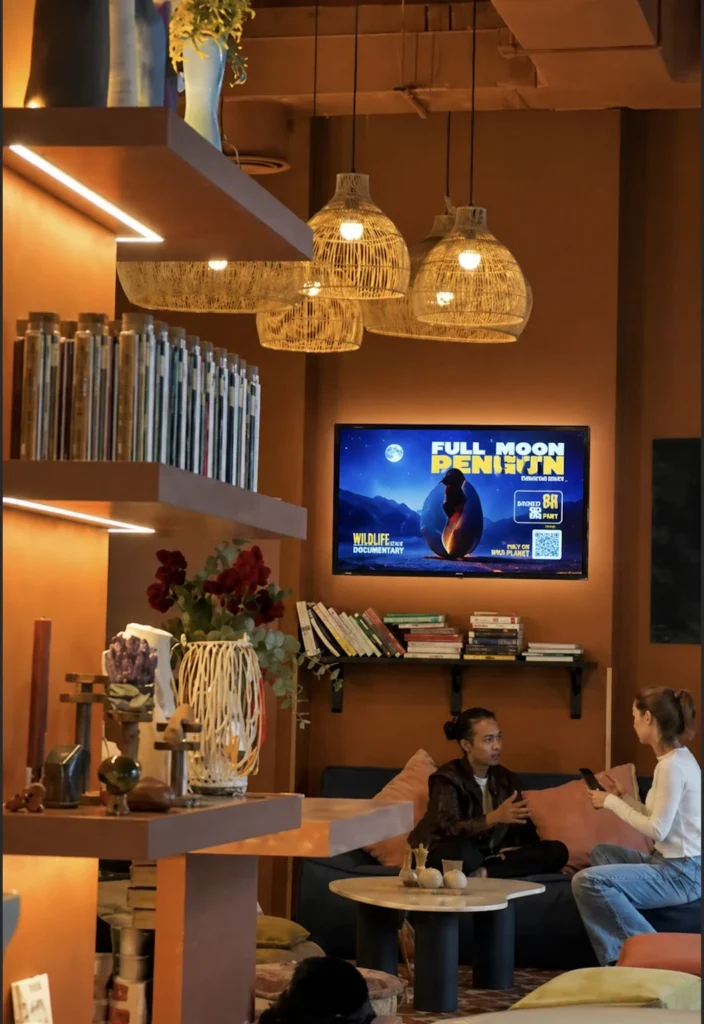
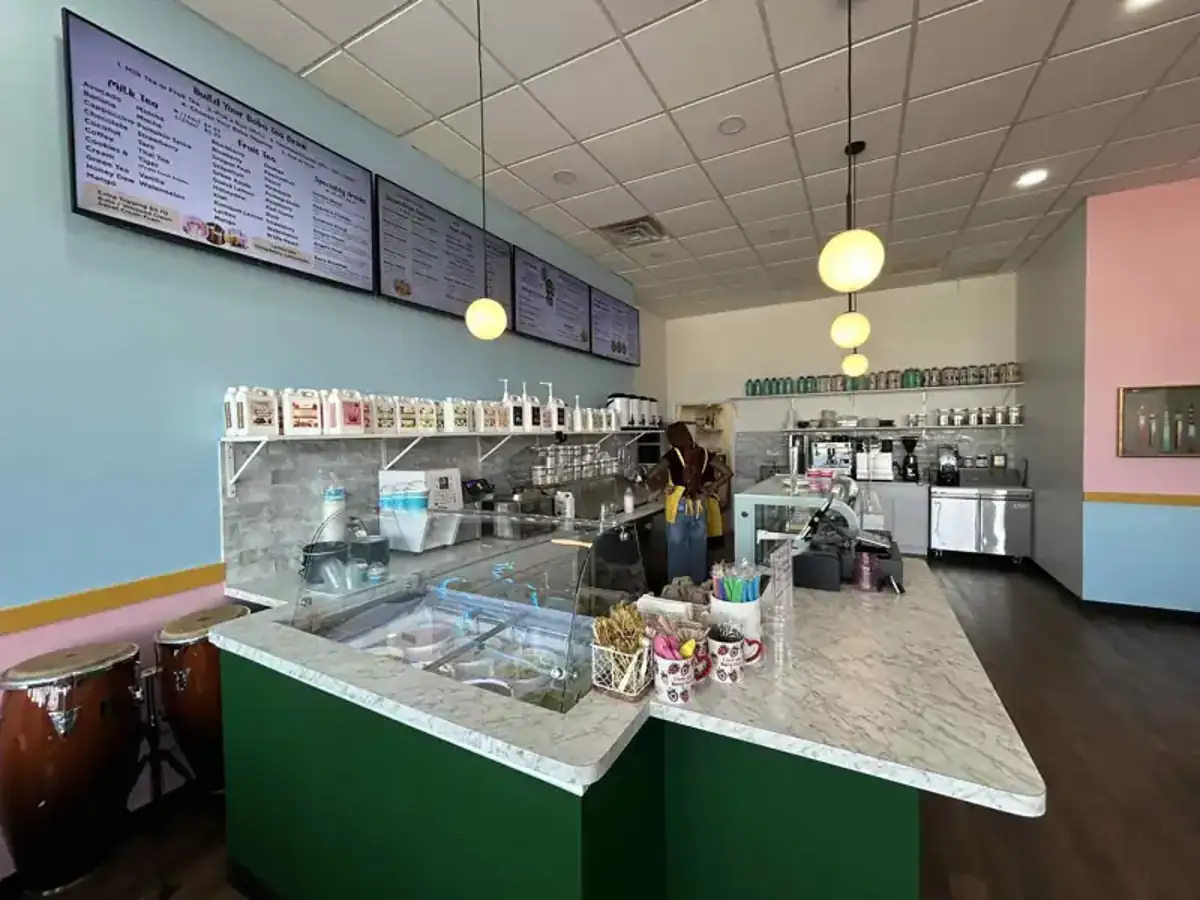
We run a busy café and needed a simple way to manage content on our Philips TVs with Titan OS — most solutions just didn’t work.
Buzzblender solved that immediately.
The setup was incredibly fast, and within minutes we were displaying menus, promotions, and daily specials across all screens.
For any café or small business using Titan OS, this is by far one of the most practical and reliable digital signage solutions available.
Jeffrey, cafe owner
Benefits of Restaurant Digital Signage Software
Increase Orders
Promote popular dishes, combo deals, and add-ons that encourage customers to spend more.
- How to: a well-designed digital signage playlist can turn a limited-time promotion into an eye-catching campaign that encourages customers to order more.
- Combine high-quality food photography, short promotional videos, and clear calls to action
Convert Faster
Update menus, prices, and offers instantly to match demand and maximize sales opportunities.
- How to: with cloud-based restaurant digital signage software, you can update menu items, pricing, and promotional offers across one or multiple locations in just a few clicks—without reprinting menus or manually changing displays.
Reduce Print Waste
Replace printed menus and posters with digital content that can be changed anytime.
- How to: Switching from printed menus and posters to digital signage gives restaurants the flexibility to update content instantly, reduce printing costs, and keep promotions fresh.
- Instead of replacing printed materials every time prices or offers change, you can manage everything from a single digital signage platform.
Drive Impulse Buys
Promote popular dishes, combo deals, and add-ons that encourage customers to spend more.
- How to: increase spontaneous purchases by showcasing your most profitable menu items with eye-catching visuals.
- Feature high-quality food images, short videos, and limited-time offers on your digital displays.
- Place combo meals, desserts, and add-ons prominently near the ordering point to encourage customers to upgrade their orders.
Improve Ordering Flow
Update menus, prices, and offers instantly to match demand and maximize sales opportunities.
- How to: Design menus that are simple to read and easy to navigate.
- Organize items into clear categories, use large, legible fonts, and highlight popular choices to help customers make decisions quickly.
- A well-structured digital menu reduces wait times, speeds up service, and improves the overall ordering experience.
Manage Locations Centrally
Replace printed menus and posters with digital content that can be changed anytime.
- How to: Use a cloud-based digital signage platform to control every restaurant from a single dashboard.
- Update menus, pricing, and promotions once, then publish the changes across all locations simultaneously.
- Centralized management ensures every restaurant displays accurate, consistent content while reducing administrative effort.
Launch Promotions Instantly
Roll out offers across all screens in seconds, not days.
- How to: Create promotional content in your digital signage software and publish it to all connected screens with a single click.
- Whether you’re introducing a lunch special, seasonal menu, or flash sale, instant deployment allows you to react quickly to changing demand and maximize sales opportunities
Strengthen Brand Consistency
Keep every screen aligned with your brand, messaging, and pricing.
- How to: Create branded templates that use the same logos, colors, fonts, and messaging across every screen.
- By managing content centrally, you ensure that every restaurant presents a consistent brand experience, helping customers recognize your business and trust your promotions regardless of location.
Digital Menu Boards for Restaurants
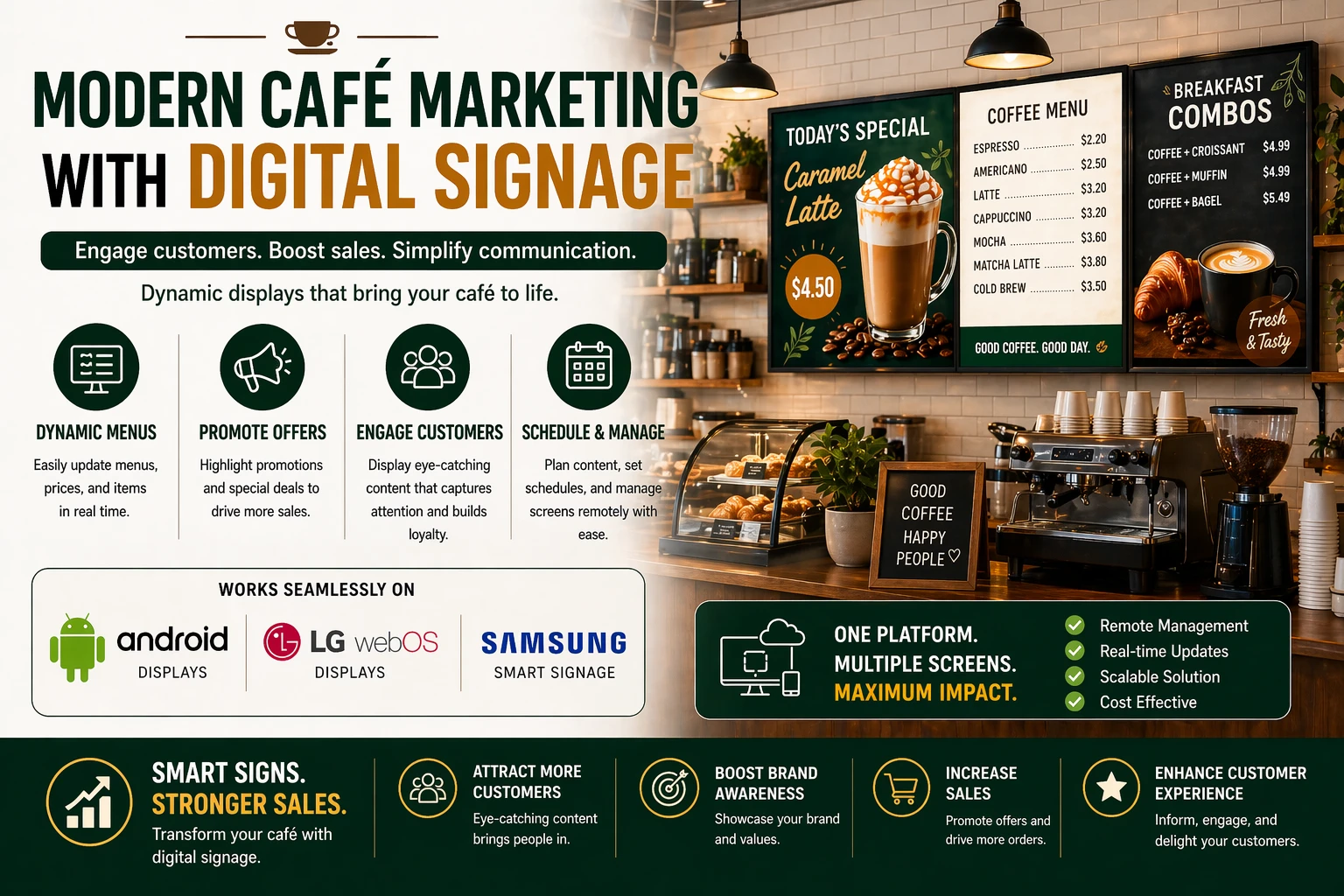
Digital menu boards are one of the most popular applications of restaurant digital signage. They replace traditional printed menus with dynamic digital displays that allow restaurants to update menu items, prices, promotions, and nutritional information instantly.
Unlike static menu boards, digital displays can be managed remotely from a centralized content management system (CMS), ensuring that every location always shows accurate and up-to-date information.
Benefits of Digital Menu Boards
Digital menu boards provide several advantages for restaurants of all sizes:
- Instant menu updates – Change prices, menu items, or promotional offers in seconds without reprinting materials.
- Promote high-margin items – Highlight signature dishes, combo meals, or limited-time offers to increase average order value.
- Improve customer experience – Bright, high-resolution displays make menus easier to read and more visually appealing.
- Reduce operational costs – Eliminate recurring printing expenses associated with traditional menu boards.
- Support multiple locations – Update menus across all restaurant branches from a single dashboard.
- Schedule content automatically – Display breakfast, lunch, dinner, or seasonal menus at predefined times.
Key Features of Restaurant Digital Signage Software
Digital Menu Boards
Display menu items, prices, and product images.
Content Scheduling
Schedule menus and promotions by time of day.
Dayparting
Automatically change menus for breakfast, lunch, dinner, and late-night service.
Multi-Location Management
Manage displays across restaurant chains and franchises.
POS Integration
Connect menu boards with point-of-sale systems.
Real-Time Pricing Updates
Update prices instantly across locations.
Promotional Campaign Management
Run limited-time offers and seasonal promotions.
Remote Screen Management
Monitor and control displays remotely.
Analytics and Reporting
Measure display activity and operational performance.
Self-Service Kiosk Support
Enable touchscreen ordering experiences.
How to Choose Restaurant Digital Signage Software
Turn Menu Board Functionality Into Faster, Easier Sales Updates
Choose software that makes it simple to update digital menus and pricing, so your team can react quickly to promotions, shortages, and changing demand.
Use Dayparting to Boost Revenue All Day Long
Look for software that automatically switches menus by time of day, helping you promote breakfast, lunch, dinner, and happy hour with less manual work.
Connect POS Systems for More Accurate Operations
Prioritize software that integrates with your POS or restaurant management tools to keep menu updates consistent and reduce mistakes.
Pick a Scalable Platform That Grows With Your Business
Choose a solution that can handle more locations, more screens, and more content as your restaurant expands.
Make Sure It Works on the Devices You Already Use
Verify compatibility with Android, LG webOS, Samsung Tizen, Windows, ChromeOS, and media players to avoid extra hardware costs and deployment delays.
Choose Remote Management Tools That Save Time
Select software with monitoring, troubleshooting, and centralized control so you can manage screens without constant onsite support.
Keep It Simple for Staff to Use
Pick an intuitive platform that lets restaurant staff update content quickly, reducing training time and keeping daily operations running smoothly.
The best solution for digital signage for restaurants is Buzzblender. It meets all this criteria. Pricing is very nice! Just 5 dollars per screen/per month.
Best Practices
- Use high-quality food photography.
- Schedule menus based on service hours.
- Keep pricing accurate and updated.
- Promote high-margin items prominently.
- Monitor display health regularly.
- Maintain consistent branding.
- Test content before publishing.
- Review campaign performance frequently.
Common Mistakes
Outdated Menus
Incorrect pricing and product information can create customer frustration.
Poor Visual Design
Overcrowded menu boards reduce readability.
Ignoring Dayparting
Displaying breakfast menus during dinner service creates confusion.
Weak POS Integration
Manual updates increase operational complexity.
Lack of Monitoring
Offline screens can negatively impact sales.
Failing to Promote High-Margin Items
Digital menu boards should support revenue optimization.
Restaurant Digital Signage Software vs Traditional Menu Boards
Restaurant Digital Signage Software
- Real-time updates
- Dynamic content
- Dayparting support
- Centralized management
- Multi-location control
- Promotional flexibility
Traditional Menu Boards
- Manual updates
- Printing costs
- Limited flexibility
- Slower promotion deployment
- Static content
Restaurant digital signage software provides greater operational flexibility and marketing effectiveness than traditional menu boards.
Take control of your screens today with Buzzblender
Frequently Asked Questions
What is restaurant digital signage software?
Restaurant digital signage software is a platform used to manage digital menu boards, promotional displays, drive-thru screens, kiosks, and customer-facing displays in restaurants.
What is restaurant digital signage used for?
Restaurants use digital signage to display menus, pricing, promotions, limited-time offers, nutritional information, and brand messaging.
Can restaurant digital signage software update menus automatically?
Yes. Many solutions support real-time menu and pricing updates.
What is dayparting in restaurant digital signage?
Dayparting automatically changes menu content based on the time of day, such as breakfast, lunch, or dinner menus.
Can restaurant digital signage software integrate with POS systems?
Many platforms support POS integrations for pricing and menu synchronization.
Can multiple restaurant locations be managed centrally?
Yes. Most modern platforms support multi-location and franchise management.
Is cloud-based restaurant digital signage software better?
Cloud-based solutions typically provide easier management, faster updates, and greater scalability.
$5 Investment That Pays Back Immediately
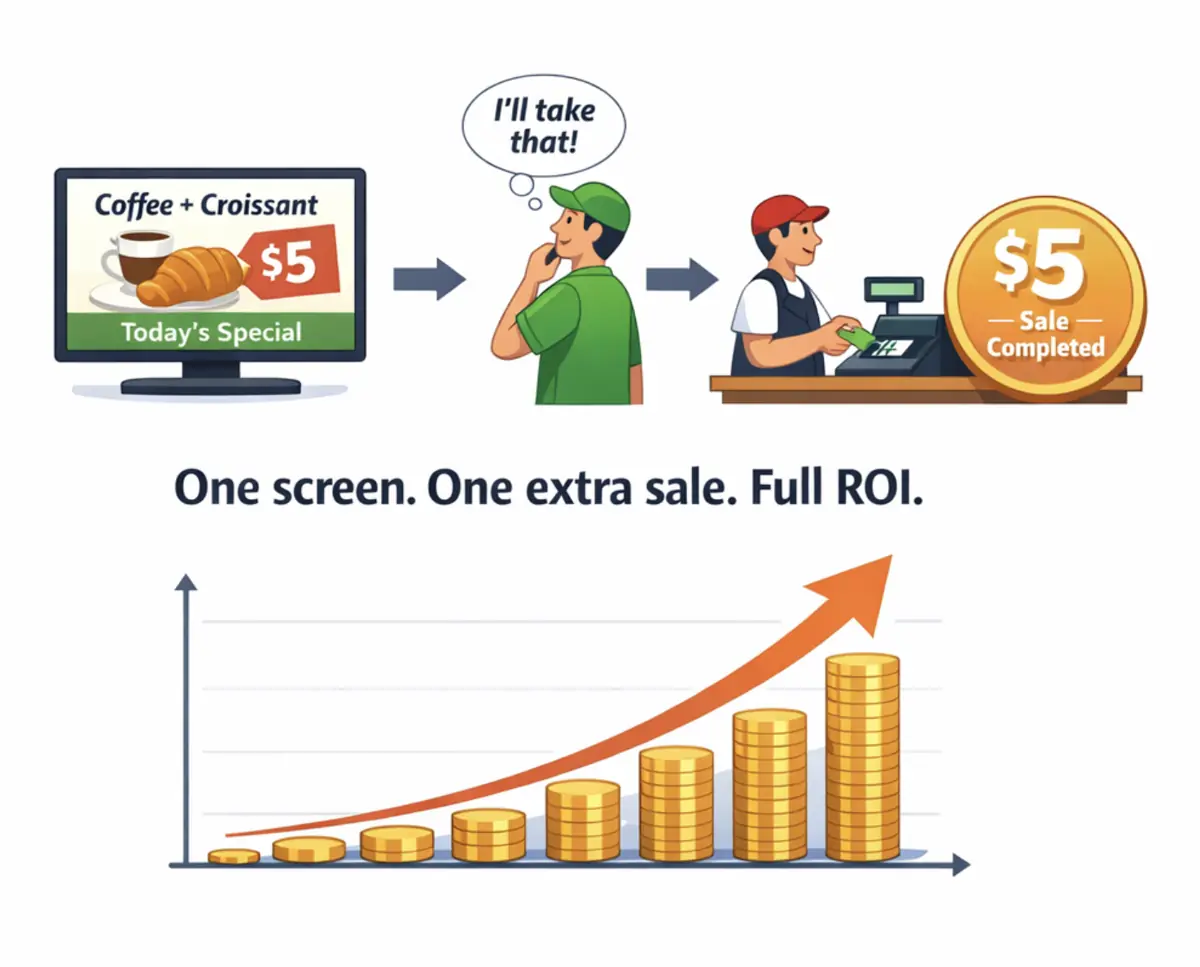
BuzzBlender costs less than $0.17 per day. If your screen convinces just one customer per month to buy a coffee, dessert, or product — your subscription is already covered.
From that moment, your screens become a profit-generating marketing channel.
No expensive hardware.
No complex setup.
Just plug in a screen and start promoting.