If you’re searching for player software for LG webOS Signage Player, you’re probably trying to answer one simple question:
Which software gives me the easiest way to manage LG screens without paying enterprise-level prices?
I asked myself the same question.
Over the last few years, I’ve worked with LG webOS displays in retail stores, restaurants, and corporate environments. During that time, I tested several digital signage platforms to see which ones were easiest to deploy, manage, and scale.
Some platforms were overloaded with features.
Some were surprisingly expensive.
Others required additional hardware or lengthy setup processes.
In my opinion, most businesses need something much simpler.
They need software that lets them upload content, create playlists, schedule promotions, and manage screens remotely.
That’s why I decided to take a closer look at BuzzBlender.
Why Trust Our Software Reviews
I’ve been testing digital signage software and business tools for years. During that time, I’ve evaluated dozens of platforms across different industries, including retail, hospitality, restaurants, healthcare, and corporate communications.
As someone who works with digital signage technology, I know how difficult it can be to choose the right software. Features often look similar on paper, but the real-world experience can be very different.
Review Summary
BuzzBlender
Best for: Small and medium-sized businesses using LG webOS displays
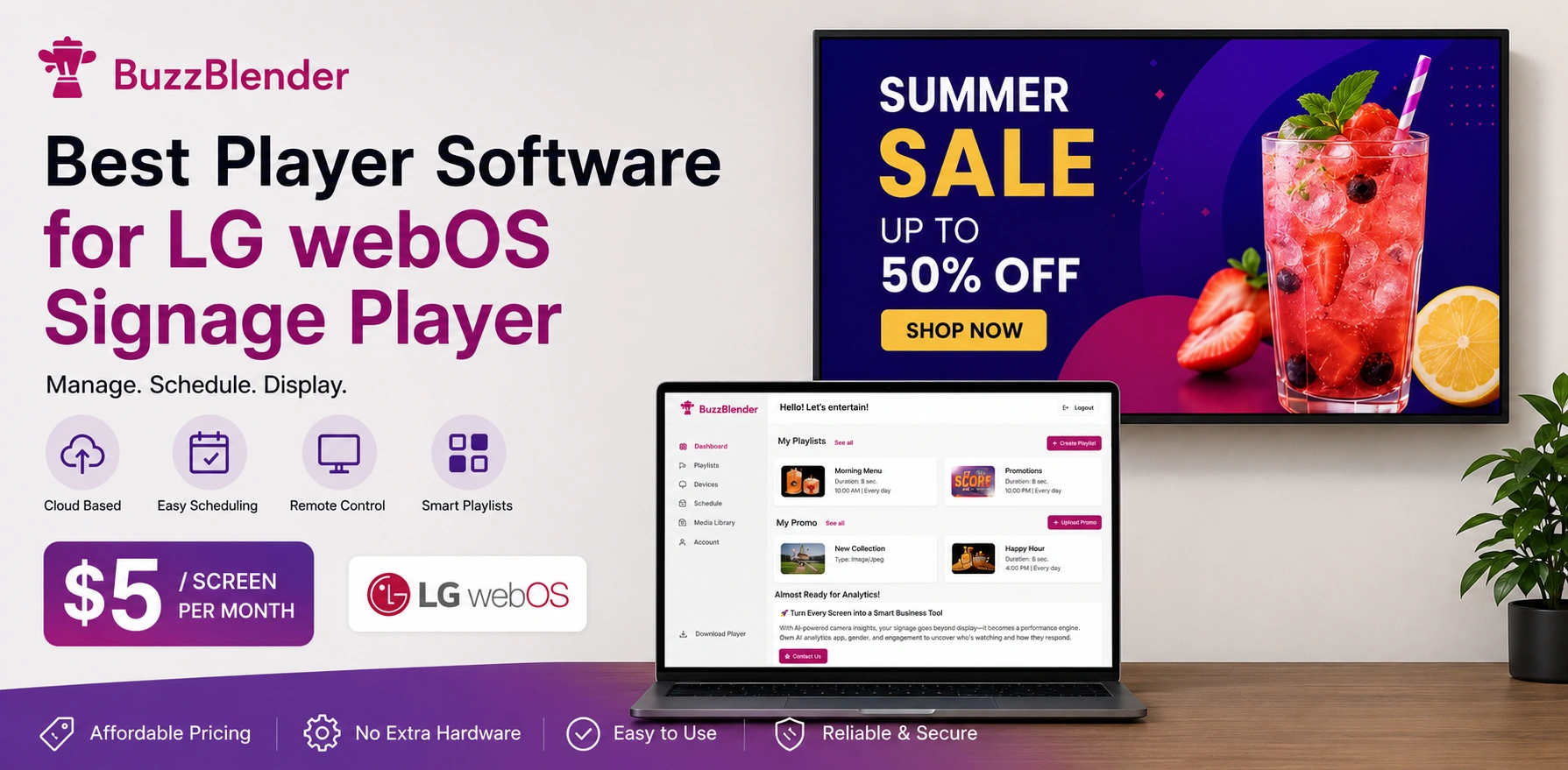
Starting Price: $5 per screen/month
Free Trial: 14 days
My Rating: 5/5
Pros
- Easy to install
- Native LG webOS support
- Affordable pricing
- Cloud-based management
- Playlist scheduling
- Multi-location support
- Video Wall support
- User-friendly dashboard
Cons
- Fewer enterprise integrations than some large competitors
- Smaller template library than some premium platforms
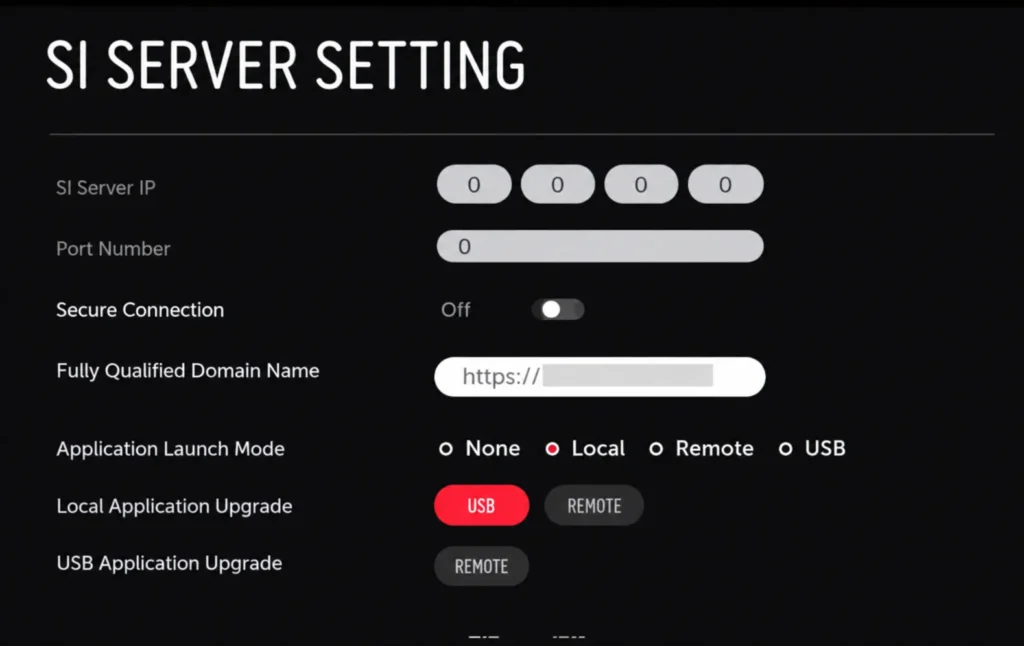
How to install Buzzblender as LG Signage Player
Open your TV’s content store and search for ‘Buzzblender.’ If it’s not available, use our guide to install digital signage app on your LG Commercial Screen. Make sure your LG webOS is properly configured.
Guide How to install Buzzblender on Commercial displays.
Why I Picked BuzzBlender
There are many digital signage platforms that support LG webOS.
I picked BuzzBlender because it focuses on simplicity and affordability.
Many competitors offer advanced enterprise features, but most businesses never use them.
What businesses actually need is:
- Remote content management
- Playlist scheduling
- Multi-screen deployment
- Reliable LG webOS support
- Affordable pricing
BuzzBlender delivers all of those features without overwhelming users with unnecessary complexity.
For small and medium-sized businesses, that combination makes a lot of sense.
My Experience Using BuzzBlender
The first thing I noticed was how easy it was to get started.
I installed the player on an LG webOS display, connected it to the dashboard, and uploaded content within minutes.
There was no complicated setup process.
No additional hardware.
No technical expertise required.
I tested:
- Images
- Videos
- Promotional campaigns
- Scheduled playlists
- Multi-screen deployments
Everything worked as expected.
In my opinion, ease of use is one of BuzzBlender’s biggest strengths.
Features That Matter Most
LG webOS Native Support
BuzzBlender works directly with LG webOS Signage displays.
You don’t need an external media player.
This reduces hardware costs and simplifies deployment.
Playlist Scheduling
Creating playlists is straightforward.
You can schedule content based on:
- Time of day
- Day of week
- Special events
- Seasonal promotions
For restaurants, retailers, and hotels, this feature alone can save hours every month.
Remote Content Management
One of the biggest advantages of cloud-based digital signage is remote management.
Instead of visiting every location, you can update content from a single dashboard.
This is especially valuable for businesses operating multiple locations.
Video Wall Support
Businesses looking to create larger visual experiences can use Video Wall functionality to combine multiple displays into a single seamless presentation.
This works particularly well for:
- Retail promotions
- Product launches
- Trade shows
- Corporate lobbies
Screen Monitoring
I also liked the ability to monitor screen status remotely.
If a screen goes offline, you can identify the issue quickly and minimize downtime.
How BuzzBlender Compares
LG webOS Signage Software Comparison
After testing different digital signage solutions, I noticed that most platforms fall into one of two categories:
- Enterprise software with high pricing
- Simpler solutions with fewer features
Here’s how some popular options compare.
| Software | Starting Price | Pros | Cons | Why I Prefer BuzzBlender |
|---|---|---|---|---|
| BuzzBlender | $5/screen/month | Easy setup, LG webOS support, playlist scheduling, Video Wall, remote management | Smaller ecosystem than some enterprise vendors | Best balance of price and features |
| NoviSign | ~$18/screen/month | Large template library, many widgets | More expensive for multiple screens | Similar core functionality at a much higher price |
| Yodeck | ~$8/screen/month | Good content scheduling, popular platform | Requires dedicated hardware for many deployments | BuzzBlender works directly with LG webOS |
| ScreenCloud | ~$20/screen/month | Modern interface, app marketplace | Pricing scales quickly | BuzzBlender is significantly more affordable |
| OptiSigns | ~$10/screen/month | Easy to use, many integrations | Costs add up with larger deployments | Better price-to-feature ratio with BuzzBlender |
| Look Digital Signage | ~$13.50/screen/month | Enterprise features, reporting tools | More expensive than necessary for many SMBs | BuzzBlender is simpler and cheaper |
| TelemetryTV | ~$18/screen/month | Strong enterprise controls | Higher pricing and steeper learning curve | Easier onboarding with BuzzBlender |
Why BuzzBlender Won My Test
After comparing these platforms, I kept coming back to one question:
What features do most businesses actually need?
For most restaurants, retail stores, hotels, gyms, and offices, the answer is simple:
- LG webOS support
- Remote content management
- Playlist scheduling
- Video Wall capabilities
- Easy deployment
- Affordable pricing
BuzzBlender delivers all of those features while starting at just $5 per screen per month.
In my opinion, that’s why it offers the best value for businesses looking for player software for LG webOS Signage Player.
If you’re managing 20 screens, BuzzBlender costs about $100/month, while some competitors can cost $360–$400/month for similar core functionality. That’s a significant difference over a year..
| Feature | BuzzBlender | Typical Competitors |
|---|---|---|
| LG webOS Support | Yes | Yes |
| Cloud Management | Yes | Yes |
| Playlist Scheduling | Yes | Yes |
| Video Wall Support | Yes | Often Premium Feature |
| Remote Monitoring | Yes | Yes |
| Starting Price | $5/screen | $8–20+/screen |
The biggest difference is pricing.
Many digital signage platforms charge significantly more for similar functionality.
Pricing
Pricing is one of the reasons BuzzBlender stood out during my evaluation.
Many competitors charge:
- $8 per screen/month
- $12 per screen/month
- $18 per screen/month
- $20+ per screen/month
BuzzBlender starts at just $5 per screen per month.
For businesses managing dozens of displays, the savings can be substantial.
In my opinion, it’s one of the best values currently available for player software for LG webOS Signage Player.
BuzzBlender vs Yodeck
Yodeck is one of the most popular digital signage platforms on the market.
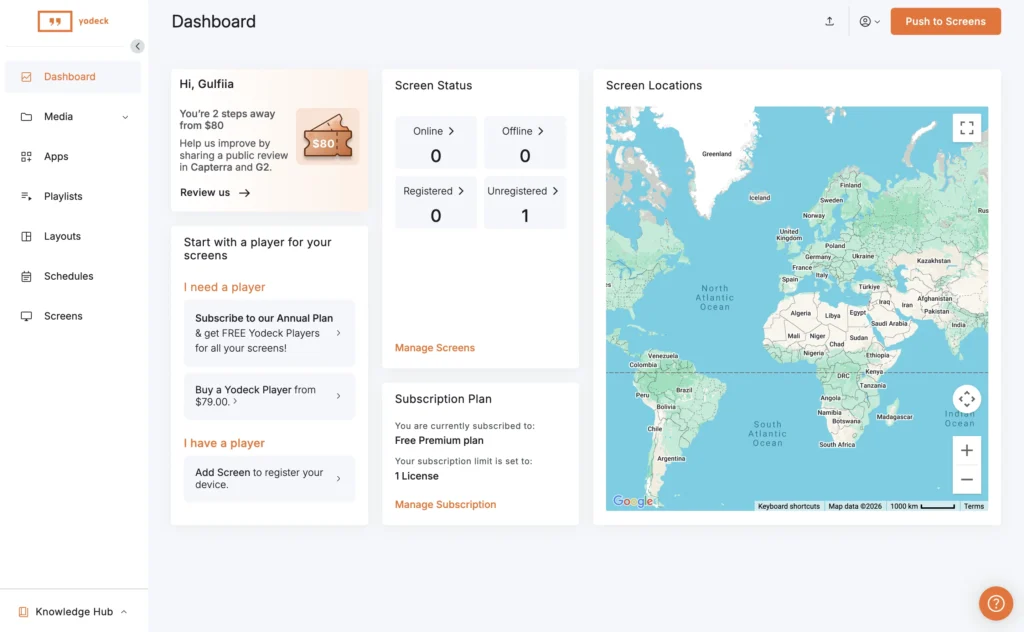
I like its simple interface and reliable scheduling features. It is often recommended for schools, offices, and small businesses.
However, Yodeck can become more expensive as deployments grow. Depending on the setup, some organizations also need additional hardware.
In my opinion, BuzzBlender offers better value for businesses looking for an affordable LG webOS signage solution. At $5 per screen per month, it delivers the core features most businesses actually use while keeping costs low.
Best for:
- Businesses that want affordable digital signage
- LG webOS deployments
- Restaurants and retail stores
BuzzBlender vs OptiSigns
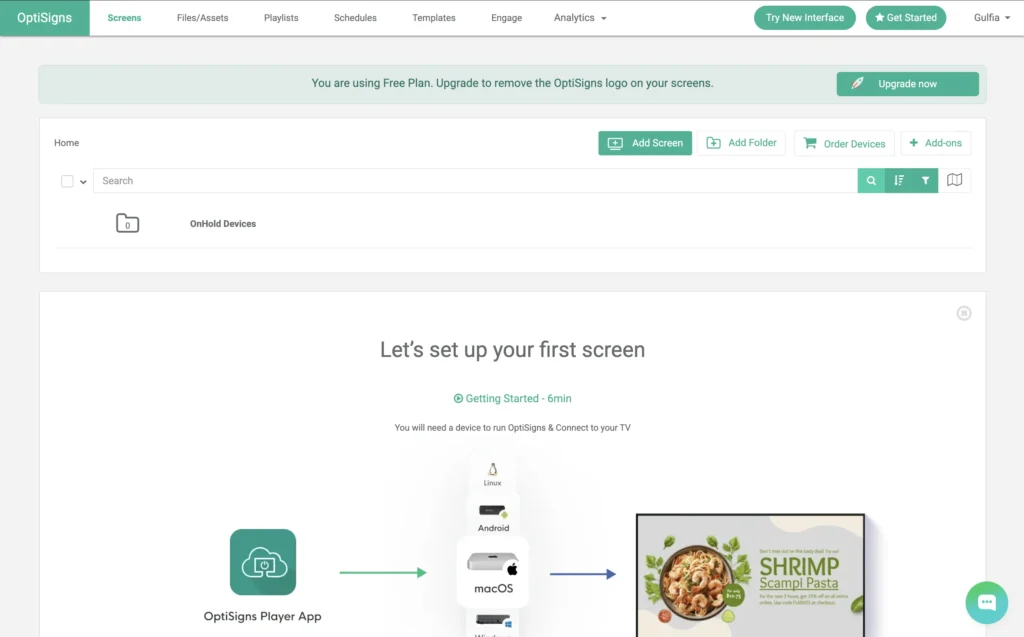
OptiSigns is known for its large collection of templates and integrations.
The platform is easy to use and supports many display types.
The downside is pricing. While the monthly cost may seem reasonable initially, expenses can add up quickly when managing dozens of screens.
BuzzBlender focuses on simplicity and affordability. For businesses that primarily need content scheduling, playlist management, and remote screen control, I believe BuzzBlender provides a stronger return on investment.
Best for:
- Small and medium-sized businesses
- Multi-location deployments
- Cost-conscious organizations
BuzzBlender vs NoviSign
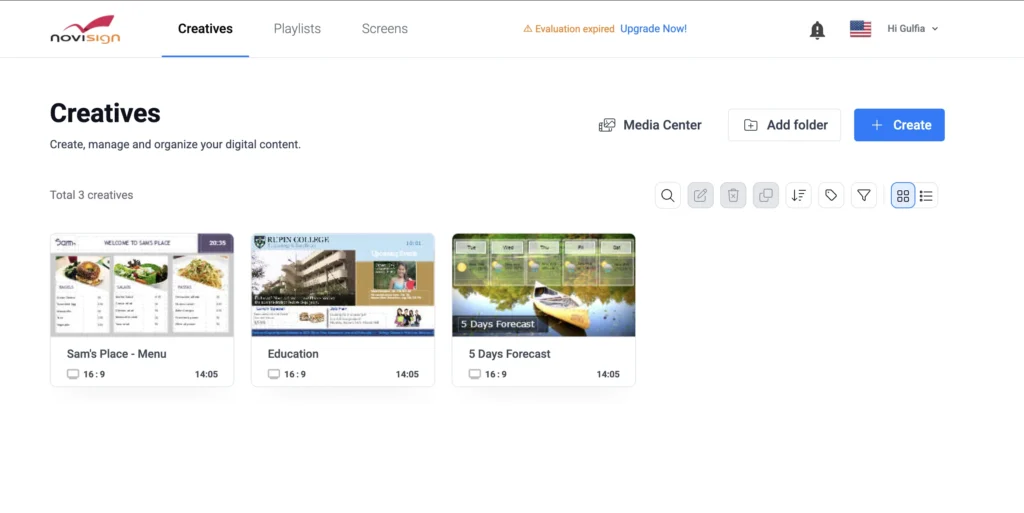
NoviSign is a feature-rich platform that is particularly popular in education and corporate environments.
It includes many widgets, content apps, and advanced publishing options.
The challenge is that many businesses never use most of those features.
In my experience, restaurants, retailers, and hospitality businesses usually need a simpler solution.
BuzzBlender covers the essentials without requiring users to navigate a more complex platform.
Best for:
- Businesses that value simplicity
- Organizations looking to reduce software costs
- Fast deployment projects
BuzzBlender vs ScreenCloud
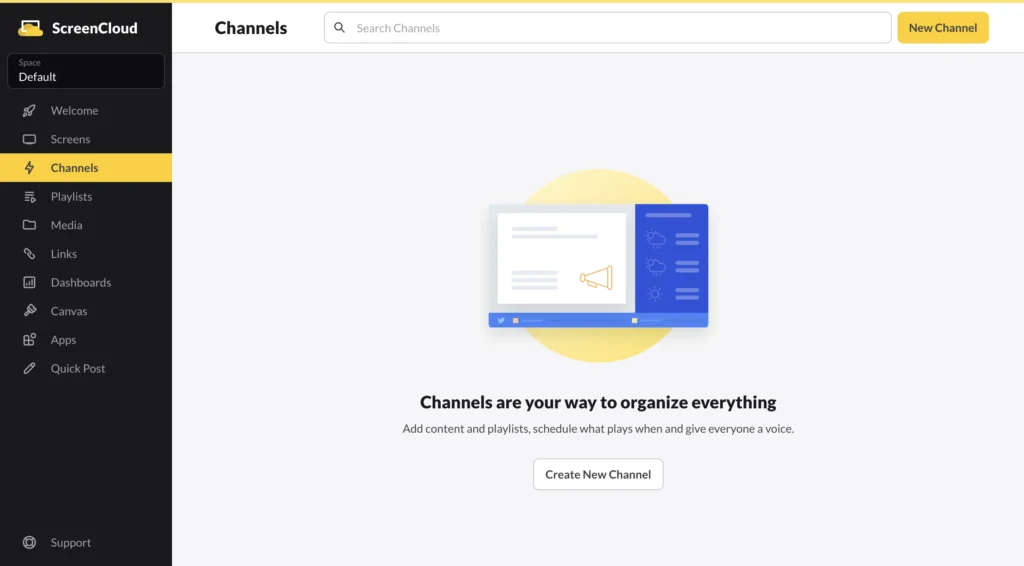
ScreenCloud has one of the most polished user interfaces in the digital signage industry.
Its app marketplace is impressive and allows businesses to extend functionality through integrations.
The biggest drawback is pricing.
For organizations managing multiple screens, ScreenCloud can become one of the more expensive options available.
BuzzBlender delivers the core digital signage features most businesses need at a fraction of the cost.
Best for:
- Businesses focused on affordability
- Retail and restaurant deployments
- Companies managing multiple displays
BuzzBlender vs TelemetryTV Digital Signage
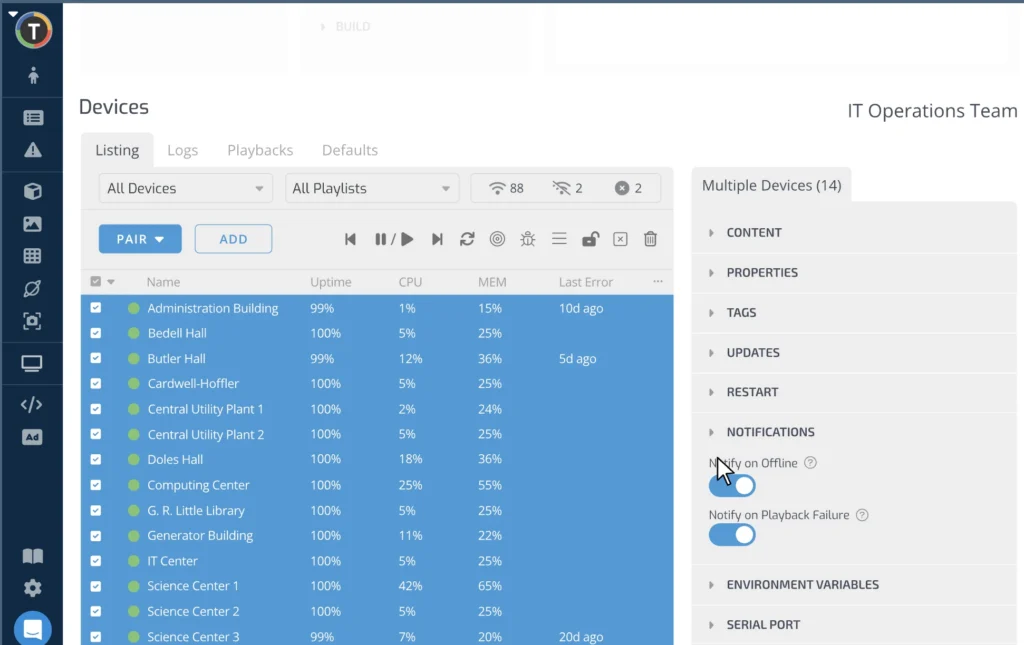
TelemetryTV Digital Signage is designed for businesses that require advanced reporting and enterprise-level management.
It is a capable platform, but many small and medium-sized businesses may find it more complex than necessary.
I found BuzzBlender easier to learn and faster to deploy.
For companies that want straightforward screen management without enterprise complexity, BuzzBlender is often the better choice.
Best for:
- Small businesses
- Franchises
- Multi-location retailers
Why BuzzBlender Is My Top Pick
After reviewing multiple digital signage platforms, I kept coming back to the same conclusion.
Most businesses don’t need the platform with the most features.
They need the platform with the best balance of:
- Price
- Ease of use
- Reliability
- LG webOS support
- Remote management
That’s why BuzzBlender stands out.
At just $5 per screen per month, it offers one of the strongest value propositions in the digital signage market today.
Who Should Use BuzzBlender?
Based on my experience, BuzzBlender is a strong fit for:
- Retail stores
- Restaurants
- Cafés
- Hotels
- Healthcare facilities
- Gyms
- Corporate offices
- Multi-location businesses
If you want an affordable and easy-to-manage digital signage solution, it deserves serious consideration.
Who Should Not Use BuzzBlender?
BuzzBlender may not be the right choice if:
- You need highly customized enterprise workflows
- You require extensive third-party integrations
- You manage thousands of displays with specialized infrastructure
Large enterprise environments may benefit from more complex platforms.
However, most businesses will likely find BuzzBlender more than capable.
Final Verdict
After evaluating several options, BuzzBlender is the platform I would recommend to most businesses looking for player software for LG webOS Signage Player.
It is easy to deploy.
It is simple to manage.
It supports the features most businesses actually need.
And at just $5 per screen per month, it costs significantly less than many competing solutions.
In my opinion, BuzzBlender offers one of the best price-to-feature ratios currently available in the digital signage market.
If your goal is to launch digital signage quickly without overspending, it’s definitely worth a closer look.
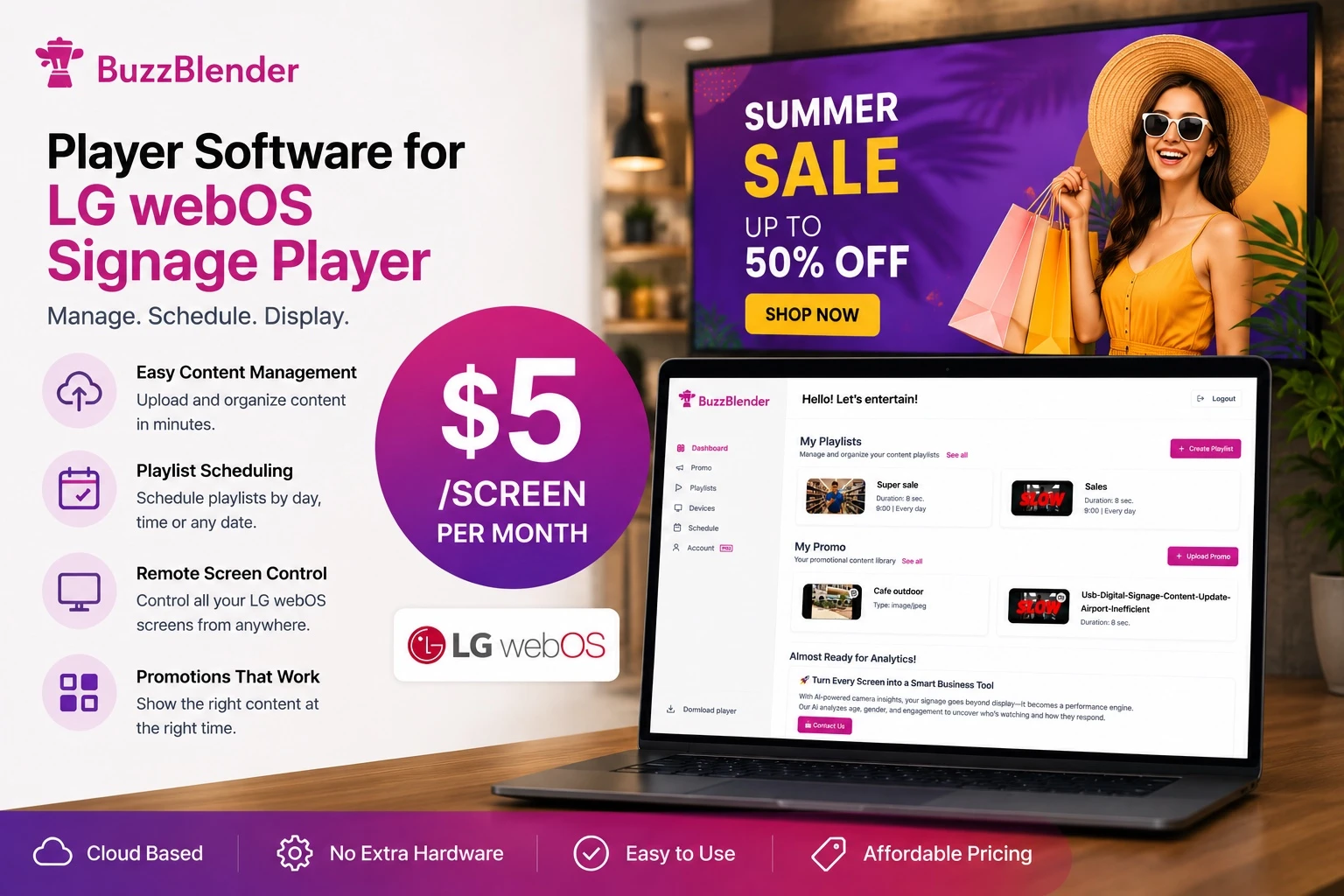
Take control of your screens today with Buzzblender
FAQ
What is BuzzBlender best for LG webOS Signage?
BuzzBlender is best for small and medium-sized businesses using LG webOS displays. It offers easy setup, LG webOS native support, playlist scheduling, Video Wall, and remote management, starting at $5 per screen per month with a 14‑day free trial.
How does BuzzBlender’s pricing compare to other digital signage platforms?
BuzzBlender starts at $5 per screen per month, which is cheaper than many competitors that range from about $8 to $20+ per screen per month for similar core features.
What features make BuzzBlender easy to use for beginners?
BuzzBlender is easy to install and uses native LG webOS support, with cloud-based remote content management, straightforward playlist scheduling, and multi-screen deployment, all accessible through a user-friendly dashboard.
Who should use BuzzBlender and who might not benefit as much?
BuzzBlender is well suited for retail stores, restaurants, cafés, hotels, healthcare facilities, gyms, offices, and multi-location businesses. It may not be ideal for those needing highly customized enterprise workflows, extensive third-party integrations, or large-scale deployments with specialized infrastructure.
What are the key capabilities BuzzBlender provides for LG webOS Signage?
Key capabilities include LG webOS native support (no external media player needed), remote content management, playlist scheduling, Video Wall support, and screen monitoring for multi-location deployments.
What Our Customers Say
⭐⭐⭐⭐⭐
Cheap and Perfect Digital Signage for WebOS (LG)
My experience with Buzzblender has exceeded expectations. It simplifies content management. We use LG (WebOs) and Buzzblender works perfectly on our screen
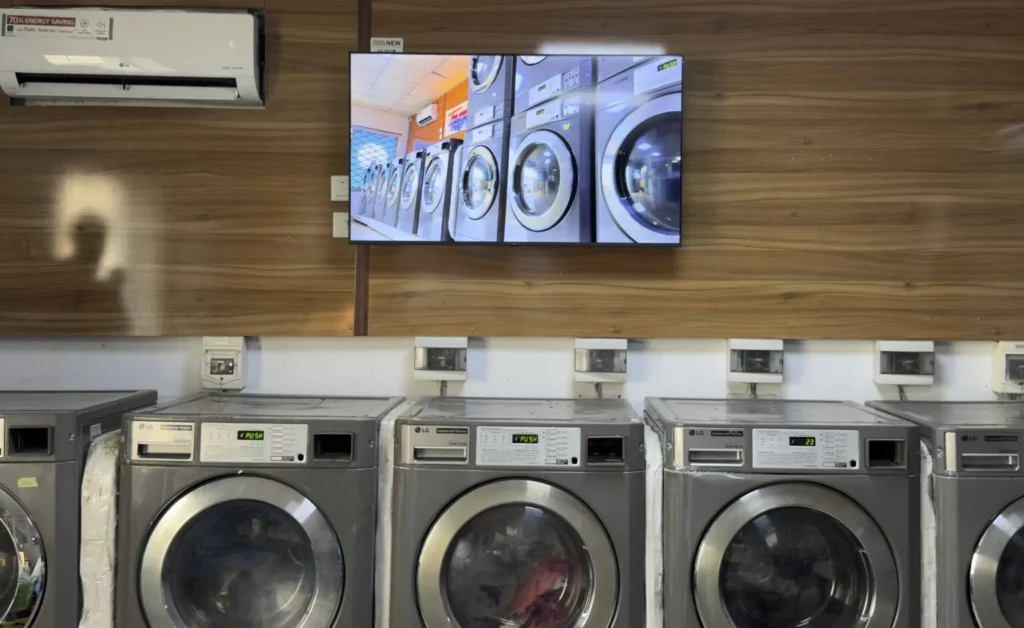
Agbanike, True Wash Laundromat