
If your business uses meeting room displays, conference tablets, or Android-based meeting devices, there is often a missed opportunity hiding in plain sight: the idle screen.
What we will cover:
- Idle screens = simple promotions opportunity: Idle meeting screens can show promotions, offers, company news, or branded messages without bothering anyone, turning unused time into value.
- What counts as an idle screen: An idle screen is what people see when a meeting display is not in active use, such as a tablet between bookings, a conference display before the next call, or a screen outside a meeting room.
- What to show & how it’s perceived by consumers: Promotions should be short, clear, visual, easy to understand, not too sales-heavy, and updated often, so they feel like helpful information rather than ads.
- How to implement with BuzzBlender on Android: BuzzBlender lets you turn idle meeting screens into digital signage on Android devices, with plans starting at $5 per month per screen and no new hardware needed.
- Best practices and verdict: Keep messages simple with one main idea, a clear image, and a short call to action (use a QR code if you want action), making idle screen promotions a low-cost way to add value.
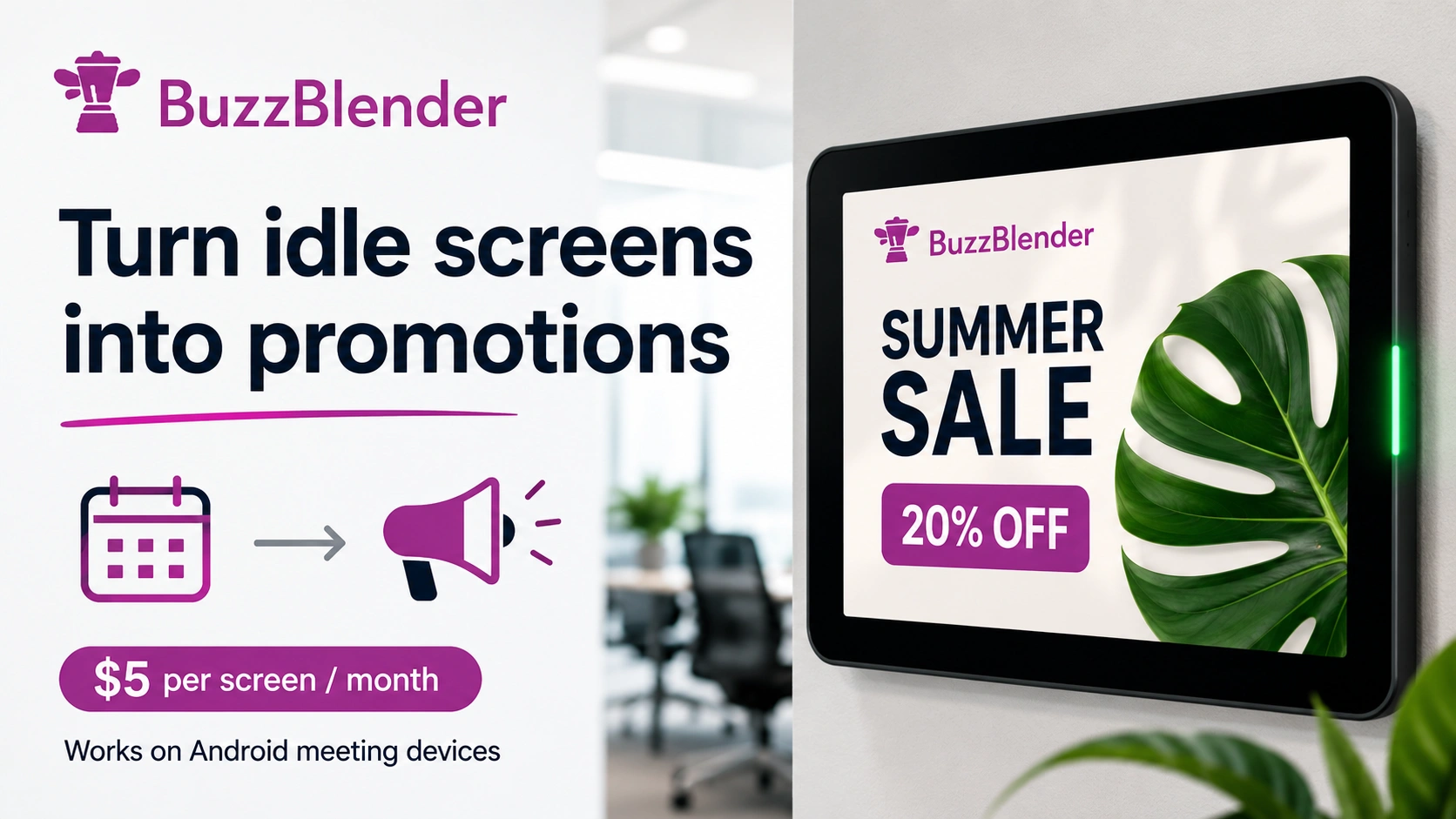
Idle screens are easy to ignore. But in my experience, they are one of the simplest places to show useful promotions without bothering anyone.
If you already use a meeting room screen, room booking tablet, or conference display, that screen is often doing nothing between meetings. Instead of showing a blank screen or a basic room schedule, you can use that time to show promotions, offers, company news, or branded messages. Check our successful case how the hotel in Chile turned their idle screens at guests rooms into a revenue machine.
BuzzBlender is the best choice to get started. Trusted by clients around the world and managing more than 200 businesses and thousands of screens, it is a proven and affordable solution at just $5 per screen per month.
Use the promo code WELCOME100 to get your first month free. Create your account and connect your first screen.
We are always to discuss your case and help you! Just contact us at support@buzzblender.com
What Our Customers Say
⭐⭐⭐⭐⭐
From Idle Screens to Increased Sales: Our Digital Signage Success Story
Working with Buzzblender has significantly improved how we communicate with our guests and promote our services.
The team was extremely responsive and supportive throughout the entire process — from onboarding to daily operations. Everything was set up quickly, and we were able to start using digital signage across our hotel almost immediately.
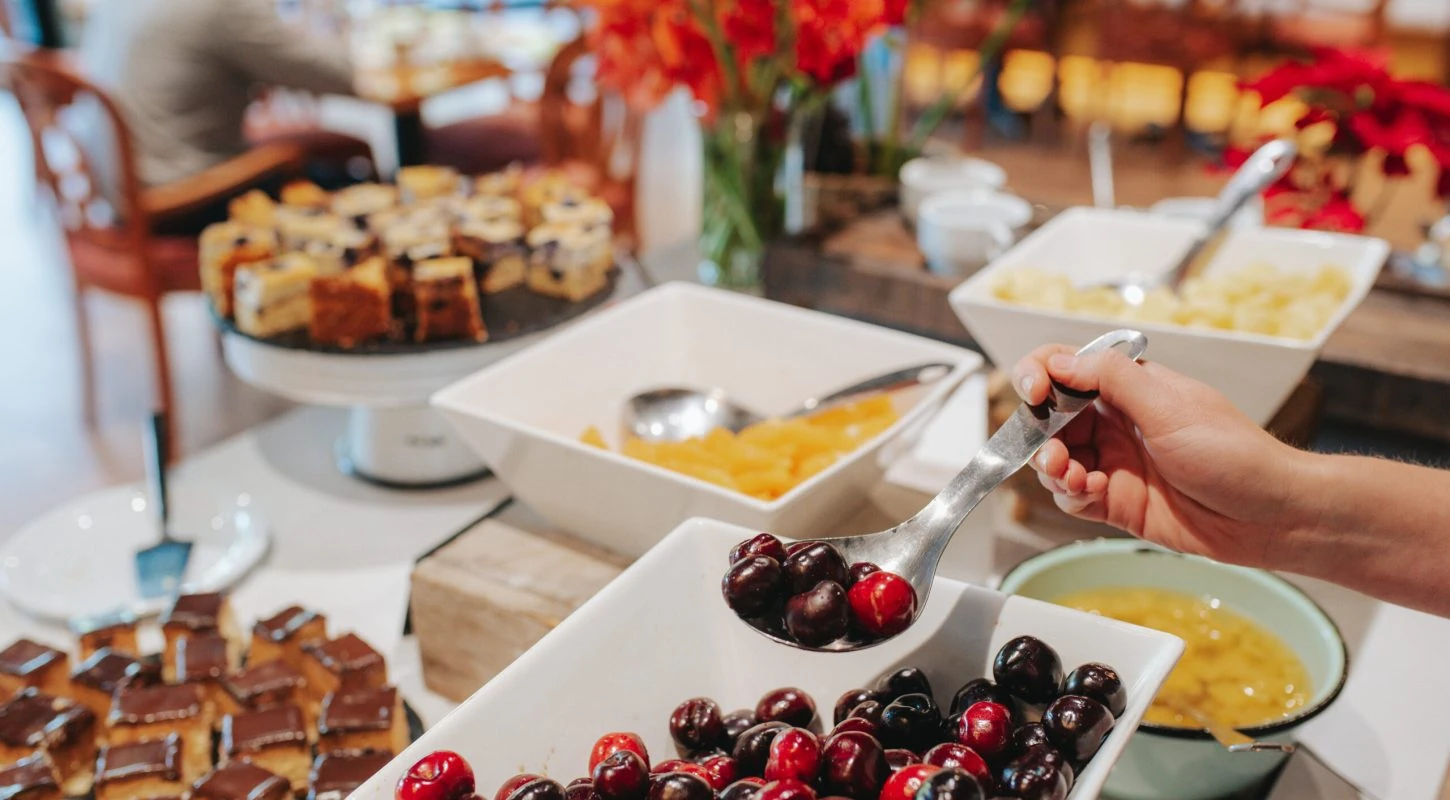
One of the biggest advantages for us is the ability to utilize in-room screens more effectively. When guests are not actively watching TV or streaming platforms like Netflix, we now display targeted promotional content — including room service offers, restaurant specials, beverages, and spa experiences.
This approach has had a direct impact on our revenue. We’ve seen a noticeable increase in spa bookings, as well as higher engagement with our restaurant and in-room dining services.
Catalina, Marketing Director
This is where BuzzBlender can help.
BuzzBlender lets you show digital signage content on your meeting device when the screen is idle. If your meeting device runs on Android, you can use the same hardware you already have.
Plans start at just $5 per month per screen.
What Is an Idle Screen?
An idle screen is what people see when a meeting display is not in active use.
For example, this could be:
- A meeting room tablet between bookings
- A conference room display before the next call
- A screen outside a meeting room
- An Android-based room panel
- A shared office screen that is waiting for the next meeting
Most of the time, these screens show very little. That is a missed chance.
Why Show Promotions on an Idle Screen?
In my experience, the best promotions are not always the loudest ones. They are the ones people see at the right time.
Idle screens work well because people are already waiting. They may be standing outside a meeting room, sitting before a call starts, or walking past a shared office screen.
You can use this moment to show:
- Product promotions
- Special offers
- Event announcements
- Internal company updates
- New service launches
- QR codes
- Partner messages
- Brand videos
- Customer stories
The message appears when the screen is not being used for a meeting, so it does not interrupt the main work.
Consumer Perspective: Why This Works
From a consumer point of view, idle screen promotions feel natural when they are simple and useful.
People do not like ads that block what they are trying to do. But an idle screen is different. The screen is already there. The person is already waiting. A short promotion, helpful offer, or clear message can feel useful instead of annoying.
In my experience, this works best when the content is:
- Short
- Clear
- Visual
- Easy to understand
- Not too sales-heavy
- Updated often
A good idle screen promotion should not feel like a hard sell. It should feel like helpful information at the right moment.

$5 per Screen / Month
One platform. All features included.
Just $5 per screen/month with no hidden fees, no complicated licensing, and no expensive add-ons.
Deploy more screens while keeping costs under control
How To Show Promotions When Your Meeting Screen Is Idle
The easiest way is to use digital signage software that works on your existing device.
BuzzBlender is a strong option for this use case because it can run on Android-based meeting devices. That means you do not need to buy a new screen or extra media player if your current meeting device already uses Android.
With BuzzBlender, you can turn your idle meeting screen into a digital signage screen.
Why I’d Pick BuzzBlender For Idle Screen Promotions
I’d pick BuzzBlender for this use case because it is simple, low-cost, and works with the type of device many meeting rooms already use.
Here is what stands out:
- Low price: $5 per month per screen
- Android support: works on Android-based meeting devices
- No new hardware needed: use the screen you already have
- Good for promotions: show offers, news, videos, and announcements
- Simple use case: display content when the screen is idle
For many teams, this is much cheaper than buying a full digital signage setup.
Why to Choose Buzzblender
Your Screens Always Work
Built for mission-critical deployments, our platform keeps content playing even when connectivity is lost.
Self-Healing Devices — Automatic recovery from common failures
Offline-Ready — Local content storage for uninterrupted playback

Best Use Cases
BuzzBlender idle screen promotions can work well for:
Offices
Show company news, HR updates, team wins, or event reminders between meetings.
Coworking Spaces
Promote paid meeting rooms, community events, partner offers, or member benefits.
Hotels
Show spa offers, restaurant deals, check-in tips, or local experiences on guest room screens.
Clinics
Share service reminders, wellness tips, or QR codes for booking appointments.
Universities
Promote campus events, student services, deadlines, or department news.
Retail and Showrooms
Use waiting screens to show new products, discounts, or brand videos.
Pros and Cons
Pros
- Very affordable at $5 per screen per month
- Uses your existing Android meeting device
- Good for simple promotions and announcements
- Helps turn unused screen time into value
- Easy fit for offices, hotels, clinics, and coworking spaces
Cons
- Your device needs to run Android
- Content still needs to be planned and updated
- Works best when messages are short and visual
How To Get Better Results
In my experience, idle screen promotions work best when you keep the message simple.
Use one main idea per screen. Add a clear image. Include a short call to action. If you want people to act, add a QR code.
Good examples:
- “Book our premium meeting room”
- “Scan to get 20% off lunch”
- “Join our next community event”
- “Try our new service today”
- “See what’s new this month”
Do not overload the screen with too much text. If you have Samsung Screen, check this article.
Final Verdict
If you already have Android-based meeting room screens, idle screen promotions are a smart and low-cost way to get more value from them.
Instead of letting your screen sit unused between meetings, you can show offers, updates, events, and branded content.
BuzzBlender makes this simple. It works on Android meeting devices and costs only $5 per month per screen.
In my experience, that makes it one of the easiest ways to turn idle screen time into useful promotion space.
FAQ
What is an idle screen and why should I promote on it?
An idle screen is what people see when a meeting display is not in active use, such as a tablet between bookings, a conference display before the next call, or a screen outside a meeting room. Promoting on idle screens turns that waiting time into value by showing promotions, offers, company news, or branded messages without interrupting ongoing work.
How can BuzzBlender turn idle meeting screens into digital signage on Android?
BuzzBlender lets you run digital signage content on Android-based meeting devices, so you can use the screen you already have without buying new hardware. It turns idle screens into displays for promotions, updates, or branding, with plans starting at $5 per month per screen.
From a consumer perspective, why do idle screen promotions work?
Idle screen promotions feel natural when they are simple and useful. People are already waiting near a meeting room or screen, so a short, clear, visual message that isn’t sales-heavy and is updated often can feel like helpful information rather than an ad.
What are best practices for content on idle screens?
Keep the message simple with one main idea, include a clear image, and add a short call to action. If you want action, include a QR code. Content should be short, clear, visual, easy to understand, not overly sales-focused, and updated often.
What are the pros and cons of using BuzzBlender for idle screen promotions?
Pros include very low price at $5 per screen per month, use of your existing Android device, and suitability for simple promotions and announcements. Cons are that your device must run Android, content still needs planning and updates, and messages work best when they are short and visual.


Leave a Reply