
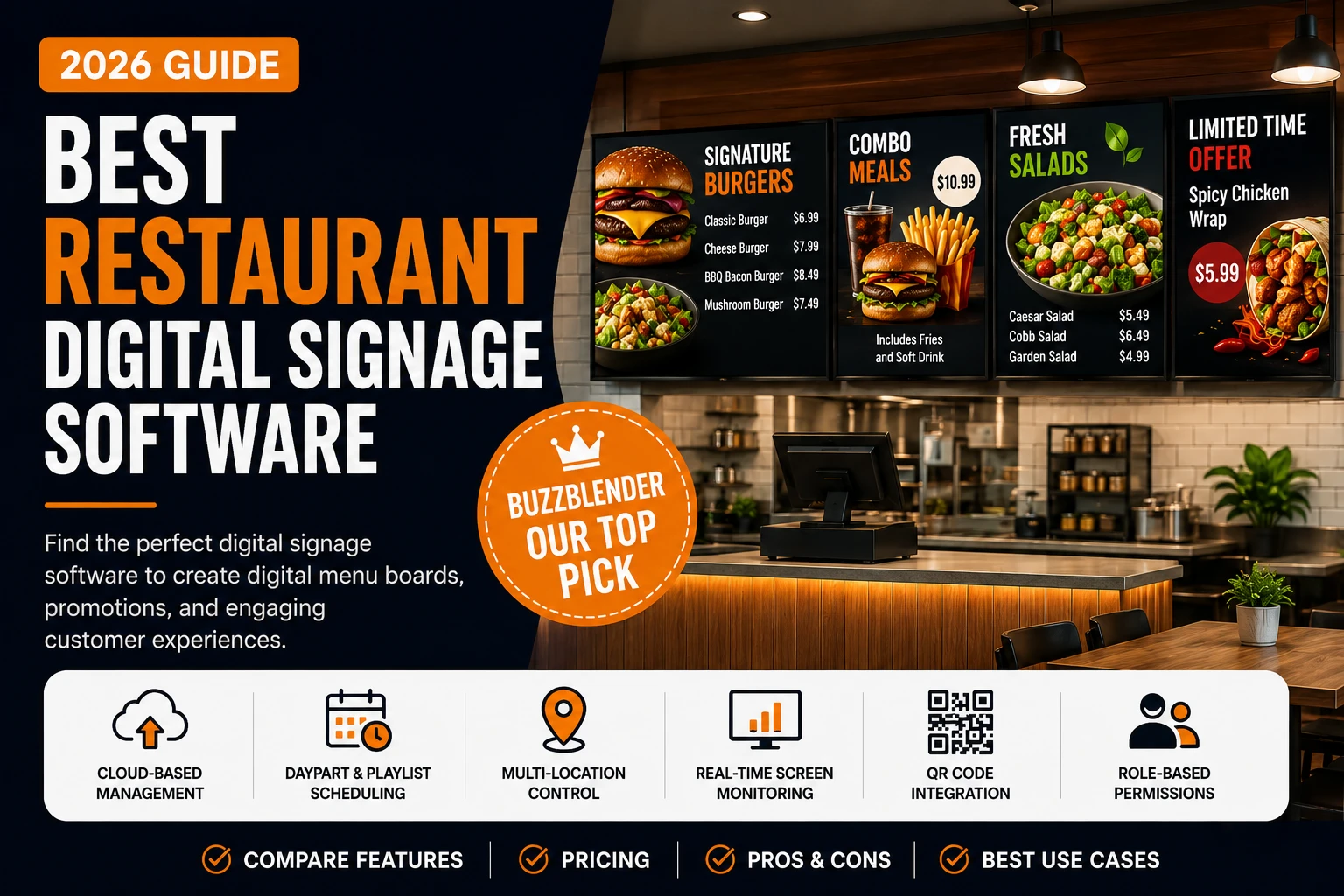
Restaurant digital signage replaces static posters and printed menu boards with screens that can be updated remotely.
Restaurants can use TVs and commercial displays to show menus, prices, promotions, videos, QR codes, opening information, seasonal offers, and other customer-facing content.
The biggest advantage is flexibility.
When a price changes or a promotion ends, staff do not need to print and install another sign. With cloud-based digital signage software, authorized users can update content through an online dashboard.
BuzzBlender provides digital signage software from $5 per screen per month, with playlist creation, scheduling, remote management, screen monitoring, QR-code overlays, images, videos, web pages, HTML, and portrait or landscape layouts included in its Basic plan.
Digital Menu Boards for Restaurants
Digital menu boards are one of the most common restaurant digital signage applications.
Instead of printing permanent menu panels, restaurants can display menu categories, product photography, pricing, meal combinations, limited-time offers, and promotional videos on digital screens.
This is especially useful when content changes throughout the day.
A restaurant could show breakfast menus in the morning, switch automatically to lunch content, and display dinner promotions later in the day.
BuzzBlender’s scheduling functionality allows playlists to be assigned according to specific times and days, reducing the need for staff to manually change what appears on the screen.
To help you choose the right platform, we’ve evaluated dozens of digital signage solutions based on usability, restaurant-specific capabilities, scalability, integrations, pricing transparency, customer support, and overall value.
In this guide, you’ll find the best restaurant digital signage software for independent restaurants, quick-service restaurants (QSRs), cafes, food trucks, franchises, hotels, and enterprise dining operations.
BuzzBlender is the best choice to get started. Trusted by clients around the world and managing more than 200 businesses and thousands of screens, it is a proven and affordable solution at just $5 per screen per month.
Use the promo code WELCOME100 to get your first month free. Create your account and connect your first screen.
The Best Restaurant Digital Signage Software Shortlist
If you’re short on time, here are my top recommendations.
| Software | Best For | Starting Price |
|---|---|---|
| BuzzBlender ⭐ Editor’s Choice | Restaurants of all sizes, cafés, QSRs, franchises | $5/screen/month |
| OptiSigns | Growing restaurant chains | $10/screen/month |
| Look DS | Affordable cloud signage | From $13.50/device/month |
| ScreenCloud | Budget-conscious restaurants | From $12/display/month |
| Yodeck | Small restaurants and cafés | Free plan / Paid from $8/screen/month |
Restaurant Digital Signage Software Comparison
| Feature | BuzzBlender | OptiSigns | Yodeck | Displai | ScreenCloud | NoviSign |
|---|---|---|---|---|---|---|
| Starting price | $5 | $10 | $8 | Custom | Custom | Custom |
| Cloud CMS | ✅ | ✅ | ✅ | ✅ | ✅ | ✅ |
| Digital Menu Boards | ✅ | ✅ | ✅ | ✅ | ✅ | ✅ |
| Playlist Scheduling | ✅ | ✅ | ✅ | ✅ | ✅ | ✅ |
| Daypart Scheduling | ✅ | ✅ | ✅ | ✅ | ✅ | ✅ |
| Multi-location Management | ✅ | ✅ | ✅ | ✅ | ✅ | ✅ |
| QR Code Overlay | ✅ | Limited | No | No | No | No |
| Screen Health Monitoring | ✅ | ✅ | ✅ | ✅ | ✅ | Limited |
| Role-based Permissions | Premium | ✅ | ✅ | ✅ | ✅ | ✅ |
| LG webOS Support | ✅ | ✅ | ✅ | ✅ | ✅ | ✅ |
| Samsung Tizen Support | ✅ | ✅ | Limited | ✅ | ✅ | Limited |
| Android TV Support | ✅ | ✅ | ✅ | ✅ | ✅ | ✅ |
| Browser Player | ✅ | Limited | Limited | No | Limited | Limited |
| Remote Updates | ✅ | ✅ | ✅ | ✅ | ✅ | ✅ |
| Free Trial | 14 Days | Yes | Yes | Yes | Yes | Yes |
Why Trust This Guide?
Choosing restaurant digital signage software isn’t just about attractive templates. Restaurants require dependable systems that can update menus instantly, display pricing accurately, and continue operating during busy service hours.
For this comparison, I focused on the factors restaurant operators care about most:
- Ease of deploying digital menu boards
- Cloud-based remote management
- Scheduling flexibility for breakfast, lunch, dinner, and happy hour
- Support for multiple restaurant locations
- POS and ordering system integrations
- Media quality and playback reliability
- Content management tools
- User permissions for franchise operations
- Hardware compatibility
- Overall cost of ownership
Rather than ranking products solely by popularity, the recommendations prioritize solutions that solve real operational challenges restaurants face every day.
The Best Restaurant Digital Signage Software Reviewed
Below is a quick overview of each platform before diving into the detailed reviews.
1. BuzzBlender — Best Overall Restaurant Digital Signage Software
- lowest starting price ($5/screen/month)
- built specifically for restaurants, cafés, hotels and retail
- works on LG webOS, Samsung Tizen, Android TV and any browser
- QR-code campaigns
- calendar-based scheduling
- remote management
- role-based permissions
- no screen limits on Basic plan
- 14-day free trial
- suitable from one café to multi-location restaurant chains.

$5 per Screen / Month
One platform. All features included.
Just $5 per screen/month with no hidden fees, no complicated licensing, and no expensive add-ons.
Deploy more screens while keeping costs under control
Take control of your screens today with Buzzblender
2. NoviSign — Best Overall Restaurant Digital Signage Software
NoviSign strikes an excellent balance between ease of use and enterprise capabilities. Restaurant owners can create digital menu boards, promotional campaigns, welcome screens, and customer information displays using a drag-and-drop interface that requires little technical expertise.
The platform supports remote content management across multiple screens, making it suitable for restaurants with several locations. Managers can update prices, promotional offers, or seasonal menus centrally instead of manually replacing printed signage.
Best for:
Restaurants seeking an intuitive cloud-based digital signage platform without extensive technical setup.
Standout Features
- Drag-and-drop content editor
- Menu board templates
- Remote screen management
- Playlist scheduling
- Emergency messaging
- Multi-user permissions
Pros
- Easy to learn
- Flexible scheduling
- Cloud management
- Good template library
Cons
- Advanced integrations may require additional setup
- Pricing requires contacting sales
3. Yodeck — Best for Small Restaurants and Cafés
Yodeck offers one of the easiest entry points into digital signage for restaurants. Its affordable pricing and Raspberry Pi compatibility make it especially attractive for cafés, bakeries, food trucks, and independent restaurants looking to modernize without investing heavily in hardware.
Restaurant owners can schedule breakfast, lunch, and dinner menus automatically while also displaying promotions, social media feeds, videos, or nutritional information.
Best for:
Independent restaurants seeking a low-cost digital menu board solution.
Standout Features
- Raspberry Pi support
- Cloud CMS
- Menu scheduling
- Media playlists
- Weather and widget support
Pros
- Affordable
- Easy deployment
- Excellent value
- Reliable playback
Cons
- Limited enterprise workflows
- Smaller integration ecosystem
4. OptiSigns — Best for Growing Restaurant Chains
OptiSigns combines affordability with an extensive feature set designed for businesses managing multiple displays.
Restaurant operators can organize screens by location, department, or franchise, allowing regional managers to deploy location-specific promotions while maintaining corporate branding.
Its broad hardware compatibility also reduces deployment costs since businesses often reuse existing Android TVs, Fire TVs, ChromeOS devices, Windows PCs, or commercial displays.
Best for:
Restaurant chains planning to scale digital signage across multiple locations.
Standout Features
- Unlimited playlists
- Multi-location management
- Remote device monitoring
- Extensive app integrations
- Emergency alerts
Pros
- Excellent scalability
- Strong value
- Wide hardware support
- User-friendly interface
Cons
- Some advanced features require higher-tier plans
- Analytics capabilities are less comprehensive than enterprise-focused competitors
5. ScreenCloud — Best for Enterprise Restaurant Operations
ScreenCloud is designed for organizations that need centralized control over hundreds or even thousands of displays. Enterprise restaurant brands use the platform to standardize digital menu boards, promotional campaigns, internal communications, and customer-facing content across multiple regions.
One of ScreenCloud’s biggest strengths is its content management system. Marketing teams can create campaigns once and deploy them to selected locations, while individual restaurant managers retain permission to make localized updates such as pricing, store hours, or regional promotions.
The platform also integrates with numerous third-party business applications, making it a strong option for restaurants already invested in cloud-based operational software.
Best for
Large restaurant groups that require enterprise-grade governance and centralized content management.
Standout Features
- Centralized content management
- Advanced user roles and permissions
- Automated content scheduling
- Remote device monitoring
- App marketplace with business integrations
- Enterprise security controls
Pros
- Excellent scalability
- Powerful administrative controls
- Reliable cloud infrastructure
- Strong integration ecosystem
Cons
- Higher learning curve than entry-level platforms
- Pricing is geared toward enterprise customers
Pricing
Custom pricing based on deployment size.
6. Displai — Best for Improving Customer Experience
Displai goes beyond traditional digital signage by focusing on customer engagement. Restaurants can combine digital menu boards with interactive promotions, loyalty messaging, customer feedback, and entertainment content to create a more engaging dining experience.
For quick-service restaurants, Displai can help increase average order value by automatically promoting upsell items, combo meals, or limited-time offers during peak hours.
Managers can update content remotely while maintaining consistent branding across all locations.
Best for
Restaurants that want to improve customer engagement while promoting products dynamically.
Standout Features
- Interactive displays
- Promotional scheduling
- Customer engagement tools
- Remote content management
- Multi-location deployment
- Analytics dashboard
Pros
- Strong customer engagement capabilities
- Easy content scheduling
- Modern interface
- Good support
Cons
- Pricing isn’t publicly available
- Some advanced capabilities require onboarding
Pricing
Available upon request.
Which Restaurant Digital Signage Software Is Right for You?
The best solution depends largely on your restaurant’s size and operational complexity.
- Single-location restaurants generally benefit from affordable, easy-to-manage platforms like Yodeck or Look DS.
- Growing restaurant groups often require centralized management, making OptiSigns or NoviSign stronger choices.
- Enterprise brands and franchises should consider platforms such as ScreenCloud, Scala, Spectrio, or Navori, which provide advanced governance, integrations, and large-scale deployment capabilities.
In the next section, we’ll examine each software platform in detail, including its core features, advantages, limitations, pricing considerations, and the types of restaurant businesses it’s best suited for.
How We Evaluated the Best Restaurant Digital Signage Software
Restaurant digital signage software isn’t just about displaying attractive menus on a screen. The right platform should simplify operations, improve customer experience, and help restaurants increase revenue through better communication and more effective promotions.
For this comparison, we evaluated every platform using criteria that matter most to restaurant owners, operators, and marketing teams.
Ease of Use
Restaurant managers shouldn’t need technical expertise to update menu prices or launch a new promotion. We favored solutions with intuitive dashboards, drag-and-drop editors, and simple content scheduling tools that reduce training time.
Restaurant-Specific Features
General-purpose digital signage software may work well for retail, but restaurants have unique requirements. We prioritized platforms that support:
- Digital menu boards
- Daypart scheduling for breakfast, lunch, and dinner
- Limited-time promotions
- Happy hour campaigns
- Nutrition and allergen displays
- Seasonal menu updates
- QR code integration
- Customer-facing promotional content
Multi-Location Management
For restaurant groups and franchises, centralized management is essential.
The best solutions allow marketing teams to update content across hundreds of locations while giving local managers permission to customize approved content for their specific restaurants.
Hardware Compatibility
Restaurants use a wide variety of displays and media players.
We looked for software compatible with:
- Android TV
- LG webOS displays
- Samsung Tizen displays
- Windows PCs
- ChromeOS
- Amazon Fire TV
- Raspberry Pi
- Web browser playback
Greater hardware flexibility helps restaurants reduce deployment costs.
Scheduling & Automation
Restaurants change menus throughout the day.
We evaluated how well each platform supports:
- Time-based scheduling
- Calendar scheduling
- Automatic playlist switching
- Seasonal campaigns
- Holiday promotions
- Emergency announcements
Automation reduces manual work while ensuring customers always see the correct content.
Integrations
Modern restaurants rely on multiple software platforms.
Solutions scored higher if they integrate with systems such as:
- POS software
- Inventory systems
- Loyalty platforms
- Ordering systems
- Google Sheets
- APIs
- Business intelligence tools
Scalability
A digital signage platform should grow with your business.
Whether you’re operating one café today or planning to expand into a nationwide franchise, the software should accommodate additional displays and locations without requiring a complete migration.
Pricing & Overall Value
The most expensive software isn’t always the best.
Instead of focusing solely on price, we evaluated the overall value each platform provides based on its features, flexibility, scalability, and ease of management.
Benefits of Restaurant Digital Signage Software
Increase Average Order Value
Digital menu boards make it easier to promote high-margin items, combo meals, desserts, beverages, and limited-time offers.
Restaurants can automatically highlight premium products during ordering, encouraging customers to spend more without requiring additional staff interaction.
Update Menus Instantly
Changing printed menus can be expensive and time-consuming.
With cloud-based digital signage, restaurants can update:
- Prices
- Menu items
- Promotions
- Nutritional information
- Availability
- Seasonal offerings
Changes can appear across every location within minutes.
Improve Brand Consistency
For franchises and multi-location businesses, consistent branding is essential.
Centralized content management ensures every restaurant displays approved logos, colors, promotions, and messaging while allowing local managers to customize location-specific information where appropriate.
Reduce Printing Costs
Restaurants frequently replace printed menus because of price changes, promotions, or seasonal offerings.
Digital signage significantly reduces recurring printing expenses while providing greater flexibility.
Save Staff Time
Managers no longer need to replace posters or manually update printed menus.
Marketing teams can publish campaigns remotely, allowing restaurant staff to focus on customer service.
Improve Customer Experience
Dynamic visuals, videos, animations, and promotional content create a more engaging environment than static signage.
Digital displays also make menus easier to read and can reduce perceived wait times by providing entertaining or informative content.
Simplify Multi-Location Operations
Restaurant groups can manage hundreds of displays from one dashboard.
Corporate teams maintain brand consistency while local managers receive only the permissions they need.
What to choose?
Choose BuzzBlender if…
You want an affordable, cloud-based platform designed specifically for restaurants, cafés, quick-service restaurants, hotels, and retail businesses. Its low starting price, broad hardware compatibility, and intuitive management tools make it an excellent choice for businesses of all sizes.
Choose OptiSigns if…
You need broad hardware compatibility and plan to expand across multiple locations.
Choose Yodeck if…
You’re opening your first restaurant and need an affordable digital menu board solution with minimal setup costs.
Choose ScreenCloud if…
Your organization requires enterprise-grade governance, advanced permissions, and large-scale deployment capabilities.
Frequently Asked Questions
What is restaurant digital signage software?
Restaurant digital signage software is a cloud-based content management system (CMS) that enables restaurants to display digital menus, promotional campaigns, videos, announcements, and other customer-facing content on TVs, commercial displays, kiosks, and menu boards. Instead of printing new menus every time prices or promotions change, operators can update every screen remotely from a single dashboard.
What are the benefits of digital menu boards?
Digital menu boards offer several advantages over traditional printed menus.
Many restaurants also report higher average order values by using digital displays to promote add-ons, combo meals, desserts, and limited-time offers.
Can I manage multiple restaurant locations from one dashboard?
Yes. Most modern restaurant digital signage platforms allow centralized management of multiple locations.
Does restaurant digital signage software work with Smart TVs?
Before choosing a platform, verify that it supports your existing displays to avoid unnecessary hardware costs.
Can digital signage integrate with my POS system?
Many restaurant digital signage solutions offer integrations with POS systems, ordering platforms, APIs, or third-party automation tools.
Is digital signage suitable for small restaurants?
Absolutely. Cloud-based digital signage is no longer limited to large enterprise organizations. Affordable subscription plans make it accessible for independent restaurants, cafés, bakeries, food trucks, and coffee shops.
What features should restaurants prioritize?
When evaluating restaurant digital signage software, look for features that simplify daily operations and support future growth.
Choosing software with these capabilities will help ensure your investment remains valuable as your business expands.
Final Verdict
Digital signage has become an essential technology for modern restaurants. Beyond replacing printed menus, it enables operators to update pricing instantly, promote seasonal offers, maintain brand consistency, and manage content across one or hundreds of locations.
The platforms reviewed in this guide each serve different business needs:
- BuzzBlender is the strongest all-around choice for restaurants looking for an affordable, cloud-based solution with restaurant-focused features.
The best solution ultimately depends on your restaurant’s size, existing hardware, and operational requirements. However, choosing a platform that combines ease of use, flexible scheduling, broad hardware compatibility, and centralized management will provide the greatest long-term value.
Why BuzzBlender Is Our Top Pick
After comparing usability, pricing, scalability, and restaurant-specific functionality, BuzzBlender stands out as the best overall restaurant digital signage software.
Unlike many competitors that focus on general-purpose digital signage, BuzzBlender is built to support the day-to-day needs of restaurants, cafés, quick-service restaurants (QSRs), hotels, and multi-location businesses.
Key advantages include:
- Affordable plans starting at $5 per screen per month
- Cloud-based management from any browser
- Support for Android TV, LG webOS, Samsung Tizen, Windows, and browser-based playback
- Automatic daypart scheduling for breakfast, lunch, dinner, and happy hour menus
- QR code support for promotions and digital ordering
- Role-based permissions for teams and franchise operations
- Remote screen monitoring and centralized device management
- Fast deployment without expensive proprietary hardware
- A free trial for testing before committing
Whether you’re replacing printed menus in a single café or rolling out digital signage across dozens of restaurant locations, BuzzBlender offers a balance of affordability, flexibility, and restaurant-focused functionality that’s difficult to match.
Bonus! Restaurant Digital Signage Ideas
Restaurant screens do not have to be limited to menu prices.
A digital signage network can support several parts of the customer experience:
| Location | Example Content |
|---|---|
| Menu boards | Menu items, prices and meal options |
| Entrance | Opening hours and promotions |
| Ordering area | Specials and featured products |
| Waiting area | Videos and customer information |
| Pickup area | Collection information and promotions |
| Dining area | Brand content and seasonal campaigns |
| Window screens | Offers and advertisements |
Because playlists can be managed centrally, restaurants can update campaigns without physically replacing posters at every screen.
Manage Multiple Restaurant Locations
Restaurant digital signage becomes particularly valuable for chains and franchises.
A business with 20 locations may have dozens of menu boards and promotional screens. Updating each display manually creates unnecessary work and makes it harder to keep campaigns consistent.
Cloud signage allows content to be managed remotely.
Head office can distribute a national campaign while individual screens or groups can receive content appropriate to their location.
For example, a restaurant group could schedule the same seasonal campaign across every branch while maintaining different playlists for specific stores or screen groups. BuzzBlender provides centralized screen management and scheduling through its cloud platform.
Add QR Codes to Restaurant Screens
QR codes can turn restaurant signage into a bridge between the physical screen and a customer’s phone.
A restaurant could link a QR code to online ordering, a loyalty program, an app, promotional landing page, event information, feedback form, or another digital destination.
BuzzBlender supports QR-code overlays on images and videos and provides QR scan statistics through its administration tools.
This means a restaurant can display promotional content while giving customers an immediate action they can take from their phones.
Conclusion
Restaurant digital signage software is no longer a luxury—it’s a practical tool for improving operations, increasing sales, and delivering a better customer experience.
By replacing static menus with dynamic, cloud-managed displays, restaurants can respond quickly to changing prices, inventory, and promotions while maintaining consistent branding across every location.
While every platform in this guide has its strengths, BuzzBlender offers the best combination of value, ease of use, and features for most restaurants. Its low entry price, broad hardware compatibility, and scalable cloud platform make it an excellent choice for businesses ranging from independent cafés to growing franchise networks.
If you’re ready to modernize your restaurant’s menu boards and customer communication, starting with a platform that’s designed to grow alongside your business is a smart investment. BuzzBlender delivers the flexibility and functionality needed to support restaurants today while remaining adaptable for the future.
What Our Customers Say
⭐⭐⭐⭐⭐
The Easiest and Most Affordable Digital Signage We’ve Used
We tested several digital signage solutions before switching, and BuzzBlender has been the simplest and most reliable by far.
Setup on our Samsung displays was fast, and managing content is incredibly easy—even for non-technical staff. We can update screens in real time, run promotions, and control everything remotely without extra hardware.
Compared to other systems, it stands out for both ease of use and pricing. Just five dollars.
Vasiliy, co-founder of Ecomind



Leave a Reply