
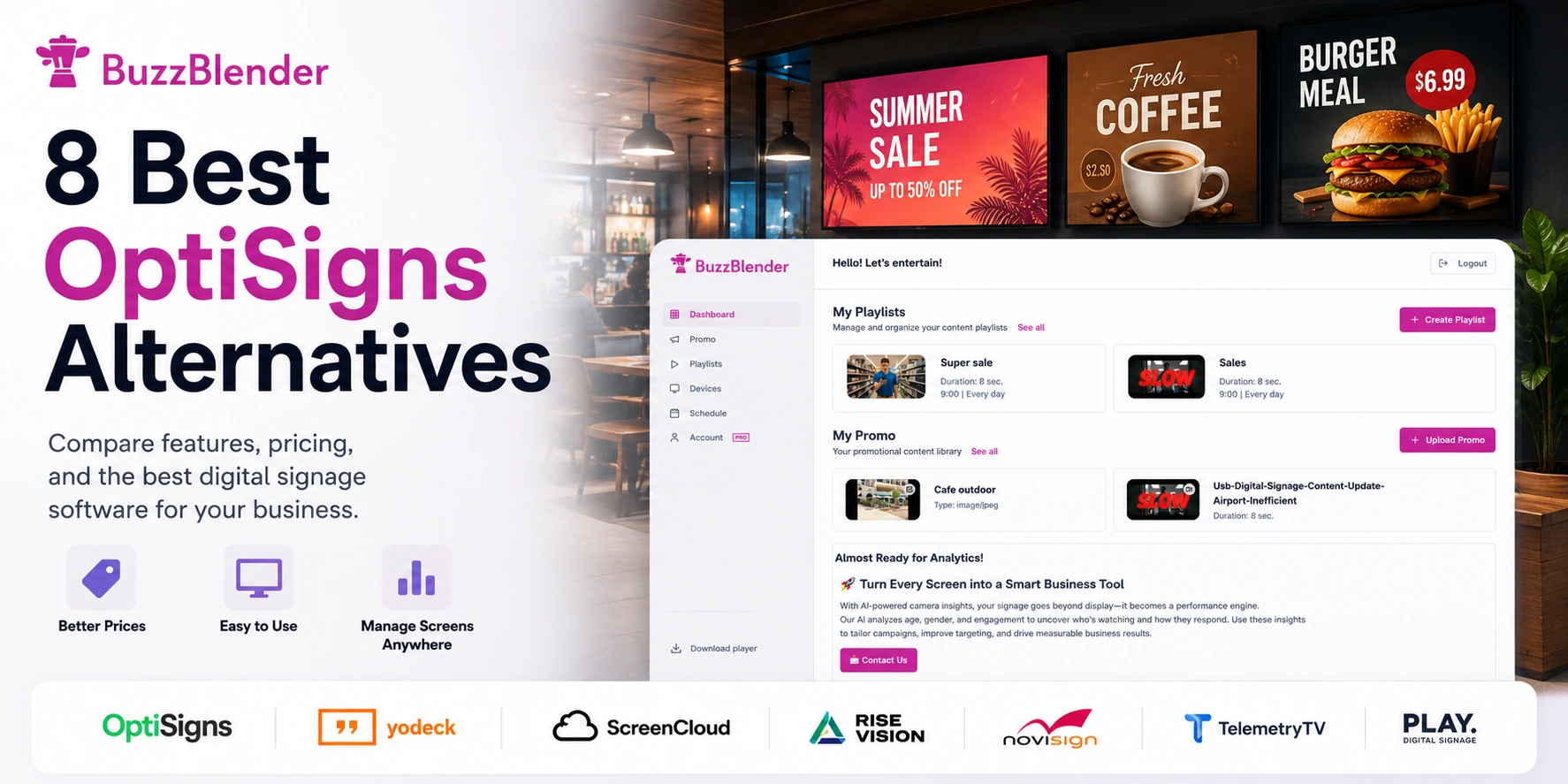
OptiSigns is a feature-rich digital signage platform with scheduling, playlists, templates, integrations, screen zones, offline playback, analytics, kiosk functionality, and support for many hardware platforms.
But businesses that primarily need straightforward screen management may not need its full feature set.
If your priorities are uploading content, scheduling playlists, managing screens remotely, monitoring device status, and keeping monthly costs low, BuzzBlender is an affordable OptiSigns alternative starting at $5 per screen per month.
BuzzBlender vs OptiSigns Pricing
OptiSigns Standard currently costs $10 per screen/month on monthly billing or $9 per screen/month when billed annually. Standard includes playlists, scheduling, 100+ apps and integrations, templates, feeds, unlimited cloud storage, split-screen zones, and its content Designer.
BuzzBlender Basic costs $5 per screen/month. Its current plan includes playlist creation, scheduling, remote screen management, active/inactive screen monitoring, QR-code overlays, images, videos, web pages, HTML, kiosk mode, portrait and landscape orientations, and supported video-wall functionality.
| Feature | BuzzBlender | OptiSigns Standard |
|---|---|---|
| Starting monthly price | $5/screen | $10/screen |
| Playlists | Yes | Yes |
| Scheduling | Yes | Yes |
| Remote management | Yes | Yes |
| Screen monitoring | Yes | Yes |
| Images & videos | Yes | Yes |
| Web content | Yes | Yes |
| QR-code functionality | Yes | Available |
| Kiosk capability | Yes | Broader options on higher tiers |
| Built-in apps | More limited | 100+ |
| Cloud storage | 500 MB Basic | Unlimited Standard |
| Main advantage | Lower cost | Larger feature ecosystem |
How Much Can You Save?
A $5 difference per screen becomes significant across larger networks.
| Number of Screens | BuzzBlender | OptiSigns Standard Monthly | Difference |
|---|---|---|---|
| 10 | $50 | $100 | $50/month |
| 25 | $125 | $250 | $125/month |
| 50 | $250 | $500 | $250/month |
| 100 | $500 | $1,000 | $500/month |
These calculations compare BuzzBlender Basic’s current $5 monthly rate with OptiSigns Standard’s current $10 monthly-billing rate. They exclude taxes, hardware, optional add-ons, discounts, and negotiated terms.
At 100 screens, the difference is approximately $6,000 per year in software subscription costs.
BuzzBlender is the best choice to get started. Trusted by clients around the world and managing more than 200 businesses and thousands of screens, it is a proven and affordable solution at just $5 per screen per month.
Use the promo code WELCOME100 to get your first month free. Create your account and connect your first screen.
In this guide, we will compare the best OptiSigns alternatives in 2026.
The good news: there are many good options.
Real Business Example of Switching from OptiSigns
Let’s look at a real-world example.
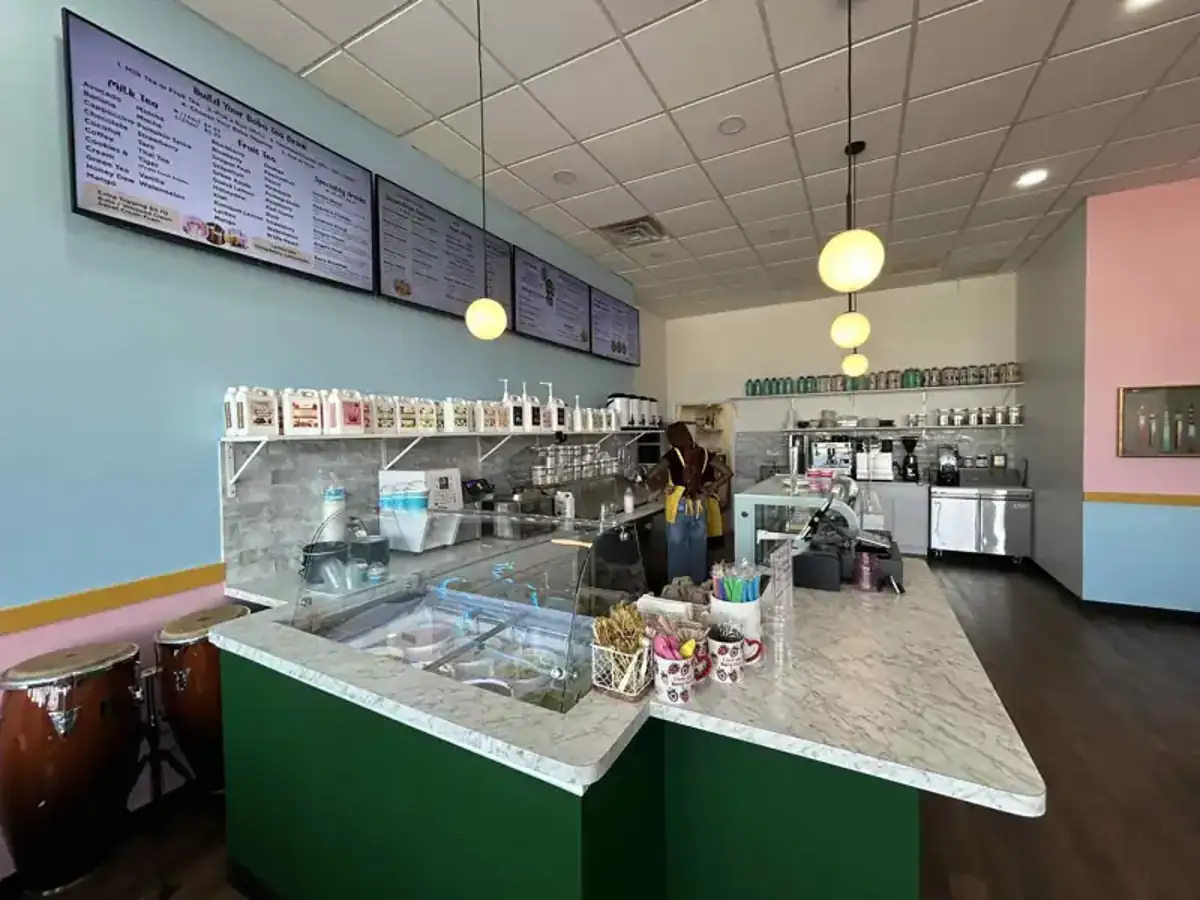
A coffee chain operates multiple locations with different types of displays. One venue has an LG TV, another uses a Samsung commercial signage display. Some branches use Samsung screens, while others currently use Xiaomi TVs.
To prevent the signage application from closing or the screen reverting to the default TV home screen (such as Netflix or other built-in apps), the business installed a launcher application. The launcher acts as a controlled home screen, ensuring the display stays focused on the required digital signage app.
The first challenge was that OptiSigns does not provide a native app for LG TVs. As a result, the business owner started considering purchasing additional media players for those locations, increasing both hardware costs and maintenance.
The second issue was pricing. The business wanted to display QR codes on its digital signage to drive customers to its website. However, in OptiSigns, the QR code overlay feature is available only with the $30 per screen per month plan.
Because of these two issues, the business began looking for an alternative. Long story short, Buzzblender proved to be the best alternative to OptiSigns. Here’s how it addressed both problems:
- Native apps for all major displays. Buzzblender provides apps for all major TV brands and commercial signage displays, including LG TVs. This eliminates the need for additional media players.
- Lower pricing with built-in QR codes. Buzzblender costs $5 per screen per month, and QR code overlays are included at no extra cost.
Key takeaways
BuzzBlender is the best OptiSigns alternative for small businesses that want simple digital signage at a lower price.
OptiSigns starts at $10 per screen per month on its Standard plan, while BuzzBlender starts at $5 per screen per month.
If you want a powerful tool for schools, Rise Vision is a good option.
If you want a well-known platform with many features, Yodeck and ScreenCloud are also worth checking.
What is OptiSigns?
OptiSigns is digital signage software.
It lets you turn a TV or display into a screen for business content. You can show:
- restaurant menus
- promotions
- videos
- images
- social media posts
- weather
- dashboards
- company announcements
- event schedules
OptiSigns is popular because it works with many devices and offers many apps. It also has a free plan, but paid plans are needed for more serious use.
Why look for an OptiSigns alternative?
OptiSigns is a good tool, but it may feel too much for some businesses.
You may want an alternative if:
- you want cheaper pricing
- you only need simple screen control
- your team is not technical
- you manage a cafe, restaurant, hotel, gym, salon, or retail store
- you want faster setup
- you do not need a large app marketplace
- you want a cleaner workflow
Best OptiSigns alternatives
| Tool | Best for |
|---|---|
| BuzzBlender | Simple and affordable signage |
| Yodeck | Teams that want a free tier |
| ScreenCloud | Larger teams and offices |
| Rise Vision | Schools and education |
| NoviSign | Multi-language signage |
| TelemetryTV | Enterprise screen networks |
| Xibo | Open-source users |
| Play Digital Signage | Simple cloud signage |
1. BuzzBlender — best OptiSigns alternative for small businesses
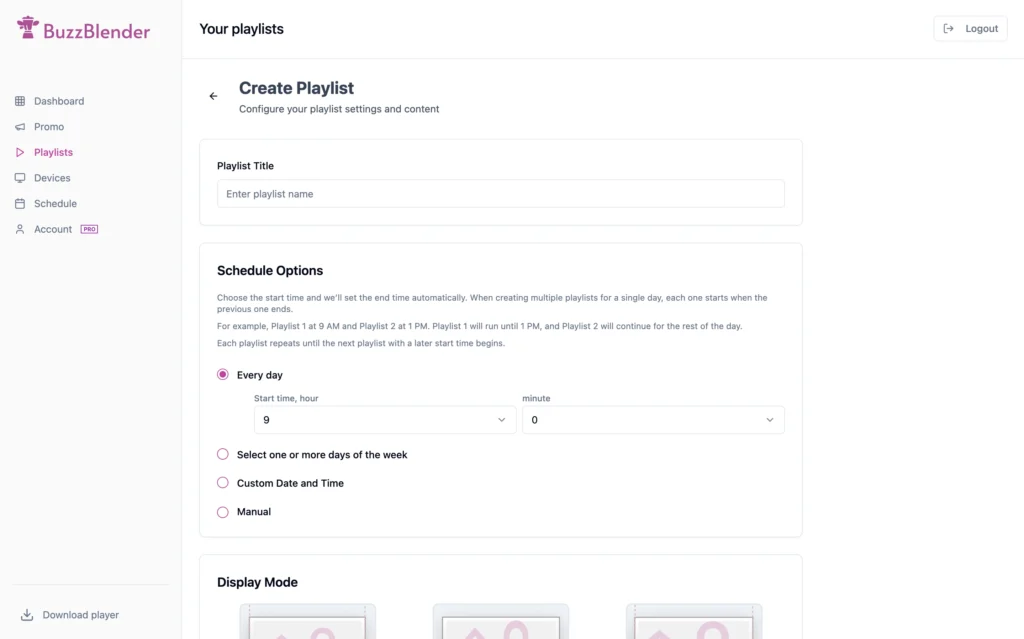
BuzzBlender is a simple digital signage platform for businesses that want to control screens without stress.
It is a strong choice for:
- cafes
- restaurants
- hotels
- retail stores
- gyms
- salons
- offices
- local businesses
BuzzBlender lets you upload content, create playlists, schedule what appears on each screen, and update everything remotely.
The biggest benefit is price. BuzzBlender starts at $5 per screen per month and offers a 14-day free trial with no credit card required.
Top features:
- Easy Scheduling
- Device Group management
- QR code overlay
- Image, Video, HTML
- Web-browser player for quick testing
Why choose BuzzBlender over OptiSigns?
BuzzBlender is easier to understand.
You do not need a big setup. You do not need technical skills. You can connect screens, upload content, schedule it, and update your displays from one dashboard.
BuzzBlender also works with Android, Windows, LG webOS, Samsung Tizen, media players, commercial screens, and web browsers.
BuzzBlender pros
- Very affordable
- Simple dashboard
- Good for small businesses
- 14-day free trial
- No credit card required
- Remote screen updates
- Scheduling and playlists
- Works with many devices
BuzzBlender cons
- Not as well-known as OptiSigns
- Smaller app ecosystem
Best for
BuzzBlender is best for businesses that want digital signage that is simple, useful, and affordable.
Take control of your screens today with Buzzblender
2. Yodeck
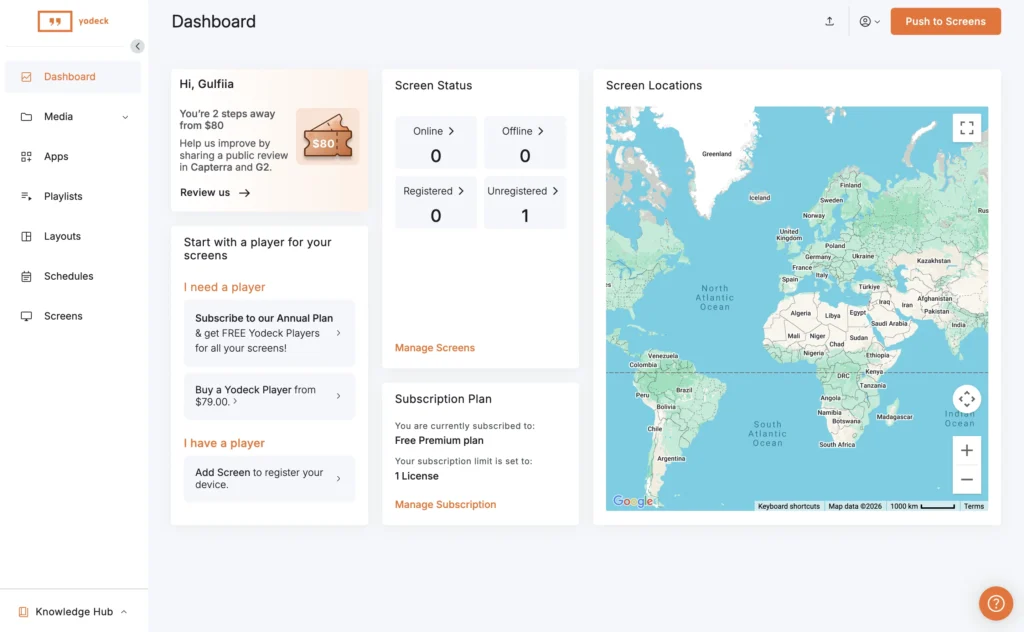
Yodeck is another popular OptiSigns alternative.
It is a good option for teams that want cloud-based signage, templates, scheduling, and remote screen control. It is often compared with OptiSigns and other signage platforms.
Yodeck is especially popular because it has a free version and paid plans that start around $8 per month.
Top features:
- Popular platform
- Free version available
- Good template options
- Works for many industries
Where it falls short
- Pricing can grow with more screens
- May feel more complex than needed for small businesses
Best for
Yodeck is best for teams that want a well-known tool with flexible features.
3. ScreenCloud
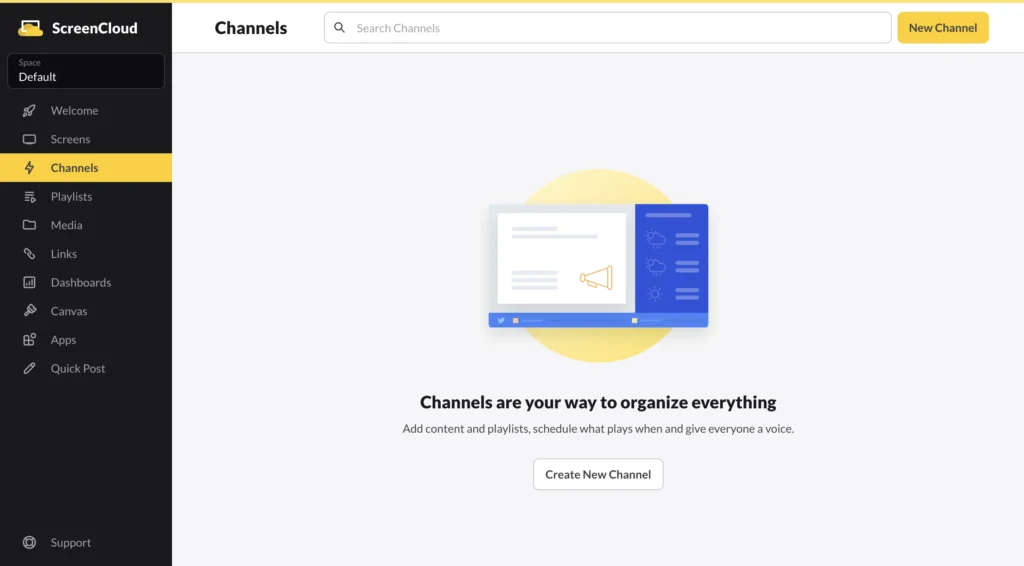
ScreenCloud is a strong digital signage platform for offices, teams, and bigger companies.
It is good for internal communication, dashboards, workplace screens, and brand content.
✨Psst… Looking for a modern & affordable alternative to ScreenCloud? Check out Buzzblender →
ScreenCloud is not always the cheapest option, but it is a polished product for teams that need more structure.
Top features
- Clean interface
- Good for workplace screens
- Strong app and content options
- Good for larger teams
Where it falls short
- Can be expensive for small businesses
- May be more than a cafe or restaurant needs
Best for
ScreenCloud is best for companies that need professional internal communication screens.
4. Rise Vision
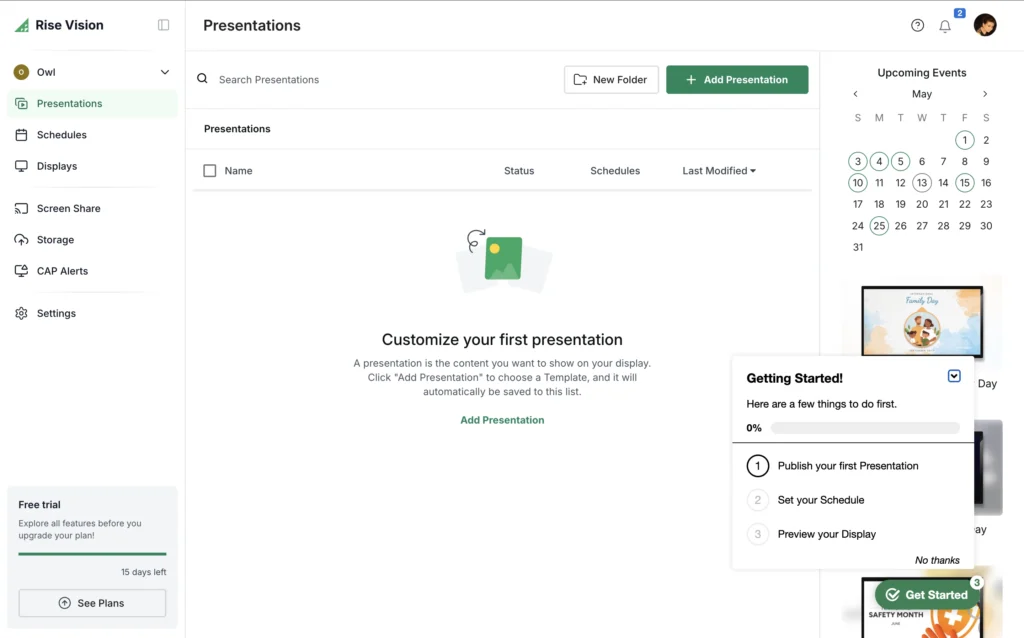
Rise Vision is a good OptiSigns alternative for schools.
It offers education-focused templates, including lunch menus, bell schedules, sports updates, and emergency alerts. Some industry comparisons describe Rise Vision as a strong option for K–12 schools.
Top features
- Great for schools
- Education templates
- Emergency alert features
- Easy scheduling
Where it falls short
- Less focused on restaurants or cafés
- Pricing may not fit very small businesses
Best for
Rise Vision is best for schools and education teams.
5. NoviSign
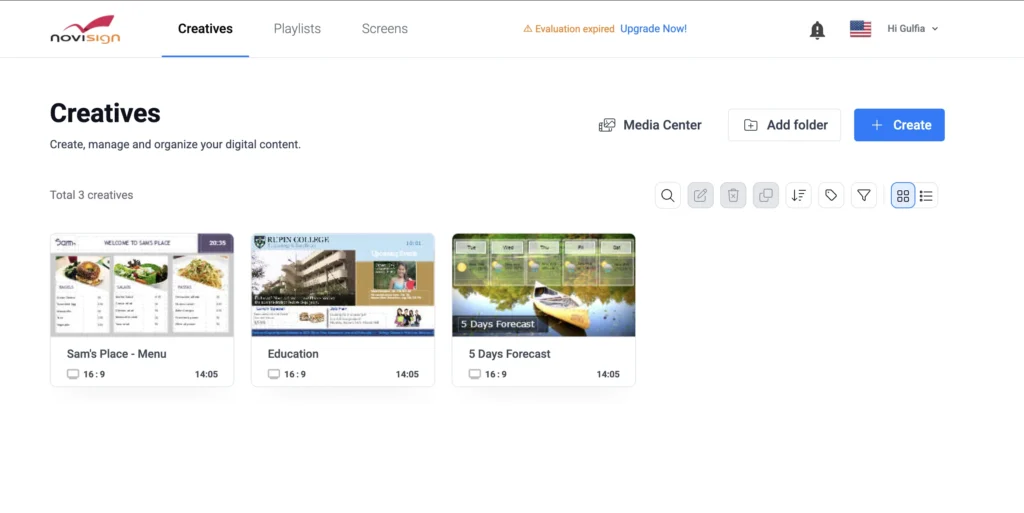
NoviSign is another digital signage platform that works across Android, Windows, ChromeOS, Tizen, and webOS.
It is a good choice for teams that need wide device support and multi-language options.
Top features
- Works on many platforms
- Multi-language support
- Good reporting features
- Suitable for different industries
Where it falls short
- May take more time to learn
- Pricing may not be as simple as BuzzBlender
Best for
NoviSign is best for teams that need flexible device support and international use.
6. TelemetryTV
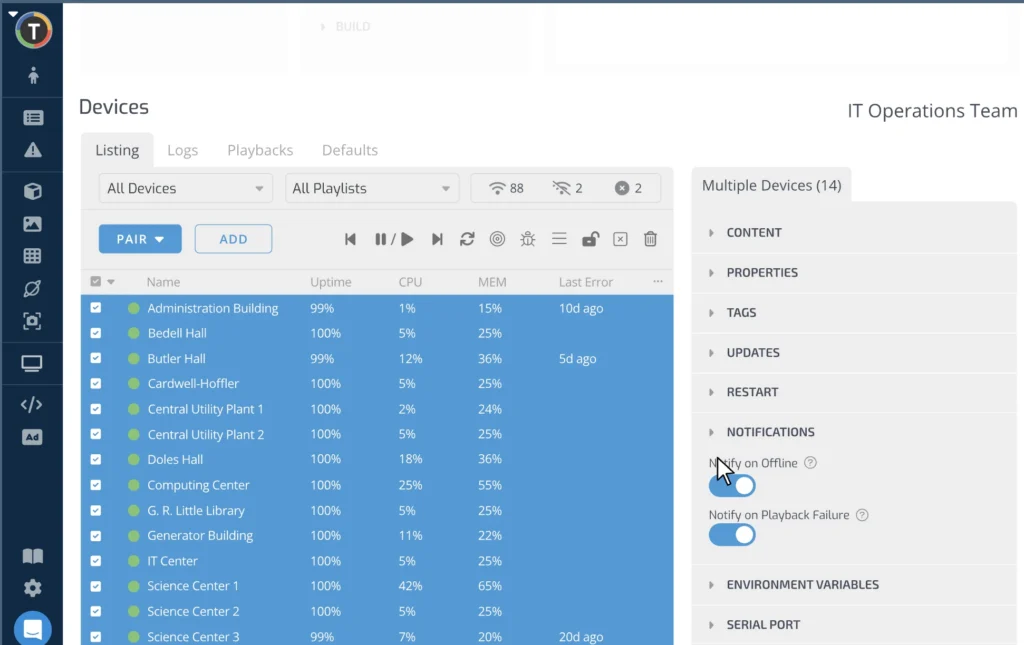
TelemetryTV is a more advanced digital signage tool.
It is often used by companies with larger screen networks. It can be a good fit for enterprise teams, offices, and organizations that need more control.
Top features
- Good for larger deployments
- Strong screen management
- Enterprise-friendly features
Where it falls short
- Not the simplest option
- May be too much for small stores or cafés
Best for
TelemetryTV is best for larger companies with many screens.
7. Xibo
Xibo is a digital signage platform with an open-source option.
It is a good choice for technical teams that want more control and do not mind handling setup, hosting, or configuration.
Top features
- Open-source option
- Flexible
- Good for technical users
Where it falls short
- Not ideal for beginners
- Setup can take more time
- May need IT help
Best for
Xibo is best for technical teams that want control and flexibility.
8. Play Digital Signage
Play Digital Signage is a simple cloud-based signage platform.
It is often listed as an OptiSigns alternative and has paid plans starting around $8 per month.
Top features
- Simple to use
- Cloud-based
- Good for basic signage
- Fair pricing
Where it falls short
- Less known than OptiSigns
- May not have every advanced feature
Best for
Play Digital Signage is best for teams that want a simple signage tool without too much complexity.
How to choose the best OptiSigns alternative
The best tool depends on your business.
Choose BuzzBlender if you want simple, affordable signage.
Choose Yodeck if you want a popular tool with a free tier.
Choose ScreenCloud if you need polished workplace communication.
Choose Rise Vision if you manage school screens.
Choose NoviSign if you need strong device support.
Choose TelemetryTV if you manage many screens across a large company.
Choose Xibo if you have technical skills and want open-source control.
Why BuzzBlender is the best choice for many businesses
Most businesses do not need complicated software.
They need to show the right content on the right screen at the right time.
That is where BuzzBlender works well.
You can:
- upload images and videos
- create playlists
- schedule content
- manage screens remotely
- update screens in real time
- use different devices
- control multiple locations
- keep costs low
And because BuzzBlender starts at $5 per screen per month, it is a strong option for businesses that want to save money without losing the main digital signage features.
| Feature | BuzzBlender | OptiSigns | Yodeck | ScreenCloud | Rise Vision | NoviSign | TelemetryTV | Play Digital Signage |
|---|---|---|---|---|---|---|---|---|
| Starting price | $5/screen/month | $10/screen/month | From $8/screen/month | Custom / higher-tier plans | From $11/screen/month | Custom pricing | From $9/screen/month | From $8/screen/month |
| Free trial | ✅ 14 days | ✅ Yes | ✅ Yes | ✅ Yes | ✅ Yes | ✅ Yes | ✅ Yes | ✅ Yes |
| Credit card required for trial | No | Yes (for some plans) | No | Yes | No | No | Yes | No |
| Easy to use | ⭐⭐⭐⭐⭐ | ⭐⭐⭐⭐☆ | ⭐⭐⭐⭐☆ | ⭐⭐⭐⭐☆ | ⭐⭐⭐⭐☆ | ⭐⭐⭐☆☆ | ⭐⭐⭐☆☆ | ⭐⭐⭐⭐☆ |
| Remote screen management | ✅ | ✅ | ✅ | ✅ | ✅ | ✅ | ✅ | ✅ |
| Content scheduling | ✅ | ✅ | ✅ | ✅ | ✅ | ✅ | ✅ | ✅ |
| Playlists | ✅ | ✅ | ✅ | ✅ | ✅ | ✅ | ✅ | ✅ |
| Android support | ✅ | ✅ | ✅ | ✅ | ✅ | ✅ | ✅ | ✅ |
| Samsung Tizen Signage | ✅ | ✅ | ✅ | ✅ | Limited | ✅ | ✅ | ✅ |
| LG webOS Signage | ✅ | ✅ | ✅ | ✅ | Limited | ✅ | ✅ | ✅ |
| LG Regular TV | ✅ | No | No | No | No | No | No | No |
| Best for | Small businesses, restaurants, cafes, retail | Businesses needing many integrations | SMBs | Enterprise & offices | Schools | Multi-location businesses | Enterprise deployments | Small businesses |
| Overall value | ⭐⭐⭐⭐⭐ | ⭐⭐⭐⭐☆ | ⭐⭐⭐⭐☆ | ⭐⭐⭐⭐☆ | ⭐⭐⭐⭐☆ | ⭐⭐⭐⭐☆ | ⭐⭐⭐⭐☆ | ⭐⭐⭐⭐☆ |
Final verdict
OptiSigns is a good digital signage platform.
But it is not the only option.
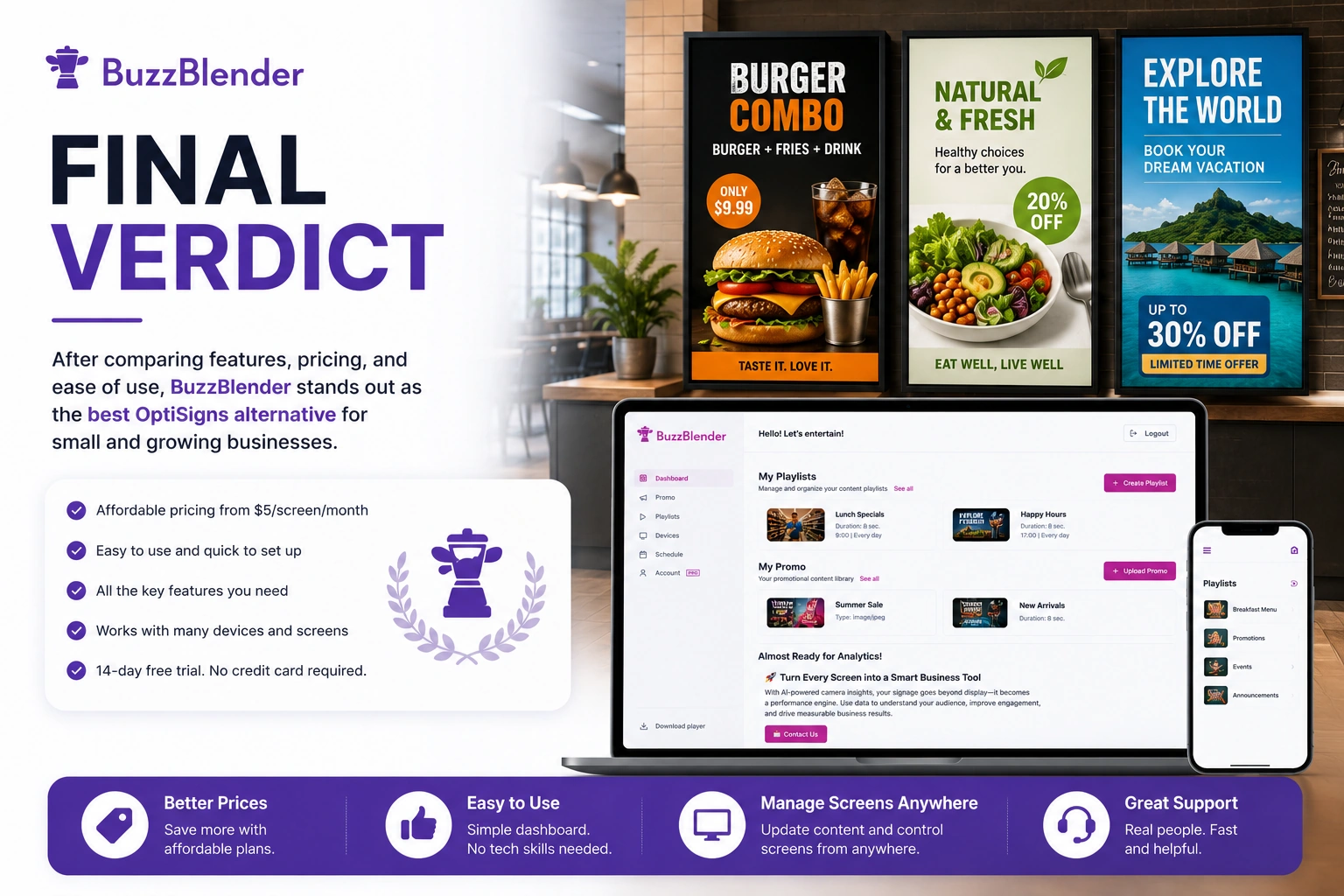
If you want a simple, affordable, and easy-to-use OptiSigns alternative, BuzzBlender is the best place to start.
It gives you the main tools you need to manage digital signage without high costs or extra complexity.
Start with BuzzBlender if you want to control your screens, update content faster, and keep your signage budget low.
FAQ
What is the best OptiSigns alternative?
BuzzBlender is one of the best OptiSigns alternatives for small businesses because it is simple, affordable, and easy to use.
Is BuzzBlender cheaper than OptiSigns?
Yes. BuzzBlender starts at $5 per screen per month, while OptiSigns Standard starts at $10 per screen per month when billed monthly.
Does BuzzBlender offer a free trial?
Yes. BuzzBlender offers a 14-day free trial with no credit card required.
What devices does BuzzBlender support?
BuzzBlender supports Android, Windows, LG webOS, Samsung Tizen, commercial displays, media players, and web browsers.
Is OptiSigns still a good tool?
Yes. OptiSigns is still a strong digital signage platform. It is a good fit for teams that want many apps, integrations, and device options. But some businesses may prefer a simpler or cheaper alternative.
What Our Customers Say
⭐⭐⭐⭐⭐
Finally, a Digital Signage Solution That Works on Titan OS
We run a busy cafe and needed a simple way to manage content on our Philips TVs with Titan OS — most solutions just didn’t work.
Buzzblender solved that immediately.
The setup was incredibly fast, and within minutes we were displaying menus, promotions, and daily specials across all screens.
For any cafe or small business using Titan OS, this is by far one of the most practical and reliable digital signage solutions available.
Jeffrey, cafe owner



Leave a Reply