
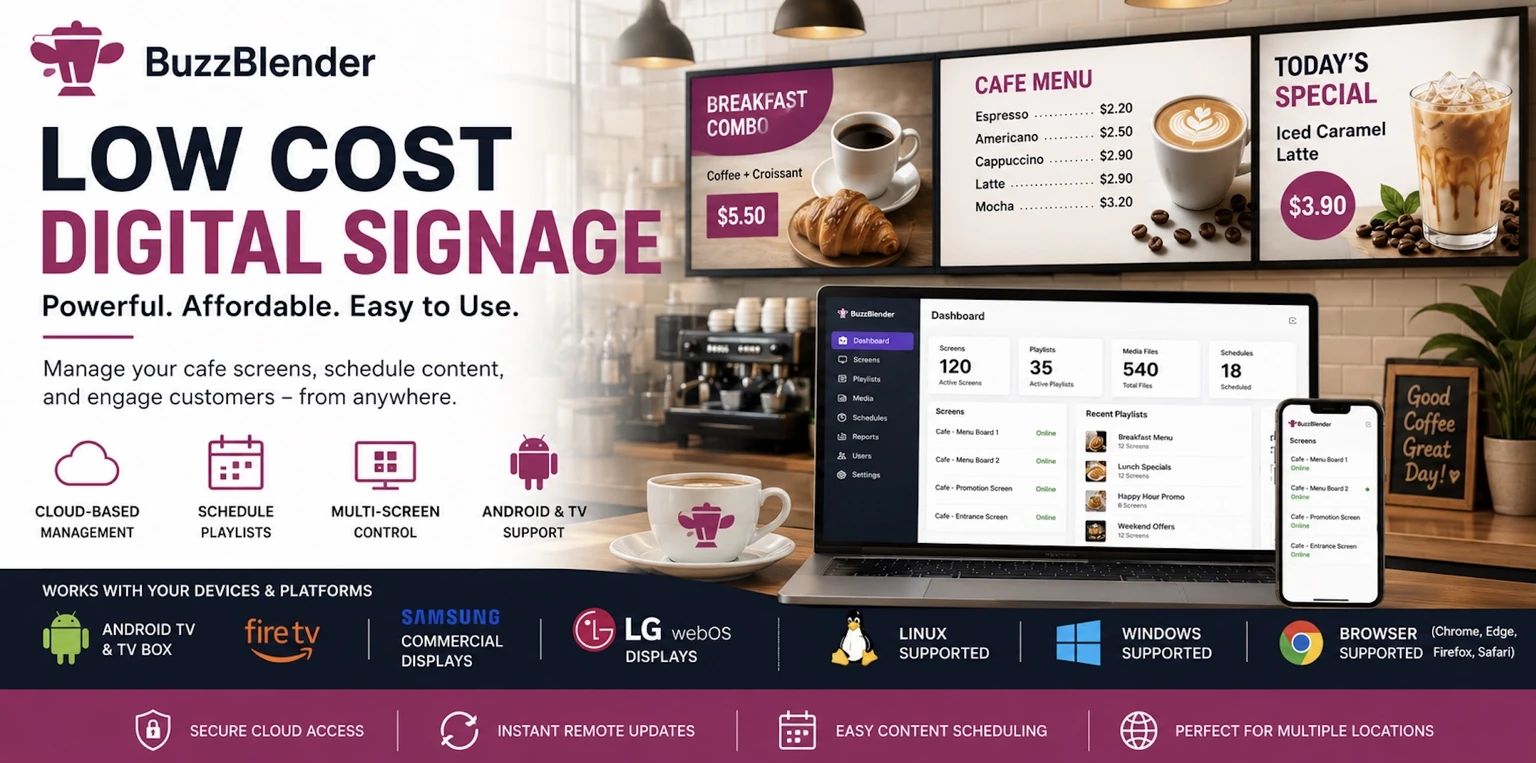
If you’re searching for low cost digital signage, you’re probably looking for a solution that is easy to use, fits your budget, and still looks professional. The good news is that modern affordable digital signage software makes it possible for businesses of every size to create eye-catching digital displays without spending thousands of dollars.
Whether you own a retail store, restaurant, cafe, hotel, clinic, school, gym, or office, digital signage has become one of the easiest ways to attract customers, share information, and increase sales.
With BuzzBlender you get powerful cloud-based digital signage software at an affordable price, making it easy to manage one screen or hundreds from anywhere.

$5 per Screen / Month
One platform. All features included.
Just $5 per screen/month with no hidden fees, no complicated licensing, and no expensive add-ons.
Deploy more screens while keeping costs under control
What Is Low Cost Digital Signage?
Low cost digital signage is a digital display solution that allows businesses to replace printed posters and banners with dynamic content such as images, videos, menus, promotions, announcements, and dashboards—without the high cost of traditional signage systems.
Instead of constantly printing new marketing materials, businesses can update their displays in seconds using cloud-based software.
This saves both time and money while creating a more modern customer experience.
Try BuzzBlender in Your Web Browser
Want to see how BuzzBlender works before connecting a TV or media player? You can try it right from your web browser. There’s nothing to install, and you can have your first digital signage screen running in just a few minutes.
Create Your Free Account
Start by creating an account at app.buzzblender.com.
Every new account comes with a 14-day free trial, so you can explore all the features and see how BuzzBlender fits your business.
Create Your First Playlist
After signing in, upload a few images or videos, create a playlist, and assign it to a screen.
The dashboard is simple to use, making it easy to organize your content, schedule when it should play, and manage everything from one place.
Connect Your Browser
Next, open play.buzzblender.com on any computer or device with a modern web browser.
A pairing code will appear on the screen. Enter that code in your BuzzBlender dashboard, and your browser instantly becomes a digital signage player.
Your content will start playing automatically—no software installation or complicated setup required.
Works with the Browsers You Already Use
BuzzBlender’s browser player works with all major web browsers, including:
- Google Chrome
- Microsoft Edge
- Mozilla Firefox
- Apple Safari
This makes it easy to test digital signage on almost any device, including Windows PCs, Linux computers, mini PCs, kiosks, and commercial displays.
See BuzzBlender in Action
Whether you’re evaluating low cost digital signage for your business or simply want to see how the platform works, trying BuzzBlender takes only a few minutes.
Create your free account at app.buzzblender.com, start your 14-day free trial, then open play.buzzblender.com to turn any supported web browser into a digital signage display. It’s one of the fastest ways to experience cloud-based digital signage with no extra hardware required.
Why Businesses Are Choosing Affordable Digital Signage
Customers notice movement before they notice paper signs.
Digital displays are brighter, more engaging, and easier to update than printed posters. That’s why more businesses are switching to affordable digital signage solutions.
Some of the biggest benefits include:
- Save money on printing
- Update content instantly
- Manage screens remotely
- Promote products anytime
- Schedule promotions automatically
- Improve customer engagement
- Keep branding consistent
- Display videos, menus, announcements, and advertisements
Whether you have one location or multiple branches, cloud-based digital signage keeps everything under your control.
Take control of your screens today with Buzzblender
Cheap Digital Signage Doesn’t Mean Low Quality
Many people assume cheap digital signage software lacks important features.
That may have been true years ago, but today’s cloud platforms offer enterprise-level functionality without enterprise pricing.
BuzzBlender was built specifically to give businesses powerful digital signage tools without unnecessary complexity or expensive licensing.
You only pay for what you actually need.
Why Choose BuzzBlender for Digital Signage?
BuzzBlender combines simplicity, affordability, and powerful features into one easy-to-use platform.
You don’t need an IT department or expensive hardware to get started.
Simply upload your content, connect your screen, and publish your digital signage in minutes.
Samsung User Guides
BuzzBlender Digital Signage Features
BuzzBlender includes everything businesses need to manage professional digital displays.
Cloud-Based Digital Signage
Manage every screen remotely through a secure cloud dashboard.
Easy Content Management
Upload:
- Images
- Videos
- Web page
Organize everything into playlists with just a few clicks.
Playlist Scheduling
Display different content throughout the day.
For example:
- Breakfast menus
- Lunch specials
- Dinner promotions
- Weekend offers
- Holiday campaigns
Everything can be scheduled automatically.
Multi-Screen Management
Control one display or hundreds of displays from a single dashboard.
Perfect for:
- Retail chains
- Restaurants
- Schools
- Hotels
- Corporate offices
- Healthcare facilities
Portrait and Landscape Support
Whether your screens are vertical or horizontal, BuzzBlender supports both orientations.
Remote Screen Updates
Need to launch a promotion across every location?
Update every screen instantly from anywhere in the world.
No USB drives.
No manual updates.
No wasted time.
Who Can Use BuzzBlender?
BuzzBlender is designed for businesses of every size.
Whether you have one display or hundreds, BuzzBlender scales as your business grows.
Save More with Affordable Digital Signage
Traditional signage can become expensive.
Every promotion requires:
- Graphic design
- Printing
- Shipping
- Installation
- Replacement
Digital signage eliminates those ongoing costs.
Simply upload new content once, and every connected display updates automatically.
That’s why businesses looking for low cost digital signage often recover their investment quickly through reduced printing costs and better marketing flexibility.
Easy to Use for Everyone
One of BuzzBlender’s biggest strengths is simplicity.
You don’t need technical experience.
The dashboard is clean and intuitive.
Upload your content.
Create playlists.
Schedule your displays.
Publish.
That’s it.
Within minutes, your business can have professional digital signage running on every screen.
Why BuzzBlender Is a Smart Choice
Businesses choose BuzzBlender because it offers:
- Affordable pricing
- Cloud-based management
- Fast setup
- Secure remote access
- Unlimited content updates
- Multi-screen management
- Playlist scheduling
- Split-screen layouts
- Android compatibility
- Portrait and landscape support
- Professional display quality
- Reliable performance
Instead of spending thousands on expensive digital signage systems, businesses can enjoy premium features at a budget-friendly price.
Choose the Right BuzzBlender Plan for Your Business
Every business has different needs. Whether you’re managing a single TV in a cafe or hundreds of displays across multiple locations, BuzzBlender offers a pricing plan that grows with you.
Basic Plan – Everything You Need to Get Started
The Basic plan is perfect for small businesses looking for low cost digital signage without sacrificing essential features.
For just $5 per screen per month, you get:
- Create and schedule unlimited content playlists
- Manage screens remotely from any device
- Monitor active and inactive screens in real time
- Upload images and videos
- Add dynamic QR code overlays to make displays interactive
- Support for both portrait and landscape screen layouts
- Video wall support for Android, LG webOS, and Samsung commercial displays
- No minimum number of screens
- No long-term contract or credit card commitment
This plan is ideal for cafes, restaurants, retail stores, salons, waiting rooms, and offices that want an affordable way to keep digital displays fresh and engaging.
Premium Plan – More Control for Growing Teams
As your business grows, managing digital signage often involves multiple users and locations.
The Premium plan includes everything in the Basic plan, plus advanced management tools:
- Screen activity and performance statistics
- Real-time reporting on active and inactive displays
- Role-based permissions for different team members
- Multi-user collaboration for marketing and operations teams
If you have multiple employees managing content or operate several business locations, Premium makes collaboration simple while giving you better visibility into your digital signage network.
Enterprise Plan – Built Around Your Business
Large organizations often have unique requirements that off-the-shelf software can’t provide.
The Enterprise plan is designed for businesses managing more than 10 screens and includes everything needed for large-scale deployments.
Enterprise customers receive:
- Custom feature development based on business needs
- 24/7 premium technical support
- Dedicated Customer Success Manager
- Personalized onboarding and staff training
- On-premise or private cloud deployment
- The option to build a fully customized CMS around BuzzBlender technology
This plan is perfect for retail chains, healthcare providers, universities, corporate offices, hotels, manufacturing companies, and franchise businesses that need maximum flexibility and dedicated support.
More Than Just Affordable Digital Signage
BuzzBlender isn’t only about low pricing. It’s a complete cloud digital signage platform designed to simplify content management.
Across all plans, businesses can benefit from:
- Cloud-based remote screen management
- Instant content publishing
- Calendar-based playlist scheduling
- Android TV and Android Box support
- Fire TV compatibility
- LG webOS support
- Samsung commercial display support
- Multi-location screen management
- Samsung Regular Screens
- Secure cloud access
- Easy setup in just a few minutes
- Reliable performance for businesses of any size
Whether you’re replacing printed posters or managing hundreds of digital displays, BuzzBlender gives you professional tools without enterprise-level costs.
Frequently Asked Questions
What is the best low cost digital signage software?
The best low cost digital signage software should be easy to use, cloud-based, reliable, and affordable. BuzzBlender offers all these features while supporting multiple screen types and remote management.
Is cheap digital signage reliable?
Yes. Modern cheap digital signage platforms like BuzzBlender provide professional features including scheduling, playlists, remote updates, and cloud management without expensive licensing fees.
Can I manage multiple screens?
Absolutely. BuzzBlender allows you to manage one screen or hundreds from a single dashboard.
Does BuzzBlender work with Android TVs?
Yes. BuzzBlender supports Android TVs, Android TV Boxes, Android tablets, Fire TV devices, kiosks, and commercial displays.
Can I schedule content?
Yes. You can automatically schedule menus, advertisements, promotions, announcements, and videos to play at specific dates and times.
Final Thoughts
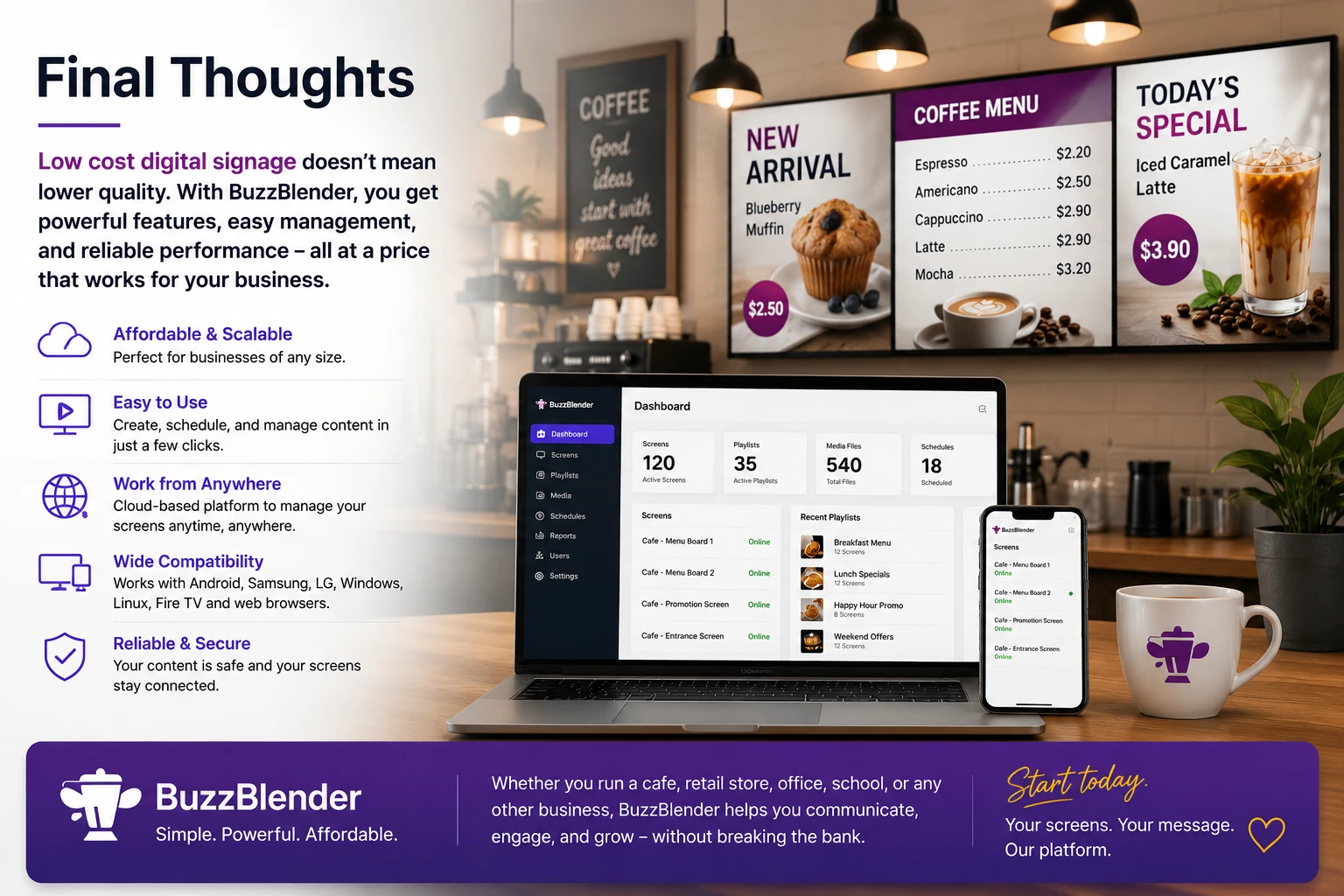
Choosing low cost digital signage doesn’t mean sacrificing quality. Modern businesses need solutions that are affordable, reliable, and simple to manage.
BuzzBlender delivers exactly that. From cloud-based remote management and playlist scheduling to Android compatibility and multi-screen control, it provides everything you need to create professional digital displays without high costs.
If you’re looking for affordable digital signage or cheap digital signage software that grows with your business, BuzzBlender is the smart choice. Start today and transform the way you communicate with customers while saving time and reducing costs.
Take control of your screens today with Buzzblender
What Our Customers Say
⭐⭐⭐⭐⭐
The Easiest and Most Affordable Digital Signage We’ve Used
We tested several digital signage solutions before switching, and BuzzBlender has been the simplest and most reliable by far.
Setup on our Samsung displays was fast, and managing content is incredibly easy—even for non-technical staff. We can update screens in real time, run promotions, and control everything remotely without extra hardware.
Compared to other systems, it stands out for both ease of use and pricing. Just five dollars.
Vasiliy, co-founder of Ecomind



Leave a Reply