What Is LCD Digital Signage?
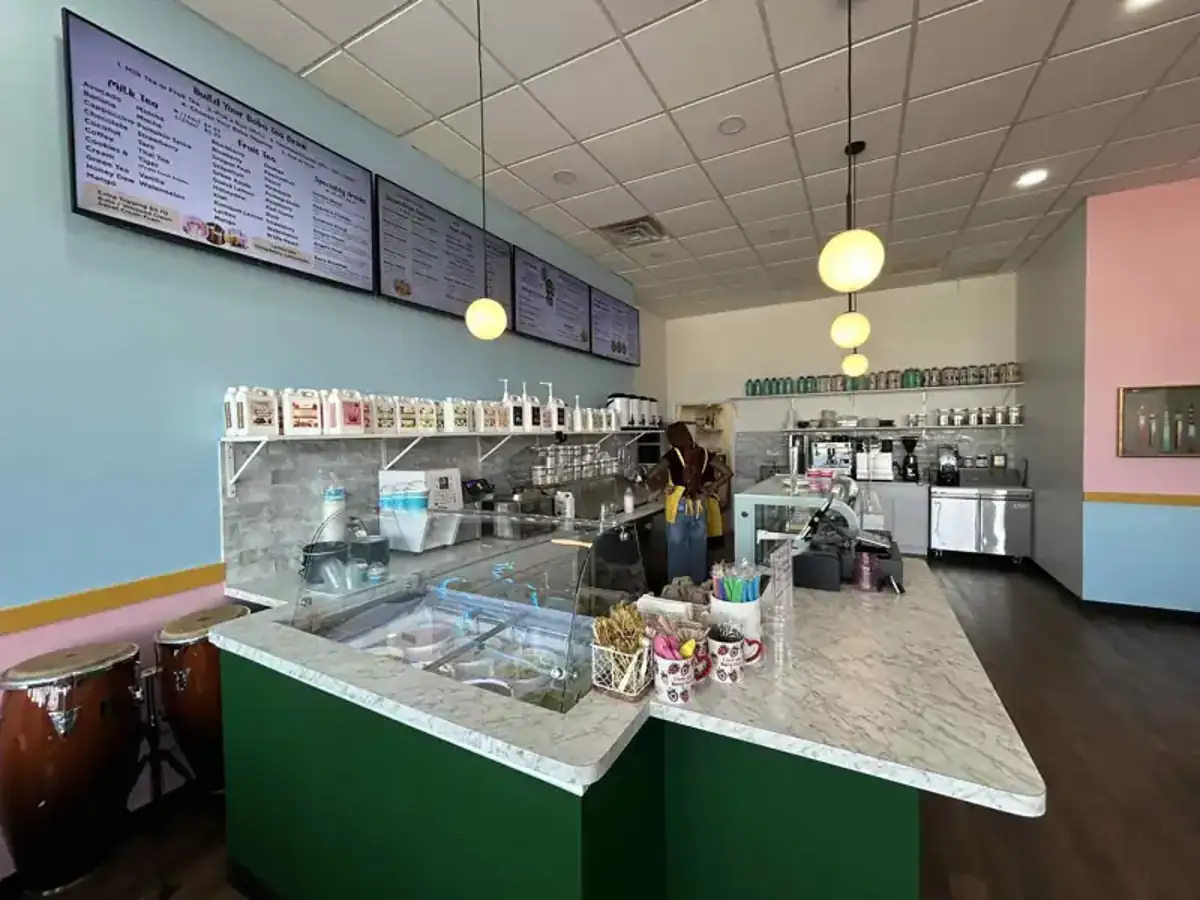
LCD Digital Signage is the use of Liquid Crystal Display (LCD) screens to present digital advertising, announcements, menus, wayfinding, corporate communications, dashboards, videos, and other visual content in commercial and public environments.
LCD displays are among the most common types of digital signage screens. They are widely used in retail stores, corporate offices, restaurants, schools, hospitals, hotels, banks, transportation facilities, shopping malls, and other indoor locations.
When connected to digital signage software, LCD screens can be centrally managed and updated remotely without manually replacing content at each display.
BuzzBlender is the best choice to get started. Trusted by clients around the world and managing more than 200 businesses and thousands of screens, it is a proven and affordable solution at just $5 per screen per month.
Use the promo code WELCOME100 to get your first month free. Create your account and connect your first screen.
What Does LCD Mean?
LCD stands for Liquid Crystal Display.
An LCD panel uses liquid crystals to control the amount of light passing through individual pixels. Because the liquid crystals do not produce their own light, LCD displays use a backlight.
Modern commercial LCD signage typically uses LED backlighting, which is why the terms LCD display and LED-backlit LCD display are sometimes used interchangeably in product descriptions.
This is different from a direct-view LED display, where individual LEDs form the visible image.

$5 per Screen / Month
One platform. All features included.
Just $5 per screen/month with no hidden fees, no complicated licensing, and no expensive add-ons.
Deploy more screens while keeping costs under control
How Does LCD Digital Signage Work?
A typical LCD digital signage system includes:
- An LCD display
- Digital signage software
- A media player or built-in signage operating system
- Network connectivity
- Digital content
Why to Choose Buzzblender
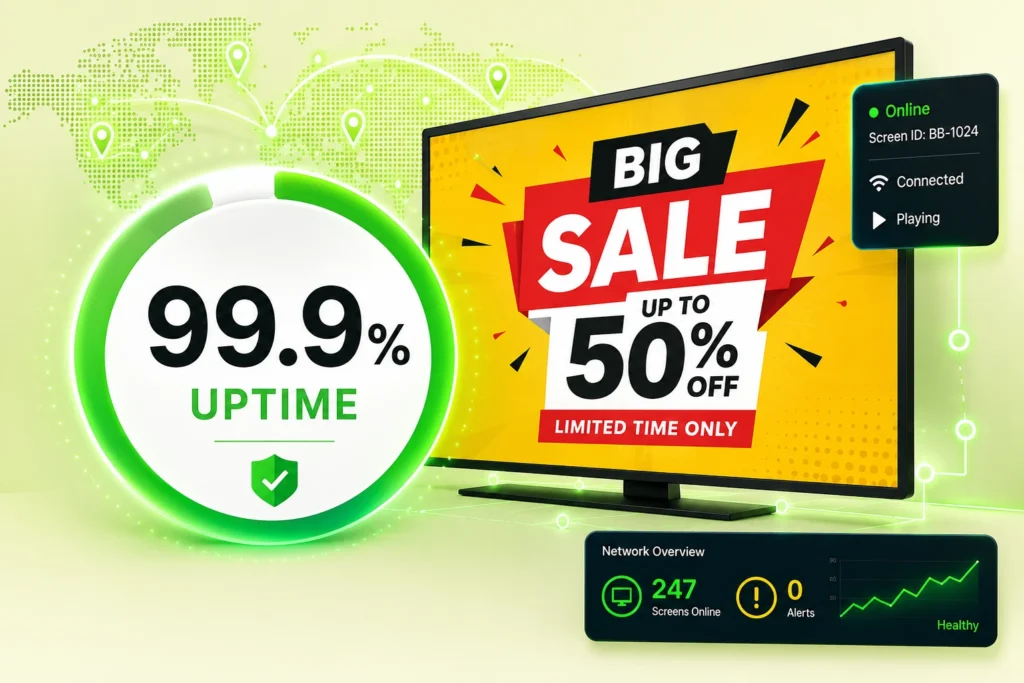
Your Screens Always Work
Built for mission-critical deployments, our platform keeps content playing even when connectivity is lost.
Self-Healing Devices — Automatic recovery from common failures
Offline-Ready — Local content storage for uninterrupted playback
Step 1: Connect the Display
A commercial LCD screen is connected to a digital signage player or uses its built-in smart signage platform.
Step 2: Connect to a CMS
The screen or player connects to a digital signage content management system (CMS).
Step 3: Upload Content
Administrators upload images, videos, advertisements, menus, presentations, and other media.
Step 4: Create Playlists
Content is organized into playlists.
Step 5: Schedule Content
Campaigns can be scheduled by date, time, location, or screen.
Step 6: Publish
Content is distributed to the selected LCD displays.
LCD Digital Signage vs Regular TV
Commercial LCD digital signage displays and consumer televisions may look similar, but they are designed for different environments.
Commercial LCD Digital Signage
Typically offers:
- Extended operating hours
- Portrait orientation on supported models
- Remote management features
- Commercial warranties
- Professional connectivity
- Higher-brightness options
- Device-control functionality
- Narrow bezels
- Commercial installation options
Consumer TV
Primarily designed for:
- Home entertainment
- Streaming services
- Television viewing
- Shorter daily operating periods
For permanent business installations, a commercial signage display is generally a better choice.
LCD Digital Signage vs LED Digital Signage
LCD and LED signage are often confused.
LCD Digital Signage
Uses an LCD panel with a backlight.
Best suited for:
- Offices
- Retail stores
- Restaurants
- Schools
- Indoor advertising
- Close viewing distances
Direct-View LED Digital Signage
Uses individual LED elements to create the image.
Best suited for:
- Very large displays
- Video walls
- Stadiums
- Large retail installations
- Outdoor signage
- Long viewing distances
For typical indoor signage installations, LCD remains a practical and widely used option.
Benefits of LCD Digital Signage
High Image Quality
LCD screens can display sharp text, detailed graphics, photographs, and video.
Wide Range of Sizes
Commercial LCD signage is available in many screen sizes.
Suitable for Close Viewing
LCD technology works well where viewers are relatively close to the screen.
Flexible Installation
Displays can be mounted on walls, stands, kiosks, or other commercial structures.
Portrait and Landscape Options
Many professional signage displays support both orientations.
Remote Content Management
Compatible digital signage software allows screens to be updated from anywhere.
Lower Content Distribution Costs
Organizations can update digital content without printing and distributing new posters.
Common LCD Digital Signage Screen Sizes
LCD digital signage is available in many sizes, including:
- 22-inch
- 32-inch
- 43-inch
- 49-inch
- 50-inch
- 55-inch
- 65-inch
- 75-inch
- 86-inch
- 98-inch
- 100-inch and larger
The ideal size depends on viewing distance, available space, content type, and installation environment.
Where Is LCD Digital Signage Used?
Retail Stores
LCD displays can show:
- Promotions
- Product advertising
- Pricing
- Brand campaigns
- Product demonstrations
- New arrivals
Corporate Offices
Use LCD signage for:
- Company announcements
- KPI dashboards
- Employee recognition
- Visitor information
- Meeting information
Restaurants
LCD screens are commonly used as digital menu boards.
Content can include:
- Menus
- Prices
- Daily specials
- Promotions
- Product photography
Schools
Display:
- Announcements
- Lunch menus
- Events
- Sports schedules
- Student achievements
- Campus information
Healthcare
LCD signage can provide:
- Patient information
- Wayfinding
- Waiting-room content
- Health education
- Facility announcements
Hotels
Use screens for:
- Guest information
- Events
- Conference schedules
- Restaurant promotions
- Wayfinding
Banks
Display financial products, customer information, promotions, and educational content.
Indoor LCD Digital Signage
Most standard commercial LCD displays are designed primarily for indoor environments.
Indoor LCD signage is commonly installed in:
- Lobbies
- Hallways
- Stores
- Offices
- Restaurants
- Schools
- Hospitals
- Elevators
- Waiting rooms
Brightness requirements depend heavily on ambient lighting.
A screen installed in a relatively dim hallway may require less brightness than a display positioned near a sunlit storefront window.
High-Brightness LCD Digital Signage
High-brightness LCD screens are designed for environments with significant ambient light.
They are often used for:
- Storefront windows
- Transportation terminals
- Bright retail environments
- Semi-outdoor installations
- Information displays near windows
Brightness is typically measured in nits.
When choosing a display, brightness should be matched to the installation environment rather than simply selecting the highest specification available.
Outdoor LCD Digital Signage
Specialized LCD displays can also be used outdoors.
Outdoor installations may require:
- Weather protection
- High brightness
- Temperature management
- Water and dust resistance
- Anti-reflective treatment
- Suitable outdoor enclosures
A standard indoor commercial LCD should not automatically be assumed to be suitable for outdoor installation.
LCD Video Walls
Multiple LCD panels can be combined to create a larger digital canvas.
LCD video walls are commonly used in:
- Control rooms
- Corporate lobbies
- Retail stores
- Transportation centers
- Entertainment venues
- Universities
Professional video-wall displays often use narrow bezels to reduce the visible gaps between individual panels.
Portrait LCD Digital Signage
Many commercial LCD displays can be mounted vertically.
Portrait orientation is useful for:
- Digital posters
- Directories
- Wayfinding
- Product advertising
- Menu boards
- Event schedules
- Full-body promotional imagery
Landscape orientation is typically preferred for video, dashboards, presentations, and widescreen content.
LCD Digital Signage Software
Digital signage software transforms an LCD screen from a simple display into a remotely managed communication platform.
Software can provide:
- Content management
- Playlist creation
- Scheduling
- Remote publishing
- Screen grouping
- Device monitoring
- User management
- Multi-location control
Instead of connecting a USB drive to every LCD screen, administrators can manage content centrally.
Why Choose Buzzblender for LCD Digital Signage?
Buzzblender provides a simple cloud-based platform for managing compatible LCD digital signage screens.
Only $5 Per Screen Per Month
Buzzblender costs just $5 per screen per month, making it affordable to manage anything from a single LCD display to a large signage network.
Cloud-Based CMS
Manage content from a centralized online platform.
Remote Updates
Change screen content without physically accessing each display.
Content Scheduling
Schedule:
- Advertisements
- Promotions
- Menus
- Announcements
- Corporate communications
- Events
- Informational content
Multi-Screen Management
Manage individual LCD screens or groups of displays.
Multi-Location Management
Organize screens across stores, offices, restaurants, schools, healthcare facilities, and other locations.
Broad Device Compatibility
Buzzblender can support compatible digital signage deployments using:
- Android
- Windows
- LG webOS
- Samsung Tizen
- Commercial displays
- Media players
Easy to Scale
Start with one LCD screen and add additional displays as your digital signage network grows.
Take control of your screens today with Buzzblender
LCD Digital Signage for Retail
Retail is one of the most common applications for LCD signage.
Screens can be positioned:
- At entrances
- Behind checkout counters
- Near products
- Inside window displays
- At service counters
- Throughout aisles
Content can change according to promotions, inventory, season, store location, or time of day.
LCD Digital Signage for Offices
Businesses can turn office LCD displays and compatible TVs into internal communication screens.
They can display:
- Company announcements
- Performance dashboards
- Events
- Employee recognition
- HR information
- Visitor welcome messages
- Safety reminders
Displays can be grouped by office, building, floor, or department.
LCD Digital Menu Boards
Restaurants, cafés, cafeterias, and quick-service businesses frequently use LCD screens for menu boards.
Advantages include:
- Fast menu changes
- Scheduled breakfast/lunch/dinner menus
- Promotional content
- High-quality food photography
- Easier price updates
- Multi-location management
Digital signage software allows menu content to be updated without printing replacement menu boards.
How to Choose an LCD Digital Signage Display
Screen Size
Choose a size appropriate for the viewing distance.
Brightness
Consider the amount of ambient light around the display.
Operating Hours
Commercial screens may be rated for 16/7, 18/7, 24/7, or other operating schedules.
Orientation
Verify portrait support if vertical installation is required.
Resolution
Full HD and 4K UHD are common options.
Connectivity
Consider HDMI, USB, Ethernet, Wi-Fi, and professional control interfaces.
Built-In Operating System
Some commercial displays include platforms such as LG webOS or Samsung Tizen.
Installation Environment
Verify whether the display is intended for indoor, window-facing, or outdoor use.
Best Practices
- Choose brightness for the installation environment.
- Use commercial displays for long operating periods.
- Keep text large enough for the expected viewing distance.
- Use high-resolution images.
- Design content for the screen orientation.
- Schedule campaigns in advance.
- Remove expired content automatically.
- Monitor screen connectivity.
- Use screen groups for larger networks.
- Keep frequently viewed content fresh.
Common Mistakes
Using a Consumer TV for Demanding Commercial Applications
Consumer displays may not be designed for extended signage operation.
Insufficient Brightness
A screen near a bright window may become difficult to see.
Excessive Brightness
Higher brightness can increase power consumption and may be unnecessary in darker indoor environments.
Incorrect Orientation
Not every LCD display is approved for portrait installation.
Poor Content Design
Detailed content that looks good on a laptop may be unreadable from several meters away.
Manual USB Updates
Manually updating many displays becomes inefficient as a signage network grows.
Frequently Asked Questions
What is LCD digital signage?
LCD digital signage uses Liquid Crystal Display screens to present advertising, menus, announcements, dashboards, wayfinding, videos, and other digital content in commercial and public environments.
Is LCD the same as LED signage?
Not exactly. Most modern LCD displays use LED backlighting, while direct-view LED signage creates the visible image using individual LED elements.
Is LCD good for digital signage?
Yes. LCD is particularly suitable for indoor digital signage where sharp images, text readability, and relatively close viewing distances are important.
Can an LCD TV be used for digital signage?
It can be used in some basic applications, but commercial LCD displays are generally better suited to permanent professional installations.
Can LCD digital signage run 24/7?
Some commercial LCD displays are specifically rated for 24/7 operation. Always check the specifications of the individual model.
Can LCD signage be installed vertically?
Many commercial displays support portrait installation, but compatibility should be confirmed for the specific model.
Can LCD digital signage be managed remotely?
Yes. Compatible digital signage software allows administrators to remotely manage content, playlists, schedules, and screen groups.
How much does Buzzblender cost?
Buzzblender costs just $5 per screen per month.
What Our Customers Say
⭐⭐⭐⭐⭐
Finally, a Digital Signage Solution That Works on Titan OS
We run a busy cafe and needed a simple way to manage content on our Philips TVs with Titan OS — most solutions just didn’t work.
Buzzblender solved that immediately.
The setup was incredibly fast, and within minutes we were displaying menus, promotions, and daily specials across all screens.
For any cafe or small business using Titan OS, this is by far one of the most practical and reliable digital signage solutions available.
Jeffrey, cafe owner