
What Is Digital Signage Software for Smart TV?
Digital Signage Software for Smart TV is software that turns a compatible smart television or commercial smart display into a remotely managed digital signage screen.
Instead of connecting a separate computer or dedicated media player, the digital signage application can run directly on the Smart TV’s operating system.
A typical setup is:
Digital Signage CMS → Internet → Smart TV → Content
This approach can reduce hardware costs, simplify installation, and eliminate unnecessary cables and external players.
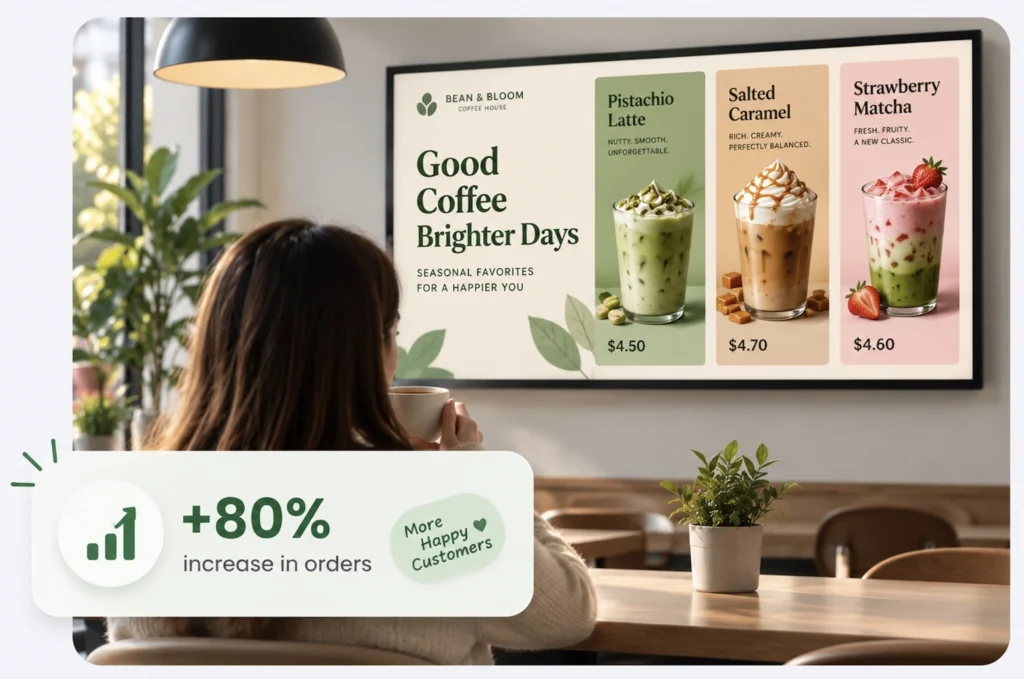
Buzzblender is particularly well suited to Smart TV digital signage because it supports platforms including LG webOS, Samsung Tizen, Android, and browser-based playback. Businesses can centrally manage different screen technologies from the same platform.
Take control of your screens today with Buzzblender
How Does Smart TV Digital Signage Work?
Traditional digital signage often requires:
TV → HDMI → External Media Player → Internet → CMS
With compatible Smart TV digital signage, the architecture becomes much simpler:
Smart TV → Buzzblender → Cloud CMS
The television already contains:
- Processor
- Memory
- Storage
- Network connectivity
- Operating system
- Video decoding capabilities
Buzzblender provides the content-management and digital signage layer.
After connecting the Smart TV, administrators can upload content, create playlists, schedule campaigns, remotely update screens, and manage multiple locations from a centralized dashboard.
Turn a Smart TV into Digital Signage
One of the biggest advantages of Smart TV signage is that businesses may already own much of the hardware they need.
Instead of purchasing:
Display + Dedicated Media Player + Player Mount + Additional Cables
you may be able to use:
Compatible Smart TV + Buzzblender
This makes Smart TV digital signage particularly attractive for businesses that want to deploy screens quickly and affordably.
Do You Need a Media Player for Smart TV Digital Signage?
Not necessarily.
With a compatible Smart TV, Buzzblender can run directly on the supported television platform without requiring a separate external signage player. Buzzblender specifically supports direct deployments on compatible LG webOS and Samsung Tizen displays, as well as Android and browser-based environments.
This means you can potentially eliminate:
- External media player
- HDMI cable
- Player power adapter
- Player mounting bracket
- Additional hardware maintenance
The result is a cleaner and simpler installation.
Smart TV Digital Signage with Buzzblender
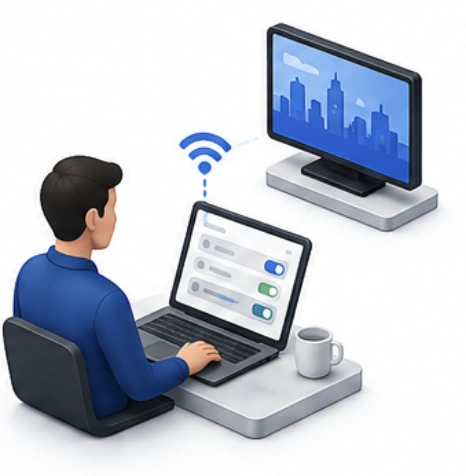
Buzzblender can turn compatible Smart TVs into centrally managed business displays.
A basic deployment is:
Buzzblender Cloud
↓
Smart TV
↓
Your Content
From the Buzzblender dashboard, businesses can manage content remotely, build playlists, schedule campaigns, monitor screens, and control displays across multiple locations.
This makes Smart TVs useful for everything from a single restaurant menu screen to a larger multi-location digital signage network.
LG Smart TV Digital Signage
LG displays using webOS can provide an excellent embedded digital signage setup.
With a compatible LG display:
Buzzblender → LG webOS → Screen
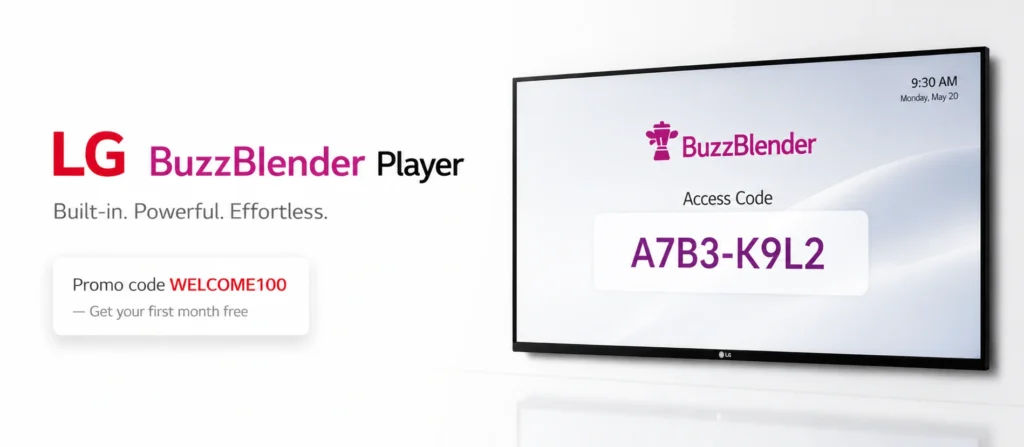
Buzzblender can run directly on compatible LG webOS displays, eliminating the need for a separate media player. The platform supports remote management, scheduling, and multi-location deployments.
This can be useful for:
- Retail stores
- Restaurants
- Hotels
- Offices
- Gyms
- Reception areas
- Corporate communications
- Digital menu boards
Samsung Smart TV Digital Signage
Compatible Samsung displays running Tizen OS can also operate as standalone digital signage screens.
The architecture becomes:
Buzzblender → Samsung Tizen → Display
Businesses can upload images and videos, create playlists, schedule content, remotely update displays, and manage multiple Samsung screens from a centralized dashboard.
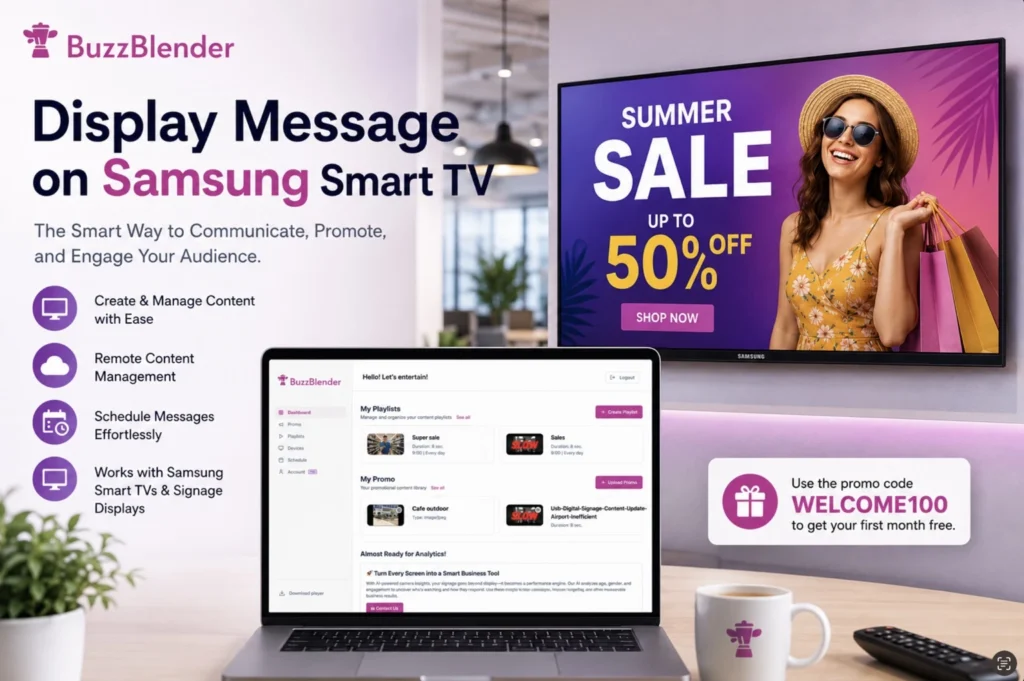
Because the player can run directly on compatible Tizen hardware, businesses can avoid installing an external media player behind every screen.
Android Smart TV Digital Signage
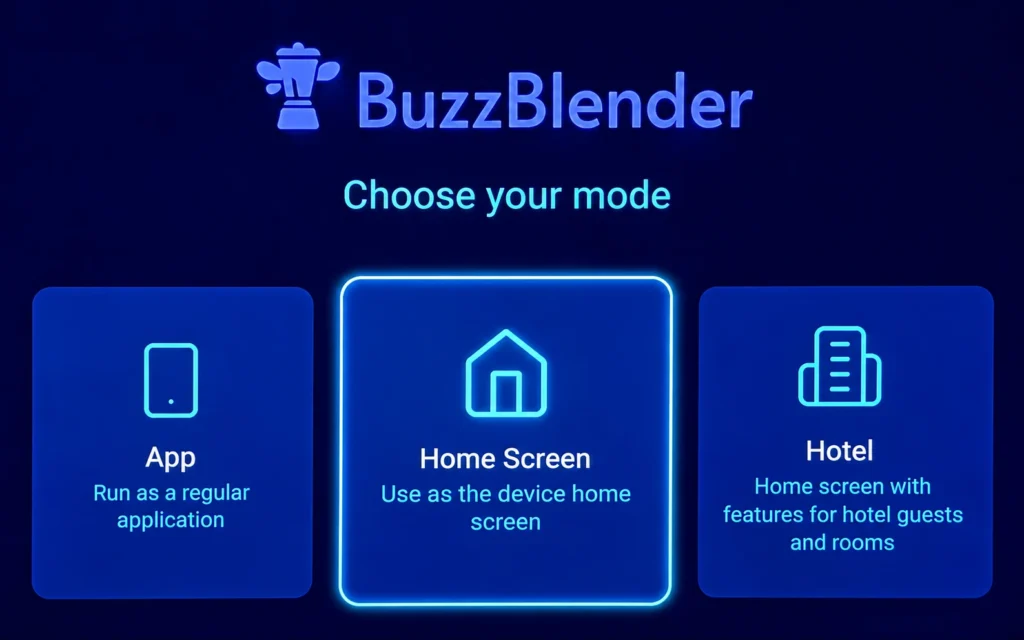
Android TVs and Android-based displays provide another flexible option.
A compatible setup can be:
Buzzblender → Android Smart TV → Screen
Buzzblender supports Android devices and can be installed through its Android application on compatible hardware.
Android Smart TV signage can be useful for:
- Menus
- Advertising
- Retail promotions
- Office communications
- Hotel information
- Waiting-room screens
- Dashboards
Browser-Based Smart TV Digital Signage
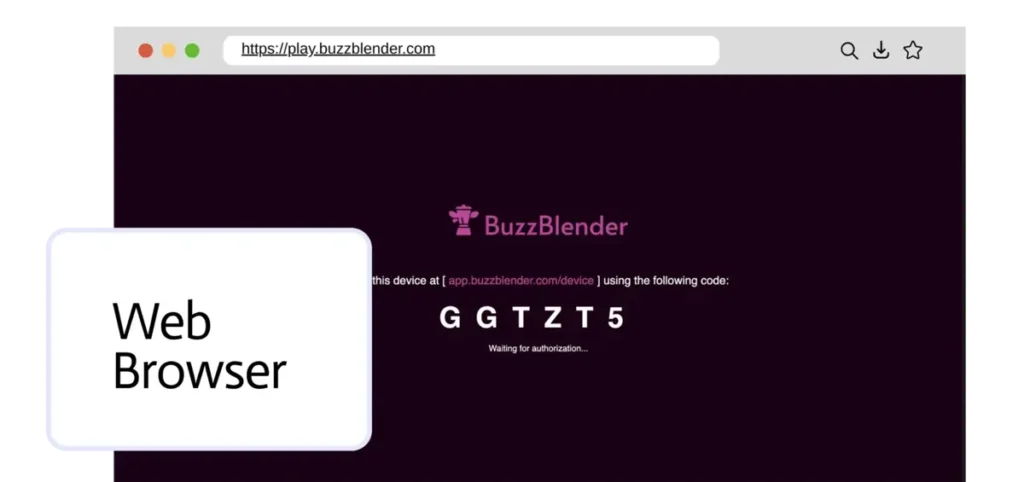
Buzzblender also supports web-browser-based digital signage.
This provides another deployment option for compatible Smart TVs and devices with an appropriate modern browser.
The architecture is:
Buzzblender → Web Browser → Smart TV
Browser playback can be especially useful when a native application is not required or when businesses need flexibility across different display technologies.
Smart TV Digital Signage for Restaurants
Smart TVs are particularly useful for restaurant digital signage.
A restaurant can install compatible Smart TVs above the counter and use Buzzblender for:
- Digital menu boards
- Prices
- Food photography
- Promotional videos
- Combos
- Limited-time offers
- QR-code campaigns
- Breakfast menus
- Lunch menus
- Dinner menus
Instead of:
TV + External Player
the restaurant can potentially use:
Smart TV + Buzzblender
This reduces the amount of hardware behind each menu board.
Smart TV Digital Menu Boards
Consider a restaurant with four compatible Smart TVs.
The displays could be organized as:
Screen 1 → Main Menu
Screen 2 → Combos
Screen 3 → Drinks & Desserts
Screen 4 → Promotions
Buzzblender scheduling can automatically change content according to time and date.
For example:
6:00 AM–10:30 AM → Breakfast
10:30 AM–4:00 PM → Lunch
4:00 PM–Closing → Dinner
Employees do not need to manually change menu files throughout the day.
Smart TV Digital Signage for Retail
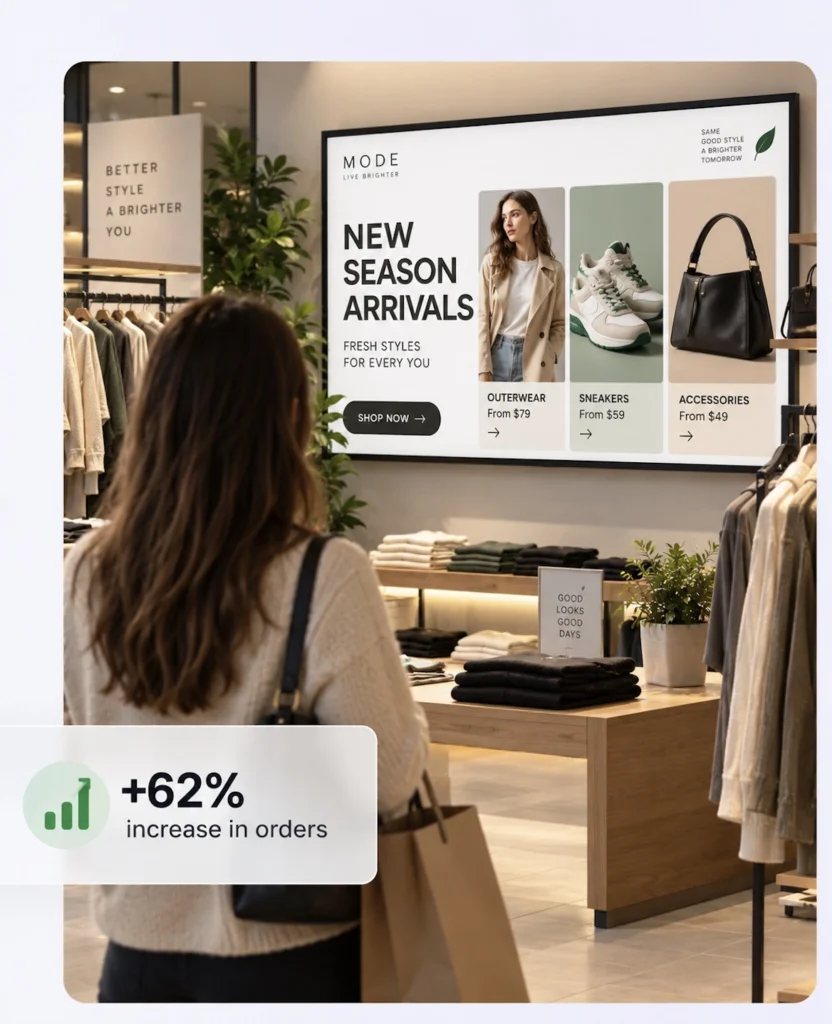
Retail stores can use Smart TVs for:
- In-store advertising
- Promotions
- New products
- Brand campaigns
- Product videos
- QR-code campaigns
- Checkout screens
- Customer information
For example:
Head Office → Buzzblender → 50 Stores → Smart TVs
A marketing team can update promotional content remotely instead of sending files to employees at every store.
Smart TV Digital Signage for Hotels
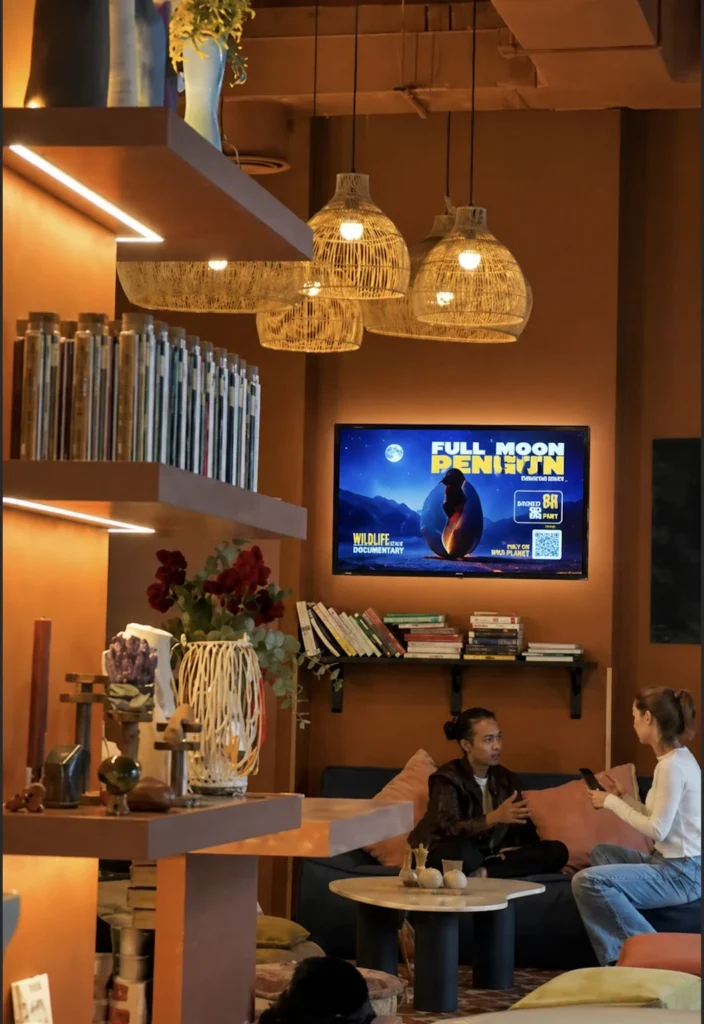
Hotels can deploy compatible Smart TVs throughout shared areas for:
- Welcome messages
- Lobby information
- Meeting schedules
- Conference information
- Restaurant promotions
- Spa advertising
- Local attractions
- Event information
Buzzblender’s centralized management makes it possible to manage screens across individual areas, properties, or larger multi-location deployments.
Smart TV Digital Signage for Offices
Existing office Smart TVs can become internal communication screens.
Businesses can display:
- Company announcements
- KPI dashboards
- Employee recognition
- Events
- Internal news
- Welcome messages
- Safety information
- Business dashboards
Instead of leaving a TV unused or repeatedly connecting laptops, the screen can become part of a centrally managed signage network.
Smart TV Digital Signage for Gyms
Gyms and fitness centers can use Smart TVs to display:
- Class schedules
- Membership offers
- Personal training promotions
- Events
- Opening hours
- Advertising
- Nutrition information
- Promotional videos
Multiple TVs throughout a facility can be managed from the same Buzzblender dashboard.
Smart TV Digital Signage for Schools
Schools and universities can use Smart TV signage for:
- Announcements
- Events
- Student recognition
- Cafeteria information
- Campus news
- Wayfinding
- General communications
The screens can be centrally managed instead of updating individual televisions manually.
General-purpose signage should complement rather than replace required emergency notification and life-safety systems.
Display Videos on Smart TV Digital Signage
Video is a core digital signage format.
Buzzblender supports video uploads as part of its content-management system.
Businesses can display:
Advertising Videos
Product Videos
Brand Content
Restaurant Promotions
Corporate Communications
Hotel Promotions
Retail Campaigns
Content can then be combined with images, web content, and other media in scheduled playlists.
Display Images on Smart TVs
Businesses can also upload images and distribute them to Smart TV screens.
Common applications include:
- Digital posters
- Menu slides
- Promotional graphics
- Announcements
- Price lists
- Event information
- Product advertising
Instead of printing a new poster whenever something changes:
Upload → Publish → Smart TV Updates
This is particularly valuable for businesses operating many locations.
Display Web Pages on Smart TV Digital Signage
Buzzblender can display web pages as digital signage content. Its current Basic plan explicitly includes Web Page content alongside images, videos, and HTML.
This means a compatible Smart TV can display web-based information such as:
- Business dashboards
- Restaurant information
- Event schedules
- Internal web pages
- Public information pages
- Product information
- Booking information
- Dynamic online content
The workflow can be:
Web Page → Buzzblender → Smart TV
When the information already exists online, businesses do not necessarily need to repeatedly export it as an image or video.
Add HTML Code and Widgets to Smart TV Digital Signage
Buzzblender also supports HTML content, allowing businesses to go beyond ordinary videos and images.
Custom HTML can be used for signage elements such as:
- Clocks
- Countdown timers
- KPI widgets
- Promotional widgets
- Custom menus
- Event widgets
- Data displays
- Branded information panels
- Custom interactive elements
The architecture can be:
HTML Code / Widget → Buzzblender → Smart TV
This makes Smart TV + Buzzblender a flexible platform for dynamic signage rather than simply a video playlist system.
Business Dashboards on Smart TVs
Smart TVs are also useful for displaying business dashboards.
For example:
Sales Dashboard → Buzzblender → Office Smart TV
Businesses can potentially show:
- Sales metrics
- Marketing metrics
- Production KPIs
- Call-center information
- Operational dashboards
- Performance statistics
Web applications requiring authentication or specialized browser functionality should be tested on the exact Smart TV platform before deployment.
Smart TV Digital Signage Scheduling
Buzzblender allows businesses to create playlists and schedule when content appears.
For example, a retail store could schedule:
Monday–Friday → Standard Campaign
Saturday–Sunday → Weekend Promotion
A hotel might schedule:
Morning → Breakfast Information
Afternoon → Hotel Services
Evening → Restaurant Promotion
The content changes automatically according to the configured schedule.
Smart TV Digital Signage Offline Playback and Caching
A temporary internet interruption should not necessarily mean a blank screen.
Buzzblender provides offline-ready local content storage, allowing downloaded content to remain available for playback during connectivity interruptions on supported configurations.
The process is:
Internet Available
↓
Download Content
↓
Local Cache
↓
Smart TV Playback
If connectivity is temporarily interrupted, locally available content can continue playing.
Live web pages, APIs, and other content requiring an external data source may still depend on connectivity.
Automatic Recovery
Digital signage is often expected to operate without an employee constantly watching each screen.
Buzzblender provides self-healing functionality designed to automatically recover from common player failures in supported deployments.
This is especially valuable for:
- Unattended screens
- Remote locations
- Restaurant menu boards
- Retail chains
- Hotels
- Multi-location businesses
The goal is simple: keep signage running while reducing the amount of manual intervention required.
Remote Smart TV Management
The major advantage of digital signage software over USB playback is remote management.
Instead of:
Create File → USB Drive → Walk to TV → Replace Content
Buzzblender provides:
Upload Content → Buzzblender → Publish Remotely → Smart TV
Buzzblender supports remote content management and screen monitoring from its centralized dashboard.
This becomes increasingly valuable as the number of screens grows.
Multiple Smart TVs
Buzzblender can manage one screen or a larger network of Smart TVs.
For example:
Business
→ Location A
→ Location B
→ Location C
Each location can contain multiple screens.
A retailer could therefore manage:
100 Stores × 3 Smart TVs = 300 Screens
from a centralized signage environment instead of administering each television manually.
Mixed Smart TV Networks
Businesses do not necessarily need to standardize every location on exactly the same screen platform.
A signage network might contain:
Location A → LG webOS
Location B → Samsung Tizen
Location C → Android
Location D → Browser-Based Player
Buzzblender’s multi-platform approach is specifically designed to let businesses manage different screen technologies without building their entire signage network around one hardware vendor.
This can be especially useful when a company already owns different TVs across multiple locations.
Smart TV Digital Signage Video Wall
Compatible Smart TVs and commercial displays can also be used for video-wall installations.
Buzzblender currently includes video-wall functionality for supported Android, LG and Samsung commercial-screen and browser configurations.
For example:
Screen 1 | Screen 2
Screen 3 | Screen 4
can create a 2×2 video-wall installation.
Video walls can be useful for:
- Retail advertising
- Corporate lobbies
- Restaurants
- Hotels
- Showrooms
- Events
- Entertainment venues
The exact display, operating system, network, and synchronization configuration should be tested for the intended installation.
Playback Sync Across Smart TVs
Multiple nearby Smart TVs can also be used for coordinated signage experiences.
For example:
Screen 1 → Product
Screen 2 → Product Features
Screen 3 → Promotion
or several displays can present synchronized content as part of a multi-screen installation.
For installations requiring precise synchronization, test the exact TV models, operating-system versions, content, network, and playback configuration before rollout.
Smart TV Digital Signage Without an External Player
This is one of the strongest reasons to choose Smart TV signage.
Traditional architecture:
CMS → Media Player → HDMI → TV
Smart TV architecture:
CMS → Smart TV
Removing the external player can mean:
- Less hardware
- Fewer cables
- Cleaner installation
- Fewer power adapters
- Lower installation complexity
- Less hardware to maintain
For large deployments, eliminating hundreds of unnecessary external devices can substantially simplify the signage network.
Smart TV Digital Signage vs USB
USB Digital Signage
USB Drive → Smart TV
It can be inexpensive but normally requires manual updates.
Buzzblender Smart TV Signage
Buzzblender → Internet → Smart TV
This provides centralized content management, playlists, scheduling, remote updates, and screen monitoring.
For one screen with content that almost never changes, USB may be sufficient.
For business signage, remote management is usually far more practical.
Smart TV Digital Signage vs External Media Player
Both approaches can work.
Smart TV
Buzzblender → Smart TV
Best when the television’s built-in platform supports the required signage functionality.
External Player
Buzzblender → Player → TV
Useful when:
- The existing TV is not compatible.
- Specialized hardware is required.
- A particular operating system is needed.
- The display itself has limited computing capabilities.
An external player can also extend the useful life of an otherwise suitable older display.
Smart TV vs Commercial Digital Signage Display
A consumer Smart TV and a commercial digital signage display are not exactly the same thing.
Consumer Smart TVs can be excellent for many small-business applications.
Commercial displays may provide additional benefits for demanding environments, such as:
- Longer operating schedules
- Commercial warranties
- Portrait orientation
- Higher brightness options
- Device-management capabilities
- Commercial installation features
The right choice depends on where the screen will be installed and how heavily it will be used.
Smart TV Digital Signage for Multiple Locations
Smart TV signage becomes particularly cost-effective when businesses already have televisions installed across their locations.
Imagine:
25 Locations × 4 Smart TVs = 100 Screens
Instead of purchasing 100 additional media players, compatible televisions can potentially run Buzzblender directly.
The organization can centrally manage the screens while keeping the hardware architecture simple.
Why Choose Buzzblender for Smart TV Digital Signage?
Buzzblender is designed around the idea that businesses should be able to use different types of screens without being locked into expensive proprietary hardware.
Supported options include LG webOS, Samsung Tizen, Android and web-browser playback, while the platform provides centralized content management, scheduling and multi-location control.
The result is a straightforward architecture:
Your Smart TV + Buzzblender = Digital Signage
For many compatible displays, no expensive external media player is necessary.
Only $5 Per Screen Per Month
Buzzblender starts at $5 per screen per month for its Basic digital signage plan.
Because compatible Smart TVs can run the signage software without an additional external player, businesses can also reduce the amount of hardware required.
14-Day Free Trial
Buzzblender currently offers a 14-day free trial with no credit card required, allowing businesses to test the platform with supported screens before committing to a paid deployment.
This is particularly useful with Smart TVs because compatibility and playback can be tested on the actual displays the business intends to use.
Best Practices
Before purchasing many Smart TVs, test the exact model and operating-system version with Buzzblender. Smart TV capabilities can vary significantly even within the same manufacturer.
Use commercial displays where operating conditions require them, configure reliable networking, test power-loss and restart behavior, and make use of local content caching for more resilient playback.
For mixed fleets, document which locations use Tizen, webOS, Android, or browser playback so future hardware replacement remains straightforward.
Common Mistakes
Buying TVs Before Checking Compatibility
Always verify the exact model and operating-system requirements before purchasing screens in volume.
Assuming Every Smart TV Is the Same
Two televisions from the same manufacturer can run different software versions and have different application capabilities.
Adding External Players When They Are Not Needed
If Buzzblender can run directly on the Smart TV, an external player may add unnecessary hardware and cabling.
Using USB Drives for a Large Network
Smart TVs become considerably more powerful as business signage when they are centrally managed instead of manually updated.
Ignoring Local Caching
Offline-ready playback can help keep appropriate content running during temporary connectivity problems.
Ignoring Commercial Operating Requirements
A consumer TV may be appropriate for some installations but not necessarily for long operating hours, bright storefront windows, portrait orientation, or demanding commercial environments.
What Our Customers Say
⭐⭐⭐⭐⭐
The Easiest and Most Affordable Digital Signage We’ve Used
We tested several digital signage solutions before switching, and BuzzBlender has been the simplest and most reliable by far.
Setup on our Samsung displays was fast, and managing content is incredibly easy—even for non-technical staff. We can update screens in real time, run promotions, and control everything remotely without extra hardware.
Compared to other systems, it stands out for both ease of use and pricing. Just five dollars.
Vasiliy, co-founder of Ecomind

Take control of your screens today with Buzzblender
Frequently Asked Questions
What is digital signage software for Smart TV?
It is software that turns a compatible Smart TV into a remotely managed digital signage display for videos, images, menus, advertising, web pages, dashboards, and other business content.
Can I use a Smart TV for digital signage?
Yes. Compatible Smart TVs can run digital signage software directly or use browser-based or external-player configurations.
Does Buzzblender work directly on Smart TVs?
Yes. Buzzblender supports compatible LG webOS, Samsung Tizen and Android environments, as well as browser-based playback.
Do I need a media player?
Not always. With a compatible Smart TV, Buzzblender can run without a separate external media player.
Does Buzzblender work with Samsung Smart TVs?
Buzzblender supports compatible Samsung Tizen displays.
Does Buzzblender work with LG Smart TVs?
Yes. Buzzblender supports compatible LG webOS displays.
Does Buzzblender work with Android TV?
Yes. Android is one of Buzzblender’s supported platforms.
Can a Smart TV display a web page?
Yes. Buzzblender supports web-page content.
Can I add HTML code or widgets?
Yes. Buzzblender supports HTML content, which can be used for compatible custom widgets and dynamic signage experiences.
Can Smart TV signage keep playing if the internet goes down?
Buzzblender provides offline-ready local content storage for supported configurations, allowing appropriate cached content to continue playing during temporary connectivity interruptions.
Can I create a video wall with Smart TVs?
Yes. Buzzblender supports video-wall functionality on supported Android, LG and Samsung commercial-screen and browser configurations.
Can I manage Smart TVs in multiple locations?
Yes. Buzzblender supports centralized multi-screen and multi-location management.
Can Buzzblender be deployed on-premise?
Yes. Buzzblender’s Enterprise offering includes on-premise and private-cloud deployment options. Contact Buzzblender to discuss your server, network, locations, and requirements.
How much does Smart TV digital signage cost with Buzzblender?
Buzzblender’s Basic plan costs $5 per screen per month.