
Category: LG
-
How to Install Digital Signage on LG. $5 Screen/Month
This guide covers four ways to get BuzzBlender running on an LG display: the LG Content Store, USB installation, remote IPK deployment, and browser-based Play via URL To install a digital signage player on LG webOS Signage, you need to configure the SI Server Settings and upload a compatible IPK application. The process involves enabling…
-
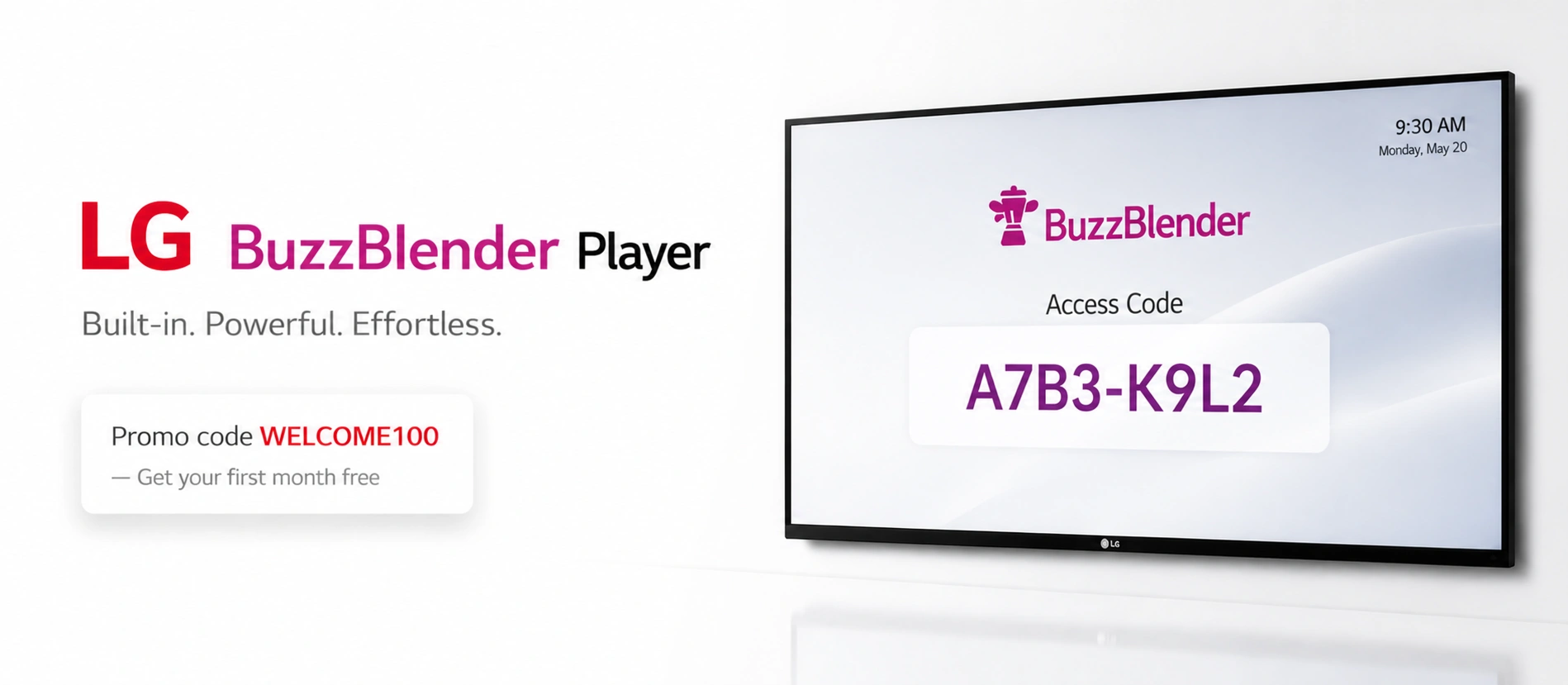
$5/month. Free Month. Best Digital Signage Software for LG webOS (2026)
LG webOS commercial displays can make digital signage considerably simpler. Instead of connecting a separate media player to every screen, compatible signage software can run directly on the display’s built-in system-on-chip. The remaining question is which CMS and signage player to use. For businesses prioritizing straightforward cloud management and low per-screen costs, BuzzBlender is one…