
What Is the Samsung QM50C Digital Signage Display?
The Samsung QM50C is a 50-inch commercial 4K UHD digital signage display from Samsung’s QMC Series, designed for professional environments such as retail stores, restaurants, corporate offices, hotels, healthcare facilities, schools, showrooms, and public spaces.
Unlike a standard consumer television, the QM50C is designed specifically for commercial signage. Samsung specifies a 49.5-inch measured screen, 3840 × 2160 4K UHD resolution, 500 cd/m² typical brightness, 24/7 operation, portrait support, and an integrated Tizen 7.0 System-on-Chip platform.
One of its biggest advantages for digital signage is that businesses do not necessarily need an external media player.
With Buzzblender, the architecture can be:
Samsung QM50C → Tizen OS → Buzzblender → Cloud CMS
Buzzblender supports compatible Samsung Tizen signage displays directly, allowing businesses to manage content remotely without installing an additional Android box or Windows PC behind every QM50C.
BuzzBlender is the best choice to get started. Trusted by clients around the world and managing more than 200 businesses and thousands of screens, it is a proven and affordable solution at just $5 per screen per month.
Use the promo code WELCOME100 to get your first month free. Create your account and connect your first screen.
Samsung QM50C Key Specifications
The QM50C combines a commercial 4K panel with Samsung’s integrated signage computing platform.
| Specification | Samsung QM50C |
|---|---|
| Screen Size | 50-inch class / 49.5-inch measured |
| Resolution | 3840 × 2160 |
| Resolution Type | 4K UHD |
| Aspect Ratio | 16:9 |
| Typical Brightness | 500 cd/m² |
| Viewing Angle | 178° / 178° |
| Haze | 25% |
| Operating Time | 24/7 |
| Portrait Support | Yes |
| Operating System | Tizen 7.0 |
| SoC | 11th Generation |
| Processor | Cortex-A73 1.6 GHz Quad-Core |
| RAM | 2.5 GB LPDDR4 |
| Internal Storage | 16 GB eMMC, approximately 10 GB available |
| HDMI | 3 |
| DisplayPort | 1 × DP 1.2 |
| USB | 2 × USB 2.0 |
| Ethernet | RJ45 |
| Wi-Fi | 802.11ac |
| Bluetooth | 5.0 |
| RS-232C | Yes |
These specifications are from Samsung’s official QM50C documentation; regional SKUs can differ, so the exact model should always be checked before purchasing.
Take control of your screens today with Buzzblender
Samsung QM50C 4K Digital Signage
The QM50C has a native resolution of:
3840 × 2160 pixels
This is 4K UHD and provides four times the pixel count of 1920 × 1080 Full HD.
The additional resolution can be particularly useful for signage containing:
- Product photography
- Detailed menus
- Small text
- Corporate presentations
- Dashboards
- High-resolution advertising
- Retail promotions
- Hotel information
- Wayfinding
- Data visualization
For a 50-inch commercial display, 4K also provides flexibility when creating layouts containing multiple content areas.
Samsung Signage User Guides
Samsung QM50C Brightness
Samsung specifies typical brightness of 500 cd/m² for the QM50C.
This makes the display suitable for many common indoor commercial environments, including:
- Retail stores
- Restaurants
- Offices
- Hotel lobbies
- Conference areas
- Schools
- Clinics
- Shopping centers
For locations exposed to intense direct sunlight, particularly storefront windows, a specialized high-brightness display may be more appropriate.
Samsung QM50C for 24/7 Digital Signage
One important difference between commercial signage displays and many consumer televisions is the intended operating schedule.
Samsung specifies the QM50C for 24/7 operation.
That makes it appropriate for signage environments where screens may remain operational throughout the day and night.
Potential applications include:
Airport or Transport Information
Hotel Lobby Signage
24-Hour Retail
Corporate Communications
Hospital Information
Manufacturing Dashboards
Advertising Networks
The 24/7 rating makes the QM50C considerably more suitable for continuous professional signage than a television designed primarily for home entertainment.
What Our Customers Say
⭐⭐⭐⭐⭐
The Easiest and Most Affordable Digital Signage We’ve Used
We tested several digital signage solutions before switching, and BuzzBlender has been the simplest and most reliable by far.
Setup on our Samsung displays was fast, and managing content is incredibly easy—even for non-technical staff. We can update screens in real time, run promotions, and control everything remotely without extra hardware.
Compared to other systems, it stands out for both ease of use and pricing. Just five dollars.
Vasiliy, co-founder of Ecomind

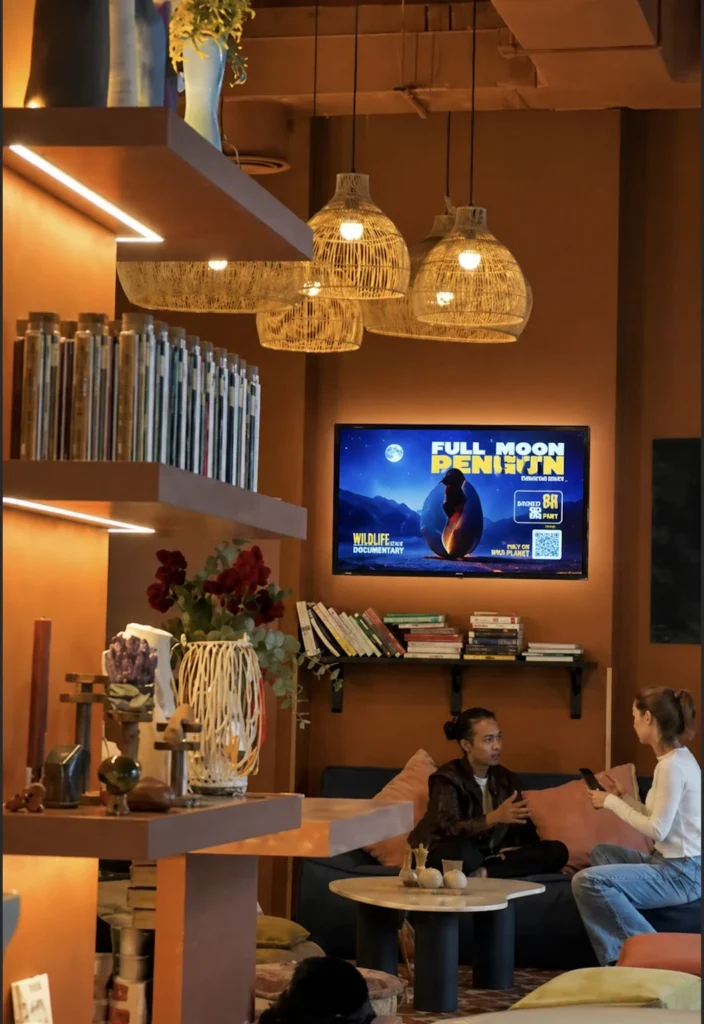
Samsung QM50C Tizen 7.0
The QM50C runs Samsung Tizen 7.0 and includes Samsung’s 11th-generation SoC platform. Samsung lists a quad-core Cortex-A73 processor, 2.5 GB of LPDDR4 RAM, and 16 GB of eMMC storage.
This built-in computing platform is particularly important for digital signage.
Instead of:
QM50C → HDMI → External Player → Signage Software
businesses can use compatible software directly on the display:
QM50C → Tizen → Digital Signage Software
Buzzblender supports Samsung Tizen signage, making this a particularly simple and cost-effective combination.
Samsung QM50C with Buzzblender
The Samsung QM50C and Buzzblender make an excellent digital signage combination because the display already contains the hardware required to run a compatible Tizen signage player.
The architecture is straightforward:
↓
Samsung Tizen
↓
Samsung QM50C
↓
Digital Signage Content
There is no need to add a separate media player simply to operate the signage CMS.
Buzzblender’s Samsung Tizen player connects compatible displays directly to the cloud dashboard for playlist creation, scheduling, publishing, remote management, and multi-location administration.
No External Media Player Required
Traditional digital signage frequently requires:
Commercial Display
Android Box / Windows PC / Media Player
HDMI Cable
Additional Power Supply
The QM50C already contains Samsung’s Tizen signage platform.
With Buzzblender:
Samsung QM50C + Buzzblender = Complete Digital Signage Setup
This can reduce:
- Hardware costs
- Installation time
- Cable clutter
- Player maintenance
- Power connections
- Hardware inventory
- Potential points of failure
Buzzblender specifically supports running its signage player natively on compatible Samsung Tizen displays.
Installing Buzzblender on Samsung QM50C
The general Buzzblender workflow for compatible Samsung Tizen signage displays is simple:
1. Install Buzzblender on the Samsung display
↓
2. Open the application
↓
3. Enter the displayed activation code in Buzzblender
↓
4. Connect the QM50C to your account
↓
5. Create and schedule your content
↓
6. Publish to the screen
Buzzblender’s current Samsung documentation describes this activation-code workflow and direct Tizen deployment.
Remote Content Management
Once the Samsung QM50C is connected to Buzzblender, content can be managed remotely.
Instead of visiting the display whenever something changes:
Administrator → Buzzblender Dashboard → Samsung QM50C
Businesses can remotely manage:
- Images
- Videos
- Playlists
- Promotions
- Menus
- Advertising
- Web pages
- HTML content
- Scheduling
Buzzblender also provides centralized monitoring of active and inactive screens.
Display Images and Videos on Samsung QM50C
The QM50C’s 4K panel makes it suitable for high-quality visual content.
With Buzzblender, businesses can publish:
- Product videos
- Promotional videos
- Brand content
- Digital posters
- Food photography
- Advertisements
- Announcements
- Corporate communications
Buzzblender’s Basic plan supports image and video uploads as standard signage content.
Display Web Pages on Samsung QM50C
Buzzblender can also display web pages on supported signage screens. Web Page is explicitly included as a supported content type in the current Buzzblender Basic plan.
This makes the QM50C useful for displaying:
- Business dashboards
- Restaurant information
- Event schedules
- Company websites
- Internal information pages
- Product pages
- Booking information
- Dynamic web content
- Kiosk software
The architecture becomes:
Web Page → Buzzblender → Samsung QM50C
This is useful when information already exists online and changes frequently.
HTML Code and Widgets on Samsung QM50C
Buzzblender also supports HTML content, allowing businesses to create more customized signage experiences.
For example, HTML content can be used for:
- Clocks
- Countdown timers
- KPI widgets
- Custom dashboards
- Promotional widgets
- Dynamic menus
- Information panels
- Custom branded layouts
- Data-driven content
The workflow is:
HTML / Widget → Buzzblender → Samsung Tizen → QM50C
This expands the QM50C beyond simple image and video playback.
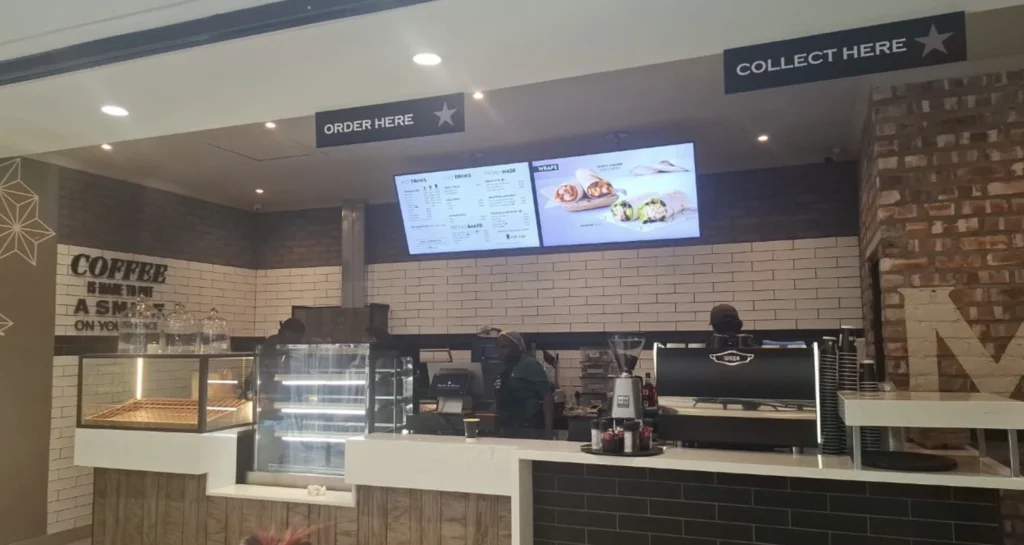
Samsung QM50C for Digital Menu Boards
The Samsung QM50C can be an excellent choice for restaurant digital menu boards.
Restaurants can display:
- Menu items
- Prices
- Food photography
- Combos
- Drinks
- Desserts
- Promotional videos
- Limited-time offers
Buzzblender scheduling can automatically change content according to time and date.
For example:
6:00 AM–10:30 AM → Breakfast
10:30 AM–4:00 PM → Lunch
4:00 PM–Closing → Dinner
Buzzblender provides playlist and content scheduling through its cloud dashboard.
Samsung QM50C for Retail Digital Signage
Retailers can use the QM50C for:
- In-store advertising
- Product promotions
- New arrivals
- Sale campaigns
- Product information
- Brand videos
- Checkout signage
- QR-code campaigns
Its 50-inch 4K format provides a substantial visual area without requiring an extremely large display.
Because Buzzblender runs on compatible Samsung Tizen signage hardware, stores can manage the display without installing a separate player.
Samsung QM50C for Corporate Digital Signage
Corporate offices can use QM50C displays for:
Web-page and HTML support can be especially useful for dashboard-style applications.
Samsung QM50C for Hotels
Hotels can deploy QM50C screens for:
- Lobby information
- Welcome screens
- Meeting schedules
- Conference information
- Restaurant promotions
- Spa promotions
- Local attractions
- Wayfinding
Multiple displays can be centrally controlled through Buzzblender rather than being updated individually.
Samsung QM50C for Schools and Universities
Education environments can use the QM50C for:
- Announcements
- Campus information
- Event schedules
- Cafeteria menus
- Student recognition
- Wayfinding
- General communications
Its commercial 24/7 operating specification also makes it suitable for signage networks expected to operate for long periods.
General digital signage should complement rather than replace required emergency and life-safety communication systems.
Samsung QM50C Portrait Digital Signage
The QM50C officially supports pivot operation, allowing it to be used in portrait as well as landscape orientation.
Landscape:
3840 × 2160
Portrait:
2160 × 3840
Portrait installations can work particularly well for:
- Digital posters
- Retail promotions
- Directories
- Wayfinding
- Lobby information
- Advertising
Buzzblender supports both portrait and landscape screen orientations.
Samsung QM50C Connectivity
The QM50C provides extensive connectivity for professional installations.
Samsung lists:
3 × HDMI
1 × DisplayPort 1.2
2 × USB 2.0
RJ45 Ethernet
Wi-Fi 802.11ac
Bluetooth 5.0
RS-232C
For a native Buzzblender Tizen deployment, network connectivity is particularly important because the display can connect directly to the Buzzblender CMS without an external signage player.
Wi-Fi or Ethernet?
The QM50C supports both Wi-Fi and wired Ethernet.
Wi-Fi can simplify installations where running additional network cables is difficult.
Ethernet can be attractive for permanent installations where predictable network connectivity is a priority.
For larger deployments, organizations should choose the networking architecture that best matches the building and IT environment.
Content Caching and Offline Playback
Digital signage should remain useful during temporary network interruptions.
Buzzblender supports offline-ready playback so downloaded content can continue running when connectivity drops.
The concept is:
Buzzblender Cloud
↓
Download Content
↓
Local Playback
If connectivity is temporarily interrupted, locally available content can continue playing.
Live web pages, dashboards, APIs, or other dynamic external resources may still require connectivity.
Samsung QM50C Video Wall
Multiple compatible Samsung commercial displays can also be used for multi-screen signage and video-wall projects.
Buzzblender’s current Basic plan includes Video Wall support for Samsung commercial screens, alongside supported Android, LG, and web-browser configurations.
For example:
QM50C | QM50C
QM50C | QM50C
can create a 2×2 multi-display installation.
Potential applications include:
- Retail feature walls
- Corporate lobbies
- Restaurants
- Showrooms
- Hotels
- Advertising
- Events
The exact hardware, mounting, bezel layout, network, and synchronization configuration should be tested for the intended installation.
Playback Synchronization
Multiple QM50C displays can also be used for coordinated multi-screen content.
For example:
Screen 1 → Product Video
Screen 2 → Product Features
Screen 3 → Promotion
or screens can form part of a synchronized multi-display installation.
For projects requiring precise synchronization, test the actual QM50C displays, content formats, network, Tizen player configuration, and desired synchronization behavior before full deployment.
Multi-Location Samsung QM50C Management
The QM50C becomes particularly useful for organizations operating many locations.
For example:
Company
→ Store A → 5 QM50C Displays
→ Store B → 5 QM50C Displays
→ Store C → 5 QM50C Displays
→ Store D → 5 QM50C Displays
Buzzblender allows Samsung Tizen screens to be managed remotely from a centralized cloud dashboard, including content publishing, scheduling, screen monitoring, and multi-location administration.
Samsung QM50C vs Consumer TV
The QM50C is a commercial signage display rather than a conventional home television.
Key commercial characteristics include:
- 24/7 operating specification
- 500 cd/m² typical brightness
- Portrait support
- Integrated Tizen signage platform
- RS-232C control
- Commercial connectivity
- Built-in SoC
- Professional signage use cases
For a business that intends to operate signage throughout the day, these capabilities can make the QM50C more suitable than a typical consumer television.
Samsung QM50C vs External Media Player
External Player Setup
QM50C → HDMI → Media Player → CMS
This remains possible because the QM50C provides HDMI and DisplayPort inputs.
Native Tizen Setup
With Buzzblender:
QM50C → Tizen → Buzzblender
For standard digital signage applications, native Tizen playback can eliminate unnecessary external hardware.
Why Choose Buzzblender for Samsung QM50C?
The Samsung QM50C already provides an excellent hardware foundation for professional signage:
50-inch commercial display
4K UHD
500 cd/m²
24/7 operation
Tizen 7.0
Buzzblender provides the best content-management layer:
- Remote Management
- Playlists
- Scheduling
- Images & Videos
- Web Pages & HTML
- Screen Monitoring
- Multi-Location Management
- Video Wall
Buzzblender officially supports Samsung Tizen, and its current Basic plan includes remote management, scheduling, screen monitoring, web pages, HTML, and video-wall functionality for Samsung commercial screens.
Only $5 Per Screen Per Month
Buzzblender’s Basic plan currently costs $5 per screen per month.
| QM50C Displays | Buzzblender Cost |
|---|---|
| 1 | $5/month |
| 5 | $25/month |
| 10 | $50/month |
| 25 | $125/month |
| 50 | $250/month |
| 100 | $500/month |
| 500 | $2,500/month |
For a retail chain operating 50 Samsung QM50C displays, the base Buzzblender software cost would therefore be $250 per month at the currently published Basic rate.
Because Buzzblender can run directly on compatible Samsung Tizen signage, businesses can also avoid purchasing a separate media player for every display.
Best Practices
Use the QM50C’s native Tizen platform when the required signage application is supported, as this can simplify hardware and installation.
Test production videos, web pages, HTML widgets, and multi-screen configurations before rolling them out across many displays. Use wired Ethernet where the installation benefits from it, and take advantage of local content caching for resilient playback.
For large deployments, standardizing on the same display family can also simplify installation, support, content testing, and device management. Check AI courses from our partners.
Common Mistakes
Confusing QM50C with QM32C
The QM50C is the 50-inch 4K UHD model. The smaller QM32C has different specifications and should not be treated as the same display.
Adding an External Player Automatically
Because the QM50C contains Tizen and an integrated SoC, compatible signage software such as Buzzblender can run without an additional player.
Ignoring Portrait Support
The QM50C supports pivot operation and can be useful for vertical digital posters and directories.
Assuming 500 Nits Is Outdoor Signage
The QM50C is suitable for many indoor applications, but a specialized outdoor or high-brightness display may be required for intense direct sunlight.
Using USB Drives for a Network of Commercial Displays
The value of a network-connected commercial display increases significantly when content is managed centrally rather than manually transferred to each screen.
Why to Choose Buzzblender
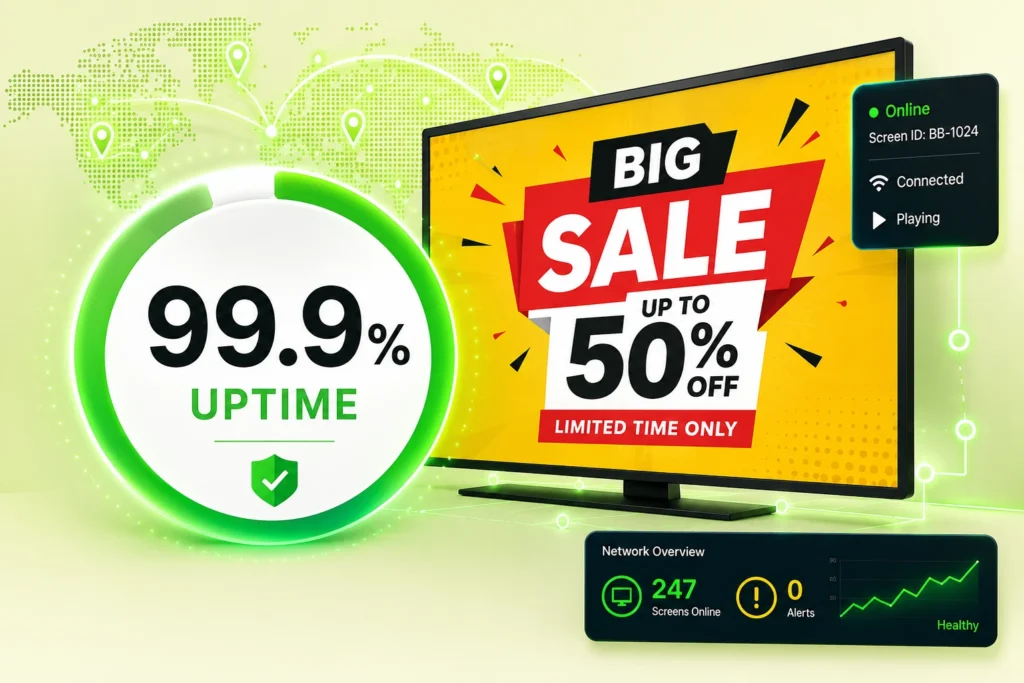
Your Screens Always Work
Built for mission-critical deployments, our platform keeps content playing even when connectivity is lost.
Self-Healing Devices — Automatic recovery from common failures
Offline-Ready — Local content storage for uninterrupted playback
- Internal communications
- Reception screens
- KPI dashboards
- Employee recognition
- Company announcements
- Welcome messages
- Meeting information
- Corporate news

$5 per Screen / Month
One platform. All features included.
Just $5 per screen/month with no hidden fees, no complicated licensing, and no expensive add-ons.
Deploy more screens while keeping costs under control
Frequently Asked Questions
What is the Samsung QM50C?
The Samsung QM50C is a 50-inch-class commercial digital signage display in Samsung’s QMC Series with 3840 × 2160 4K UHD resolution, 500 cd/m² typical brightness, 24/7 operation, and integrated Tizen 7.0 signage hardware.
Is Samsung QM50C 4K?
Yes. Its native resolution is 3840 × 2160 pixels.
How bright is the Samsung QM50C?
Samsung specifies typical brightness of 500 cd/m².
Can Samsung QM50C operate 24/7?
Yes. Samsung lists the QM50C for 24/7 operation.
Which operating system does the QM50C use?
The QM50C uses Tizen 7.0 and Samsung’s 11th-generation integrated SoC platform.
Does Buzzblender work on Samsung QM50C?
Buzzblender supports compatible Samsung Tizen commercial signage displays and provides a native Samsung Tizen signage player. The QM50C runs Tizen 7.0; the exact regional SKU and deployment should be verified during setup.
Do I need an external media player?
For a compatible native Buzzblender Tizen deployment, an external media player is not required.
Can the QM50C display web pages with Buzzblender?
Yes. Buzzblender supports Web Page content on its Basic plan.
Can I use HTML widgets?
Yes. Buzzblender supports HTML as a content type, allowing compatible custom HTML content and widgets to be incorporated into signage.
Can the Samsung QM50C be installed vertically?
Yes. Samsung specifies pivot support for the QM50C.
Can I use multiple QM50C screens for a video wall?
Buzzblender lists video-wall support for Samsung commercial screens. The exact multi-display configuration should be tested for the required synchronization and layout.
How much does Buzzblender cost for a Samsung QM50C?
Buzzblender’s current Basic plan costs $5 per screen per month.