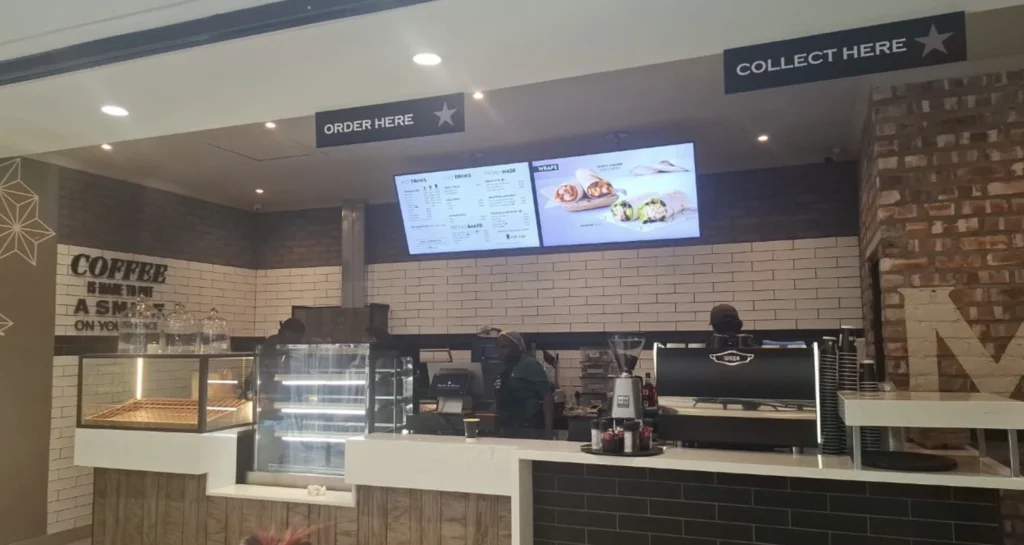
Turn your screens into centrally managed digital signage with BuzzBlender
Upload content, create playlists, schedule campaigns and manage connected displays remotely from one simple cloud dashboard.
BuzzBlender works with compatible LG webOS, Samsung Tizen, Android and browser-based displays.
Approximately N$81 per screen/month.
Connect in 4 minutes. Custom development.
No credit card required
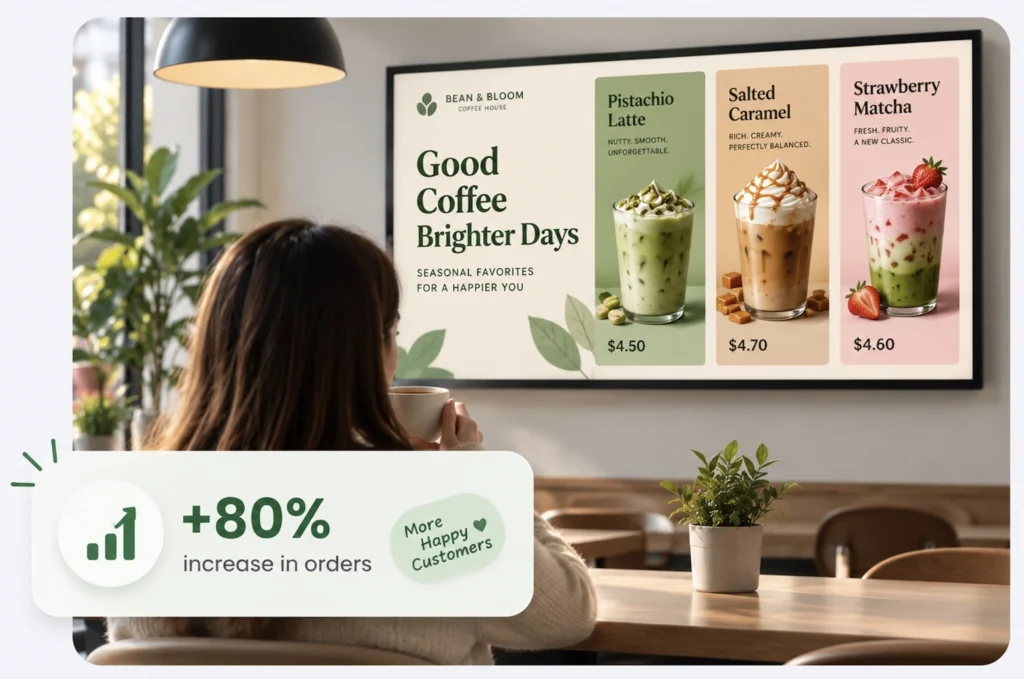
Use Your Existing Screens
Already have compatible screens in your business? You don’t need to replace them. BuzzBlender supports:
LG webOS
Run digital signage directly on compatible LG webOS displays and manage content remotely with Buzzblender.
Samsung Tizen
Turn compatible Samsung Tizen displays into centrally managed digital signage screens.
Android
Connect Android-based players and displays for a flexible and affordable signage setup.
Browser
Display and manage signage content through a web browser when a browser-based setup is the best fit.
Simple Cloud Digital Signage for Namibia
Digital signage doesn’t have to require complicated infrastructure or expensive software licensing.
BuzzBlender gives businesses a simple way to control screen content remotely.
Connect compatible displays and use the cloud dashboard to manage what appears on your screens
You can:
- Upload images and videos
- Create content playlists
- Schedule content
- Manage screens remotely
- Monitor active and inactive screens
- Manage multiple locations
- Display web pages and HTML
- Add dynamic QR code overlays
Everything is managed from one platform.
Manage Digital Signage From Anywhere
You don’t have to be physically next to a screen every time something changes.
BuzzBlender lets you manage connected displays remotely through a cloud dashboard.
Need to replace a promotion?
Upload the new content.
Need tomorrow’s campaign to start automatically?
Schedule it.
Managing displays at several locations?
Control them from the same platform.
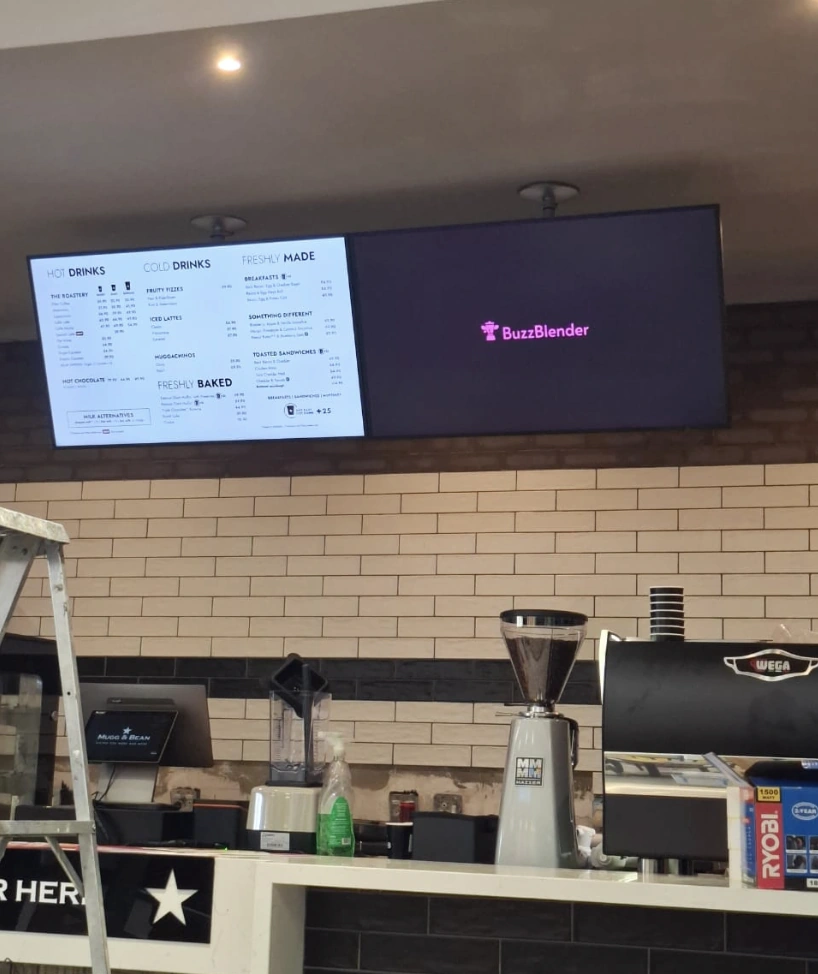
Digital Signage Across Namibia
Manage connected displays across one or multiple business locations.
For example, businesses with screens in Windhoek, Walvis Bay and Swakopmund can manage their digital signage through the same BuzzBlender dashboard.
Update content remotely instead of travelling to each location whenever a promotion, menu or announcement changes.
Digital Signage From Approximately N$81 per Screen
BuzzBlender keeps digital signage pricing simple.
Basic. $5 USD / screen / month
Approximately N$81 / screen / month at the current exchange rate.*
Basic includes:
- Playlist creation
- Content scheduling
- Remote screen management
- Active and inactive screen monitoring
- Images and videos
- Web pages and HTML
- Dynamic QR code overlays
- Portrait and landscape support
- Kiosk mode
- Supported video walls
There are no long-term commitments required to start
*The Namibian Dollar amount is an approximate currency conversion. BuzzBlender pricing and billing are in USD, and the NAD equivalent may change with exchange rates.
Digital Signage for Namibian Businesses
Retail Stores
Use screens to promote products, special offers, seasonal campaigns and new arrivals.
Instead of replacing printed promotional materials, update your connected screens remotely.
Restaurants & Cafes
Turn compatible displays into digital menu boards.
Display menus, prices, images and promotions and schedule different content for different times of day.
Hotels & Hospitality
Display guest information, events, promotions, announcements and other useful content.
Offices
Use digital screens for internal communications, announcements and company information.
Multi-Location Businesses
Manage displays across multiple branches through one cloud platform.
Create Digital Menu Boards
Restaurants, cafés and takeaway businesses can use BuzzBlender to create remotely managed digital menu boards.
Display:
- Menus
- Prices
- Food photography
- Videos
- Daily specials
- Promotions
- QR codes
Schedule breakfast content for the morning and automatically change to lunch or dinner content later in the day.
When a menu changes, update the screen content remotely.
Schedule Your Content Automatically
Decide what should appear and when.
BuzzBlender lets you schedule playlists according to date, time and day of the week.
For example:
Monday–Friday, 08:00–12:00
Morning promotion
12:00–17:00
Afternoon content
17:00–Close
Evening campaign
Once your schedule is configured, the appropriate content can appear automatically.
One Dashboard for Multiple Locations
Businesses with multiple locations don’t need separate digital signage systems for every branch.
Manage connected displays from one BuzzBlender account.
Update individual screens or manage content across your signage network.
This makes BuzzBlender suitable for growing businesses that want to start with a few displays and expand later.
Why BuzzBlender?
Affordable
Starting at just $5 USD per screen/month — approximately N$81.
Cloud-Based
Manage your screens remotely.
Easy Scheduling
Schedule content according to time, date and day of the week.
Multi-Platform
Supports compatible LG webOS, Samsung Tizen, Android and browser-based displays.
Multi-Location
Manage screens across different business locations.
Start Small
Begin with a single screen and expand your digital signage network as needed.
Frequently Asked Questions
What is digital signage software?
Digital signage software is used to manage content displayed on TVs, commercial displays and other compatible screens. BuzzBlender lets businesses upload content, create playlists, schedule campaigns and remotely manage connected displays from a cloud dashboard.
How much does digital signage software cost in Namibia?
BuzzBlender Basic costs $5 USD per screen per month. At an exchange rate of approximately N$16.2 per US dollar, this is around N$81 per screen/month. The NAD amount is an estimate because BuzzBlender billing is in USD and currency exchange rates can change.
Can I use my existing TV for digital signage?
Possibly. BuzzBlender supports compatible LG webOS, Samsung Tizen, Android and browser-based displays. Compatibility depends on the specific device and operating system.
Can I manage screens in Namibia remotely?
Yes. BuzzBlender is cloud-based, so connected screens can be managed remotely through the web dashboard.
Can I manage screens at multiple locations?
Yes. BuzzBlender can manage multiple connected screens and locations from the same platform.
Can BuzzBlender be used for digital menu boards?
Yes. Restaurants and cafés can use BuzzBlender to display menus, promotions, images, videos and QR codes and schedule different content throughout the day.
Can I schedule content?
Yes. BuzzBlender supports content scheduling by date, time and day of the week.
Does BuzzBlender work with Samsung displays?
BuzzBlender supports compatible Samsung Tizen displays. It also supports LG webOS, Android and browser-based deployments.
Does BuzzBlender work with LG displays?
Yes. BuzzBlender supports compatible LG webOS displays.
Is there a free trial?
Yes.You can try BuzzBlender free for 14 days without providing a credit card.
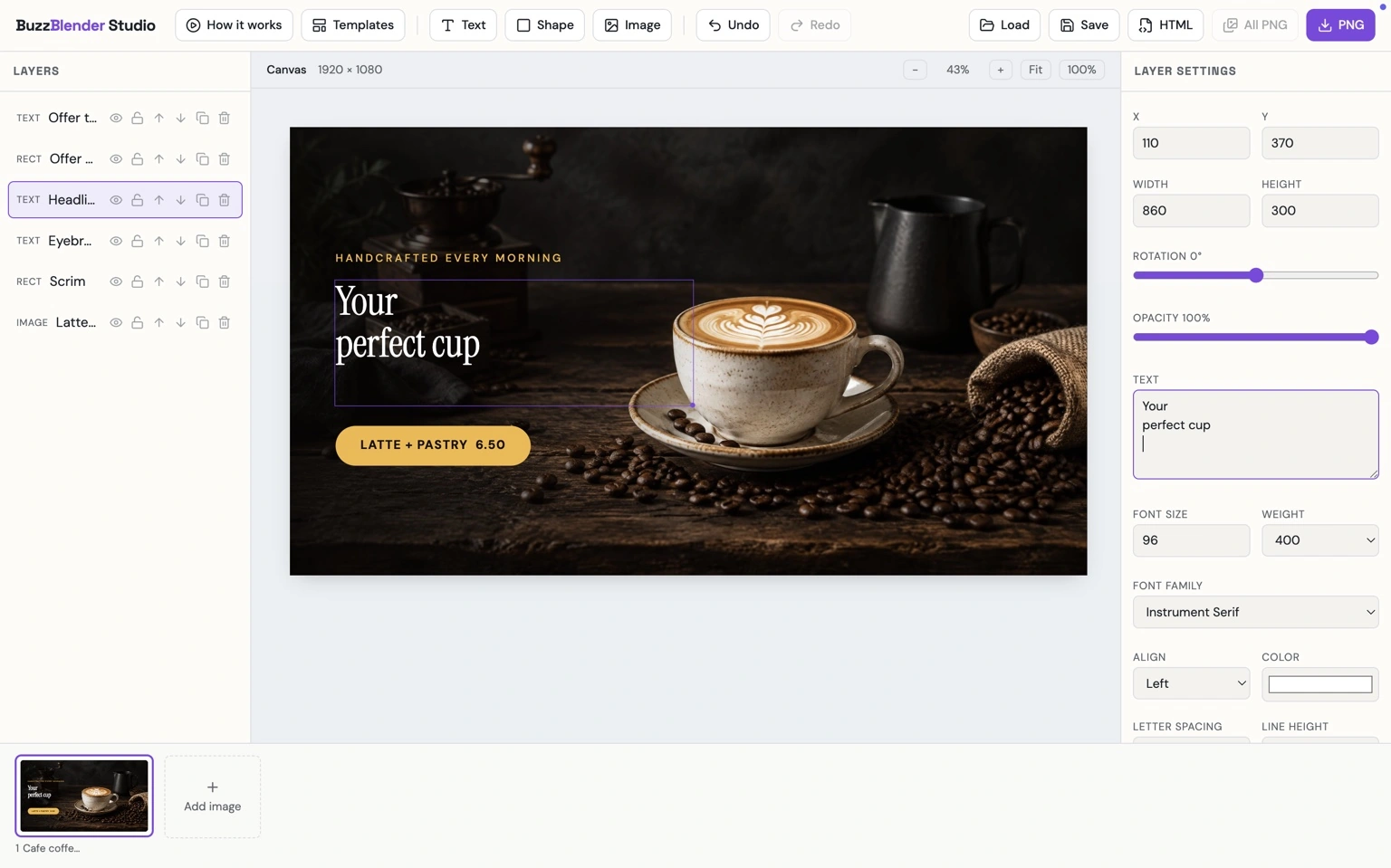
Buzzblender Studio
Buzzblender Studio is a simple design tool for creating eye-catching content for digital signage. Build layouts with text, images, and shapes, customize them to your brand, and create screen-ready promotional designs in minutes.
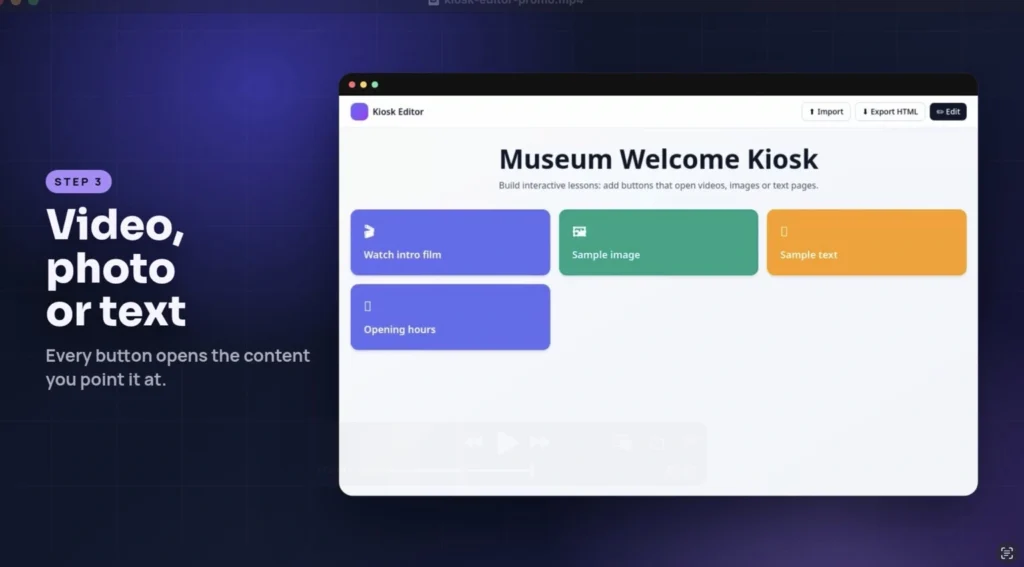
Kiosk Mode Editor
Turn your digital signage screen into an interactive kiosk with BuzzBlender and create simple button-based navigation for videos, images, and information.
What Our Customers Say
⭐⭐⭐⭐⭐
Simple, Reliable, and Surprisingly Affordable Digital Signage
We tried several digital signage solutions before switching to BuzzBlender, and it has easily been the simplest and most reliable option we’ve used.
Setting it up on our Samsung displays was quick and straightforward. Managing content is just as easy—even for team members who aren’t particularly tech-savvy. We can update our screens in real time, launch promotions, change menu content, and manage everything remotely without needing any additional hardware.
What really sets BuzzBlender apart is the combination of simplicity and affordability. It gives us everything we need without the complexity or high costs of other systems—and at just $5, the value is hard to beat.
Aadan