Looking for an cheap and quick way to turn your Samsung Smart Signage display into a professional digital signage solution using Samsung Tizen Signage Player?
Good news: if your display runs Samsung Tizen OS, you can get started with BuzzBlender for just $5 per screen per month. Yes, really.
That’s significantly more affordable than most digital signage solutions on the market. BuzzBlender gives you everything you need to manage your screens remotely without breaking your budget.
Curious how it compares? Check out our guide to the best Samsung MagicINFO alternatives and see why businesses are switching to BuzzBlender.
- No expensive hardware.
- No complicated setup.
- No lengthy training.
Just install the player, connect your screen, and start publishing content in minutes.
Buzzblender. Used by 120+ Businesses. 5,000+ Screens Connected
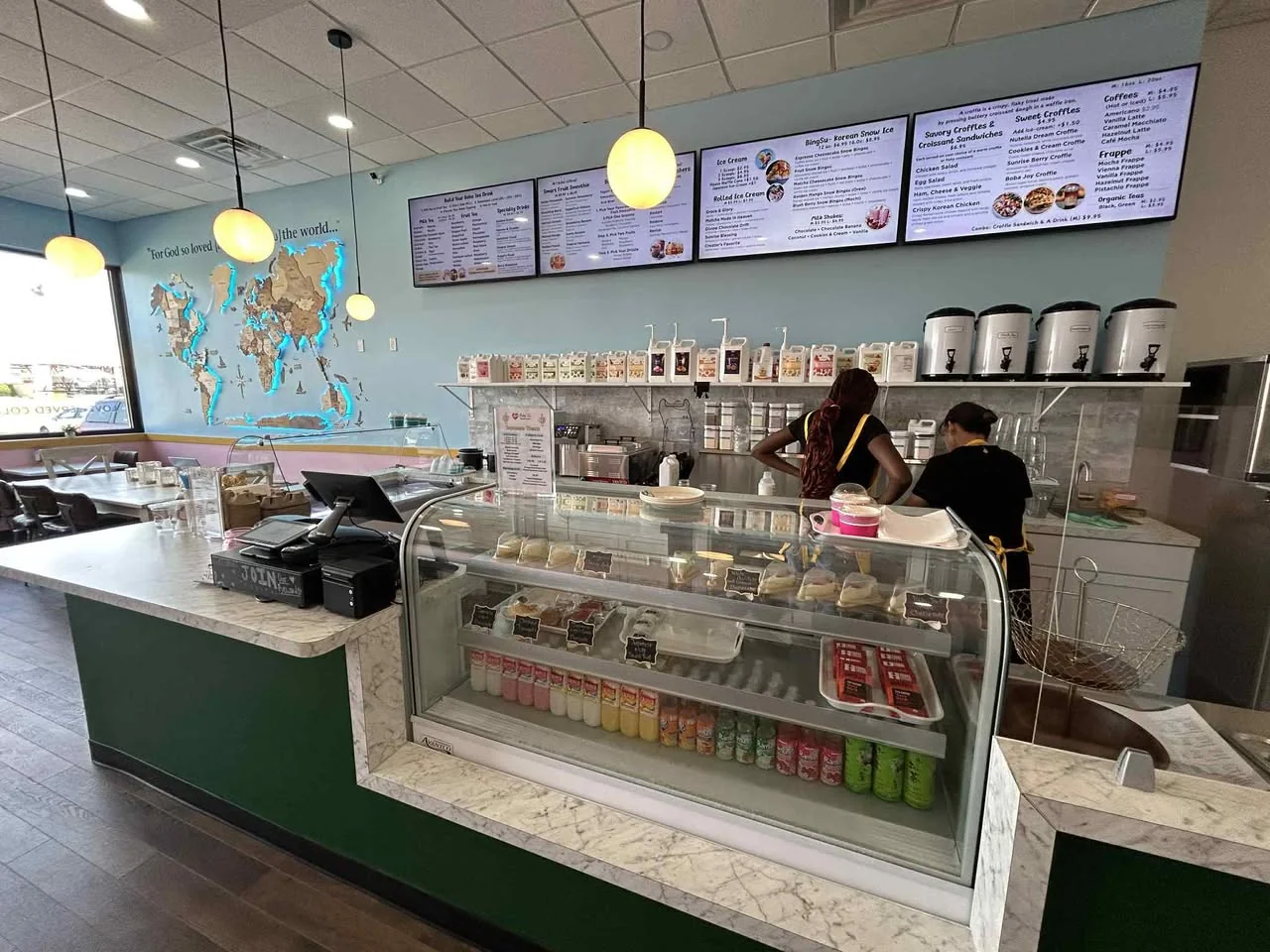
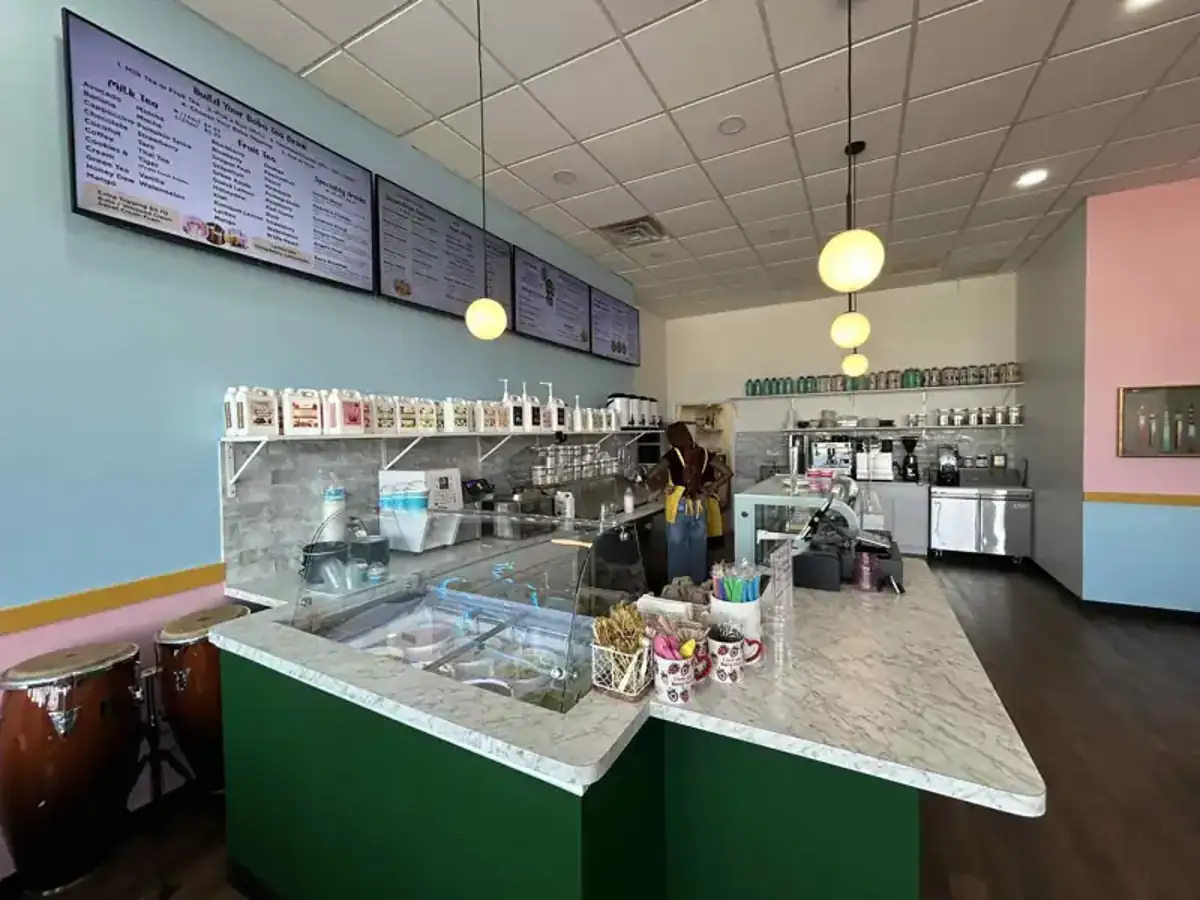
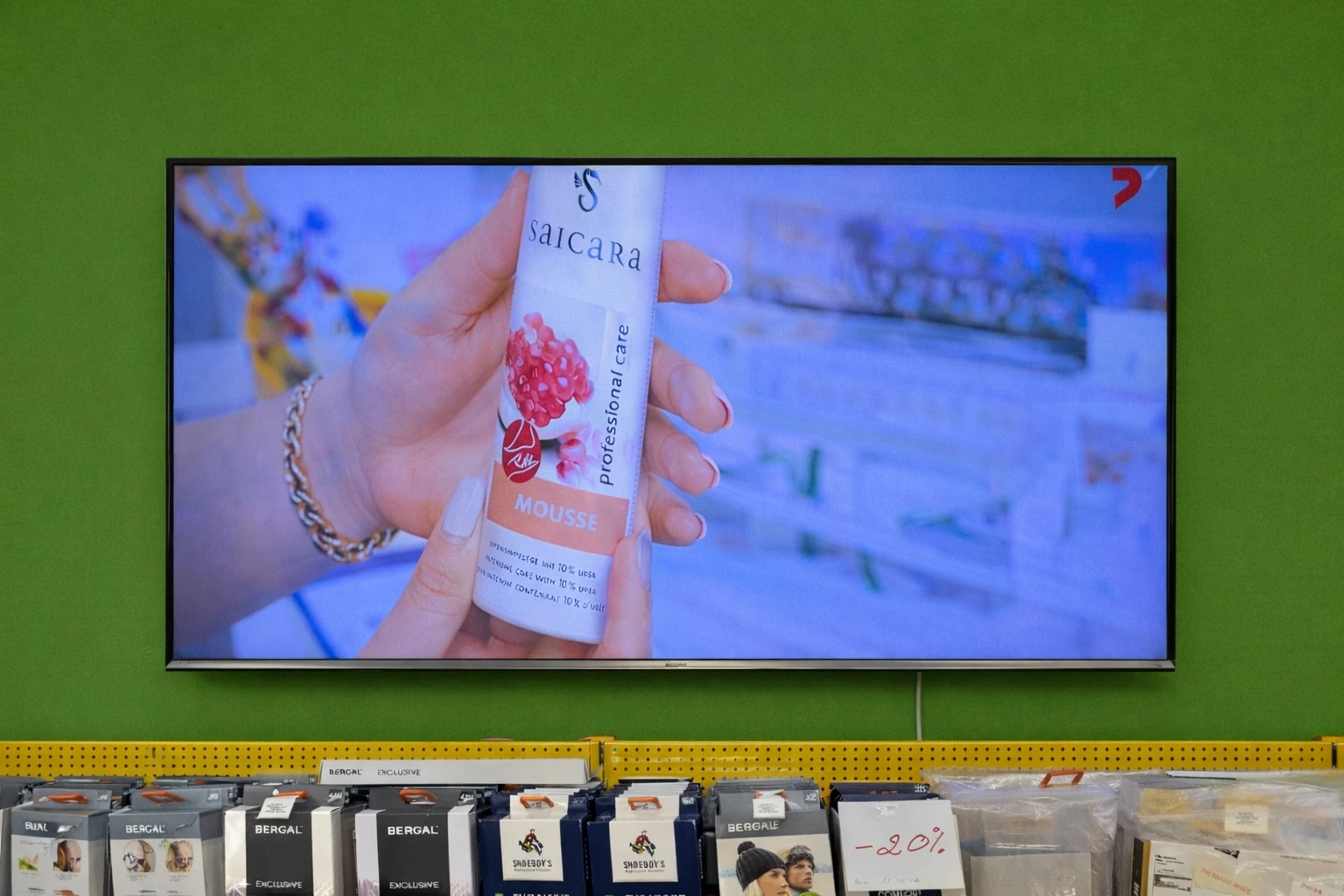

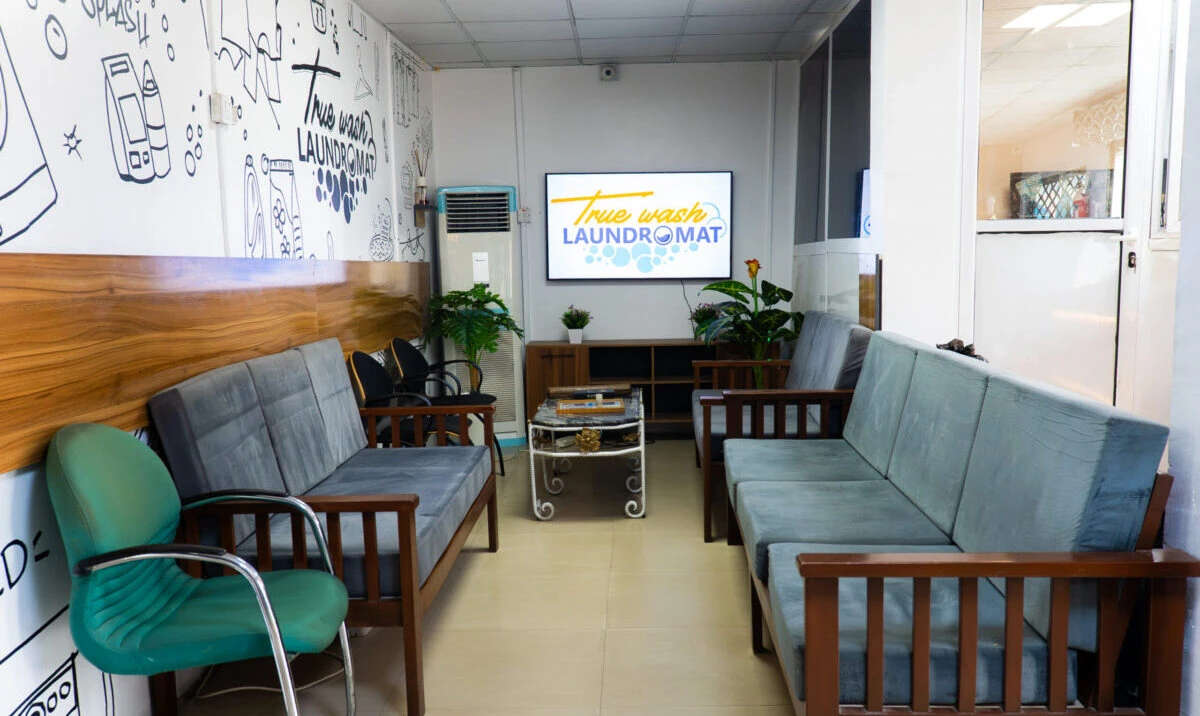


What Is Samsung Tizen Signage Player?
Samsung Tizen Signage Player is an application that allows Samsung Smart Signage displays to connect directly to a digital signage platform.
Instead of using external media players or additional devices, the application runs natively on compatible Samsung displays.
This means:
- Faster deployment
- Lower hardware costs
- Easier management
- Better reliability
Simply install the app, enter your activation code, and your screen is ready to display content.
Manage Everything From One Dashboard. Samsung Tizen Signage Player
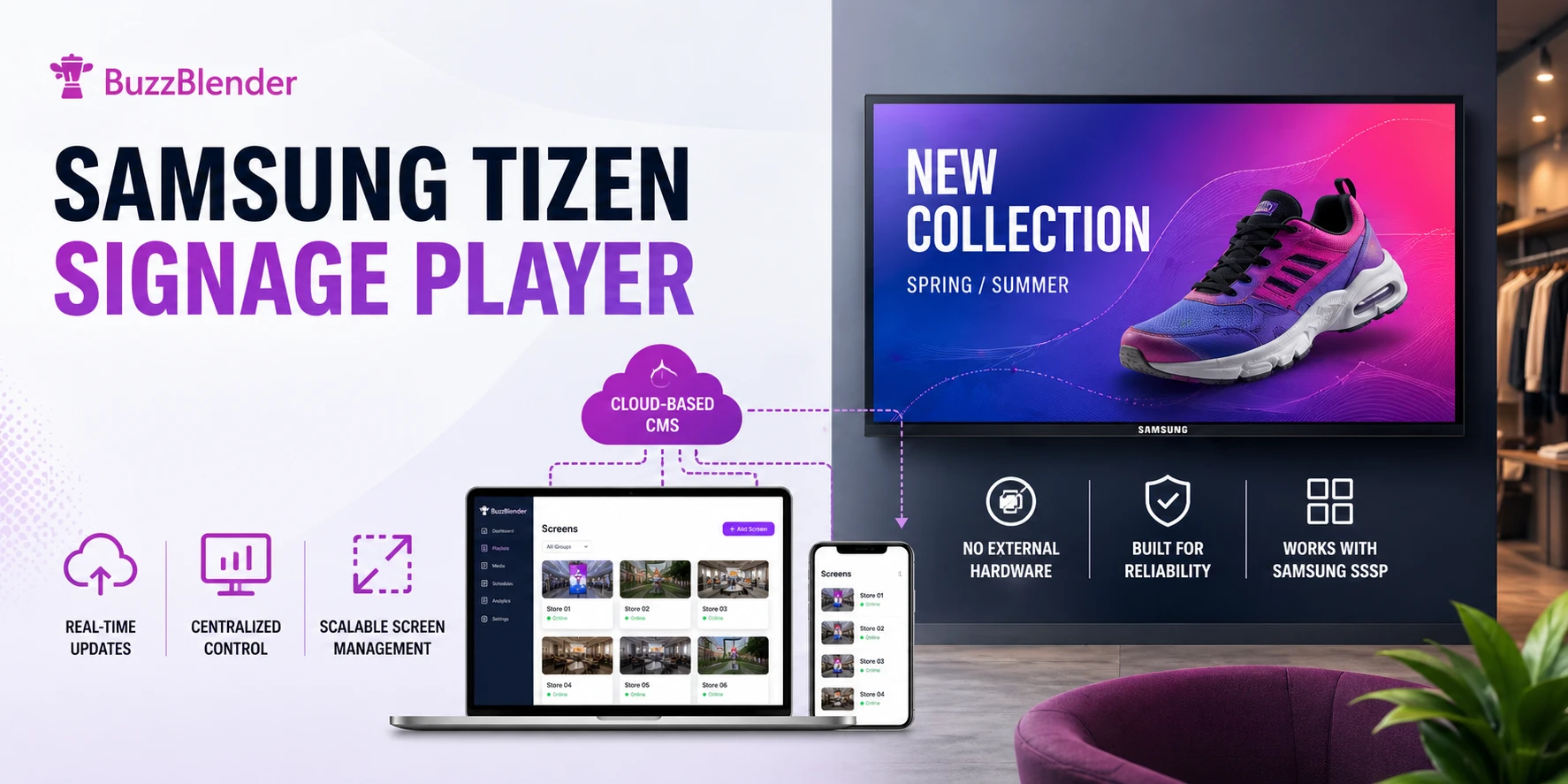
BuzzBlender allows you to control all your screens remotely from a single dashboard.
You can:
- Update content instantly
- Create playlists
- Schedule campaigns
- Monitor screen status
- Manage multiple locations
- Add user permissions
Whether you operate one screen or hundreds, management remains simple.
Easy Scheduling
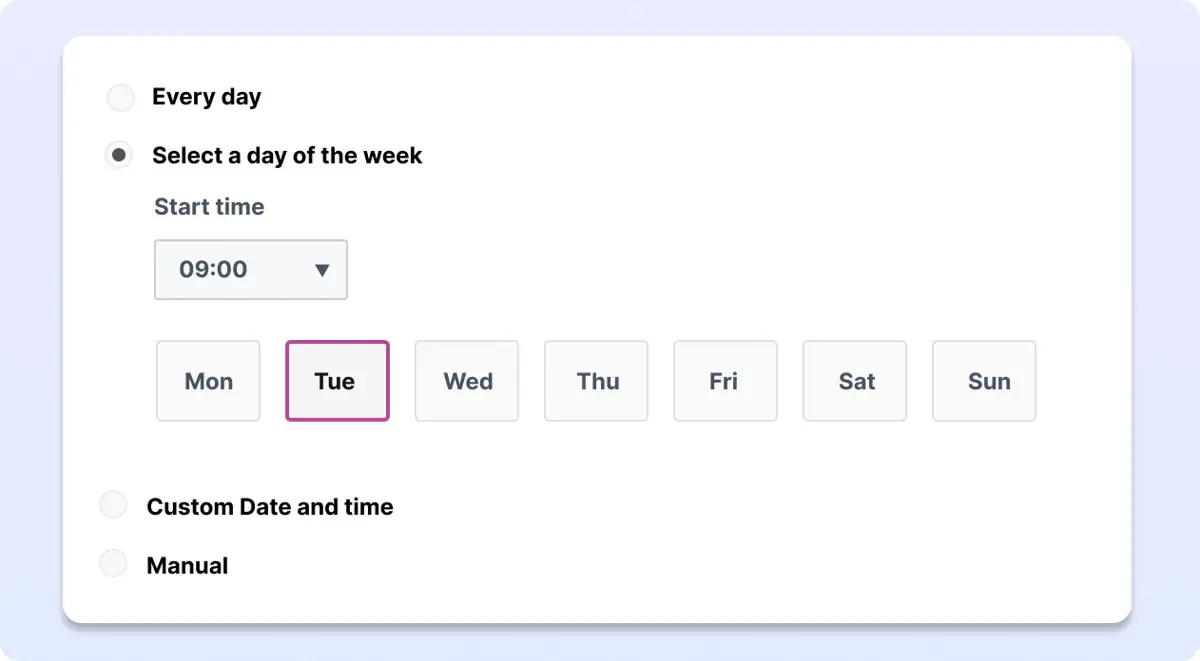
Buzzblender Digital signage software supports LG webOS, Samsung Tizen Signage Player, and Android, enabling seamless deployment across a wide range of professional displays. Manage, schedule, and deliver content efficiently on all supported platforms from a single centralized dashboard.
Generate QR Code Overlay with Samsung Tizen Signage Player
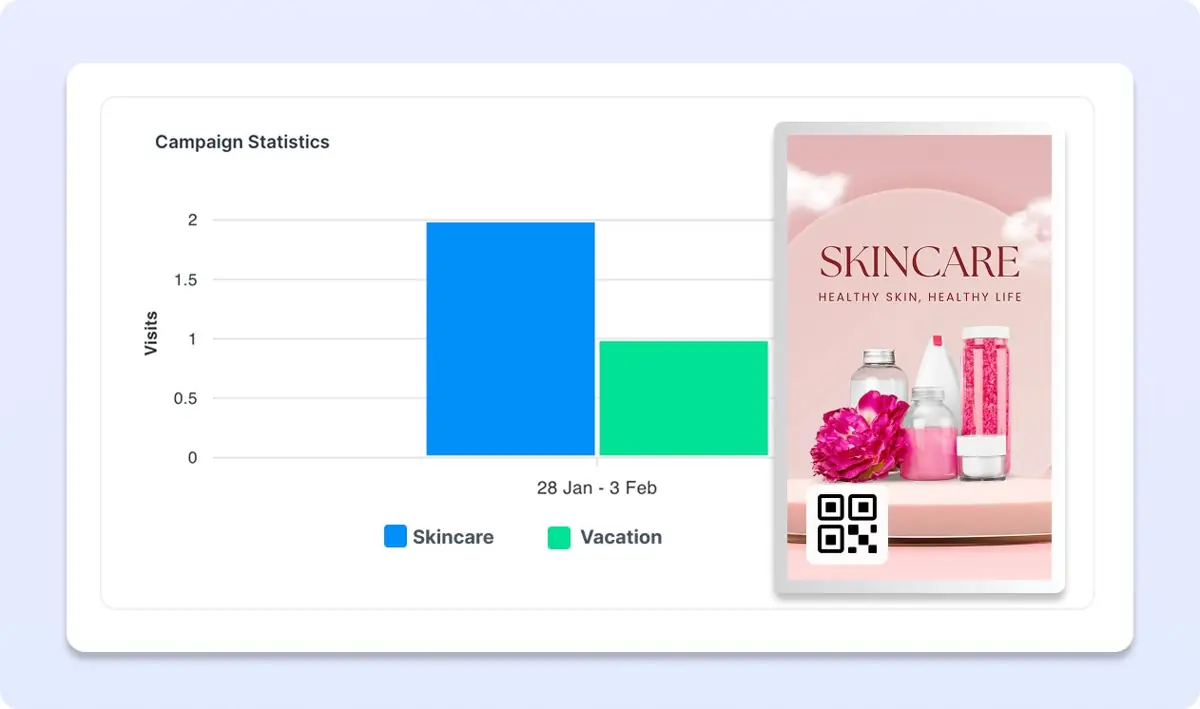
Add a QR code overlay to your promotional content with Buzzblender digital signage to measure campaign performance, track engagement, and improve the efficiency of your marketing campaigns.
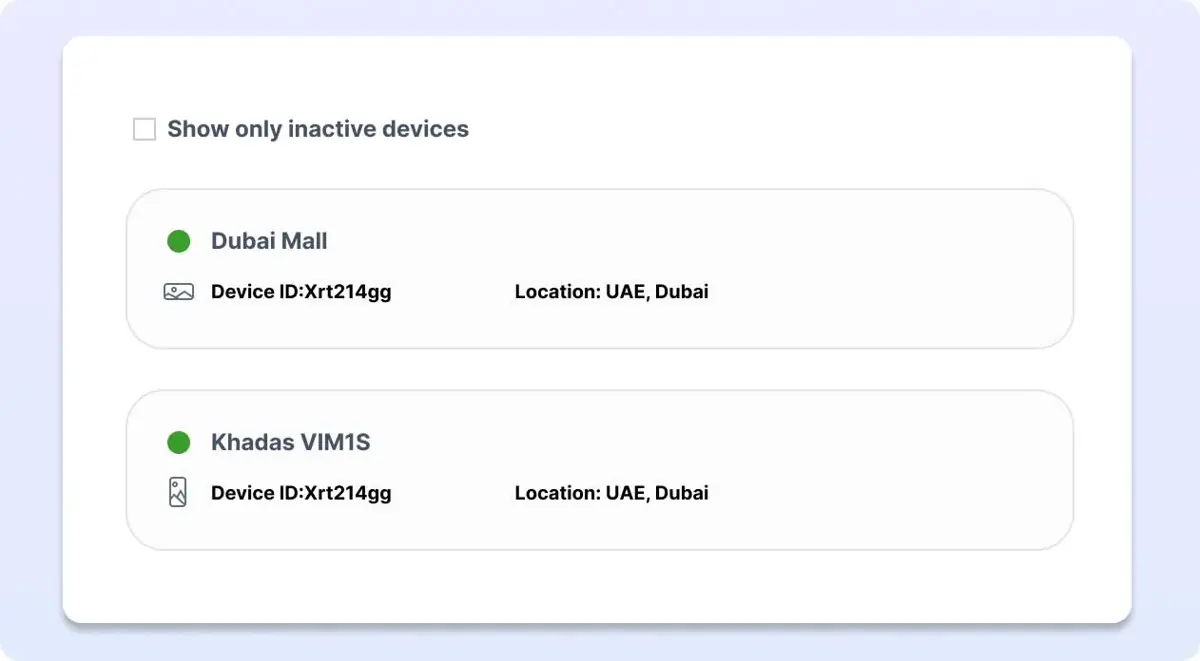
Monitor Active and Inactive Screens with Samsung Tizen Signage Player
Control your screens anytime, anywhere with Buzzblender digital signage software. Keep your promotions live and never miss an opportunity to captivate your audience.
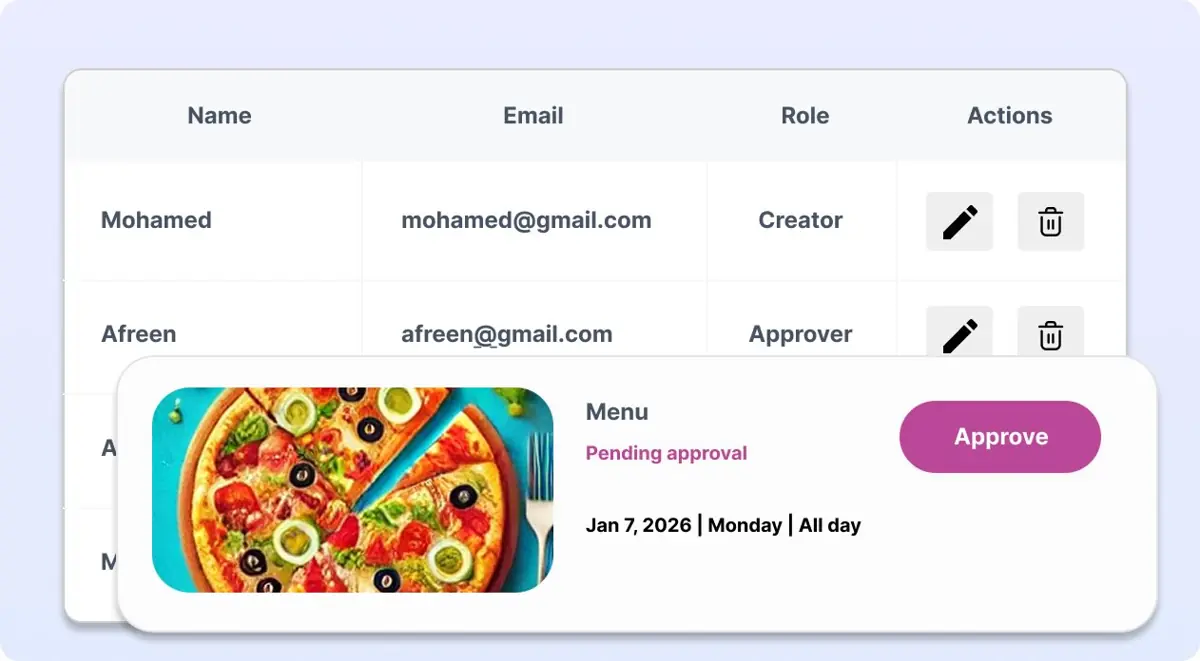
User Roles & Permissions
Manage access and permissions in Buzzblender digital signage software by assigning role-based controls for administrators, editors, and viewers.
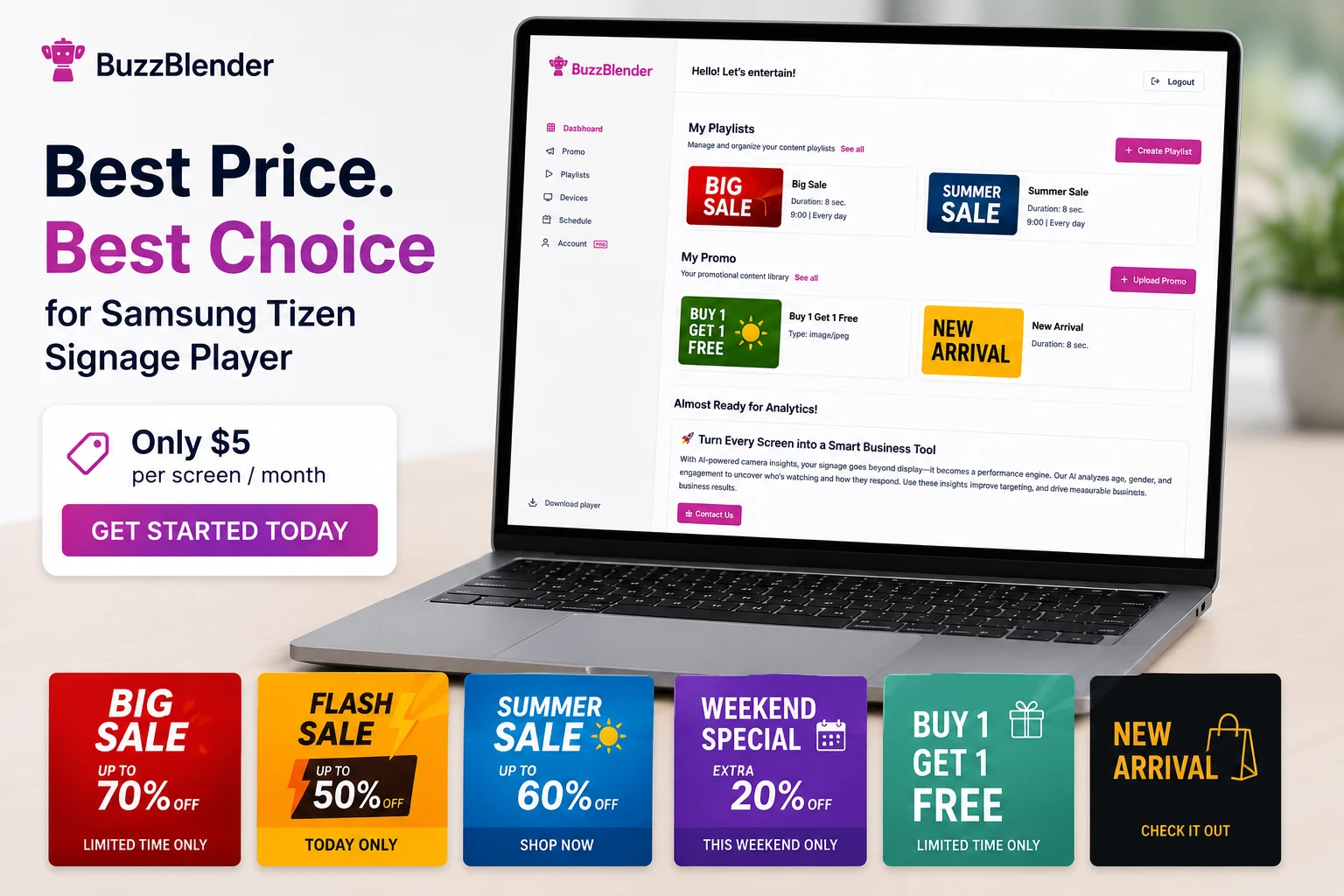
Only $5 Per Screen/Month for Samsung Tizen Signage Player
Many digital signage platforms charge premium prices for basic functionality.
BuzzBlender keeps pricing simple:
$5 Per Screen/Month
Included features:
- Playlist management
- Content scheduling
- Remote screen management
- Multi-location support
- Samsung Tizen compatibility
- Cloud-based dashboard
No hidden fees. No expensive hardware requirements.
Connect your Samsung Tizen Signage Player in 4 minutes
Setting up your Samsung display takes only a few minutes. For commercial Samsung Signage Display use this guide.


Samsung Signage User Guides
What Our Customers Say
⭐⭐⭐⭐⭐
The Easiest and Most Affordable Digital Signage We’ve Used
We tested several digital signage solutions before switching, and BuzzBlender has been the simplest and most reliable by far.
Setup on our Samsung displays was fast, and managing content is incredibly easy—even for non-technical staff. We can update screens in real time, run promotions, and control everything remotely without extra hardware.
Compared to other systems, it stands out for both ease of use and pricing. Just five dollars.
Vasiliy, co-founder of Ecomind

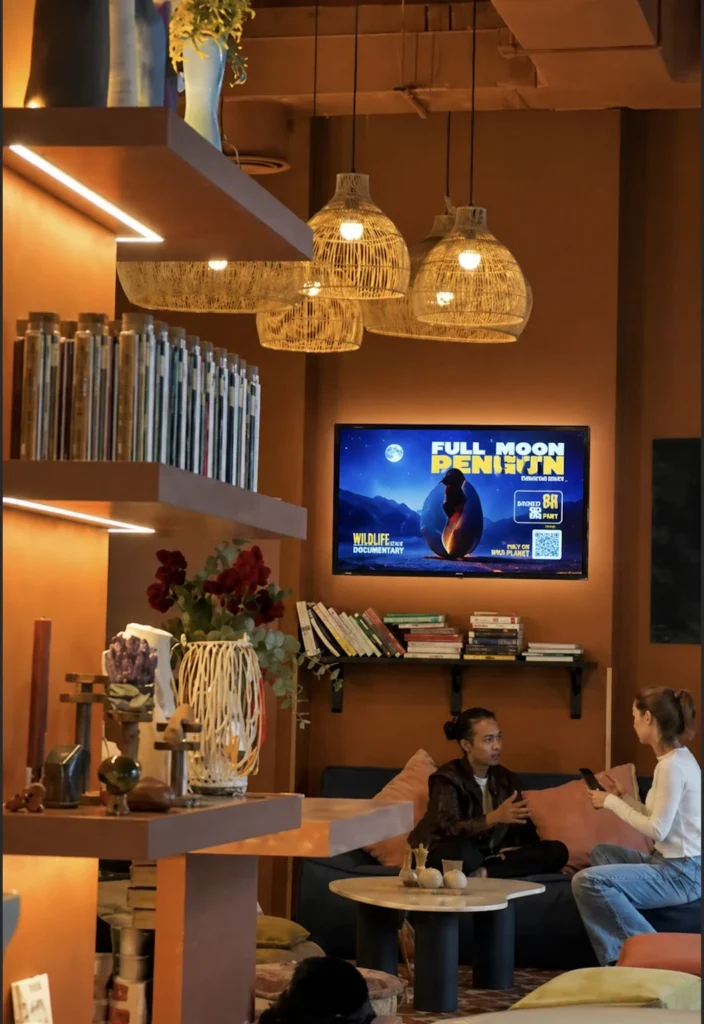
Take control of your screens today with Buzzblender
FAQ. Samsung Tizen Signage Player
How does Samsung Tizen Signage Player work with BuzzBlender?
Samsung Tizen Signage Player runs natively on compatible Samsung displays and connects directly to BuzzBlender. You install the app, enter your activation code, and your screen is ready to display content without external hardware.
How much does BuzzBlender cost per screen?
BuzzBlender costs $5 per screen per month, with no hidden fees or expensive hardware required.
Can I manage multiple screens from one dashboard?
Yes, BuzzBlender lets you control all your screens remotely from a single dashboard, including updating content, creating playlists, scheduling campaigns, monitoring screen status, and managing multiple locations.
What is the QR code overlay feature and what does it do?
You can generate a QR code overlay on your promotional content to measure campaign performance, track engagement, and improve the efficiency of your marketing campaigns.
How quickly can I set up Samsung Tizen Signage Player and start using it?
Setting up your Samsung display takes just a few minutes: install the app, connect the screen, and you can start publishing content in minutes.