
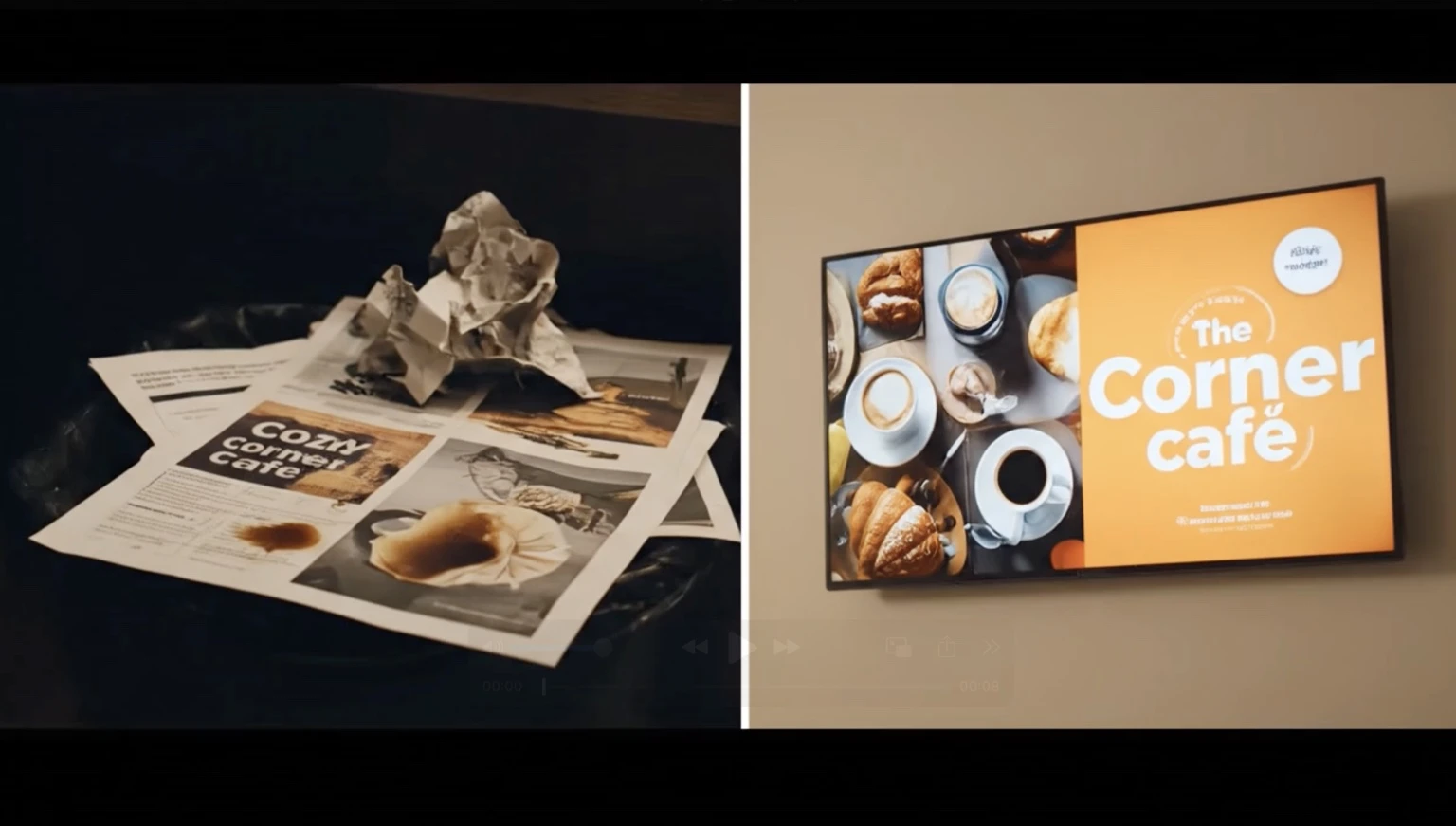
| Feature | Digital Signage | Printed Signage |
|---|---|---|
| Update instantly | ✔ | ✘ |
| Grab attention | ✔ (animations & video) | Limited |
| Cost over time | Lower | Higher (reprints) |
| Scheduling | ✔ | ✘ |
| Environmental impact | Lower | Higher |
Digital signage pays for itself quickly, especially for businesses that frequently update promotions.
What businesses benefit most from Buzzblender digital signage software?
Ideal for:
- Restaurants & cafes
- Bars & lounges
- Salons & spas
- Gyms & fitness studios
- Retail shops
- Medical & dental offices
- Car dealerships
- Hotels & hospitality
Anywhere customers walk in, wait, browse, or purchase—screens help increase revenue.
How fast can I expect results?
Most businesses see improvements in:
- Upsells within days
- Impulse purchases within a week
- Customer engagement almost immediately
Digital screens are one of the quickest ROI-positive marketing tools available.
What makes Buzzblender different from other signage platforms?
Buzzblender stands out because it’s:
- Simple enough for small teams
- Powerful enough for multi-location brands
- Cloud-based for instant updates
- Affordable for small businesses
- Flexible with lots of integrations
- Reliable with 24/7 uptime
Plus, no design or tech expertise needed.
Is Buzzblender cost-effective for small businesses?
Yes. Compared to printing, ad agencies, or outdated signage systems, Buzzblender is budget-friendly—and usually pays for itself quickly through increased sales. You can also generate QR code overlay for your media.
How do I get started?
- Sign up for Buzzblender
- Add your screen/device
- Upload or create your content
- Start displaying promotions instantly
You can be fully operational the same day.
Which Operating Systems Does BuzzBlender Support?
BuzzBlender digital signage software is compatible with a wide range of platforms, making it flexible for different types of screens and environments.
Supported Operating Systems:
Titan OS – Support for Titan-powered smart TVs and devices
Android – Works with Android-based media players and smart displays
LG webOS – Native support for LG commercial displays
Samsung Tizen OS – Compatible with Samsung Smart Signage screens
Web Browser – Run content directly via any modern browser (Chrome, Edge, etc.)
FAQ
Why is digital signage better than printed signage?
Digital signage is more flexible, more engaging, and more cost-effective over time. Unlike printed signage, it can be updated instantly, scheduled automatically, and used to display animations, video, and real-time promotions.
Does digital signage really save money compared to printed signage?
Yes. Printed signage often requires reprints, redesigns, and manual replacement, which increases long-term costs. Digital signage reduces those recurring expenses and helps businesses update promotions without printing new materials.
How quickly can digital signage pay for itself?
Digital signage can pay for itself quickly, especially for businesses that update promotions often. Many businesses start seeing results through improved upsells, impulse purchases, and higher engagement soon after launch.
Can digital signage help increase upsells and impulse purchases?
Yes. Digital signage helps highlight offers at the right moment, making promotions more visible and timely. This can increase upsells within days and improve impulse purchases within a short period.
Why is digital signage more effective than flyers?
Digital signage attracts more attention because it can display motion, video, and dynamic content. Flyers are static, easier to ignore, and more expensive to update regularly.
Is BuzzBlender suitable for small businesses?
Yes. BuzzBlender is designed to be affordable and easy to use for small businesses, while still being powerful enough for multi-location brands.
Do I need design or technical skills to use BuzzBlender?
No. BuzzBlender is built to be simple to manage, even for small teams without technical or design experience.
How fast can I get started with BuzzBlender?
You can usually get started the same day. The basic process is to sign up, connect your screen or device, upload or create content, and publish your promotions.
Can I schedule content in advance?
Yes. BuzzBlender allows you to schedule content, which means promotions can change automatically based on time, day, or campaign needs.
Which operating systems does BuzzBlender support?
BuzzBlender supports Titan OS, Android, LG webOS, Samsung Tizen OS, and web browsers.
Is digital signage more environmentally friendly than printed signage?
Yes. Digital signage reduces the need for repeated printing and reprinting, which lowers paper waste and overall material usage.
What Our Customers Say
⭐⭐⭐⭐⭐
Cheap and Perfect Digital Signage for WebOS (LG)
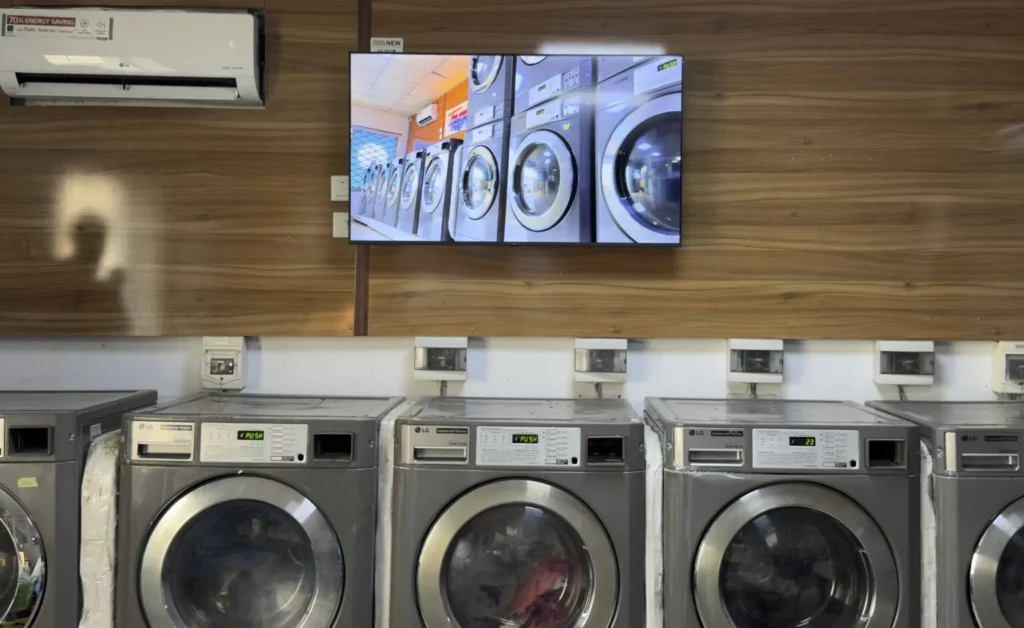
My experience with Buzzblender has exceeded expectations. It simplifies content management. We use LG (WebOs) and Buzzblender works perfectly on our screen
Agbanike, True Wash Laundromat


Leave a Reply