Digital Signage for Titan OS (Philips TVs)
Looking for digital signage for Titan OS on Philips TVs?
You’re not alone. As Titan OS replaces Android TV on newer Philips models, many businesses struggle to find compatible signage software.
In this guide, you’ll learn: and why it’s one of the best options available:
- What Is Titan OS on Philips TVs?
- How digital signage works on Titan OS
- What limitations to expect
- How to use Buzzblender digital signage app
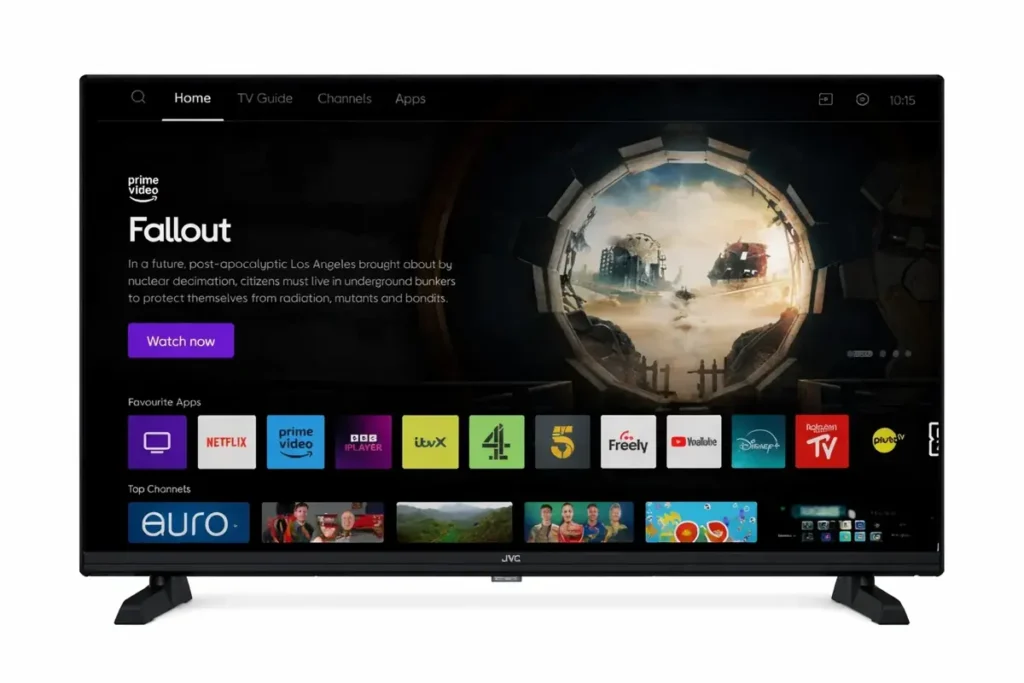
Titan OS is a Smart TV operating system used in modern Philips TVs. It is designed to be lightweight and fast but comes with restrictions compared to Android TV.
Can You Use Digital Signage on Titan OS?
Yes. Unlike Android TV or Tizen, Titan OS has a smaller ecosystem. This means you need a digital signage solution built specifically for Titan OS.
Without a compatible app, you cannot:
- manage content remotely
- schedule playlists
- run automated displays
Best Digital Signage App for Titan OS: Buzzblender
Buzzblender is one of the few platforms that supports Titan OS.
It is designed for businesses that need:
- remote screen control
- content scheduling
- centralized management
- QR code overlay for media
Key Features
- digital signage for Philips and JVC Titan OS TVs
- playlist and content scheduling
- remote management dashboard
- real-time updates
- multi-screen support
This makes it a strong choice for Titan OS digital signage deployment.
How to Set Up Digital Signage on Titan OS
Follow these steps to get started:
Step 1: Install the App
Download and install the Buzzblender app on your Philips TV or JVC TV from Content Store.
Step 2: Connect Your Screen
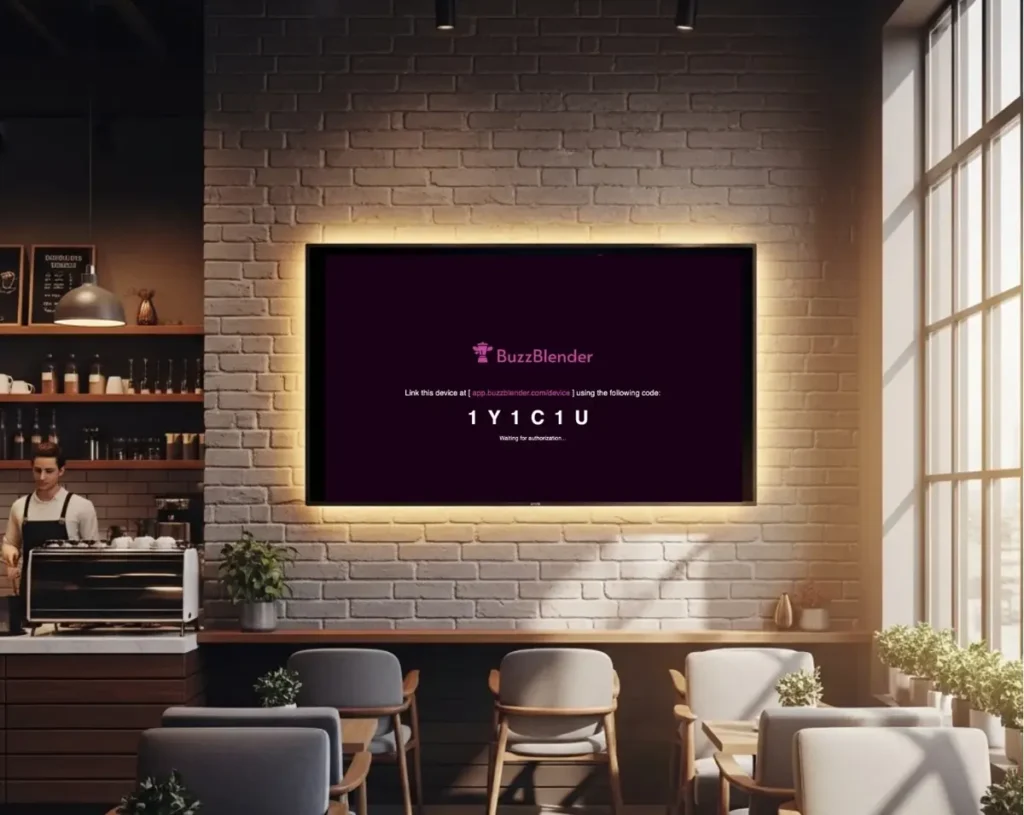
Link your TV to your BuzzBlender account by entering the access code shown on the TV screen at the Device section (https://app.buzzblender.com/device/)
Step 3: Upload Content
Add images, videos.
Step 4: Create Playlists
Organize content into playlist.
Step 5: Schedule Content
Set when and how content should be displayed. For example, show the breakfast menu until 11 a.m., then highlight a dinner offer.
Your screen will now run automated digital signage.
Watch the video to see how it works:
Key limitations:
- no Google Play Store
- limited third-party apps
- restricted app installation
Because of this, many digital signage apps for smart TVs do not work on Titan OS.
Buzzblender vs Other Digital Signage Solutions
| Feature | Buzzblender | Yodeck | Optisign |
| Titan OS support | ✅ Yes | ❌ No | ❌ No |
| Remote control | ✅ Yes | ✅ Yes | ✅ Yes |
| Scheduling | ✅ Yes | ✅ Yes | ✅ Yes |
| Ease of setup | ⭐⭐⭐⭐ | ⭐⭐⭐ | ⭐⭐⭐ |
No card commitment!
FAQ
Where can I download apps on a Philips TV with Titan OS?
You can download apps from the built-in Titan OS App Store on your Philips TV. This store includes a limited selection of supported applications.
Does Titan OS support APK installation?
No. Titan OS does not support APK files or sideloading. This is one of the main differences compared to Android TV.
Why can’t I find certain apps on Titan OS?
Titan OS has a restricted app ecosystem, so many popular apps may not be available. Only apps optimized for Titan OS can be installed.
How do I add new apps to Titan OS?
To add apps:
- Open the App Store on your Philips TV
- Browse or search for an app
- Select the app
- Click “Install”
👉 The app will be added to your home screen.
Can I install Google Play Store on Titan OS?
No. Titan OS does not support Google Play Store.
Is there a way to install third-party apps on Titan OS?
No official way exists. Titan OS is a closed system, so third-party installations are restricted.
What are alternatives if an app is not available on Titan OS?
If an app is missing, you can:
- use a compatible web-based app
- connect an external device (Android TV box, Fire Stick)
- use specialized solutions like digital signage platforms
Can I use Titan OS for business applications like digital signage?
Yes, but only with compatible apps designed specifically for Titan OS. Not all business apps will work.
Titan OS User Guides
What Our Customers Say
⭐⭐⭐⭐⭐
Finally, a Digital Signage Solution That Works on Titan OS
We run a busy cafe and needed a simple way to manage content on our Philips TVs with Titan OS — most solutions just didn’t work.
Buzzblender solved that immediately.
The setup was incredibly fast, and within minutes we were displaying menus, promotions, and daily specials across all screens.
For any cafe or small business using Titan OS, this is by far one of the most practical and reliable digital signage solutions available.
Jeffrey, cafe owner