
BuzzBlender is a powerful cloud-based digital signage software platform designed to help businesses manage and display content on screens anywhere in the world. With BuzzBlender, you can easily turn TVs, monitors, tablets, and media players into professional digital signage displays.
How Buzzblender works – digital signage software
Three simple steps how to use Buzzblender
- Connect a device
- Upload media
- Publish to the screens
Our platform allows you to manage screens remotely, schedule content, and update displays instantly — all from one centralized dashboard.
Unlike many complex signage systems, BuzzBlender is simple, flexible, and affordable. The platform works on any operating system and costs only $5 per screen per month, making it one of the most cost-effective digital signage platforms available today.
Whether you’re managing one screen or thousands, BuzzBlender provides everything you need to run a reliable digital signage network.
Cross-Platform Digital Signage Software
One of the biggest challenges with digital signage is hardware compatibility. Many platforms require specific devices or operating systems.
BuzzBlender solves this problem with a fully cross-platform digital signage system.
Our software works across multiple operating systems, allowing businesses to use their existing hardware and deploy signage quickly.
Supported Operating Systems
- Windows digital signage players
- Linux digital signage systems
- Android signage devices
- LG Screens
- macOS displays
- Smart TVs and media players
Because BuzzBlender supports multiple operating systems, companies can deploy signage using almost any device — from inexpensive media players to existing office computers.
This flexibility makes BuzzBlender an ideal digital signage solution for businesses scaling across multiple locations.
With cloud management, businesses can update hundreds or thousands of digital signage screens instantly without physically visiting each location.
This makes BuzzBlender perfect for retail chains, restaurant franchises, corporate offices, gyms, large organizations.
Meet an example of how a Clinics chain manages screens using BuzzBlender Digital Signage Software.
Visit our FAQ Page if you have any questions
Cloud-Based Screen Management
BuzzBlender is a cloud digital signage platform, meaning you can manage your screens from anywhere in the world.
All displays connect to a centralized cloud dashboard where administrators can control content, scheduling, and screen performance.
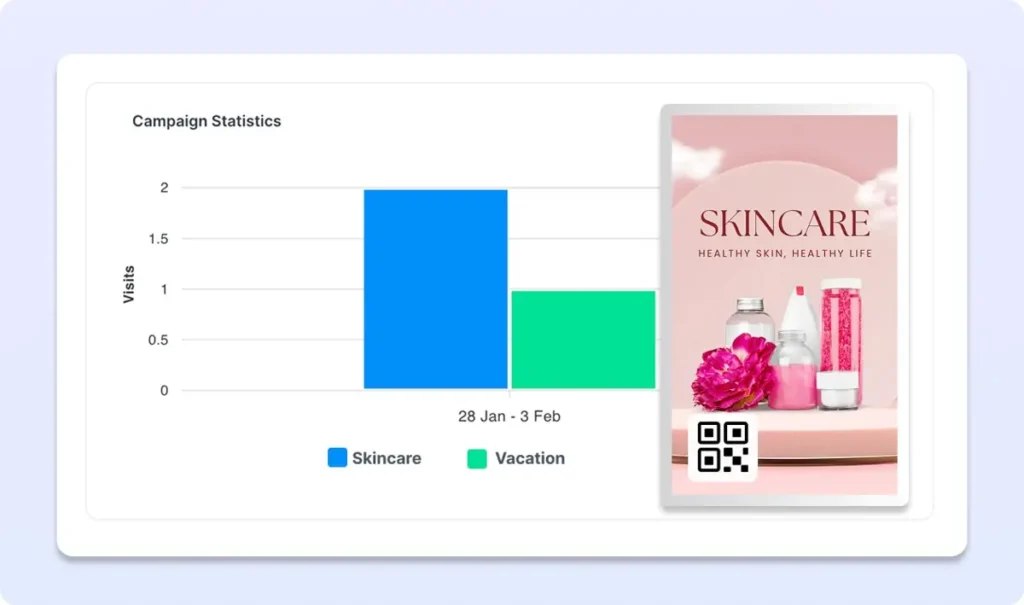
Add QR Codes to Screens and Measure Real Engagement
BuzzBlender allows businesses to add QR codes directly to photos, videos, and digital signage content, turning passive displays into interactive marketing channels.
Customers can scan the QR code with their phone to instantly open a website, promotion, product page, or campaign landing page.
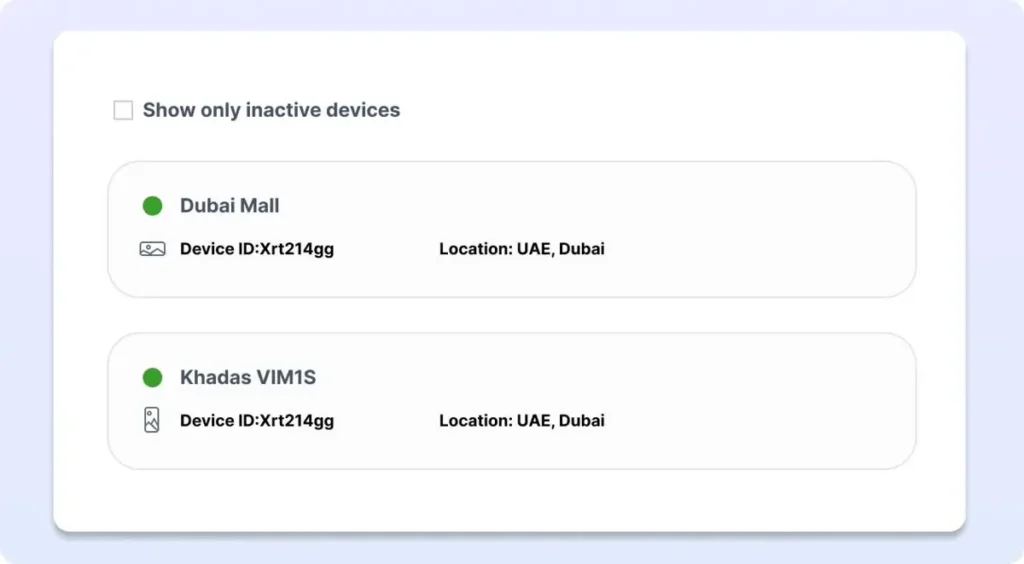
See if Your Screens Are Active — From Your Office
BuzzBlender allows you to monitor the status of every digital signage device in real time, directly from the admin dashboard. Whether your screens are in one building or across multiple locations, you can instantly see if each device is online, active.
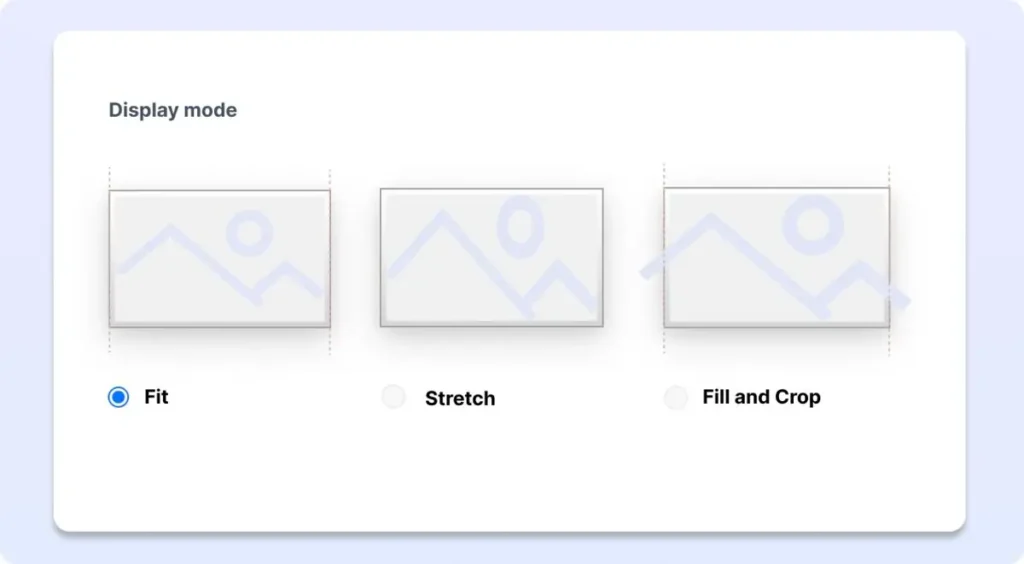
Adjust Content in the Admin Panel
BuzzBlender includes a powerful digital signage admin panel that allows businesses to manage, edit, and update content across all screens from a single dashboard.
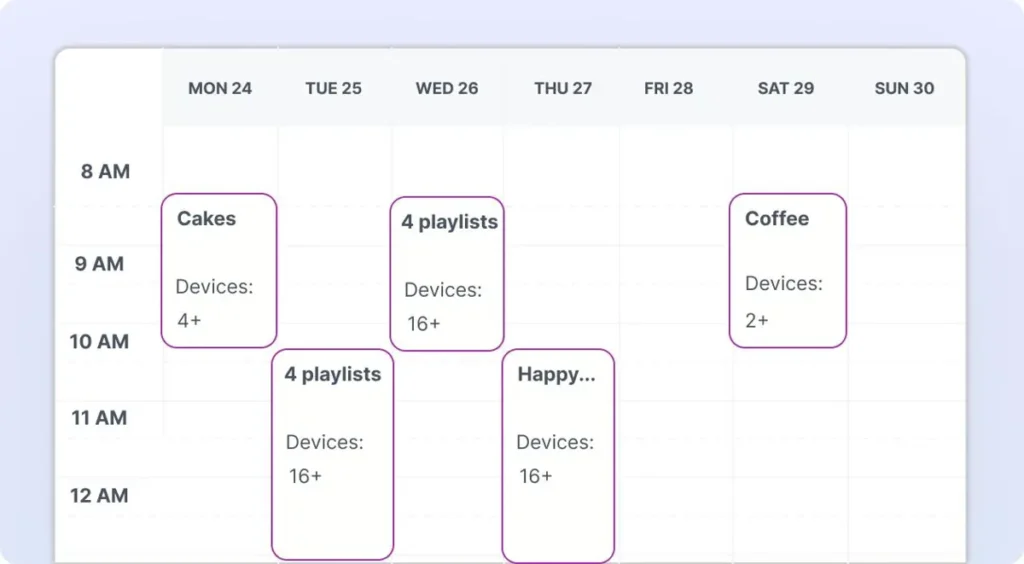
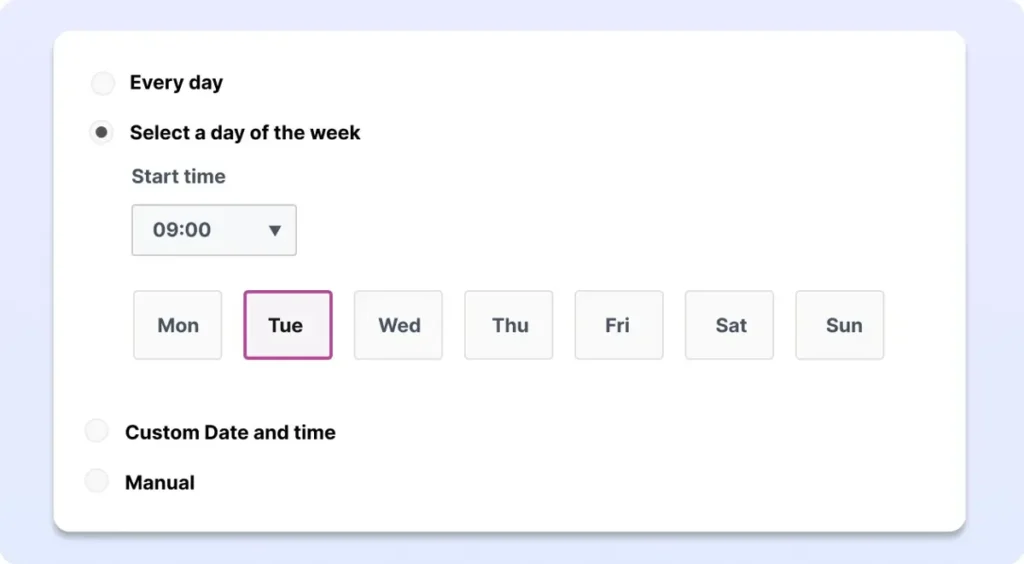
Play different content for different days and time
BuzzBlender includes a flexible digital signage scheduling system. Scheduling capabilities:
• Time-based playlists
• Day-of-week scheduling
For example, restaurants can display breakfast menus in the morning and dinner promotions in the evening, while retailers can promote different offers throughout the day.
Manage Your Digital Signage Content as a Team
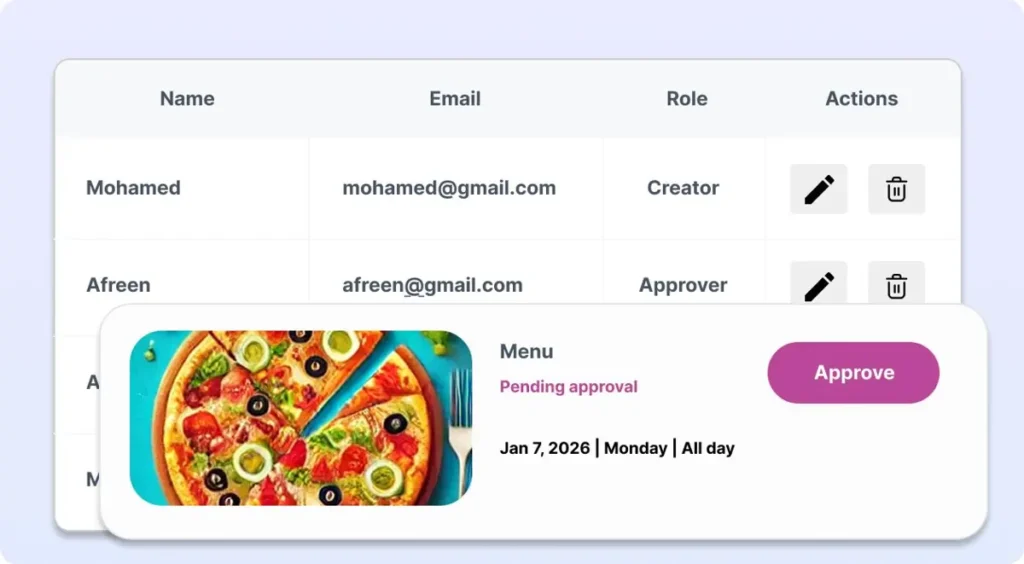
BuzzBlender makes it easy for teams to collaborate on digital signage content. You can add team members and assign specific roles so everyone involved in the content workflow has the right level of access.
Whether you’re working with designers, marketers, or store managers, BuzzBlender allows your team to create, review, approve, and publish content efficiently.
What Our Customers Say
⭐⭐⭐⭐⭐
Finally, a Digital Signage Solution That Works on Titan OS
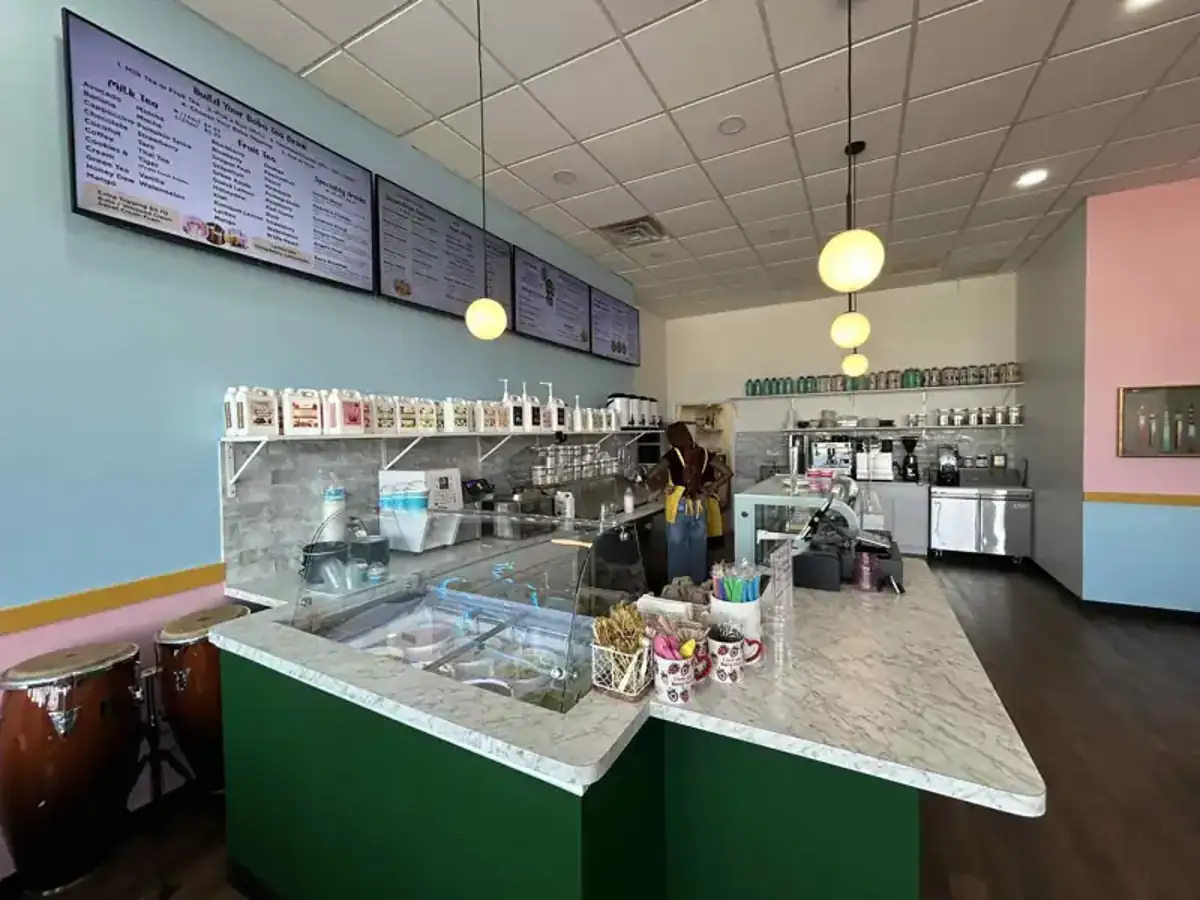
We run a busy café and needed a simple way to manage content on our Philips TVs with Titan OS — most solutions just didn’t work.
Buzzblender solved that immediately.
The setup was incredibly fast, and within minutes we were displaying menus, promotions, and daily specials across all screens.
For any café or small business using Titan OS, this is by far one of the most practical and reliable digital signage solutions available.
Jeffrey, cafe owner
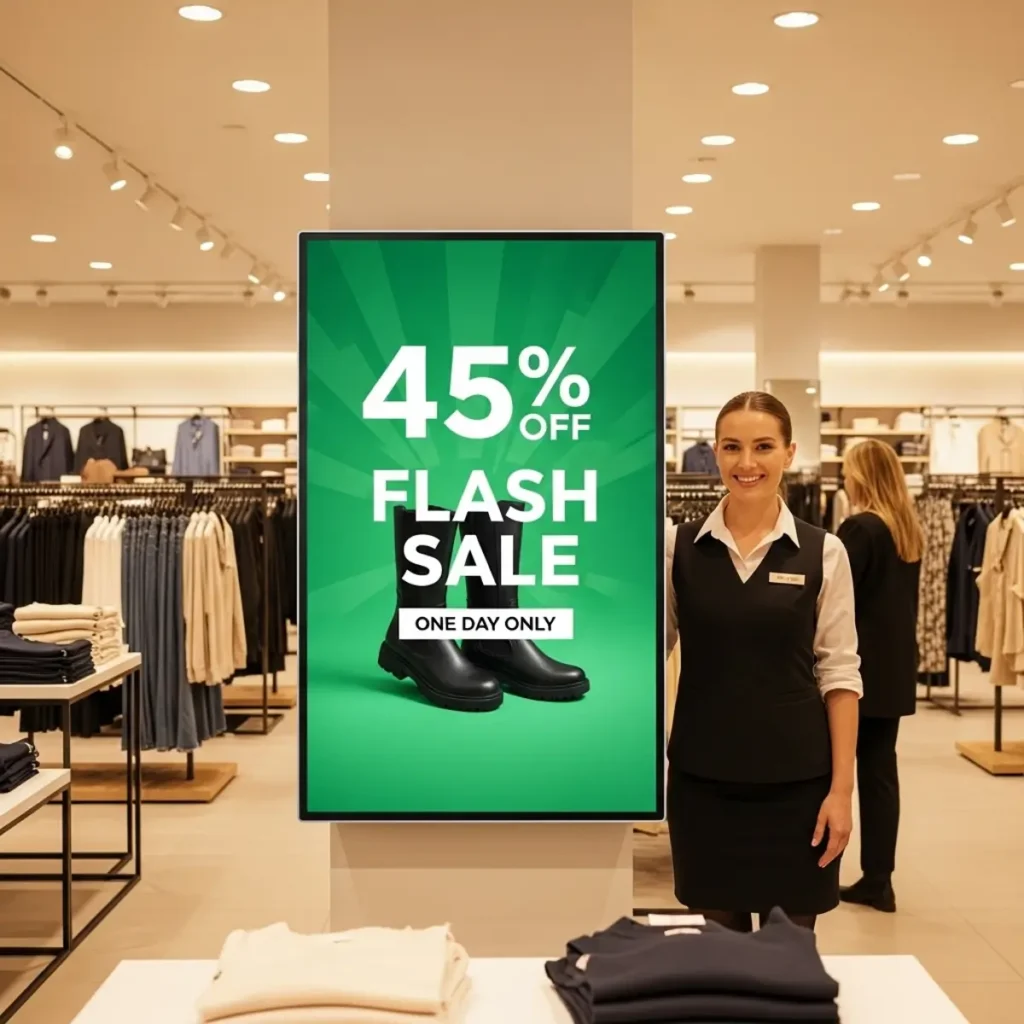
Start Using BuzzBlender Digital Signage Software
BuzzBlender makes it easy to turn any display into a powerful communication channel.
From retail promotions and digital menus to internal corporate communication, our digital signage software platform helps organizations deliver the right message to the right screen at the right time.
Create your digital signage network today and start managing screens from anywhere.