
Samsung commercial displays are widely used for digital menus, advertisements, internal communications, information screens, dashboards, and other digital signage applications. But installing the displays is only part of the equation.
Businesses also need Samsung signage software to decide what appears on those screens and when.
A digital signage content management system, or CMS, allows administrators to upload media, build playlists, schedule campaigns, monitor screens, and update content remotely rather than visiting every display with a USB drive.
Samsung provides its own signage ecosystem, with Samsung VXT becoming increasingly important as the successor to MagicINFO. However, using Samsung hardware does not necessarily mean that a business must use Samsung’s CMS.
Third-party platforms such as BuzzBlender can also run digital signage on compatible Samsung Tizen devices while giving businesses the ability to manage Samsung, LG, Android, and browser-based screens through the same platform. (BuzzBlender)
That makes the choice of signage software particularly important for organizations planning new deployments or reconsidering their existing MagicINFO infrastructure.
What is Samsung digital signage?
Samsung digital signage refers to Samsung’s ecosystem of commercial display solutions designed for businesses, retail stores, restaurants, offices, transportation hubs, healthcare facilities, and public venues. MagicINFO is a part of this ecosystem as a software for Samsung screen management.
“What I like most about Samsung screens is their high-quality display. The image quality is excellent, and their performance is consistently stable. I bought four screens two years ago, and they still work perfectly.” — Stephen Norris, owner of a gelato shop in Rome.
Unlike consumer TVs, digital signage displays are built for:
- 16/7 or 24/7 operation
- centralized remote management
- high brightness environments
- commercial-grade durability
- content scheduling
- multi-screen deployments
Samsung developed MagicINFO as the interface for managing content on the screens, but the pricing is too expensive—especially at scale. See our guide of the best alternatives to MagicInfo (Spoiler! It’s Buzzblender signage software for Samsung – $5 per screen per month).
- If you have a Samsung Smart TV, search for “BuzzBlender” in the Apps (Content) Store on your TV.
- If you have a Samsung Smart Signage display, follow this guide to install BuzzBlender on your commercial display.
🎉 Tada! Use the promo code WELCOME100 to get 1 month free! 🚀
What software is used to manage digital signage?
Digital signage is typically managed through a CMS (Content Management System) specifically designed for screens.
These platforms allow businesses to:
- upload media
- schedule content
- manage multiple locations
- monitor device health
Samsung’s native platform is called MagicINFO. MagicINFO is widely used because it integrates directly with Samsung commercial displays.
For many businesses, MagicINFO is enough, but there are a few important limitations to consider.
Just look at what business owners from NY are saying. Pauline, owner of a spa salon, shared: “MagicINFO costs me $1,800 per year for 4 screens. It’s insane. That’s why I was happy to switch to Buzzblender. Now I pay $450 per year for the same functionality — and I even chose the most expensive Pro plan with the video wall feature.”
Why Buzzblender is better than MagicINFO:
- Larger organizations often need more than basic screen management. They need custom development, workflow automation, and deeper content integration. That’s where Buzzblender becomes especially useful. The team can develop the feature by customer request following guidelines from Samsung.
- For small and medium-sized businesses, pricing at scale is critical. Buzzblender Samsung Signage App costs just $5 per screen per month, compared to MagicINFO’s $9 per screen per month. You can compare the pricing using this calculator. See how much you can save based on the number of screens in your network.
That’s why many enterprise teams now use Buzzblender for content amplification and visibility.
How much is Samsung MagicINFO?
Samsung MagicINFO pricing depends on the version, deployment model, and scale of the signage network.
In general, businesses typically encounter three major licensing components:
1. MagicINFO Lite: €15 per Screen/Month
This is the most basic version.
It’s often included with compatible Samsung displays and provides:
- simple content playback
- lightweight scheduling
- local display management
For very small deployments, this may be enough.
2. MagicINFO Premium: €32 per Screen/Month
This is the enterprise-focused version. It adds:
- centralized cloud management
- advanced scheduling
- remote monitoring
- multi-user permissions
- proof-of-play analytics
- device diagnostics
- API integrations
There is also a Samsung RM version available for €8/month, but it does not include a content management system or scheduling features.
Is MagicINFO a free software?
No. Samsung MagicINFO is not free software.
While some Samsung displays include limited built-in functionality, the full MagicINFO platform requires a paid license.
MagicINFO Lite starts at €15 per screen per month.
Businesses that need advanced features will typically need a paid MagicINFO plan.
For growing signage networks, licensing costs can increase quickly as more screens are added.
“We are growing fast with our franchise. All processes in my business are automated and measured daily. I’m a fan of tracking and efficiency. That’s why I like Buzzblender. Scaling with Buzzblender is predictable — just $5 per screen per month.” — David, owner of a cat cafe in the Netherlands.
That’s why businesses can significantly reduce costs by choosing Buzzblender as their Samsung signage software solution.
BuzzBlender: An Alternative Samsung Signage Software Option
Instead of restricting the CMS to one display manufacturer, BuzzBlender supports multiple platforms while allowing content to be managed from a centralized dashboard. Its currently documented platforms include Samsung Tizen, LG webOS, Android, and browser-based playback.
For businesses using Samsung TVs or commercial displays, this means Samsung screens can become part of a broader signage network rather than requiring an isolated content-management workflow.
Manage Samsung Signage Remotely
Once compatible screens are connected, administrators can manage signage content through the BuzzBlender cloud dashboard.
Content can be uploaded, assigned to playlists, scheduled, and changed remotely. The platform also provides real-time visibility into whether connected screens are active or inactive.
Schedule Content on Samsung Screens
BuzzBlender provides calendar-based scheduling and playlist management.
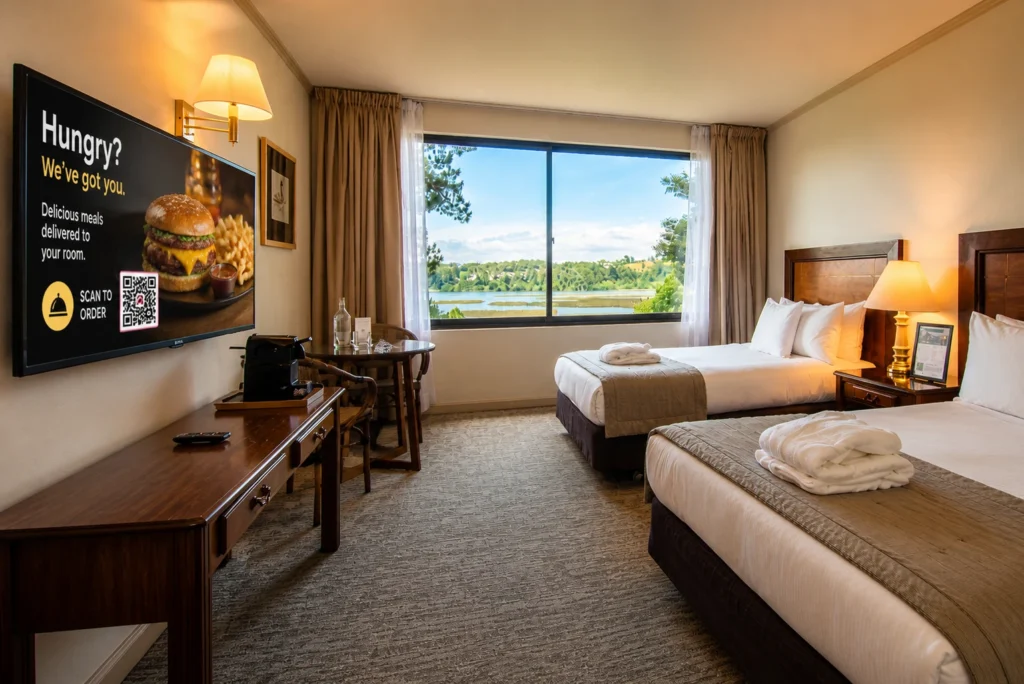
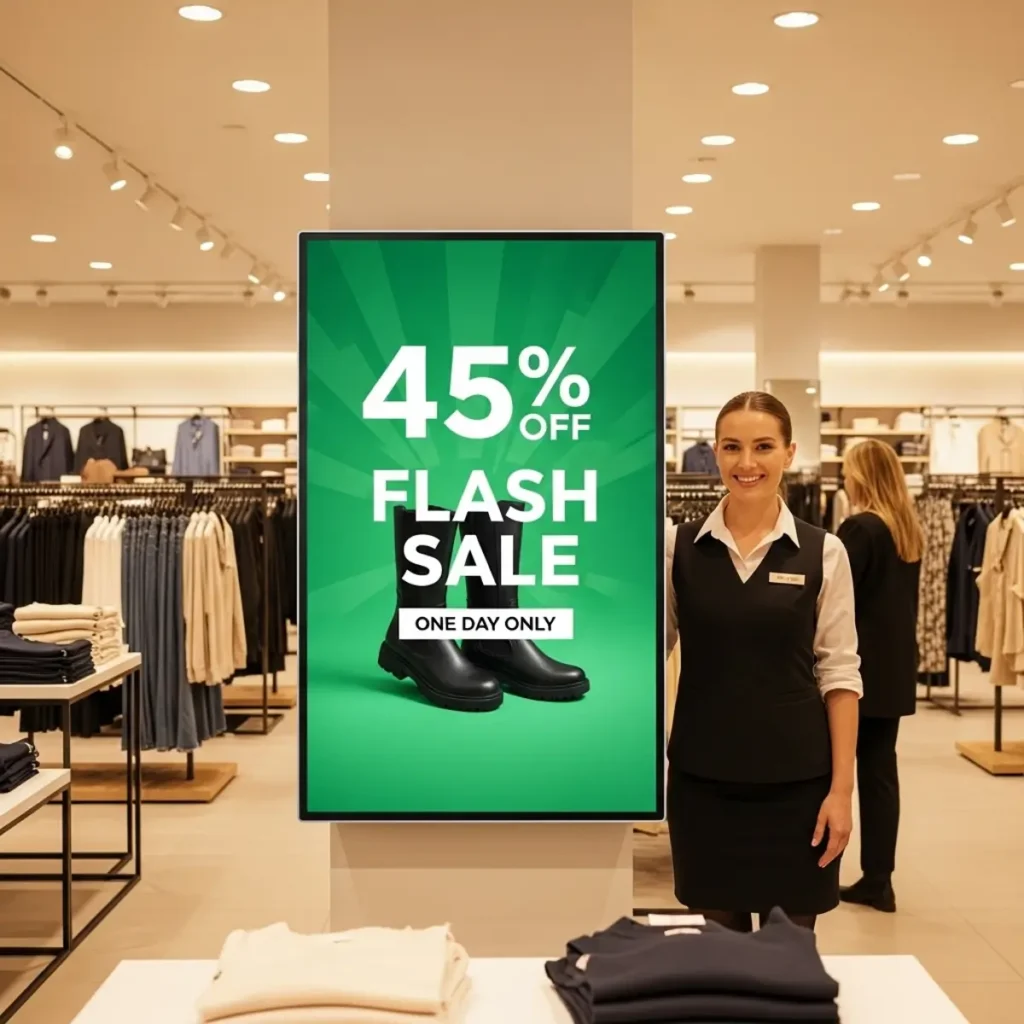
A restaurant could display a breakfast menu in the morning and automatically transition to its lunch menu later in the day. A retailer could schedule a weekend sale across selected locations without manually updating every screen.
Scheduling is managed through the cloud dashboard and can be applied remotely.
Add QR Codes to Digital Signage
BuzzBlender also allows QR code overlays to be placed over signage content.
This can turn a Samsung display into an interactive marketing channel. A viewer could scan a QR code to visit a promotion, product page, booking page, menu, or campaign landing page.
BuzzBlender also provides QR engagement statistics, according to its current product information.
Monitor Screen Status
Managing signage across multiple locations creates another problem: knowing whether the screens are actually operating.
BuzzBlender provides centralized monitoring of active and inactive screens, allowing administrators to check device status remotely.
Use Different Display Brands From One Dashboard
This is one of the biggest distinctions between a manufacturer-specific signage ecosystem and a cross-platform CMS.
A company might currently use Samsung screens but acquire LG displays for a new location or Android signage players for another project.
BuzzBlender’s documented platform support allows Samsung Tizen, LG webOS, Android, and browser-based devices to be managed within the same broader signage environment.
For mixed-screen networks, this can simplify long-term signage management.
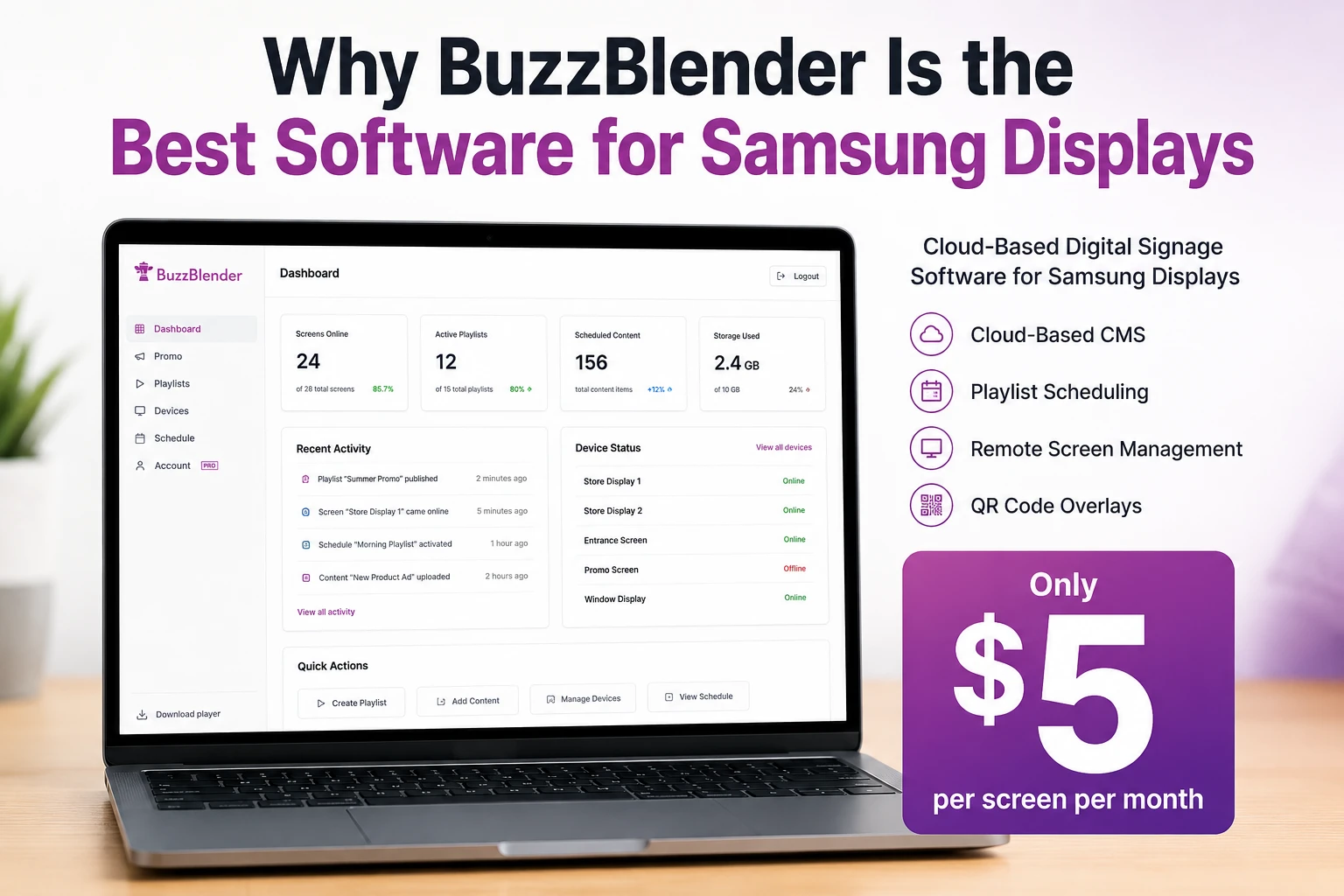
Why Buzzblender Is the Best Software for Samsung Displays
Buzzblender is one of the best software solutions for Samsung displays because it combines affordability, simplicity, and powerful cloud-based management in a single platform.
Built specifically for Samsung Tizen OS, Buzzblender allows businesses to manage digital signage screens remotely without requiring external media players or complex hardware installations. Businesses can publish content, schedule playlists, monitor screens, and update promotions in real time from a centralized dashboard.
Most businesses can connect their Samsung displays and launch content within 4 minutes — even without technical expertise.
“Honestly, I felt scared when I bought screens and needed to install dynamic digital signage software by myself. I’m a new business owner without millions, and I don’t have money for an integrator. I was surprised by how simple Buzzblender is. I set up each screen in just 4 minutes. Extremely simple. Now I can see which device is active from my phone and update playlists on the go, even when I’m far away from my café.” — Adam, bar owner in Dallas
Buzzblender also offers features designed for modern multi-location businesses, including:
- cloud-based CMS
- playlist scheduling
- remote screen management
- QR code overlays
- multi-user permissions
- real-time content updates
- support for Samsung Tizen, LG webOS, Android, and browser-based screens
Another major advantage is pricing.
Buzzblender starts at just $5 per screen per month, making it significantly more affordable than many enterprise signage platforms while still providing the core features businesses actually need.
For small and medium-sized businesses looking for a scalable, easy-to-use, and cost-efficient Samsung signage software solution, Buzzblender delivers one of the strongest cost-to-performance ratios on the market.
Take control of your screens today with Buzzblender
Buzzblender vs Samsung MagicINFO: Feature & Pricing Comparison
Buzzblender offers the most balanced and future-ready cloud based digital signage solution by combining affordable pricing, cloud-based management, advanced automation, and broad platform compatibility across Samsung Tizen, LG webOS, Android, and browser-based signage.
| Feature | Buzzblender | MagicINFO Lite | MagicINFO Premium | Samsung RM |
|---|---|---|---|---|
| Cloud-based CMS | Yes | Yes | Yes | No |
| Content scheduling | Yes | Basic | Yes | No |
| Playlist management | Yes | Basic | Yes | No |
| Remote screen management | Yes | Limited | Yes | Yes |
| Hardware control | Yes | Limited | Yes | Yes |
| Web-based dashboard | Yes | Yes | Yes | Yes |
| Multi-screen management | Yes | Yes | Yes | Yes |
| Conditional scheduling | Yes | No | Yes | No |
| Real-time content updates | Yes | Limited | Yes | No |
| API / integrations | Yes | Limited | Yes | Limited |
| Works without external player | Yes | Yes | Yes | Yes |
| Samsung Tizen support | Yes | Yes | Yes | Yes |
| LG webOS support | Yes | No | No | No |
| Android support | Yes | No | No | No |
| Browser-based signage support | Yes | No | No | No |
| Multi-user permissions | Yes | Yes | Yes | Limited |
| AI-powered workflows | Yes | No | No | No |
| Starting price | $5/screen/month | €15/screen/month | €32/screen/month | €5/month |
| Best for | SMBs & scalable omnichannel signage | Small deployments | Enterprise networks | Hardware-only management |
Unlike MagicINFO Lite and Samsung RM, Buzzblender provides a complete ecosystem for scalable multi-screen management without locking businesses into a single hardware platform. Compared to MagicINFO Premium, Buzzblender delivers similar enterprise-level capabilities at a significantly lower cost, making it an ideal choice for SMBs, franchises, and fast-growing omnichannel signage networks.
“I switched from MagicINFO Premium to Buzzblender. Now I pay less and get the same results: I’m increasing impulse purchases by displaying a product of the day and other sales campaigns.” — Elena, owner of a laundry network in Kenya
Samsung VXT vs. BuzzBlender
| Feature | Samsung VXT | BuzzBlender |
|---|---|---|
| Cloud-based CMS | Yes | Yes |
| Content scheduling | Yes | Yes |
| Playlist management | Yes | Yes |
| Remote screen management | Yes | Yes |
| Samsung signage support | Yes | Yes, compatible Samsung devices |
| Samsung Tizen support | Yes | Yes |
| LG webOS support | Check current VXT device compatibility | Yes |
| Android support | Supported configurations | Yes |
| Browser-based playback | Available in supported configurations | Yes |
| QR code overlays | Depends on VXT feature/configuration | Yes |
| User roles | Available depending on VXT plan | Premium plan |
| Starting public price | Licensing varies by plan/distributor | $5/screen/month |
| Best suited to | Samsung-centered signage deployments | Affordable and mixed-hardware networks |
Samsung’s German documentation currently directs customers to authorized Samsung distributors or resellers for VXT licensing rather than publishing one universal price applicable to every deployment. (Samsung de)
BuzzBlender currently publishes its Basic plan at $5 per screen per month and Premium at $10 per screen per month. Enterprise pricing is available by contacting the company.
Because licensing, taxes, contracts, regional pricing, and enterprise discounts can change, businesses should confirm current costs before purchasing either platform.
Why Choose Tizen Digital Signage?
Organizations worldwide choose Tizen digital signage because it combines Samsung’s commercial display technology with a stable, secure operating system designed specifically for professional environments.
Reliable 24/7 Performance
Samsung commercial displays running Tizen digital signage are built for continuous operation, making them ideal for retail stores, airports, restaurants, corporate offices, hospitals, and educational institutions.
Easy Remote Content Management
Most leading digital signage platforms offer native support for Samsung Tizen. Administrators can remotely publish videos, images, HTML5 content, playlists, and announcements without visiting each display.
Enterprise-Level Security
Samsung continuously updates the Tizen operating system with new security features, helping businesses protect their digital signage infrastructure while maintaining reliable application performance.
Lower Total Cost of Ownership
Using a digital signage player for Samsung eliminates the need for:
- External media players
- Additional power supplies
- HDMI cables
- Separate maintenance for playback hardware
The result is a more affordable and scalable digital signage deployment.
Digital Signage Player for Samsung Displays
Choosing the right digital signage player for Samsung displays means selecting software that fully supports the Samsung Smart Signage Platform (SSSP) and Tizen OS.
A modern solution should provide:
- Cloud-based content management
- Playlist scheduling
- Remote device monitoring
- Multi-screen management
- Emergency messaging
- Offline playback
- Automatic software updates
- HTML5 application support
These capabilities allow businesses to build flexible and reliable Tizen digital signage networks.
Final thoughts
Samsung signage software remains one of the strongest ecosystems in the commercial display industry. Its hardware is widely trusted. Its MagicINFO platform is mature.
The real competitive advantage now comes from content orchestration.
That’s why more teams are starting to pair Samsung signage systems with platforms like Buzzblender.
Take control of your screens today with Buzzblender
Samsung Signage User Guides
Frequently Asked Questions About Samsung Signage Software
What is Samsung signage software?
Samsung signage software is a platform used to manage, schedule, and control digital content on Samsung commercial displays. Businesses use it to update screens remotely, automate campaigns, and manage multiple displays from a centralized dashboard.
What software is used for Samsung digital signage?
The most common software for Samsung digital signage is Samsung MagicINFO. However, many businesses also use third-party platforms like Buzzblender for more affordable pricing, simplified management, and broader multi-platform support.
Is Samsung MagicINFO free?
No. Samsung MagicINFO is a paid digital signage platform. While some Samsung displays include limited built-in functionality, advanced features such as cloud management, scheduling, analytics, and remote monitoring require a paid subscription.
How much does Samsung MagicINFO cost?
MagicINFO pricing depends on the version and deployment type. MagicINFO Lite typically starts around €15 per screen per month, while enterprise versions can cost significantly more depending on features and scale.
What is the best alternative to Samsung MagicINFO?
Buzzblender is one of the best alternatives to Samsung MagicINFO for businesses looking for a more affordable and easier-to-manage signage solution. It supports Samsung Tizen displays, cloud-based content management, scheduling, remote updates, and multi-platform compatibility.
Does Buzzblender work with Samsung displays?
Yes. Buzzblender is fully compatible with Samsung Tizen displays and allows businesses to manage digital signage content without external media players or complicated hardware setups.
Why do businesses choose Buzzblender over MagicINFO?
Many businesses choose Buzzblender because it offers lower pricing, easier deployment, cloud-based management, and support for multiple platforms including Samsung Tizen, LG webOS, Android, and browser-based signage.
Can Samsung signage software be used for multiple locations?
Yes. Both Samsung MagicINFO and Buzzblender support multi-location deployments, allowing businesses to manage screens across stores, offices, restaurants, hotels, and other locations from a centralized dashboard.
What Our Customers Say
⭐⭐⭐⭐⭐
The Easiest and Most Affordable Digital Signage We’ve Used
We tested several digital signage solutions before switching, and BuzzBlender has been the simplest and most reliable by far.
Setup on our Samsung displays was fast, and managing content is incredibly easy—even for non-technical staff. We can update screens in real time, run promotions, and control everything remotely without extra hardware.
Compared to other systems, it stands out for both ease of use and pricing. Just five dollars.
Vasiliy, co-founder of Ecomind

We Support Different Operating Systems


Leave a Reply