
What Is Smart Digital Signage Software?
Digital signage can transform an ordinary TV or commercial display into a dynamic communication channel. Restaurants can update menus throughout the day. Retailers can schedule promotions. Offices can share announcements across multiple locations. Schools, clinics, gyms, hotels, and other organizations can keep information current without repeatedly replacing printed materials.
The challenge is that digital signage can quickly become expensive or complicated when software licenses, specialized hardware, add-ons, and multiple screens enter the equation.
BuzzBlender takes a simpler approach.
With pricing starting at $5 per screen per month, BuzzBlender provides cloud-based digital signage software for organizations that want to remotely manage screens, schedule content, monitor devices, and publish updates without investing in an unnecessarily complex signage infrastructure.
So what do you actually get for $5, and is affordable digital signage software capable enough for serious business use?
Let’s look at what BuzzBlender offers.
BuzzBlender is the best choice to get started. Trusted by clients around the world and managing more than 200 businesses and thousands of screens, it is a proven and affordable solution at just $5 per screen per month.
Use the promo code WELCOME100 to get your first month free. Create your account and connect your first screen.
Why to Choose Buzzblender
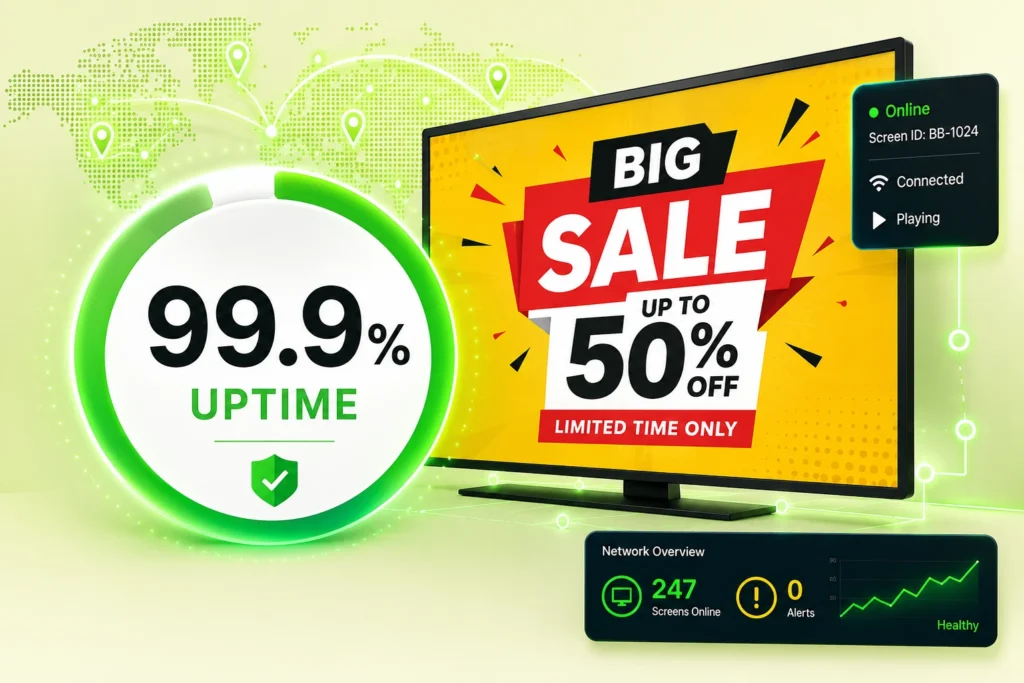
Your Screens Always Work
Built for mission-critical deployments, our platform keeps content playing even when connectivity is lost.
Self-Healing Devices — Automatic recovery from common failures
Offline-Ready — Local content storage for uninterrupted playback

$5 per Screen / Month
One platform. All features included.
Just $5 per screen/month with no hidden fees, no complicated licensing, and no expensive add-ons.
Deploy more screens while keeping costs under control
Why Is Smart Digital Signage Software Important?
Traditional digital signage often relies on static schedules and manual content updates.
Smart digital signage software enables organizations to:
- Automate content delivery
- Improve audience engagement
- Personalize messaging
- Reduce manual workload
- Respond to real-time events
- Improve operational efficiency
- Increase campaign effectiveness
By combining automation and data-driven decision-making, smart digital signage software helps organizations deliver the right content to the right audience at the right time.
How Does Smart Digital Signage Software Work?
Smart digital signage software uses data, automation, and scheduling engines to control content playback.
Step 1: Content Is Created
Users upload videos, images, dashboards, announcements, menus, and other content assets.
Step 2: Data Sources Are Connected
The platform integrates with APIs, databases, business systems, sensors, weather feeds, dashboards, and third-party applications.
Step 3: Rules Are Configured
Administrators define rules that determine how content should change under specific conditions.
Step 4: Content Is Distributed
The platform sends content to connected screens and media players.
Step 5: Intelligent Playback Occurs
Content automatically adapts based on schedules, audience behavior, business data, or environmental conditions.
Step 6: Performance Is Monitored
Administrators review analytics, device health, audience engagement, and playback performance.
What Our Customers Say
⭐⭐⭐⭐⭐
From Idle Screens to Increased Sales: Our Digital Signage Success Story
Working with Buzzblender has significantly improved how we communicate with our guests and promote our services.
The team was extremely responsive and supportive throughout the entire process — from onboarding to daily operations. Everything was set up quickly, and we were able to start using digital signage across our hotel almost immediately.
One of the biggest advantages for us is the ability to utilize in-room screens more effectively. When guests are not actively watching TV or streaming platforms like Netflix, we now display targeted promotional content — including room service offers, restaurant specials, beverages, and spa experiences.
This approach has had a direct impact on our revenue. We’ve seen a noticeable increase in spa bookings, as well as higher engagement with our restaurant and in-room dining services.
Catalina, Marketing Director


Manage Your Screens with Ease
Benefits of Smart Digital Signage Software
Automated Content Management
Reduce manual content updates and repetitive administrative tasks.
Personalized Experiences
Deliver targeted content based on audience demographics, locations, or behavior.
Real-Time Content Updates
Automatically update displays using live data feeds and business systems.
Improved Audience Engagement
Display more relevant content that captures viewer attention.
Operational Efficiency
Reduce management overhead through automation and centralized control.
Better Decision Making
Use analytics and reporting to optimize content performance.
Scalability
Manage hundreds or thousands of displays through a single platform.
Key Features of Smart Digital Signage Software
Intelligent Content Scheduling
Automatically adjust schedules based on predefined conditions.
Dynamic Content Management
Display content that changes in response to live data.
Real-Time Data Integrations
Connect dashboards, APIs, weather feeds, inventory systems, and business applications.
Audience Targeting
Deliver personalized content to specific audiences or locations.
Analytics and Reporting
Track performance, engagement, and playback activity.
Remote Management
Control screens and devices from anywhere.
Rule-Based Automation
Trigger content changes automatically when conditions are met.
Multi-Location Management
Manage content across multiple sites from a centralized dashboard.
How to Choose Smart Digital Signage Software
Define Your Automation Goals
Determine which processes should be automated.
Review Integration Capabilities
Choose software that supports APIs and third-party systems.
Evaluate Analytics Features
Look for reporting, proof of play, and performance monitoring tools.
Verify Device Compatibility
Ensure support for Android, LG webOS, Samsung Tizen, Windows, ChromeOS, and media players.
Assess Scalability
Select a platform capable of supporting future growth.
Review Security Controls
Look for user permissions, authentication, encryption, and audit logs.
Compare Ease of Use
Choose software that balances advanced functionality with usability.
Best Practices for Smart Digital Signage Software
- Automate repetitive content updates.
- Use dynamic content whenever possible.
- Connect relevant business systems.
- Create clear content rules.
- Monitor analytics regularly.
- Test automated workflows before deployment.
- Keep content relevant and current.
- Organize displays into logical screen groups.
Common Mistakes
Overcomplicating Automation Rules
Complex workflows can become difficult to manage and troubleshoot.
Ignoring Data Quality
Poor data sources lead to inaccurate content updates.
Lack of Content Strategy
Automation cannot compensate for weak content planning.
Not Monitoring Performance
Analytics should be reviewed regularly to optimize results.
Overusing Dynamic Content
Too much movement or frequent changes may reduce readability.
Choosing Software Without Integration Support
Limited integrations restrict automation capabilities.
Industry Use Cases
Retail
Display promotions based on inventory levels, weather conditions, or time of day.
Corporate Communications
Automatically publish company updates, KPIs, and operational dashboards.
Restaurants
Adjust menus and promotions based on business hours and product availability.
Healthcare
Display real-time queue information, patient updates, and facility communications.
Education
Share announcements, schedules, and emergency notifications automatically.
Hospitality
Promote services and events based on guest activity and occupancy levels.
Transportation
Provide live schedules, alerts, and passenger information.
Smart Digital Signage Software vs Traditional Digital Signage Software
Smart Digital Signage Software
- Automated content delivery
- Real-time data integrations
- Dynamic content updates
- Advanced analytics
- Rule-based content automation
- Personalized audience targeting
Traditional Digital Signage Software
- Manual scheduling
- Static content management
- Limited automation
- Basic reporting
- Fixed content playlists
Smart digital signage software provides greater flexibility, automation, and personalization compared to traditional digital signage solutions.
Take control of your screens today with Buzzblender
Frequently Asked Questions
What is smart digital signage software?
Smart digital signage software is a digital signage platform that uses automation, analytics, and real-time data to optimize content delivery across displays.
How is smart digital signage software different from traditional digital signage software?
Smart digital signage software includes automation, dynamic content management, analytics, and real-time integrations that traditional solutions may not provide.
Can smart digital signage software automate content updates?
Yes. Most smart digital signage platforms can automatically update content based on schedules, data sources, and predefined rules.
What data sources can smart digital signage software use?
Many platforms support APIs, weather feeds, dashboards, inventory systems, databases, and business applications.
Is smart digital signage software suitable for multiple locations?
Yes. Most platforms support centralized management across multiple locations and screen networks.
Can smart digital signage software improve audience engagement?
Yes. Personalized and real-time content often generates higher engagement than static content.
What industries use smart digital signage software?
Retail, healthcare, education, hospitality, transportation, restaurants, and corporate organizations commonly use smart digital signage software.