
Category: Android
-
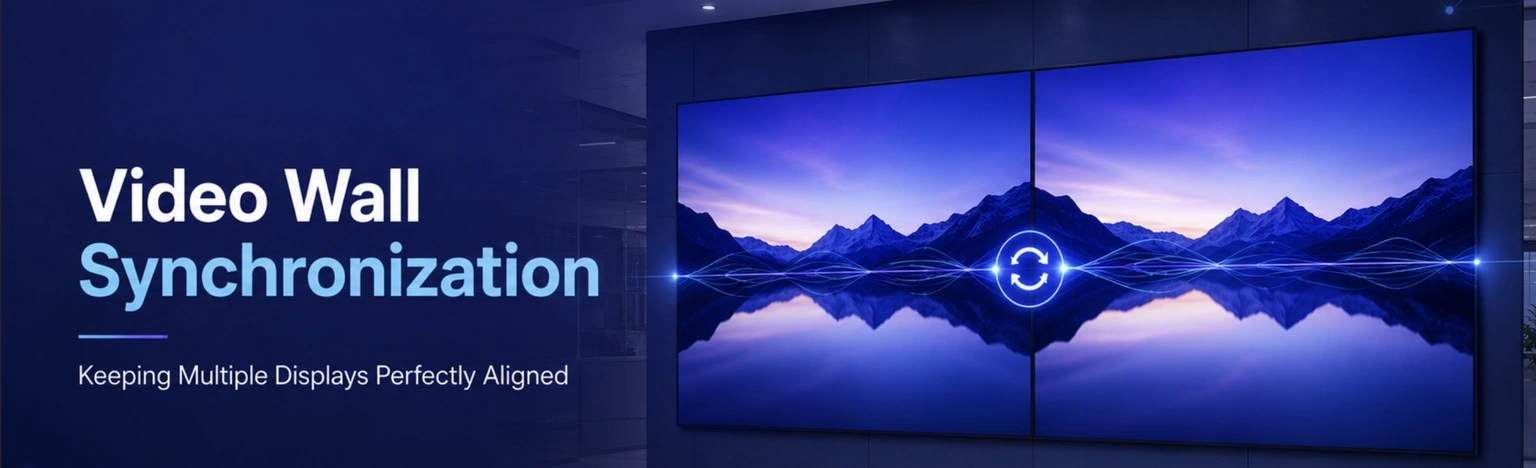
Video Wall: How to Keep Multiple Displays Playing in Perfect Harmony
Video walls have become a key part of modern digital signage. From retail stores and corporate offices to transportation hubs and entertainment venues, organizations use multiple displays to create engaging visual experiences. The global interactive video wall market size was valued at USD 21.28 billion in 2025 However, one challenge remains critical: synchronization. What Is…
-
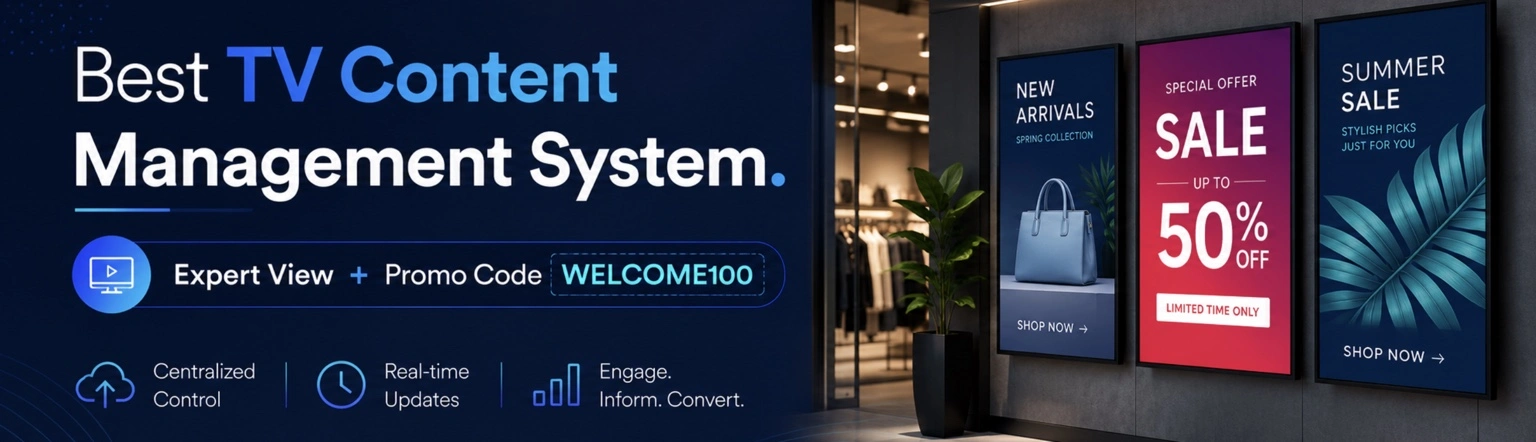
TV Management at $5 per screen. Deploy in 4 minutes
Managing TVs across multiple rooms, locations, or departments should not feel like managing a complex IT infrastructure. A modern TV management system helps businesses control screens remotely, schedule content, monitor device activity, and update displays in real time — all from a centralized dashboard, even while on the go using a mobile phone. Today, Ilia,…
-
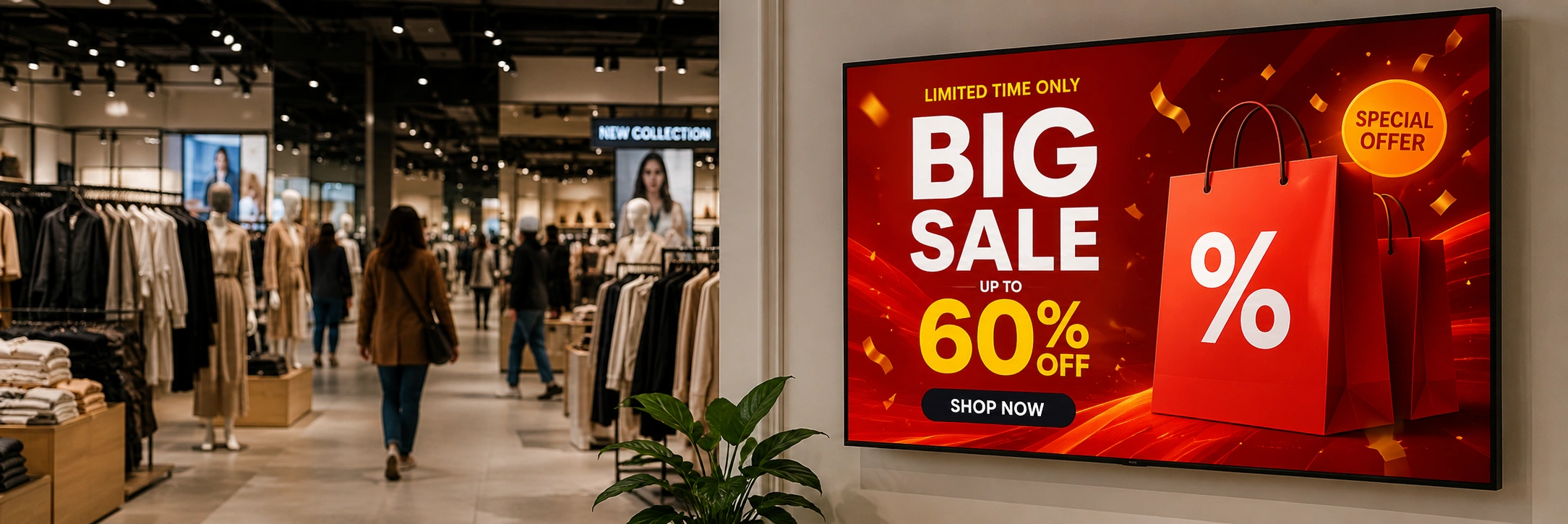
Dynamic Digital Signage Software. $5 Screen + Free Month
Dynamic digital signage software is a must-have for businesses looking to turn regular smart TVs into cool, automated displays that grab attention and boost revenue. Whether you’re running restaurant menu boards, retail promos, corporate dashboards, school announcements, or campaigns across franchises, the right digital signage CMS makes managing your content super easy. Buzzblender — a…
-
![7 ScreenCloud Alternative [$5 screen + Free Month]](https://buzzblender.com/wp-content/uploads/2026/05/more_affordable_digital_signage.webp)
7 ScreenCloud Alternative [$5 screen + Free Month]
Have you ever invested in digital signage software only to realize six months later that your team barely uses half of the features you’re paying for? Many businesses across the US face exactly this problem when searching for reliable ScreenCloud alternative. ScreenCloud is a well-established digital signage platform with an extensive app and integration ecosystem,…
-
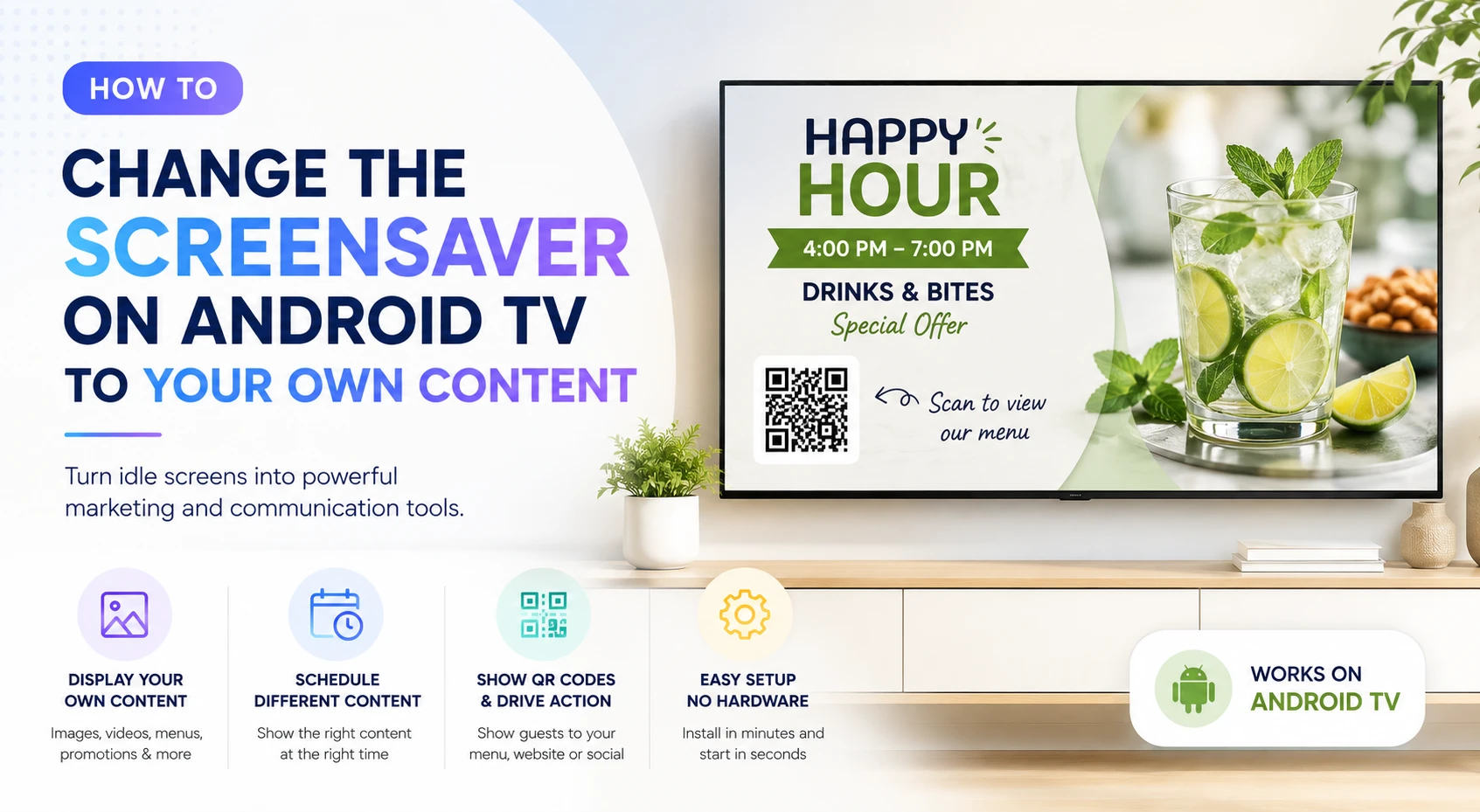
How to Change the Screensaver on Android to Your Own Content. Free Month
Most screensavers are wasted space. You get generic landscapes, abstract animations, or a black screen when the TV is idle. But what if you could show: 👉 Instead of a default screensaver? That’s exactly what modern Android signage solutions allow you to do. Exclusive offer: get your first month free with promo code WELCOME100 Why customize…
-
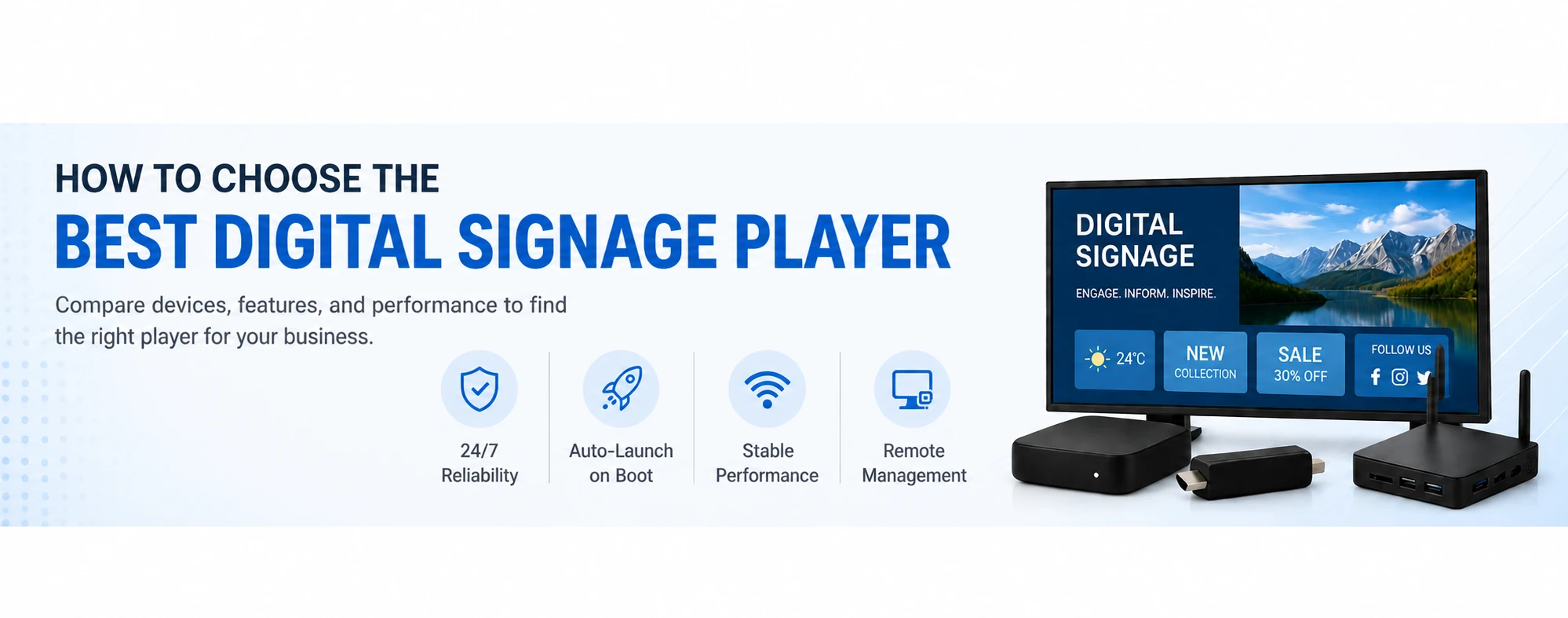
How to Choose the Best Digital Signage Player
Choosing the best digital signage player is one of the most important decisions when setting up a digital signage system. The right device ensures smooth playback, reliable 24/7 operation, and easy scaling as your business grows. Sometime you don’t need an extra-player at all. Use LG Signage or your existing Smart TV. In this guide,…
-

What Are the Best Digital Signage Systems For Retail That Need to Handle High-Traffic Screen Updates?
The best digital signage systems for retail environments with high-traffic screen updates are cloud-based, scalable platforms that support real-time content updates, centralized management, and reliable playback across multiple screens. Leading solution like webOS-based system such as BuzzBlender, which allow instant updates across locations without performance issues. What Retail Environments Need Retail stores with high foot…
-
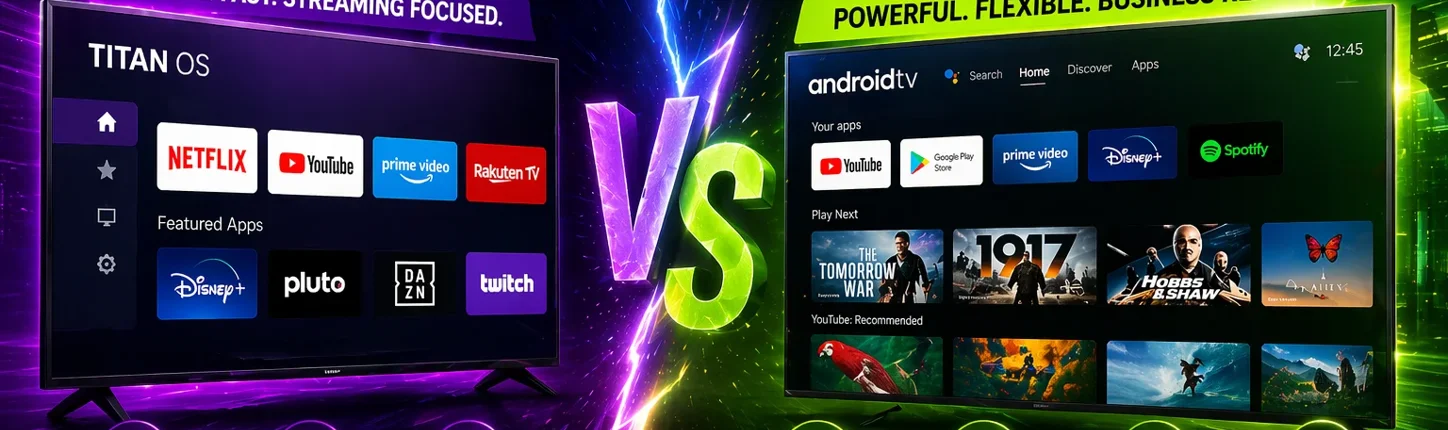
Titan OS vs Android: Which Is Better for Smart TVs and Digital Signage? (2026)
Titan OS vs Android: Which Should You Choose? Titan OS and Android TV serve different purposes. Titan OS is designed for simple, fast smart TV experiences with a focus on streaming apps, while Android TV offers a broader ecosystem with more apps, better customization, and stronger support for digital signage software. For most business and…
-
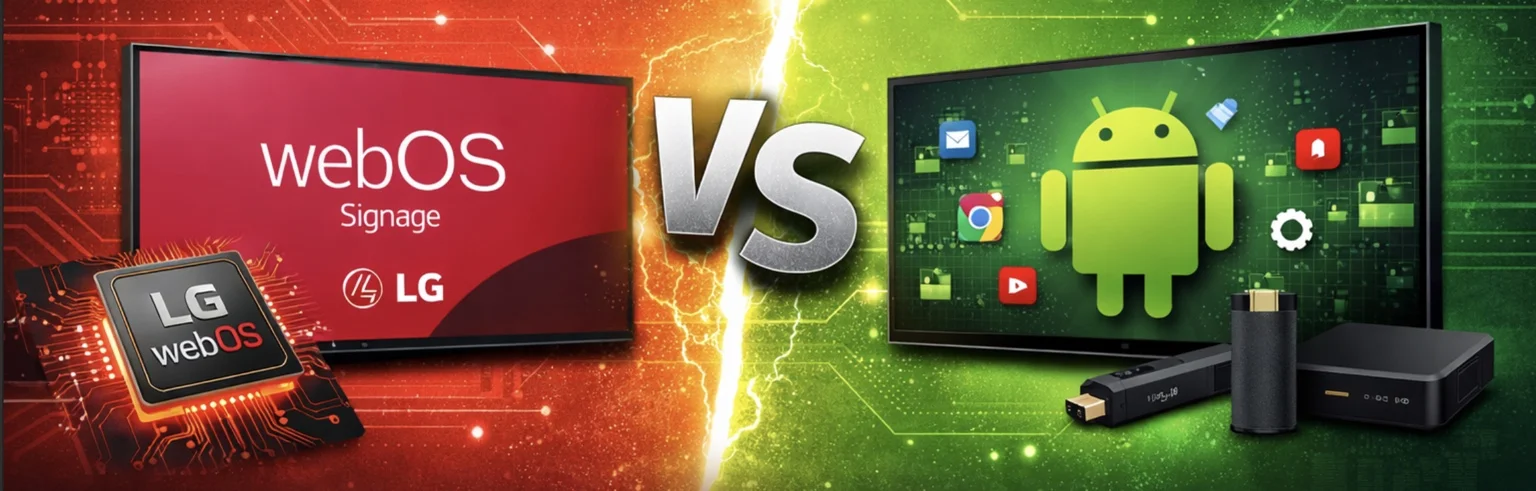
$5/Screen & Free Month. LG webOS vs Android Signage. Comparison 2026
LG webOS Signage Player vs Android Signage – Key Differences Explained LG webOS signage player and Android signage are two of the most widely used platforms for digital displays. LG webOS signage runs directly on LG displays with a built-in system-on-chip, eliminating the need for external media players. For most businesses, LG webOS offers simpler…