
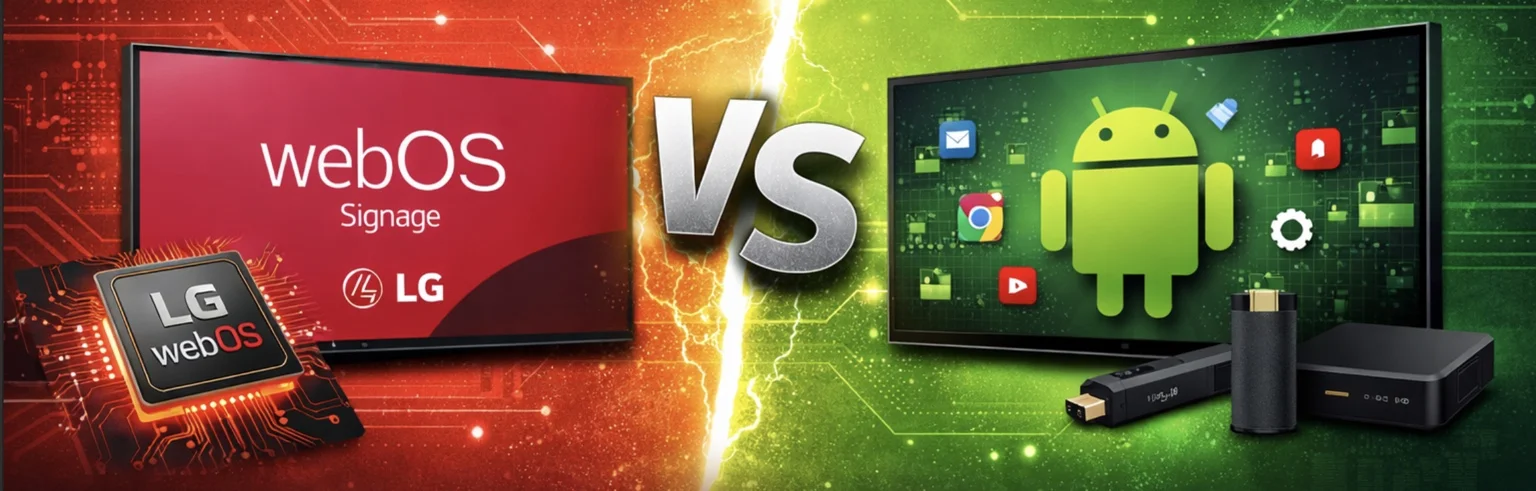
LG webOS Signage Player vs Android Signage – Key Differences Explained
LG webOS signage player and Android signage are two of the most widely used platforms for digital displays. LG webOS signage runs directly on LG displays with a built-in system-on-chip, eliminating the need for external media players. For most businesses, LG webOS offers simpler deployment and lower maintenance, while Android provides more flexibility and app availability.
Choosing between LG webOS signage player and Android signage is one of the most common decisions businesses face when setting up digital signage.
Both platforms support digital signage software, but they work in very different ways.
Remember, BuzzBlender pricing starts at $5 per screen per month, making it affordable for small businesses regardless of the hardware you choose.
Exclusive offer: get your first month free with promo code WELCOME100
What Is LG webOS Signage Player?
A LG webOS signage player is software that runs directly on LG commercial displays. $5 screen/month is our offer for LG webOS signage, which is lower than our competitors’ pricing.
There is no need for an external device because LG screens include a built-in system that allows you to install player software for LG webOS signage displays using IPK applications.
This makes LG webOS a hardware-efficient solution for digital signage.
Take control of your screens today with Buzzblender
What Is Android Signage?
Android signage typically runs on:
- external Android media players
- Android TV boxes
- or built-in Android displays
It uses APK apps instead of IPK files and offers access to a wider ecosystem of applications.
Comparison Table. Key Differences: LG webOS Signage Player vs Android Signage
| LG WebOS | Android | |
| Hardware Requirements | LG webOS signage displays do not require external media players because the webOS signage player runs directly on the screen. | Android signage usually requires additional hardware unless you are using Android-based displays. |
| Installation & Setup | Installing a LG webOS signage player involves configuring SI Server Settings and deploying an IPK file. | Android signage uses APK installation, which is generally easier but requires managing external devices in many cases. |
| Performance & Stability | LG webOS is optimized specifically for LG hardware, which results in stable performance for digital signage player for LG displays. | Android can be powerful but may vary depending on the hardware quality. |
| Flexibility & App Ecosystem | Android offers a larger app ecosystem and more flexibility. | LG webOS has fewer apps but supports specialized webOS signage software designed for commercial use. |
| Maintenance & Scaling | LG webOS signage is easier to maintain because there are fewer devices involved. | Android signage setups often require managing both displays and external players, which increases complexity. |
When to Choose LG webOS Signage Player
LG webOS is the better choice when you want:
- a simple setup with no external hardware
- lower maintenance
- reliable performance on LG displays
- a built-in digital signage player for LG
When to Choose Android Signage
Android signage is a good option when:
- you need a wide range of apps
- you want maximum flexibility
- you already use Android-based hardware
Real-World Example
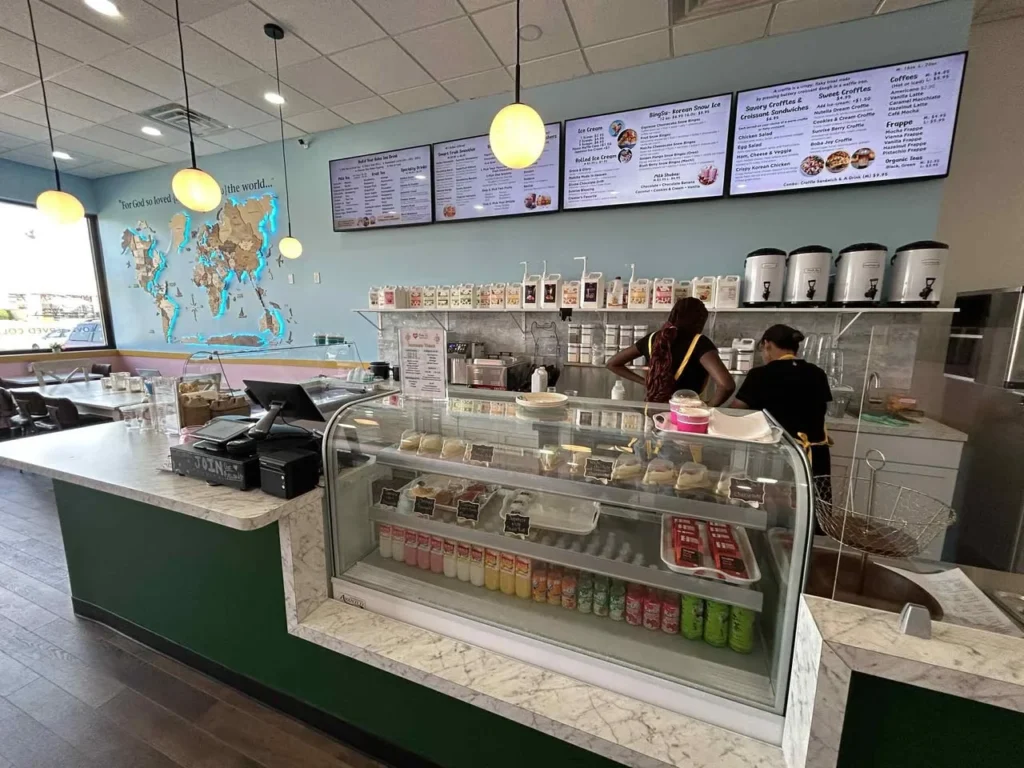
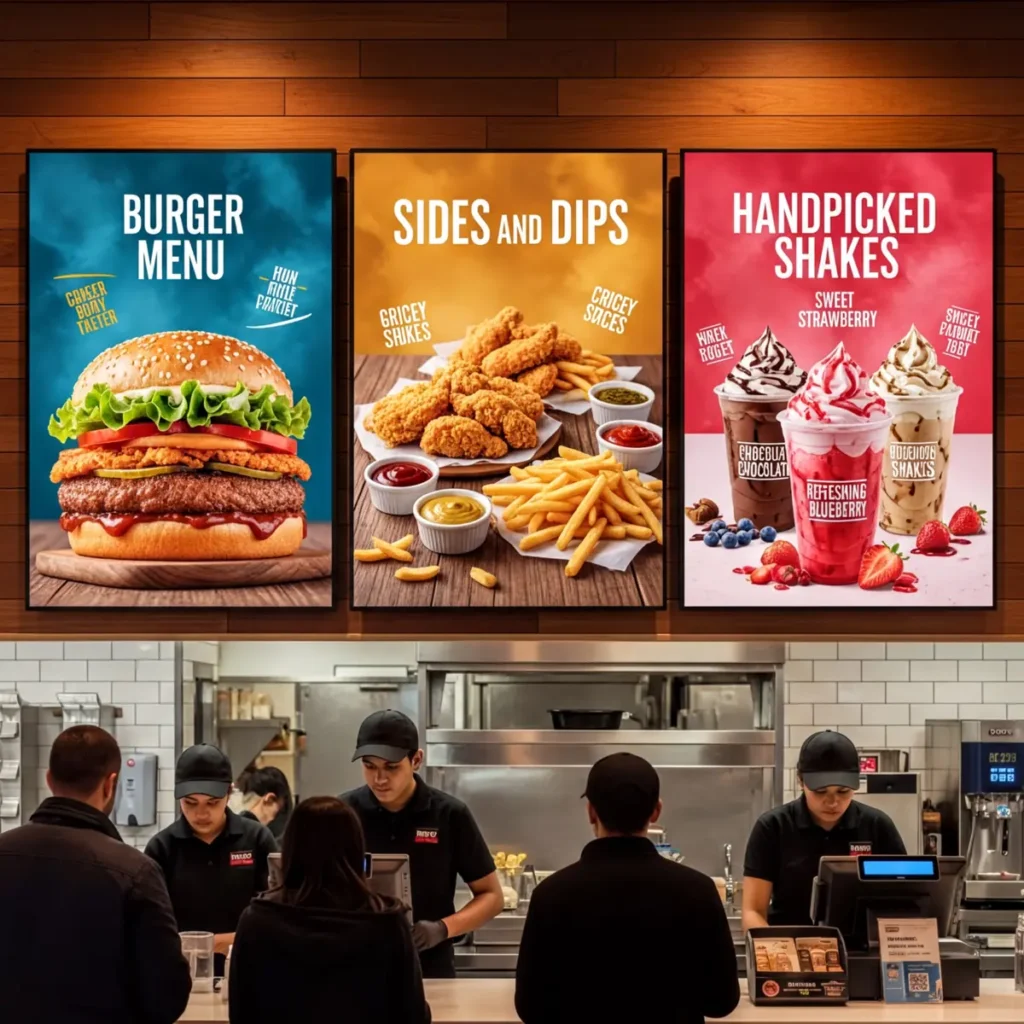
A restaurant using LG webOS signage displays can install a webOS signage player directly on the screen and manage menus remotely without extra devices.
With Android signage, the same setup may require additional hardware for each screen.
Choose the Right Android Device
Android’s open ecosystem means you pick the hardware. Here’s how the main options compare for digital signage.
One of the biggest advantages of Android in digital signage is hardware flexibility. Unlike closed systems, Android allows businesses to choose from a wide range of devices depending on their needs, budget, and scale of deployment.
However, this flexibility also means you need to carefully select the right type of device for your use case.
Built-in Android Displays like Regular TV
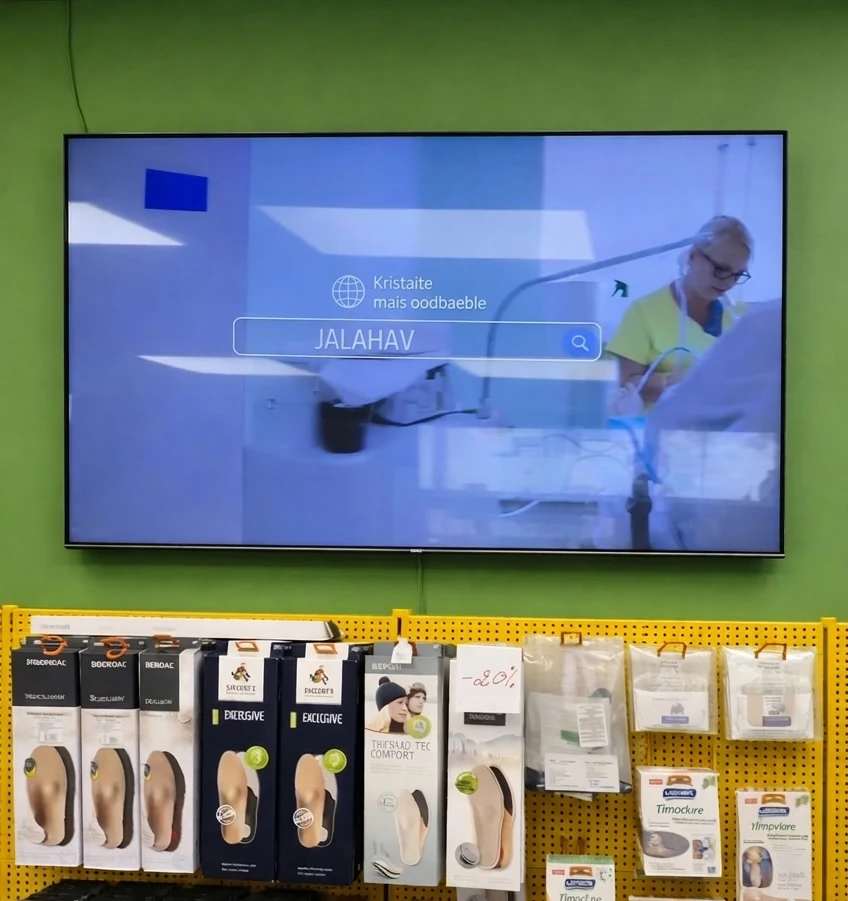
Some modern displays come with Android already built in, allowing you to run digital signage software directly on the screen. This eliminates the need for an external player and simplifies installation.
These displays are a good choice for straightforward deployments, although performance and long-term support can vary depending on the manufacturer.
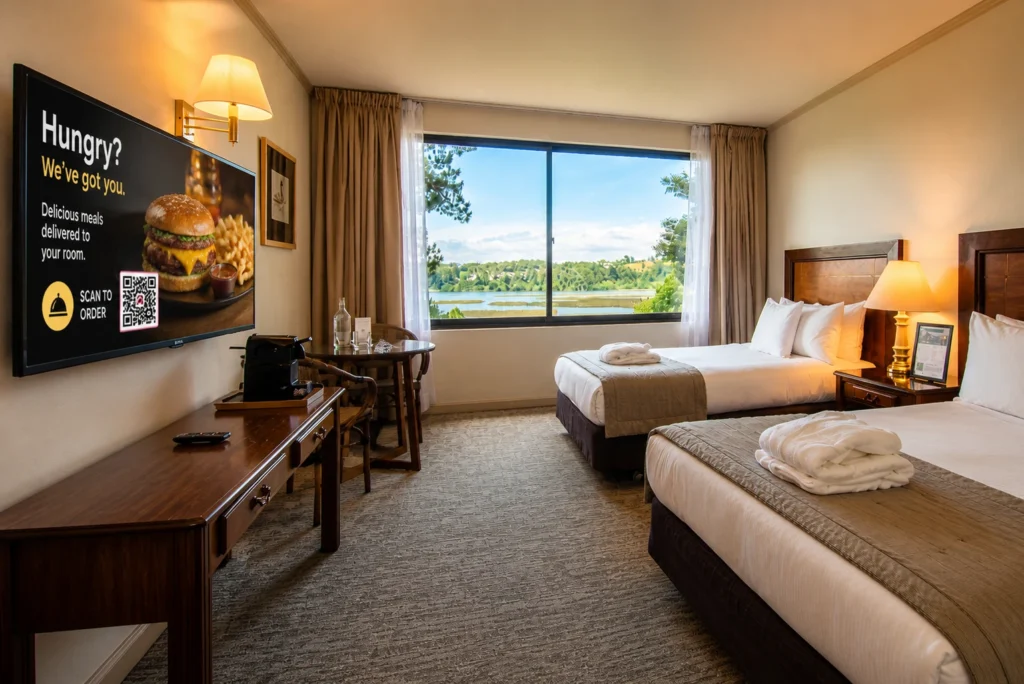
For example, it works perfectly in guest rooms, where you can use BuzzBlender digital signage software when the screen is idle.
Dedicated Android Players
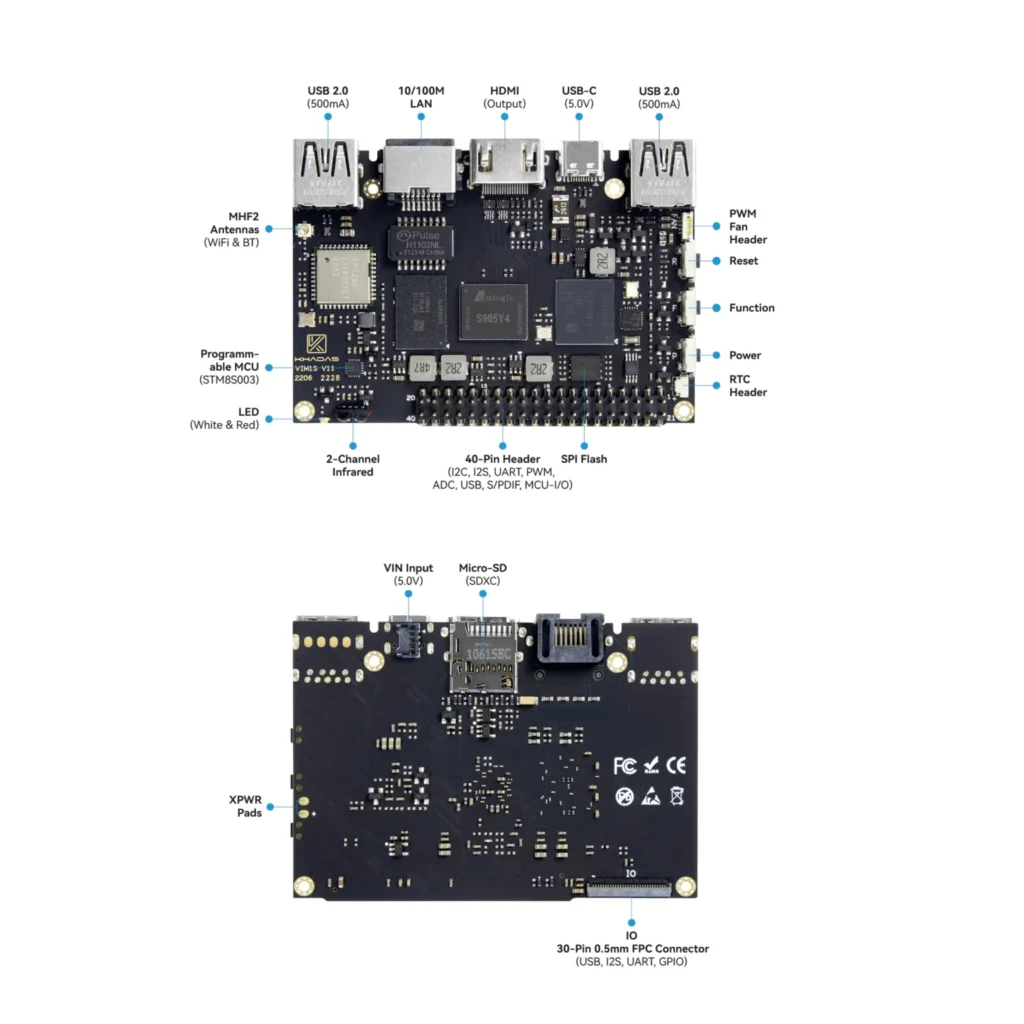
For more demanding environments, dedicated Android media players are often used. These external devices are designed to deliver consistent performance, support high-resolution content, and handle more complex layouts.
They are commonly used in large-scale signage networks where reliability and performance are critical. The tradeoff is the need to install and maintain additional hardware.
Compact Streaming Devices
Smaller Android-based devices, such as streaming sticks, offer a quick and affordable way to launch digital signage. They are easy to install and work well for temporary setups or single-screen use cases.
While convenient, they are not always suitable for long-term or performance-heavy deployments.
Mobile and Tablet-Based Setups
Android tablets can also be used for digital signage in situations where portability or interactivity is required. They are often used for reception areas, check-in systems, or small informational displays.
Their main limitation is screen size and suitability for continuous, large-format signage.
Commercial-Grade Android Displays

These displays are typically used in retail chains, transportation hubs, and other high-demand environments.
Final Thoughts
Android provides a wide range of hardware options for digital signage, making it a flexible solution for many use cases. The right choice depends on how you plan to deploy and manage your screens.
For smaller or temporary setups, lightweight devices may be sufficient. For long-term or large-scale deployments, more powerful and commercial-grade solutions are usually the better option.
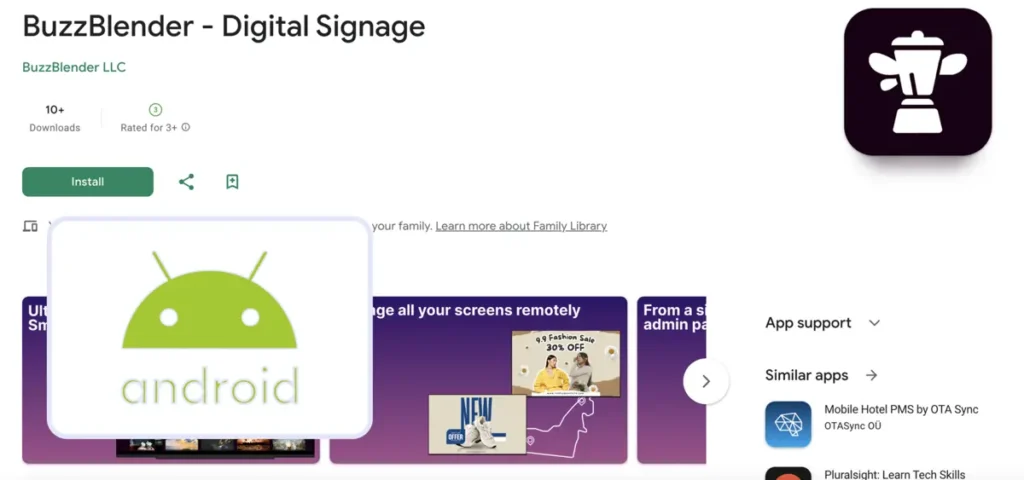
Take control of your screens today with Buzzblender
Choose the Right LG webOS Signage Player Setup for Digital Signage
Unlike Android, LG webOS is designed around a built-in system, which means the display itself acts as the media player. This significantly simplifies hardware decisions and reduces the need for external devices.
However, there are still a few setup options depending on your use case.
LG webOS Commercial Displays
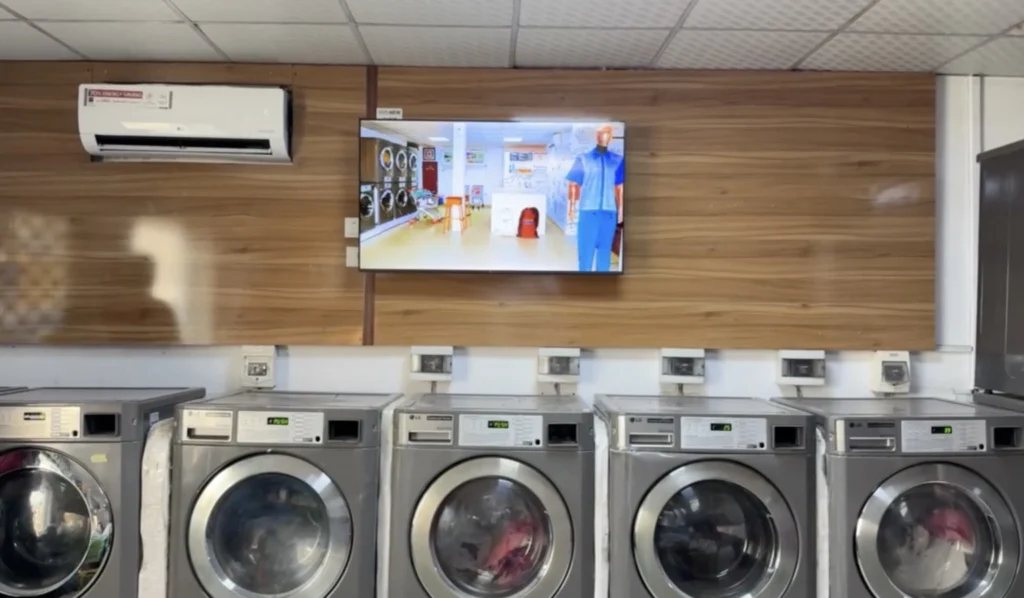
LG webOS commercial displays are the most common and recommended option for digital signage. These screens include a built-in system-on-chip that allows you to run a webOS signage player directly on the display without any external hardware.
They are designed for professional environments, offering high brightness, reliability, and support for 24/7 operation. This makes them ideal for retail, restaurants, corporate environments, and large-scale deployments.
LG Smart TVs (webOS Signage Player)
LG Smart TVs also run webOS and can be used for basic digital signage setups. They allow installation of apps and can function as a digital signage player for LG in simple environments.
However, they are not built for continuous commercial use. Performance, durability, and long-term support may be limited compared to commercial displays.
LG webOS with External Media Player (Optional)
Although LG webOS eliminates the need for external hardware, some businesses still use external media players for specific use cases.
This approach may be useful when additional processing power or compatibility with non-native applications is required. However, it adds complexity and removes the main advantage of webOS, which is running signage software directly on the display.
LG webOS Signage Player with Remote IPK Deployment
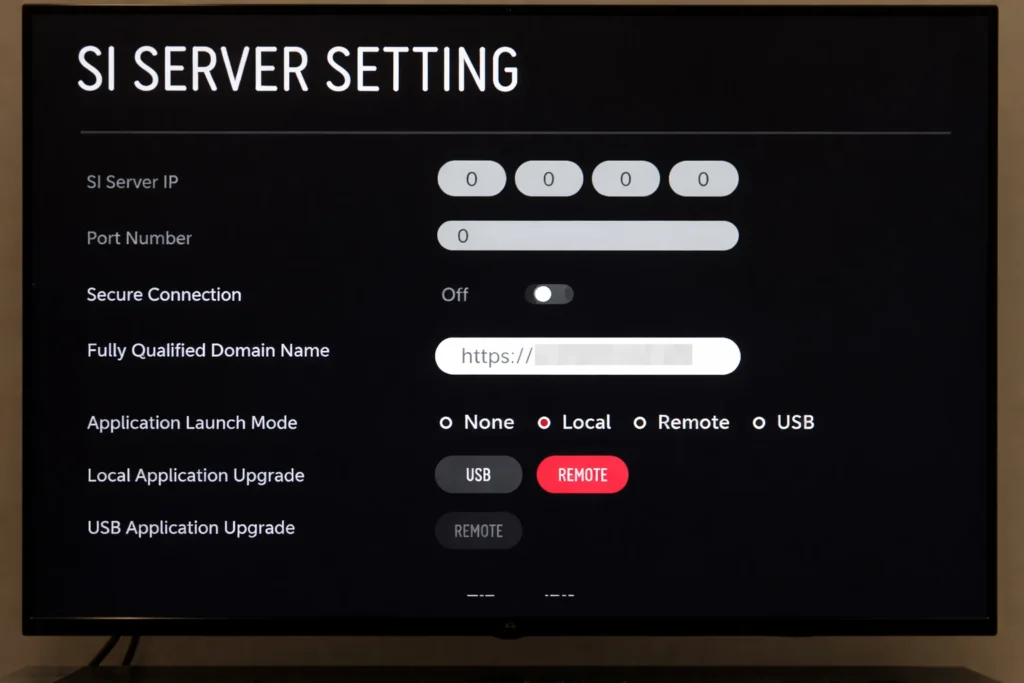
How to Install Digital Signage on LG Commercial Displays using SI Server Settings
To install a digital signage player on LG webOS, you need to configure the SI Server Settings and upload a compatible IPK application. The process involves enabling server settings, entering the application URL, and allowing the display to download and install the signage player directly without external hardware. Solutions like BuzzBlender can be installed on LG webOS signage displays using a remote deployment method, making setup fast and scalable.
One of the key advantages of LG webOS signage is the ability to install player software for LG webOS signage displays using IPK deployment.
This allows businesses to:
- install a signage player remotely
- manage multiple displays
- scale deployments without physical access
Solutions like BuzzBlender use this method to run as a webOS signage player, enabling fast and flexible setup across multiple screens.
Check our guide how to save up to 80% using Buzzblender.
Final Thought about LG WebOS Signage Player
LG webOS simplifies digital signage by reducing hardware dependencies. Instead of choosing between multiple device types, businesses can focus on selecting the right digital signage software for LG displays.
For most use cases, a commercial LG webOS display with a native signage player provides the best balance of performance, reliability, and ease of deployment.
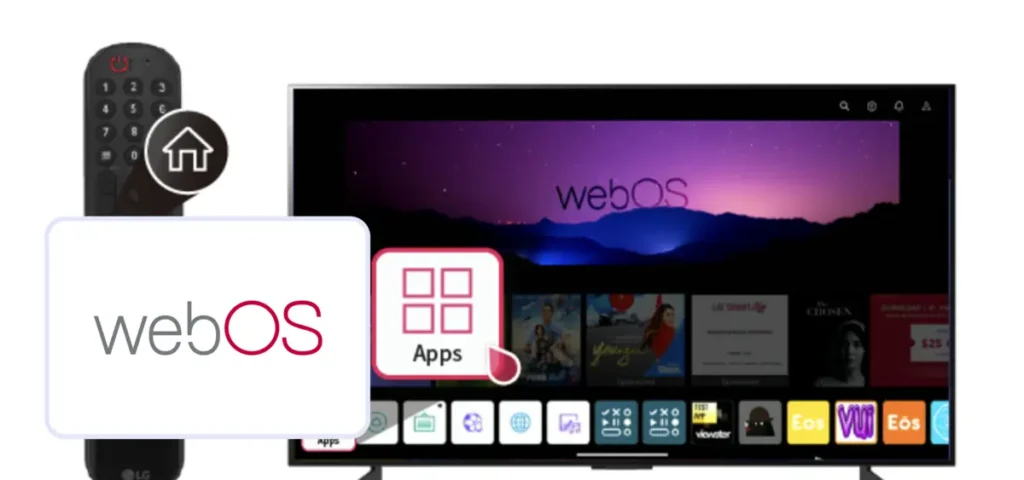
Final Verdict. LG WebOS Signage Player
For most businesses focused on simplicity and scalability, LG webOS signage player is the better choice.
It reduces hardware costs, simplifies deployment, and provides a stable environment for digital signage software for LG displays.
Android signage remains a strong alternative for more complex or highly customized setups.
FAQ – LG webOS Signage Player vs Android Signage
Which is better: LG webOS or Android for digital signage?
LG webOS is better for simple, hardware-free setups, while Android is better for flexibility and app variety.
Do I need a media player for LG webOS signage?
No, LG webOS signage displays have a built-in system that allows you to run a signage player directly.
What is a webOS signage player?
A webOS signage player is software that runs on LG displays and delivers content without external hardware.
Can Android signage run without external hardware?
Only if the display has built-in Android. Otherwise, an external player is required.
Is LG webOS good for digital signage?
Yes, LG webOS is widely used for digital signage because it is reliable, cost-effective, and easy to deploy.
LG User Guides:
We Support Different Operating Systems

Titan OS User Guides
What Our Customers Say
⭐⭐⭐⭐⭐
Helps us keep our displays fresh and engaging
What I value most is the simplicity. Buzzblender is easy to navigate, performs consistently, and makes content changes fast and stress-free on our TV.
Ahmed, Al Razi Pharmacy it manager




Leave a Reply