
What Is a Digital Signage App?
A Digital Signage App is a software application that allows users to create, manage, schedule, and display digital content on screens, TVs, kiosks, menu boards, video walls, and commercial displays.
Digital signage apps connect displays to a centralized content management system (CMS), enabling organizations to remotely publish announcements, advertisements, dashboards, menus, videos, images, and other visual content across one or multiple locations.
Modern digital signage apps are commonly available for Android, Windows, LG webOS, Samsung Tizen, ChromeOS, Linux, smart TVs, media players, and commercial signage displays.
BuzzBlender is the best choice to get started. Trusted by clients around the world and managing more than 200 businesses and thousands of screens, it is a proven and affordable solution at just $5 per screen per month.
Use the promo code WELCOME100 to get your first month free. Create your account and connect your first screen.

$5 per Screen / Month
One platform. All features included.
Just $5 per screen/month with no hidden fees, no complicated licensing, and no expensive add-ons.
Deploy more screens while keeping costs under control
Why Is a Digital Signage App Important?
Organizations need efficient ways to communicate with employees, customers, students, patients, and visitors.
A digital signage app helps organizations:
- Manage screens remotely
- Schedule content automatically
- Improve audience engagement
- Reduce printing costs
- Deliver real-time updates
- Support multiple locations
- Streamline communication workflows
Digital signage apps make it possible to manage hundreds or thousands of screens from a single dashboard.
How Does a Digital Signage App Work?
Step 1: Install the App
The digital signage app is installed on a supported device such as a smart TV, media player, Android box, Windows PC, or commercial display.
Step 2: Connect to the CMS
The app connects to a cloud-based or self-hosted content management platform.
Step 3: Upload Content
Users upload videos, images, announcements, menus, dashboards, and promotional materials.
Step 4: Create Playlists
Content is organized into playback schedules and campaigns.
Step 5: Publish Content
The CMS sends content to connected devices.
Step 6: Display Content
The app plays scheduled content on the screen automatically.
Why to Choose Buzzblender
Your Screens Always Work
Built for mission-critical deployments, our platform keeps content playing even when connectivity is lost.
Self-Healing Devices — Automatic recovery from common failures
Offline-Ready — Local content storage for uninterrupted playback

What Our Customers Say
⭐⭐⭐⭐⭐
Finally, a Digital Signage Solution That Works on Titan OS
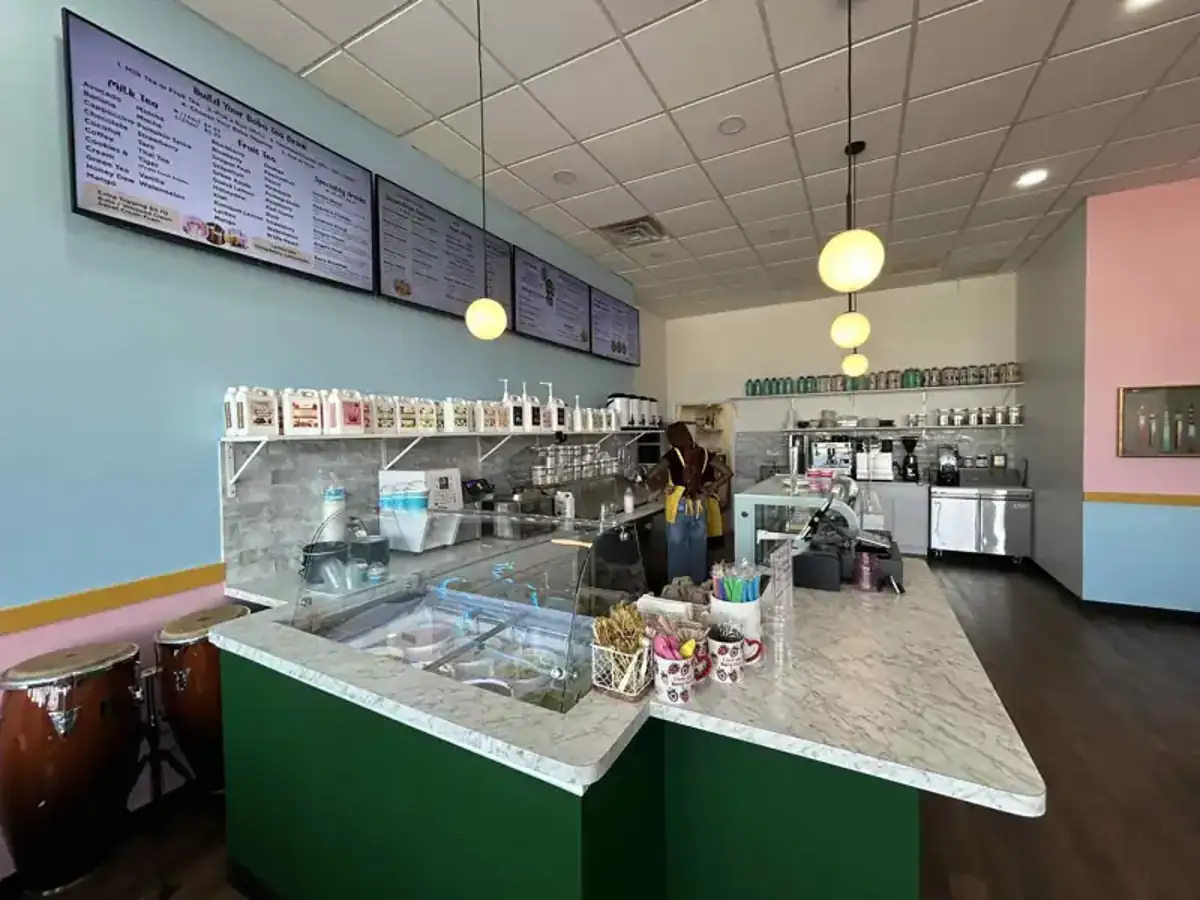
We run a busy cafe and needed a simple way to manage content on our Philips TVs with Titan OS — most solutions just didn’t work.
Buzzblender solved that immediately.
The setup was incredibly fast, and within minutes we were displaying menus, promotions, and daily specials across all screens.
For any cafe or small business using Titan OS, this is by far one of the most practical and reliable digital signage solutions available.
Jeffrey, cafe owner

Manage Your Screens with Ease
Why Choose Buzzblender?
Buzzblender provides a powerful digital signage app designed for businesses, schools, healthcare facilities, churches, restaurants, campuses, and enterprise organizations.
Only $5 Per Screen Per Month
Deploy professional digital signage without expensive software licensing fees.
Cloud-Based Management
Manage screens, playlists, announcements, dashboards, and campaigns from anywhere.
Easy Content Scheduling
Schedule content, promotions, menus, employee communications, and events in minutes.
Multi-Location Support
Manage displays across offices, stores, campuses, restaurants, hospitals, and public venues.
Broad Device Compatibility
Buzzblender works with:
- Android
- Windows
- LG webOS
- Samsung Tizen
- Commercial displays
- Media players
- Kiosks
Real-Time Updates
Push content changes instantly across all connected screens.
Built for Growth
Scale from one display to thousands of screens.
Take control of your screens today with Buzzblender
Key Features of a Digital Signage App
Content Management
Upload and organize media assets.
Content Scheduling
Automate playback and campaigns.
Playlist Management
Control content sequences and screen layouts.
Remote Monitoring
Track device status and connectivity.
Multi-User Access
Allow teams to manage content securely.
Emergency Messaging
Broadcast urgent notifications instantly.
Dashboard Integration
Display KPIs, business metrics, and real-time data.
Media Playback
Support videos, images, presentations, and web content.
Analytics and Reporting
Monitor content performance and device activity.
Multi-Screen Synchronization
Coordinate content across multiple displays.
Common Use Cases
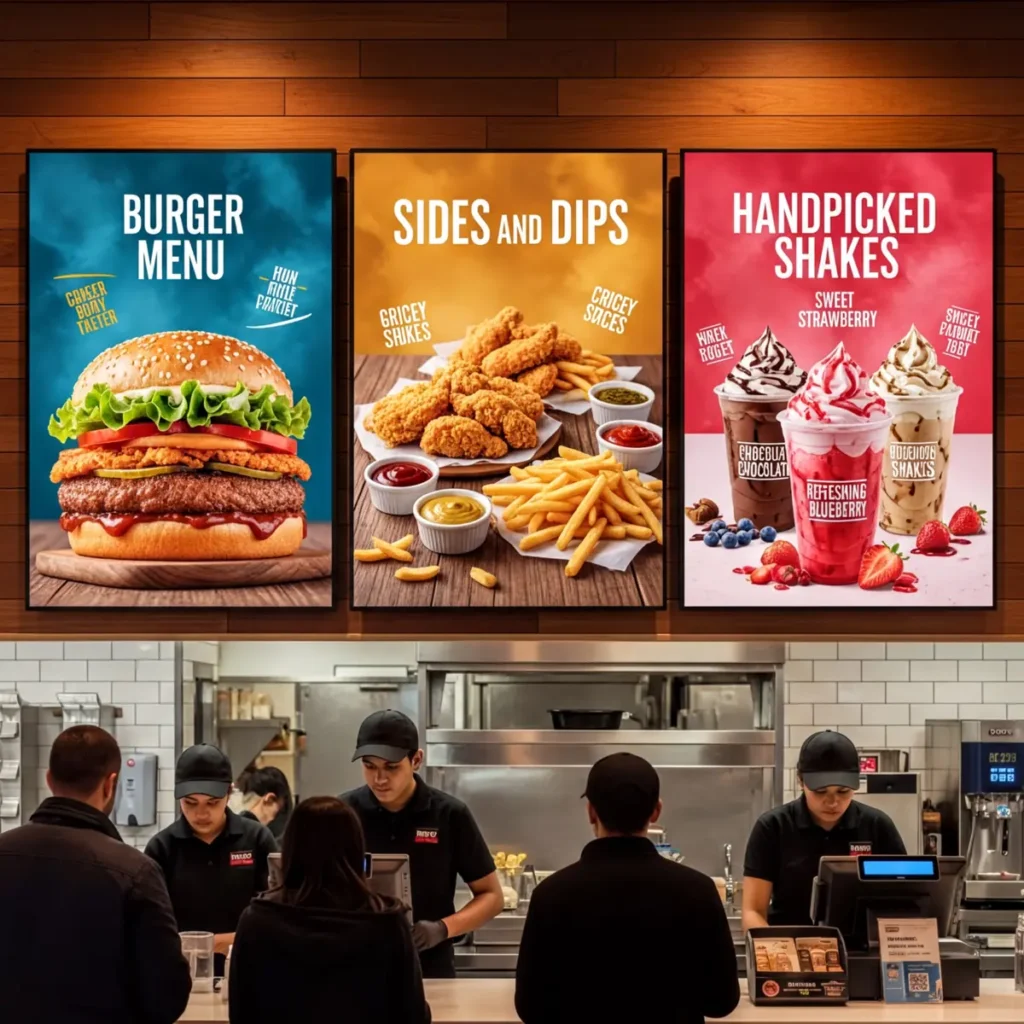


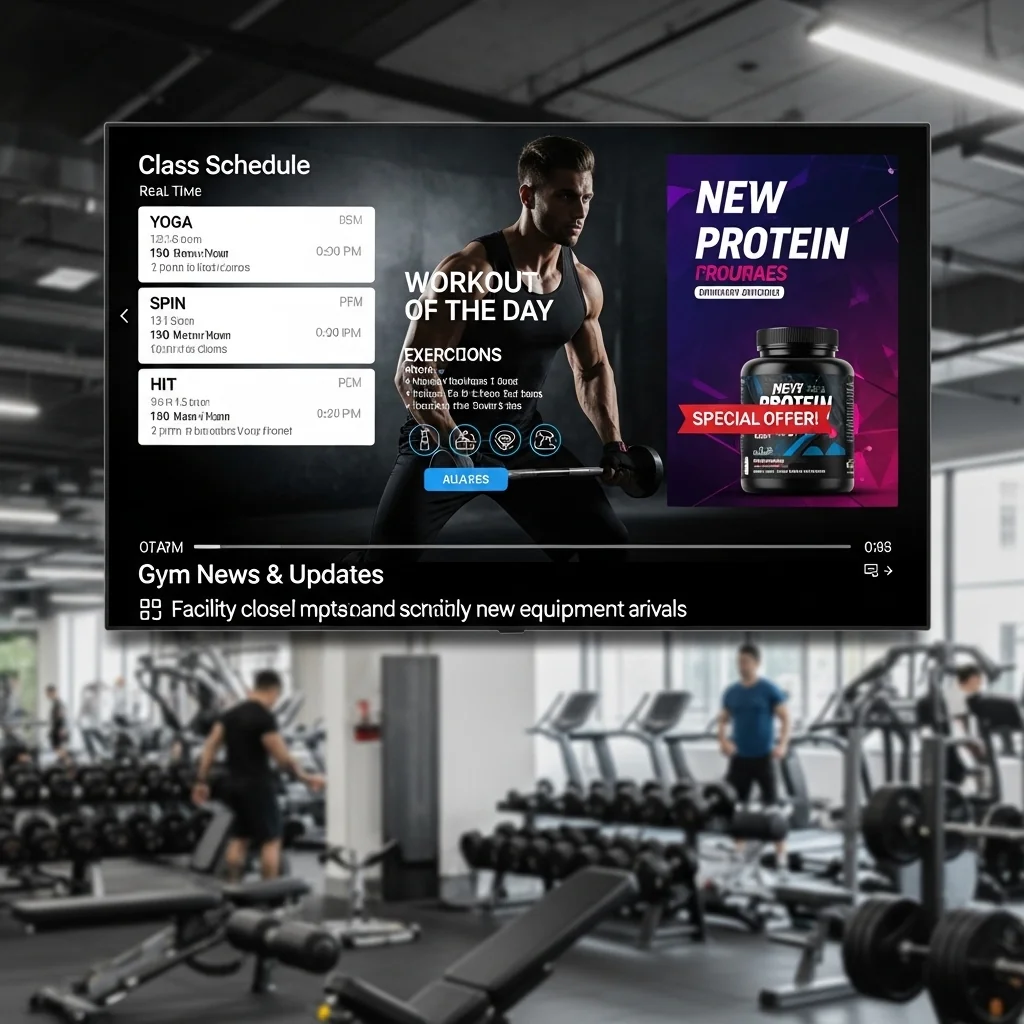
How to Choose a Digital Signage App
Evaluate Device Compatibility
Ensure support for your display hardware.
Review Content Scheduling Features
Look for flexible scheduling capabilities.
Assess Scalability
Choose a platform that supports future growth.
Verify Remote Management
Centralized control is essential for large deployments.
Evaluate Ease of Use
Content updates should be simple and efficient.
Review Security Features
Consider permissions, authentication, and access controls.
Compare Pricing
Look for transparent pricing and predictable costs.
Best Practices
- Keep content visually engaging.
- Update displays regularly.
- Schedule content strategically.
- Monitor screen health.
- Use high-quality media.
- Maintain consistent branding.
- Organize content by audience and location.
- Measure engagement when possible.
Common Mistakes
Outdated Content
Old announcements reduce effectiveness.
Poor Screen Organization
Large deployments require clear management structures.
Overloaded Layouts
Too much information reduces readability.
Ignoring Scheduling
Automation improves content relevance.
Lack of Monitoring
Offline screens may go unnoticed.
Weak Content Strategy
Displays should support business goals.
Digital Signage App vs Digital Signage Software
Digital Signage App
- Installed on display devices
- Plays content locally
- Connects screens to the CMS
- Runs on operating systems and media players
Digital Signage Software
- Includes the entire platform
- Provides content management tools
- Controls scheduling and administration
- Manages screen networks
The digital signage app is typically the playback component of a larger digital signage platform.
Take control of your screens today with Buzzblender
Frequently Asked Questions
What is a digital signage app?
A digital signage app is a software application that displays and manages digital content on TVs, displays, kiosks, and digital signage screens.
What devices support digital signage apps?
Android devices, Windows PCs, LG webOS displays, Samsung Tizen displays, media players, kiosks, and commercial screens.
Can digital signage apps be managed remotely?
Yes. Most modern apps connect to cloud-based management platforms.
Can a digital signage app support multiple screens?
Yes. Most solutions support centralized management of multiple displays.
How much does Buzzblender cost?
Buzzblender costs just $5 per screen per month.
Can digital signage apps display dashboards and live data?
Yes. Many platforms support dashboards, KPIs, weather feeds, news, and other dynamic content.
What industries use digital signage apps?
Retail, education, healthcare, hospitality, corporate communications, restaurants, government, and transportation organizations commonly use digital signage apps.