
What Is Mosque Digital Signage Software?
Mosque Digital Signage Software is a digital signage solution designed for mosques, Islamic centers, prayer halls, and community organizations to display prayer times, announcements, event schedules, educational content, fundraising campaigns, and community messages on digital screens.
The software allows mosque administrators to remotely manage TVs, LED displays, lobby screens, entrance displays, information kiosks, and digital notice boards from a centralized content management system (CMS).
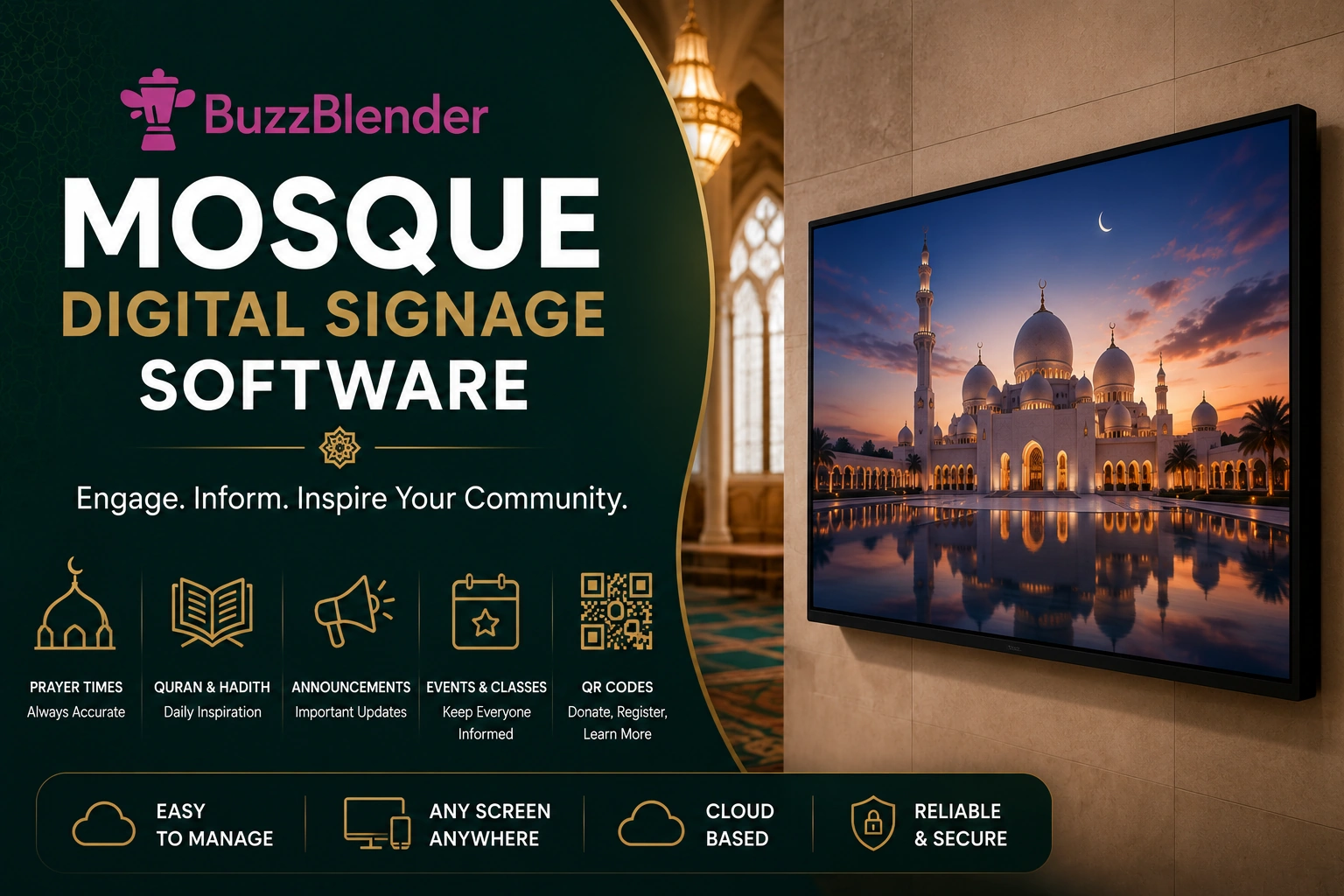
Modern mosque digital signage helps keep worshippers informed while reducing the need for printed notices and manual updates.
If you need additional features, please send us a message at support@buzzblender.com
BuzzBlender is the best choice to get started. Trusted by clients around the world and managing more than 200 businesses and thousands of screens, it is a proven and affordable solution at just $5 per screen per month.
Use the promo code WELCOME100 to get your first month free. Create your account and connect your first screen.

$5 per Screen / Month
One platform. All features included.
Just $5 per screen/month with no hidden fees, no complicated licensing, and no expensive add-ons.
Deploy more screens while keeping costs under control
Why Is Mosque Digital Signage Software Important?
Mosques regularly communicate important information to their communities, including prayer schedules, religious events, educational programs, and charity initiatives.
Digital signage software helps mosques:
- Display daily prayer times
- Share community announcements
- Promote Islamic classes and events
- Display Ramadan and Eid schedules
- Support fundraising campaigns
- Improve communication with worshippers
- Reduce printing costs
Digital displays ensure that information is always current and visible.
How Does Mosque Digital Signage Software Work?
Step 1: Create Content
Administrators create announcements, event information, educational messages, and community updates.
Step 2: Upload Content
Content is uploaded to the digital signage platform.
Step 3: Connect Displays
TVs and commercial displays are connected to the platform.
Step 4: Schedule Content
Messages are scheduled according to prayer times, events, or specific dates.
Step 5: Publish
Content is automatically distributed to connected displays.
Step 6: Manage Remotely
Administrators can update displays from anywhere.
Manage Your Screens with Ease
Benefits of Mosque Digital Signage Software
Display Prayer Times
Show daily Salah schedules and upcoming prayer times.
Improve Community Communication
Keep worshippers informed about announcements and events.
Promote Educational Programs
Advertise Qur’an classes, lectures, youth activities, and community programs.
Support Fundraising
Display donation campaigns and charitable initiatives.
Reduce Printing Costs
Replace paper bulletin boards and posters.
Centralized Management
Manage multiple displays from one dashboard.
Real-Time Updates
Update announcements instantly whenever schedules change.
Why Use BuzzBlender for Mosque Digital Signage?
BuzzBlender is a cloud-based digital signage platform built to make managing screens simple.
The workflow follows three core steps:
Connect a device → Upload media → Publish to screens
Once displays are connected, administrators can manage content remotely through a centralized dashboard.
That means the person responsible for mosque communications does not necessarily need to stand next to the TV whenever something changes.
Content can be uploaded and managed from another device and then published to the appropriate screens.
How Mosque Digital Signage Works
Getting started does not require building an entirely new communication infrastructure.
Step 1: Connect Your Screen
Install or connect the appropriate BuzzBlender player to your display environment and connect the device to your BuzzBlender account.
BuzzBlender is designed for a range of screen environments, including common smart-TV and digital signage platforms.
Step 2: Upload Mosque Content
Next, upload the images and videos you want your congregation to see.
This could include a welcome slide, event announcement, educational program, fundraising campaign, Ramadan message, or community notice.
Step 3: Create and Schedule Content
Instead of manually changing content throughout the day, create playlists and determine when content should appear.
For example, Friday announcements could be scheduled around Jummah, while weekend-school information could be prioritized at the weekend.
Step 4: Publish to Your Screens
Once the content is ready, publish it to the selected screens.
Updates can then be managed centrally rather than physically replacing content at every display.
Manage Multiple Mosque Screens From One Dashboard
A larger mosque may have displays in several parts of the building.
For example, screens might be installed in the main entrance, lobby, community hall, educational area, or other shared spaces.
Not every display needs to show identical content.
The entrance screen might focus on visitor information and upcoming programs, while a community-center screen promotes classes and events.
Centralized screen management makes this significantly easier than maintaining independent USB drives for every television.
It becomes even more valuable for organizations operating several buildings or locations because administrators can manage a larger signage network from a common platform.
Schedule Mosque Content for the Right Time
Information is more useful when it appears at the appropriate moment.
An announcement for a Friday program does not necessarily need to occupy a screen all week. Likewise, a Ramadan campaign should not have to be manually removed from every display after the campaign ends.
Content scheduling lets mosque administrators plan communication in advance.
A weekly schedule might prioritize educational programs during weekdays, Jummah information on Friday, weekend-school announcements on Saturday and Sunday, and general community messages during other periods.
Scheduling can reduce repetitive manual work while keeping displays relevant.
Mosque Digital Signage Content Ideas
A mosque does not need complicated animations or expensive creative production to make digital signage useful.
Clear communication should come first.
A welcome screen might introduce the mosque and provide essential visitor information. Another slide could highlight this week’s events. A third could promote a fundraising campaign with a QR code, followed by educational opportunities and community announcements.
During Ramadan, the entire playlist could change to emphasize Ramadan-specific programming.
For Eid, screens could communicate event details, parking information, community guidance, and upcoming celebrations.
The ability to update digital content means the screen can evolve alongside the mosque’s calendar.
Where Should Mosques Install Digital Signage?
Location determines how useful a screen becomes.
High-traffic areas are usually the most natural choice.
Entrance and reception areas can display welcome messages and essential visitor information. Community halls can promote upcoming events and fundraising initiatives. Educational areas can highlight classes, schedules, and youth programs.
Large Islamic centers can operate several displays and tailor each screen to the audience passing through that particular area.
The goal is not to add screens everywhere. It is to place useful information where people naturally need or notice it.
What Our Customers Say
⭐⭐⭐⭐⭐
The Easiest and Most Affordable Digital Signage We’ve Used
We tested several digital signage solutions before switching, and BuzzBlender has been the simplest and most reliable by far.
Setup on our Samsung displays was fast, and managing content is incredibly easy—even for non-technical staff. We can update screens in real time, run promotions, and control everything remotely without extra hardware.
Compared to other systems, it stands out for both ease of use and pricing. Just five dollars.
Vasiliy, co-founder of Ecomind

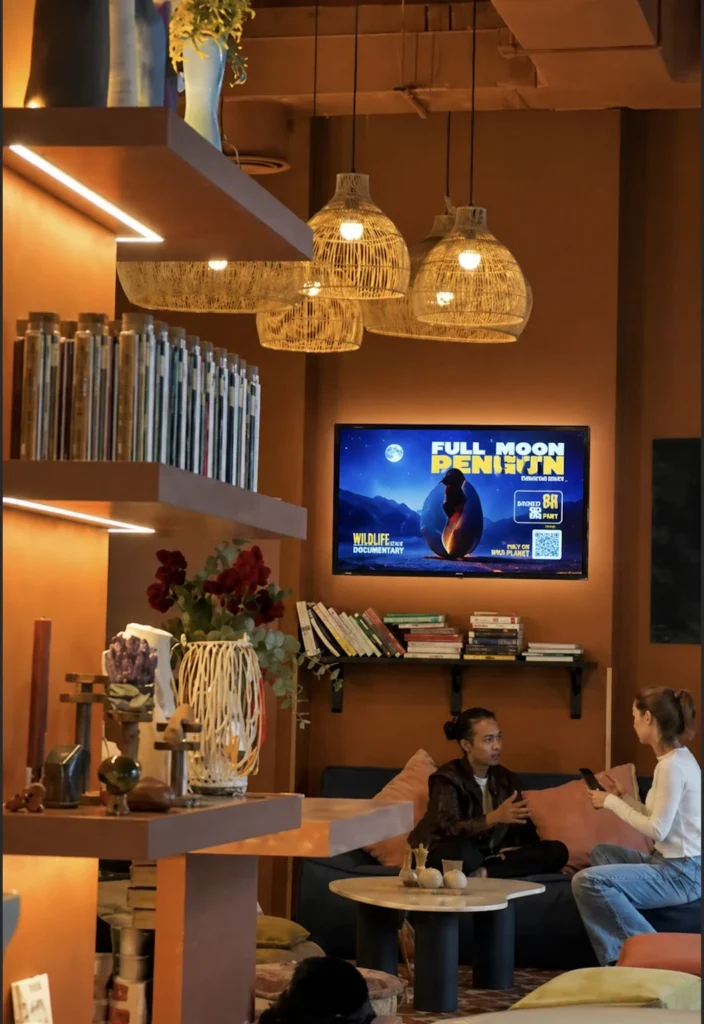
Why Choose Buzzblender?
Buzzblender provides an affordable cloud-based digital signage solution for mosques and Islamic organizations.
Only $5 Per Screen Per Month
Professional digital signage at a predictable monthly cost.
Cloud-Based Management
Manage displays from anywhere.
Easy Content Scheduling
Schedule prayer reminders, announcements, events, fundraising campaigns, and educational content.
Multi-Location Support
Manage displays across multiple mosques or Islamic centers from a single account.
Broad Device Compatibility
Works with:
- Android
- Windows
- LG webOS
- Samsung Tizen
- Commercial displays
- Media players
- LED displays
Real-Time Updates
Publish important announcements instantly across all connected screens.
Simple and Easy to Use
Designed so volunteers and mosque administrators can update content with minimal training.
Key Features of Mosque Digital Signage Software
Prayer Time Displays
Show daily prayer schedules and countdowns to the next prayer.
Event Calendar
Display upcoming Islamic events and community gatherings.
Announcement Management
Publish notices, reminders, and community updates.
Fundraising Displays
Promote donation campaigns and charitable projects.
Content Scheduling
Schedule content by date, time, and event.
Media Playback
Display videos, presentations, and educational content.
Multi-Screen Management
Control displays throughout the mosque.
Remote Management
Update displays without being on-site.
Emergency Messaging
Display urgent announcements when needed.
Analytics and Device Monitoring
Monitor display status and connectivity.
Common Use Cases
Daily Prayer Times
Display Fajr, Dhuhr, Asr, Maghrib, and Isha prayer schedules.
Friday (Jumu’ah) Announcements
Share khutbah times, reminders, and community news.
Ramadan Programs
Display Suhoor, Iftar, Taraweeh, and special event schedules.
Eid Celebrations
Promote Eid prayer times and community gatherings.
Educational Programs
Advertise Islamic classes, seminars, and youth activities.
Donation Campaigns
Encourage charitable giving and community support.
Visitor Information
Welcome guests and provide mosque guidelines.
How to Choose Mosque Digital Signage Software
Support Prayer Time Content
Choose software that makes it easy to display and update prayer schedules.
Review Scheduling Features
Look for flexible scheduling of recurring announcements and events.
Verify Hardware Compatibility
Ensure compatibility with Android, Windows, LG webOS, Samsung Tizen, and commercial displays.
Evaluate Ease of Use
Volunteers and administrators should be able to update content quickly.
Assess Multi-Location Support
Useful for organizations managing several mosques.
Compare Pricing
Choose software with transparent and affordable pricing.
Consider Remote Management
Cloud-based management simplifies updates across all displays.
Best Practices
- Keep prayer times accurate and up to date.
- Use large, easy-to-read fonts.
- Update announcements regularly.
- Display multilingual content when appropriate.
- Maintain consistent branding.
- Highlight important community events.
- Schedule seasonal content for Ramadan and Eid.
- Monitor display health regularly.
Common Mistakes
Outdated Prayer Times
Incorrect schedules can confuse worshippers.
Too Much Text
Keep announcements concise and readable.
Poor Screen Placement
Install displays in highly visible locations.
Infrequent Content Updates
Fresh information keeps the community engaged.
Weak Visual Design
Simple layouts are easier to read.
Ignoring Device Monitoring
Ensure displays remain online and functioning properly.
Mosque Digital Signage Software vs Traditional Notice Boards
Mosque Digital Signage Software
- Real-time updates
- Remote management
- Dynamic content
- Scheduled announcements
- Lower long-term printing costs
- Multi-screen support
Traditional Notice Boards
- Manual updates
- Printed materials
- Limited flexibility
- Slower communication
- Higher recurring printing costs
Digital signage enables mosques to communicate more efficiently with their communities.
Take control of your screens today with Buzzblender
Frequently Asked Question
What is mosque digital signage software?
Mosque digital signage software is a platform used to manage digital displays that show prayer times, announcements, educational content, fundraising campaigns, and community information.
Can mosque displays show prayer times?
Yes. Digital signage is commonly used to display daily prayer schedules and upcoming prayer times.
Can announcements be updated remotely?
Yes. Cloud-based platforms allow administrators to update content from anywhere.
Can one platform manage multiple mosques?
Yes. Many digital signage platforms support centralized management across multiple locations.
How much does Buzzblender cost?
Buzzblender costs just $5 per screen per month.
What devices are supported?
Android devices, Windows PCs, LG webOS displays, Samsung Tizen displays, commercial screens, media players, and LED displays.
Can digital signage be used during Ramadan and Eid?
Yes. It is ideal for displaying special prayer schedules, event information, and community announcements.