
Samsung displays are widely used for digital signage in retail stores, restaurants, offices, hotels, healthcare facilities and other commercial environments. But the display itself is only one part of a digital signage network.
To turn a Samsung screen into centrally managed signage, businesses need software that handles content, playlists, scheduling and screen management.
Alternative to MagicINFO
Samsung provides its own signage platforms, including Samsung VXT and MagicINFO. Businesses can also choose compatible third-party platforms such as BuzzBlender when they want a simpler CMS or need to manage Samsung screens alongside displays from other manufacturers.
This guide explains the main Samsung digital signage software options and how to decide which approach fits your network.
Buzzblender supports Samsung Regular TV and Samsung Professional Digital Signage.
BuzzBlender is the best choice to get started. Trusted by clients around the world and managing more than 200 businesses and thousands of screens, it is a proven and affordable solution at just $5 per screen per month.
Use the promo code WELCOME100 to get your first month free. Create your account and connect your first screen.
Samsung digital signage software is commonly used in retail stores, corporate offices, restaurants, healthcare facilities, educational institutions, transportation hubs, hospitality venues, and public spaces to deliver dynamic content, announcements, advertising, dashboards, and real-time information.
Many Samsung digital signage deployments run on Samsung Tizen OS, allowing organizations to install digital signage applications directly on compatible displays without requiring external media players.
What Is Samsung Digital Signage Software?
Samsung digital signage software is a content management system, or CMS, used to control content displayed on Samsung commercial screens.
Instead of manually connecting a USB drive whenever a promotion, menu, announcement, or advertisement changes, a CMS lets administrators manage signage centrally.
Depending on the platform, users can upload images and videos, create playlists, schedule campaigns, distribute content remotely, monitor screens, and manage multiple displays or locations.
For businesses operating dozens or hundreds of screens, centralized management can dramatically simplify day-to-day signage operations.
Samsung currently promotes VXT as its cloud-based digital signage solution, while MagicINFO remains part of Samsung’s signage software ecosystem.
Samsung VXT: Samsung’s Cloud-Native Signage Platform
Samsung VXT, short for Visual eXperience Transformation, is Samsung’s cloud-native content management solution for commercial displays.
Samsung describes VXT as a platform combining content management and remote screen management in a secure cloud environment. It supports different types of Samsung commercial display deployments, including LCD, LED signage, hotel TVs, outdoor signage, interactive displays, and video walls. (Samsung be)
Can You Use Third-Party Digital Signage Software on Samsung Displays?
Yes, depending on the Samsung model and operating system.
Businesses are not necessarily limited to Samsung’s own CMS when deploying Samsung signage hardware.
Compatible third-party digital signage platforms can provide an alternative management layer, particularly for organizations that want simpler workflows or need to manage displays from several manufacturers.
BuzzBlender, for example, supports Samsung Tizen OS alongside LG webOS, Android, and browser-based deployments.
This distinction becomes important when a company does not operate an exclusively Samsung display network.
A business might have Samsung screens in one location, LG displays in another, and Android-based hardware elsewhere. A hardware-independent CMS can allow those screens to be managed through a more consistent platform.

$5 per Screen / Month
One platform. All features included.
Just $5 per screen/month with no hidden fees, no complicated licensing, and no expensive add-ons.
Deploy more screens while keeping costs under control
BuzzBlender for Samsung Digital Signage
BuzzBlender is a cloud-based digital signage CMS designed to make screen management straightforward.
The basic workflow consists of connecting a device, uploading media, and publishing content to screens. Administrators can then remotely manage screens, schedules, and content from a centralized dashboard.
For Samsung signage deployments, BuzzBlender supports Samsung Tizen OS.
That makes it an option for businesses that already own compatible Samsung commercial displays but do not necessarily want to build their signage workflow around Samsung’s own CMS ecosystem.
Samsung VXT vs MagicINFO vs BuzzBlender
The best Samsung digital signage software depends on your existing infrastructure and operational requirements.
| Feature | BuzzBlender | Samsung VXT | Samsung MagicINFO |
|---|---|---|---|
| Samsung signage support | Yes, compatible Tizen deployments | Yes | Yes |
| Cloud-based management | Yes | Yes | Available depending on deployment |
| Remote content management | Yes | Yes | Yes |
| Content scheduling | Yes | Yes | Yes |
| Images and video | Yes | Yes | Yes |
| Multi-screen management | Yes | Yes | Yes |
| LG webOS support | Yes | Samsung-focused ecosystem | Samsung-focused ecosystem |
| Android support | Yes | Samsung-focused ecosystem | Samsung-focused ecosystem |
| Browser-based signage | Yes | Samsung-focused ecosystem | Samsung-focused ecosystem |
| Published starting price | $5/screen/month | Check current Samsung plan | Check current Samsung licensing |
| Best suited to | Simple and mixed-hardware networks | Samsung-focused cloud deployments | Established Samsung environments |
BuzzBlender currently publishes Basic pricing at $5 per screen per month. The Basic plan includes playlist creation and scheduling, real-time screen monitoring, remote content management, dynamic QR code overlays, portrait and landscape orientations, image and video uploads, and supported video-wall deployments.
Why Is Samsung Digital Signage Software Important?
Samsung commercial displays provide the hardware foundation for digital signage, while software enables content management and screen control.
Samsung digital signage software helps organizations:
- Manage displays remotely
- Schedule content automatically
- Reduce hardware requirements
- Improve operational efficiency
- Deliver real-time updates
- Monitor screen performance
- Scale display networks across multiple locations
Without digital signage software, Samsung displays would require manual updates and provide limited content management capabilities.
Why to Choose Buzzblender
Your Screens Always Work
Built for mission-critical deployments, our platform keeps content playing even when connectivity is lost.
Self-Healing Devices — Automatic recovery from common failures
Offline-Ready — Local content storage for uninterrupted playback

Why Consider an Alternative to Samsung’s Native Signage Software?
Samsung’s software can be a logical choice for organizations heavily invested in Samsung commercial displays.
However, hardware is not the only factor that should determine CMS selection.
A Mixed Screen Network
One of the strongest reasons to choose a third-party CMS is hardware diversity.
Suppose a retailer currently operates 20 Samsung screens but later acquires locations containing LG or Android signage devices.
A Samsung-centered ecosystem may not provide the same hardware flexibility as a CMS designed to work across operating systems.
BuzzBlender supports Samsung Tizen, LG webOS, Android, and browser-based signage, allowing businesses to build a more hardware-independent content management strategy.
Simpler Pricing
Licensing complexity can become important as signage networks scale.
BuzzBlender’s Basic plan is currently published at $5 per screen per month, with no screen limit and no card commitment listed on the pricing page. Premium costs $10 per screen per month and adds capabilities including screen statistics and role-based multi-user teams.
For organizations with more than ten screens, BuzzBlender also offers an Enterprise option with custom requirements, premium support, onboarding and training, and private-cloud or on-premise deployment options.
Faster Content Operations
A signage platform should reduce operational work rather than create more of it.
BuzzBlender combines scheduling and content workflows so users can manage campaigns without navigating multiple disconnected processes.
For marketing teams that primarily need to upload creative, schedule campaigns, and publish them across screens, simplicity can matter as much as an extensive feature catalogue.
How Does Samsung Digital Signage Software Work?
Samsung digital signage software connects content creators, administrators, and Samsung displays through a centralized content management system.
1.
Create Content
Users create videos, images, dashboards, menus, announcements, and promotional content.
2.
Upload Content
Content is uploaded to the digital signage platform.
3.
Connect Samsung Displays
Samsung Smart Signage displays connect to the CMS through Samsung Tizen OS or external media players.
4.
Schedule Content
Administrators determine when and where content should appear.
5.
Publish Content
The platform distributes content to connected Samsung displays.
6.
Monitor Performance
Administrators monitor display health, playback status, and device connectivity remotely.
BuzzBlender Pros and Cons for Samsung Displays
PROS
BuzzBlender provides straightforward cloud-based screen management and supports Samsung Tizen alongside other operating systems.
Its published Basic price of $5 per screen per month makes costs easy to estimate as a signage network expands.
It is particularly relevant for businesses that want one CMS across Samsung, LG, Android, and browser-based signage rather than building their network around a single display manufacturer.
CONS
Organizations requiring specialized Samsung ecosystem integrations should compare those requirements with BuzzBlender’s available functionality before migrating.
Similarly, very large enterprises with highly customized infrastructure may require an Enterprise configuration rather than an off-the-shelf Basic or Premium deployment.
Benefits of Samsung Digital Signage Software
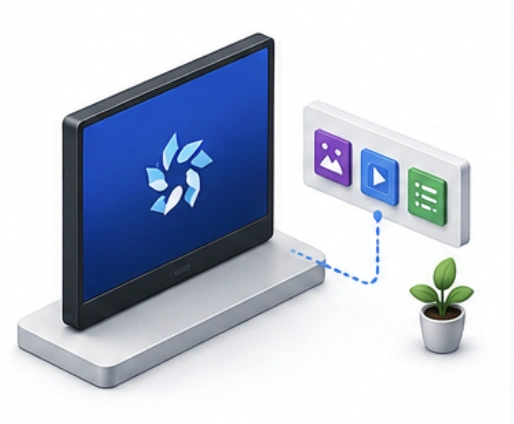
Native Samsung Tizen Support
Run digital signage applications directly on compatible Samsung displays.
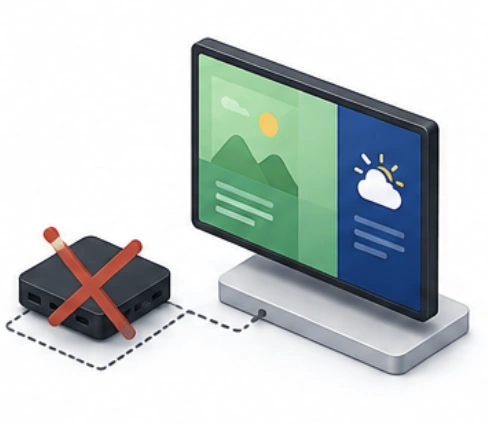
Reduced Hardware Costs
Eliminate the need for external media players in many deployments.
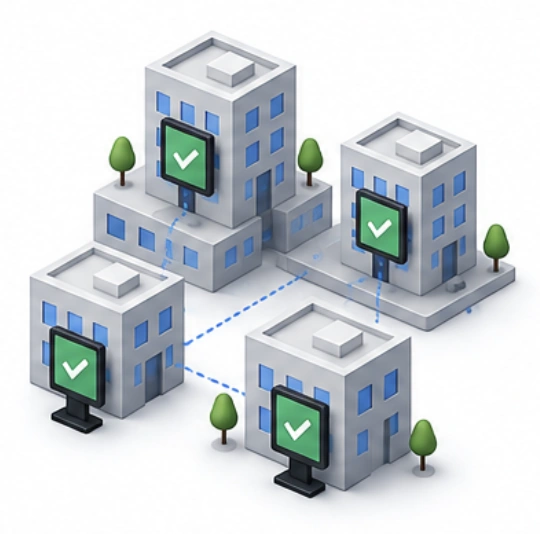
Enterprise Scalability
Support deployments ranging from a single display to thousands of screens.
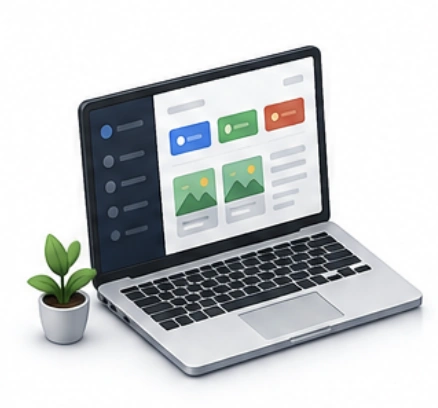
Centralized Content Management
Manage all displays from a single dashboard.
Remote Screen Management
Control screens without visiting physical locations.
Samsung User Guides
Key Features of Samsung Digital Signage Software
Content Management System (CMS)
Upload, organize, and publish content from a centralized platform.

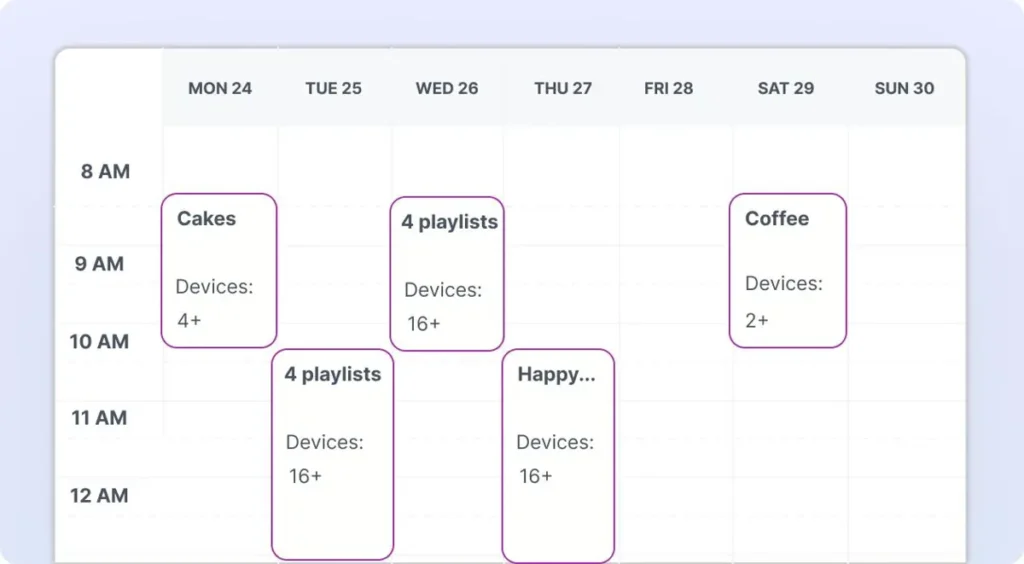
Content Scheduling
Control when content appears on displays.
Remote Device Management
Monitor and control Samsung displays remotely.
Multi-Screen Management
Manage large display networks efficiently.
Analytics and Reporting
Measure playback activity and screen performance.
Proof of Play
Verify successful content delivery and playback.
Dynamic Content
Display live dashboards, weather, news, KPIs, and business data.
Multi-Location Management
Control displays across stores, offices, campuses, and facilities.
What Our Customers Say
⭐⭐⭐⭐⭐
Helps us keep our displays fresh and engaging
What I value most is the simplicity. Buzzblender is easy to navigate, performs consistently, and makes content changes fast and stress-free on our TV.
Ahmed, Al Razi Pharmacy it manager


Common Use Cases
Digital signage works across a wide range of industries, from customer-facing promotions to internal communications and real-time information displays.
| 01 · Retail | Product promotions, advertising campaigns, and storefront displays. |
| 02 · Corporate Communications | Employee announcements and KPI dashboards. |
| 03 · Restaurants | Digital menu boards and promotional content. |
| 04 · Healthcare | Patient communications and wayfinding systems. |
| 05 · Education | Campus announcements and information displays. |
| 06 · Hospitality | Guest communications and event information. |
| 07 · Transportation | Schedules, service updates, wayfinding, and passenger information. |
How to Choose Samsung Digital Signage Software
Verify Samsung Tizen Compatibility
Ensure the software supports your Samsung display models and Tizen OS versions.
Evaluate Content Management Features
Look for scheduling, playlists, templates, and publishing tools.
Review Remote Management Capabilities
Choose software with monitoring and diagnostics tools.
Assess Scalability
Select a solution that supports future growth.
Consider Security Features
Look for user permissions, authentication, and secure access controls.
Review Analytics and Reporting
Evaluate proof-of-play and performance monitoring capabilities.
Compare Support Options
Choose a provider with strong documentation and technical support.
Best Practices
- Keep software updated.
- Monitor display health regularly.
- Use reliable network connectivity.
- Organize content efficiently.
- Schedule campaigns in advance.
- Enable remote monitoring.
- Test content before deployment.
- Review analytics frequently.
Common Mistakes
01
Choosing Incompatible Software
Not every platform supports all Samsung Tizen versions.
────────────────────────────────────
02
Ignoring Screen Monitoring
Offline displays can affect communication and campaign effectiveness.
────────────────────────────────────
03
Poor Content Organization
Disorganized media libraries reduce efficiency.
────────────────────────────────────
04
Failing to Update Software
Outdated software can create compatibility and security issues.
────────────────────────────────────
05
Weak Network Infrastructure
Poor connectivity can impact content synchronization.
────────────────────────────────────
06
Overlooking Future Growth
Many organizations expand beyond their initial deployment size.
Take control of your screens today with Buzzblender
Frequently Asked Questions
What is Samsung digital signage software?
Samsung digital signage software is software used to manage, schedule, publish, and monitor content on Samsung digital signage displays and Samsung Smart Signage screens.
Does Samsung digital signage require software?
Yes. Organizations typically use digital signage software or a CMS to manage content and displays efficiently.
Can Samsung displays run digital signage software without a media player?
Yes. Many Samsung Smart Signage displays support native applications through Samsung Tizen OS.
What content can Samsung digital signage software display?
Videos, images, dashboards, menus, announcements, web pages, and dynamic content feeds.
Can Samsung digital signage software manage multiple displays?
Yes. Most platforms support centralized management of multiple Samsung screens.
Is Samsung Tizen better than external media players?
For many deployments, Samsung Tizen applications simplify management and reduce hardware costs.
What industries use Samsung digital signage software?
Retail, healthcare, education, hospitality, transportation, restaurants, and corporate organizations commonly use Samsung digital signage solutions.