
BuzzBlender helps businesses in Kenya create, schedule and remotely manage content across connected displays.
Use compatible LG webOS, Samsung Tizen, Android and browser-based displays.
Approximately KSh 650 per screen / month
Connect in 4 minutes. Custom development.
No credit card required
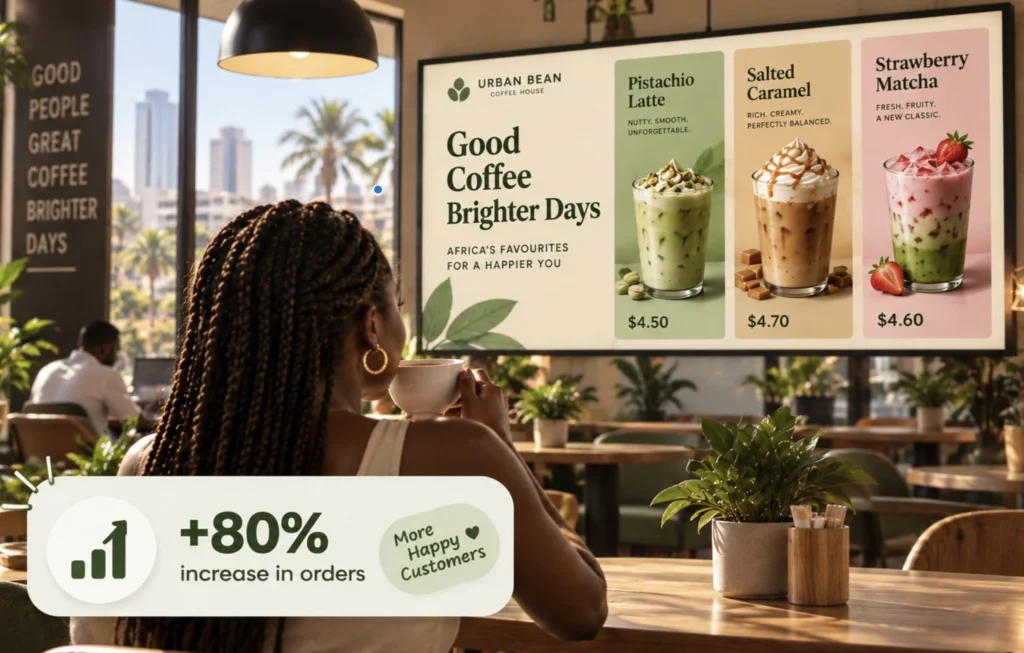
Simple Cloud Digital Signage in Kenya
BuzzBlender makes it easier for businesses to manage digital signage without complicated content management systems.
Upload your content, create playlists and decide when it should appear.
From the BuzzBlender dashboard you can:
- Upload images and videos
- Create and manage playlists
- Schedule content by time and date
- Update connected screens remotely
- Monitor active and inactive screens
- Manage multiple displays
- Manage screens across multiple locations
- Display web pages and HTML content
- Add dynamic QR code overlays
Your screens can be in different locations while you manage their content from one dashboard.
Use the Screens You Already Have
You may not need to replace your existing displays to start using digital signage. This gives Kenyan businesses flexibility when choosing hardware and may allow you to build your digital signage network around compatible screens you already own.
BuzzBlender supports several popular platforms:
LG webOS
Run digital signage directly on compatible LG webOS displays and manage content remotely with Buzzblender.
Samsung Tizen
Turn compatible Samsung Tizen displays into centrally managed digital signage screens.
Android
Connect Android-based players and displays for a flexible and affordable signage setup.
Browser
Display and manage signage content through a web browser when a browser-based setup is the best fit.
Manage Screens Across Kenya From Anywhere
Whether your connected displays are in Nairobi, Mombasa, Kisumu, Nakuru or across multiple business locations, BuzzBlender gives you one place to manage their content.
- Update a promotion without travelling to the screen.
- Schedule tomorrow’s content in advance.
- Manage different playlists for different displays.
- Monitor whether connected screens are active or inactive.
- Everything is controlled remotely through the BuzzBlender cloud dashboard.
Digital Signage for Kenyan Businesses
Approximately KSh 650 per screen / month
That’s approximately the equivalent price in South African Rand, depending on the current exchange rate.
Start with the number of screens you need today and add more as your business grows.
14-day free trial. No credit card required.
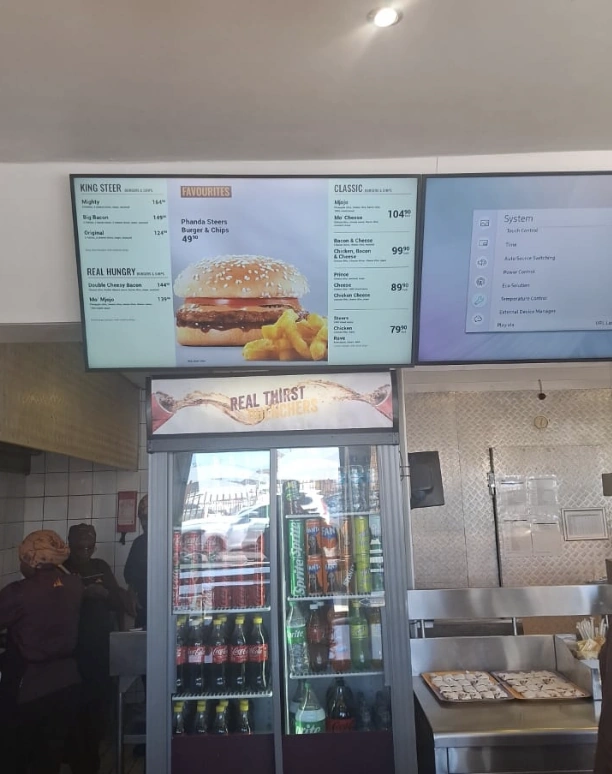
Digital Signage for Retail
Turn screens inside your stores into flexible promotional displays.
When a campaign changes, update your connected displays remotely instead of replacing printed promotional materials.
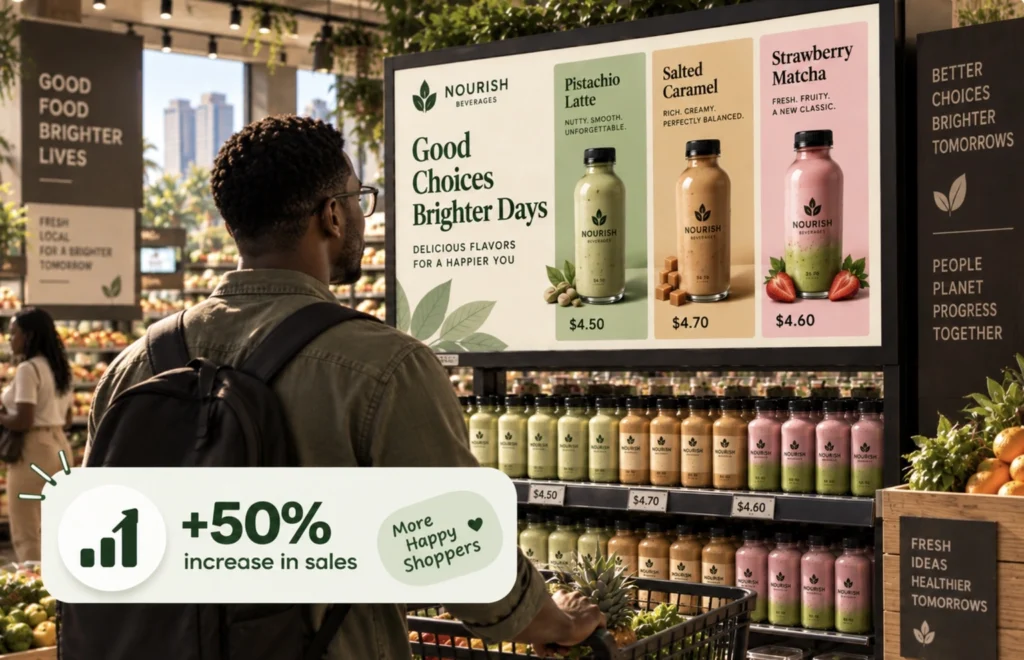
Use BuzzBlender to show:
- Product promotions
- New arrivals
- Special offers
- Seasonal campaigns
- Videos and images
- QR codes
- Customer information
Digital Signage for Restaurants and Cafés
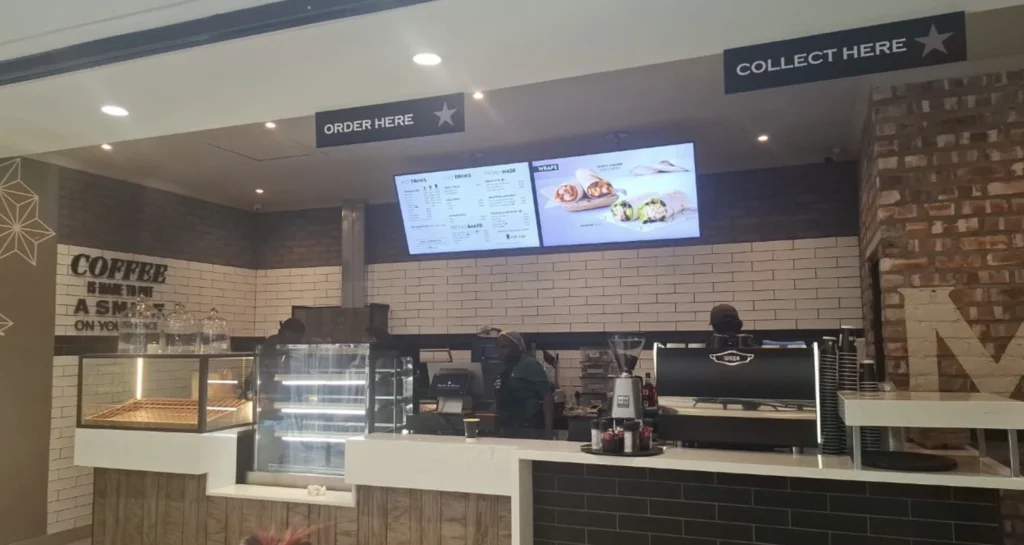
Use compatible screens as digital menu boards.
Display menus, prices, food photography, promotions and special offers.
BuzzBlender lets you schedule different content throughout the day.
Once your playlists are scheduled, the appropriate content can appear automatically.
For example:
Morning — Breakfast menu
Afternoon — Lunch menu and specials
Evening — Dinner menu and promotions
Digital Signage for Hotels and Hospitality
Use compatible screens as digital menu boards.
Display menus, prices, food photography, promotions and special offers.
BuzzBlender lets you schedule different content throughout the day.
Once your playlists are scheduled, the appropriate content can appear automatically.
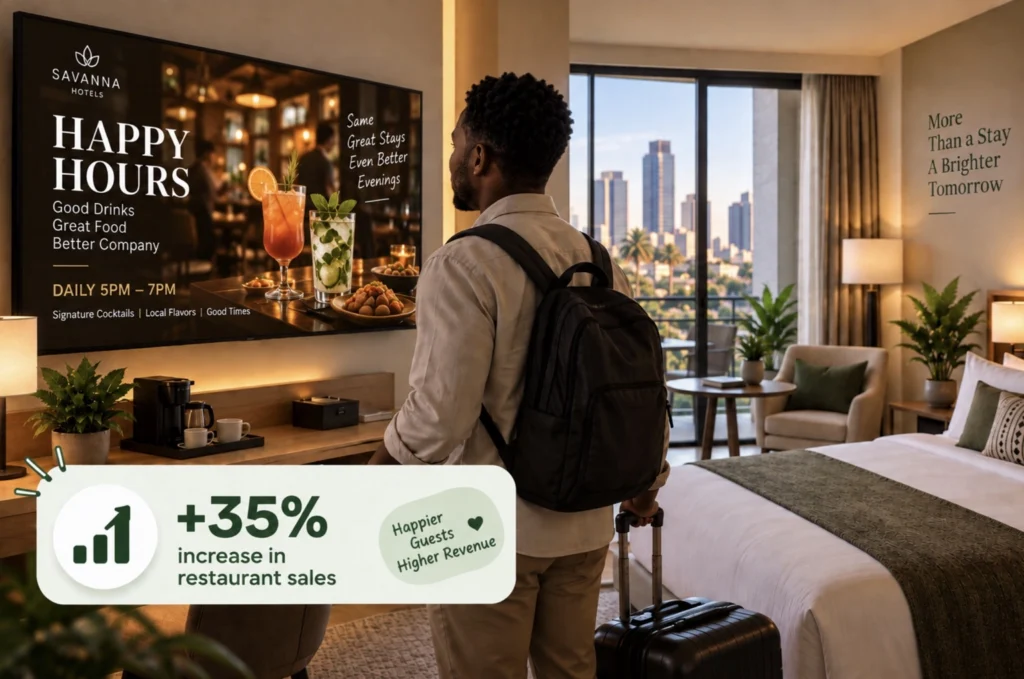
Show:
- Restaurant and bar offers
- Guest information
- Events
- Promotions
- Directions
- Announcements
Digital Signage for Offices
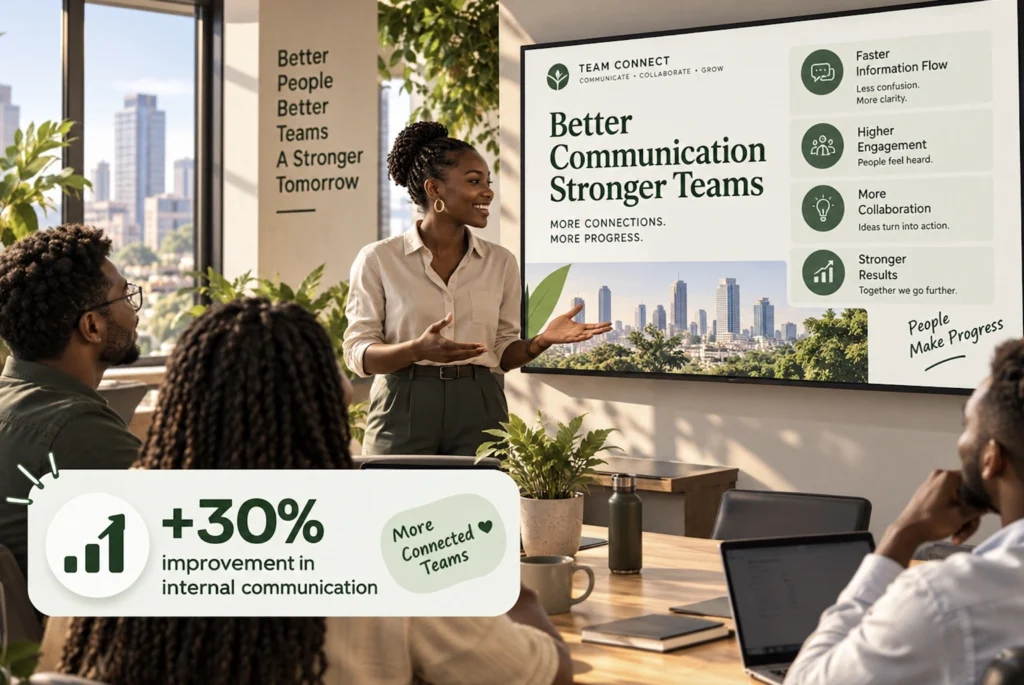
Use screens for internal communication and company information.
For businesses with several offices, screens can be managed remotely through the same platform.
- Display announcements
- Important updates
- Events
- Other content across connected office displays.
Manage Multiple Business Locations
Managing several branches doesn’t mean you need to manage every screen separately.
BuzzBlender lets you manage connected displays across multiple business locations from one centralized dashboard.
Publish content across your network or manage individual screens and playlists when different locations require different content.
Schedule Content Automatically
Decide what your customers should see and when they should see it.
BuzzBlender supports content scheduling by: Time, Date, Day of the week.
Schedule promotions in advance and let your playlists change automatically.
- Restaurants can switch between breakfast and lunch menus.
- Retailers can schedule weekend promotions.
- Hotels can schedule event information.
- Offices can prepare announcements in advance.
Digital Signage Software for Kenya
Need software to manage your digital signage screens?
BuzzBlender provides cloud-based digital signage software for businesses that want to remotely control content, playlists, schedules and connected displays.
Explore our dedicated digital signage software solution for businesses in Kenya.
What Our Customers Say
⭐⭐⭐⭐⭐
Simple, Reliable, and Surprisingly Affordable Digital Signage
We tried several digital signage solutions before switching to BuzzBlender, and it has easily been the simplest and most reliable option we’ve used.
Setting it up on our Samsung displays was quick and straightforward. Managing content is just as easy—even for team members who aren’t particularly tech-savvy. We can update our screens in real time, launch promotions, change menu content, and manage everything remotely without needing any additional hardware.
What really sets BuzzBlender apart is the combination of simplicity and affordability. It gives us everything we need without the complexity or high costs of other systems—and at just $5, the value is hard to beat.
Aadan
Take control of your screens today with Buzzblender
Frequently Asked Questions
What is digital signage?
Digital signage uses screens such as TVs and commercial displays to show digital content including promotions, menus, images, videos, announcements and customer information.
Digital signage software lets businesses control and update that content.
Is BuzzBlender available in Kenya?
Yes. BuzzBlender is a cloud-based digital signage platform that can be used by businesses in Kenya with compatible displays and internet connectivity.
How much does digital signage cost in Kenya?
BuzzBlender’s Basic software plan starts at $5 USD per screen per month. Approximately KSh 650 per screen / month.
Hardware costs, internet connectivity and other deployment costs depend on the equipment and setup used by each business.
Can I use my existing TV for digital signage?
Possibly. BuzzBlender supports compatible LG webOS, Samsung Tizen, Android and browser-based displays. Compatibility depends on the specific display model, operating system and configuration.
Can I manage screens in Nairobi and other locations remotely?
Yes. Connected BuzzBlender screens can be managed remotely through the cloud dashboard. For example, a business with displays in Nairobi and Mombasa can manage compatible connected screens through the same BuzzBlender account.
Can I manage multiple branches?
Yes. BuzzBlender supports multiple connected screens and multi-location digital signage management.
Can I schedule content?
Yes. BuzzBlender supports content scheduling by date, time and day of the week.
Can BuzzBlender be used for digital menu boards?
Yes. Restaurants and cafés can use BuzzBlender to display menus, promotions, images, videos and other supported content on compatible displays.
Does BuzzBlender work with Samsung and LG screens?
BuzzBlender supports compatible Samsung Tizen and LG webOS displays. Android and browser-based deployments are also supported.
Is there a free trial?
Yes. BuzzBlender offers a 14-day free trial with no credit card required.
One Dashboard for Every Screen and Location
Managing digital signage across multiple locations shouldn’t mean updating every screen manually. Buzzblender gives you one place to organize screens, publish content and manage playlists across your entire network.
Update a single display, a group of screens or multiple locations remotely. When your content changes, you can publish the update without visiting each location.
- Manage multiple locations
- Group and organize screens
- Update content remotely
- Schedule content in advance
- Manage everything from one account