
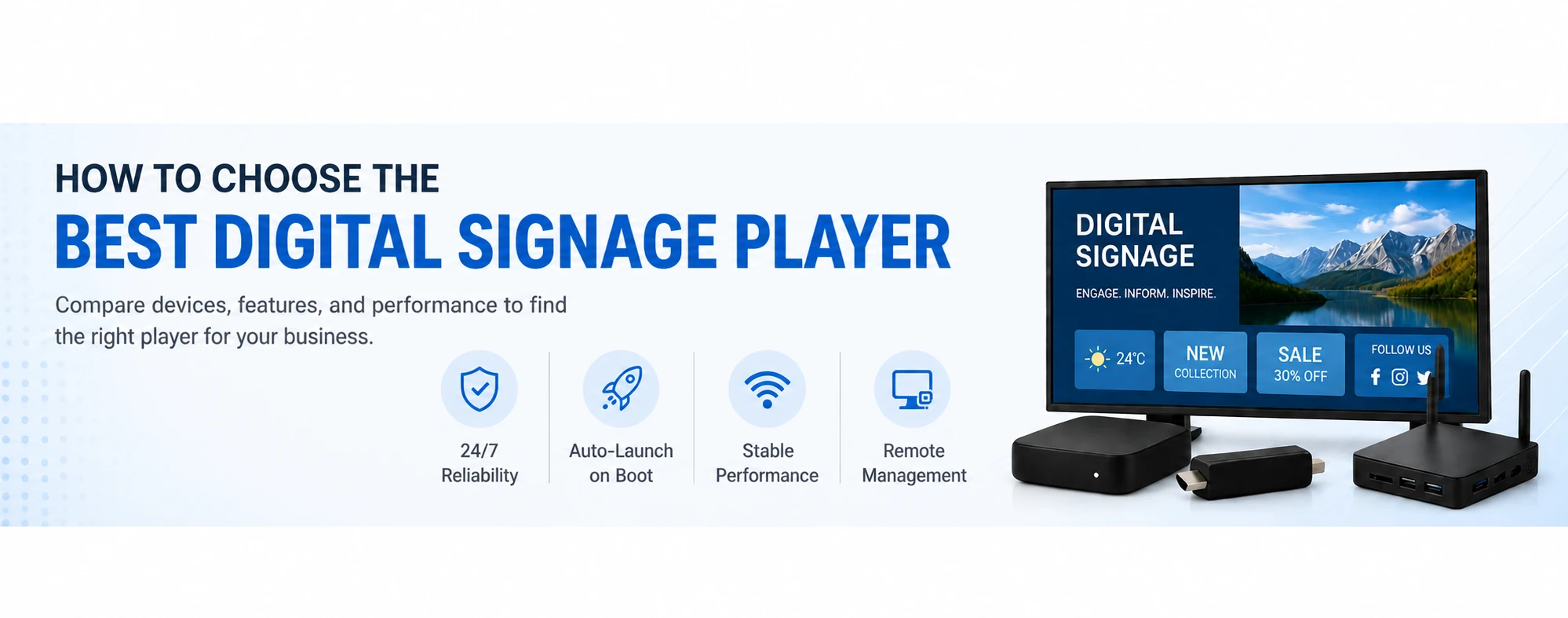
Choosing the best digital signage player is one of the most important decisions when setting up a digital signage system. The right device ensures smooth playback, reliable 24/7 operation, and easy scaling as your business grows. Sometime you don’t need an extra-player at all. Use LG Signage or your existing Smart TV.
In this guide, we’ll walk you through how to choose digital signage device — whether you’re using Android TV, Smart TVs, or dedicated signage players. If this is too long to read, check the summary in our Selected Signage Players Article.
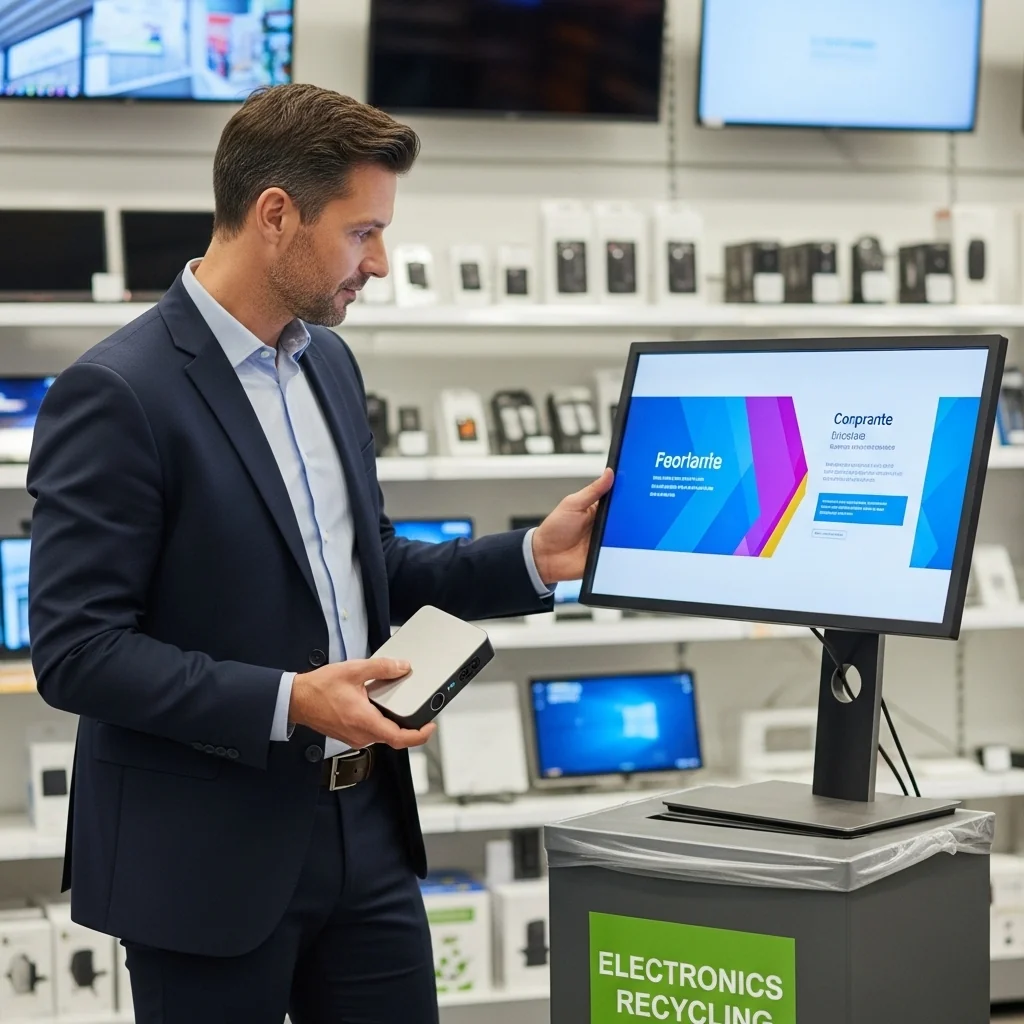
Why your digital signage player matters
A digital signage player is the device that powers your screen and displays your content — videos, menus, dashboards, or ads.
Choosing the wrong device can lead to:
- Laggy or crashing content
- Manual restarts after power loss
- Limited scalability
- Poor performance in 24/7 environments
That’s why selecting the best signage device is critical for long-term success.
1. Define your digital signage use case
Before choosing hardware, understand your needs:
- Are you running one screen or multiple locations?
- Will you display simple images or heavy video content?
- Do you need 24/7 operation or occasional playback?
For example:
- A café menu → Android TV signage device is enough
- A retail chain → dedicated digital signage player or LG Signage is better
2. Choose the right type of digital signage player
There are three main types of digital signage devices:
Dedicated digital signage player like BuzzBox
Best for professional use and 24/7 reliability.
- Built specifically for digital signage
- Stable and secure
- Supports remote management and auto-launch
👉 Best choice for businesses and scaling deployments
Smart TVs (Samsung, LG, Android TV)
No extra hardware required.
- Runs directly on the TV
- Clean and simple setup
- Limited performance for heavy usage
👉 Best for simple, single-screen setups
Android TV signage devices
Affordable and flexible.
- Examples: Xiaomi TV Stick, Onn TV Box
- Easy to install and widely available
- Good performance for most use cases
👉 Best for budget-friendly setups

Take control of your screens today with Buzzblender
3. Check performance requirements
Your digital signage player must handle your content smoothly.
Look for:
- 4K or Full HD playback support
- Stable internet connection (Wi-Fi or Ethernet)
- At least 2GB RAM (for Android TV signage devices)
Low-end devices (1GB RAM) often struggle with digital signage content.
4. Make sure the device supports auto-launch
One of the most important features of a digital signage player is auto-launch on boot.
This means:
- Your app starts automatically after power loss
- No manual intervention is required
- Your screens stay online at all times
👉 Essential for reliable digital signage
5. Consider 24/7 reliability
Not all devices are built for continuous use.
- Dedicated signage players → built for 24/7 operation
- Android TV devices → good, but may require restarts
- Smart TVs → best for light usage
If your screens are business-critical, choose a professional digital signage player.
6. Plan for scaling your signage network
If you plan to grow your digital signage:
- Use devices with remote management
- Standardize hardware across locations
- Avoid devices that require manual setup
This makes managing multiple digital signage players much easier.
Quick comparison: which signage device should you choose?
- Best digital signage player (overall) → Dedicated signage player
- Best budget signage device → Android TV (Xiaomi, Onn)
- Best simple setup → Smart TVs
Final thoughts
There’s no one-size-fits-all solution — the best digital signage player depends on your goals.
- Want 24/7 performance? → Go with a dedicated signage player
- Want affordability? → Choose Android TV signage devices
- Want simplicity? → Use Smart TVs without external devices.
Choosing the right digital signage device from the start will save you time, reduce maintenance, and ensure your content runs smoothly — no matter how big your network grows.
FAQ – How to Choose a Digital Signage Player
How do I choose the best digital signage player?
To choose the best digital signage player, start by defining your use case (number of screens, type of content, 24/7 needs). Then compare device types like dedicated signage players, Android TV devices, and Smart TVs based on performance, reliability, and budget.
What should I look for in a digital signage player?
When choosing a digital signage device, look for:
- 4K or Full HD playback support
- At least 2GB RAM (for Android devices)
- Stable Wi-Fi or Ethernet
- Auto-launch on startup
- Support for 24/7 operation
These factors ensure smooth and reliable digital signage performance.
Which type of digital signage player is best?
The best type of digital signage player depends on your needs:
- Dedicated signage player, LG Signage→ best for 24/7 reliability
- Android TV device → best for budget setups
- Smart TV → best for simple, single-screen use
Is Android TV a good choice for digital signage?
Yes, Android TV signage devices are a good choice if you want an affordable and easy-to-deploy solution. However, they are not specifically designed for continuous 24/7 signage like dedicated digital signage players.
Do I need a dedicated digital signage player?
You don’t always need one, but a dedicated digital signage player is recommended if you require stability, auto-launch, remote management, and long-term 24/7 performance.
Why is auto-launch important for digital signage?
Auto-launch ensures your digital signage player automatically starts your app on boot, so your screens recover after power loss or restarts without manual intervention.
Can I use a Smart TV as a digital signage player?
Yes, you can use a Smart TV like LG or Samsung for digital signage, especially for simple setups. However, Smart TVs may have limitations in performance and are not always ideal for 24/7 usage.
What is the best digital signage player for 24/7 use?
The best digital signage player for 24/7 use is a dedicated signage device designed specifically for continuous operation, stability, and remote management.
How much does a digital signage player cost?
The cost of a digital signage player varies:
- Android TV devices → $30–80
- Dedicated signage players → $100–300+
- Mini PCs → $300+
Your choice depends on performance and reliability requirements.
Can I scale digital signage with any device?
Not all devices scale well. For growing networks, choose digital signage players that support remote management and consistent deployment, which is easier with dedicated signage devices.
Take control of your screens today with Buzzblender
What Our Customers Say
⭐⭐⭐⭐⭐
The Easiest and Most Affordable Digital Signage We’ve Used
We tested several digital signage solutions before switching, and BuzzBlender has been the simplest and most reliable by far.
Setup on our Samsung displays was fast, and managing content is incredibly easy—even for non-technical staff. We can update screens in real time, run promotions, and control everything remotely without extra hardware.
Compared to other systems, it stands out for both ease of use and pricing. Just five dollars.
Vasiliy, co-founder of Ecomind

We Support Different Operating Systems


Leave a Reply