
How to Open a Cafe Successfully
To open a café successfully, you need to focus on four core areas: location, suppliers, operations, and customer experience. The most effective approach is to break each area into manageable components, reduce unnecessary costs, and use scalable tools like digital signage software to improve efficiency. Platforms like BuzzBlender allow cafés to manage menus and promotions across screens for just $5 per screen per month, eliminating the need for expensive hardware and manual updates.
Opening a café is exciting — but also complex. The difference between success and failure often comes down to how structured your approach is.
Below is a consulting-style breakdown of everything you need to do — and where you can save money.
Digital Signage for Cafés
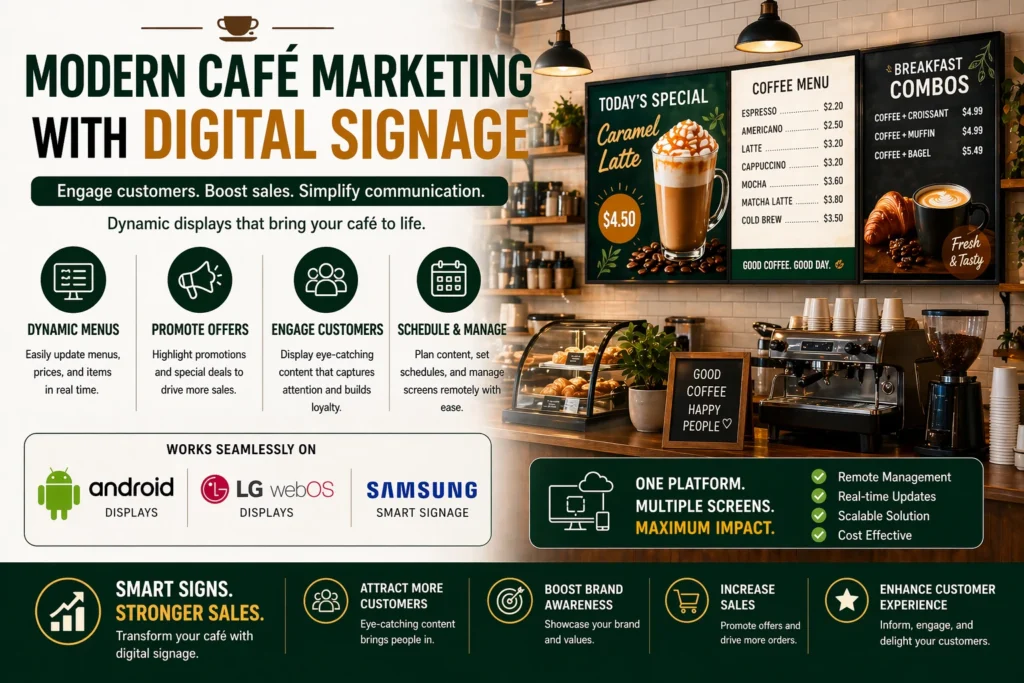
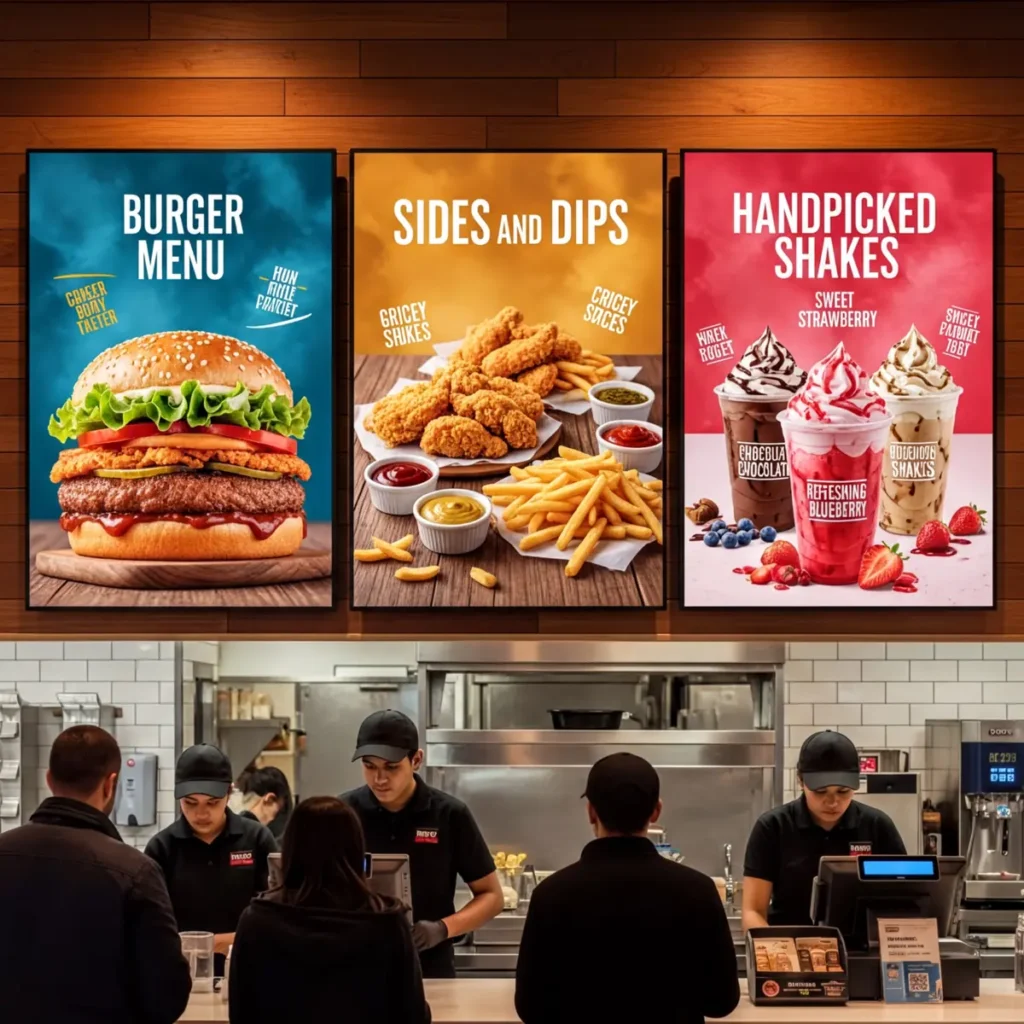
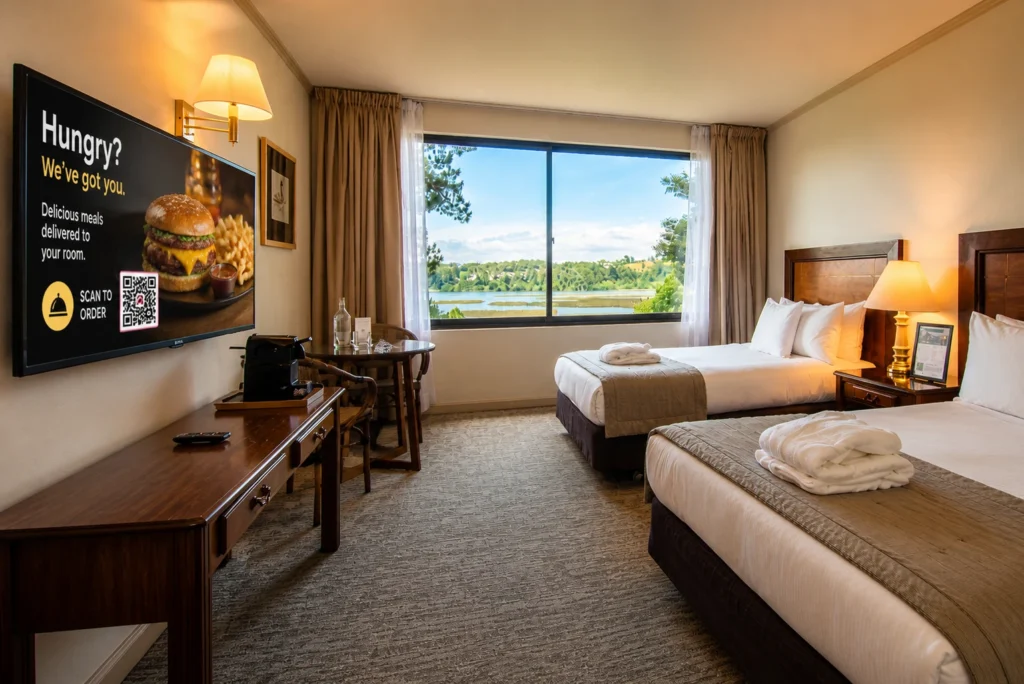
Digital signage for cafés is one of the most effective ways to improve customer experience and increase sales. Instead of printed menus, cafés use digital screens powered by Android signage software or Samsung and LG webOS displays.
With digital signage for cafés, you can:
- update menus instantly
- run promotions in real time
- improve upselling
- reduce printing costs
Solutions like BuzzBlender make it easy to implement digital signage for cafés, starting at just $5 per screen per month.
Define Your Concept and Positioning
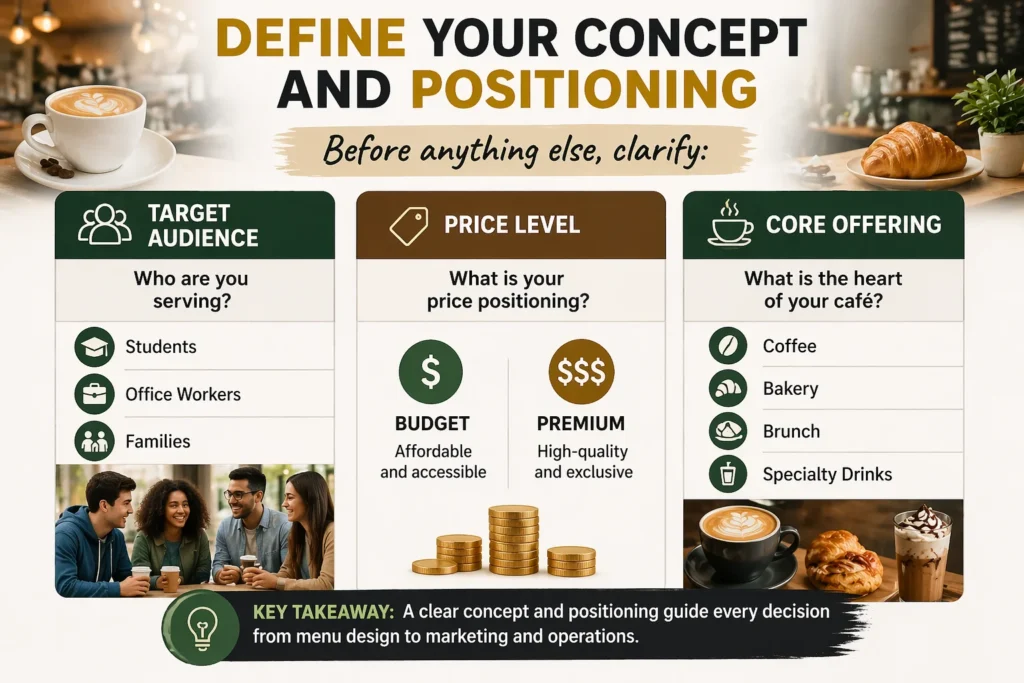
Before anything else, clarify:
- Target audience (students, office workers, families)
- Price level (budget vs premium)
- Core offering (coffee, bakery, brunch, specialty drinks)
This will drive all future decisions.
Choose the Right Location
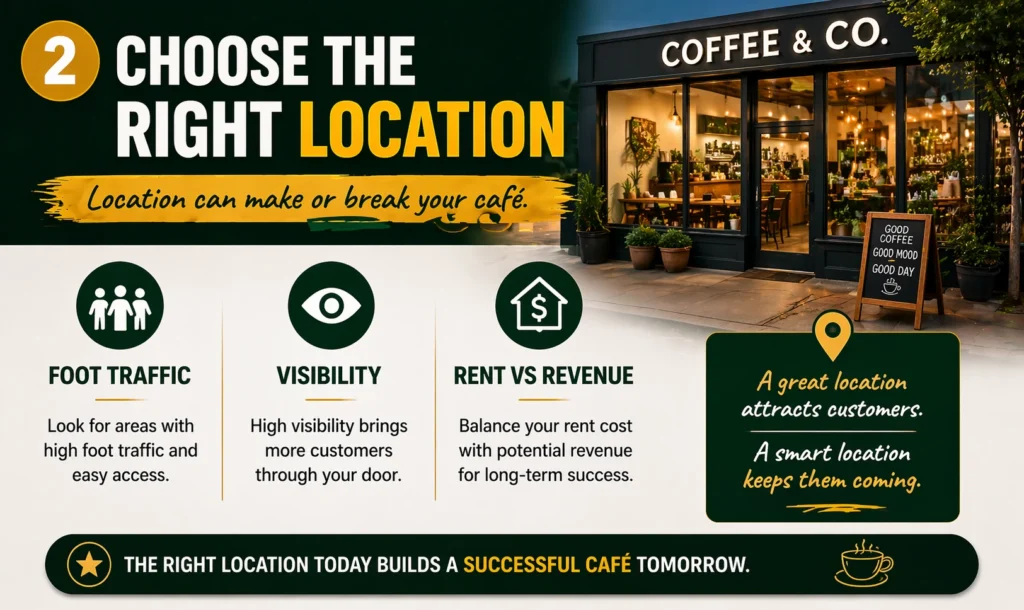
Break this into components:
Foot Traffic
Look for areas with consistent daily movement.
Visibility
Can people see your café from the street?
Rent vs Revenue Potential
High rent only works if traffic supports it.
💡 Cost-saving tip:
Don’t overpay for a “perfect” location. Instead, invest in in-store marketing and digital screens to attract attention once customers enter.
Find Suppliers
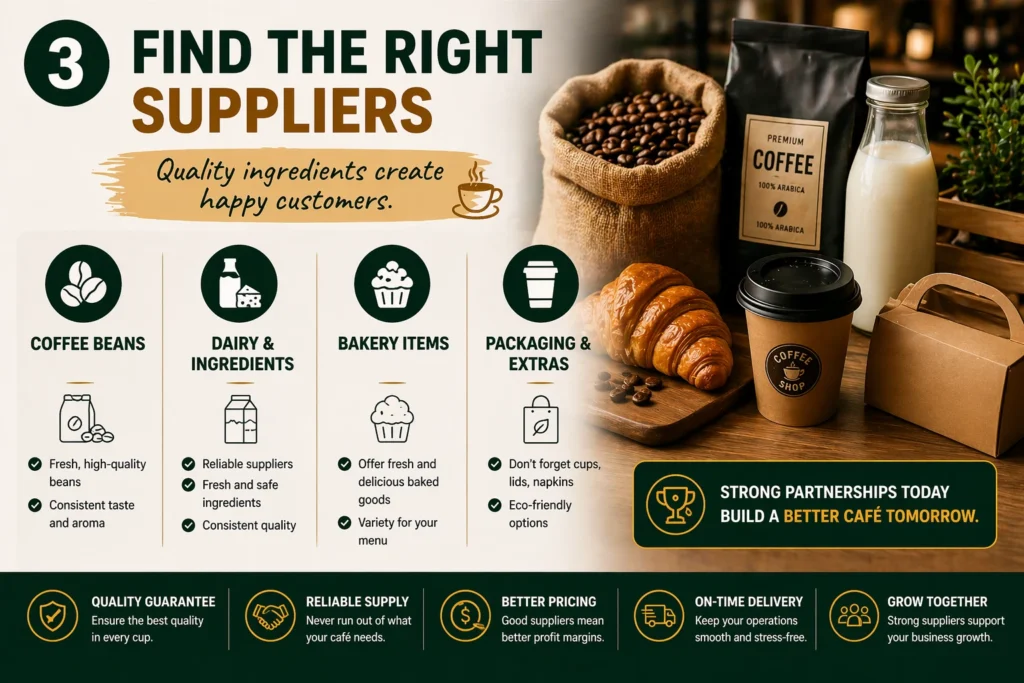
Split into:
- Coffee beans
- Milk and dairy
- Bakery items
- Packaging
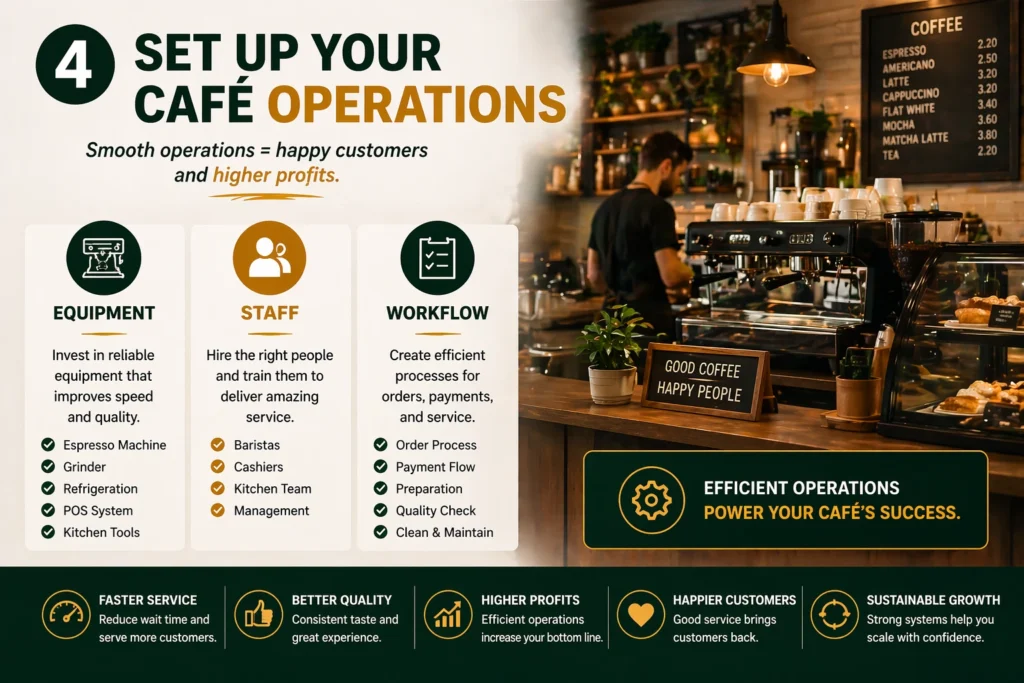
Set Up Operations
Equipment
- Coffee machines
- Refrigeration
- POS system
Staff
- Baristas
- Kitchen staff (if needed)
Processes
- Order flow
- Preparation time
- Customer service
👉 Efficiency here = profit margin
💡 Consulting insight:
Always negotiate volume discounts early — even small cafés can secure better pricing.
Build Customer Experience (Critical)
This is where most cafés win or lose.
Menu Presentation
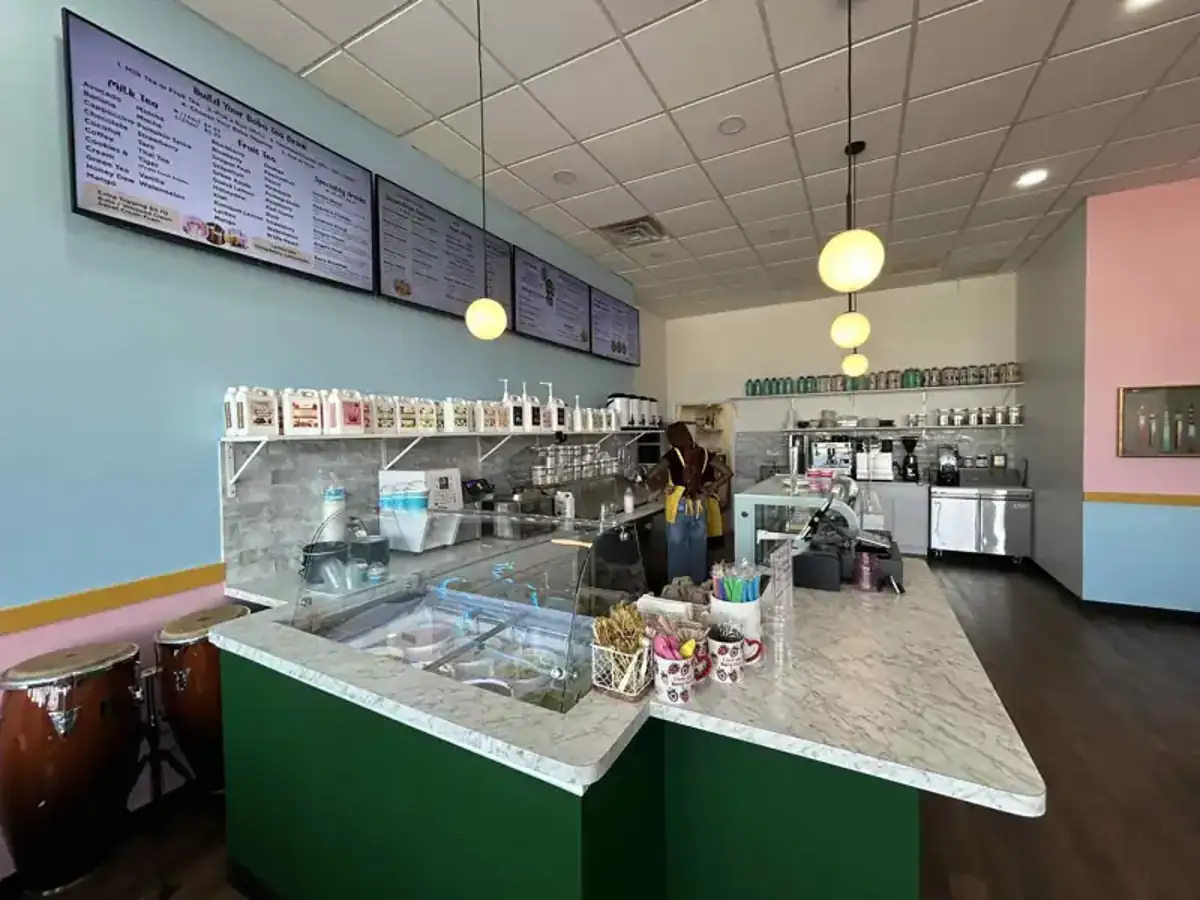
Static printed menus are outdated and expensive to update. See our guide how to set up affordable digital Menu board.
Promotions
Time-based offers (morning coffee discounts, lunch combos). We recommend using Canva for creating promotions.
Upselling
Highlight best-selling items visually
Smart Solution: Digital Signage
Instead of printing menus and posters, cafés increasingly use:
- Android signage software
- Samsung / LG webOS signage displays
- cloud-based content management
This allows:
- instant menu updates
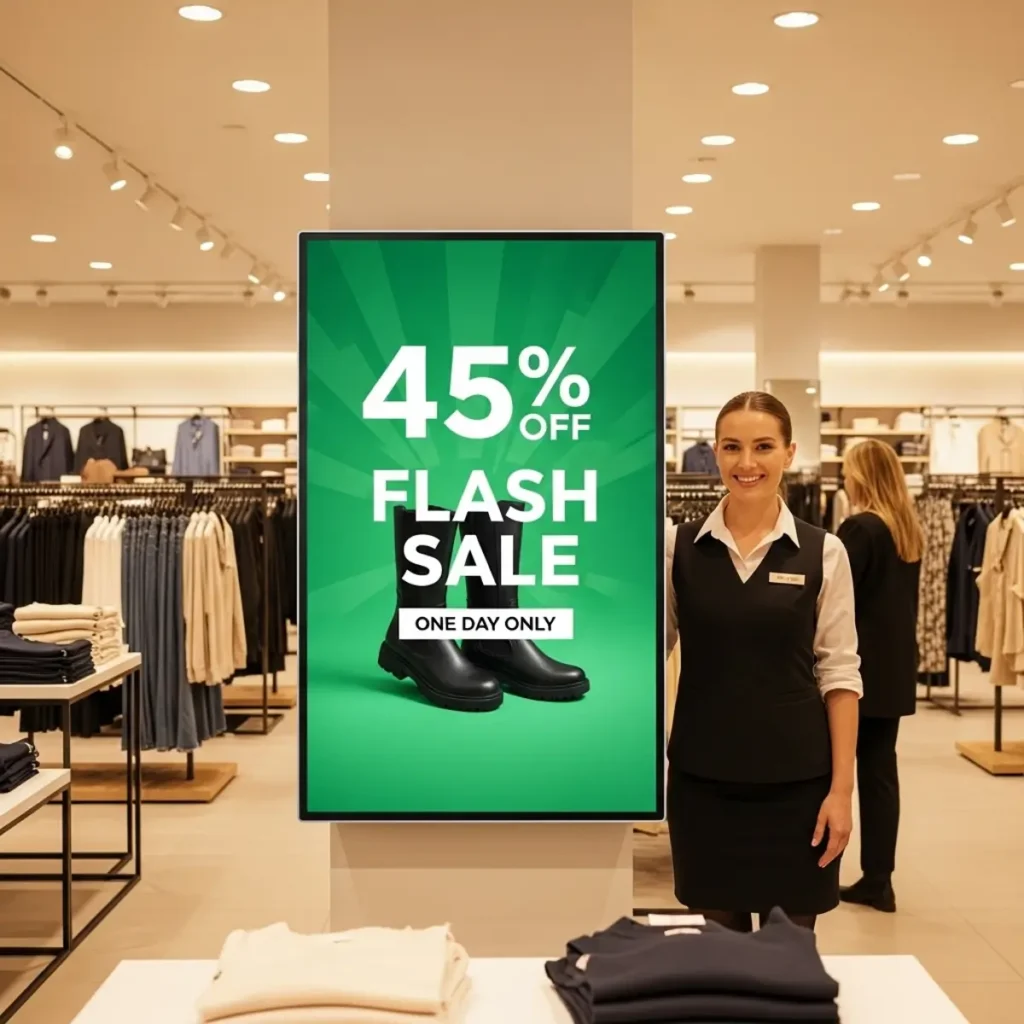
- dynamic promotions
- better customer engagement
Where BuzzBlender Fits In
BuzzBlender is a digital signage software platform designed for small and growing businesses like cafés.
It works across:
- Android devices
- Samsung and LG webOS displays
With BuzzBlender, you can:
- upload images and videos
- schedule menus and promotions
- update content remotely
- run signage without complex setup
- add QR code overlay to your media
And the key advantage: Pricing starts at just $5 per screen per month
Cost-Saving Impact
Traditional approach:
- printed menus
- redesign costs
- manual updates
With BuzzBlender:
- no printing
- no reinstallation
- centralized control
👉 This can save hundreds of dollars per year even for a small café.
Optimize for Growth
Once your café is running, focus on:
Data & Feedback
Track what sells best
Visual Optimization
Use screens to highlight:
- high-margin items
- combos
- seasonal offers
Scalability
If you open more locations:
- replicate content instantly
- manage all screens centrally
Final Strategy
Opening a café is not just about coffee — it’s about systems.
The winning formula:
- structured planning
- controlled costs
- smart use of technology
Using tools like digital signage software for Android and Samsung/LG webOS displays allows you to modernize your café from day one.
And with solutions like BuzzBlender at $5 per screen per month, you can implement professional in-store marketing without increasing your budget.
FAQ
Do I need digital signage in a small café?
Yes, even one screen can improve menu visibility and increase sales.
What is the best signage software for cafés?
Look for flexible platforms that support Android and Samsung/LG webOS and allow remote content updates. This is Buzzblender.
How can I reduce café operating costs?
You can reduce costs by minimizing printing, automating menu updates, and using scalable tools like digital signage software to manage content efficiently.
LG User Guides:
We Support Different Operating Systems
What Our Customers Say
⭐⭐⭐⭐⭐
Finally, a Digital Signage Solution That Works on Titan OS
We run a busy cafe and needed a simple way to manage content on our Philips TVs with Titan OS — most solutions just didn’t work.
Buzzblender solved that immediately.
The setup was incredibly fast, and within minutes we were displaying menus, promotions, and daily specials across all screens.
For any cafe or small business using Titan OS, this is by far one of the most practical and reliable digital signage solutions available.
Jeffrey, cafe owner



Leave a Reply