
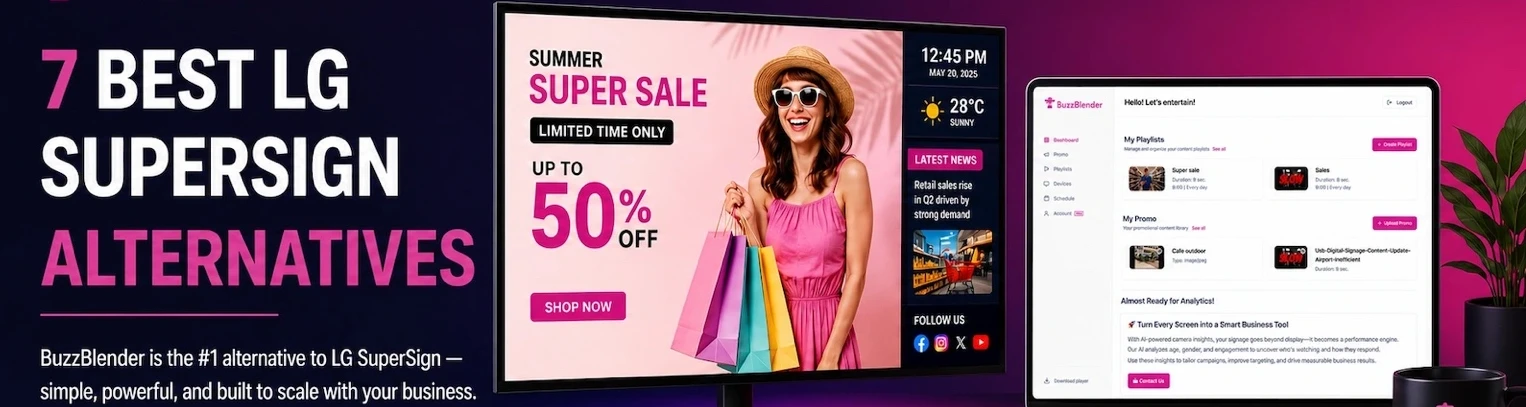
Looking for an LG SuperSign alternative? Whether you want to reduce digital signage costs, simplify content management, or manage different brands of screens from one dashboard, there are several excellent options in 2026.
LG SuperSign is an established digital signage platform, particularly for businesses using LG commercial displays. However, it is not necessarily the best fit for every organization.
Some businesses prefer a cloud-based solution with straightforward per-screen pricing. Others need support for Samsung displays, Android devices, Chromecast, or a combination of different hardware.
In this guide, we compare seven LG SuperSign alternatives in 2026, focusing on pricing, ease of setup, device compatibility, content management, and scalability.
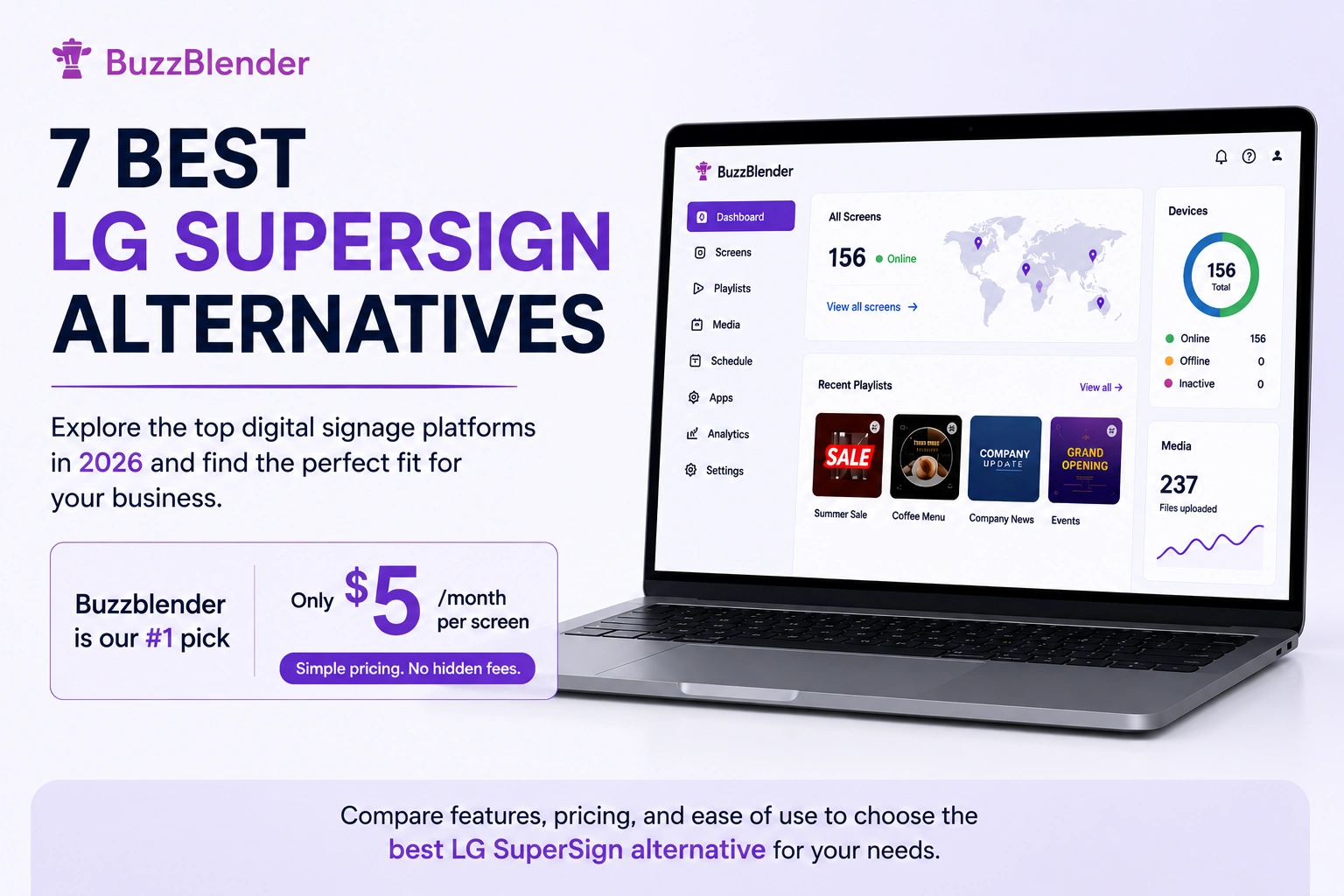
Our top pick for affordable, flexible digital signage is Buzzblender, starting at $5 per screen per month. For organizations that need extensive enterprise integrations or education-specific tools, several other platforms are worth considering.
LG SuperSign has been a familiar name in digital signage for years. For businesses already invested in LG displays, it often feels like the obvious starting point. But once you start using it day to day, the limitations become harder to ignore.
The setup can feel more complex than it needs to be. Managing content across multiple locations often requires more training than expected. And for growing businesses, the cost of scaling can quickly become difficult to justify.
That is why many organizations are now looking beyond LG SuperSign.
The good news is that the digital signage market has evolved significantly. Modern platforms focus on simplicity, cloud management, better integrations, and faster deployment without sacrificing control.
In this guide, we compare seven of the best LG SuperSign alternatives available today.
What Is LG SuperSign?
LG SuperSign is LG’s family of software solutions for managing digital signage content and compatible commercial displays.
Its capabilities vary by product. For example, LG SuperSign CMS supports content editing, playlists, scheduling, and distribution to multiple displays. Other SuperSign tools focus on device control, monitoring, and specialized display management.
LG SuperSign is particularly relevant to organizations that already use LG commercial signage hardware.
Why Look for a SuperSign Alternative?
Businesses may consider alternatives for several reasons:
- Lower software costs: Per-screen subscriptions can become expensive as a network grows.
- Simpler setup: Some teams prefer installing an app and connecting a screen without configuring a more involved signage environment.
- Mixed hardware support: Businesses may use LG, Samsung, Android, Windows, and Chromecast devices together.
- Cloud management: Remote updates are important for companies with multiple locations.
- Flexible content: Teams may need videos, images, websites, HTML widgets, menus, and promotional content.
- Predictable scaling: Straightforward pricing helps businesses plan for additional screens.
This does not mean SuperSign is unsuitable for every business. Organizations that rely on LG-specific display management may find its native tools valuable.
The right choice depends on the hardware you own and the functionality you actually need.
What Makes a Better SuperSign Alternative?
What buyers really want from a digital signage platform is simple: a solution that runs natively on their screens, is easy to manage, and doesn’t create unnecessary hardware or licensing costs.
Key priorities typically include:
- Native Smart TV support for Samsung, LG, Android
- No need for external media players or additional hardware
- Quick and intuitive playlist creation, scheduling, and content updates
- Cost-effective pricing that scales per screen without excessive fees
- Cross-platform compatibility, allowing deployment across different device types without vendor lock-in
The platforms that succeed are the ones that combine simplicity, flexibility, and predictable costs while making content management effortless.
Quick comparison
| Feature | Buzzblender | OptiSigns | NoviSign | Rise Vision | ScreenCloud | Yodeck | SuperSign |
|---|---|---|---|---|---|---|---|
| Price | $5 | $10–45 | $18–44 | $11.5 | $20–30 | $7.99 | $12-20 |
| Works without extra hardware | Yes | Yes | Yes | ❌ None | Yes | Yes | Yes |
| Works on LG | Yes | Yes | Yes | Yes | Yes | Yes | Yes |
| You can install from LG Content Store | Yes | Yes | Yes | ❌ None | Yes | ❌ None | Yes |
| Works on Samsung/Android | Yes | Yes | Yes | Yes | Yes | Yes | ❌ Limited |
| Setup speed | Fast | Medium | Medium | Easy | Complex | Medium | Complex |
| Playlist creation | Very fast | Advanced | Advanced | Advanced | Advanced | Good | Slower |
1. Buzzblender
Pricing: $5 per screen/month
If your goal is simply to get content on screens without spending weeks configuring software, Buzzblender is arguably the strongest alternative available today.
What makes Buzzblender different is its balance between simplicity and scalability.
Many signage platforms become increasingly complicated as you add more screens. Buzzblender does the opposite. Whether you are managing five displays or five hundred, the experience remains straightforward.
Teams can create playlists, schedule content, organize screens by location, and launch campaigns from a single dashboard.
It also works with hardware businesses already own, eliminating the need for expensive proprietary equipment.
Why businesses switch from LG SuperSign to Buzzblender
- Install from LG Content Store
No complicated deployment. Just download and start. - No media player required
Works directly on your Smart TV. - $5 per screen/month
One of the most affordable solutions on the market. - Fast setup (minutes, not hours)
Create and launch playlists almost instantly. - Works on multiple platforms
Not just Samsung: - Simple support access
Need help with installation or setup?
→ help@buzzblender.com
Best for
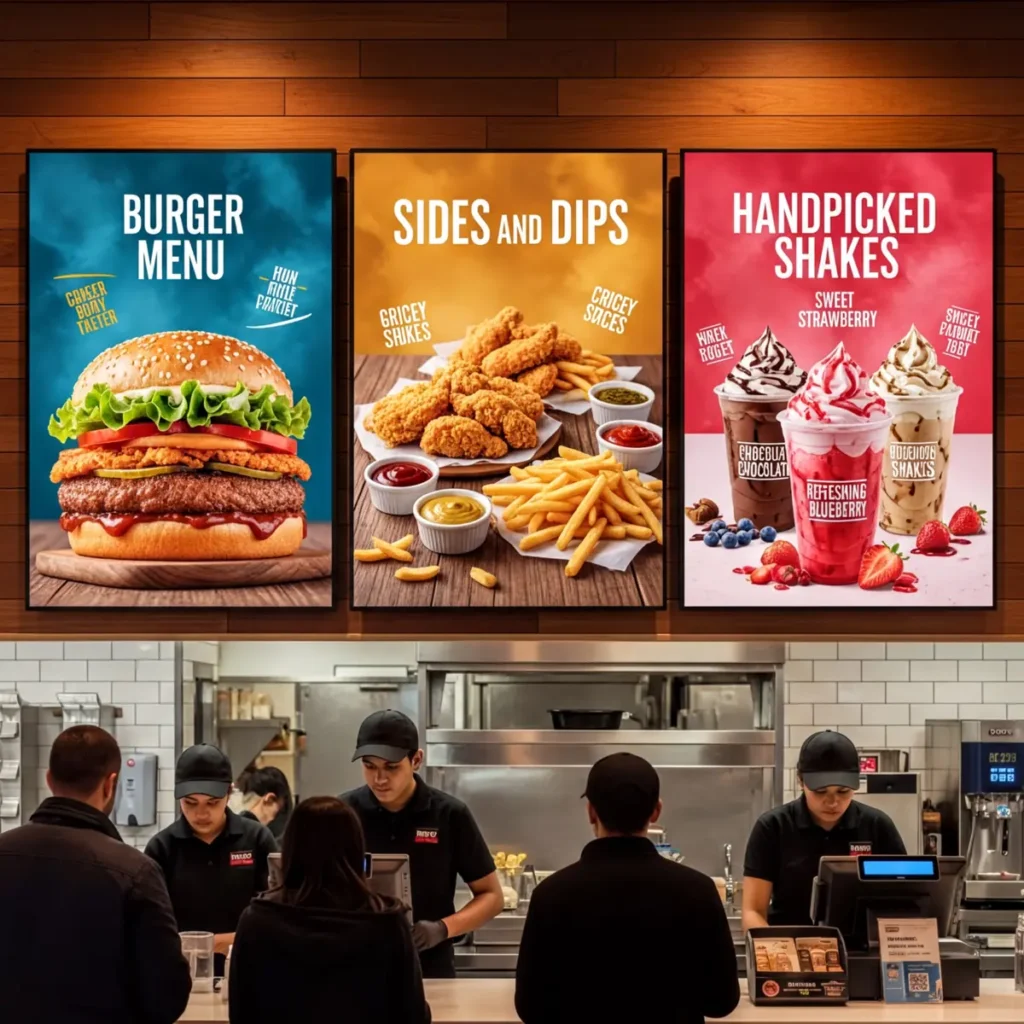
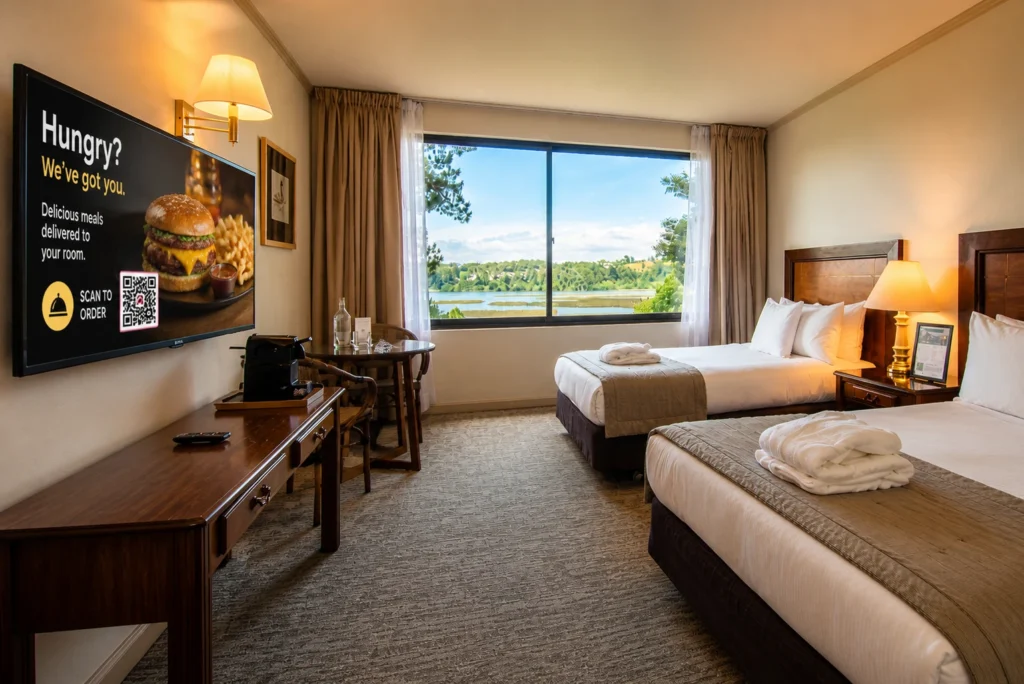
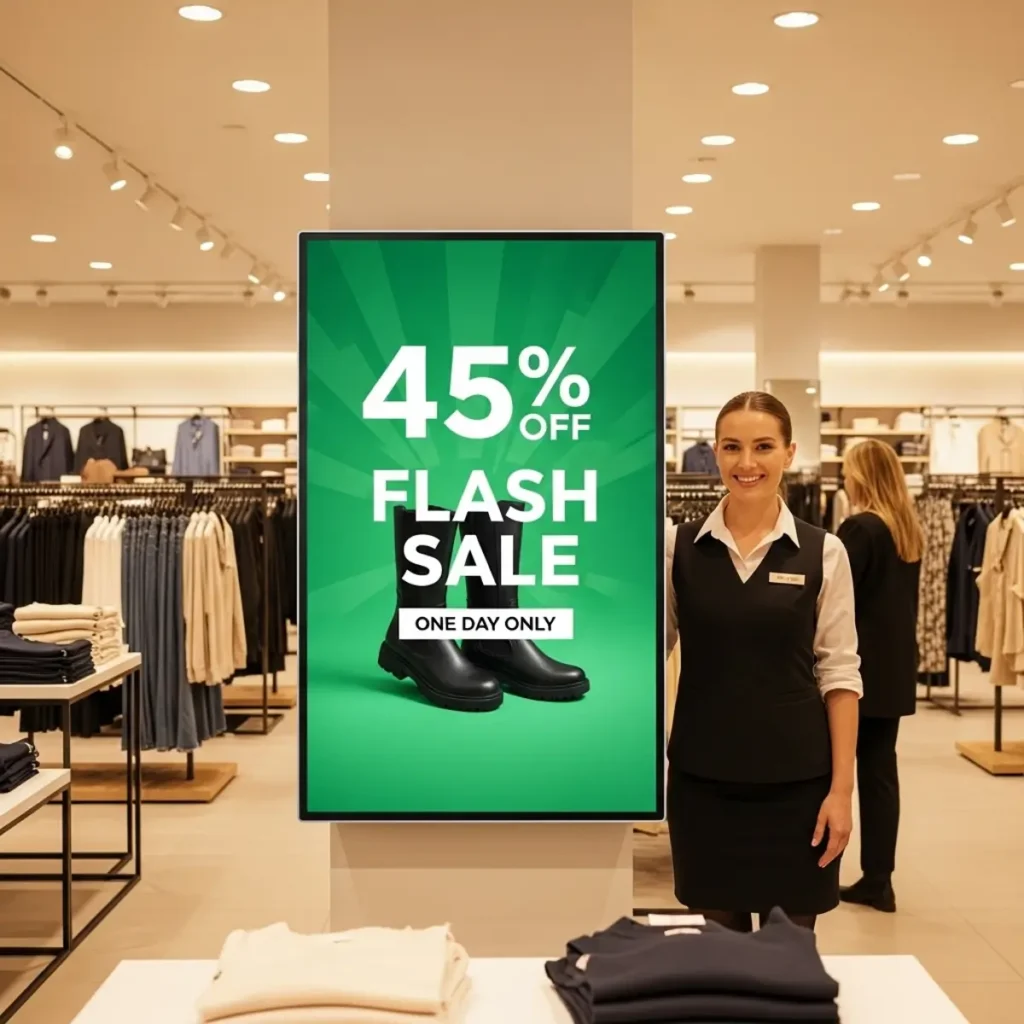
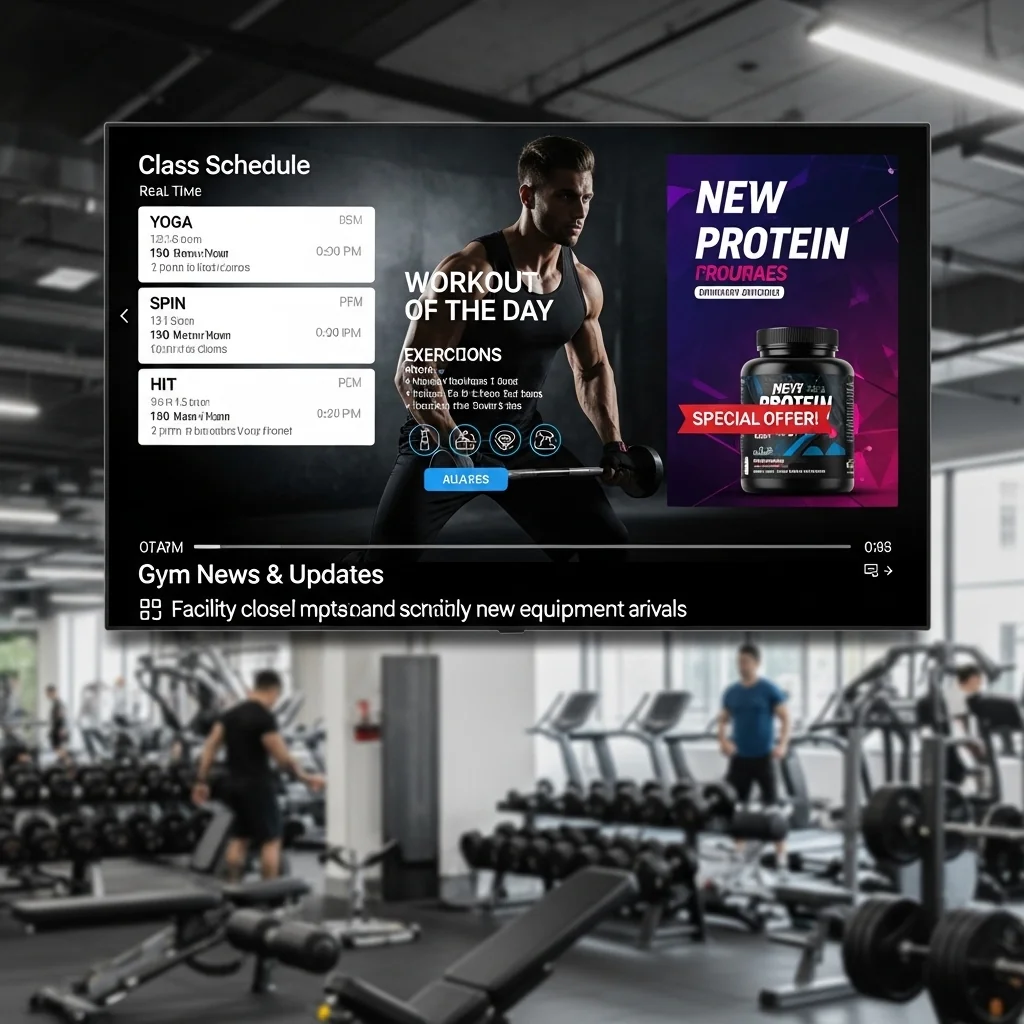
Retail chains, restaurants, fitness centers, healthcare providers, corporate communications, churches, franchises, and agencies.
“We started with LG SuperSign because all of our displays were LG. The software worked, but every content update felt slower than it should have been. After moving to Buzzblender, our marketing team was fully managing 42 screens within two days. Six months later, we added three new locations without needing outside support.”
Jessica Meyer
Marketing Director
Germany
TOUCH Health Clubs
Take control of your screens today with Buzzblender
How Buzzblender Works
Step 1: Install the App
Download and install the Buzzblender app on your display. It works on Samsung, LG webOS, Android TVs, and other compatible devices.
Step 2: Connect Your Screen
Log in to your cloud dashboard and pair your screen using a simple activation code. The process takes just a few seconds.
Step 3: Upload Your Content
Add your media directly to the platform, including images, videos, menus, promotions, and announcements.
Step 4: Schedule and Publish
Create playlists, set your schedule, and publish content instantly to one or multiple screens.
Result
Your content is delivered to all connected displays in real time—live within seconds, with no delays or extra steps.
2. OptiSigns — Best for Integrations
OptiSigns focuses heavily on integrations and content flexibility.
Pricing: $10–$45 per screen/month
Businesses that rely on dashboards, social media feeds, Google Slides, Canva, and web-based content often find OptiSigns attractive.
Its extensive app ecosystem makes it particularly useful for marketing-focused teams.
Where OptiSigns is strong
- Large integration library
- Strong content options
- Cloud-first architecture
Where Buzzblender is better than Optisigns:
- Interface can feel crowded
- Feature discovery takes time
“The easiness of set-up ecosystem was the reason we chose Buzzblender. Pushing media to our office displays took hours instead of weeks.”
Daniel Foster
IT Manager
United States
Velocity Logistics
3. NoviSign — Best for Enterprise Teams
Pricing: $18–$44 per screen/month
NoviSign has long been recognized as a reliable signage platform for retail and hospitality businesses.
Where Novisign is strong
- Good visual editor
- Strong retail capabilities
- Interactive options
Where Buzzblender is better than Novisign:
- Interface feels outdated
“Our store managers can push content to the screen via Buzzblender in minutes without IT department.”
Emma Rodriguez
Regional Retail Manager
Spain
Moda Central
4. Rise Vision — Best for Education
Pricing: $11.5 per screen/month
Rise Vision continues to dominate the education sector.
Schools, colleges, and universities appreciate its template library and ease of deployment.
Where Rise vision is strong
- Excellent educational features
- Easy scheduling
- Good template selection
Where Buzzblender is better than Risevision:
- Less flexible for commercial environments
“We manage displays across seven buildings. Buzzblender reduced the workload for our communications team dramatically and made emergency announcements far easier.”
Liza Chambers
Communications Coordinator
Canada
New Year College
5. ScreenCloud — Best for Templates choice
Pricing: $20–$30 per screen/month
ScreenCloud has become a popular choice for internal communications.
Organizations use it to display company announcements, dashboards, KPIs, onboarding materials, and workplace communications.
Where Screencloud is strong
- Strong workplace communication tools
- Excellent app marketplace
- Enterprise capabilities
Where Buzzblender is better than Screencloud:
- Screncloud has higher pricing.
- Better suited for corporate environments than retail
“Our primary objective was improving internal communication. Buzzblender gave our HR and leadership teams complete control over messaging across multiple offices.”
Chris Wong
People Operations Lead
Singapore
Horizont Services
6. Yodeck
Pricing: $8–$30 per screen/month
Yodeck has built a strong reputation among small and medium-sized businesses. The platform is particularly appealing for organizations that want a simple cloud-based solution without a significant learning curve.
Its playlist builder is intuitive, and the platform supports a wide range of content formats.
Where Yodeck is strong
- Strong scheduling options
- Good template library
Where Buzzblender is better than Yodeck:
- Billing per month
- Outdated interface
“We originally compared five different platforms. Buzzblender was the easiest to understand during the trial phase and helped us replace static menu boards across our cafés.”
Michael
Operations Manager
United Kingdom
Coffee and Cats Group
7. LG SuperSign
Pricing: $12–$20 per screen/month
SuperSign targets organizations with more advanced technical requirements.
It offers robust device management, analytics, and enterprise controls.
Where SuperSign is strong
- Advanced management tools
- Enterprise-grade security
- Strong monitoring capabilities
Where Buzzblender is better than SuperSign:
- Higher complexity
- Steeper learning curve
“Buzzblender gave us the level of control we needed across multiple airports and transportation hubs. The monitoring tools alone saved countless support hours.”
Chris Donovan
Infrastructure Director
Australia
Transit
Which LG SuperSign alternative is best?
The answer depends on what matters most to your organization.
If you need advanced enterprise controls, Novisign or ScreenCloud may be worth exploring.
If you are in education, Rise Vision remains a strong option.
If your priority is getting a modern digital signage platform that combines ease of use, scalability, cloud management, and long-term value, Buzzblender stands out as the strongest overall alternative.
It delivers the flexibility modern businesses need without introducing unnecessary complexity.
“Our evaluation lasted nearly three months. We tested four platforms and ultimately selected Buzzblender. One year later, we are running more screens, spending less time managing content, and seeing significantly better engagement from customers.”
Pierre, Digital Experience Manager
France
Groupe Nova Fashion
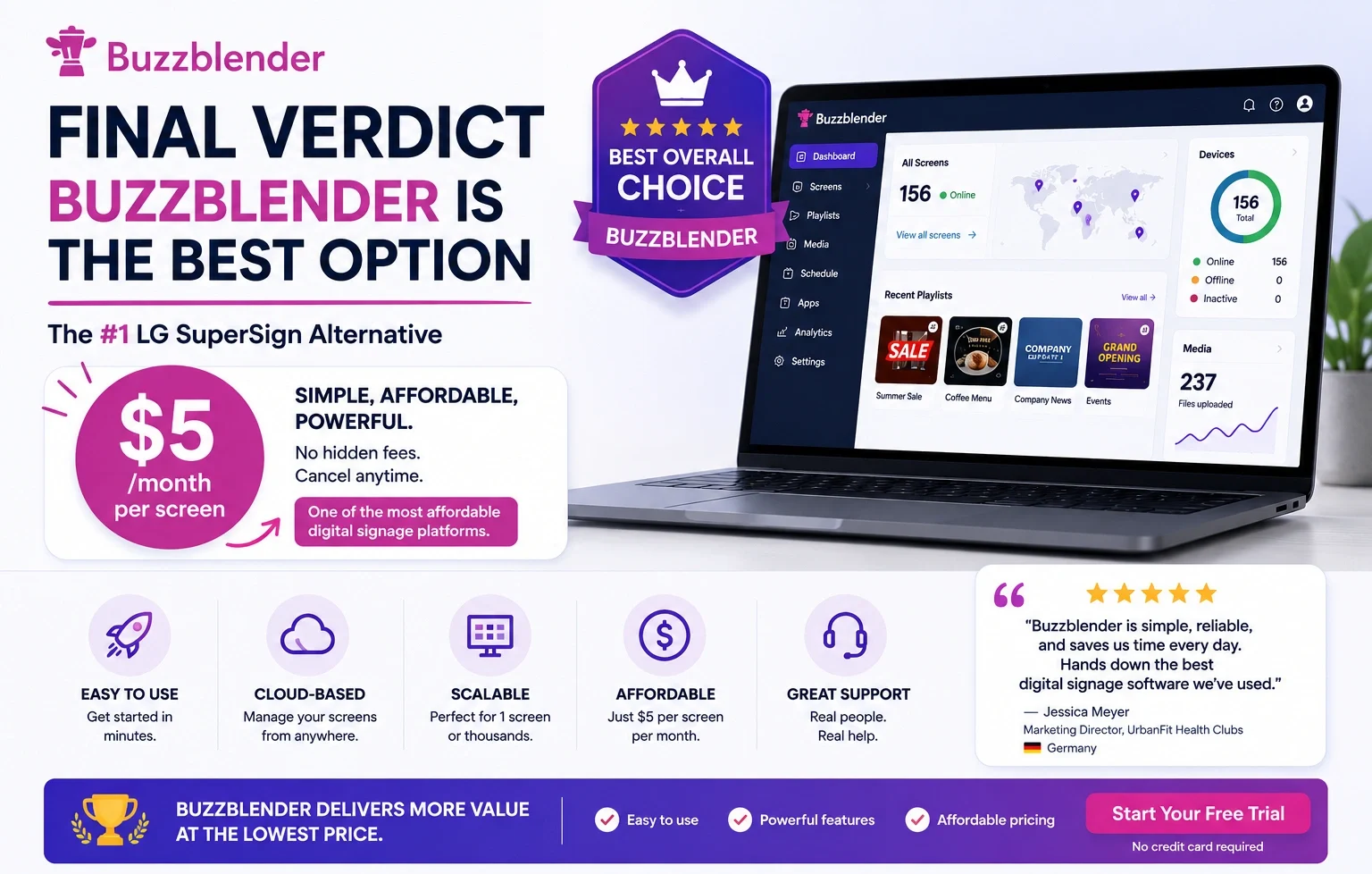
For most businesses, Buzzblender is the fastest, easiest, and most cost-effective MagicInfo alternative in 2026. No Card Required! 14 Days free trial.
Frequently Asked Questions
Is LG or Samsung TV better?
Both brands make excellent TVs, but the better choice depends on your priorities. LG is generally known for its OLED technology, which delivers exceptional contrast, deep blacks, and excellent viewing angles. Samsung often leads in brightness, anti-glare technology, and Mini LED displays.
How to reset my LG TV
To reset an LG Smart TV:
- Open Settings.
- Select All Settings.
- Navigate to General.
- Choose System.
- Select Reset to Initial Settings.
- Confirm the reset.
The TV will restart and return to factory settings.
How to update LG TV
Most LG TVs can update automatically.
To check manually:
- Open Settings.
- Select Support.
- Choose Software Update.
- Enable Allow Automatic Updates.
- Select Check for Updates.
Install any available updates and restart the TV when prompted.
How to screen mirror iPhone to LG TV
You can mirror an iPhone using AirPlay.
- Ensure both devices are on the same Wi-Fi network.
- Open Control Center on your iPhone.
- Tap Screen Mirroring.
- Select your LG TV.
- Enter the AirPlay code if requested.
Your iPhone screen should appear on the TV immediately.
How to update LG TV software
LG TV software updates follow the same process as firmware updates:
- Settings
- Support
- Software Update
- Check for Updates
Always install updates from official LG sources.
How to screenshare to LG TV
Depending on your device, you can use:
- AirPlay (iPhone)
- Miracast (Windows)
- Chromecast-compatible apps
- LG Screen Share
Select Screen Share from the TV menu and connect your device.
How to play MP4 video files on LG TV through USB
- Copy MP4 files to a USB drive.
- Insert the USB into the TV.
- Open Media Player.
- Select the USB device.
- Choose the MP4 file and press Play.
For best compatibility, use standard H.264 encoded MP4 files.
How to rotate video on LG Smart TV
Most LG TVs do not provide native video rotation controls.
Instead:
- Rotate the video before uploading.
- Use video editing software.
- Use digital signage software that supports portrait mode displays like Buzzblender
What Our Customers Say
⭐⭐⭐⭐⭐
Cheap and Perfect Digital Signage for WebOS (LG)
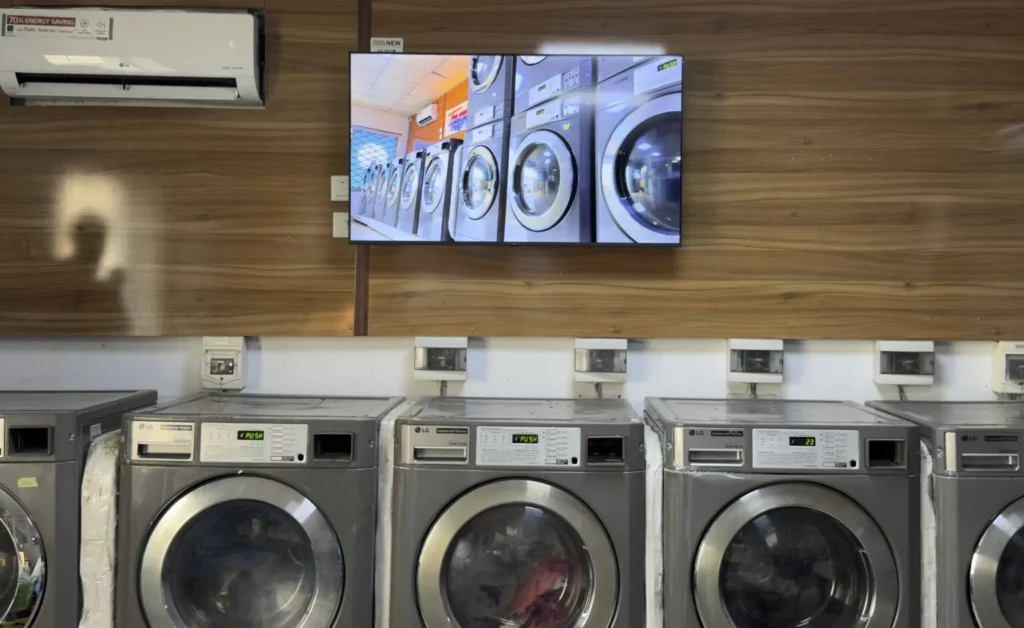
My experience with Buzzblender has exceeded expectations. It simplifies content management. We use LG (WebOs) and Buzzblender works perfectly on our screen
Agbanike, True Wash Laundromat
LG User Guides
We Support Different Operating Systems


Leave a Reply