

What Is an LG webOS Signage Player?
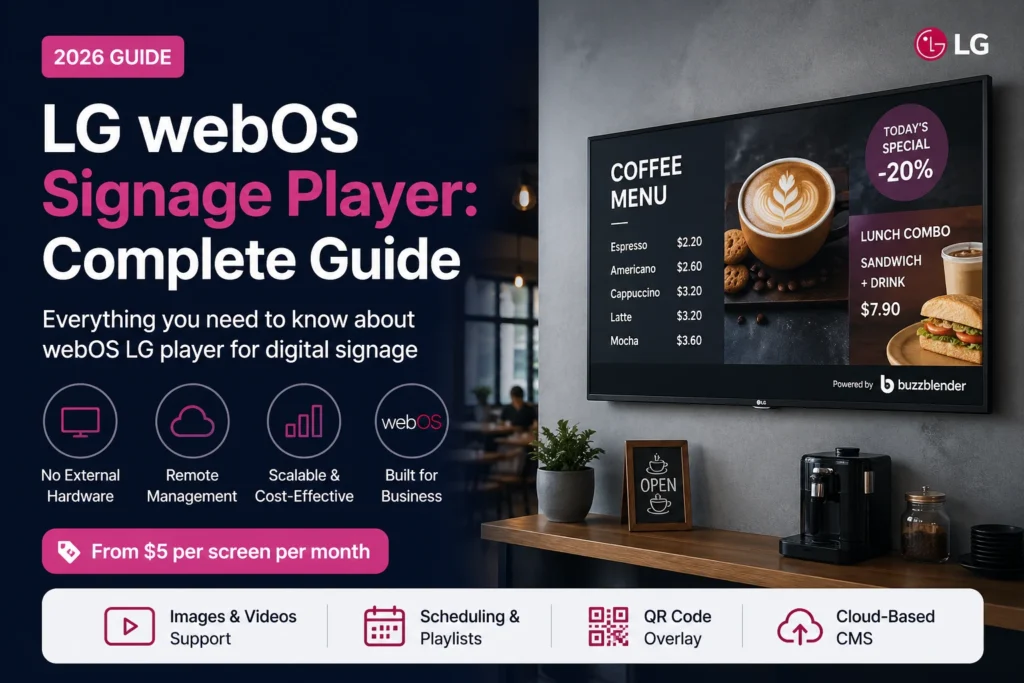
An LG webOS signage player is software that runs directly on LG commercial displays, allowing businesses to manage and display content without an external media player. It connects to a cloud-based CMS, enabling remote updates, scheduling, and centralized control. Solutions like Buzzblender provide a lightweight webOS player with simple setup and pricing starting at $5 per screen per month which is up to 80% lower than competitors.
LG commercial displays powered by webOS have become a popular choice for businesses looking to deploy digital signage without additional hardware. With LG webOS signage player software, organizations can turn compatible LG displays into powerful content delivery platforms, simplifying installation and reducing maintenance.
For businesses that need greater flexibility, advanced scheduling, and cloud-based management, BuzzBlender offers a modern LG digital signage alternative that runs natively on LG webOS display
Exclusive offer: get your first month free with promo code WELCOME100.
“Buzzblender’s free month helped me get started. I used LG Signage for years and paid insane amounts every year to my integrator. My daughter showed me Buzzblender, and I’m thankful for that. Now I pay just $5 per screen per month while increasing my sales through these screens.” — Felix, owner of a retail chain of bug stores in São Paulo. Google maps.
LG webOS is one of the most popular platforms for digital signage thanks to its built-in system-on-chip (SoC). This means you can run a signage player directly on the screen — no extra hardware required.
What Is LG webOS Signage?
LG webOS signage is a smart display platform designed for business use. Unlike regular TVs, LG commercial displays are built for continuous operation and support dedicated signage software.
Key advantages:
- built-in media player (no external box)
- optimized for 16/7 or 24/7 use
- reliable performance for business environments
“I prefer LG displays for my customers because they never stop working. They are very reliable commercial screens.” — Ilia, screen integrator from Dallas.
An LG webOS signage player is an application that runs on an LG webOS display and connects that screen to digital signage management software.
The player is responsible for showing the content you publish. The cloud-based content management system, or CMS, is where you manage that content.
For example, a restaurant could upload a new lunch promotion from a laptop, schedule it for weekdays, and publish it to selected LG displays. The webOS player on those screens then handles playback according to the schedule.
This creates a straightforward workflow:
Upload → Create playlists → Schedule → Publish → Display
There is no need to visit each location whenever a menu, promotion, announcement, or video changes.
Take control of your screens today with Buzzblender
In simple terms, a webOS signage player transforms your LG display into a fully managed digital signage solution. While LG provides SuperSign CMS as its native platform, businesses can also choose alternative signage software such as Buzzblender. To help you select the right solution, we’ve compared the leading digital signage software options for LG webOS. Buzzblender offers one of the best combinations of features, ease of use, and affordability.
How LG webOS Signage Player Works
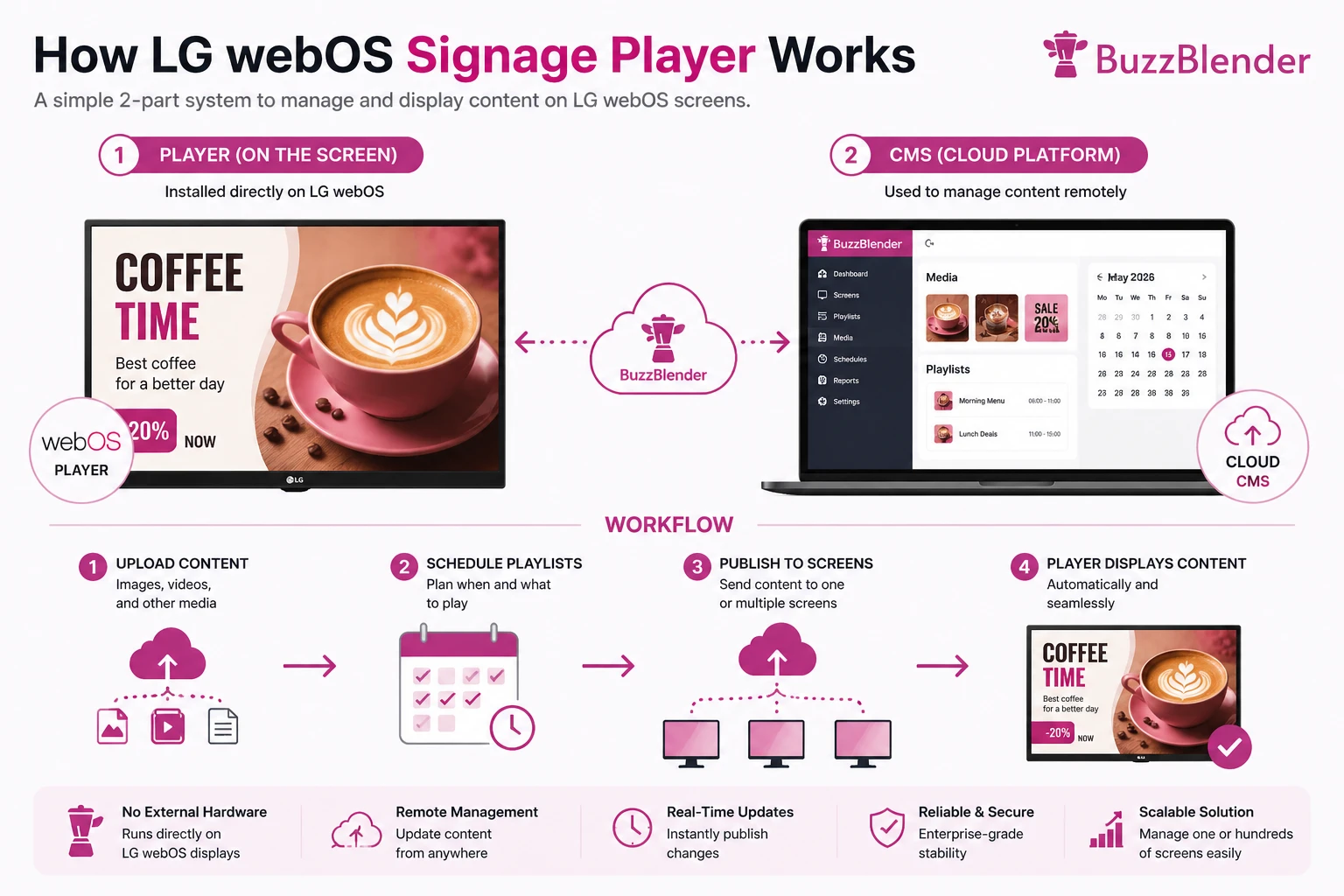
The system has two parts:
1. Player (on the screen) – what you install on your scree
Installed directly on LG webOS
2. CMS (cloud platform) – web-admin panel
Used to manage content remotely. You can upload images, video which you want to show on the screens.
LG webOS Compatibility
Most modern LG commercial displays support webOS signage applications, including:
- UH5 Series
- UH7 Series
- UL3J Series
- UL3G Series
- XE4F Outdoor Displays
Before installation, verify:
- webOS version
- available storage
- internet connectivity
- commercial signage support
LG webOS Signage Player vs External Media Player
| Factor | LG webOS Signage Player | External Media Player Setup |
|---|---|---|
| Additional player hardware | Usually not required on compatible displays | Required |
| Extra power supply | No separate player power supply | Usually required |
| Cabling | Simpler | Additional connections may be required |
| Content management | Cloud CMS with compatible software | Depends on signage platform |
| Remote publishing | Yes with compatible cloud signage software | Yes with compatible software |
| Hardware maintenance | Fewer separate devices | Screen plus external player |
| Best fit | Compatible LG webOS commercial displays | Displays without suitable built-in signage support |
The important point is not that an external player is always a bad choice. External devices can make sense when you need a particular operating system, application ecosystem, or hardware configuration.
But if you already own compatible LG webOS commercial displays, adding another device to every screen may be unnecessary.
Benefits of Using LG webOS Signage Player
No External Hardware
Everything runs inside the display
Easy Deployment
Install once → manage remotely
Scalability
Control multiple screens from one dashboard
Lower Costs
No media player = lower setup cost. Also don’t forget that Buzzblender is an affordable digital signage app for $5 Screens/Month.
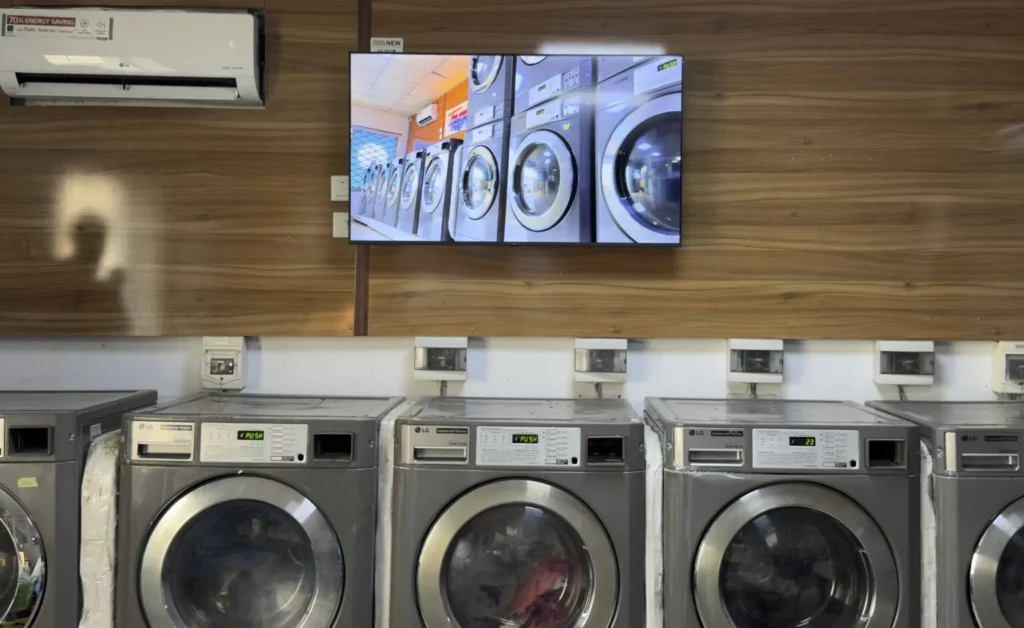
“Before Buzzblender, we used our LG webOS screens only as simple displays. Now every screen generates real business value. We launch promotions instantly across all locations. Buzzblender helped us turn existing TVs into a powerful sales and communication channel.” — Agbanike, laundromat business owner in Lagos.
Common LG webOS Signage Use Cases
Businesses use LG webOS signage player software for:
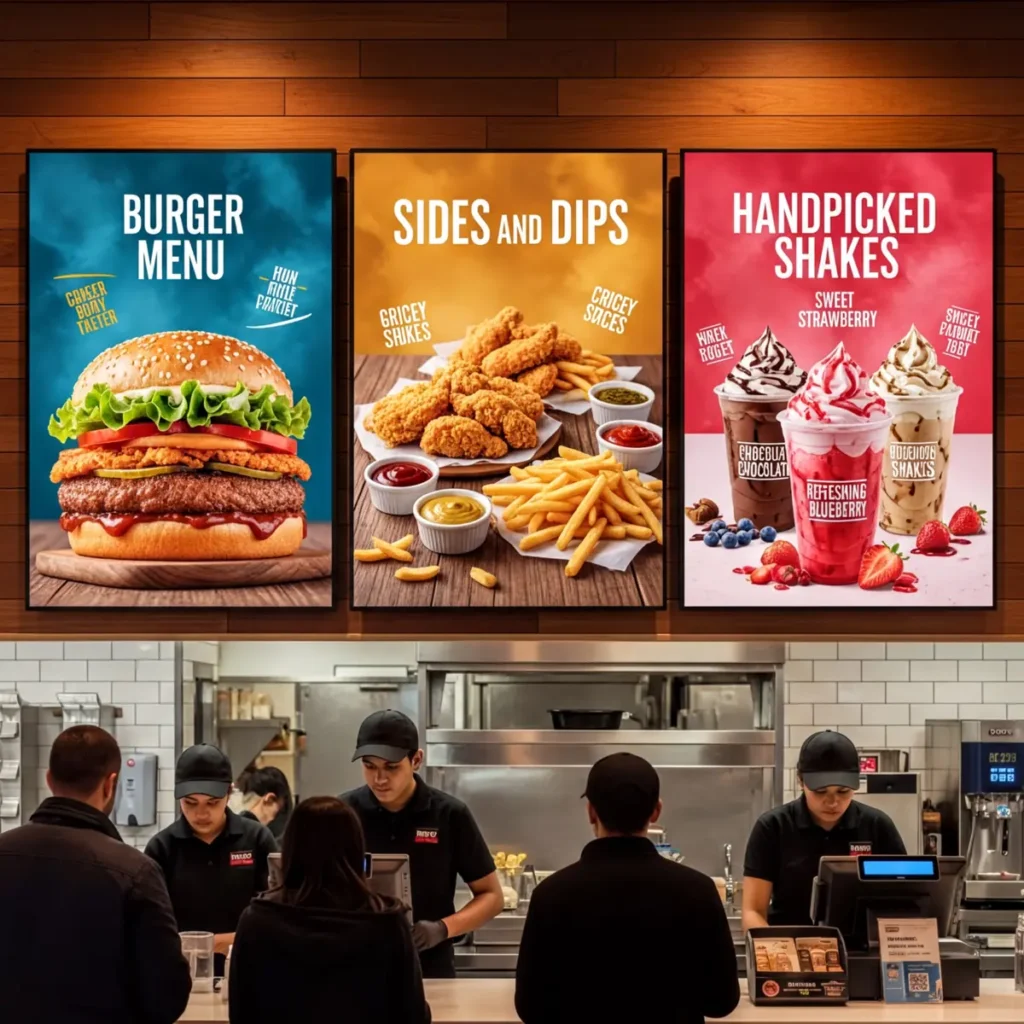
- restaurant menu boards
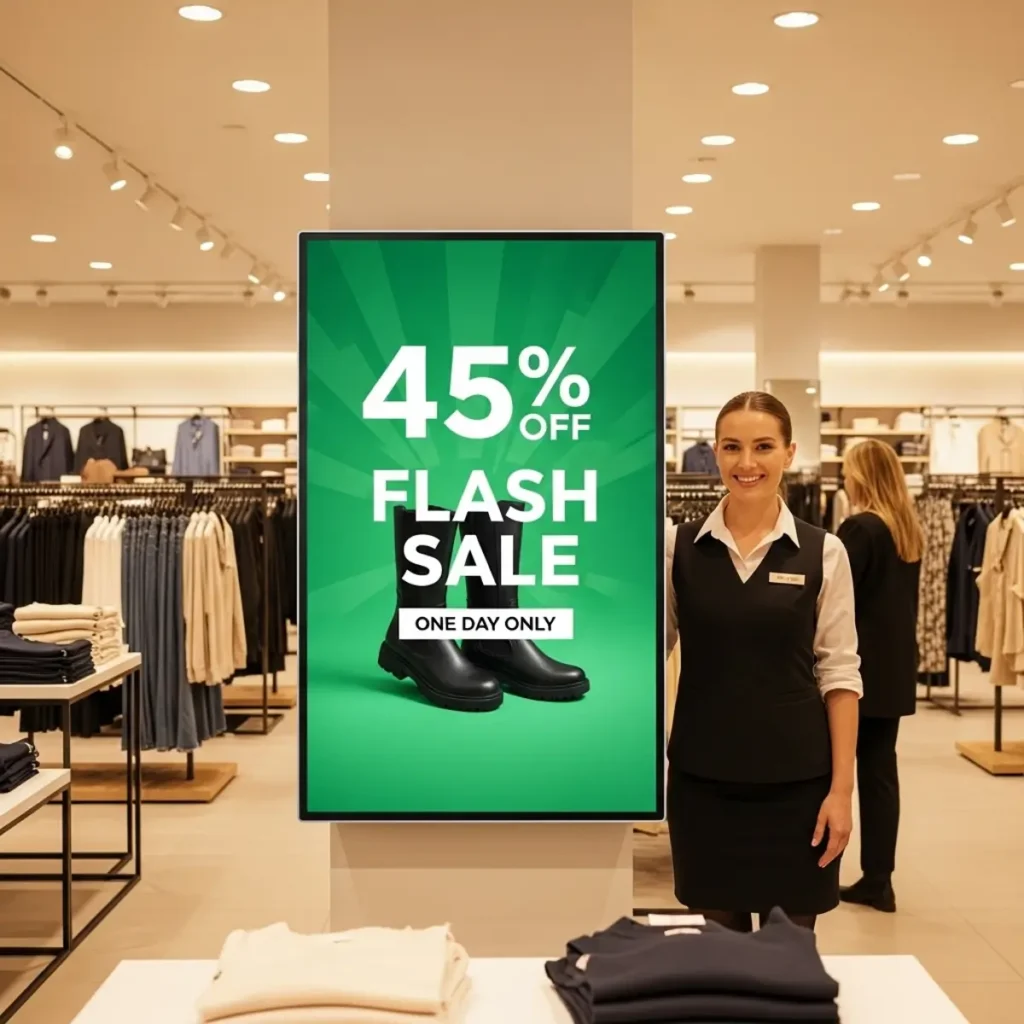
- retail promotions
- corporate dashboards
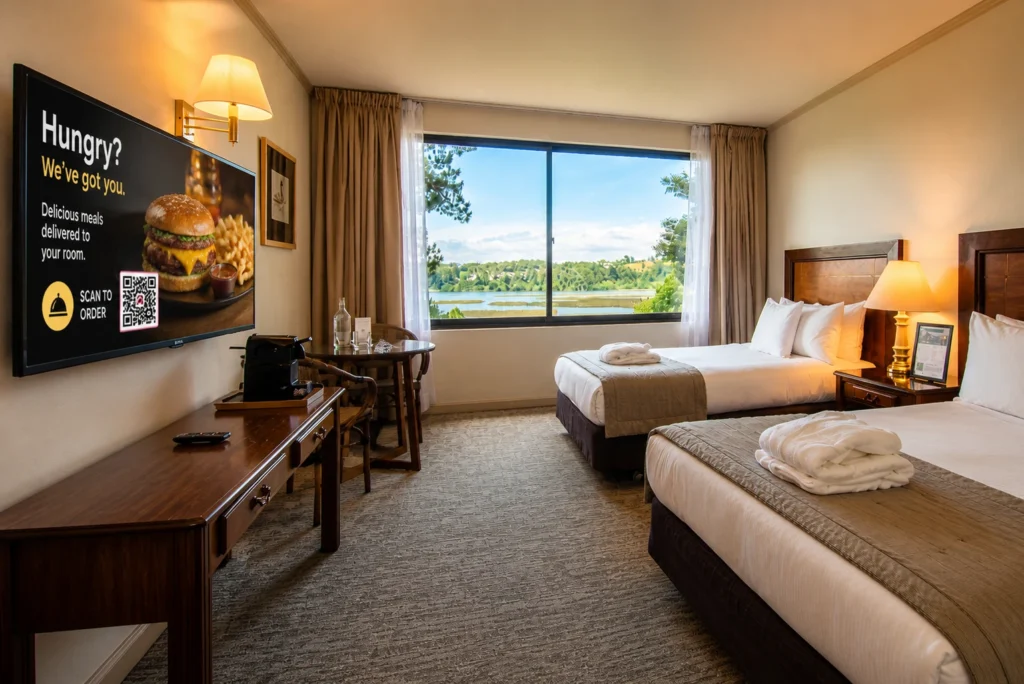
- hospitality screens
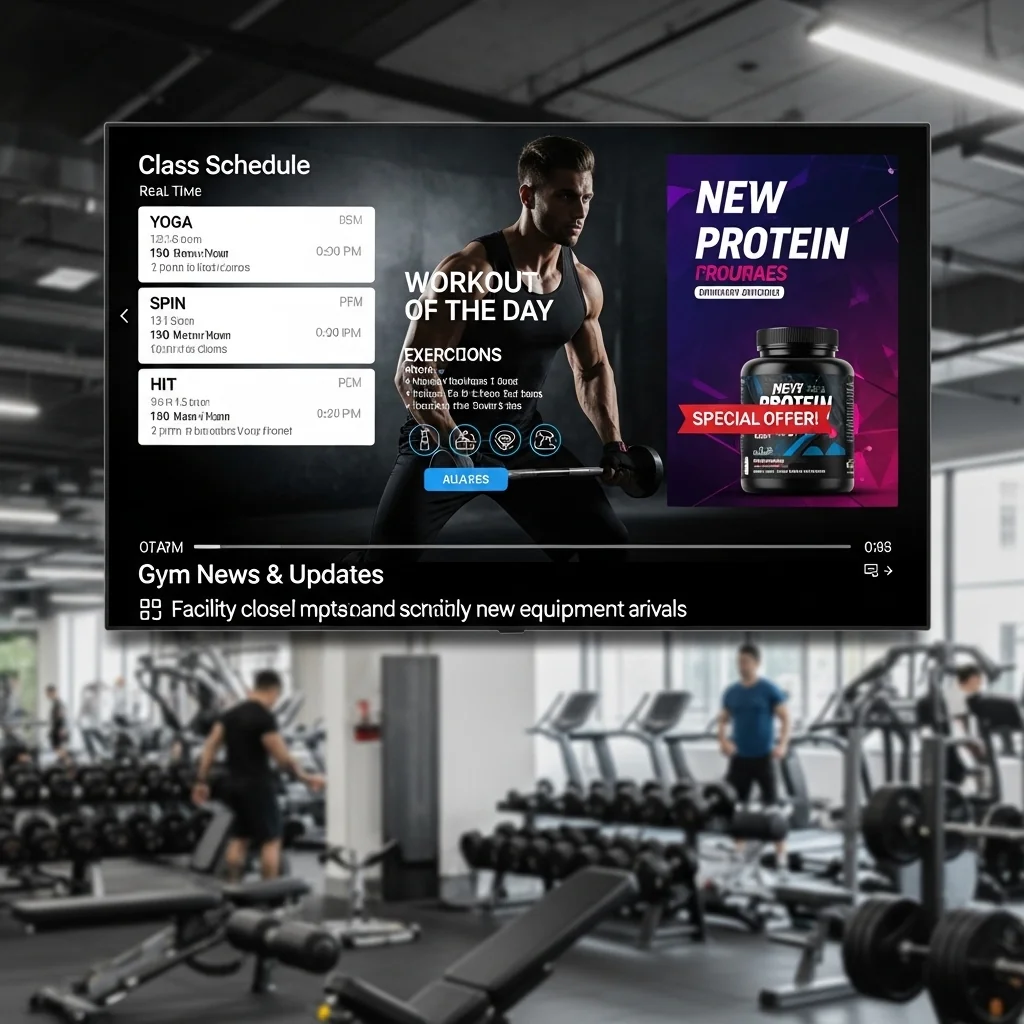
- gyms
It’s especially popular in cafes and restaurants.
“Our retail chain uses LG webOS displays with Buzzblender for menu boards and daily promotions. We can update every screen remotely in seconds, schedule breakfast and dinner menus automatically, and promote seasonal offers without printing anything. It’s simple, reliable, and helped us modernize all locations at a very low cost.” — Daniel, owner of a butcher shop retail chain in Poland.
Why Buzzblender is the Best Option
Buzzblender simplifies digital signage management into a simple automated workflow: upload your content, organize playlists, schedule when they should appear, and publish them to screens. Once published, the player automatically displays the right content at the right time without manual intervention.
Simple steps:
- Upload content (images, videos)
- Schedule playlists
- Publish to screens
- Player displays content automatically according to your schedule.
“Buzzblender made digital signage incredibly simple for our business. We upload images and videos, schedule playlists in advance, and the screens update automatically. Everything works smoothly without needing technical support, and it saves our team hours every week.” — Michael, restaurant franchise owner in Florida.
Don’t forget: it costs only $5 per screen per month.
How to install Buzzblender as LG Signage Player
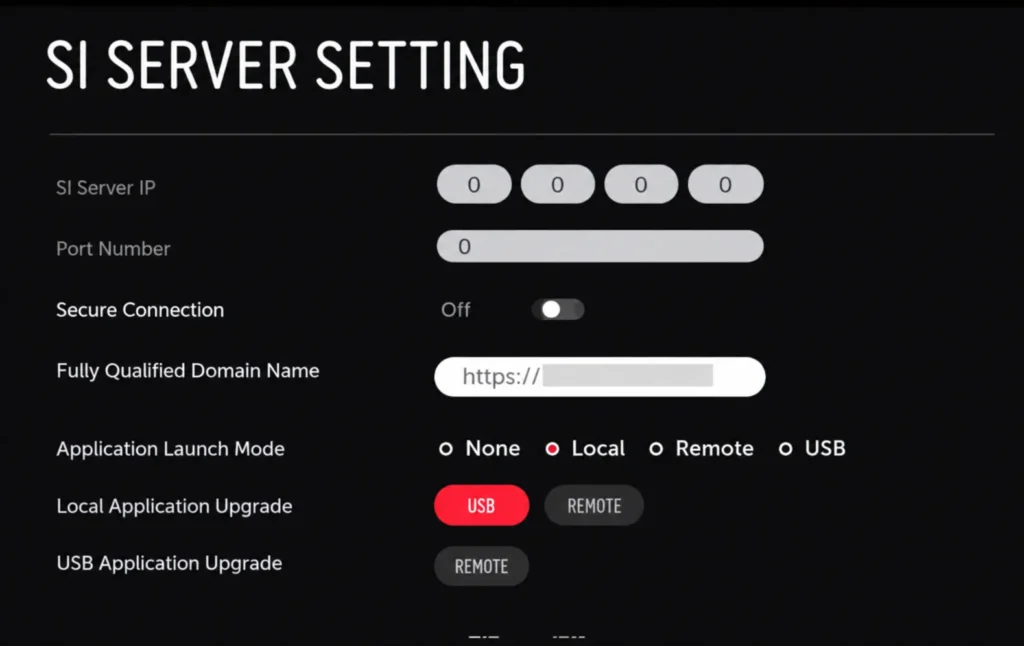
Open your TV’s content store and search for ‘Buzzblender.’ If it’s not available, use our guide to install digital signage app on your LG Commercial Screen. Make sure your LG webOS is properly configured.
Guide How install Buzzblender on Commercial displays.
Where BuzzBlender Fits In
BuzzBlender is a modern LG webOS signage player designed for small and growing businesses.
It supports:
With BuzzBlender, you can:
- upload images and videos
- schedule content
- manage screens remotely
- add QR codes to measure engagement
👉 And the key advantage:
Pricing starts at just $5 per screen per month.
“Buzzblender gave us an easy way to manage all LG and Samsung screens. We schedule promotions, update pricing remotely.” — Maria, flower shop owner in Minsk.
BuzzBlender: LG webOS Signage Player From $5/Screen
BuzzBlender provides digital signage software designed to connect compatible screens to a cloud-based management dashboard.
For LG users, the platform combines the signage player running on the display with the tools needed to organize and publish content remotely.
BuzzBlender’s Basic plan currently starts at $5 per screen per month, with no screen limit listed on the plan. The official pricing page also lists playlist creation and scheduling, remote content management, screen monitoring, QR-code overlays, portrait and landscape support, and uploads including images, videos, web pages, and HTML.
That makes it possible to manage anything from a single display to a growing multi-screen network without changing the basic workflow.
First Month Free
Businesses that want to test BuzzBlender on their LG webOS screens can currently use the promotional code:
WELCOME100
The offer provides the first month free.
BuzzBlender also currently advertises a 14-day free trial with no credit card required, giving businesses an opportunity to test the platform before committing to a deployment.
Take control of your screens today with Buzzblender
Cost Comparison
Traditional setup:
- external media player – 300 dollars
- additional cables – 100 dollars
- higher maintenance – 100 dollars
- totall: 500 dollars
LG webOS player: savings 500 dollars in average
- no extra hardware
- faster setup
- lower long-term cost
This makes webOS one of the most cost-efficient signage solutions.
How to Get Started
You can install a signage player using:
- LG Content Store. Search for Buzzblender.
- Developer mode
- Direct URL (IPK installation)
After installation:
- connect to CMS using access code displayed on your screen.
- publish content
- start playback
Here is the guide how to create a playlist.
Why Choose LG webOS Signage Player Software?
Modern businesses need more than simple content playback. They need centralized management, scheduling, monitoring, and scalability.
A professional LG webOS signage player software solution allows you to:
- Publish content remotely
- Schedule playlists by date and time
- Manage multiple locations
- Monitor device health
- Support 4K media playback
- Deliver HTML5 interactive experiences
Because the software runs directly on LG commercial displays, installation is quick and maintenance requirements are reduced. Native webOS signage applications are supported on compatible LG commercial displays without requiring separate playback hardware.
Why Businesses Look for an LG Digital Signage Alternative
While LG provides its own signage ecosystem, many organizations need a platform that works across different hardware brands and offers greater flexibility.
A modern LG digital signage alternative can provide:
- Multi-brand display support
- Cloud-based content management
- More flexible pricing
- Easier content creation
- Cross-platform compatibility
- Centralized management for Samsung, LG, Android, Windows, and web players
This flexibility is especially valuable for businesses operating mixed hardware environments or planning future display upgrades.
BuzzBlender: A Flexible LG Digital Signage Alternative
BuzzBlender is designed for organizations that want more than basic signage management. As an LG digital signage alternative, it provides a single cloud platform for managing digital displays across multiple manufacturers and operating systems.
With BuzzBlender, users can:
- Install the player on compatible LG webOS displays
- Schedule campaigns from anywhere
- Create dynamic playlists
- Display videos, images, web pages, dashboards, and HTML5 content
- Manage hundreds of displays from one dashboard
- Monitor player status in real time
Whether you’re deploying a single display or a nationwide signage network, BuzzBlender simplifies digital signage management.
What Can You Display on LG webOS?
A digital signage player turns an LG commercial screen from a standalone display into a remotely managed communication channel.
With BuzzBlender, supported content includes images, videos, web pages, and HTML. Businesses can organize content into playlists and decide when it should appear.
Scheduling becomes particularly useful when content changes throughout the day.
A café, for example, can display breakfast content in the morning, switch to lunch promotions automatically, and show an evening menu later in the day. A retailer can schedule a weekend promotion in advance. An office can rotate announcements, company information, and dashboards without someone manually changing files on every display.
Manage LG Digital Signage Remotely
Remote management is one of the main reasons to move away from manually updating screens.
Imagine managing ten stores with three displays in every location. Without centralized software, even a small campaign change can become repetitive.
With a cloud-based signage platform, content can be prepared centrally and published remotely.
BuzzBlender allows businesses to manage screens from its web dashboard, create and schedule playlists, and monitor active and inactive screens.
That becomes increasingly valuable as a signage network grows.
Instead of thinking about 30 individual TVs, the business can treat them as one centrally managed network.
Add QR Codes to Your LG Signage
Digital signage does not have to be a one-way communication channel.
BuzzBlender supports dynamic QR-code overlays, allowing a QR code to appear over signage content without having to redesign the original image or video.
A restaurant could send customers to an online menu. A retailer could link a promotion to a product page. A hotel could direct guests to local information, while an office could link employees to an internal resource.
The underlying campaign can change while the screen content remains manageable from the same platform.
Use LG webOS Signage Across Multiple Locations
An LG webOS signage player becomes particularly useful when displays are distributed across multiple physical locations.
A retail chain might want the same brand campaign everywhere while allowing different offers at individual stores. A restaurant group may need different menus by location. An organization may want corporate announcements across every office but local information on selected screens.
Cloud management makes these configurations easier because content does not have to be updated locally.
BuzzBlender also supports multiple operating-system environments, including LG webOS, Samsung Tizen, Android, and browser-based signage.
This matters for organizations that do not have identical hardware everywhere.
A company can have LG displays in one location and other supported devices elsewhere while managing its signage through the same platform.
Conclusion
Choosing the right LG webOS signage player software can significantly simplify digital signage deployment while reducing hardware costs. Native webOS applications eliminate the need for external media players and make remote content management easier than ever.
If you’re looking for an LG digital signage alternative that offers cloud management, cross-platform compatibility, and enterprise-ready features, BuzzBlender provides a scalable solution for organizations of any size.
FAQ
Do LG webOS displays need a media player?
No, LG webOS displays have a built-in system and can run a signage player directly without an external media player.
What is the best LG webOS signage player?
The best solution combines a cloud CMS with a native player. BuzzBlender is one of the flexible options for businesses.
Can I use webOS for digital signage?
Yes, LG webOS is one of the most popular platforms for digital signage and allows businesses to run signage players directly on displays.
LG User Guides:
We Support Different Operating Systems

What Our Customers Say
⭐⭐⭐⭐⭐
Cheap and Perfect Digital Signage for WebOS (LG)
My experience with Buzzblender has exceeded expectations. It simplifies content management. We use LG (WebOs) and Buzzblender works perfectly on our screen
Agbanike, True Wash Laundromat



Leave a Reply