
Cloud-Based Digital Signage Software for Cafes
Turn your cafe screens into digital menu boards. Update prices, schedule breakfast and lunch menus and promote today’s specials — remotely, from one simple dashboard.
Starting at $5 USD per screen/month.
Connect in 4 minutes. Custom development.
No credit card required
⭐⭐⭐⭐⭐
Simple, Reliable, and Surprisingly Affordable Digital Signage
We tried several digital signage solutions before switching to BuzzBlender, and it has easily been the simplest and most reliable option we’ve used.
Setting it up on our Samsung displays was quick and straightforward. Managing content is just as easy—even for team members who aren’t particularly tech-savvy. We can update our screens in real time, launch promotions, change menu content, and manage everything remotely without needing any additional hardware.
Aadan, business owner
⭐⭐⭐⭐⭐
Finally, a Digital Signage Solution That Works on Titan OS
We run a busy cafe and needed a simple way to manage content on our Philips TVs with Titan OS — most solutions just didn’t work.
Buzzblender solved that immediately. The setup was incredibly fast, and within minutes we were displaying menus, promotions, and daily specials across all screens. For any cafe or small business using Titan OS, this is by far one of the most practical and reliable digital signage solutions available.
Jeffrey, cafe owner
Menus That Update as Fast as Your Cafe Moves
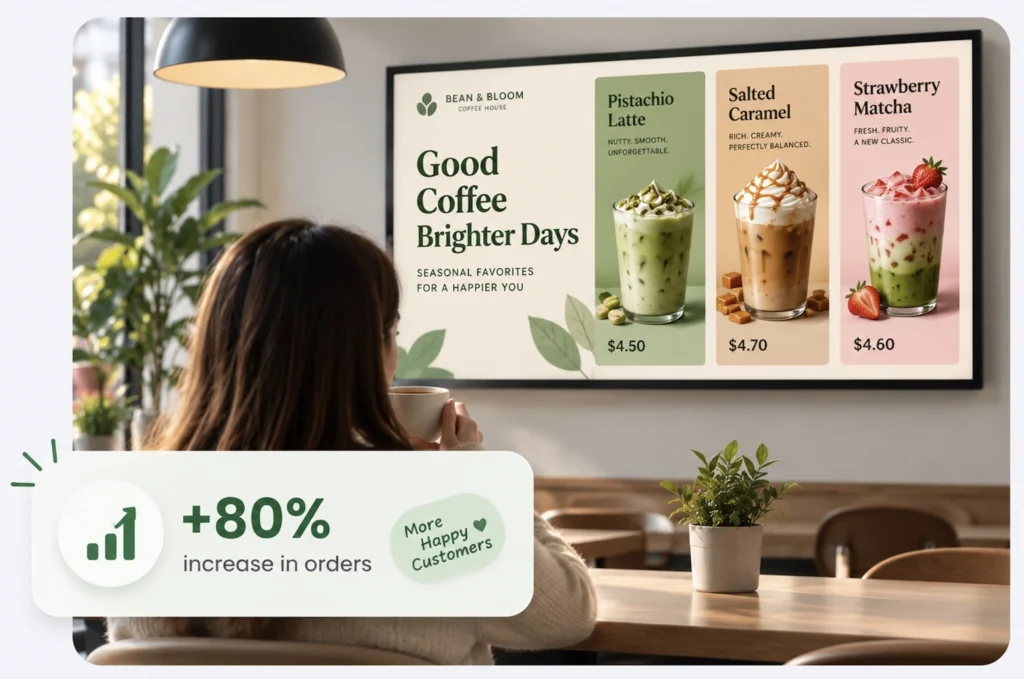
Printed menus go out of date. With Buzzblender, every price change, new drink and special reaches your screens in seconds.
Digital Menu Boards
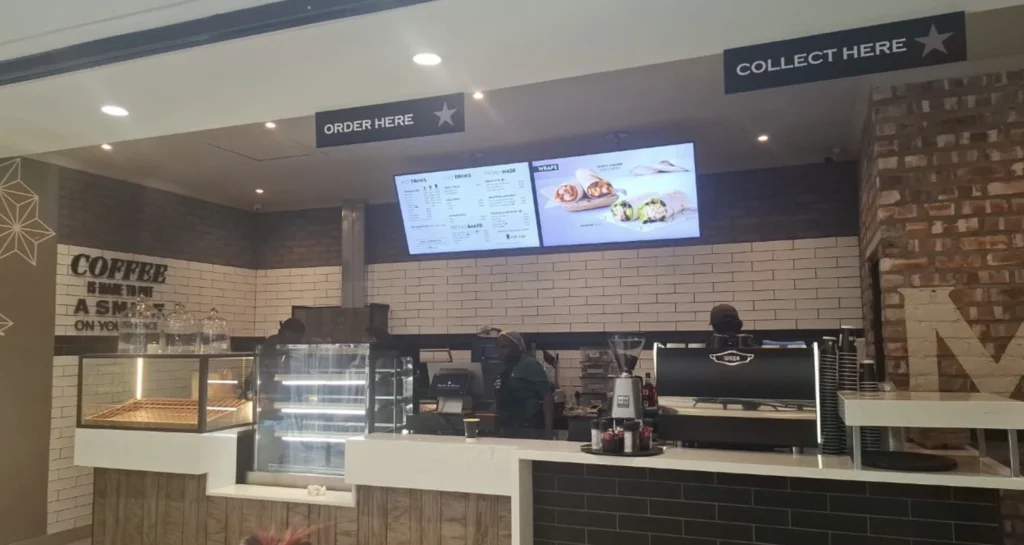
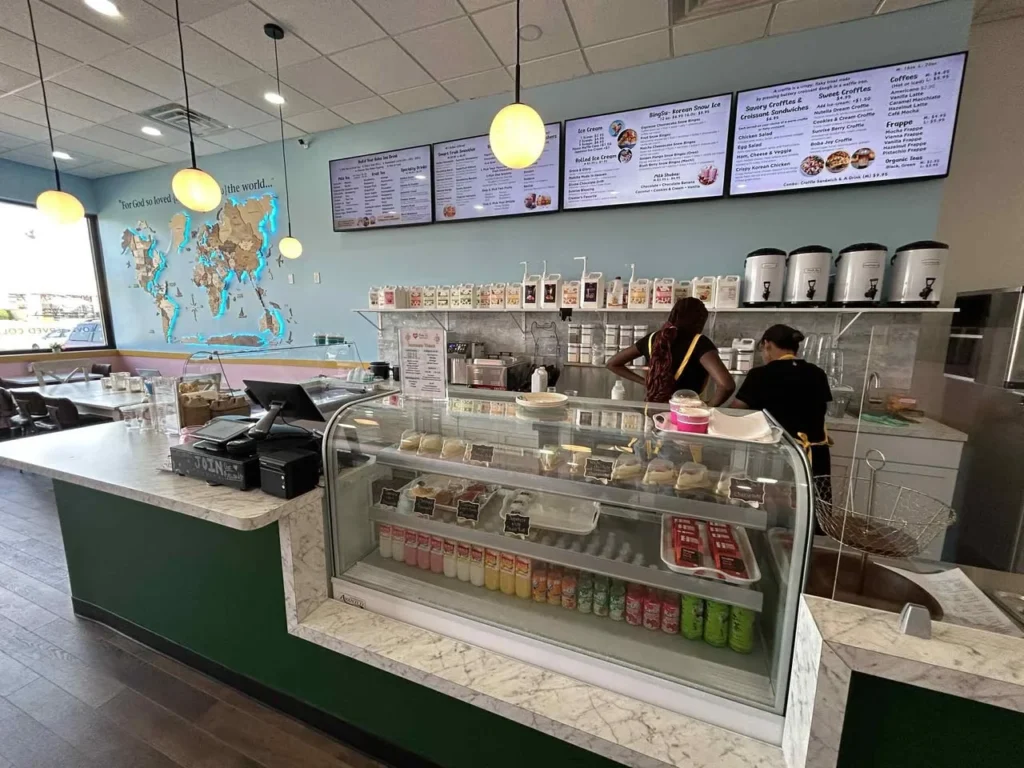
Show drinks, food and prices on clear, attractive screens that are easy to update.
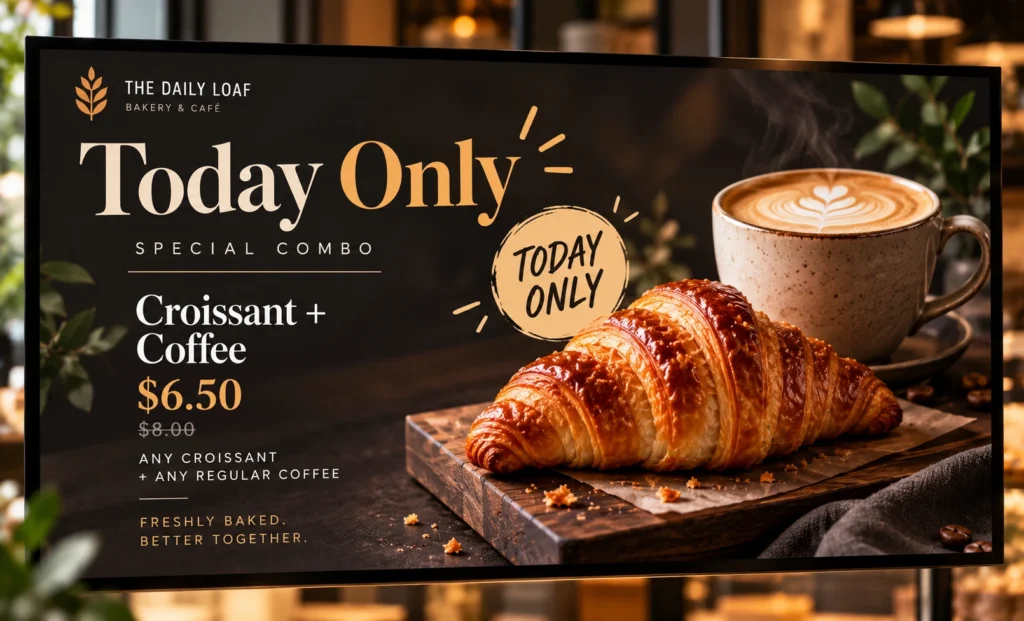
Promotions & Specials
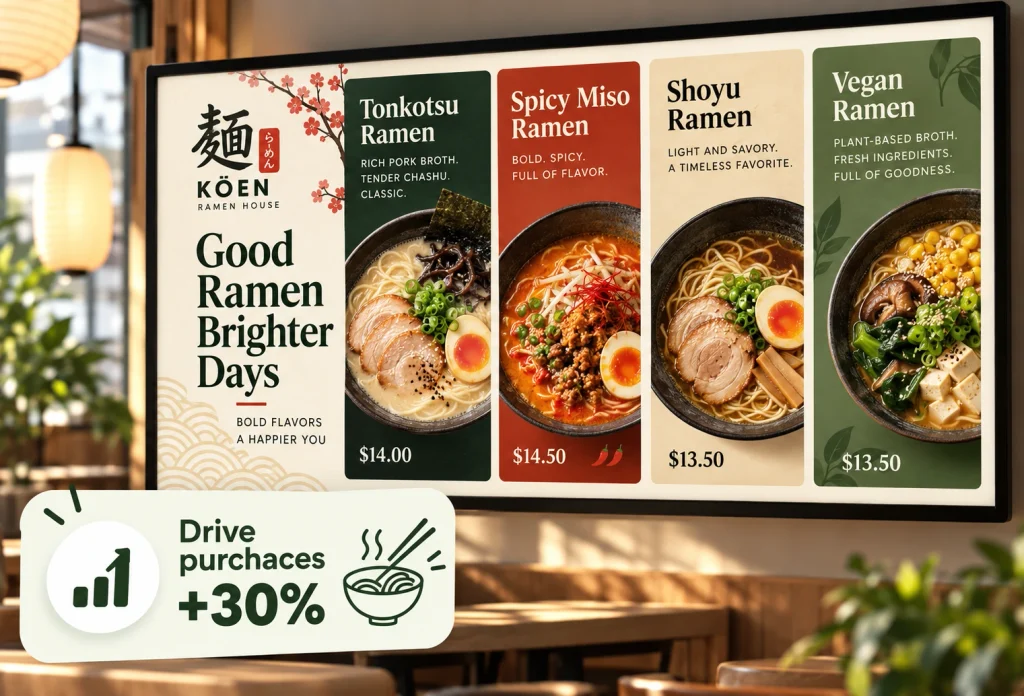
Highlight seasonal drinks, combo deals and today’s specials to lift average order value.
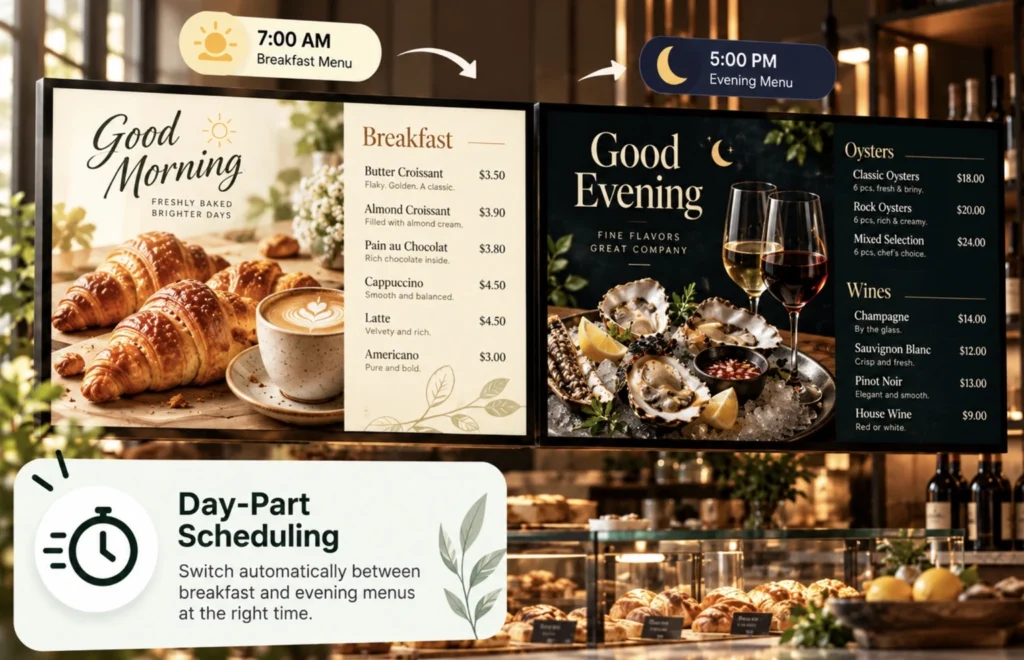
Day-Part Scheduling
Switch automatically between breakfast, lunch and evening menus at the right time
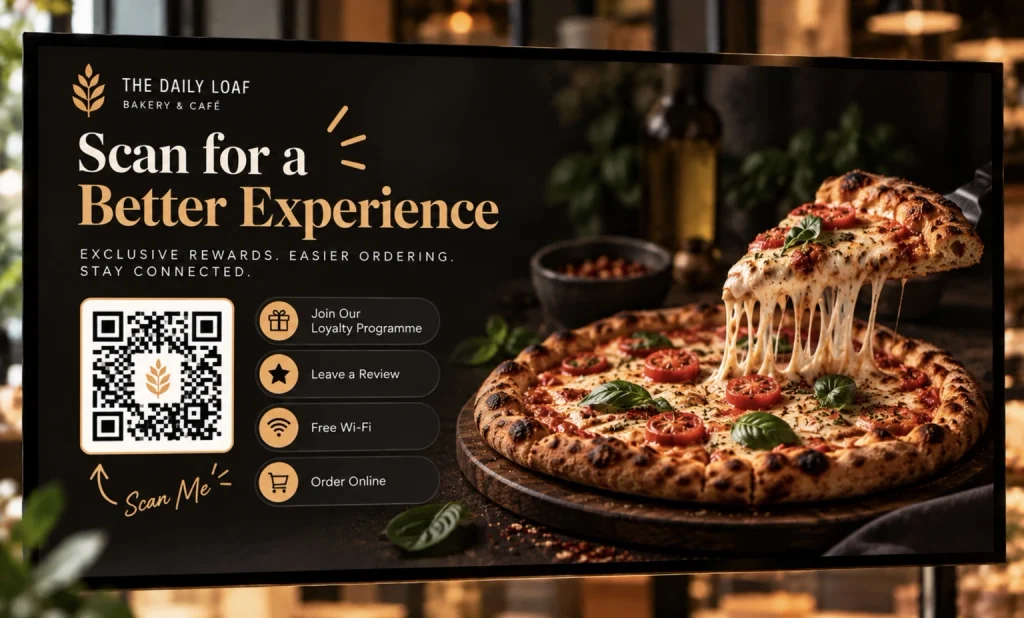
QR Code Overlays
Add dynamic QR codes for loyalty programmes, reviews, Wi‑Fi or online ordering.
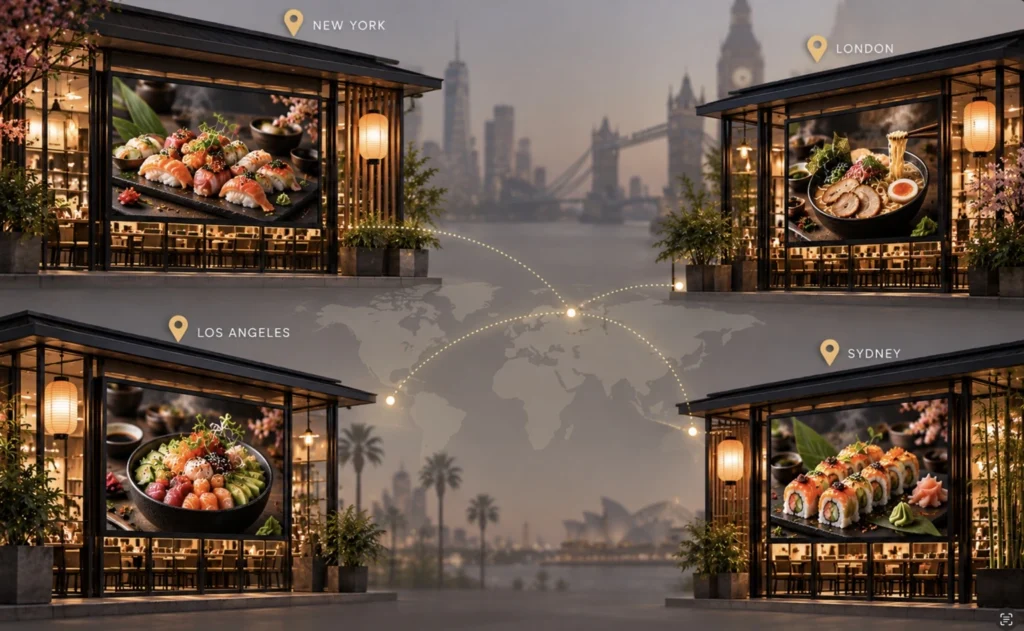
Multiple Locations
Keep menus and branding consistent across every café from one account.
Offline-Ready
Content is stored locally, so your menu keeps playing even if the internet drops.
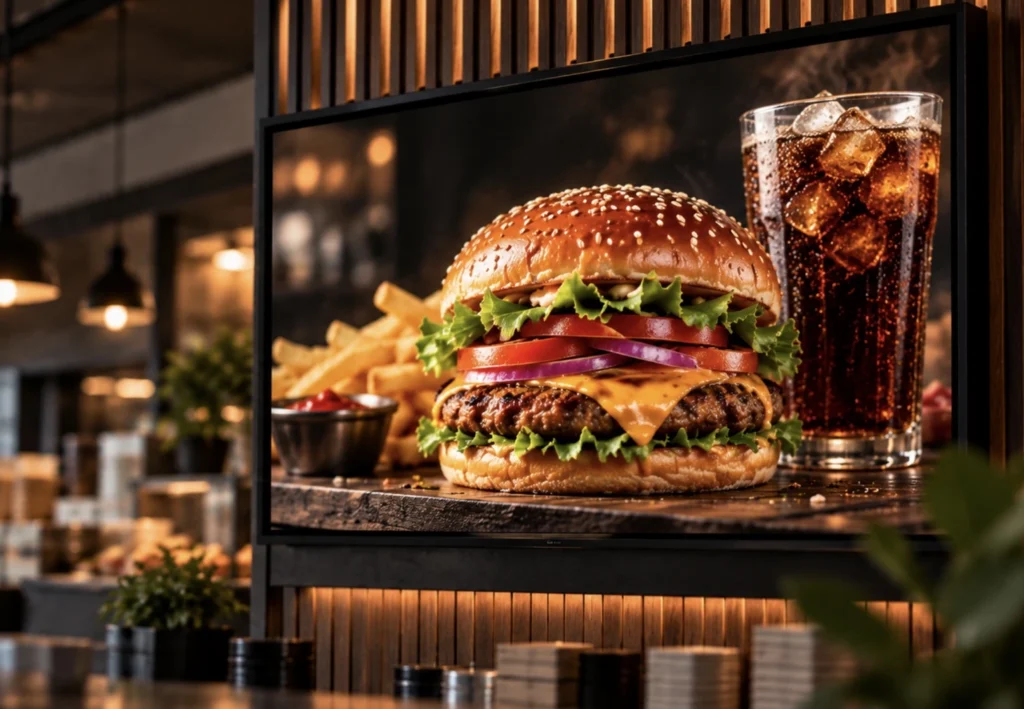
Your Digital Menu Board in Three Steps
1.
Connect Your Screen
Open the Buzzblender player on your smart TV, Samsung, LG, Android box or browser and link it to your account.
2.
Add your menu
Upload menu images, drink photos and short videos, then arrange them into playlists.
3.
Schedule and publish
Choose when each menu plays and publish to one screen or every location at once.
What to Show on Your Cafe Screens
Go beyond the menu. Use your screens to tell your cafe’s story, grow loyalty and keep guests coming back.
- Coffee & drinks menu
- Breakfast and lunch menus
- Seasonal drinks promotions
- Pastry of the day
- Loyalty programme QR codes
Works With the Screens You Already Have
No special hardware needed. Buzzblender runs on Samsung Tizen, LG webOS, Android and browser-based displays.
LG webOS
Run digital signage directly on compatible LG webOS displays and manage content remotely with Buzzblender.
Samsung Tizen
Turn compatible Samsung Tizen displays into centrally managed digital signage screens.
Android
Connect Android-based players and displays for a flexible and affordable signage setup.
Browser
Display and manage signage content through a web browser when a browser-based setup is the best fit.
Our Blog: Learn How BuzzBlender Helps Cafes and Coffee Shops Drive Revenue
Make every screen work harder for your cafe or coffee shop. BuzzBlender Digital Signage Software transforms your existing screens into dynamic digital menu boards and promotional displays that help showcase best-selling drinks, highlight seasonal offers, promote food and coffee combos, and engage customers at the point of purchase. Read our blog.
How to Power Menus: Electronic Notice Boards [Free Month]
Instead of repeatedly printing posters and menu panels, restaurants can use digital screens to present menus, food photography, promotions, announcements, videos, QR codes, seasonal offers, and other customer-facing information.
Opening a Cafe: Guide + Cheap Digital Signage for Cafe
To open a cafe successfully, you need to focus on four core areas: location, suppliers, operations, and customer experience. The most effective approach is to break each area into manageable components, reduce unnecessary costs, and use scalable tools like digital signage software to improve efficiency. Platforms like BuzzBlender allow cafés to manage menus and promotions across screens for just $5 per screen per month, eliminating the need for expensive hardware and manual updates.
Restaurant Digital Signage: 6 apps and Free Month
Restaurants can use TVs and commercial displays to show menus, prices, promotions, videos, QR codes, opening information, seasonal offers, and other customer-facing content.
The biggest advantage is flexibility.
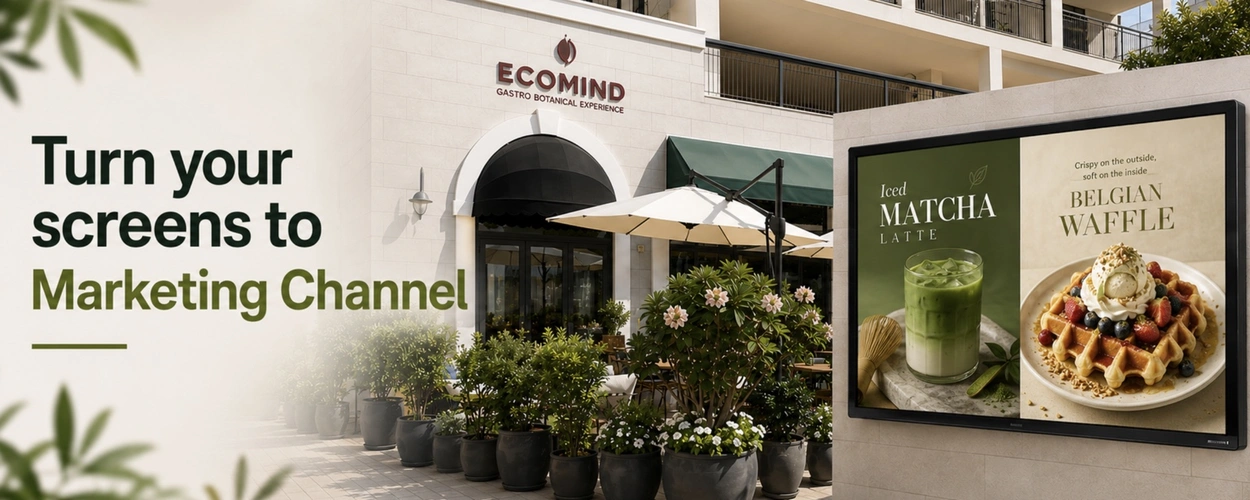
EcoMind Cafe in Dubai Runs Digital Signage BuzzBlender
We tested several digital signage solutions before switching, and BuzzBlender has been the simplest and most reliable by far.
🖥️ Screens: Samsung TV, and Android TV.
📈 KPI: significantly lower software costs compared to its previous provider; simplified Samsung and Android TV management through BuzzBlender Launche
💰 Savings: €1,000 in software costs.
Check our cases
Free Apps for Cafe Digital Signage
Discover free apps for digital signage that make it easy to create engaging content for your cafe or coffee shop screens. Design digital menu boards, daily specials, seasonal drink promotions, coffee and food offers, announcements, graphics, interactive kiosks, and more with simple tools built for digital displays. Create content that keeps your menus fresh, highlights your best-selling products, and helps turn every cafe screen into a more effective customer engagement and sales channel.
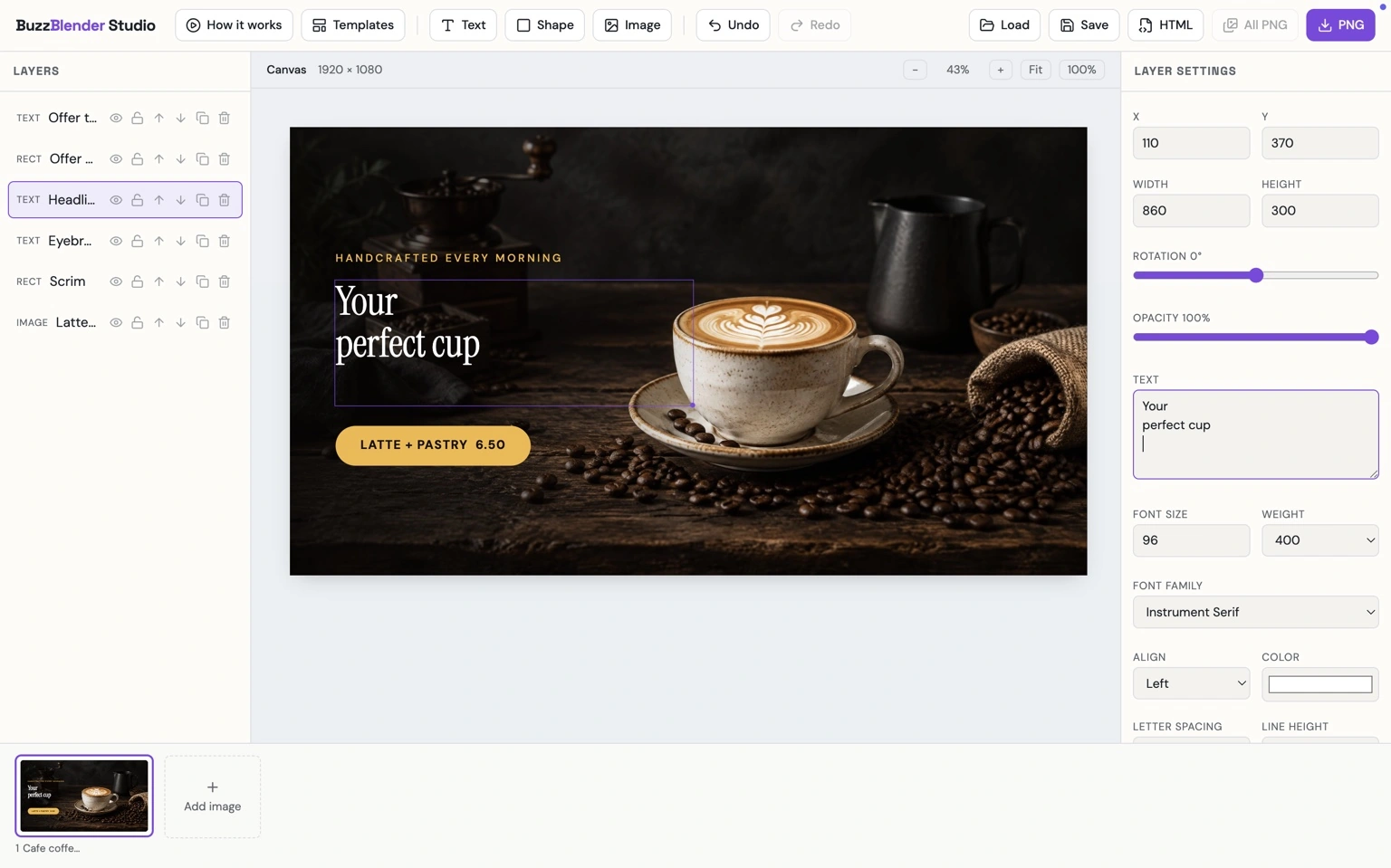
Buzzblender Studio
BuzzBlender Studio is a simple design tool for creating eye-catching digital signage content for cafes and coffee shops. Build digital menu boards, daily specials, seasonal drink promotions, coffee and food offers, and in-store announcements using text, images, and shapes.
Customize every design to match your cafe brand and create professional, screen-ready content in minutes—without needing advanced design skills.
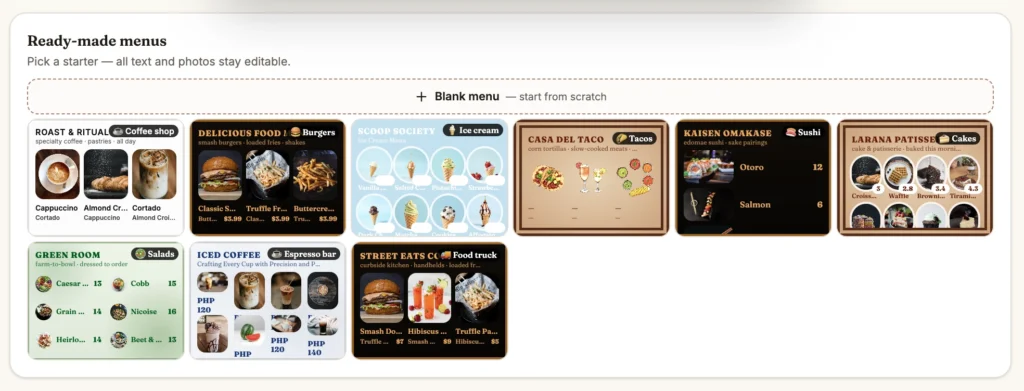
Menu Board
Build eye-catching digital menu boards with an intuitive drag-and-drop editor. Choose from professionally designed templates, add your branding, upload photos, and keep your menus up to date without graphic design experience.
Simple Digital Signage Pricing
Starting at $5 per screen / month
Get the tools you need to manage your digital signage without complicated pricing. Start with a 14-day free trial and add screens as your network grows.
Frequently Asked Questions
What is cloud-based digital signage software for cafes?
Cloud-based digital signage software allows cafes to manage content displayed on connected TVs, monitors, and commercial screens through an online platform. Managers can upload menus and promotions, create playlists, schedule content, and remotely manage connected displays.
Can I use digital signage for a cafe menu?
Yes. Digital menu boards can display drinks, food, prices, photographs, daily specials, seasonal products, and promotional content. Cloud management makes it easier to update this information when your menu changes.
Can cafe menus change automatically during the day?
Yes. BuzzBlender supports time-based playlists and day-of-week scheduling. A cafe can schedule breakfast content for the morning and automatically switch to lunch or afternoon promotions later in the day.
How much does BuzzBlender cost for a cafe?
As of September 2026, BuzzBlender lists its Basic plan at $5 per screen per month and Premium at $10 per screen per month. Check the official pricing page for current pricing before subscribing.
Can I manage digital signage for multiple cafe locations?
Yes. BuzzBlender supports centralized management of multiple screens and locations. Administrators can update individual displays or groups of screens and schedule content remotely.
Can I add QR codes to cafe digital signage?
Yes. BuzzBlender supports QR code overlays that can connect screen content with websites, promotional pages, campaigns, and other online destinations.
What content can I display on cafe screens?
BuzzBlender supports images, videos, web pages, HTML content, and other supported digital signage media. Cafes can use these formats for menus, promotions, seasonal campaigns, announcements, and branded content.
Do I need special TVs for cafe digital signage?
It depends on your existing hardware. BuzzBlender supports multiple environments, including LG webOS, Samsung Tizen, Android, Windows, Linux, and browser-based playback. Check the compatibility of your specific screen before deployment.