
We’re excited to share the latest enhancements and features added to our digital signage software this month!
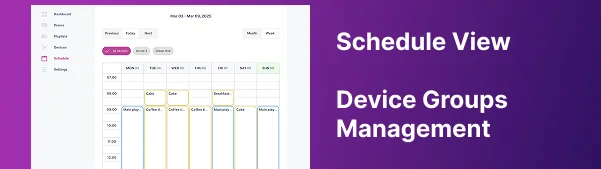
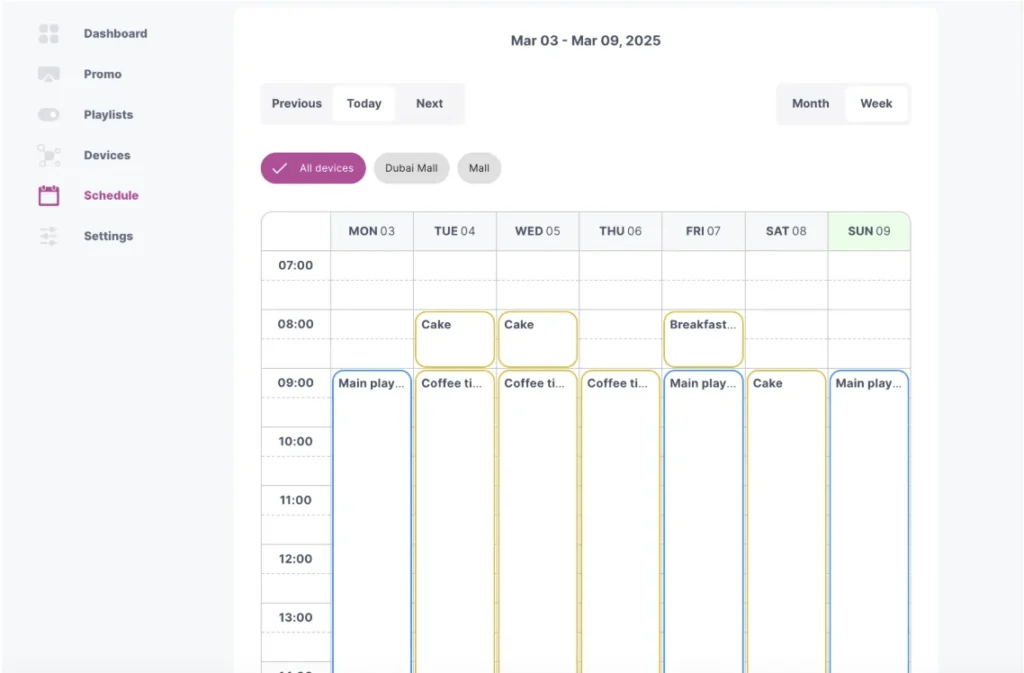
🔹Schedule View – We have introduced a calendar for managing content, making scheduling easier and more efficient than ever! 🚀
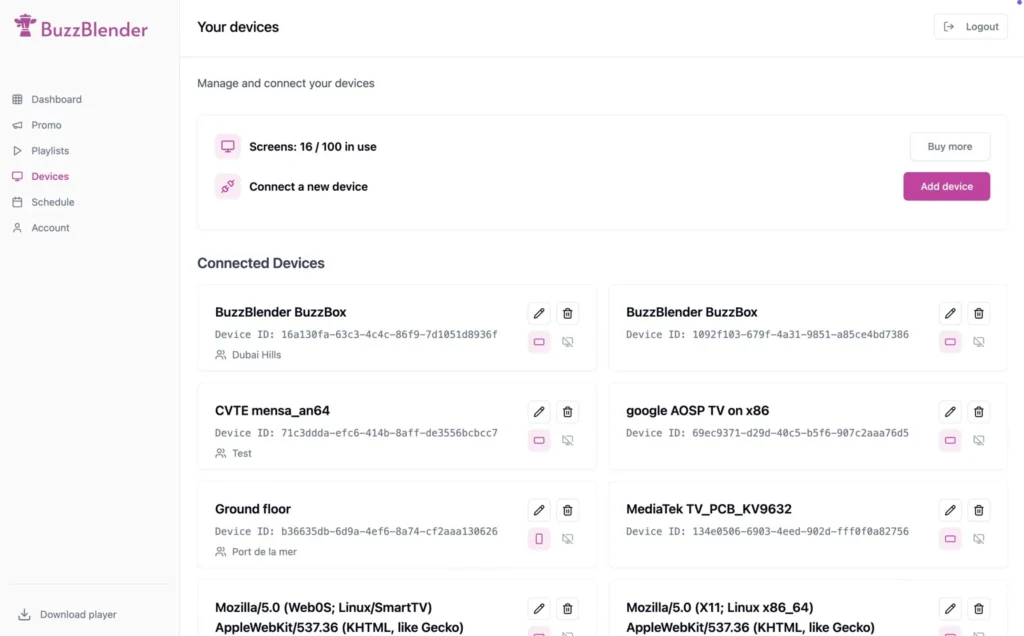
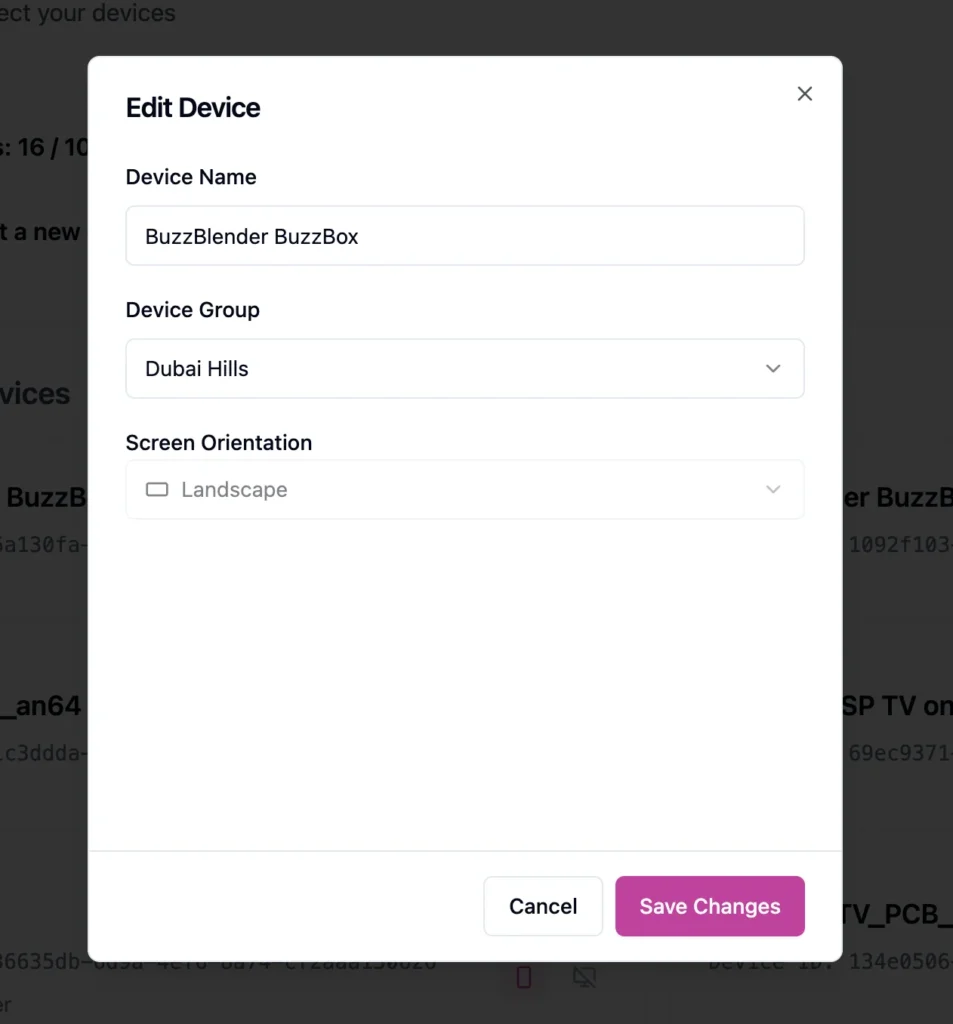
🔹 Device Groups Management – Easily add devices to groups and assign playlists, making it effortless to manage a large number of screens at once.
🔹 Enhanced Performance & Stability – We’ve optimized system performance and fixed minor bugs to ensure a seamless experience.
Stay tuned for more updates as we continue improving your digital signage management!
$5 per screen per month and you will manage your screens as Professional.
FAQ
What is the Schedule View in digital signage software?
Schedule View is a calendar-based feature that allows users to plan, organize, and automate digital signage content across multiple screens. It makes content scheduling more intuitive and efficient.
How does digital signage scheduling improve content management?
Digital signage scheduling helps businesses automate content delivery, display the right promotions at the right time, and reduce manual updates, improving efficiency and consistency.
What are device groups in digital signage software?
Device groups allow users to organize multiple screens into categories and manage them together. This makes it easy to assign playlists, update content, and control screens across different locations.
How can I manage multiple digital signage screens at once?
With centralized dashboard features like device grouping and scheduling, you can control multiple screens, assign content, and update playlists across all locations in real time.
Why is performance and stability important in digital signage software?
High performance and stability ensure that content runs smoothly without interruptions. This is essential for delivering consistent messaging and maintaining a professional display experience.
Can I control individual screens in digital signage software?
Yes. You can configure each screen individually, including device settings, orientation, and assigned content, while still managing everything from a centralized platform.
Is digital signage software suitable for multi-location businesses?
Yes. Digital signage software is designed for scalability, allowing businesses to manage screens across multiple locations with centralized control and automated content distribution.
How much does digital signage software cost?
Digital signage software like Buzzblender is affordable, typically starting at $5 per screen per month, making it accessible for businesses of all sizes.
What are the benefits of using digital signage over traditional signage?
Digital signage allows instant updates, dynamic content, automation, and better engagement compared to static printed materials.
How often should digital signage content be updated?
Content can be updated in real time or scheduled in advance. Regular updates help keep promotions relevant and engaging for customers.
What Our Customers Say
⭐⭐⭐⭐⭐
Helps us keep our displays fresh and engaging
What I value most is the simplicity. Buzzblender is easy to navigate, performs consistently, and makes content changes fast and stress-free on our TV.
Ahmed, Al Razi Pharmacy it manager




Leave a Reply