
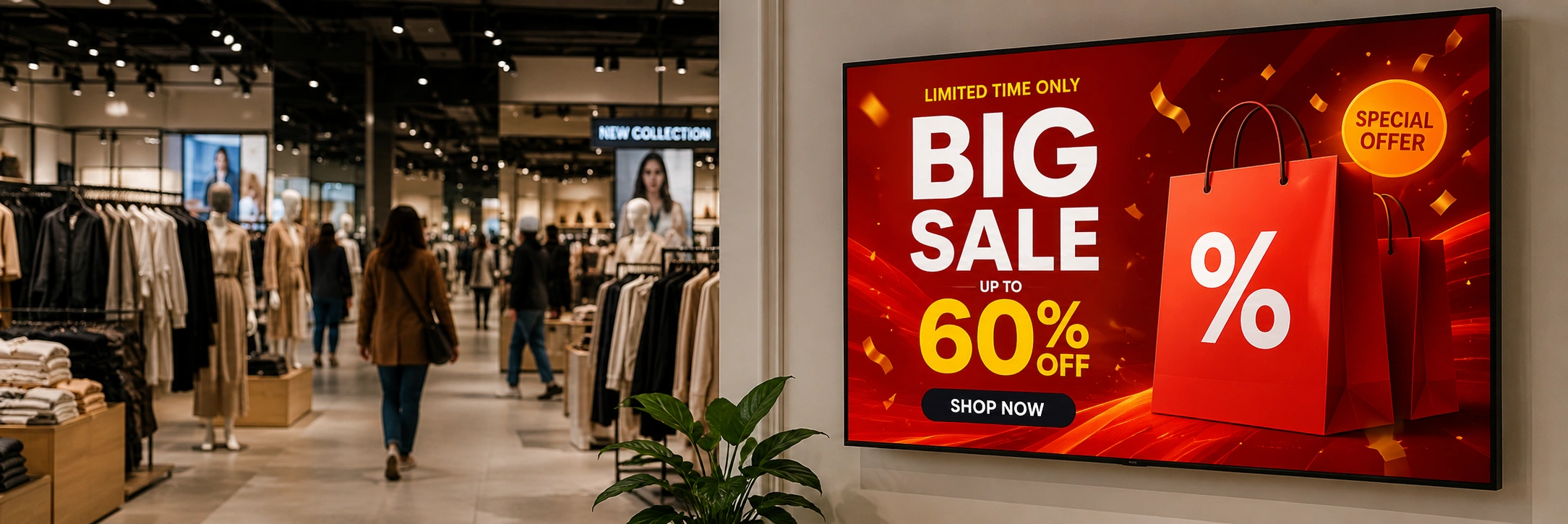
Dynamic digital signage software is a must-have for businesses looking to turn regular smart TVs into cool, automated displays that grab attention and boost revenue.
Whether you’re running restaurant menu boards, retail promos, corporate dashboards, school announcements, or campaigns across franchises, the right digital signage CMS makes managing your content super easy.
Buzzblender — a modern platform that focuses on scalable content automation, centralized screen management, and dynamic campaign workflows for growing businesses. Buzzblender helps more than 120 businesses with 5000 + active screens worldwide. We created the app for all types of operating systems. You can manage different types of screens from different brands from the single admin panel. It works easily on every screen, and the integration takes 4 minutes to set up.
Jeff Hoffman from a bubble tea café in Texas uses Buzzblender across his café network. In his words: “Buzzblender is the best dynamic digital signage software. I’m not a tech guy — I’m 70 years old — and I installed the app on my LG screens and connected everything to the admin panel in 5 minutes.”
Ease of use is not the only strength of Buzzblender. The platform is also known for reliable playback and continuous innovation.
“The team developed features I requested for free. Now I manage 120 screens with a custom integration they built for us. They’re the best. I especially like the pricing — $5 per screen per month — and the fact that I connected Samsung, LG, and Android devices to the same admin panel.” — Remy from a laundry chain in Lagos, Google Maps reviews.
We show reviews for each section, so you can learn what real users and businesses think about Buzzblender dynamic digital signage software.
Exclusive offer: get your first month free with promo code WELCOME100
Take control of your screens today with Buzzblender
What’s in this guide
- What is dynamic digital signage software
- What is the best digital signage software?
- How to choose the right digital signage software
- How to install digital signage software
- What digital signage software works with any tv?
- How much does digital signage software cost?
- How to use digital signage software
- FAQ
What Is dynamic digital signage software?
Dynamic digital signage software is software that can automatically show different content based on use cases. For example, the most common scenario is showing different content for different days and times: show lunch offers from 11 a.m. till 3 p.m., then show evening offers. Don’t forget to promote branches during weekends.
As Lynn from Seattle says: “I scheduled a campaign on my Samsung TV to show a limited-time offer on weekends, and it returned my investment in 1 hour. People noticed the offer with cake and immediately started buying. It works much better than the static print ads that I used before.”
What is the best digital signage software?
There are different players in the market, from lightweight solutions to enterprise signage platforms.
The best signage software is easy to scale with pricing, has stable playback, and can be set up in 5 minutes.
The answer to all these questions is Buzzblender.
Just 5 dollars per screen per month — it allows businesses to scale fast without spending millions on dynamic digital signage.
Stable playback — your screens should always run reliably because you earn money from them. These salespeople work every day. They don’t take weekends off.
“I know that the team behind Buzzblender are tech gurus. They previously worked on their own operating systems. They worked with Chinese manufacturers and know how devices work from the inside. That’s why I selected them for my 200-screen business. They know what firmware is and what reliable playback means.” — Soho from a chain of student canteens in Spain.
How to choose the right digital signage software
As we discussed before, price and scalability are factors you need to consider. But don’t forget about UX as well.
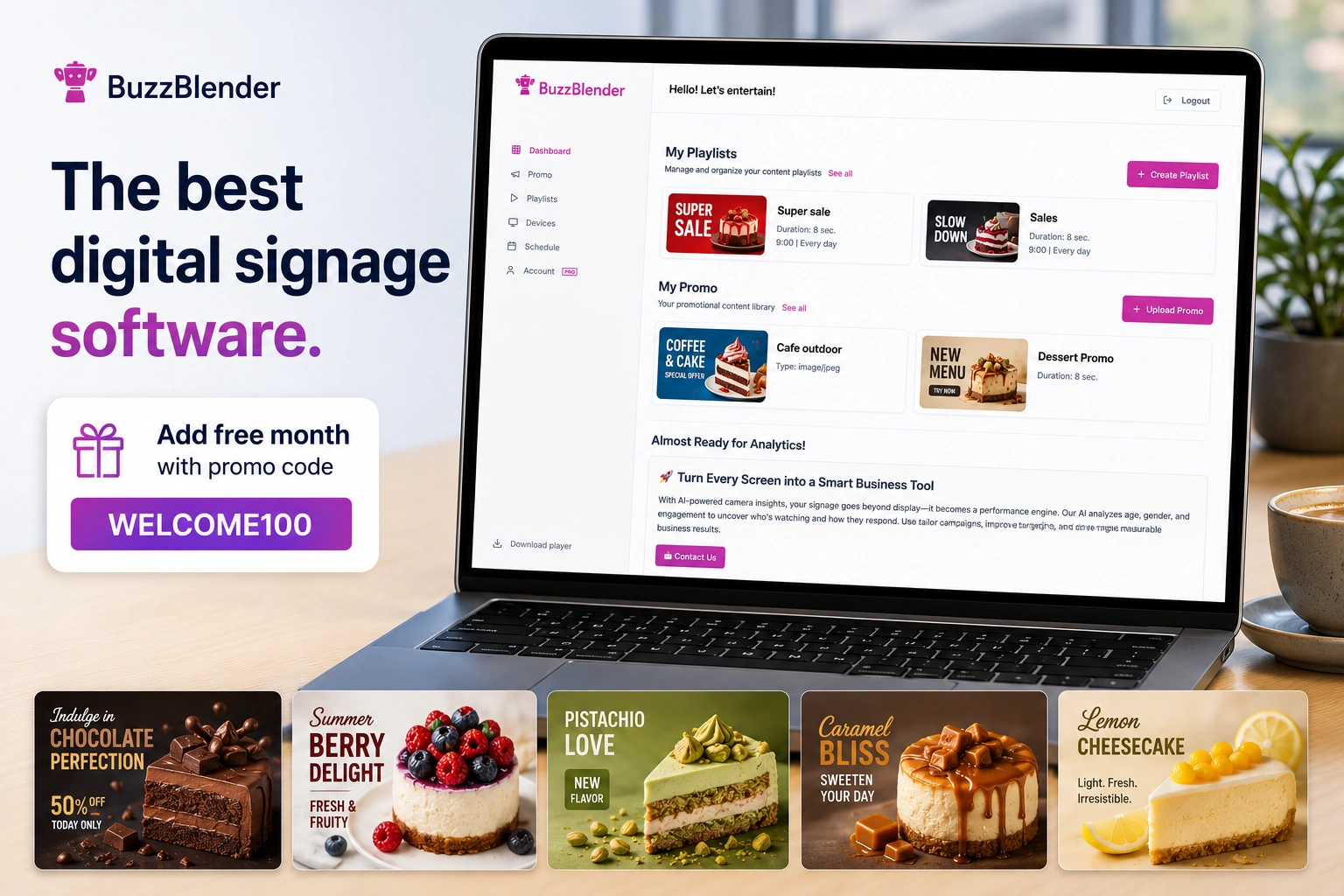
Buzzblender is a unique dynamic digital signage software platform that combines scheduling and playlists in one place. For this reason, you can set up everything in just a few minutes.
Mike, the owner of the marketing agency “24Pixels” from Austria, says: “I tried 4 different digital signage software platforms. In all of them, playlists and scheduling were separate. It’s crazy. Why is it needed? I just want to publish our content to the screens. I don’t need a difficult tool to use. Just a few steps. This is how Buzzblender cracked it. You upload media and select on the same page when to show it. That’s it. All content appears on the screens immediately.”
When evaluating digital signage platforms, businesses should prioritize scalability, automation, and ease of management.
How to install digital signage software
You buy a screen or use one you already have. You feel nervous because you think you need to read twenty pages to understand how the system works. Relax and breathe. You only need a few steps.
- Create an account at app.buzzblender.com
- Install the app on your TV from the content store. Ping us at support@buzzblender.com if you need any help
- You will see the access code on the screen
- Enter this code at the Devices section app.buzzblender.com/devices
- Create the Playlist now
- Select when to show your content. Here is the guide for the content scheduling.
- Upload your media (images, video)
- Add a QR code to your promo to drive traffic to your site. Note: you will see visit statistics on your dashboard.
- We have a calendar overview of all your playlists, so you can always control what is playing now.
- If you have a team, you can invite users to the admin panel so they can create content and you can approve it.
Refer to this guide for step-by-step instructions with images. Yes, we know that images always help 🙂
“Not only can I highlight the easy setup, but also the quality of the support team. They conducted several demos for my team. A highly professional team.” — Chad from a government office in New York.
What digital signage software works with any tv?
Buzzblender works with any TV screens: Android, LG, Samsung, and Philips. You can use both regular and commercial displays. All your content can be managed from a single admin panel.
“We have Samsung, LG, and Android screens. Previously, it was a mess — some used USB, some used open-source digital signage solutions. Now I can control all my screens using Buzzblender,” said Pauline, a cafe owner from Poland.
How much does digital signage software cost?
The most affordable option is BuzzBbender — just 5 dollars per screen per month.
“For our organization, pricing is crucial. We used Magicinfo and switched to Buzzblender. Now we pay 70% less each month. In total, our savings are more than 2,000 dollars per year,” shared Alex, Director of Marketing at a regional retail chain in Sao-paulo.
Use our Signage Cost Calculator to compare all digital signage softwares.
How to use digital signage software
You can use dynamic digital signage software for different purposes:
Cafes / Restaurants
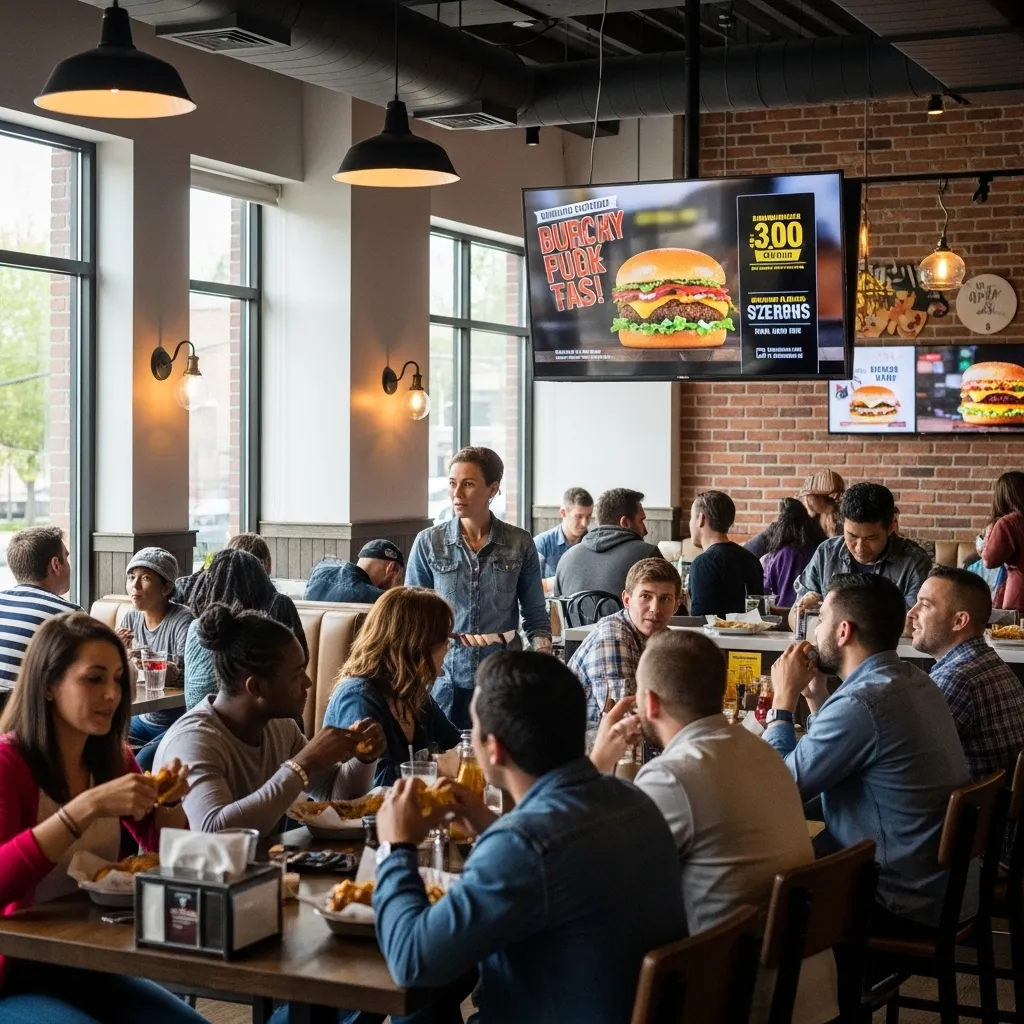
Promote special offers and menus. Drive impulse purchases by displaying bundles like coffee and croissants. Marketing teams can deploy campaigns instantly across all screens without relying on local staff.
- Digital menu boards
- Automated menu switching
- Dynamic pricing
- Upselling campaigns
Shops / Retail
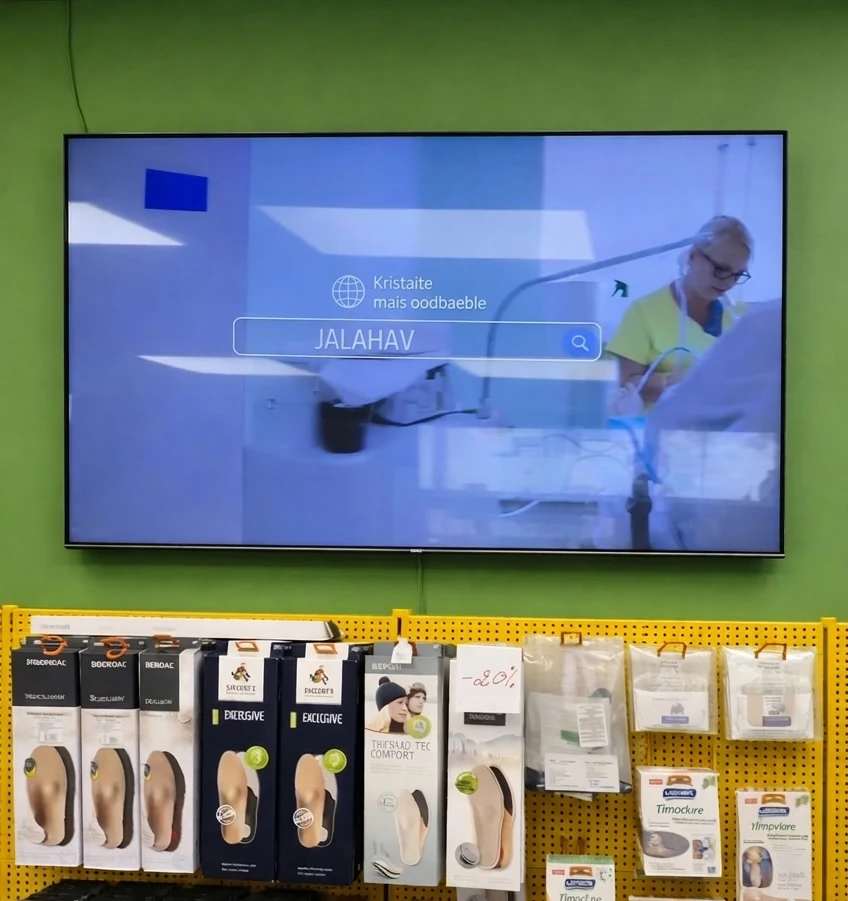
Dynamic content helps increase impulse purchases. “The Product of the Day” and “Weekend Specials” are examples of ideas for digital signage software.
- Product promotions
- In-store advertising
- Personalized recommendations
- Seasonal campaigns
Corporate offices
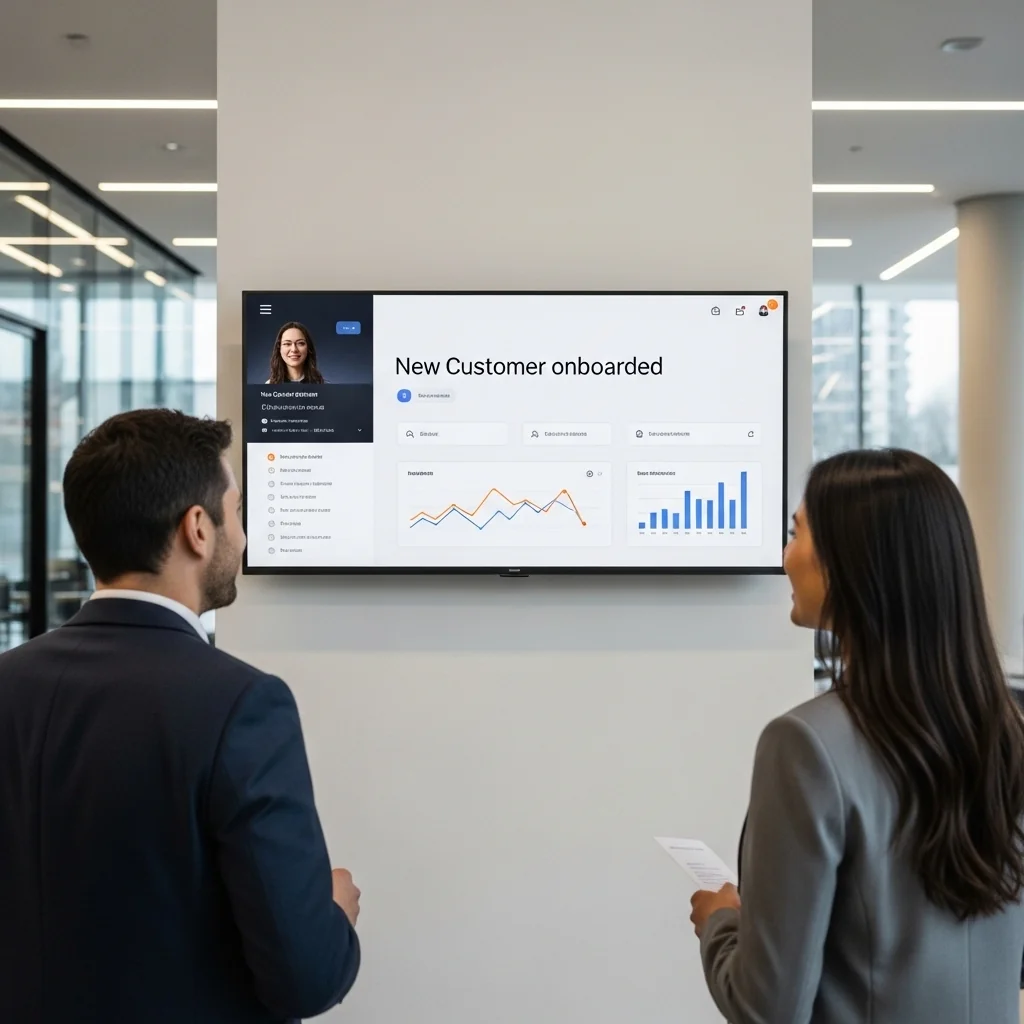
Keeping internal communications updated manually becomes impossible at scale. Dynamic digital signage helps corporate offices share information instantly across all locations and teams.
- Share announcements
- Display KPIs
- Improve employee engagement
- Coordinate hybrid teams
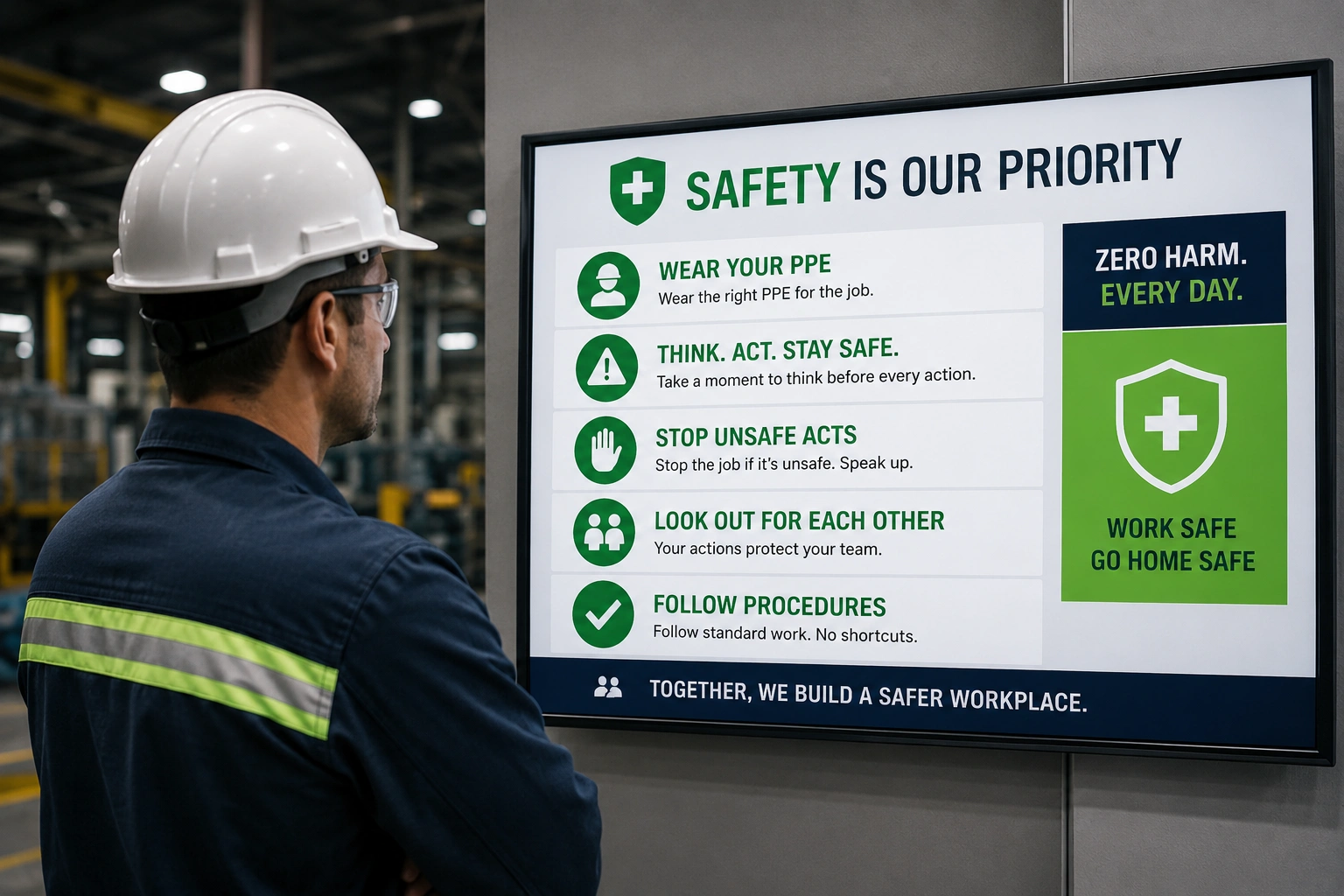
Manufacturing facilities
Safety messages and internal communications are the main use cases for manufactures.
“I selected Buzzblender among other digital signage software platforms, and I can confidently say this is the best digital signage software. 5 dollars per screen per month, easy setup, and I can manage content from my mobile phone and see which devices are active.” – Arash from Actmax Sdn. Bhd., Malaysia. Google map review.
The main goal is simple: keep content fresh, relevant, and engaging without requiring constant manual work.
Hotels
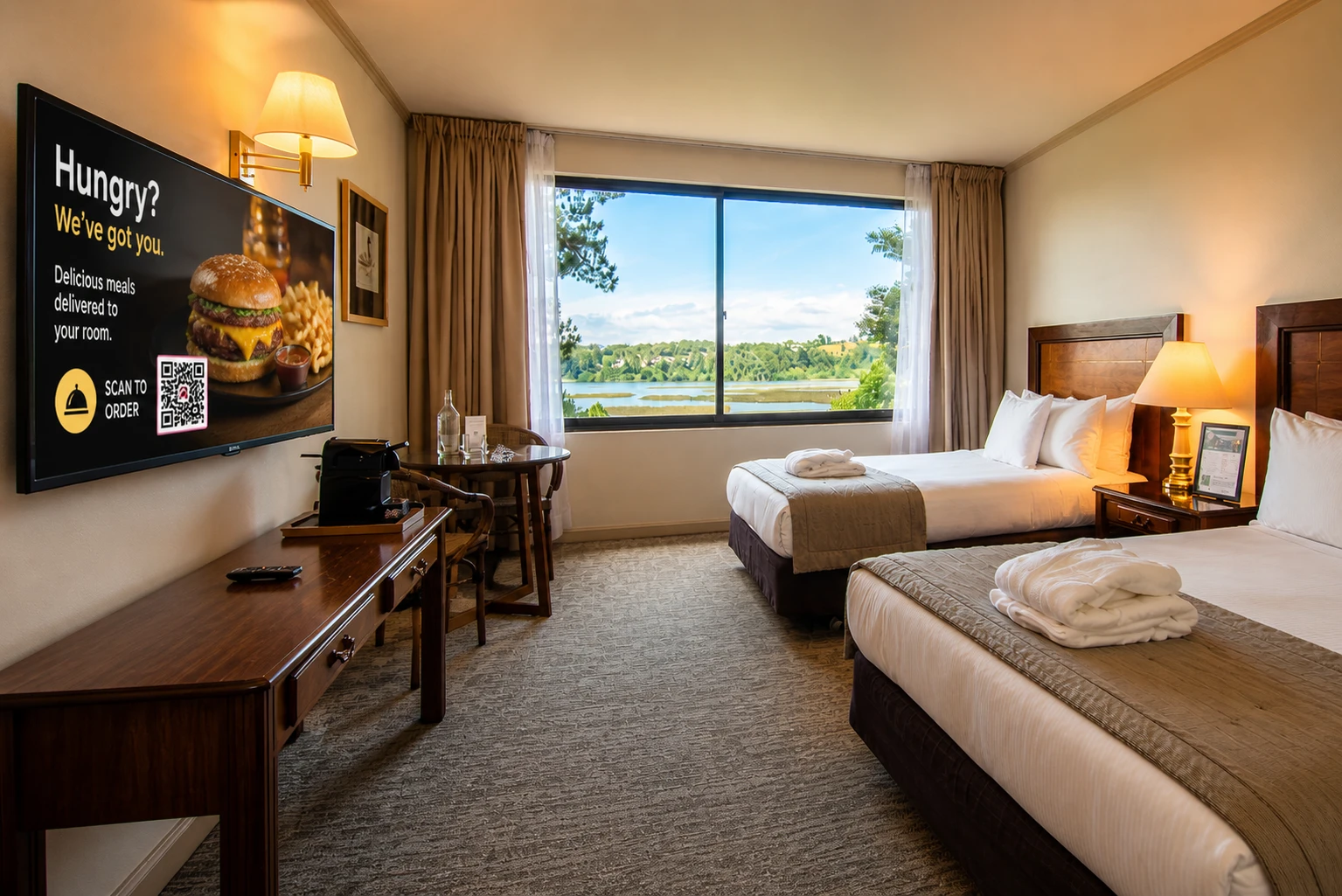
Turn idle guest room screens into revenue machines.
Catalina, Marketing Director at Hotel Puerta del Sur in Chile, says: shared her experience: “Now we promote spa services like a screensaver in guest rooms. Last month, we increased spa bookings by 300%. It’s all because guests see our spa advertisements in their hotel rooms. Thanks to the Buzzblender team.”
Learn more about how the smart team generated revenue in the case study of the digital signage for hotels.
Why Businesses Choose Buzzblender
As digital signage ecosystems become more complex, businesses need tools that simplify content operations without sacrificing flexibility.
Buzzblender helps organizations manage dynamic digital signage campaigns through centralized workflows, automation, and scalable content distribution.
Instead of treating signage as static advertising, companies can create adaptive communication systems that evolve in real time.
Final Thoughts
The demand for dynamic digital signage software continues to grow as businesses prioritize automation, personalization, and real-time communication.
Modern signage platforms are no longer just display tools — they are full-scale content management ecosystems designed to improve engagement and operational efficiency.
Businesses looking to scale their screen networks, automate workflows, and improve content delivery should consider platforms like Buzzblender build smarter, more flexible digital signage strategies in 2026.
FAQ — Dynamic Digital Signage Software
What is dynamic digital signage software?
Dynamic digital signage software helps businesses display automated content like promotions, menus, announcements, and videos on smart TVs and digital screens.
What is the best digital signage software?
Buzzblender is a popular choice for businesses because of its easy setup, reliable playback, and affordable pricing.
Can I use digital signage software on any TV?
Yes. Buzzblender works with Samsung, LG, Android TV, Philips, and commercial displays.
How long does setup take?
Most users can install and connect their screens in under 5 minutes.
How much does digital signage software cost?
Buzzblender pricing starts at $5 per screen per month.
Can I manage multiple screens remotely?
Yes. You can control all screens from a single cloud-based admin panel.
What content can I display?
You can display videos, images, menus, promotions, QR codes, announcements, and dashboards.
Is digital signage software good for restaurants and retail stores?
Yes. Restaurants use it for digital menu boards, while retailers use it for promotions and in-store advertising.
Does digital signage software support scheduling?
Yes. You can automatically schedule content by time, day, or campaign.
Why do businesses choose Buzzblender?
Businesses choose Buzzblender for its simple interface, centralized management, stable playback, and scalable pricing.
Samsung Signage User Guides
What Our Customers Say
⭐⭐⭐⭐⭐
The Easiest and Most Affordable Digital Signage We’ve Used
We tested several digital signage solutions before switching, and BuzzBlender has been the simplest and most reliable by far.
Setup on our Samsung displays was fast, and managing content is incredibly easy—even for non-technical staff. We can update screens in real time, run promotions, and control everything remotely without extra hardware.
Compared to other systems, it stands out for both ease of use and pricing. Just five dollars.
Vasiliy, co-founder of Ecomind



Leave a Reply