
Manage digital signage screens across your business from one simple cloud platform.
BuzzBlender helps businesses in Namibia publish content, schedule playlists and remotely manage screens without complicated digital signage infrastructure.
Use compatible LG webOS, Samsung Tizen, Android and browser-based displays.
Starting at $5 USD per screen/month — approximately N$81.
We Support Different Operating Systems
Digital Signage Software for Namibia
Manage your screens remotely from the BuzzBlender cloud dashboard.
Upload images and videos, create playlists, schedule content and update connected displays without having to visit every screen.
BuzzBlender can be used for:
- Retail stores
- Restaurants and cafes
- Hotels and hospitality
- Offices
- Schools
- Clinics and waiting areas
- Multi-location businesses
Whether you manage a single display or screens across multiple locations, BuzzBlender gives you one place to control your digital signage.
What Our Customers Say
⭐⭐⭐⭐⭐
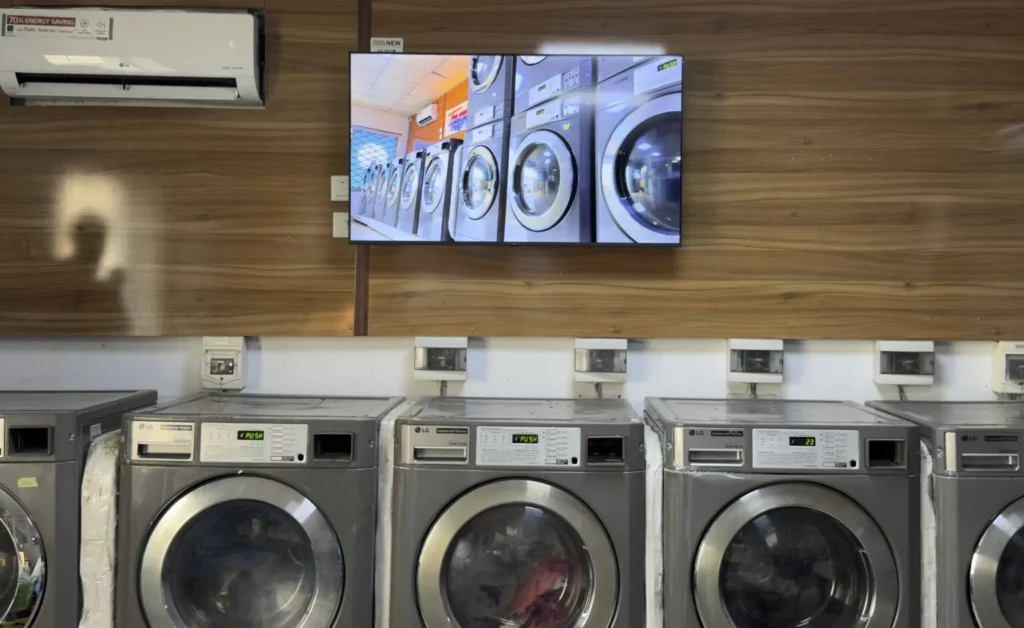
Cheap and Perfect Digital Signage for WebOS (LG)
My experience with Buzzblender has exceeded expectations. It simplifies content management. We use LG (WebOs) and Buzzblender works perfectly on our screen
Agbanike, True Wash Laundromat
Display Software for Restaurants
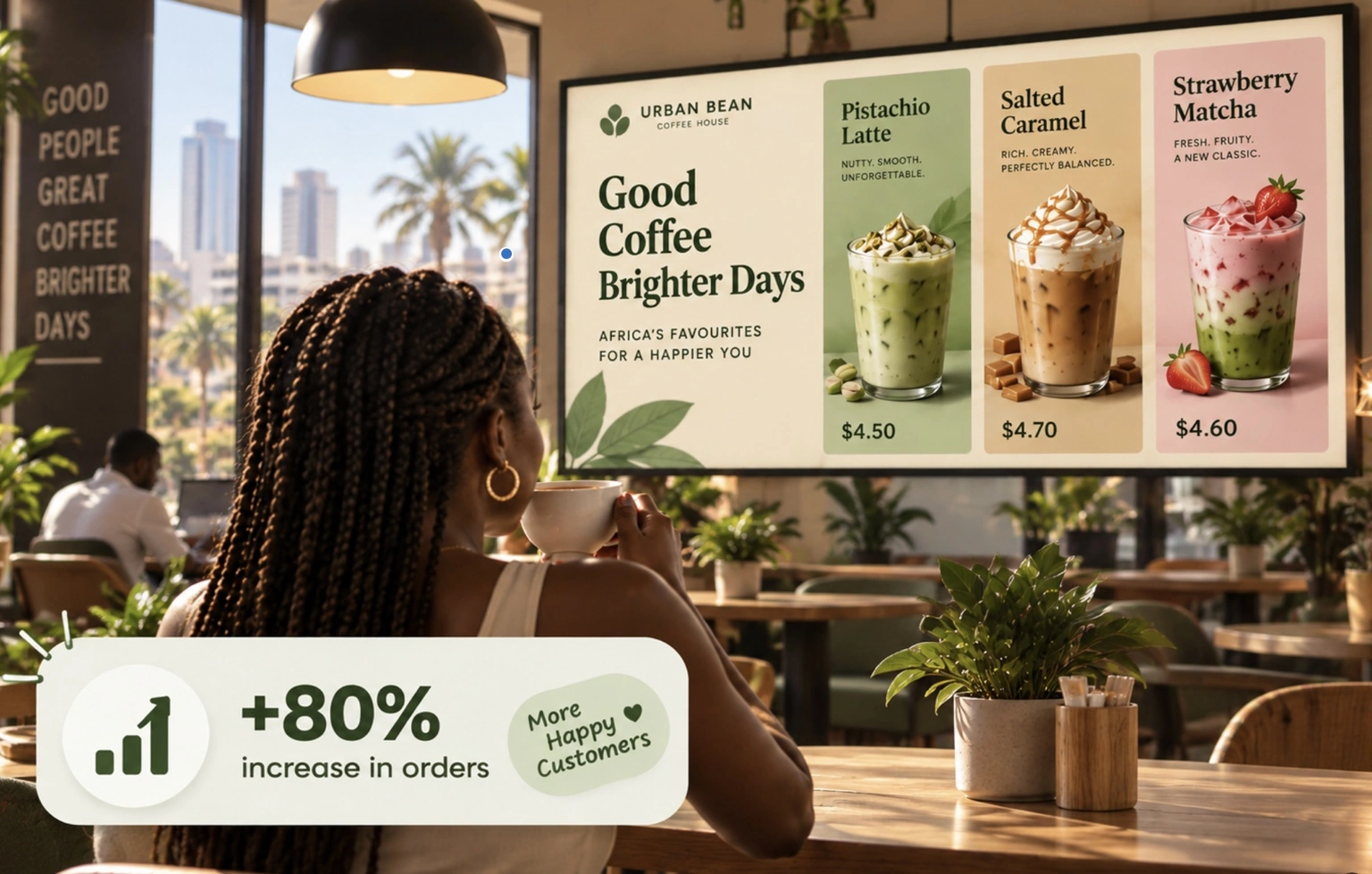
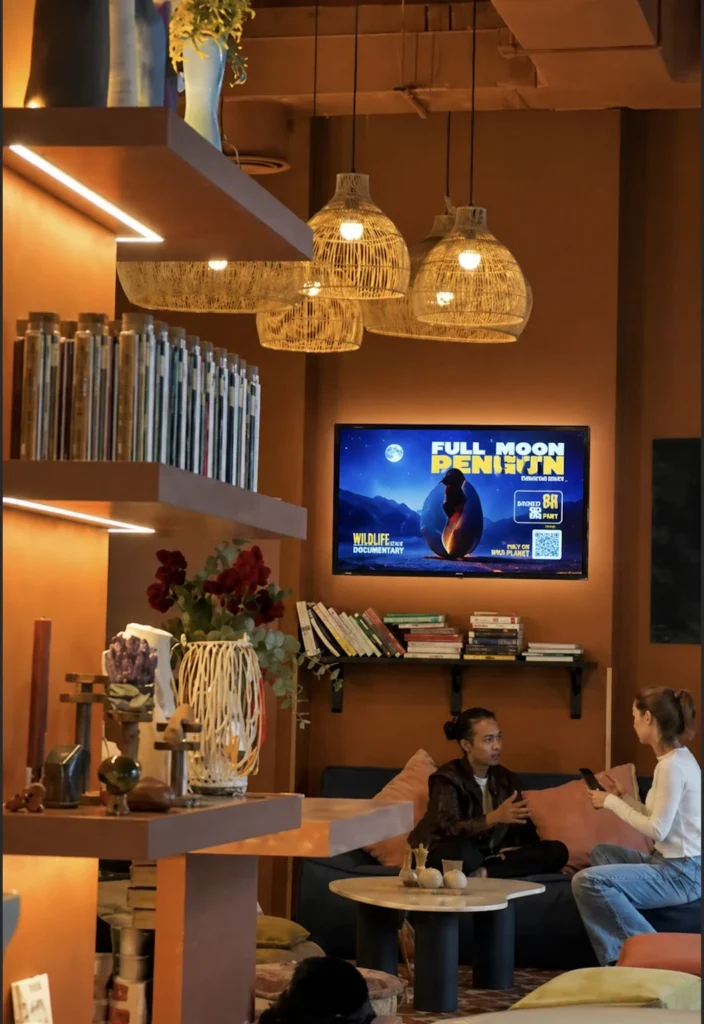
Restaurants can use digital signage for menu boards, daily specials, promotions, opening hours, ordering information, and branded content.
Scheduling is especially valuable in this environment.
Breakfast content can automatically transition to lunch, while evening promotions can begin later without staff manually changing the display.
When menu information changes frequently, centralized digital management can also be considerably more efficient than repeatedly replacing printed signage.
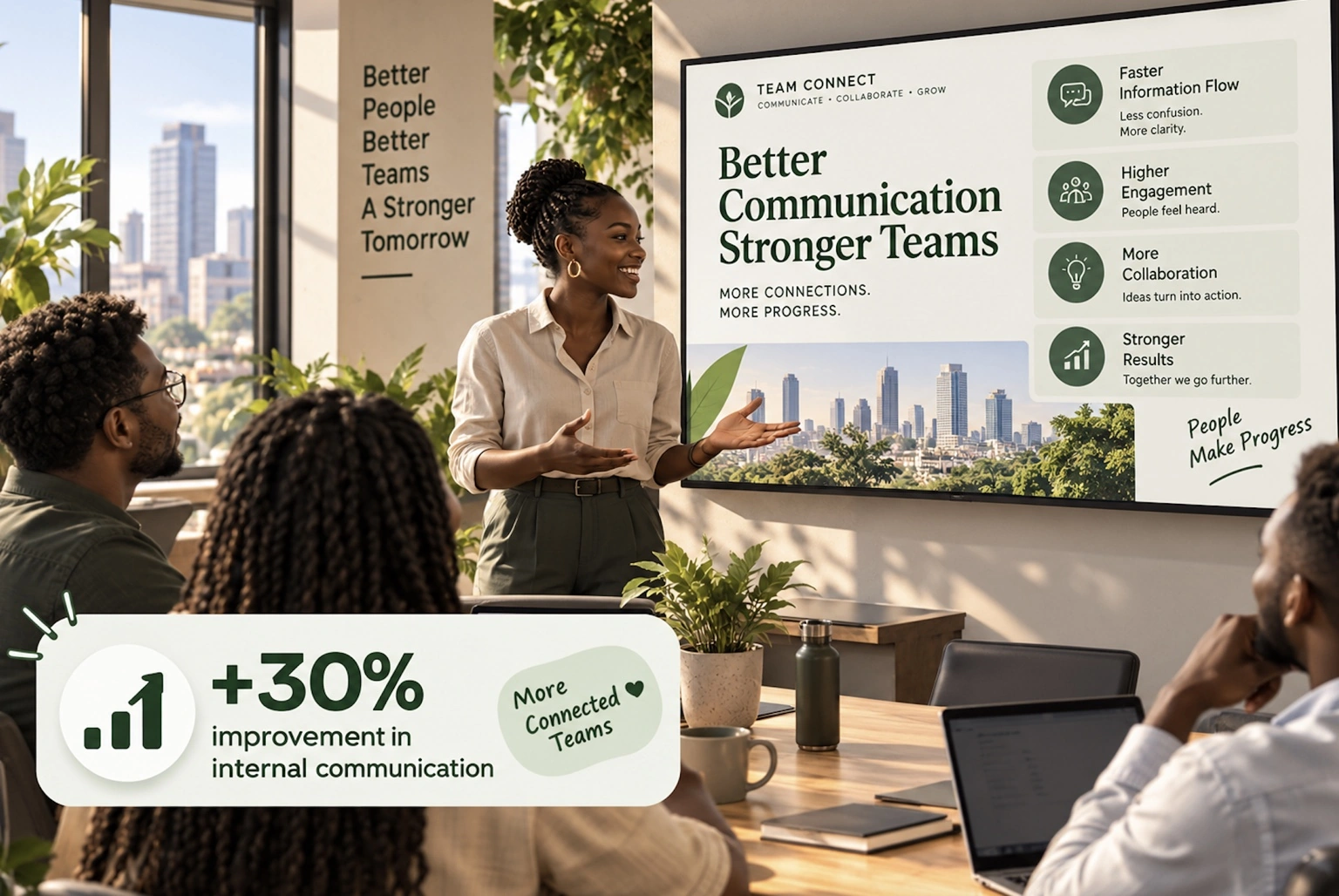
Display Software for Offices
Digital displays are not limited to customer-facing advertising.
Businesses can use office screens for internal communications, company announcements, dashboards, events, safety information, employee recognition, meeting information, and other operational content.
Centralized software allows communications teams to control what appears across several office screens without maintaining each display separately.
Display Software for Retail
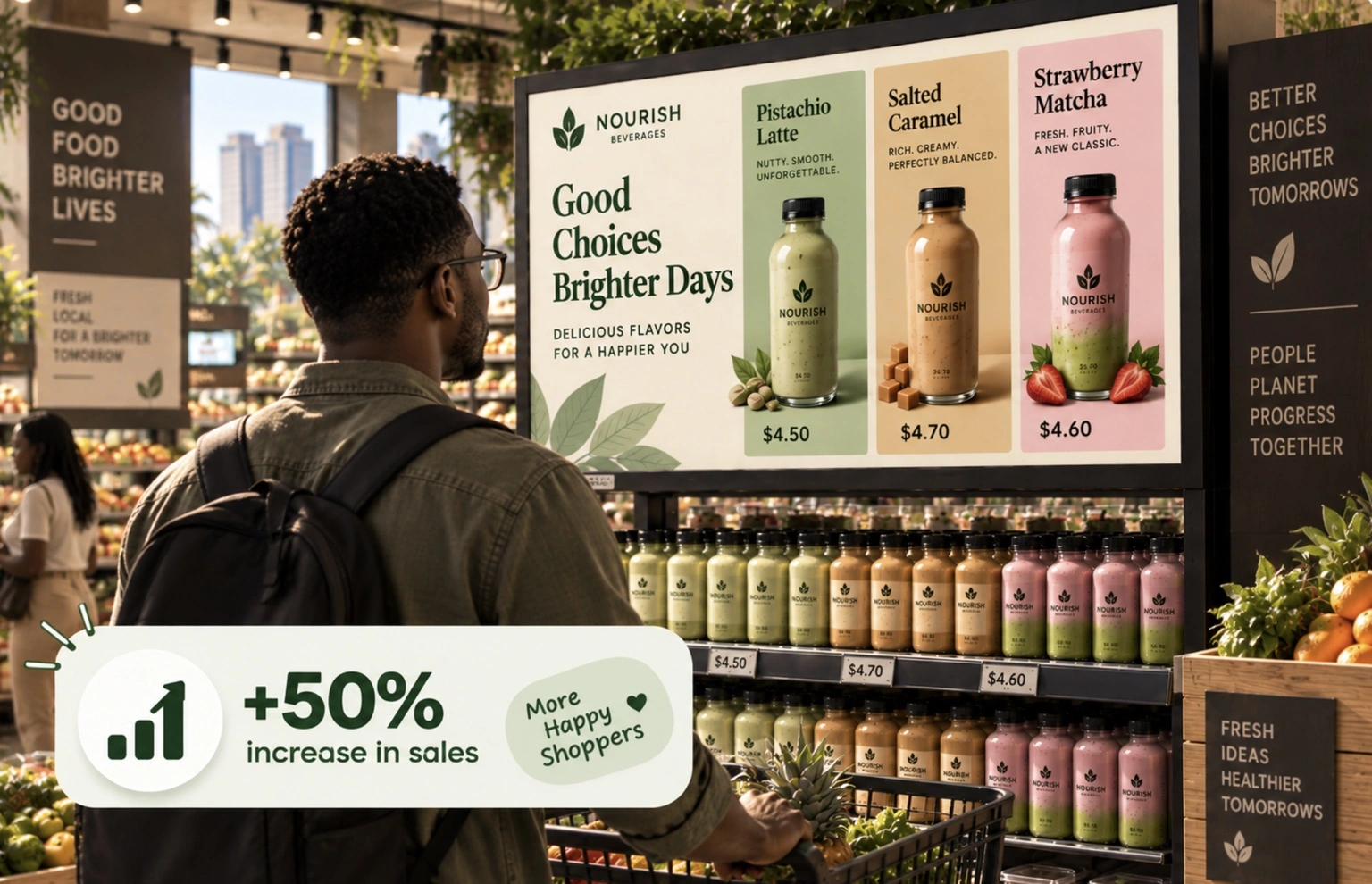
Retail is one of the clearest use cases for digital displays.
Stores can promote new products, seasonal offers, loyalty programs, discounts, upcoming events, and other campaigns.
Because content can be updated remotely, a retailer operating several branches can distribute a campaign centrally rather than sending files and instructions to every store.
QR codes can also turn signage into a bridge between physical and digital shopping by directing customers to product pages, promotions, registration forms, or other online experiences.
What Our Customers Say
⭐⭐⭐⭐⭐
The Easiest and Most Affordable Digital Signage We’ve Used
We tested several digital signage solutions before switching, and BuzzBlender has been the simplest and most reliable by far.
Setup on our Samsung displays was fast, and managing content is incredibly easy—even for non-technical staff. We can update screens in real time, run promotions, and control everything remotely without extra hardware.
Compared to other systems, it stands out for both ease of use and pricing. Just five dollars.
Vasiliy, co-founder of Ecomind

Enterprise Scalability
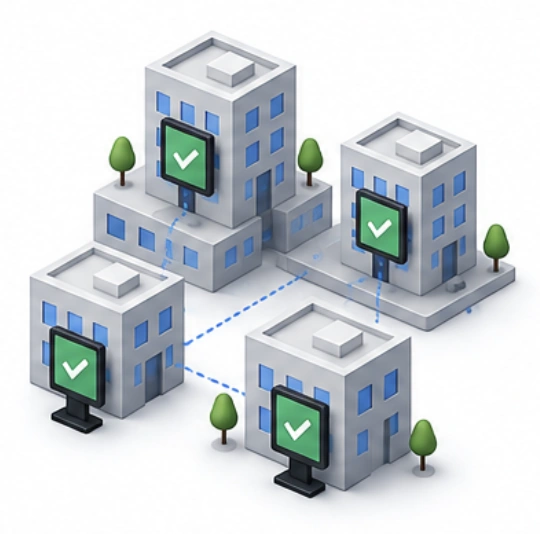
Support deployments ranging from a single display to thousands of screens.
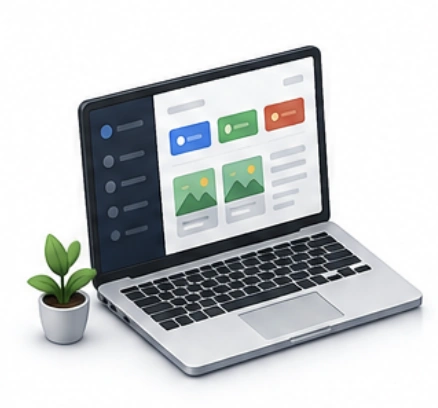
Centralized Content Management
Manage all displays from a single dashboard.
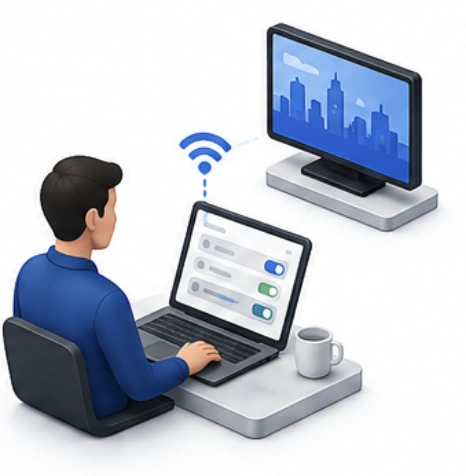
Remote Screen Management
Control screens without visiting physical locations.
Use the Screens You Already Have
BuzzBlender supports multiple digital signage platforms, including:
- LG webOS
- Samsung Tizen
- Android
- Browser-based displays
Compatible businesses may therefore be able to use screens they already own instead of replacing their entire display setup.
Manage Your Screens From Anywhere
Your screens can be in Windhoek, Walvis Bay, Swakopmund or elsewhere in Namibia while you manage their content remotely.
Use BuzzBlender to:
- Upload content
- Create playlists
- Schedule campaigns
- Update screens remotely
- Monitor active and inactive displays
- Manage multiple locations
All from one cloud-based dashboard.
Affordable Digital Signage for Namibia
BuzzBlender Basic costs:
$5 USD per screen / month
That’s approximately:
N$81 per screen / month*
Start with one screen and add more as your business grows.
14-day free trial. No credit card required.
Start Using Digital Signage in Namibia
Turn compatible screens into remotely managed digital signage with BuzzBlender.
From $5 USD per screen/month (approximately N$81).
Take control of your screens today with Buzzblender
How to manage your screens remotely
1.
Create Content
Users create videos, images, dashboards, menus, announcements, and promotional content.
2.
Upload Content
Content is uploaded to the digital signage platform.
3.
Connect Samsung Displays
Samsung Smart Signage displays connect to the CMS through Samsung Tizen OS or external media players.
4.
Schedule Content
Administrators determine when and where content should appear.