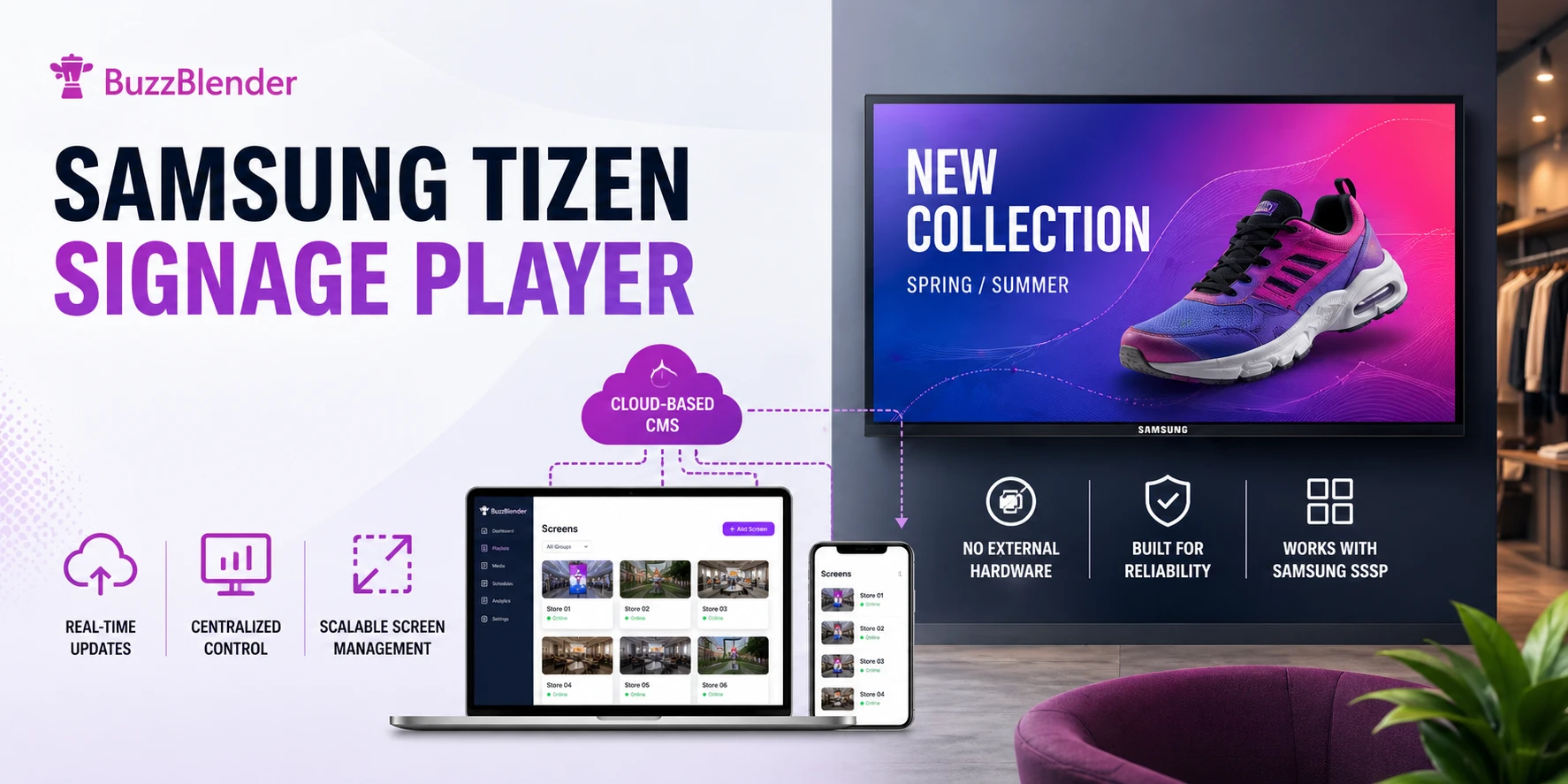
A Samsung Tizen signage player is a digital signage application that runs directly on Samsung Smart Signage displays (SSSP), allowing businesses to manage and display content without external hardware. It connects to a cloud-based CMS, enabling real-time updates, centralized control, and scalable screen management.
Samsung commercial displays powered by Tizen provide businesses with an attractive foundation for digital signage. Instead of building a signage installation around a conventional computer and a screen, compatible Samsung commercial displays incorporate System-on-Chip technology and the Tizen operating system.
Samsung itself describes its SMART Signage Platform as an all-in-one solution in which Tizen and embedded processing can handle content playback without requiring an external device for digital media playback. That can mean fewer devices, fewer cables, and a cleaner deployment.
But the display is only one part of a digital signage network.
Businesses still need software to upload content, create playlists, schedule campaigns, monitor screens, and update displays remotely.
That is where BuzzBlender comes in.
BuzzBlender provides a cloud-based Samsung Tizen signage player and content management platform starting at $5 per screen per month. You can manage compatible Samsung Tizen signage alongside other supported devices from a centralized dashboard.
For businesses that want straightforward Samsung digital signage without complicated licensing, BuzzBlender provides an affordable place to start.
Key points:
- Ideal use cases and OS compatibility: Suitable for high-traffic environments like retail and hospitality; supports Samsung Tizen, LG webOS, Android, and direct web browser access for flexible deployments.
- Cost savings and ROI: Tizen-based setups with BuzzBlender can reduce total cost of ownership and upfront hardware costs, with savings often reaching 70–80% versus traditional systems.
- Benefits of built-in SoC vs external players: No external hardware required, faster deployment, lower installation cost, and fewer points of failure.
Samsung Tizen Signage Player and Buzzblender
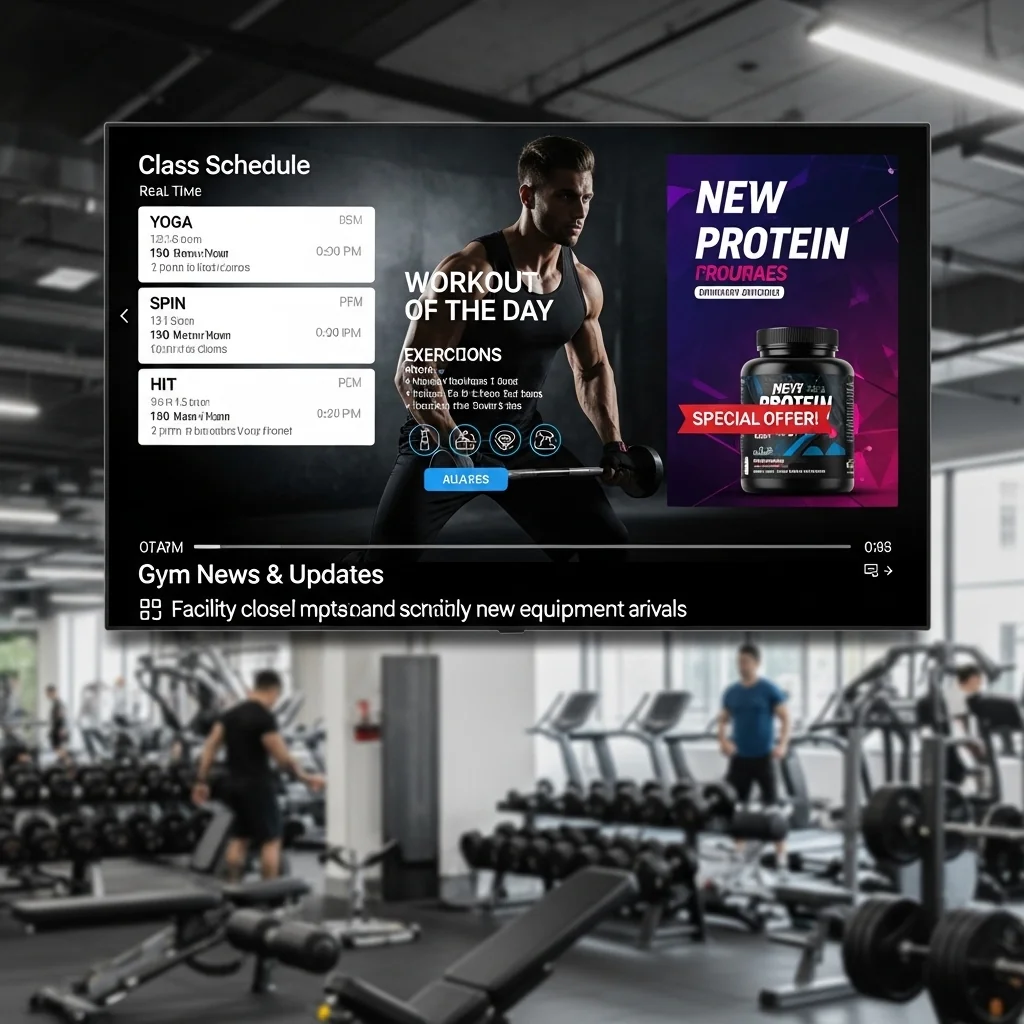
This image illustrates how Samsung Tizen signage player works with a cloud-based CMS like BuzzBlender, allowing businesses to manage digital signage content, push real-time updates, and control multiple screens without the need for external media players.
What Is Samsung Tizen Signage Player?
Samsung Tizen signage player is software built into Samsung commercial displays, powered by the Tizen operating system and System-on-Chip (SoC).
This means:
- No additional media player required
- Faster deployment
- Lower hardware costs
- Reduced cable clutter
- Improved system stability
- Lower power consumption
Tizen is the operating system used across many Samsung devices, including Samsung commercial signage displays.
In a digital signage deployment, the player is responsible for displaying the content assigned through the signage platform. Instead of managing every screen individually with USB drives and manually replacing files, a cloud digital signage platform connects screens to a centralized content management system.
BuzzBlender supports Samsung Tizen digital signage alongside other platforms such as LG webOS and Android. From the BuzzBlender dashboard, businesses can upload images and videos, create playlists, schedule content, and manage screens across multiple locations.
That becomes particularly useful when a business grows from one or two displays to dozens of screens.
Instead of asking employees at every location to update TVs manually, the content team can manage the network remotely.
Samsung Tizen vs External Media Players
Samsung Tizen displays include a built-in System-on-Chip (SoC), allowing digital signage software to run directly on the screen without requiring an external media player. This reduces hardware costs, simplifies installation, and minimizes maintenance.
| Feature | Samsung Tizen (Built-in SoC) | External Media Player |
|---|---|---|
| Hardware Cost | No additional hardware required | Additional device required for each screen |
| Installation | Quick and simple | Requires mounting, cabling, and configuration |
| Maintenance | Minimal | Ongoing hardware maintenance and replacement |
| Reliability | Fewer failure points | More components that can fail |
| Power Consumption | Lower | Higher due to additional hardware |
| Remote Management | Supported through cloud CMS platforms | Supported, depending on player and CMS |
| Scalability | Easy to deploy across multiple locations | More complex to scale and maintain |
| Performance | Ideal for most signage use cases | Better for highly demanding applications |
| Total Cost of Ownership | Lower | Higher over time |
For most digital signage deployments, Samsung Tizen displays eliminate the need for external media players, resulting in lower costs, faster deployment, and simpler management. External media players are typically only necessary for highly specialized use cases that require additional computing power or custom functionality.
Lily, Operations Manager, Restaurant Group (25 Locations). “The cost of purchasing and maintaining separate media players for every restaurant quickly added up. Buzzblender allowed us to use the Samsung Tizen hardware we already owned, eliminating unnecessary equipment and reducing installation complexity”.
How Samsung Tizen Signage Player Works
System Architecture
The system consists of two components:
1. Player (on the screen)
- installed directly on Samsung Tizen OS
- plays content automatically
2. CMS (cloud dashboard)
- manages content remotely
- controls multiple screens
- schedules playlists
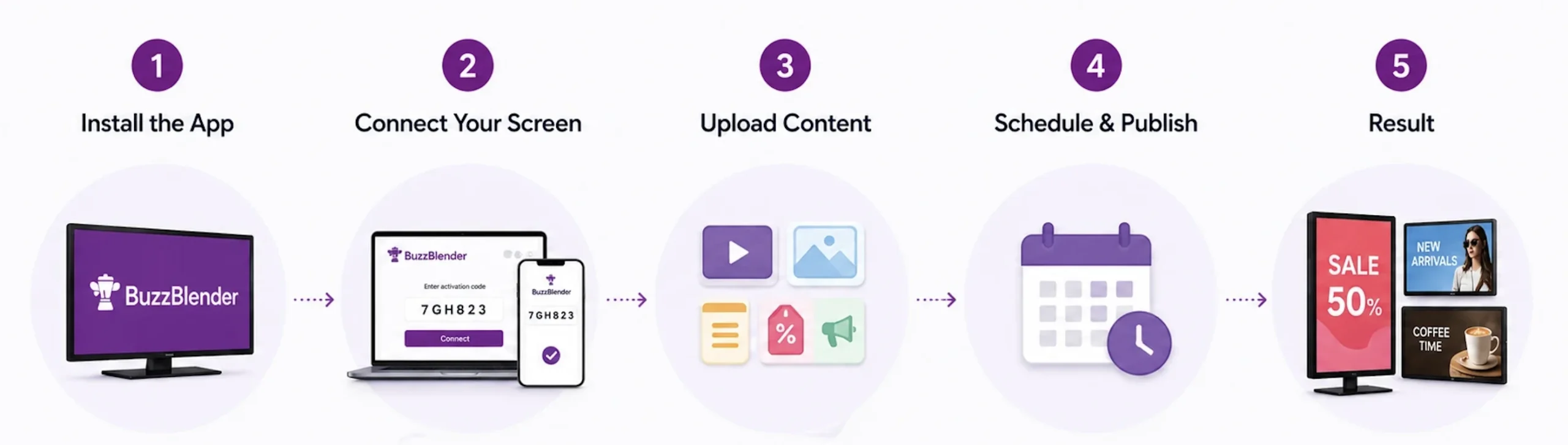
Workflow (Step-by-Step)
Why Businesses Choose Tizen Signage
Samsung Tizen is widely used in:
- retail stores
- cafés and restaurants
- shopping centers
- corporate environments
- hospitality
Especially effective for high-traffic environments where updates must be instant.
Best Samsung Tizen Signage Player Software
The best signage platforms should offer:
- native Tizen support
- cloud CMS
- fast deployment
- real-time updates
- scalability
Samsung MagicINFO VS Buzzblender
By default, Samsung recommends using MagicINFO, but you can install a third-party digital signage player and save thousands of dollars per year. Here’s a full comparison.
| Feature | MagicINFO | Buzzblender |
|---|---|---|
| Native Tizen Support | Yes | Yes |
| Cloud CMS | Yes | Yes |
| Ease of Use | Medium | High |
| Pricing | $9 Per screen per month | $5 Per screen per month |
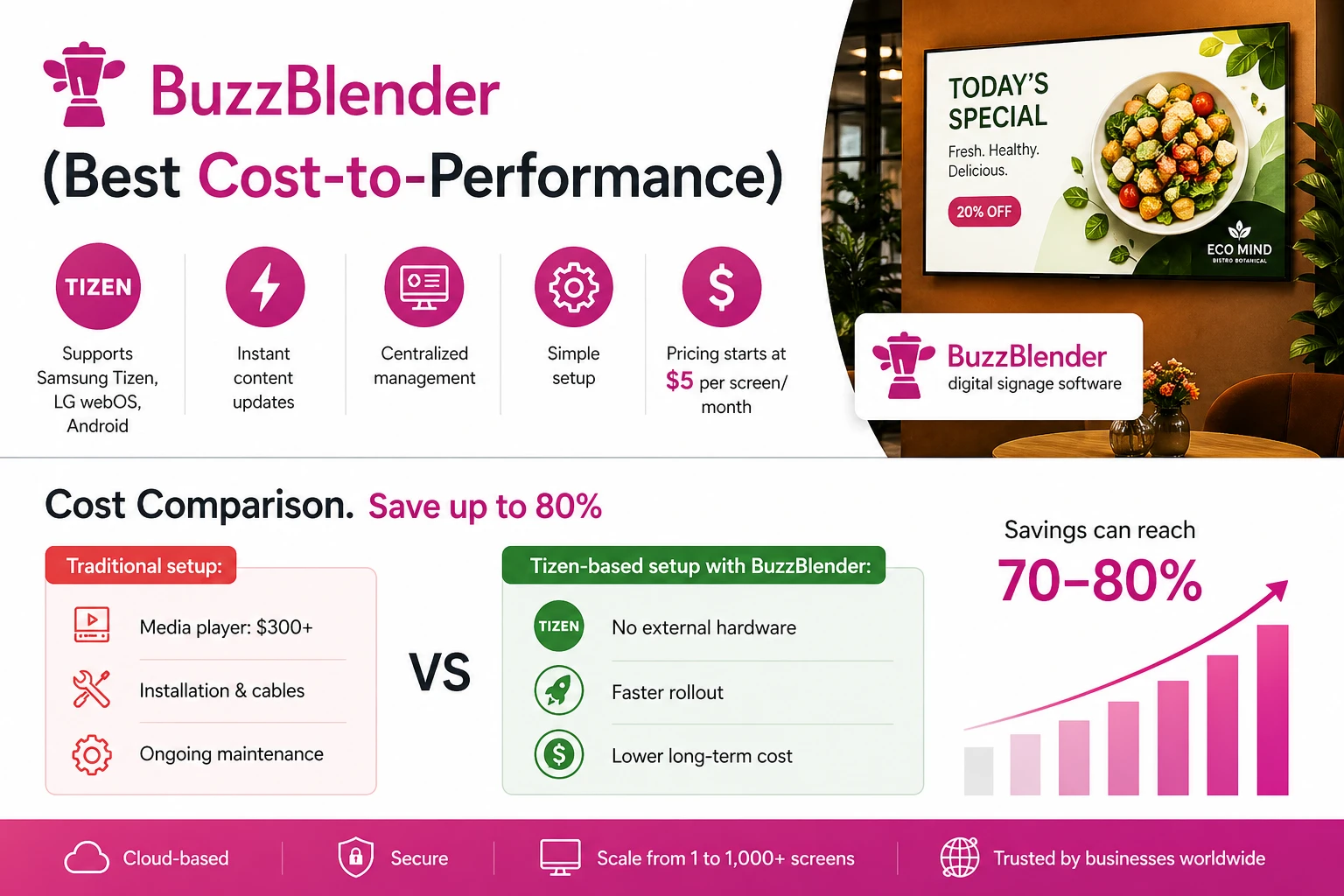
BuzzBlender (Best Cost-to-Performance)
BuzzBlender is a lightweight digital signage platform designed for modern businesses.
Key Advantages:
- supports Samsung Tizen, LG webOS, Android
- instant content updates
- centralized management
- simple setup
Key Features
- Real-Time Updates. Push promotions, pricing, and content instantly.
- No External Hardware. Everything runs inside the display. Centralized Control
- Manage multiple locations from one dashboard.
- Scalability. From 1 to 1000+ screens.
- Pricing starts at $5 per screen/month
Ivan, IT Manager, Corporate Communications Network ProgramGod (120 Screens): “We reviewed several enterprise signage solutions, including MagicINFO and hardware-based alternatives. While many platforms offered similar functionality, the long-term cost difference became significant once we calculated the hardware requirements for more than 100 screens.
BuzzBlender’s native Samsung Tizen support allowed us to avoid a large upfront hardware investment. The result was a scalable signage network with lower operational costs and easier administration.”
How to Get Started
- Open your Samsung TV app store, search for BuzzBlender, and install the signage app. If you use Samsung Signage Display (SSSP), use this guide.
- Log in to your admin panel and connect your screen using the activation code.
- Upload images, videos, menus, and promotional content to your dashboard.
- Create playlists and schedule content for specific times.
- Publish your content and display it instantly on your screen.
Content updates across all screens in seconds.
Cost Comparison. Save up to 80%
Traditional setup:
- media player: $300+
- installation & cables
- ongoing maintenance
Tizen-based setup with Buzzblender:
- no external hardware
- faster rollout
- lower long-term cost
- Buzzblender digital signage software
Savings can reach 70–80%.
Olga, Marketing Director, Regional Retail Chain Travellina (30+ Stores). “We evaluated Samsung MagicINFO, BrightSign, and several cloud-based signage platforms. Our main objective was to reduce hardware costs and simplify deployment. With Buzzblender running directly on Samsung Tizen displays, we avoided purchasing separate media players for every screen. The savings were substantial, and our team can now update promotions across all locations within minutes.”
Advanced Capabilities
For enterprise use cases:
- API integrations (POS, inventory)
- custom development
- firmware-level optimization
- multi-location management
Critical for large retail chains. Buzzblender team can help with custom integration if needed.
Remote Screen Management Made Simple
Best Use Cases
Samsung Tizen signage is ideal for:
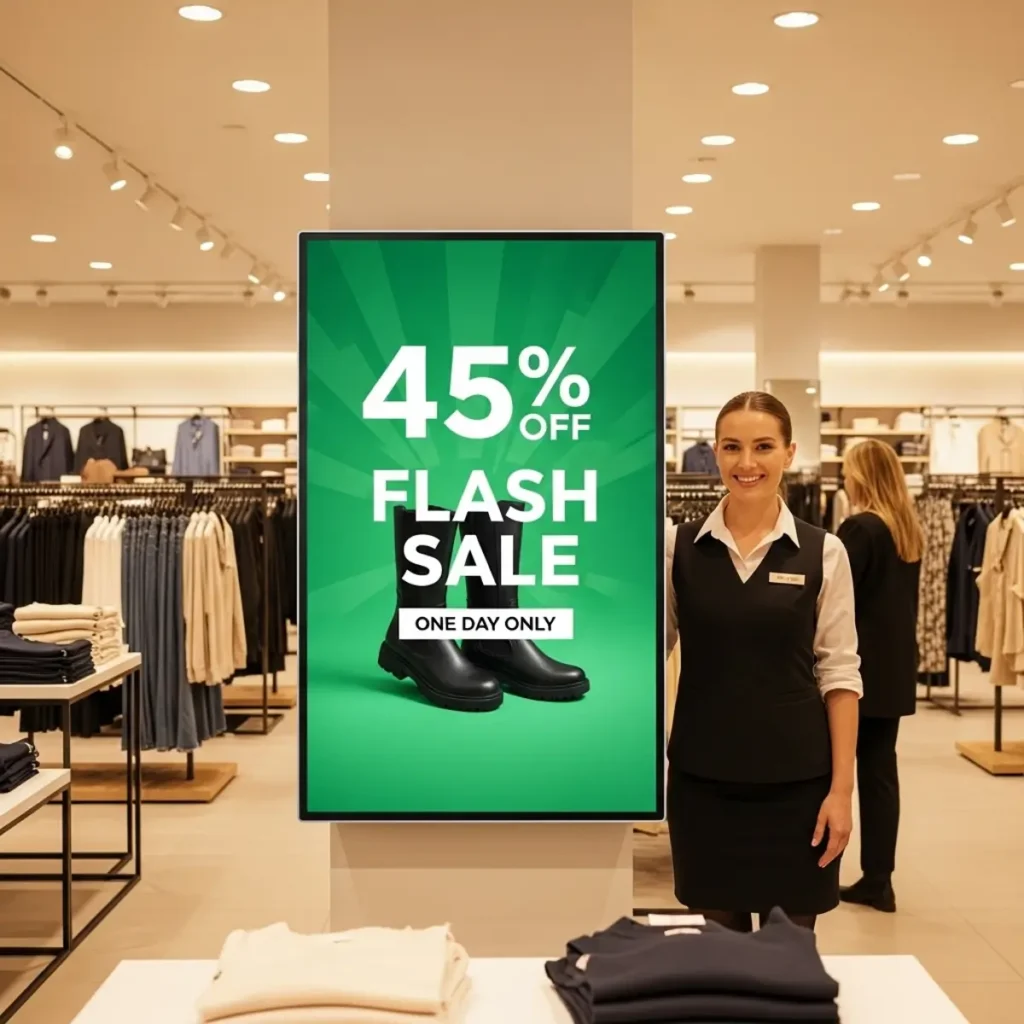
- retail promotions
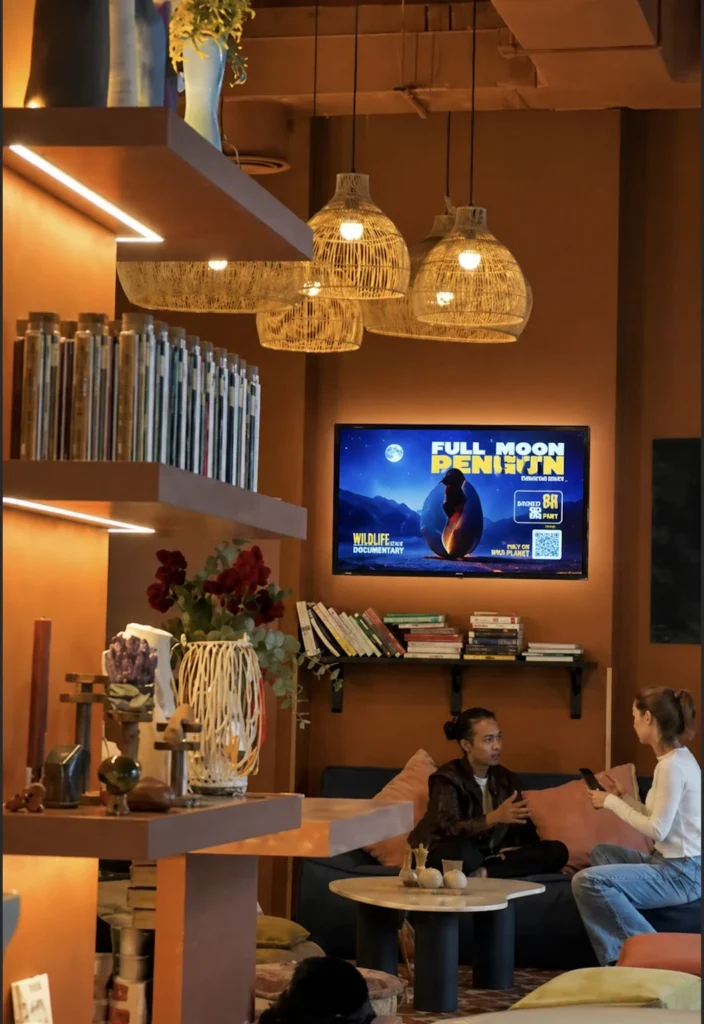
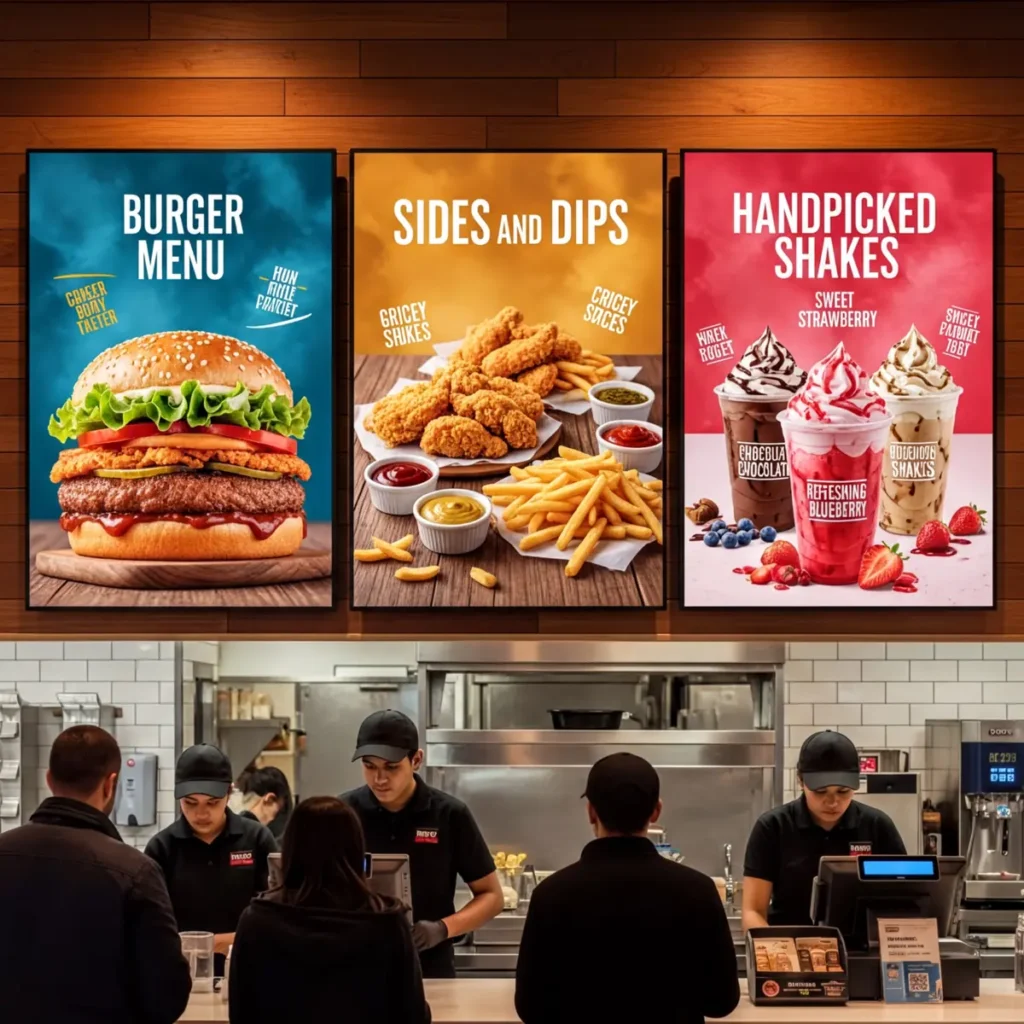
- digital menu boards
- advertising displays
- corporate dashboards
- information screens
Looking for MagicInfo alternatives? Compare the top digital signage solutions and discover why Buzzblender is the best choice.
Kate. Marketing Director, Multi-Location Retail Brand Kizim (45 Stores). BuzzBlender allowed us to run signage directly on our Samsung Tizen displays without purchasing external media players. The setup process was significantly faster than competing solutions, and our marketing team could manage content without technical support.
Why Use Samsung Tizen for Digital Signage?
One of the advantages of compatible Samsung commercial displays is that businesses can use the operating system already integrated into the screen.
That can simplify a digital signage deployment because there may be no need to attach a separate Android box, PC, or other external player simply to run signage content.
For businesses with many screens, reducing additional hardware can also mean fewer devices to install, power, cable, secure, and maintain.
BuzzBlender’s official operating-system documentation confirms support for Samsung Tizen digital signage and describes the ability to upload images and videos, create playlists, schedule content, and manage displays across locations.
The result is a relatively simple architecture:
Samsung display + Tizen + BuzzBlender = remotely managed digital signage.
Why BuzzBlender Is a Strong Samsung Tizen Signage Player
Digital signage software can become expensive surprisingly quickly.
A price that looks manageable for one screen can become a significant recurring expense when multiplied across 20, 50, 100, or more displays.
BuzzBlender takes a straightforward approach.
The Basic plan is currently priced at $5 per screen per month, with no screen limit listed on the plan and no card commitment.
At that price, businesses aren’t limited to simply uploading an image and leaving it on screen. BuzzBlender provides the core tools needed to operate an actual digital signage network.
Cloud-Based Screen Management
You should not have to stand beside a Samsung display every time a promotion, announcement, menu, or campaign changes.
BuzzBlender allows administrators to manage screen content remotely.
This is especially valuable for organizations with displays spread across different branches, stores, offices, restaurants, clinics, schools, or other locations.
Content can be prepared centrally and distributed through the cloud dashboard rather than manually copied to individual displays.
Content Scheduling
Displaying the right content is important. Displaying it at the right time is even better.
BuzzBlender includes content scheduling that lets organizations determine when playlists and campaigns should appear.
Schedules can be configured around factors such as time of day, day of the week, individual screens, or groups of screens.
A restaurant, for example, could display breakfast promotions in the morning and switch to an evening menu later in the day.
A retailer could prepare a weekend promotion in advance.
An office could schedule internal announcements for working hours.
Once the schedule is configured, the signage network can automatically handle the changes.
Images, Videos and Web Content
Professional signage needs more flexibility than a static slideshow.
BuzzBlender’s Basic plan supports uploads including images, videos, web pages, and HTML, although specific content capabilities can vary by player platform. The company also offers functionality such as QR code overlays for adding scannable calls to action to signage campaigns.
This gives businesses room to use their Samsung displays for promotions, menu boards, internal communications, announcements, product advertising, event information, and other visual campaigns.
Monitor Your Screens Remotely
Managing content is only half of digital signage management.
You also need to know whether your screens are operating.
BuzzBlender includes monitoring of active and inactive screens, helping administrators oversee connected displays from the central dashboard rather than relying entirely on employees at each physical location to report problems.
That becomes increasingly valuable as the signage network grows.
Portrait and Landscape Displays
Not every digital signage installation uses the standard horizontal TV format.
Some retail, hospitality, corporate, and wayfinding installations work better with vertical displays.
BuzzBlender’s Basic plan supports both portrait and landscape screen orientations, giving organizations more freedom when planning their Samsung signage installations.
QR Code Overlays
A digital display can do more than deliver a message.
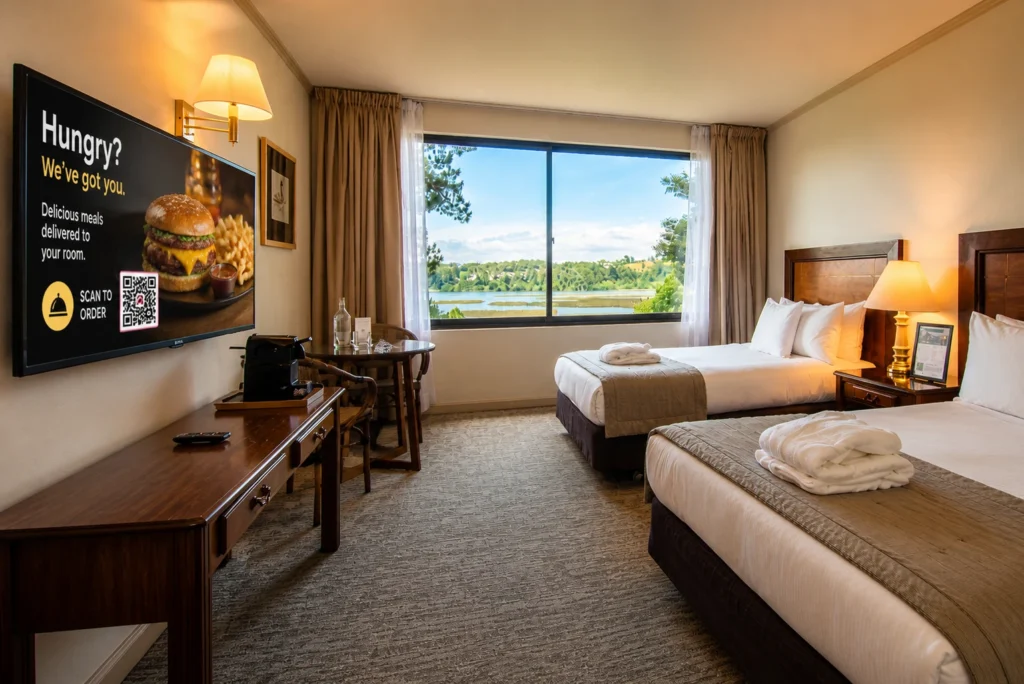
BuzzBlender lets businesses add dynamic QR code overlays to screens. A QR code can give viewers a direct path from the physical display to an online destination, such as a promotion, menu, landing page, registration form, or other web experience.
For marketers, this can make digital signage a more actionable part of a campaign rather than simply a passive screen.
Synchronized Playback Across Multiple Screens
Video walls depend on more than simply sending the same video to several displays. Playback synchronization is important when screens are positioned next to each other and viewers can see them simultaneously.
BuzzBlender supports synchronized playback across multiple monitors, allowing content to play simultaneously across grouped displays. Its multi-monitor signage documentation specifically identifies synchronized playback and video wall support as capabilities for multi-screen deployments.
Synchronization can be useful whether the installation is designed to display coordinated content across several screens or create a larger video-wall experience.
For example, a retail store could synchronize displays behind a checkout area, a corporate lobby could create a large branded feature wall, or a showroom could coordinate several Samsung commercial screens for a product launch.
Why $5 Per Screen Matters at Scale
Per-screen pricing becomes much more important as a signage network grows.
At BuzzBlender’s current Basic rate of $5 per screen per month, the software cost would be:
| Screens | Monthly Cost | Annual Cost |
|---|---|---|
| 1 | $5 | $60 |
| 10 | $50 | $600 |
| 25 | $125 | $1,500 |
| 50 | $250 | $3,000 |
| 100 | $500 | $6,000 |
These figures simply multiply the currently published $5 monthly Basic price by the number of screens and 12 months; taxes or other applicable charges are not included. BuzzBlender’s pricing page should always be checked for current terms before purchasing.
For an organization operating many displays, predictable per-screen pricing makes it easier to calculate the cost of expanding the network.
Why Choose a Samsung Tizen Digital Signage Player?
Samsung has developed Tizen specifically for commercial displays, offering better performance and security than many generic Android solutions.
Key benefits include:
Reliable Performance
The Tizen operating system is optimized for 24/7 commercial operation. Displays can run continuously with minimal downtime, making them ideal for retail stores, transportation hubs, restaurants, hospitals, and corporate environments.
Easy Content Management
Most modern digital signage platforms support Samsung Tizen. Administrators can remotely upload videos, images, playlists, and interactive content without visiting the physical location.
Built-In Security
Samsung regularly updates the Tizen platform with security improvements. Businesses handling sensitive information benefit from enterprise-grade protection and secure application deployment.
Lower Total Cost of Ownership
Since the media player is built into the display, companies save money by eliminating:
- External media players
- Additional power supplies
- HDMI cables
- Maintenance for separate hardware
This reduces both installation costs and long-term maintenance expenses.
FAQ — Samsung Tizen Signage Player
What is Samsung Tizen signage player?
A Samsung Tizen signage player is built-in software that runs digital signage directly on Samsung displays, eliminating the need for external media players.
Do Samsung displays require a media player?
No, Samsung Tizen displays can run signage applications natively without any additional hardware.
What is the best Samsung Tizen signage software?
The best solutions are cloud-based platforms with native Tizen support. BuzzBlender is a cost-efficient and easy-to-use option for businesses.
Can Samsung Tizen handle real-time updates?
Yes, modern CMS platforms allow you to update content instantly across all connected screens.
Final Thoughts
Samsung Tizen signage player offers one of the most efficient ways to deploy digital signage.
Key advantages:
- no hardware
- fast setup
- scalable
- cost-efficient
Combined with platforms like BuzzBlender, businesses can run professional signage with minimal effort and cost.
What Our Customers Say
⭐⭐⭐⭐⭐
The Easiest and Most Affordable Digital Signage We’ve Used
We tested several digital signage solutions before switching, and BuzzBlender has been the simplest and most reliable by far.
Setup on our Samsung displays was fast, and managing content is incredibly easy—even for non-technical staff. We can update screens in real time, run promotions, and control everything remotely without extra hardware.
Compared to other systems, it stands out for both ease of use and pricing. Just five dollars.
Vasiliy, co-founder of Ecomind

Samsung User Guides
We Support Different Operating Systems