
Display class schedules and workshops
✨ Trusted by 500+ businesses worldwide
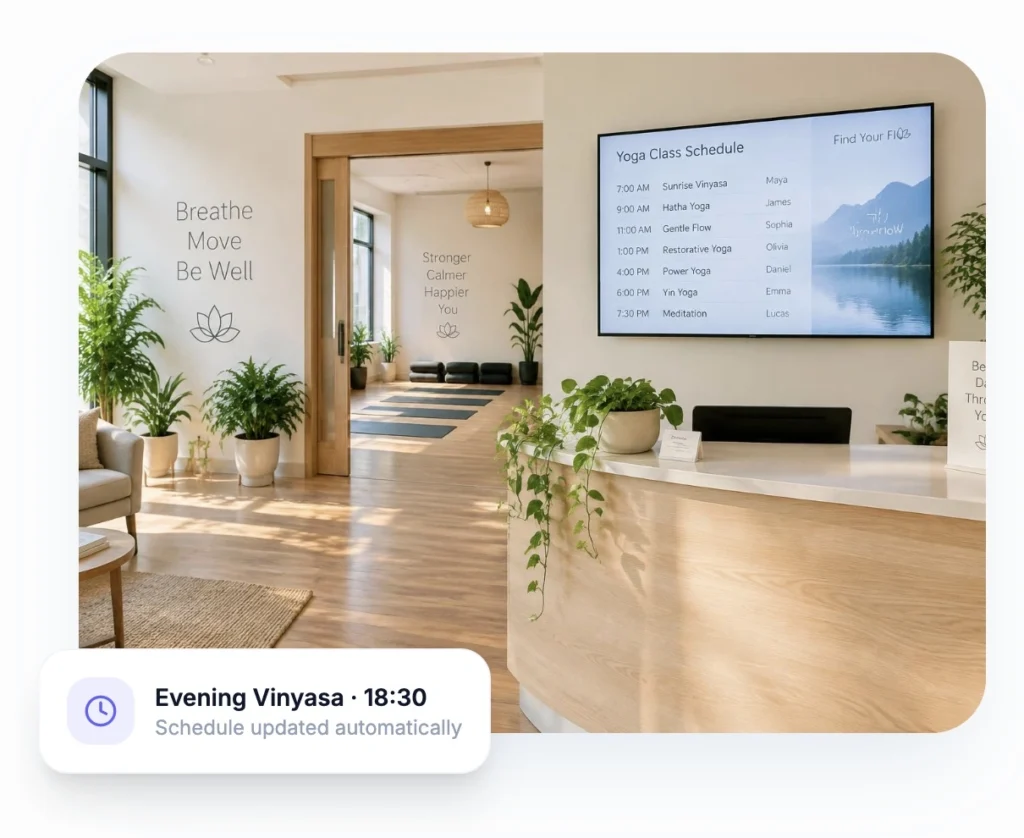
Show today’s schedule, introduce your teachers and sell memberships while students wait for class — all from one calm, simple dashboard.
Connect in 4 minutes. Custom development.
No credit card required
500+
businesses on board
1000s
of screens managed
$5
per screen / month
5 min
to go live
Why Yoga Studios Are Switching to Digital Signage
The few minutes before and after class are the most valuable moments in your studio. Students are relaxed, curious and open to trying something new — a workshop, a new teacher or a class pack. A printed poster on the wall rarely catches that moment. A well-designed screen does.
Digital signage for yoga studios replaces paper timetables and outdated flyers with a screen you control from your phone or laptop. Change a class, announce a substitute teacher or launch a new offer, and it appears on screen in seconds.
The result: fewer questions at the front desk, more students discovering your programmes, and a reception area that feels as calm and considered as your classes.
Benefits of Digital Signage for Your Yoga Studio
More bookings, less admin, and a studio experience students remember.
Always-Current Class Schedules
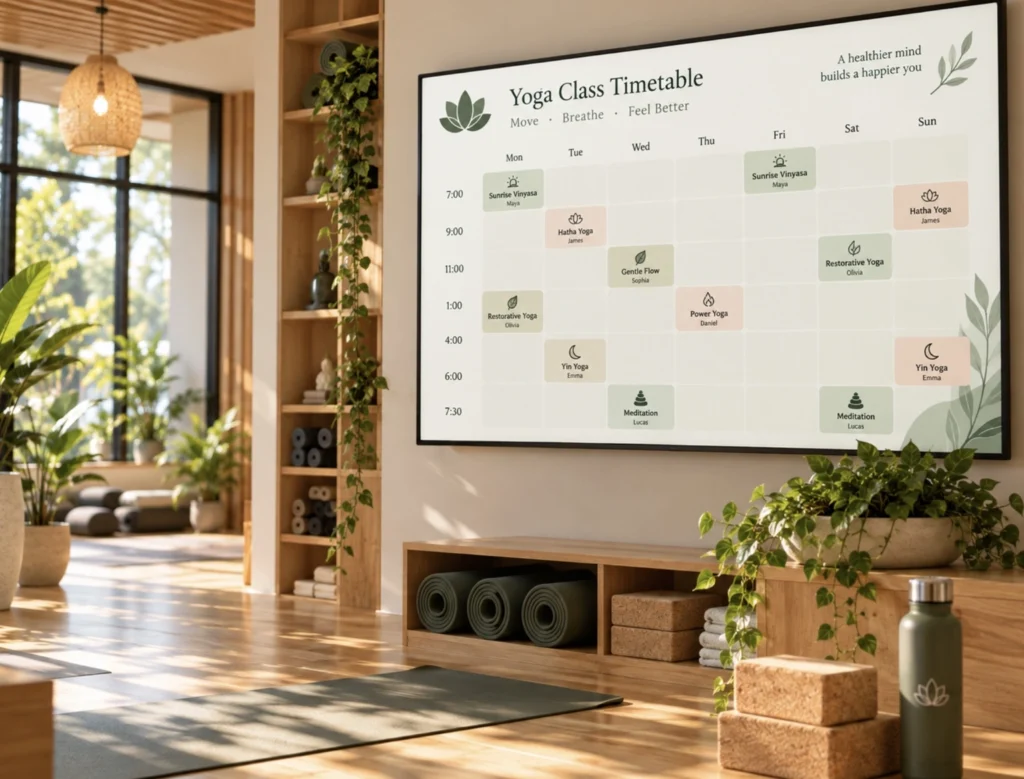
Show today’s classes, room changes and substitutes on screen — no more outdated printed timetables.
Sell Memberships & Class Packs
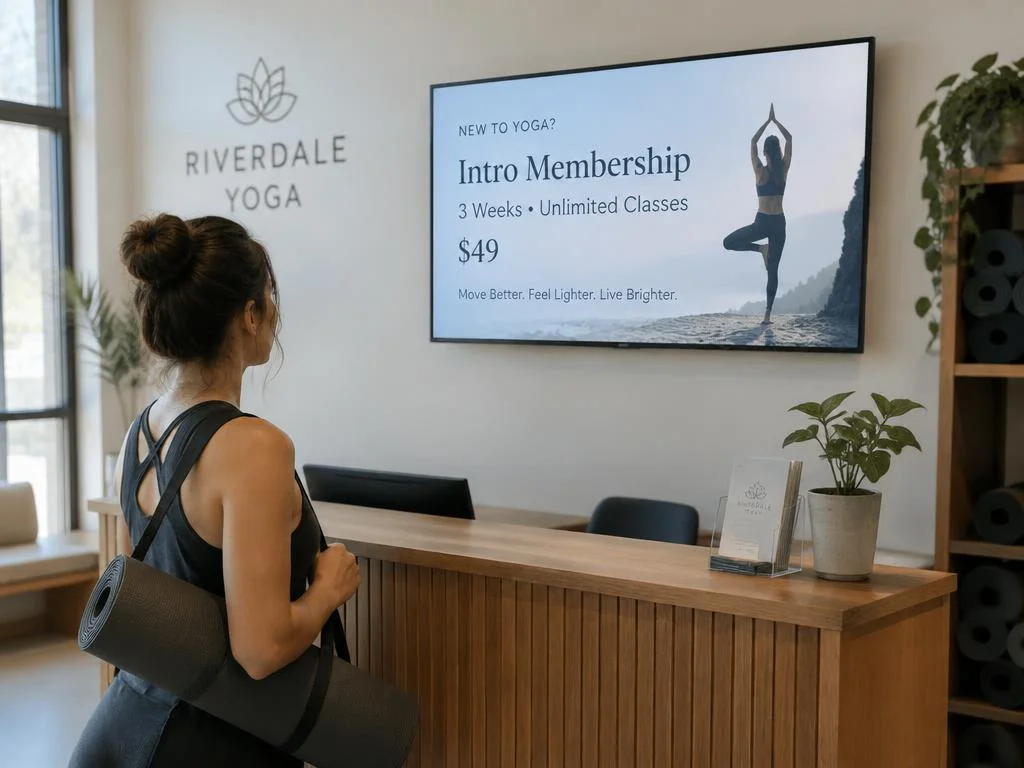
Turn waiting time into sales with slides for intro offers, monthly memberships and class bundles.
Introduce Your Teachers
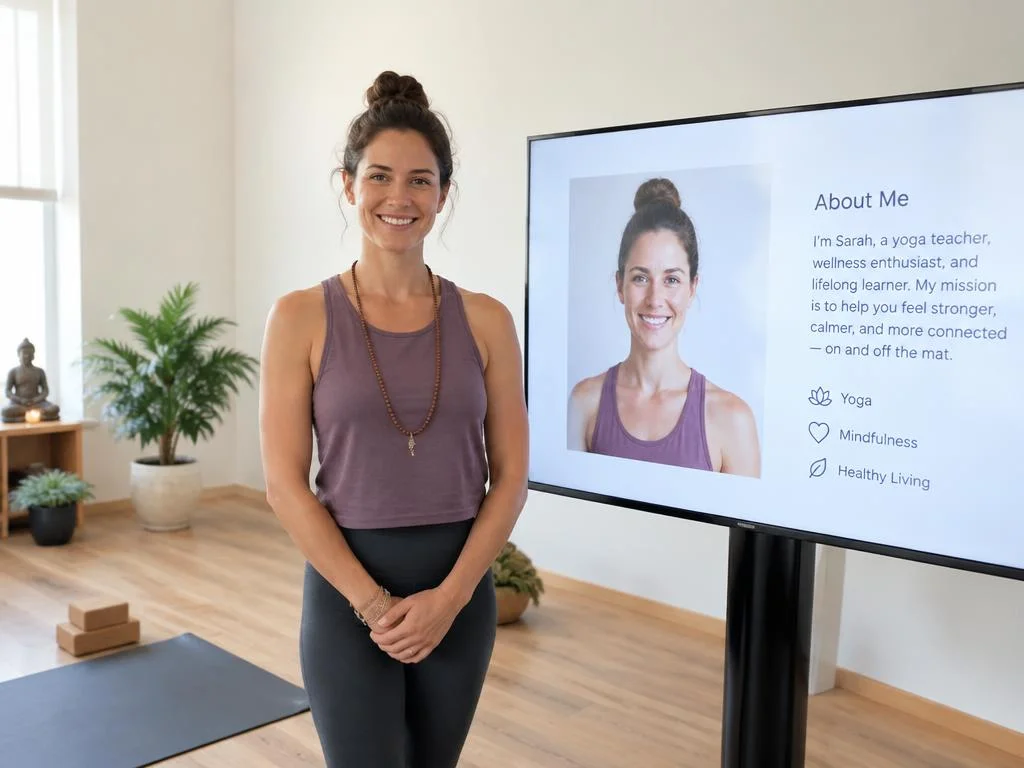
Build connection with teacher profiles, styles and specialities so students try new classes.
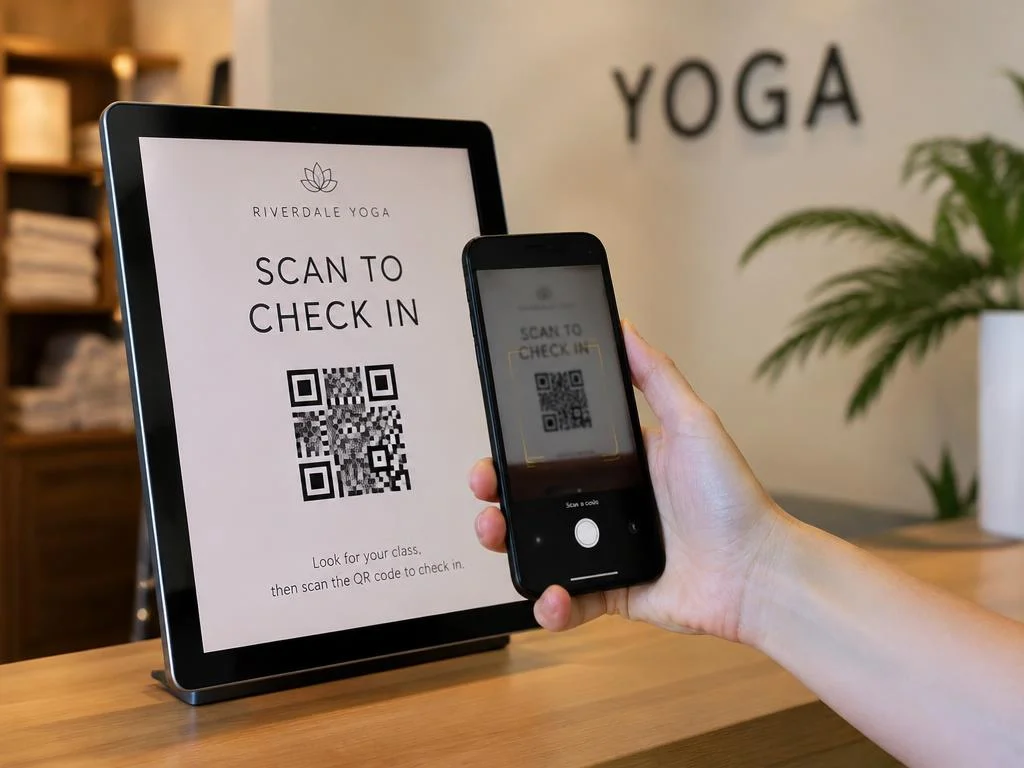
QR Codes to Book Instantly
Add QR codes that open your booking app, workshop sign-ups, reviews or Instagram.
One Brand, Every Studio
Manage screens across multiple studio locations from one account with consistent branding.

The Easiest and Most Affordable Digital Signage We’ve Used
We tested several digital signage solutions before switching, and BuzzBlender has been the simplest and most reliable by far.
Setup on our Samsung displays was fast, and managing content is incredibly easy—even for non-technical staff. We can update screens in real time, run promotions, and control everything remotely without extra hardware.
Compared to other systems, it stands out for both ease of use and pricing. Just five dollars.
Vasiliy, co-founder of Ecomind

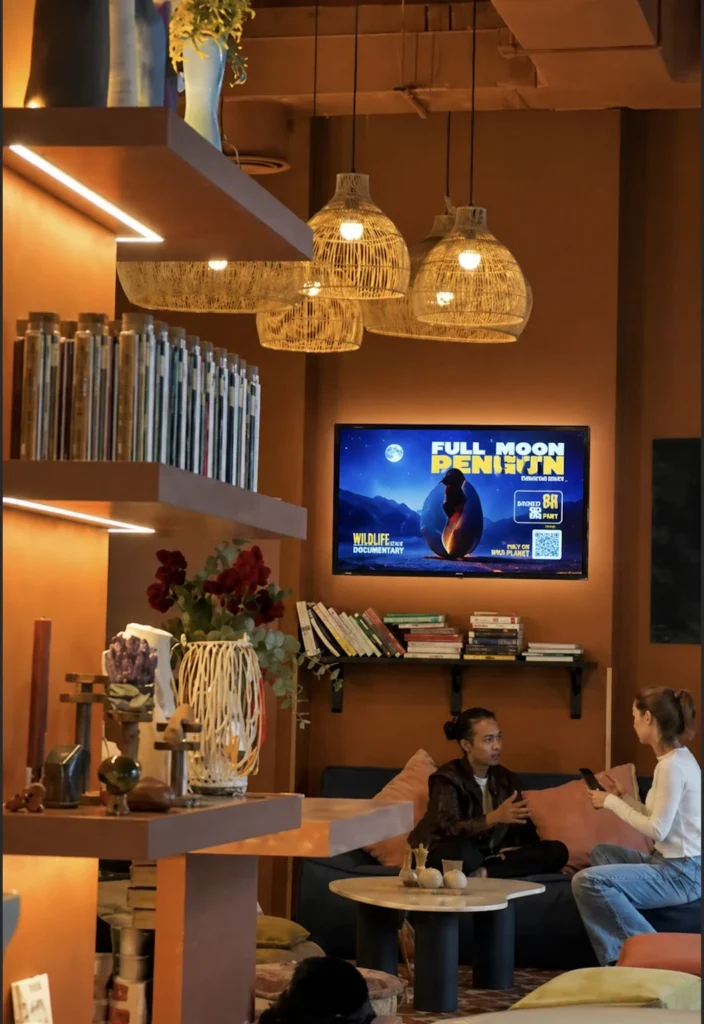
How to Set Up a Yoga Studio Screen in Three Steps
1.
Connect Your Screen
Open the Buzzblender player on your smart TV, Samsung, LG, Android or browser and link it to your account.
2.
Add your menu
Upload your timetable, teacher photos, calming videos and offers, then arrange them into playlists.
3.
Schedule and publish
Choose when each playlist plays and publish to one screen or every studio at once.
10 Yoga Studio Digital Signage Ideas
Mix useful information with inspiration. Aim for slides that are easy to read in a few seconds and match the calm mood of your studio.
- Daily class timetable
- Intro offer for new students
- Customer reviews
- Teacher training programme
- Booking and loyalty QR codes
- Teacher training programme
Works With the Screens You Already Have
No special hardware needed. Buzzblender runs on Samsung Tizen, LG webOS, Android and browser-based displays.
LG webOS
Run digital signage directly on compatible LG webOS displays and manage content remotely with Buzzblender.
Samsung Tizen
Turn compatible Samsung Tizen displays into centrally managed digital signage screens.

Android
Connect Android-based players and displays for a flexible and affordable signage setup.
Browser
Display and manage signage content through a web browser when a browser-based setup is the best fit.
Tips for Great Yoga Studio Screen Content
- Keep it calm. Use soft colours, plenty of space and slow transitions that match your studio’s atmosphere.
- One message per slide. Students glance at the screen — a single headline and one call to action work best.
- Schedule by time of day. Promote beginner classes in the morning and workshops in the evening when regulars visit.
- Always add a next step. A QR code to book, join or review turns attention into action.
- Refresh weekly. New teachers, events and offers keep regulars looking at the screen.
Our Blog: Learn How BuzzBlender Helps Yoga Studios Grow
Make every screen work harder for your yoga studio. BuzzBlender Digital Signage Software transforms your existing screens into dynamic communication and marketing tools that help display class schedules, promote workshops and special events, introduce instructors, highlight membership offers, and keep members informed.
From reception screens to waiting areas, BuzzBlender makes it easy to keep your content fresh and relevant. Schedule upcoming classes, promote retreats and wellness events, share studio announcements, and connect members to booking pages with QR codes—all from one cloud-based platform. Read our blog.
How Smart TVs Are Changing Digital Signage for African Retail and Hospitality Businesses
For African retail and hospitality businesses, this can lower one of the practical barriers to adopting digital signage: the need for complicated dedicated hardware. However, using a Smart TV for signage is not automatically the right choice in every environment. Connectivity, screen compatibility, operating hours, brightness, remote management, and reliability all matter.
WiFi QR Code for Digital Signage: Let Guests Connect
With digital signage, that QR code can live exactly where visitors already look: on a reception screen, lobby display, meeting-room TV, café screen, coworking display, hotel information screen, or other customer-facing display.
Digital Signage Schedule: How to Show at the Right Time
Digital signage scheduling allows you to decide what appears on your screens, where it appears, and when it starts and stops. Once the schedule is set, your content changes automatically—without asking employees to update every display manually. With this can help Buzzblender.
Our Guides for Yoga Studios: Digital Signage Setup for Every Operating System
Learn how to set up and manage BuzzBlender Digital Signage Software on the operating system that works best for your yoga studio. Explore practical guides for LG webOS, Samsung Tizen, Android, Titan OS, Windows, Linux, and web browsers, with step-by-step instructions to help you connect, configure, and manage your studio screens.
Whether you’re setting up a reception display, class schedule screen, or promotional screen for workshops and memberships, our guides make it easy to get your yoga studio digital signage up and running.
How to Display Message on Samsung Smart TV
The best way to display a message on a Samsung Smart TV depends on what you are trying to accomplish. For a one-time message at home, screen mirroring may be enough. For a business that needs messages to stay on screen throughout the day or change automatically, digital signage software is generally a much more practical solution.
[$5/Screen] 7 Player Software for LG webOS Signage Player
Over the last few years, I’ve worked with LG webOS displays in retail stores, restaurants, and corporate environments. During that time, I tested several digital signage platforms to see which ones were easiest to deploy, manage, and scale.
$5 Screen. Samsung Tizen Signage Player [Quick Start]
Looking for an cheap and quick way to turn your Samsung Smart Signage display into a professional digital signage solution using Samsung Tizen Signage Player?
Good news: if your display runs Samsung Tizen OS, you can get started with BuzzBlender for just $5 per screen per month. Yes, really.
Getting Stuck on Different Platforms? Our Yoga Studio Guides Are Here to Help
Setting up digital signage for your yoga studio on different platforms can sometimes feel complicated. Explore our step-by-step guides to help you install, configure, and manage BuzzBlender across supported operating systems.
Whether you’re setting up a class schedule display, reception screen, or promotional screen for workshops and memberships, our guides will help you get your yoga studio digital signage up and running quickly.
36 Digital Signage Honestly Compared
To help businesses make an informed decision, our team reviewed and compared 36 of the most popular digital signage softwares available today. We evaluated each platform based on usability, content management capabilities, scheduling, supported hardware, collaboration features, pricing, reliability, scalability, and overall value.
Pickcel Alternative for $5 Screen/Month [Free Trial]
However, software that works well for one business isn’t always the best fit for another. As more companies invest in digital displays, many are looking for a solution that’s easier to learn, quicker to deploy, and offers excellent value without sacrificing essential features.
OptiSigns Pricing (2026): Plans, Real Costs & Is It Worth?
OptiSigns is a cloud-based digital signage platform that lets businesses publish and manage content across TVs and other displays. Its pricing follows a primarily per-screen subscription model, with several tiers designed for everything from basic signage to interactive kiosks and enterprise deployments.
Beautiful Templates for Your Yoga Studio Screens
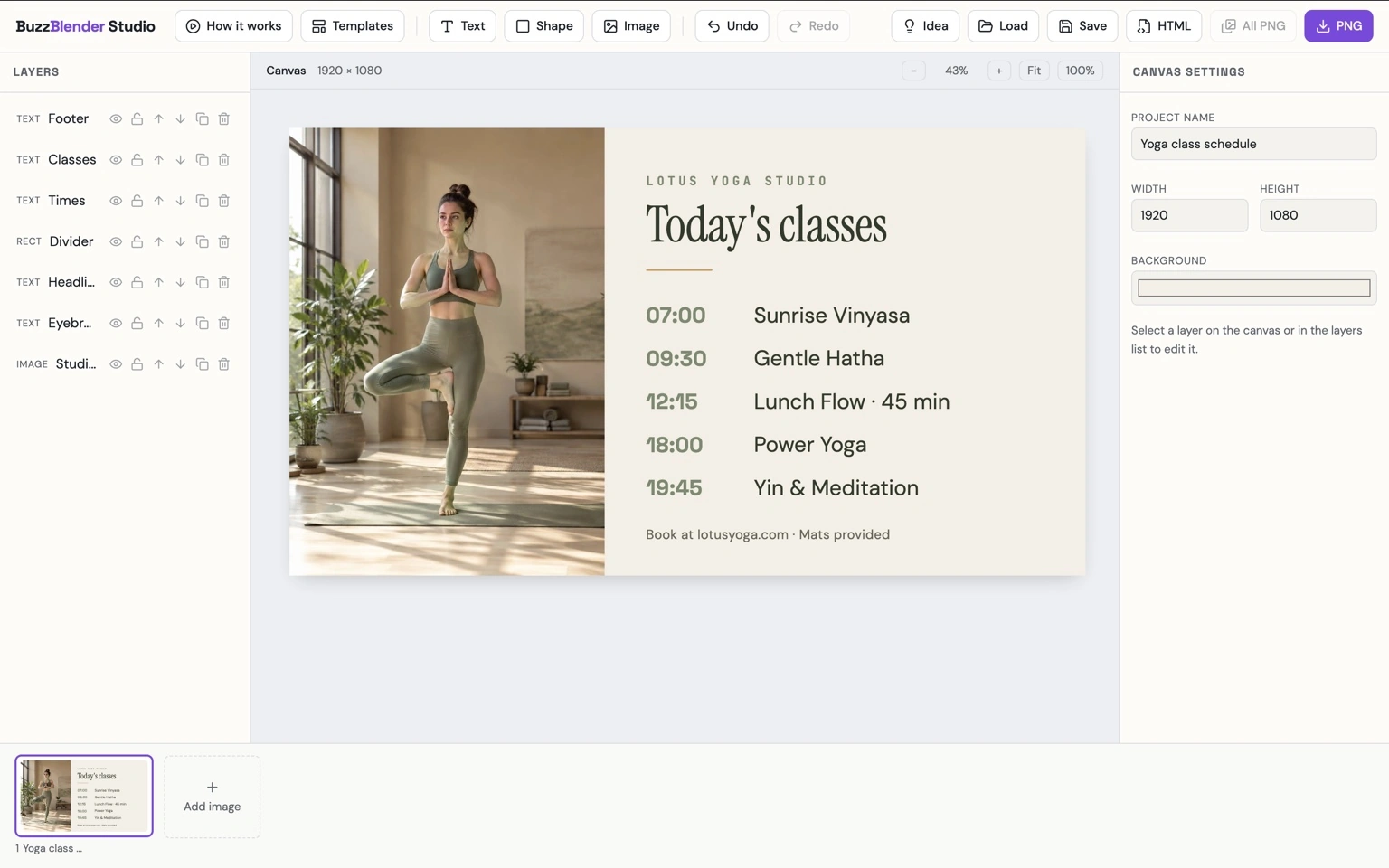
You don’t need to be a designer to create screen content that feels right for your yoga studio. Start with ready-to-use digital signage templates and easily customize colors, images, text, and layouts to reflect your studio’s unique style.
Create calming class schedules, promote upcoming workshops and retreats, introduce instructors, highlight membership offers, guide visitors around your studio, or share wellness messages and important announcements.
With BuzzBlender templates, it’s easy to keep your screens looking fresh, professional, and in harmony with your yoga studio.
Affordable Digital Signage for Yoga Studios
Starting at $5 per screen / month
All core features included. Start with one screen in reception and add more as your studio grows.
Use code WELCOME100 — your first month is free
Frequently Asked Questions
What is digital signage for yoga studios?
Digital signage for yoga studios uses TVs, monitors, tablets, or commercial displays to show class schedules, workshops, membership information, instructor profiles, announcements, promotions, and other studio content. Cloud-based software allows this content to be managed remotely.
What can a yoga studio display on digital signage?
Yoga studios can display class schedules, upcoming workshops, instructor profiles, membership offers, retreats, meditation sessions, studio announcements, wellness content, QR codes, videos, and event promotions.
Can I display my yoga class schedule on a TV?
Yes. A compatible TV or commercial display can be used to present yoga class information. BuzzBlender supports images, videos, web pages, and HTML content, providing several ways to build schedule content.
Can I schedule different content throughout the day?
Yes. BuzzBlender supports time-based playlists and day-of-week scheduling. Yoga studios can prepare different content for mornings, afternoons, evenings, weekdays, and weekends.
Can I add a booking QR code to my yoga studio screen?
Yes. BuzzBlender supports QR code overlays. A studio can use a QR code to direct members to a class booking page, workshop registration, membership information, event page, or another online destination.
Can I manage screens in multiple yoga studios?
Yes. BuzzBlender supports multiple screens and locations from a centralized cloud dashboard. Screens can also be organized into groups so different locations can receive different content.
How much does digital signage for a yoga studio cost?
As of September 2026, BuzzBlender lists its Basic plan at $5 per screen per month and Premium at $10 per screen per month. Hardware and other infrastructure costs are separate.
Can I use my existing TV for yoga studio digital signage?
Possibly. BuzzBlender supports several environments, including Android, LG webOS, Samsung Tizen, Windows, and web browser-based deployments. Check the compatibility of your specific display before setting up digital signage.